Best Simple Practice AI Note Taker Alternative

Simple Practice AI Note Taker alternative searches usually come from one practical question: is the SimplePractice add-on enough, or do you need a more flexible AI note workflow? The answer depends on where your source material lives, how much control you need, and whether your notes should become reusable study, research, or work assets.
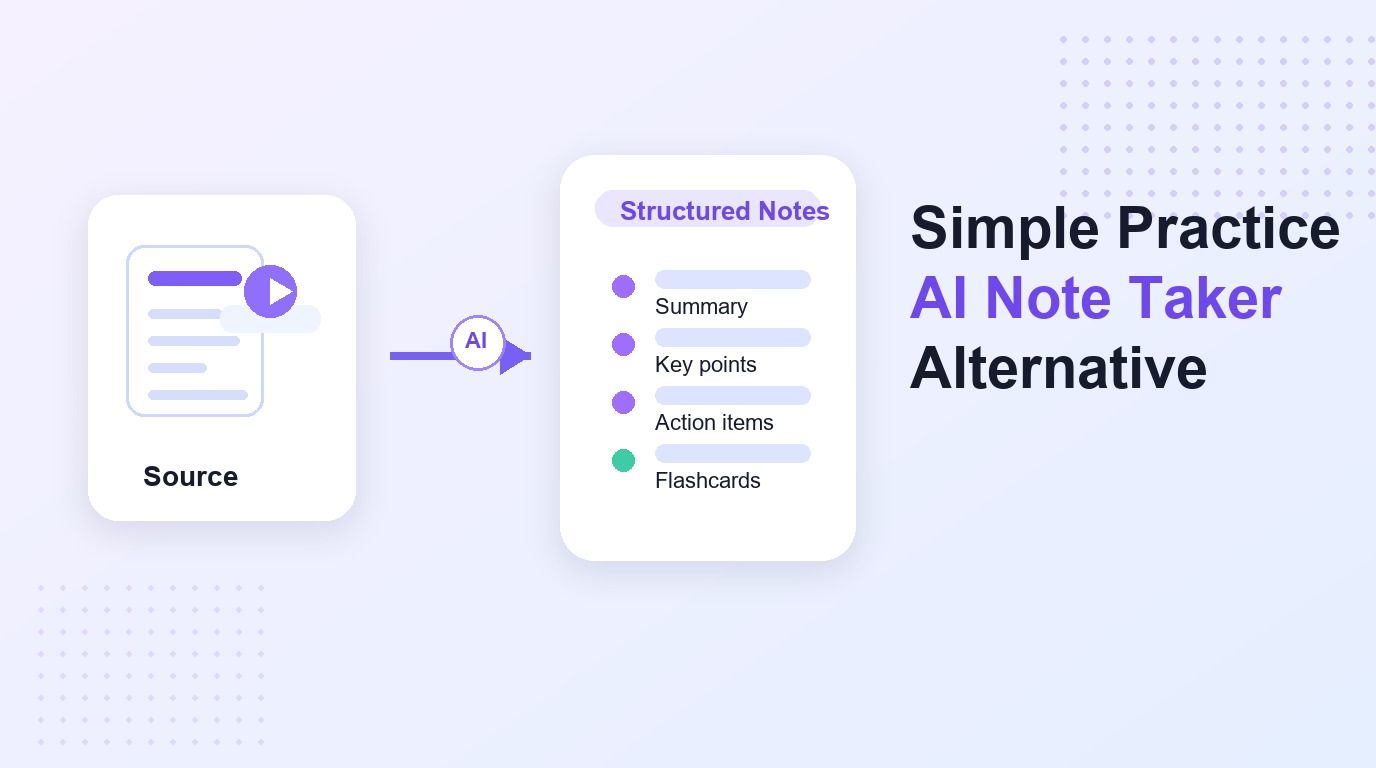
SimplePractice is built for behavioral health, therapy, and practice management workflows. Lynote is different: it helps users turn videos, audio files, documents, webpages, and other source material into structured AI notes. If you need reusable notes outside a clinical EHR workflow, Lynote AI Note Generator may be the more flexible path.
Quick Verdict
SimplePractice AI Note Taker is best for clinicians already working inside SimplePractice Telehealth. It can help draft clinical notes from appointment recordings, but it is tied to a specific practice-management environment.
Lynote is a stronger fit when your content is not limited to clinical sessions. It works better for lectures, training calls, research videos, team recordings, podcasts, documents, and general knowledge work.
| Need | Better Fit | Why |
|---|---|---|
| Clinical note draft inside SimplePractice | SimplePractice | It is connected to the SimplePractice clinical workflow |
| Notes from videos, audio, PDFs, and webpages | Lynote | It supports a broader source-to-note workflow |
| Study notes and flashcards | Lynote | Notes can be reviewed, edited, and reused for learning |
| Practice-management billing and records | SimplePractice | That is its core product environment |
| Flexible AI notes for teams or students | Lynote | It is not locked to one clinical platform |
What Is SimplePractice AI Note Taker?
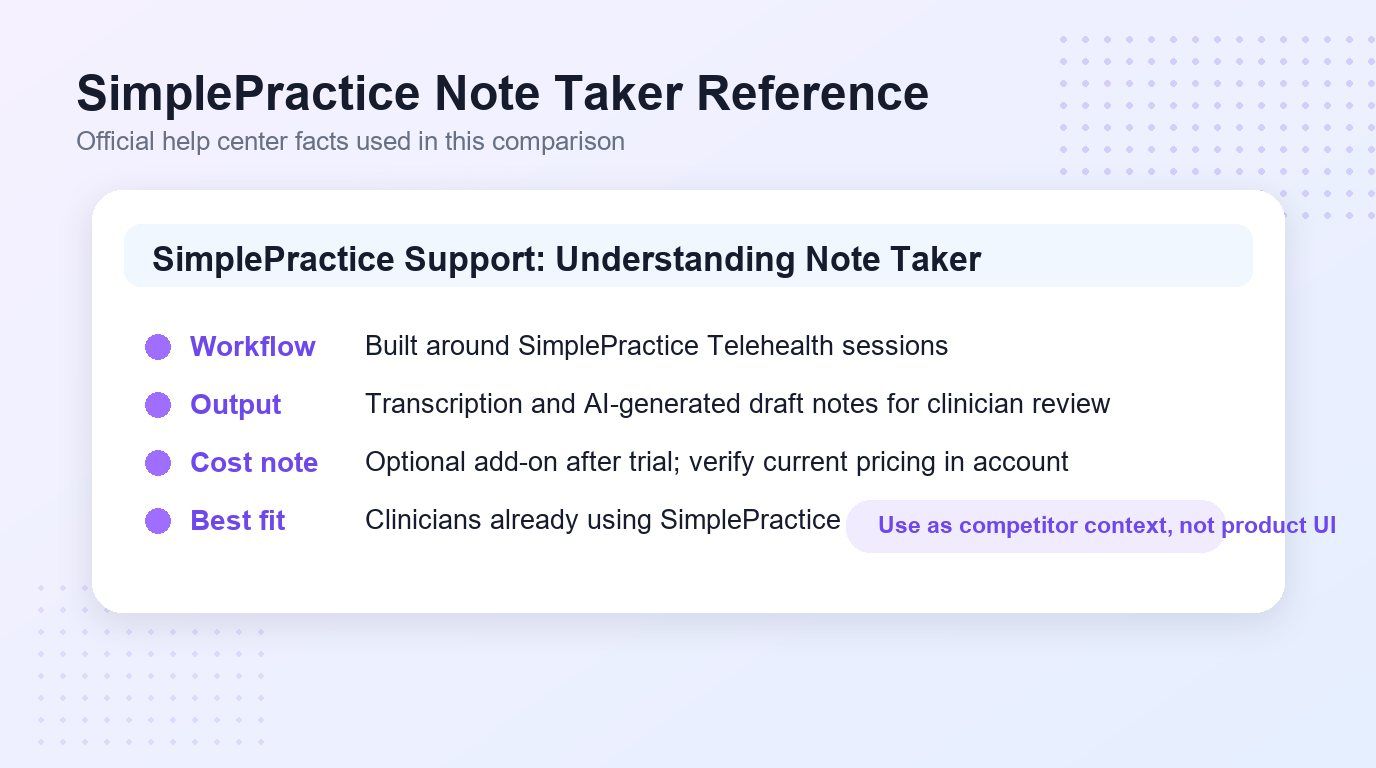
SimplePractice Note Taker is an AI documentation add-on for SimplePractice users. According to SimplePractice support, it can record and transcribe audio from eligible sessions, then generate a draft note for the clinician to review.
That makes it useful for providers who already use SimplePractice and want help reducing note-writing time. The tool is not positioned as a general AI note taker for every kind of file, video, lecture, or research source.
How to Use AI Note Taker in SimplePractice
The SimplePractice workflow starts inside a Telehealth appointment. Users enable Note Taker, get consent where required, start the session, and review the generated draft afterward.
That workflow can be efficient if the source material is a session inside SimplePractice. It is less direct when the source is a YouTube video, class lecture, podcast recording, uploaded document, or mixed research folder.
Step 1. Start From the Session
SimplePractice Note Taker is designed around appointments. The user begins in the clinical session workflow rather than uploading arbitrary source material into a general note generator.
This is the main reason many people compare it with a Simple Practice AI Note Taker alternative. They may like the idea of AI-generated notes but need a tool that starts from files, videos, links, or recordings.
Step 2. Generate a Draft Note
After the eligible session, SimplePractice can help create a draft note from the recorded conversation. The clinician still needs to review the output before it becomes part of the record.
That review step matters. AI notes are useful as a draft, but they should not replace professional judgment, privacy requirements, or careful record review.
Step 3. Review Before Use
The final SimplePractice step is review and editing. The generated note should be checked for accuracy, completeness, and relevance to the actual session.
This is similar to any AI note workflow. The difference is that Lynote is built for broader source material, while SimplePractice is built for a healthcare-practice environment.
SimplePractice AI Note Taker Cost
SimplePractice support describes Note Taker as an optional add-on. Public support information states that after a 30-day trial, it is priced at $35 per month per clinician.
That cost may be reasonable for a clinician who uses it inside SimplePractice every day. It may feel unnecessary for users who only want occasional AI notes from recordings, videos, study material, or documents.
SimplePractice AI Note Taker Reviews: What to Evaluate
When reading Simple Practice AI Note Taker reviews, look beyond whether the feature sounds convenient. The more useful question is whether the workflow matches your real inputs.
Ask whether your notes usually come from Telehealth sessions, uploaded audio, YouTube videos, meeting recordings, PDFs, or mixed source files. A tool can be strong in one environment and still feel narrow in another.
Why Lynote Is a Strong Alternative
Lynote is useful when the job is not just writing one clinical note. It helps convert source material into structured notes with headings, bullets, summaries, and source-linked sections.
That makes it a practical Simple Practice AI Note Taker alternative for students, researchers, creators, trainers, and teams. Instead of staying inside one appointment workflow, Lynote starts from the material you already have.
How Lynote Works as an AI Note Generator
Lynote keeps the workflow simple: add your source, create the note, then review and reuse it. The same approach can support meeting recordings, class lectures, podcasts, videos, documents, images, and webpages.
The practical benefit is reuse. Once the note exists, you can edit it, study from it, share it, or turn it into flashcards when the content needs review.
Step 1. Add Your Source Material
Upload a local file or paste a URL into Lynote. You can use the workflow for meeting recordings, lectures, training videos, research material, web content, and supported document formats.
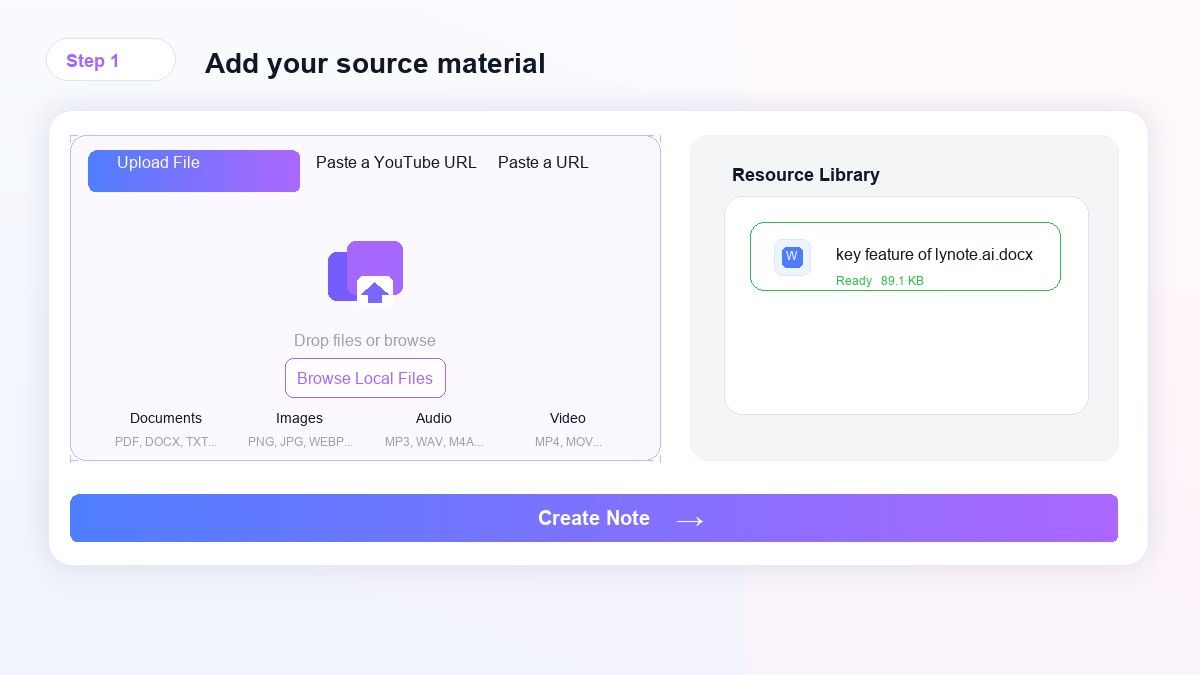
This is where Lynote differs from SimplePractice. The source does not need to be a clinical appointment inside one platform.
Step 2. Create Structured AI Notes
Click Create Note so Lynote can process the source and turn it into organized notes. The output is designed to be readable, with sections that make the material easier to scan.
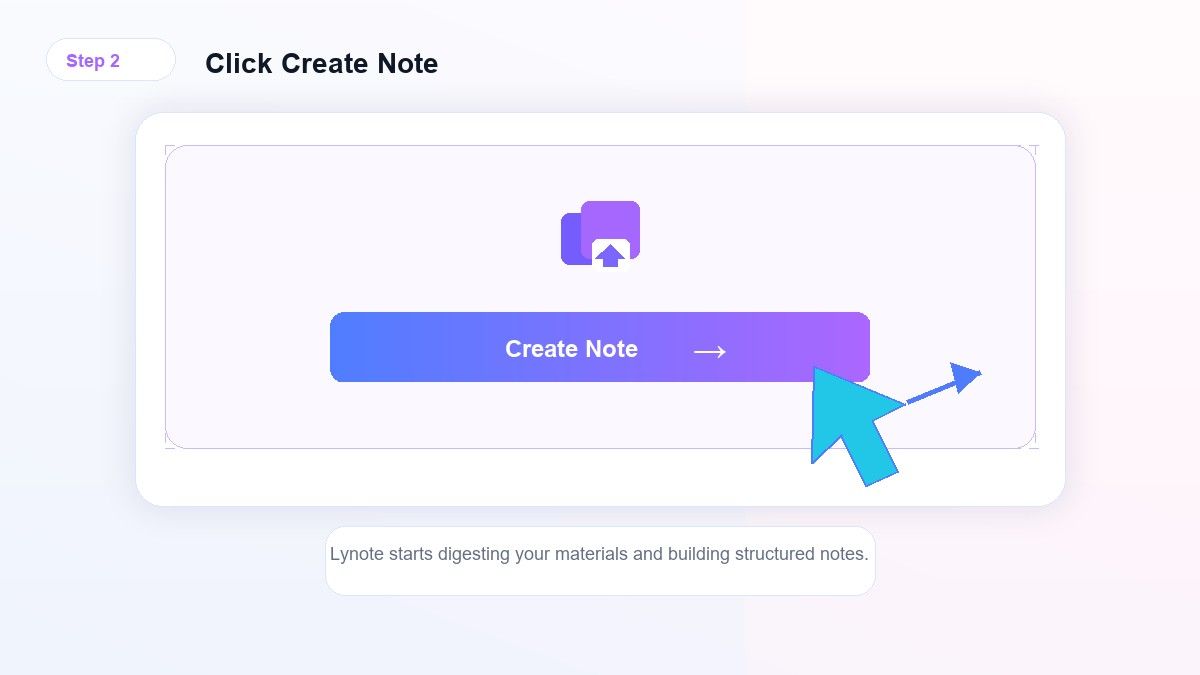
For long videos or recordings, this saves time because you do not have to replay everything manually. You can move from raw material to a usable note draft faster.
Step 3. Review, Edit, and Reuse
Read the generated note, fix details, and reuse it in your workflow. Depending on the material, you may turn important ideas into flashcards or use the notes as a study guide, meeting recap, or research brief.
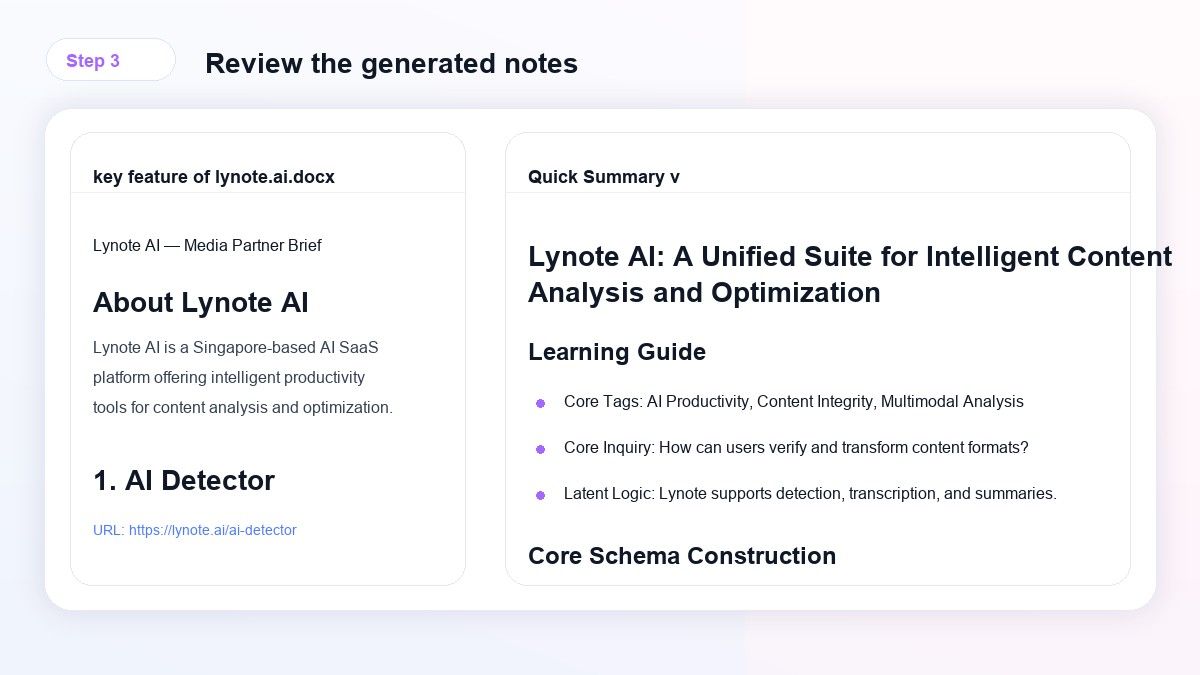
AI notes should still be reviewed. Lynote helps with structure and speed, while the user keeps control over accuracy and final use.
SimplePractice vs Lynote
The main difference is product scope. SimplePractice focuses on clinical practice management, while Lynote focuses on source-to-note workflows for learning, research, and productivity.
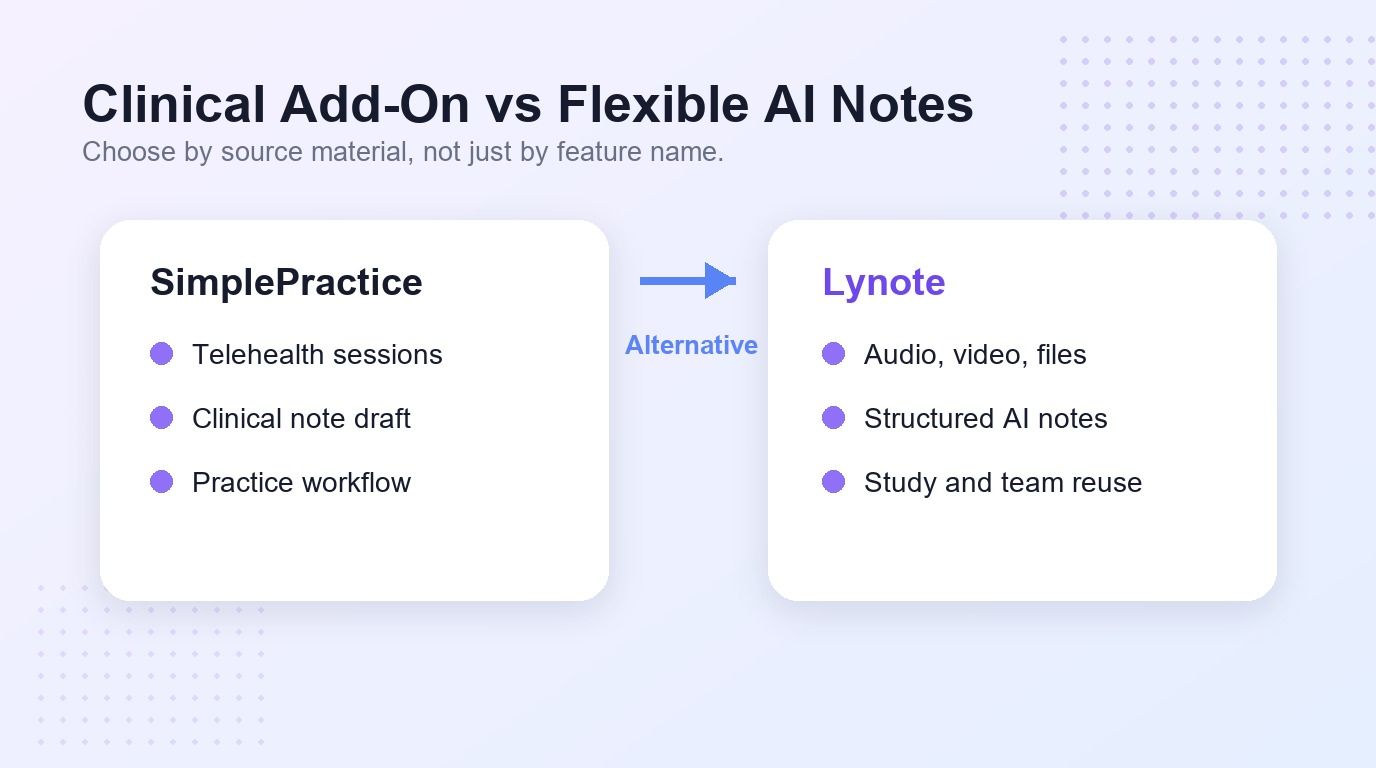
| Comparison Point | SimplePractice AI Note Taker | Lynote AI Note Generator |
|---|---|---|
| Primary use | Clinical session note drafts | Notes from videos, audio, files, images, webpages, and links |
| Best audience | SimplePractice clinicians | Students, teams, creators, researchers, and knowledge workers |
| Input flexibility | Built around eligible session recordings | Built around multiple source types |
| Note reuse | Clinical documentation review | Study notes, summaries, editable notes, and flashcards |
| Platform dependency | Requires SimplePractice workflow | Browser-based Lynote workflow |
If your team lives in SimplePractice, its add-on may fit your daily charting process. If your content comes from many sources, Lynote is the more flexible AI note workspace.
Best Use Cases for Lynote
Lynote is especially useful when you want notes from content that was not created inside a clinical platform. Examples include recorded meetings, lecture audio, YouTube videos, webinars, research files, training materials, and internal documentation.
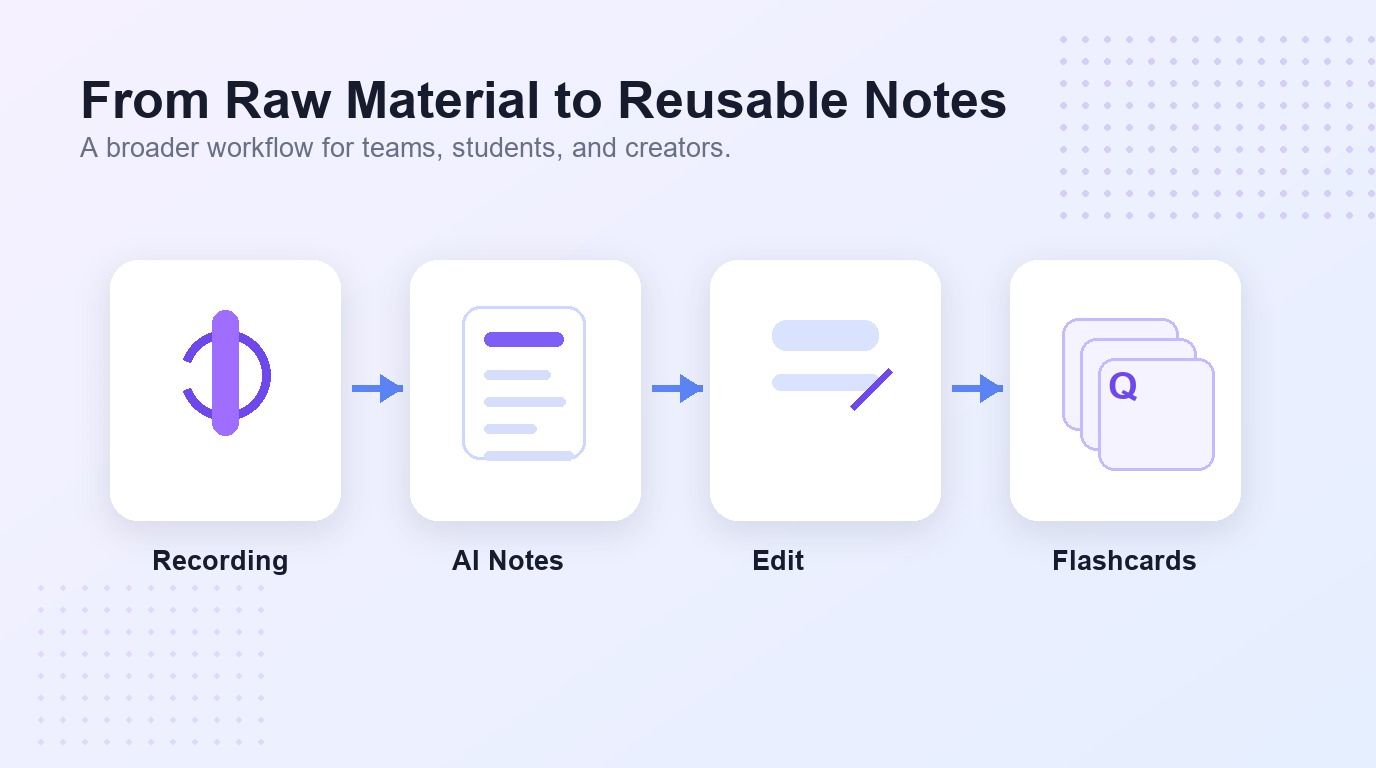
It also fits learning workflows. Students can turn lecture recordings into review notes, then convert key points into flashcards for active recall.
Limitations to Know
Lynote is not a replacement for a healthcare EHR, billing system, or compliance workflow. If you need clinical charting inside SimplePractice, use the clinical tool designed for that environment.
SimplePractice also has a clear limitation for broader note-taking. It is not meant to be a universal AI note generator for every source format, team workflow, or study task.
FAQs About Simple Practice AI Note Taker
What is Simple Practice AI Note Taker?
SimplePractice AI Note Taker is an add-on that helps generate draft clinical notes from eligible sessions inside SimplePractice. It is designed for clinicians who already use the platform.
How much is Simple Practice AI Note Taker?
SimplePractice support states that Note Taker has a 30-day trial and then costs $35 per month per clinician. Pricing can change, so users should verify the current amount in SimplePractice before buying.
Is Lynote a SimplePractice replacement?
No. Lynote is not a practice-management or EHR replacement. It is an AI note generator for turning source material into structured notes.
Can Lynote take notes from meetings?
Yes, Lynote can help create structured notes from meeting recordings or other supported source material. The result should still be reviewed before sharing or using it.
Who should use a Simple Practice AI Note Taker alternative?
Use a Simple Practice AI Note Taker alternative if your notes come from videos, lectures, files, web content, or general recordings instead of SimplePractice sessions. Lynote is built for that broader source-to-note workflow.
Final Verdict
A Simple Practice AI Note Taker alternative makes sense when you need flexible notes from videos, audio, documents, webpages, and study materials. SimplePractice can help clinicians inside its own workflow, while Lynote is better for reusable AI notes across everyday learning and work.

Written by Janet L. Harris
AI Writing Specialist
Janet reviews AI detectors and humanization tools, with a focus on accuracy, limitations, and responsible use. View all articles →