
Compress Image

Drop images here, or click to select
Max 50 MB per file



Why Choose Our Image Compressor?

100% Free
Compress images online for free without hidden fees. Reduce file size anytime for work, school, social media, or website uploads.

No Sign Up Required
Start compressing images instantly. No account, email, or complicated setup is needed.

Up to 99% Size Reduction
Make large images much smaller while keeping them clear and usable. Perfect for faster sharing, uploading, and page loading.

Fast Online Processing
Upload, compress, and download images quickly with a smooth online workflow. No software installation is needed.

Works on Any Device
Compress images directly from desktop, tablet, or mobile browser. Access the tool anywhere without downloading apps.

Supports Popular Formats
Compress JPG, PNG, WebP, and HEIC files online. Work with common image formats without switching tools.

High Quality Compress
Reduce file size while preserving sharp details and natural colors. Get smaller images that still look professional.

Privacy Protected
Your uploaded images are processed securely and are not permanently stored, helping keep your files private.
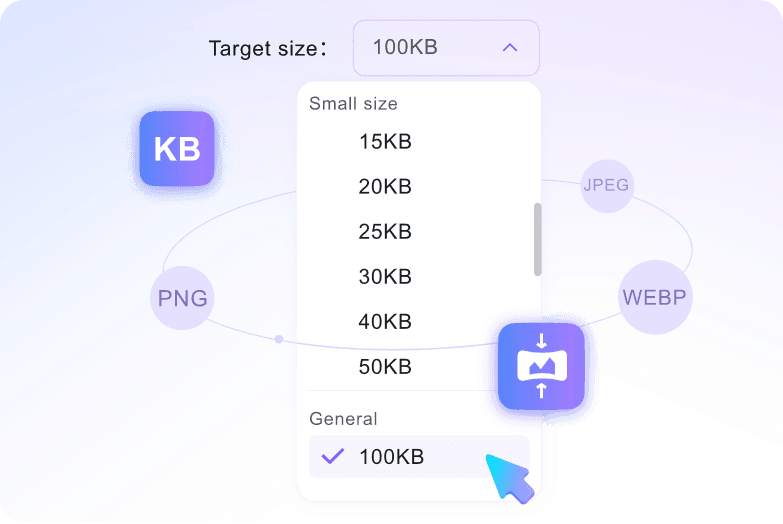
Custom Target File Size with Multiple Choices
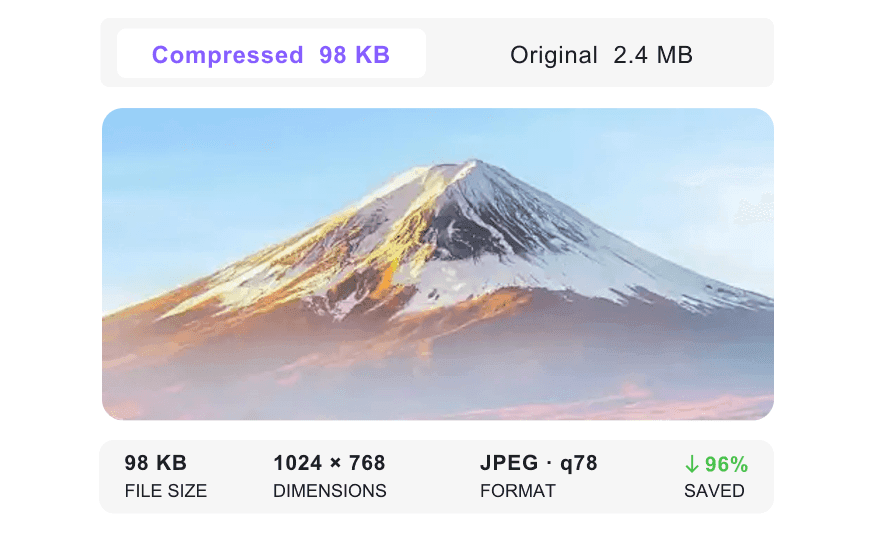
Preview Before & After Image Compression
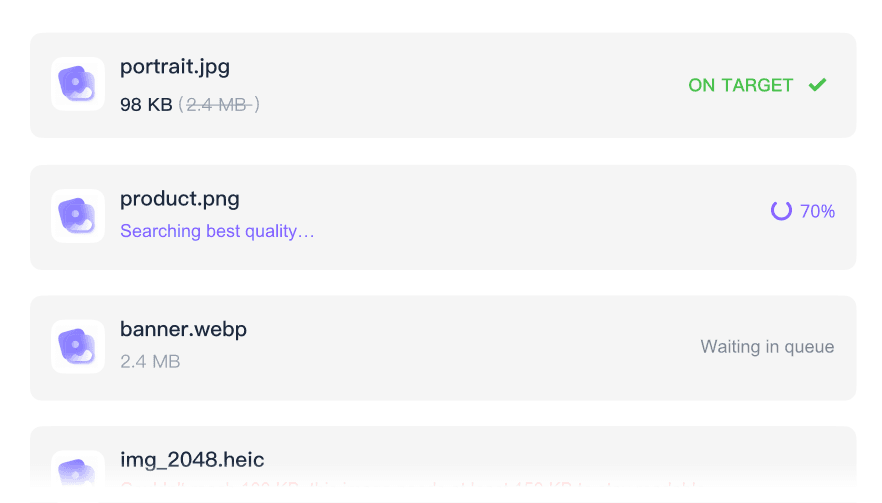
Batch Image Compression
How to Compress Images Online for Free

Step 1: Select Target Size (Optional)
Select your preferred target file size, such as 10KB, 30KB, 50KB, or 100KB.
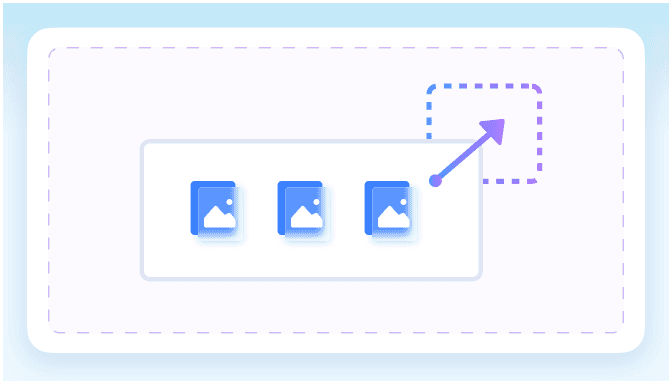
Step 2: Upload Your Images
Upload your JPG, PNG, WebP, or HEIC images by dragging and dropping files or clicking “Select Image.”

Step 3: Compress & Download
Images are compressed automatically after upload. Preview and compare the original and compressed results, then download the optimized image instantly.
Who Is This Image Compressor For?

Students
Compress photos and pictures for school portals, presentations, assignments, and online forms with strict upload limits.

Content Creators
Reduce image size before posting to blogs, newsletters, social media, or creator platforms without making visuals look blurry.

Website Owners
Compress images online to improve page speed, reduce bandwidth, and keep website visuals clear across devices.

E-commerce Sellers
Optimize product photos for marketplace uploads, online stores, catalogs, and faster customer browsing.

Designers and Marketers
Shrink campaign graphics, ad creatives, banners, and presentation images while keeping them ready to share.

Everyday Users
Compress photos for email, messaging apps, cloud storage, profile pictures, and personal file organization.
What People Say About Our Image Compressor

Online Store Owner

"I use the batch image compressor for product photos before uploading them to my store. The files are smaller and the images still look sharp."

Blogger
"Compressing images helped my blog pages load faster. I can reduce image size online without opening heavy editing software."

Student
"My school form had a small upload limit. I compressed my photo to a smaller KB size and submitted it without losing clarity."

Marketing Designer
"The preview makes it easy to compare image quality before downloading. It is useful for campaign graphics and social posts."

Social Media Manager
"I compress pictures before scheduling posts so uploads are quicker and easier to manage across platforms."

Freelance Developer
"This image compressor is simple and fast. I use it to optimize website images before launch so pages feel lighter."
Frequently Asked Questions
Still have questions about compressing images online? Here are the answers.
Upload your image, choose a target file size or compression setting, then download the optimized file after processing.
Yes. You can choose a target size such as 10KB, 30KB, 50KB, 100KB, or another smaller file size depending on your upload needs.
Yes. You can upload and compress multiple images at once to save time when optimizing photos, product images, or website assets.
The image compressor supports common formats such as JPG, PNG, WebP, and HEIC, so you can reduce file size without switching tools.
Compression reduces file size while keeping the image clear and usable. Stronger compression creates smaller files, while lighter compression keeps more detail.
Smaller images upload faster, load quicker on websites, fit email limits more easily, and take less storage space.
Your uploaded images are processed securely and are not permanently stored on our servers.


