Compress PDF
Drop PDFs here, or click to select
Max 100 MB per file



Why Choose Our PDF Compressor?

Free to Use
Compress PDF files online for free without hidden fees, subscriptions, or watermarks.

No Sign Up Required
Upload and compress PDF files instantly without creating an account or downloading software.

Fast Online Compression
Reduce PDF file size in seconds with a simple and smooth online workflow on any device.

Maintain PDF Quality
Compress PDF documents while keeping text, images, and layouts clear and readable.

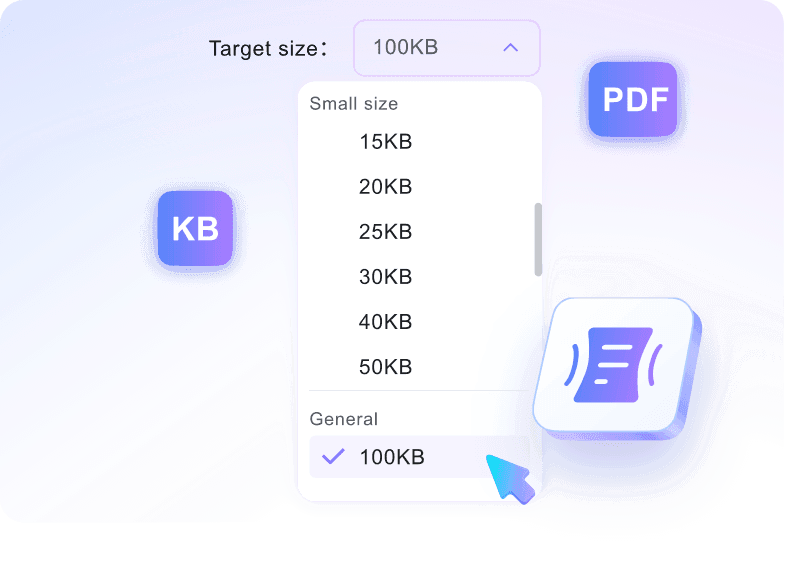
Multiple Compression Levels
Choose different compression strengths based on your needs, from higher quality to smaller file sizes.

Easy Sharing & Uploading
Make large PDF files smaller for email attachments, online forms, websites, school assignments, and business documents.

Works Across All Devices
Compress PDF files directly from desktop, tablet, or mobile browser without installing apps.

Secure File Processing
Your uploaded PDF files are processed securely and are not permanently stored on our servers.
Flexible PDF Compression Levels
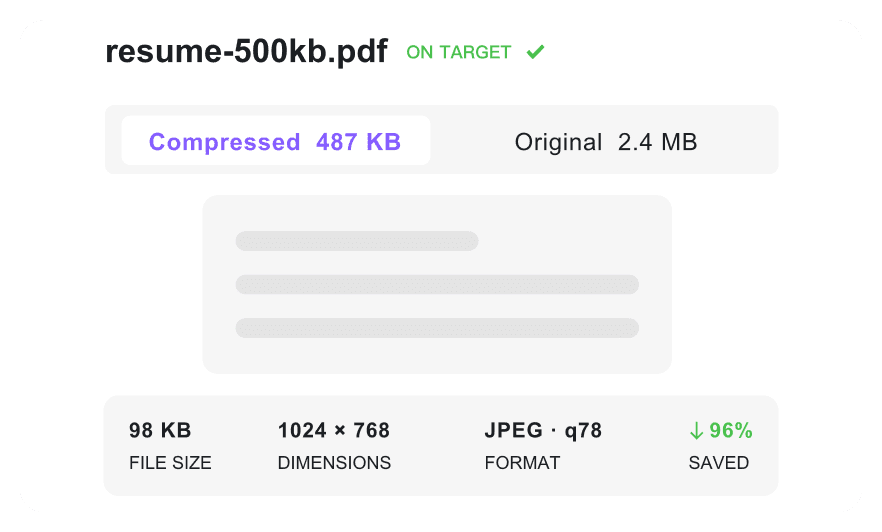
Preview PDF Compression Results
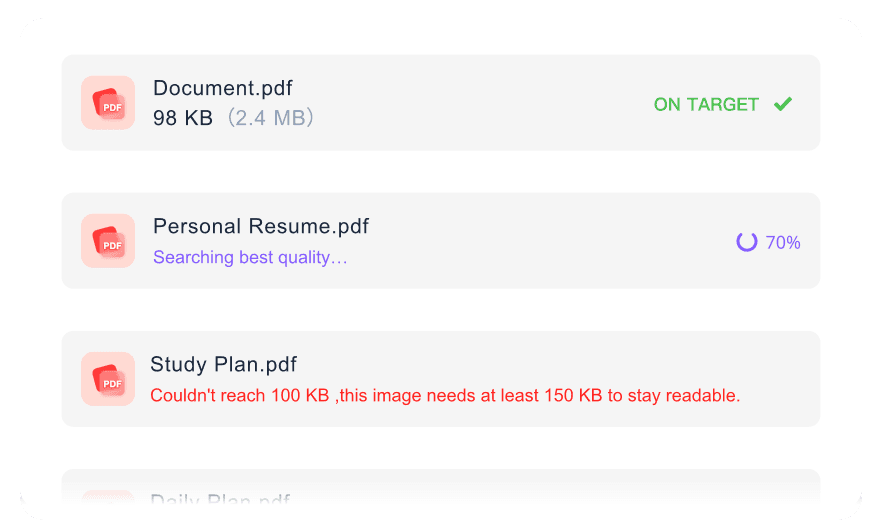
Batch PDF Compression
How to Compress PDF Files Online

Step 1. Select Target Size
Choose your target file size based on your needs, such as 25KB, 50KB, 100KB, and more.
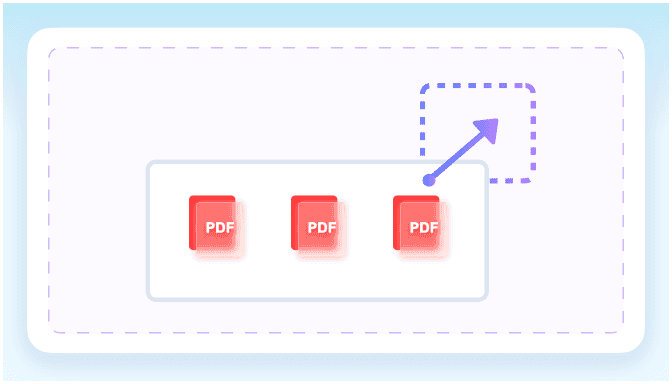
Step 2. Upload Your PDF Files
Upload one or multiple PDF files from your device. Drag and drop files or click “Choose PDF” to upload the PDFs you want to compress.
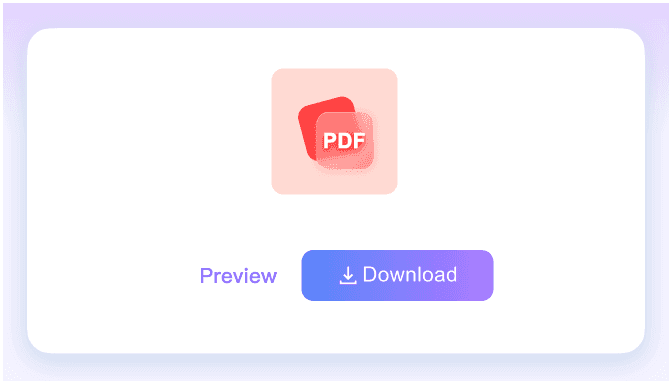
Step 3. Compress & Download
Your PDFs will be compressed automatically after upload. Compare the original and compressed file sizes, then download the optimized PDFs instantly.
Who Is This PDF Compressor For?

Students
Reduce PDF file size for assignments, lecture notes, application forms, and school portals with upload limits.

Office Workers
Compress reports, contracts, invoices, and internal documents so they are easier to email, share, and archive.

Business Teams
Optimize large PDF proposals, presentations, and client files before sending them to partners or uploading to shared drives.

Designers and Creatives
Shrink image-heavy PDF portfolios, proofs, and brochures while keeping the layout clear and professional.

Website Owners
Reduce PDF file size before uploading menus, guides, white papers, or downloadable resources to your website.

Everyday Users
Make personal PDF files smaller for email attachments, online forms, cloud storage, and quick sharing.
What People Say About Our PDF Compressor

Graduate Student

"I had to upload a scholarship application PDF under a strict size limit. This PDF compressor reduced the file in seconds and kept every page readable."

Operations Manager
"Our monthly reports used to be too large for email. Now I compress PDF files online before sharing them with the team and clients."

Small Business Owner
"I use it to reduce PDF file size for invoices and product sheets. The files are smaller, but the text and images still look clean."

Web Designer
"The preview makes it easy to compare the original and compressed PDF before downloading. It is perfect for optimizing website downloads."

HR Coordinator
"We compress onboarding packets and policy PDFs before sending them to new hires. Batch PDF compression saves a lot of time."

Freelance Consultant
"I often need to send large PDF proposals. This tool makes them smaller without forcing clients to download special software."
Frequently Asked Questions
Still have questions about compressing PDF files online? Here are the answers.
Upload your PDF file, choose a compression level if available, then click Compress. After processing, preview the result and download the smaller PDF file.
PDF compression reduces file size while trying to keep text, images, and layout readable. Higher compression creates smaller files, while lighter compression preserves more detail.
Yes. You can upload multiple PDF files and compress them in a batch to save time when working with several documents.
Yes, you can compress PDF files online for free without installing software or creating an account.
Smaller PDF files are easier to email, upload to forms, share in messaging apps, store in the cloud, and publish on websites.
Yes. The PDF compressor works in a browser, so you can compress PDF files from desktop, tablet, or mobile devices.
Your uploaded PDF files are processed securely and are not permanently stored on our servers.