

AI Note Generator

Drop files or browse

Add study materials to enable the AI to extract and structure content.



Why Choose Our AI Note Generator?

20+ Formats Supported
Generate notes from PDFs, DOCX, TXT, images, MP3, WAV, M4A, MP4, MOV, YouTube links, webpages, and more.

Structured Notes
Get organized notes with headings, bullet points, and clear sections. Make complex information easier to understand and revisit.

Chat with Your Notes
Ask questions about your notes and get clear answers based on the source content. Find details faster without rereading everything.

Save Time on Note-Taking
Turn long lectures, PDFs, meetings, and videos into structured notes in minutes. Save hours on manual note-taking and focus on understanding the content.

Notes with Images
Generate structured notes that can include relevant images from your content. Make key points easier to scan, understand, and remember with both text and visuals.

Multi-Language Support
Generate and review notes in different languages. Upload global content and let AI organize information in the language you prefer.

Source-Based
Your notes are generated from the content you upload, not random AI guesses. This makes your notes more accurate, relevant, and easier to trust.

Private & Secure
Your files and notes stay private and secure. Uploaded content is never used to train AI models.
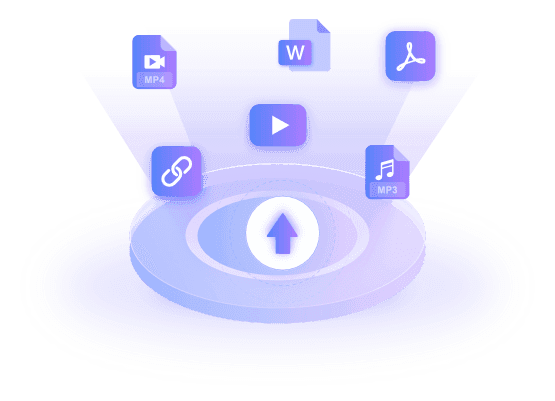
From Any Source to Structured Insights
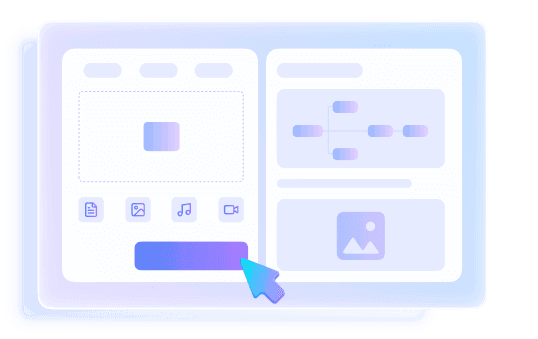
Intelligent Structuring & Visual Layouts
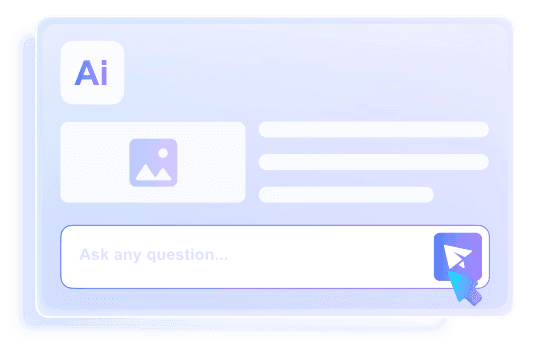
Chat, Review, and Master Your Content
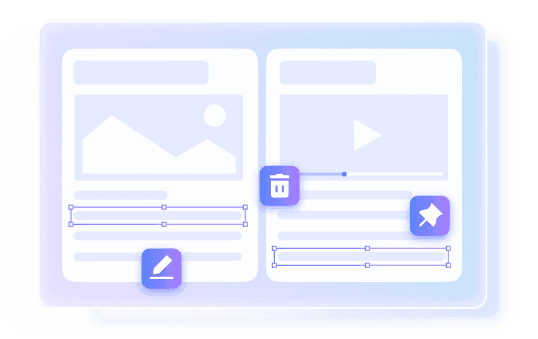
Customize & Edit Your Notes
How to Generate Notes with AI
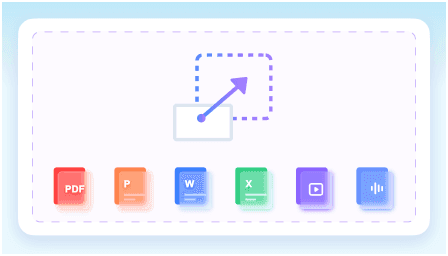
Step 1. Upload Your Content
Upload documents, audio, videos, images, or paste a YouTube link. Lynote supports PDFs, DOCX, PPTX, XLSX, MP3, MP4, webpages, and more in one place.
Step 2. Generate AI Notes
Click “Create Note” and let AI organize your content automatically. Generate structured notes with key points, timestamps, visual context, and important concepts in seconds.
Step 3. Review, Edit, & Export
Review and edit your notes, ask questions about the content, or turn notes into flashcards instantly. Export or share your notes whenever you need.
Who Benefits from This AI Note Taker?

Students
Turn lectures, PDFs, textbooks, and videos into organized notes for faster studying and exam review.

Educators
Create structured notes from teaching materials, recorded lessons, and learning resources to prepare classes more efficiently.

Researchers
Organize research papers, interviews, recordings, and references into clear notes that are easier to review and analyze.

Content Creators
Generate notes from videos, podcasts, webinars, and online content to quickly capture ideas, highlights, and talking points.

Professionals
Turn meetings, reports, calls, and training materials into searchable notes for better documentation and faster follow-ups.

Teams
Centralize information from shared documents, recordings, and links into organized notes that everyone can review and reference.
What People Say About Our AI Note Generator

College Student

“I use Lynote to turn lecture recordings and PDFs into organized notes before exams. It saves a huge amount of study time.”

Research Assistant
“Instead of sorting through dozens of papers manually, I upload everything and get structured notes that are much easier to review.”

Product Manager
“We use it for meeting recordings and project documents. The notes are clean, searchable, and easy to share with the team.”

Content Creator
“I turn webinars and YouTube videos into notes so I can quickly capture ideas and key points for future content.”

Teacher
“It helps me organize teaching materials and lesson recordings into clear notes for both class prep and student review.”

Marketing Specialist
“I use it to summarize reports, calls, and online research into one organized workspace. Much faster than manual note-taking.”
Frequently Asked Questions
Have questions? We've got answers. If you can't find what you're looking for, feel free to contact us.
An AI note taker automatically turns documents, videos, audio, webpages, and other content into structured notes. It helps organize information, extract key points, and reduce manual note-taking.
You can generate notes from PDFs, DOCX, PPTX, XLSX, videos, audio files, images, webpages, YouTube links, and more.
The AI analyzes your uploaded content, identifies important information, and organizes it into clear sections, summaries, bullet points, timestamps, and key concepts.
Yes. Paste a YouTube link and Lynote will automatically create structured notes from the video content.
Yes. You can review, edit, copy, export, and share your AI-generated notes anytime.
Yes. You can chat with your notes, ask questions about the content, and get instant answers based on the source materials.
Yes. Lynote can generate flashcards directly from your AI notes to help with review and active recall learning.
Your files and notes are processed securely and are never used to train AI models. Your content stays private and protected.