
YouTube Video Summarizer
Instantly generates visual summaries, action guides, timestamps, and Markdown notes using AI — no login required.





Why Choose Lynote for YouTube Summaries

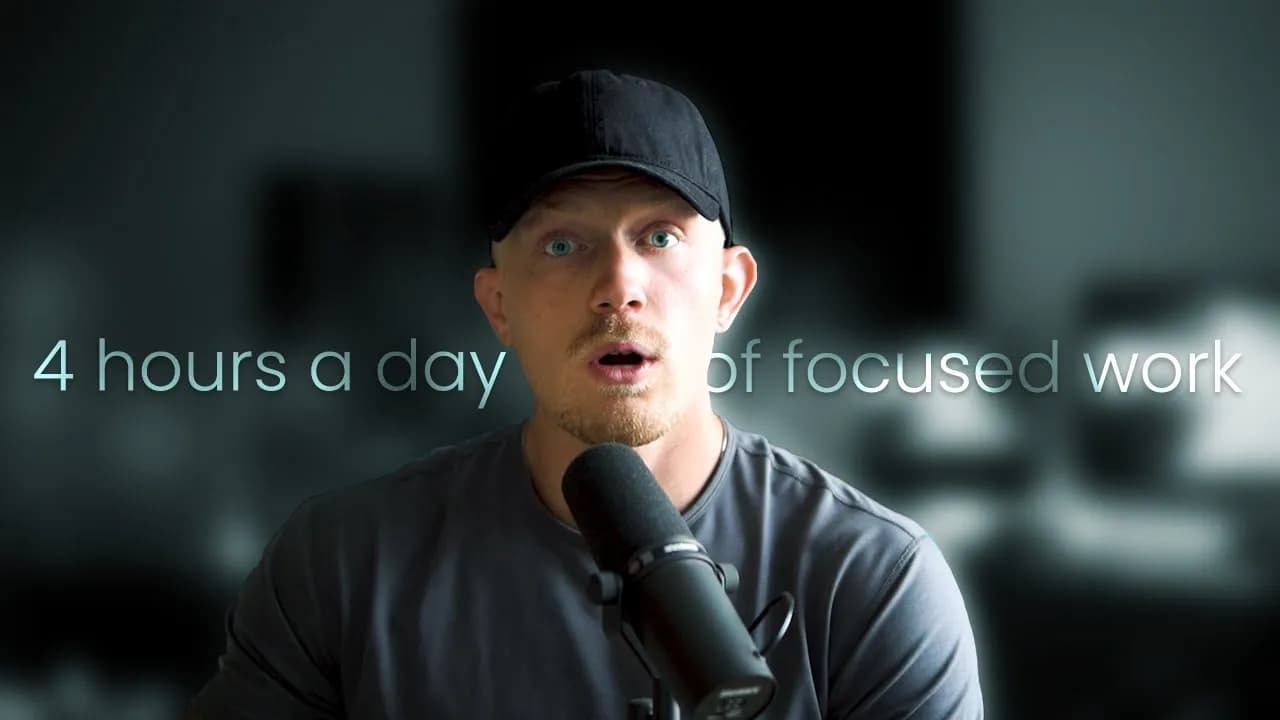
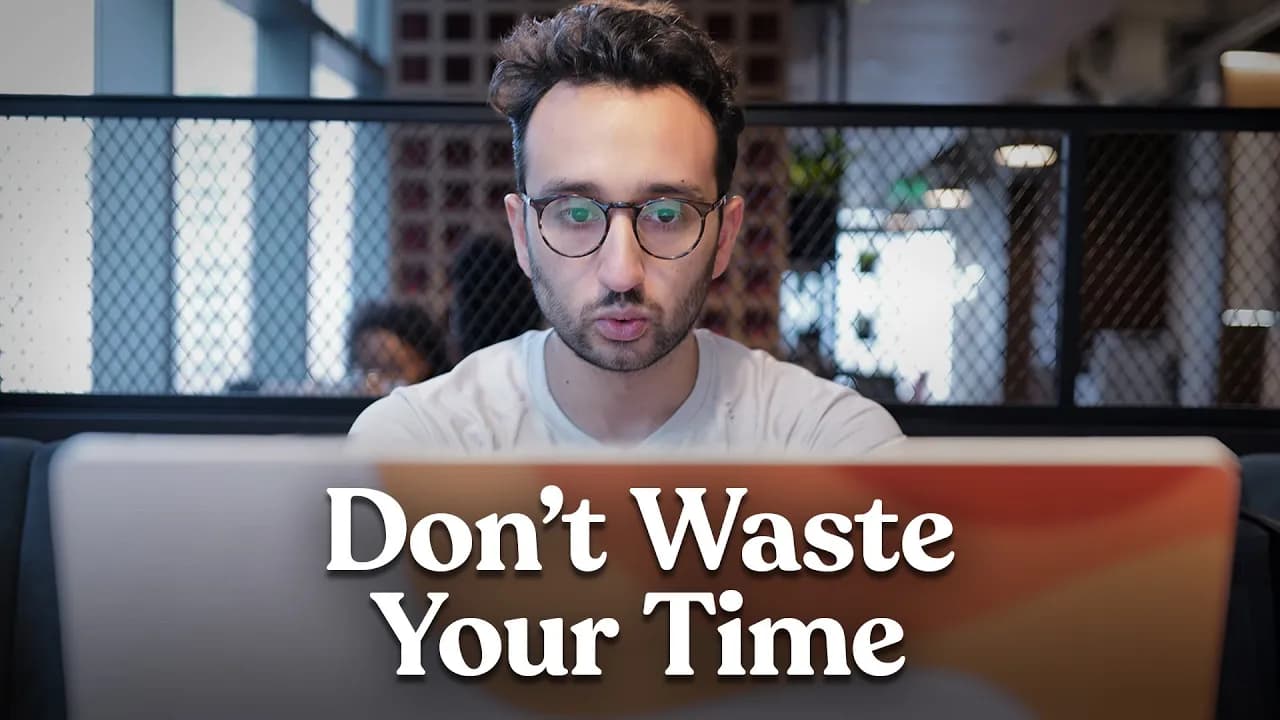
Visualized Smart Summary
Don't just read—see the context. We combine AI-generated summaries with key video snapshots to help you grasp the content faster and more intuitively than text alone.

Smart Chapters & Timestamps
Navigate through long videos with ease using auto-generated chapters. Click on any summary point or chapter title to jump directly to that exact moment in the video.

Key Highlights & Action Guides
Skip the fluff and focus on the core message. We extract high-value moments and turn tutorials into actionable step-by-step checklists so you can apply what you learn.

100% Free & No Sign-up
Get unlimited summaries without spending a dime or creating an account. We prioritize your convenience and privacy—just paste the YouTube link and start study immediately.

Versatile Export & Markdown
Streamline your workflow by connecting to your "second brain." One-click export to Markdown (for Notion/Obsidian) or simply copy the structured text to your clipboard.

Multi-Language Support
Break language barriers effortlessly. Our tool understands global content and generates summaries and transcripts in your native language for better understanding.
3 Steps to Get YouTube Summaries
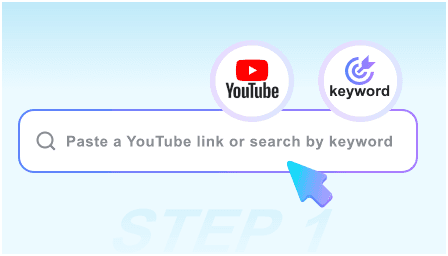
Step 1: Input URL or Search Video
Simply copy and paste a YouTube link into the text box. We support tutorials, podcasts, lectures, and more—no manual timestamps required.
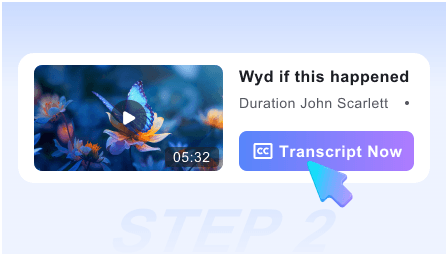
Step 2: Get Summaries Instantly
Hit the start button and let our AI engine work. Within seconds, it generates a smart summary paired with key snapshots and an actionable checklist from the video content.
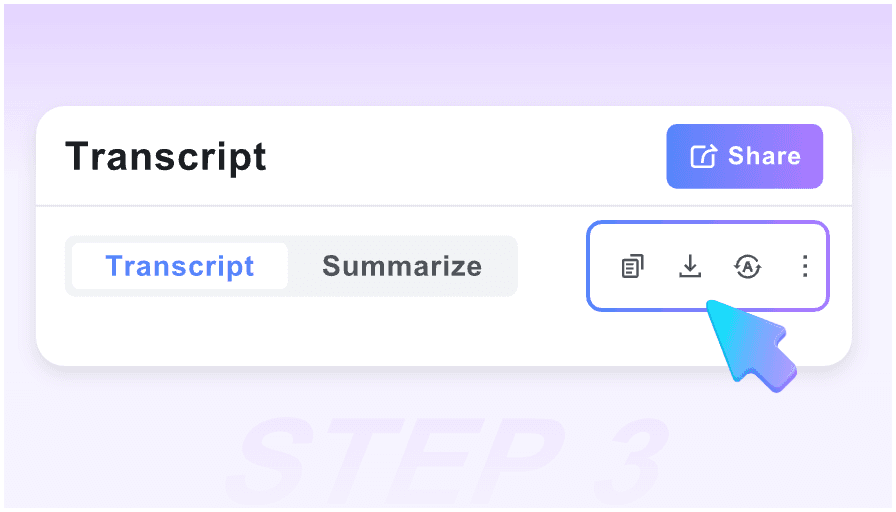
Step 3: Export to Knowledge Base
Review the highlights, copy the generated Action Guide, or one-click export the entire summary in Markdown to your knowledge base.
Stop Switching Tabs! Get Summaries Directly on YouTube
Who is this tool suitable for?

Students
Convert long lectures into visual study notes instantly. Use the key snapshots to recall context and review for exams without re-watching hours of footage.

Self-Learners
Turn "how-to" videos into "to-do" lists. Our Action Guide feature extracts practical steps from tutorials so you can stop watching and start doing.

Content Creators
Repurpose video content effortlessly. Grab high-quality snapshots and key quotes to create blog posts or social media threads in minutes.

Researchers
Extract the core message from interviews or news reports. Use the specialized Markdown export to move insights directly into your research workflow (Obsidian/Notion).

Busy Professionals
Don't have time for a 1-hour podcast? Jump straight to the "High-Value Moments" using our smart timestamps to get the info you need and get back to work.

Language Learners
Understand context better with image-text pairing. If a video is too fast, read the summarized points alongside the visual context to improve comprehension.
What People Say About Us

Content Creator

The visual summary feature is a game-changer. Unlike other tools that just give me a wall of text, Lynote gives me screenshots for every key point. It helps me remember the content so much better.

Computer Science Student
I love the Action Guide. I watch a lot of coding and cooking tutorials, and this tool automatically creates a checklist for me to follow. It saves me from pausing and typing notes manually.

Freelance Video Editor
Finally, a summarizer that respects my privacy. No login required, and the Markdown export works perfectly with my Obsidian vault. It fits seamlessly into my productivity system.

Digital Marketing Manager
I used to skip through videos randomly trying to find the good parts. Now, I use the Smart Timeline to click on a summary point and jump exactly to that moment. It saves me at least an hour every day.

Podcast Host
As a visual learner, having snapshots next to the text helps me grasp complex technical concepts much faster than reading a plain transcript. It's the only tool that actually captures the "video" part of the summary.

Social Media Manager
Most other tools force you to register after one try. This one is truly free and instant. I can get the key takeaways and an Action Guide before I even decide if the full video is worth watching. A massive time-saver.
Frequently Asked Questions
Have questions? We've got answers. If you can't find what you're looking for, feel free to contact us.
Yes, our tool is 100% free to use. You can generate unlimited visual summaries and action guides without hidden fees or credit card requirements.
No, you do not need to register or log in. We prioritize your convenience—just paste the video URL and start summarizing immediately.
Standard transcripts are just text. Our Visual Summary captures key screenshots from the video and pairs them with the text, giving you full context and making the content easier to digest.
Absolutely. We specialize in productivity. You can export the full summary, including the Action Guide, directly to Markdown format compatible with Notion, Obsidian, and Tana.
Yes. Our AI is optimized for long-form content. It identifies the "High-Value Moments" and timestamps them, allowing you to navigate a 2-hour podcast in minutes.
The Action Guide works best on educational, tutorial, or instructional videos. Our AI analyzes the content to extract specific steps, instructions, or takeaways for you to apply.
Yes, we break language barriers. You can input a video in almost any language (e.g., Japanese, Spanish, French), and our tool will generate the Visual Summary and Action Guide in your preferred language, helping you learn from global content effortlessly.
Absolutely. We prioritize your privacy. Because there is no account registration, we do not store your search history or personal profile. Your sessions are completely private, making it safe to use for work or sensitive research.