

Transcribe Video to Text Online with AI
Drop files or browse
✓Files are processed securely, never used for training, and removed after conversion.



Why Choose Our Video to Text Converter?

High Accuracy
Convert video to text with AI that captures speech accurately. Get a clear transcript for your interviews, lectures, and meetings with fewer corrections.

Fast Transcription
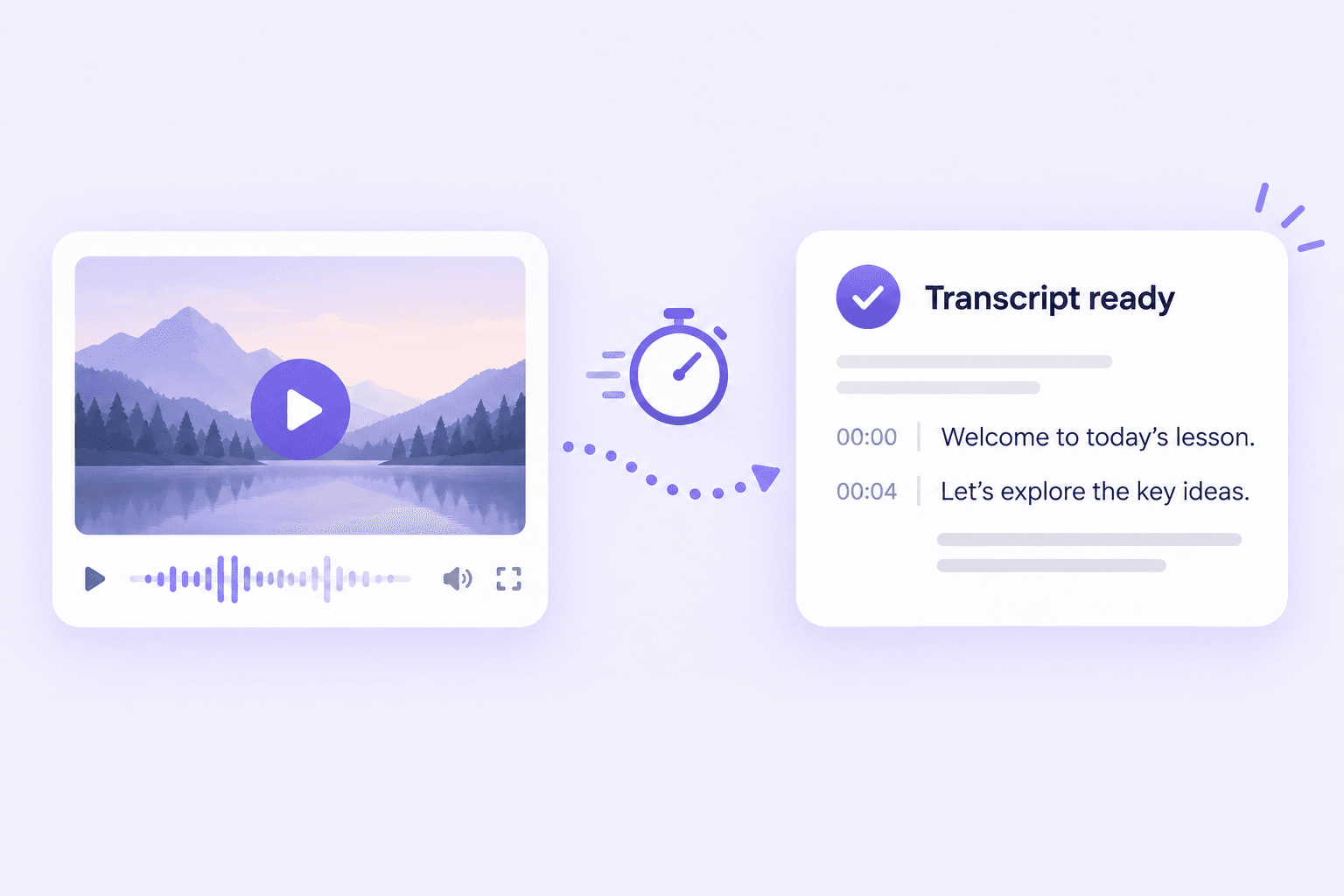
Transcribe video to text in minutes instead of typing it out by hand. Get your transcript quickly and spend more time on the work that follows.

150+ Languages
Turn video to text in over 150 languages. Transcribe lessons, interviews, and other recordings in the language spoken in your video.

Built-In Editor
Review and edit your video transcription online. Correct names, fix words, and polish your text before downloading or sharing it.

Flexible Exports
Download your video to text transcription in multiple formats. Choose the format you need for notes, documents, or your next project.

Batch Transcription
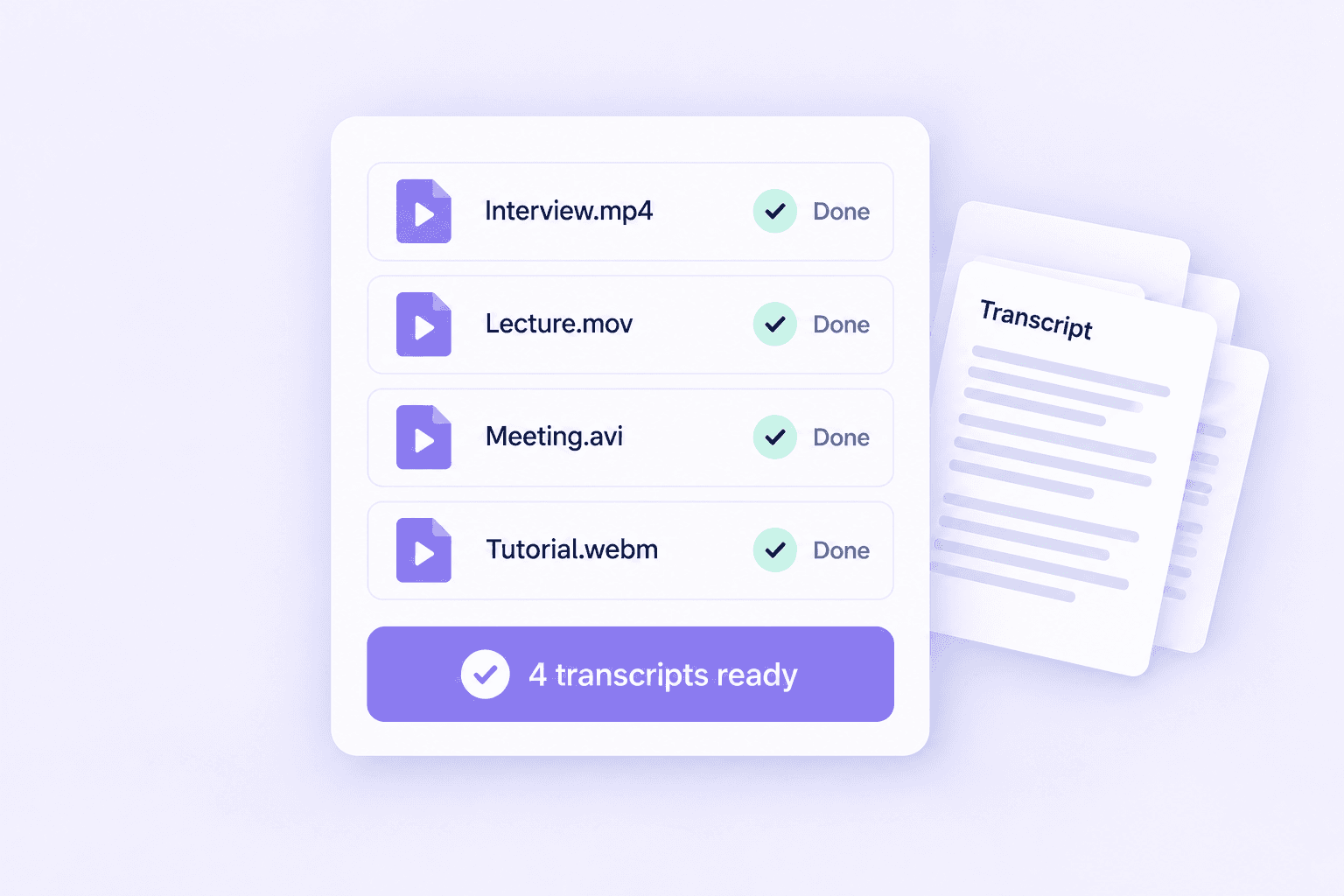
Convert multiple videos to text in one go. Save time on interview collections, recorded courses, and meeting recordings without uploading each file separately.

Free to Use
Try our free video to text converter with your own videos. Create a transcript and check the results before deciding whether you need more.
Video to Text Converter for All Your Formats
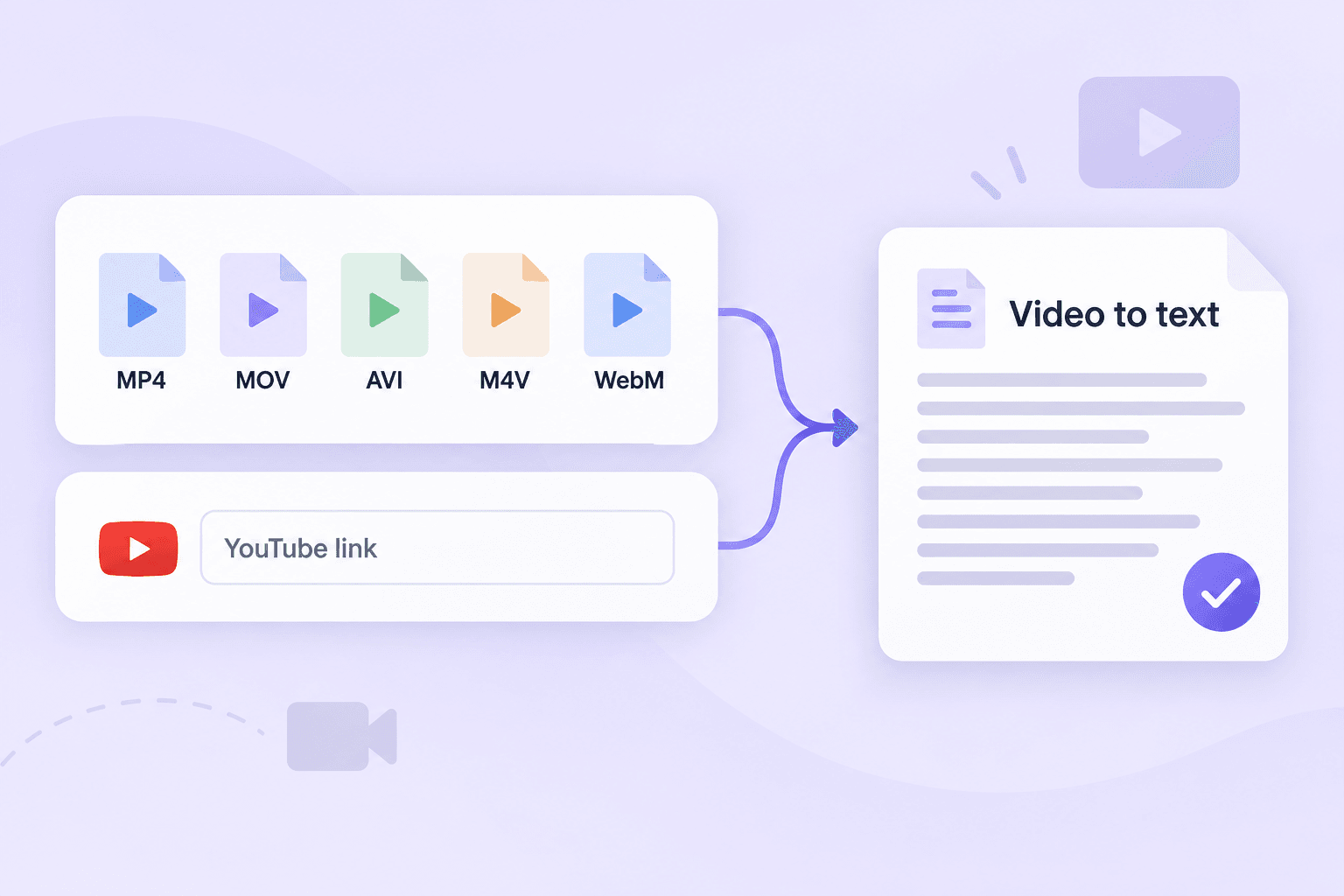
Convert video to text from MP4, MOV, AVI, M4V, WebM, and more. Upload your file and let AI transcribe it—no need to change formats first. Have a YouTube video? Just paste the link to transcribe video to text online. Get a transcript without downloading the video.
Transcribe Video to Text Faster with AI
Batch Transcription for Mixed Video Formats
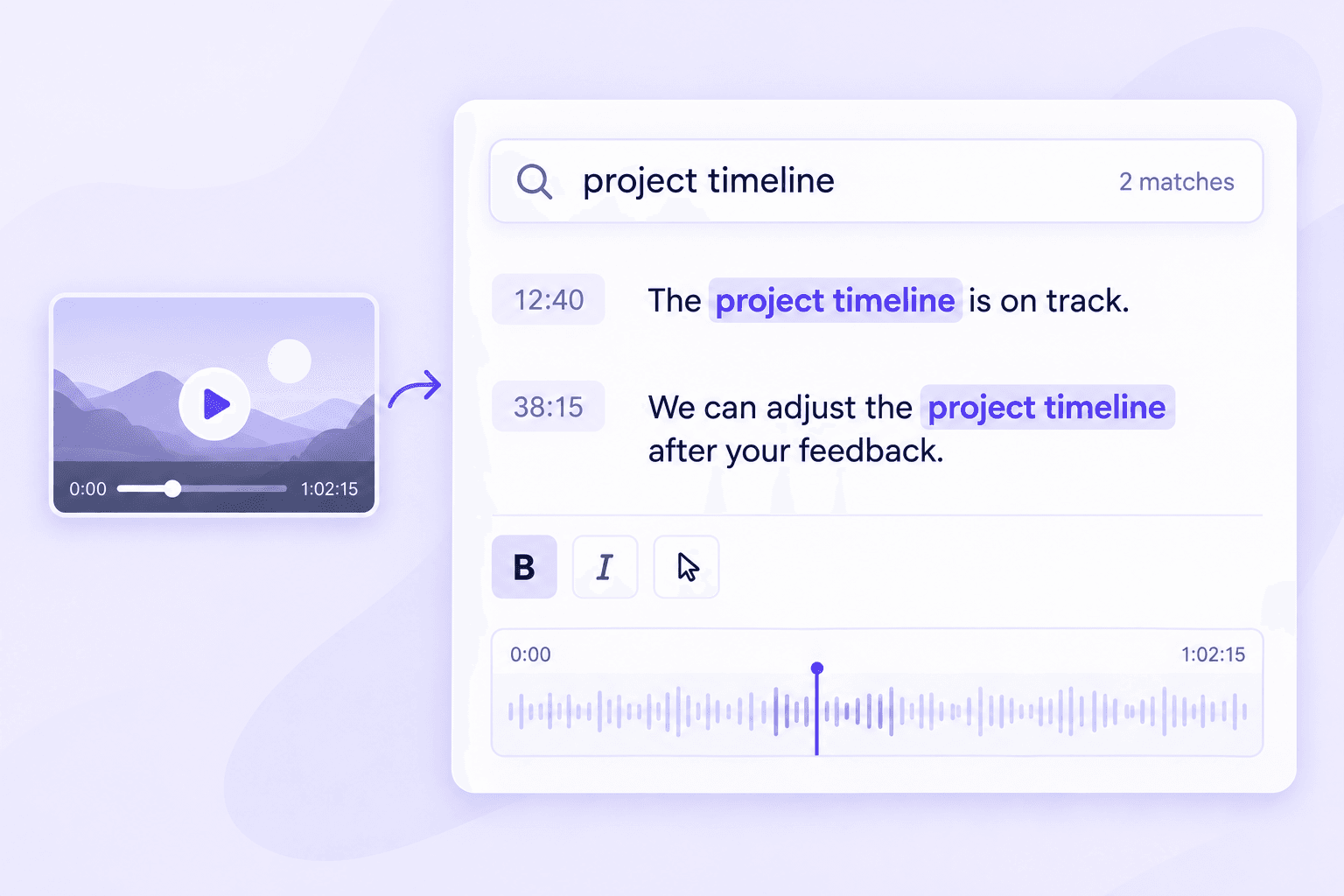
Turn Long Recordings into Searchable, Editable Text
Convert video to text and find what you need without replaying the whole recording. Search your transcript for a keyword or phrase to quickly locate key points in lectures, interviews, and meetings. Edit the text to correct names, fix words, or clean up sentences. Turn long recordings into clear notes you can copy, share, and use in your next project.
How to Transcribe Video to Text Online
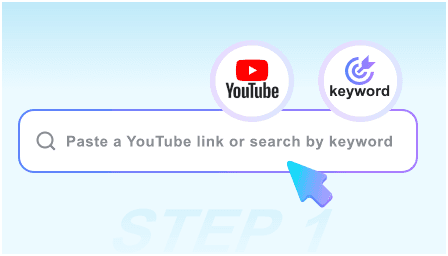
Step 1. Upload Your Video
Upload a video, add multiple files in different formats, or paste a YouTube link.
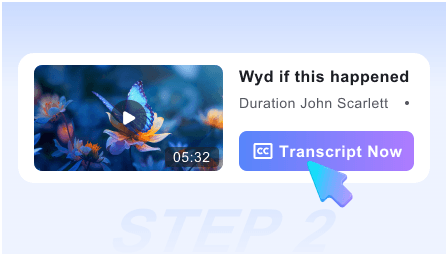
Step 2. Convert Video to Text
Once you upload your videos, click the button to start converting video to text. Your transcripts will be ready in seconds.
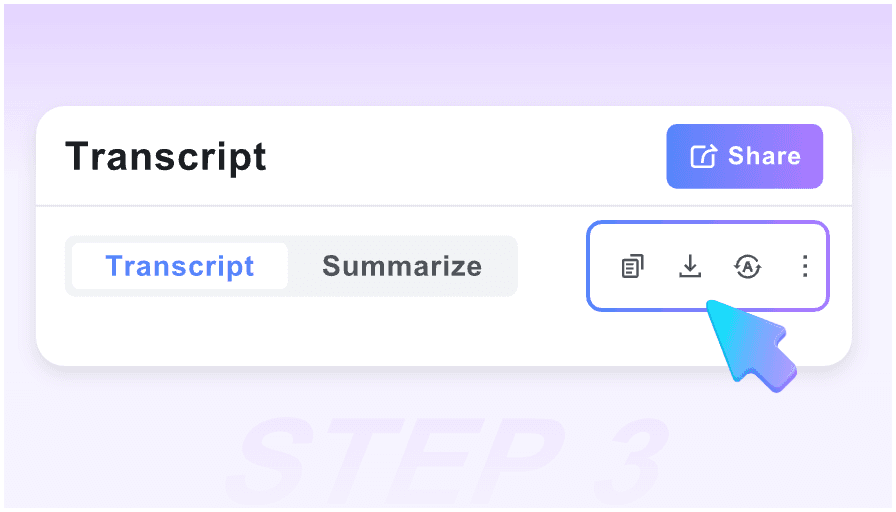
Step 3. Export & Share Transcription
Download your transcripts in your preferred format and share them with anyone who needs them.
Video to Text for Work, Study, and Content Creation
Interviews
Transcribe video to text for research, reporting, or hiring. Search interview transcripts to find key answers and quotes without replaying the recording.
Transcribe video to text for research, reporting, or hiring. Search interview transcripts to find key answers and quotes without replaying the recording.

Meetings
Convert video recordings from Zoom, Teams, or Google Meet into searchable text. Review decisions, check details, and share the transcript with your team.
Convert video recordings from Zoom, Teams, or Google Meet into searchable text. Review decisions, check details, and share the transcript with your team.

Lectures
Turn recorded lectures and lessons into text you can study at your own pace. Find key terms, revisit explanations, and copy useful details into your notes.
Turn recorded lectures and lessons into text you can study at your own pace. Find key terms, revisit explanations, and copy useful details into your notes.

YouTube Videos
Paste a YouTube link to convert video to text online. Use the transcript to write blog posts, draft social captions, or review a tutorial.
Paste a YouTube link to convert video to text online. Use the transcript to write blog posts, draft social captions, or review a tutorial.
Video Podcasts
Extract text from video podcasts to help write show notes and episode summaries. Find guest quotes and turn useful moments into content for your audience.
Extract text from video podcasts to help write show notes and episode summaries. Find guest quotes and turn useful moments into content for your audience.
Legal & Compliance
Create editable transcripts of recorded hearings, statements, and compliance training. Review the text alongside the video to check wording and prepare documentation.
Create editable transcripts of recorded hearings, statements, and compliance training. Review the text alongside the video to check wording and prepare documentation.
Less Replay, More Time for Your Work

Illustrative example

"I used it for a recorded lecture and searched the transcript for the topics I needed. There were a few terms to fix, but it saved me a lot of note-taking time."

Illustrative example
"I had interview recordings in MP4 and MOV. Being able to upload them in one batch made the job much easier than processing each video separately."

Illustrative example
"I pasted a tutorial link and got a transcript I could read through while practicing. It was much easier to find a specific instruction in the text."

Illustrative example
"I use the transcripts to pull quotes and draft podcast show notes. I still check names and edit the wording, but I no longer have to start from a blank page."

Illustrative example
"I needed to check what we’d agreed on during a recorded meeting. Searching the transcript helped me find the discussion without watching the whole thing again."

Illustrative example
"I had several course videos saved in different formats. I uploaded them together and used the transcripts to put my notes in one place. It made revisiting each lesson much easier."
Video to Text FAQs
A video-to-text converter uses AI to turn speech in a video into written text. It creates an editable transcript you can read, search, download, and share.
A transcript makes video content easier to search, review, and reuse. You can find quotes, take study notes, or turn a recording into a blog post. It also lets people follow the content without listening to the audio.
Upload your video or paste a YouTube link, then click the button to start transcription. Once your transcript is ready, review the text, make any edits, and export it in your preferred format.
Yes, you can start using our video to text converter for free. Upload a video or paste a YouTube link to try AI transcription with your own content.
Our video to text converter supports MP4, MOV, AVI, M4V, WebM, and more. You can upload your files directly without converting them to another format first.
Yes. Paste a YouTube link into our video link to text converter to generate a transcript. There’s no need to download the video before transcribing it.
Yes. Batch transcription lets you upload different video formats together. Add your files to the same batch and convert them to text without starting each transcription separately.
The converter supports transcription in over 150 languages. It turns speech into text in the language spoken in your video.
AI transcription works best with clear speech and minimal background noise. Accents, overlapping voices, and technical terms can affect the results. You can review and correct the transcript in the built-in editor.
Yes. You can search your transcript and edit the wording directly online. When you’re done, download the text in one of the supported export formats for sharing or further editing.