Verify Documents and Identity Images
Check IDs, forms, certificates, and scanned documents for signs of AI generation, editing, or visual manipulation before you trust them.

 Lynote
Drag & drop or upload an image
JPG · JPEG · PNG · WEBP · max 10 MB
Detected then deleted · Reports are independently verifiable

Upload an image to start
Drop a file on the left, or pick one of the sample images.
Try one of our sample images
Uncover the truth behind any text. Use our free AI detector to instantly analyze and verify whether content is human-written or AI-generated.



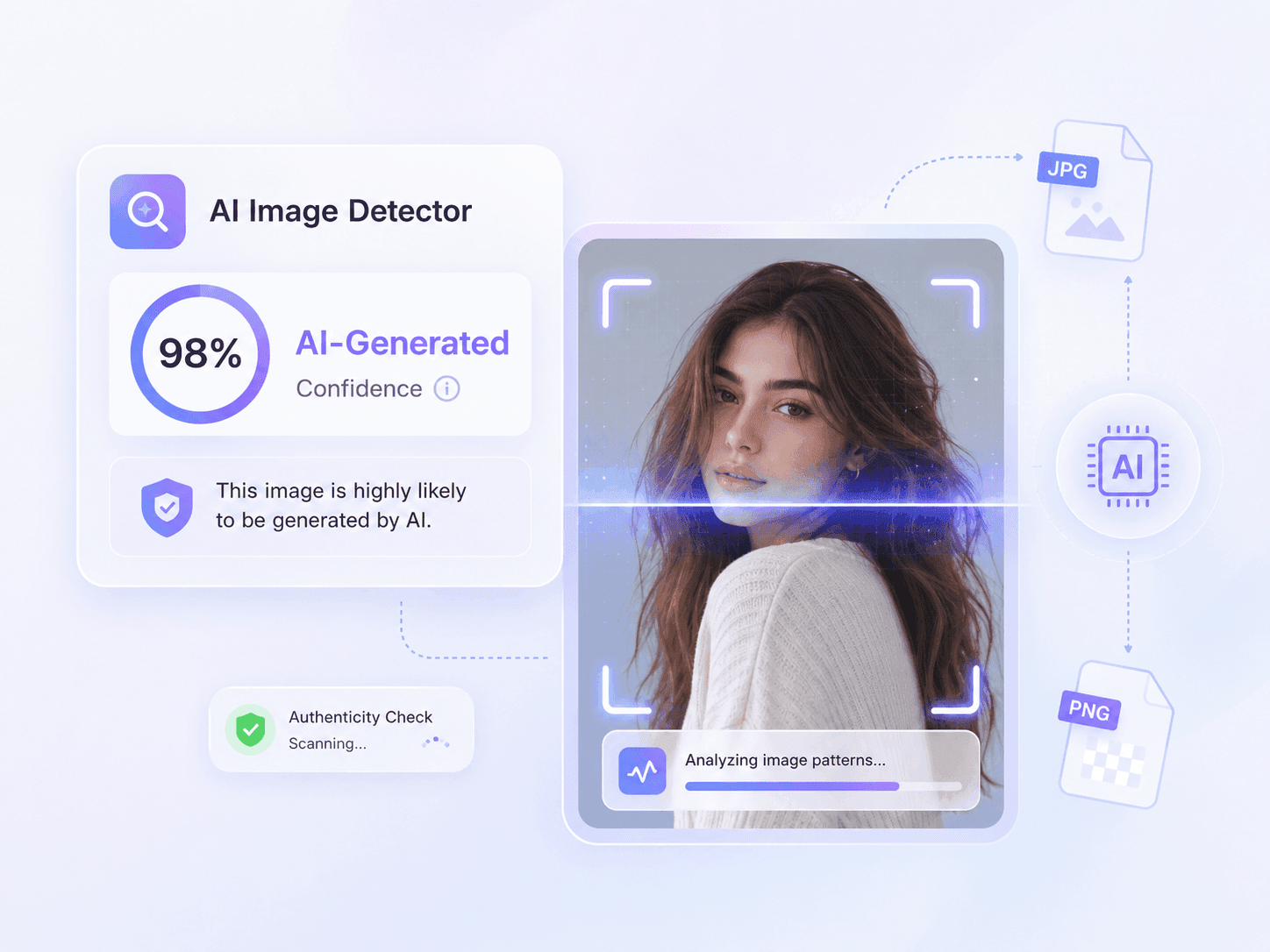
Upload common image formats such as JPG, JPEG, PNG, WebP, or HEIC and run an online AI image scan without a complicated setup. You can also start with a sample image to understand how the result works.
Use it for photos, artwork, profile images, marketplace listings, receipts, social media visuals, and other image files where authenticity matters.
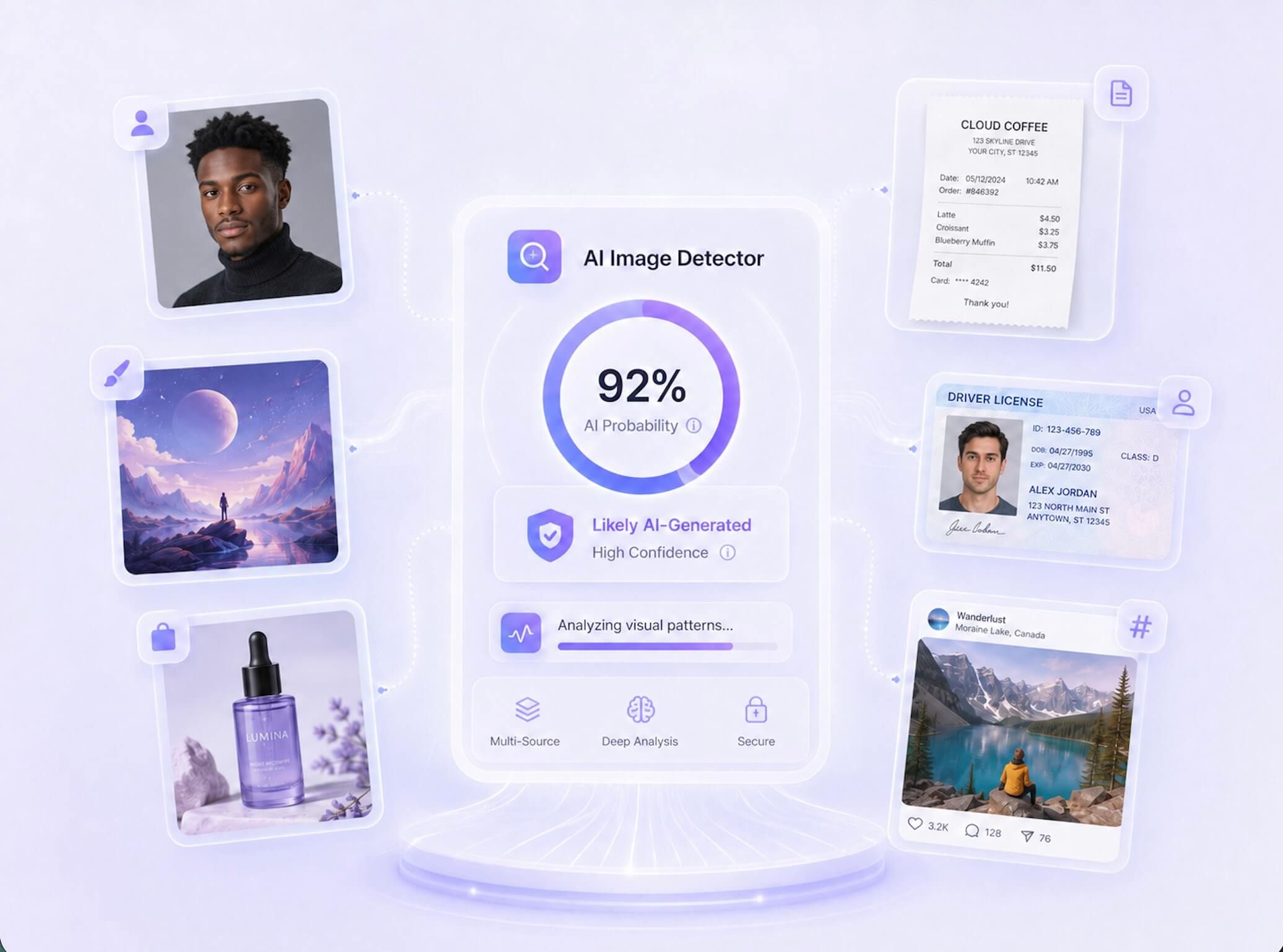
Use Lynote to check whether an image is AI generated, edited, or likely human-made. Upload a photo, artwork, product shot, receipt, ID image, or social visual and get a clear AI probability score in seconds.
The tool is built for practical review moments: before publishing a campaign, approving a marketplace image, checking a suspicious profile photo, or reviewing visual evidence that may have been generated or manipulated.
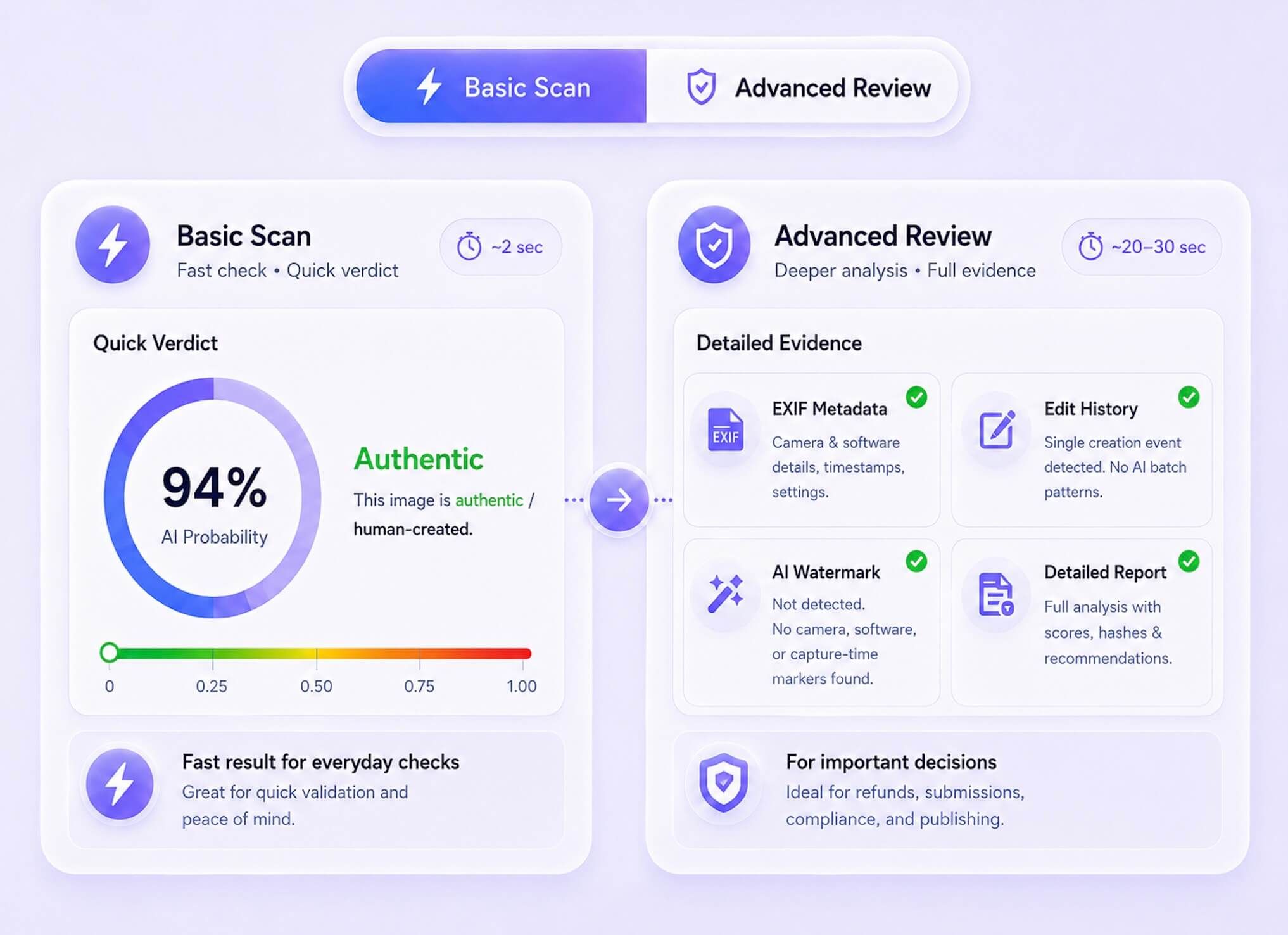
Start with a quick Basic Scan when you need a fast AI image check. Use Advanced Scan when the image needs deeper review, such as receipts, identity images, product photos, or visuals that could affect a refund, submission, or publishing decision.
This gives casual users and professional reviewers a clearer path than guessing from image quality alone.
Drop a JPG, PNG, WebP, or HEIC file into the AI image checker. You can also start with a sample image to see how the scan works.
Click Detect Image. Lynote checks visual patterns, AI probability, human probability, metadata, and available provenance signals.
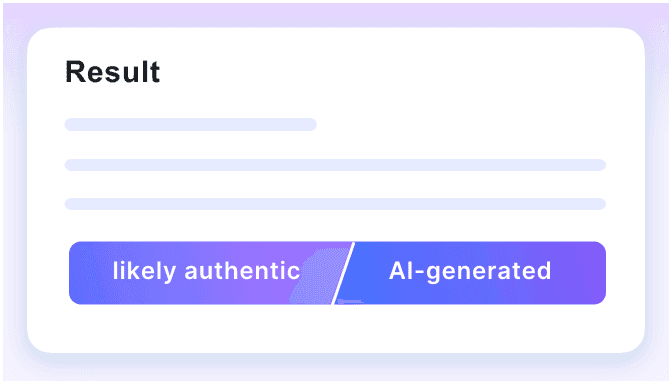
See whether the image is likely authentic, likely AI-generated, or needs deeper review with an advanced report.
See how Lynote AI Image Detector checks an image for AI-generated or manipulated content and returns a clear result to support your authenticity review.
Check IDs, forms, certificates, and scanned documents for signs of AI generation, editing, or visual manipulation before you trust them.
Review product photos, listing images, seller visuals, and ad creatives before publishing them or using them in marketplace decisions.

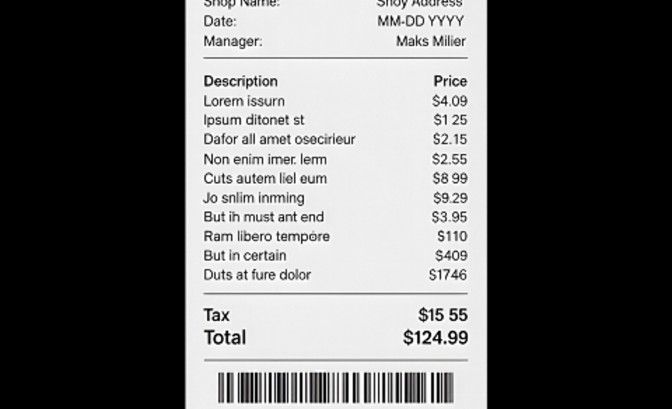
Scan receipts, invoices, payment screenshots, and refund evidence for possible AI generation, tampering, or synthetic edits.
Check profile photos, avatars, and user-submitted headshots to spot AI-generated faces used in fake or misleading accounts.

Review illustrations, mockups, portfolio pieces, and design assets to see whether AI image generation may be involved.

Use the AI photo detector to check images that may have been retouched, enhanced, partially generated, or altered with AI tools.

AI image generators leave different visual signals. Lynote helps you review images that may come from popular generators such as DALL-E, GPT Image, Midjourney, Stable Diffusion, Flux, Ideogram, Bing Image Creator, Nano Banana, Adobe Firefly, and GAN-based tools.
You do not need to know which model created the image first. Upload the image and Lynote will analyze visual patterns, AI probability, human probability, metadata, and available provenance signals.

GPT Image 2

Nano Banana 2 & Pro

Midjourey

GANs

Stable Diffusion
Ideogram
Flux

Bing Image Creator
GPT Image 2
Nano Banana 2 & Pro
Midjourey
GANs
Stable Diffusion
Ideogram
Flux
Bing Image Creator

Scan pixel patterns, lighting, textures, edges, and visual inconsistencies to catch images that may look real but were created or altered by AI.

Review hidden file details such as camera data, timestamps, editing software, and missing or inconsistent metadata that can signal synthetic or edited images.

Check content credentials and provenance signals to see whether an image carries a trusted creation or editing history.

Look for known AI watermark signals from modern image generators while keeping the result practical and easy to understand.

Get a direct AI probability score instead of a vague guess, so you can quickly judge whether an image is likely real, AI-generated, or needs deeper review.

Use Basic Scan for quick image checks, or Advanced Scan when you need a deeper review with more detection evidence.

Check images from Midjourney, DALL-E, Stable Diffusion, Flux, Ideogram, ChatGPT image tools, Meta AI, and other popular generators.

Upload sensitive visuals for analysis with a privacy-first workflow, ideal for documents, IDs, receipts, product photos, and review materials.

Verify images before publication, document your due diligence, and reduce the risk of publishing synthetic visuals as real news.

Review applicant portfolio images and creative samples to understand whether the work appears human-made or may have been generated by AI.

Analyze receipts, product condition photos, identity images, and other visual evidence with a report that supports a more traceable review process.

Scan images you did not create yourself before they go live, helping protect editorial credibility and audience trust.

Check submitted visual assignments, presentations, and project media when you need context on whether the work reflects a student's own effort.

Review suspicious posts, profile photos, screenshots, or viral images when something feels off and you need a quick authenticity check.

Independent Journalist

I used Lynote AI picture checker to review a viral image spreading in a private group. The report showed 94% AI probability, with a breakdown of missing EXIF data and no C2PA credentials. I shared the PDF report link, and it ended the debate instantly.

Brand Content Manager
We had a contractor submit a batch of 'original' product photos that I was skeptical about. Lynote's Advanced Scan flagged three as AI-generated. The PDF reports with SHA-256 fingerprints gave us exactly what we needed to address it professionally.

Freelance Designer
Simple enough that I didn't need instructions. I uploaded the image, clicked Detect, and got a verdict in seconds. The spectrum bar makes the result easy to understand because it explains what the score actually means.

Digital Media Researcher
What I appreciate is that it's honest. When no AI watermark was detected, it didn't just call the image real. It explained that a missing watermark is not conclusive proof, and that transparency is rare in detection tools.

Legal Operations Manager
We use Lynote when receipts, product condition photos, or ID images need review. The report gives our team a clearer trail before we make approval decisions.

Hiring Manager
Lynote helps me review design portfolio images before interviews. It gives useful context on whether a piece looks human-made or may need a deeper authenticity check.
Have questions? We've got answers. If you can't find what you're looking for, feel free to contact us.
An AI image detector analyzes a picture for signs of AI generation, AI-assisted editing, or synthetic manipulation. Lynote checks visual patterns, AI probability, human probability, metadata, and available provenance signals to help you review image authenticity.
Upload a JPG, JPEG, PNG, or WebP image, then click Detect Image. Lynote scans the file and returns a verdict showing whether it appears likely authentic, likely AI-generated, or worth deeper review.
Yes. Basic Scan is free and does not require an account. Advanced Scan, which includes a deeper forensic breakdown and PDF report, is available on Lynote Pro.
Basic Scan runs a fast AI probability check and gives you a score and verdict. Advanced Scan adds deeper review signals such as EXIF metadata, C2PA credentials, AI watermark checks, edit history review, and a downloadable report with a verification fingerprint.
Lynote is designed to detect AI image signals from popular generators such as Midjourney, DALL-E, Stable Diffusion, Meta AI, and Flux. Accuracy can vary by image quality, compression, editing, and source context, so use the result as a strong review signal rather than the only proof.
Yes. Lynote can review compressed, resized, or screenshot-captured images. Very low-resolution files may reduce detection confidence, so use the clearest available version when possible.
Lynote supports JPG, JPEG, PNG, and WebP image files up to 10MB. You can use it for screenshots, profile photos, news images, artwork, receipts, documents, and product photos.
No. Lynote does not use your uploaded images to train AI models or share them with third parties. Images are handled for the scan and removed after processing according to Lynote’s privacy workflow.
Yes. Lynote can help review images that may be edited, enhanced, or partially generated with AI tools. The result should be used together with source checks and human review when the decision matters.
Yes. You can upload receipts, invoices, payment screenshots, IDs, and scanned images to look for signs of AI generation, tampering, or synthetic edits before approval.
Yes. You can use Lynote as an AI picture detector to review profile photos and avatars that may be synthetic, misleading, or generated by AI face tools.
If the result is uncertain, treat it as a signal for deeper review. Check the image source, metadata, surrounding context, and any available original files before making a final decision.


