

All-in-One AI Summarizer for Any Content

Drop files or browse

Add study materials to enable the AI to extract and structure content.



Why Choose Our AI Summary Generator?

10x Faster
Reduce hours of reading and watching into short, structured summaries that are easier to understand and revisit.

100+ Global Languages
Summarize content in different languages and get results in your preferred language. Useful for global research, study, and work.

20+ Formats Supported
Summarize PDFs, DOCX, TXT, PPTX, images, audio, videos, YouTube links, webpages, and more without extra conversion.

Multi-Source Summarization
Summarize multiple files and media types in one place. Combine PDFs, videos, audio, notes, webpages, and links to generate more complete and connected summaries.

Free to Access
Generate summaries from documents, videos, audio, webpages, and more for free. Start summarizing content instantly without complicated setup.

Structured Summaries
Turn long content into organized summaries with images, headings, bullet points, and easy-to-scan sections. Understand information faster without reading everything.

Total Privacy
Your files and summaries stay private. Uploaded content is processed securely and never used to train AI models.
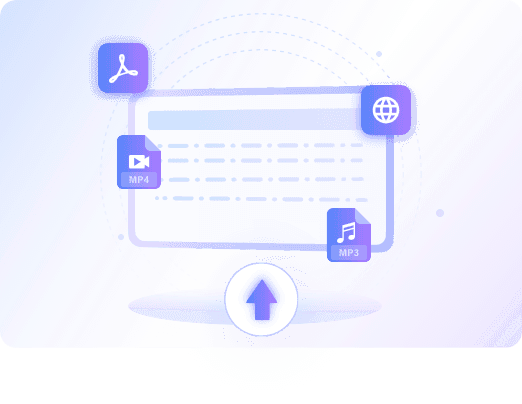
Multimodal Input: One Summarizer for All Your Media
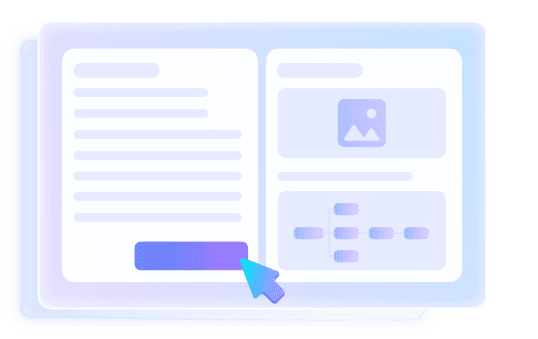
Visual Summaries: See the Key Moments
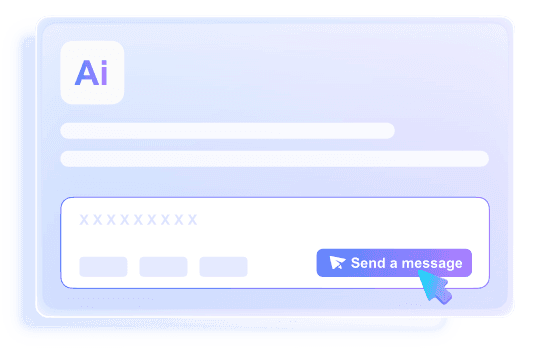
Chat with Your Summary for Deeper Learning
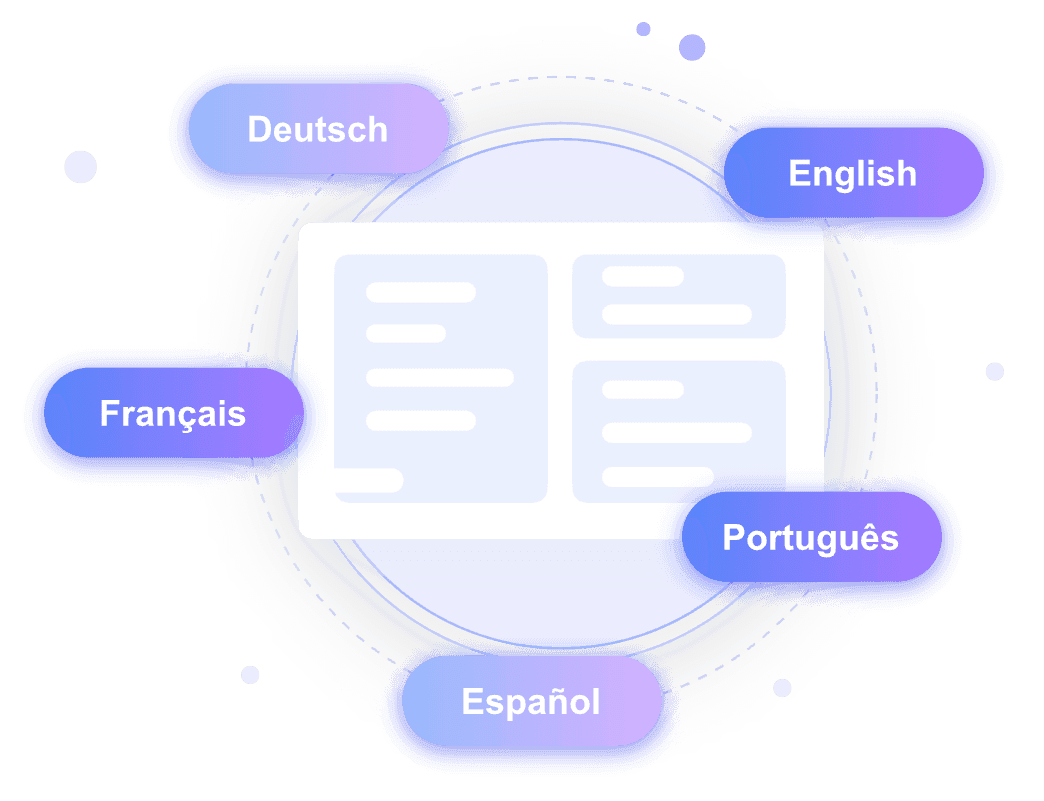
Global Learning: Translate & Summarize Instantly
How to Generate Summaries with AI
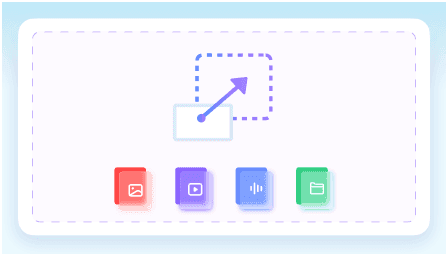
Step 1. Import Your Content
Upload a PDF, document, video, audio file, image, or paste a webpage or YouTube link. Lynote supports multiple content formats in one place.
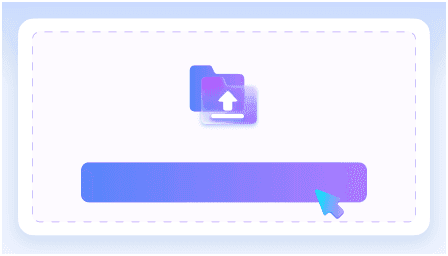
Step 2. Generate AI Summary
Click “Summarize” and let AI extract the key ideas, important points, and useful insights from your content automatically.
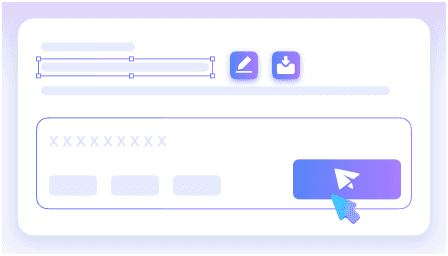
Step 3. Review, Edit, & Export
Read your summary, ask follow-up questions, or export the results for study, research, meetings, or content creation.
Who Benefits from This AI Summarizer?

Students & Online Learners
Turn lectures, PDFs, textbooks, and YouTube lessons into concise summaries. Review key ideas faster before exams, assignments, or class discussions.

Knowledge Workers
Summarize reports, meeting transcripts, webinars, and long documents into clear takeaways. Stay updated without spending hours reading every file from start to finish.

Researchers & Academics
Summarize papers, literature reviews, references, and research notes. Quickly understand key findings, methods, and conclusions before deciding what to read in full.

Content Marketers
Summarize articles, competitor pages, podcasts, and videos to find useful ideas faster. Use summaries to plan briefs, outlines, campaigns, and content updates.

Journalists & Writers
Condense interviews, reports, press releases, and background materials into key points. Find important angles and facts without digging through every source manually.

Product & Business Teams
Summarize user feedback, call transcripts, market reports, and internal documents. Turn scattered information into clear insights for faster decisions.
What People Say About Our AI Summarizer

Online Learner

“I use Lynote to summarize long reports and meeting recordings every day. It helps me get the key points without spending hours reading.”

Graduate Student
“I summarize lecture PDFs and YouTube lessons before exams. The summaries are clear and much easier to review than full materials.”

Content Creator
“I use it to summarize competitor articles, webinars, and research documents. It speeds up content planning and idea collection a lot.”

Product Manager
“We summarize customer calls, internal docs, and feedback reports to quickly identify important insights for the team.”

Research Assistant
“I work with long academic papers regularly, and Lynote helps me understand the main findings before reading everything in detail.”

Journalist
“I use it to summarize interviews and background materials before writing articles. It saves time while keeping the important context.”
Frequently Asked Questions
Have questions? We've got answers. If you can't find what you're looking for, feel free to contact us.
An AI summarizer is a tool that uses artificial intelligence to turn long content into shorter, easier-to-understand summaries. It can analyze documents, PDFs, videos, audio, webpages, and other content to extract the main ideas, key points, and important details automatically.
Yes. Paste a YouTube link and Lynote will generate a summary from the video content. You can also ask follow-up questions to understand the video more deeply.
You can summarize PDFs, documents, videos, audio files, YouTube links, webpages, images, and notes. Lynote helps you turn long content into clear, structured summaries.
Yes. Upload PDFs, reports, papers, or documents and Lynote will extract the main ideas, key points, and important details into an easy-to-read summary.
Yes. Lynote can create visual, structured summaries with headings, bullet points, and images when available, making long content easier to scan and review.
AI summaries are most accurate when the original content is clear and well-structured. Lynote focuses on the key ideas and important details from your source, but you can always review the summary and ask follow-up questions for clarification.
Yes. You can review, copy, edit, export, or share your AI-generated summary for study, work, research, or content planning.
Yes. You can upload multiple resources and generate summaries from different documents, videos, audio files, or links in one place.


