

AI Chat with Any Content

Drop files or browse

Add study materials to enable the AI to extract and structure content.



Why Choose US?

15+ Formats Supported
From documents and images to audio and video, our AI handles 15+ formats out of the box. Just upload or paste a link and start asking questions.

Context-Aware Answers
Our AI reads and understands your content before answering. You get responses based on real context, not generic guesses.

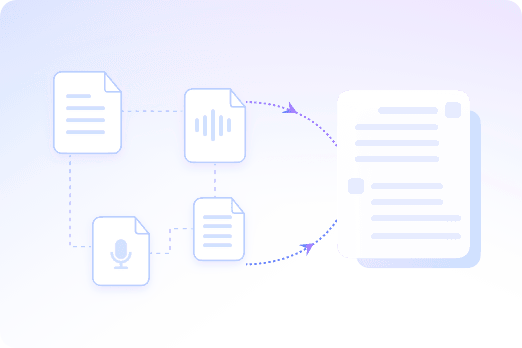
Multi-File Chats
Combine multiple files and links in a single chat. Ask questions across all your materials and get one clear answer.

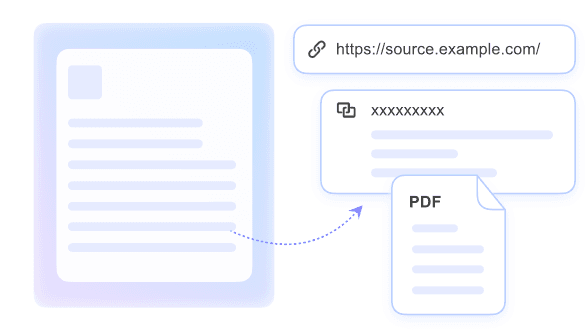
Cited Sources
Ask questions with accurate citations to the source and get clear, reliable answers grounded in your content.

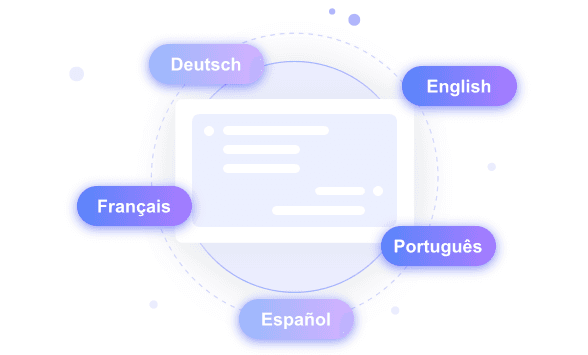
Works in Any Language
Chat with content in different languages. The AI understands your input and responds accurately—no extra setup needed.

Built for Real Workflows
From studying videos to reviewing documents, this tool fits how you actually work. Not just chat, but real productivity.

Private & Secure
All content is processed securely and handled with strict privacy controls. Nothing is stored or reused.
Multi-File Contextual Chats
Chat in Any Language
Accurate Citations & Source Tracking
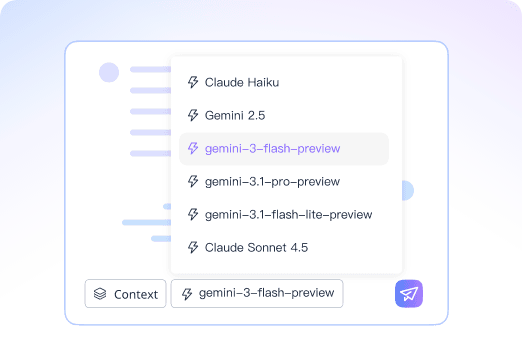
Powered by Leading AI Models
How to Chat with Your Files
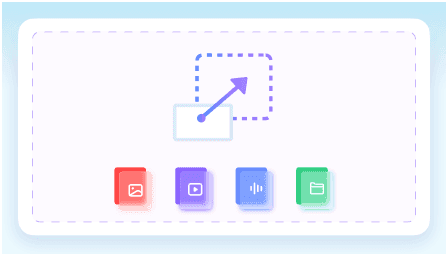
Step 1. Upload Your Content
Upload files or paste a link. Add documents, videos, audio, or webpages to start.
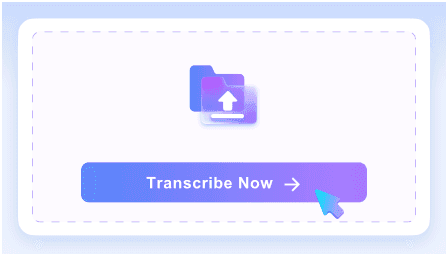
Step 2: Ask Anything
In the right chatbox, type a question about your uploaded content and get instant, accurate answers with source citations.
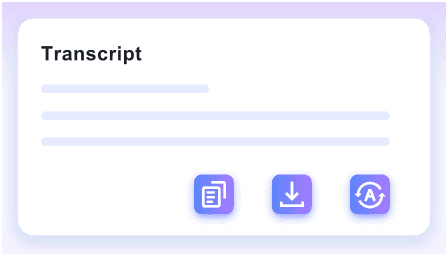
Step 3. Learn & Share
Except chat with your docs. You can also summarize your files, translate, or share the notes easily with Lynote.
Who Is This Tool Suitable For?

Students
Ask questions about lectures, PDFs, or videos and get clear answers instantly. Understand complex topics faster without rewatching or rereading everything.

Educators
Chat with teaching materials to explain concepts, answer questions, or prepare lessons more efficiently.

Researchers
Ask questions across multiple papers and sources. Get precise, cited answers without manually searching through documents.

Content Creators
Chat with videos, articles, or scripts to extract key information, verify details, and understand content faster.

Professionals
Ask questions about reports, documents, or recordings and get clear answers without reading everything line by line.

Teams
Work with shared files and ask questions on the same content. Get consistent answers and stay aligned across your team.
What People Say About Us

Student

“I upload lecture slides and videos, then just ask questions to understand key points. It saves me from rewatching everything.”

Educator
“I use it to go through teaching materials quickly. Asking questions and getting cited answers makes lesson prep much faster.”

Researcher
“Being able to ask questions across multiple papers is a huge time saver. The citations help me verify everything instantly.”

Content Creator
“I drop in scripts or video links and ask for specific details. It helps me understand content before turning it into something new.”

Marketing Specialist
“I use it to review reports and webpages. Asking direct questions is much faster than scanning through long documents.”

Project Manager
“Our team uses it to chat with shared files and recordings. Everyone gets the same answers without going back and forth.”
Frequently Asked Questions
Have questions? We've got answers. If you can't find what you're looking for, feel free to contact us.
AI chat with content lets you upload files or paste links, then ask questions based on the actual source. Instead of giving generic answers, the AI responds using the content you provide.
You can chat with documents, PDFs, videos, audio files, images, URLs, and webpages. Lynote supports 15+ formats, so you can work with different resources in one place.
Yes. You can upload multiple resources and ask questions across them in the same chat. This is useful for comparing documents, reviewing research, or finding connections between different sources.
Yes. Lynote answers questions based on your uploaded files or links. When available, answers include source citations so you can verify where the information comes from.
Yes. You can upload video or audio files and ask questions about the content. This helps you find key details without replaying the entire file.
Yes. Paste a webpage URL and ask questions about the page content. This is useful for articles, guides, reports, and online resources.
Your content is processed securely and handled with privacy in mind. For sensitive files, always review the platform’s privacy policy before uploading confidential information.


