
AI YouTube Transcript Generator
Generate transcripts from any YouTube video in seconds. Free, accurate, and no sign-up required.




Why Choose Lynote for YouTube Transcripts

Blazing-Fast Generation
Experience instant transcription powered by advanced AI. Our tool processes long YouTube videos in seconds, delivering accurate text without the wait, so you can focus on creating content.

100% Free & No Sign-up
Get unlimited transcripts without spending a dime or creating an account. We prioritize your convenience and privacy—just paste the YouTube link and start transcribing immediately.

Smart AI Features
Get the next level of video analysis. Access AI summaries, transcript translations, and auto-chapters instantly to help you master content without watching the entire footage.

Accurate Timestamps
Navigate through videos with ease. Every line of text comes with precise time tags, allowing you to jump directly to specific moments or sync subtitles perfectly with the video.

Versatile Export & Copy
Streamline your workflow with flexible options. Copy the entire text to your clipboard with one click, or download the transcript in TXT formats to suit your project needs.

Multi-Language Support
Transcribe videos in over 100 languages. Plus, instantly translate results into 25 languages using our new Full Text or Paragraph-by-Paragraph modes to break language barriers.
3 Steps to Generate YouTube Transcripts
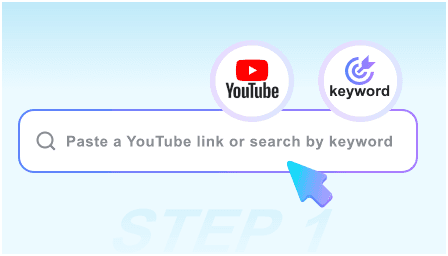
Step 1: Input URL or Search Video
Simply copy and paste a YouTube link into the text box, or use our built-in keyword search to find the exact video you need without leaving the page.
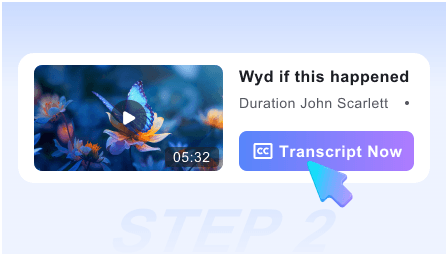
Step 2: Generate with One Click
Hit the start button and let our AI engine get to work. Within seconds, it processes the audio—even for long videos—to produce an accurate transcript and summary.
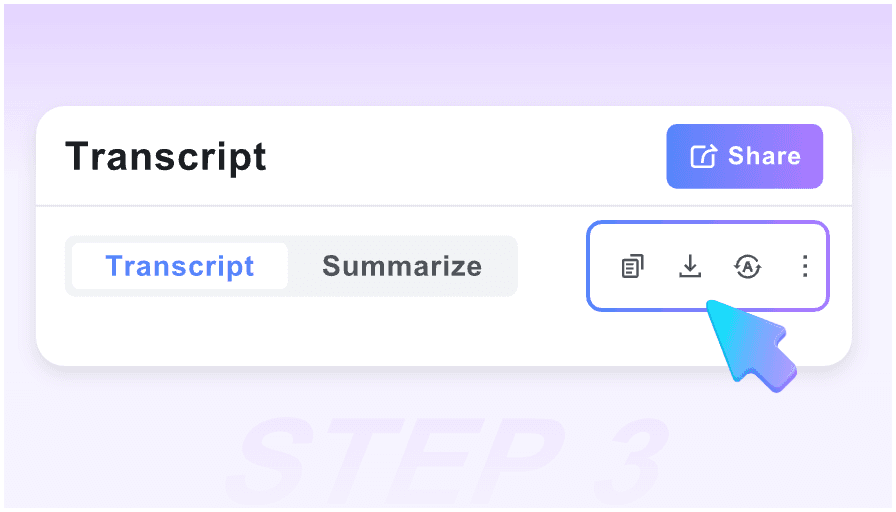
Step 3: Translate, Copy, or Export
Switch between original and translated text instantly. Export the translated transcript in TXT format or copy it directly.
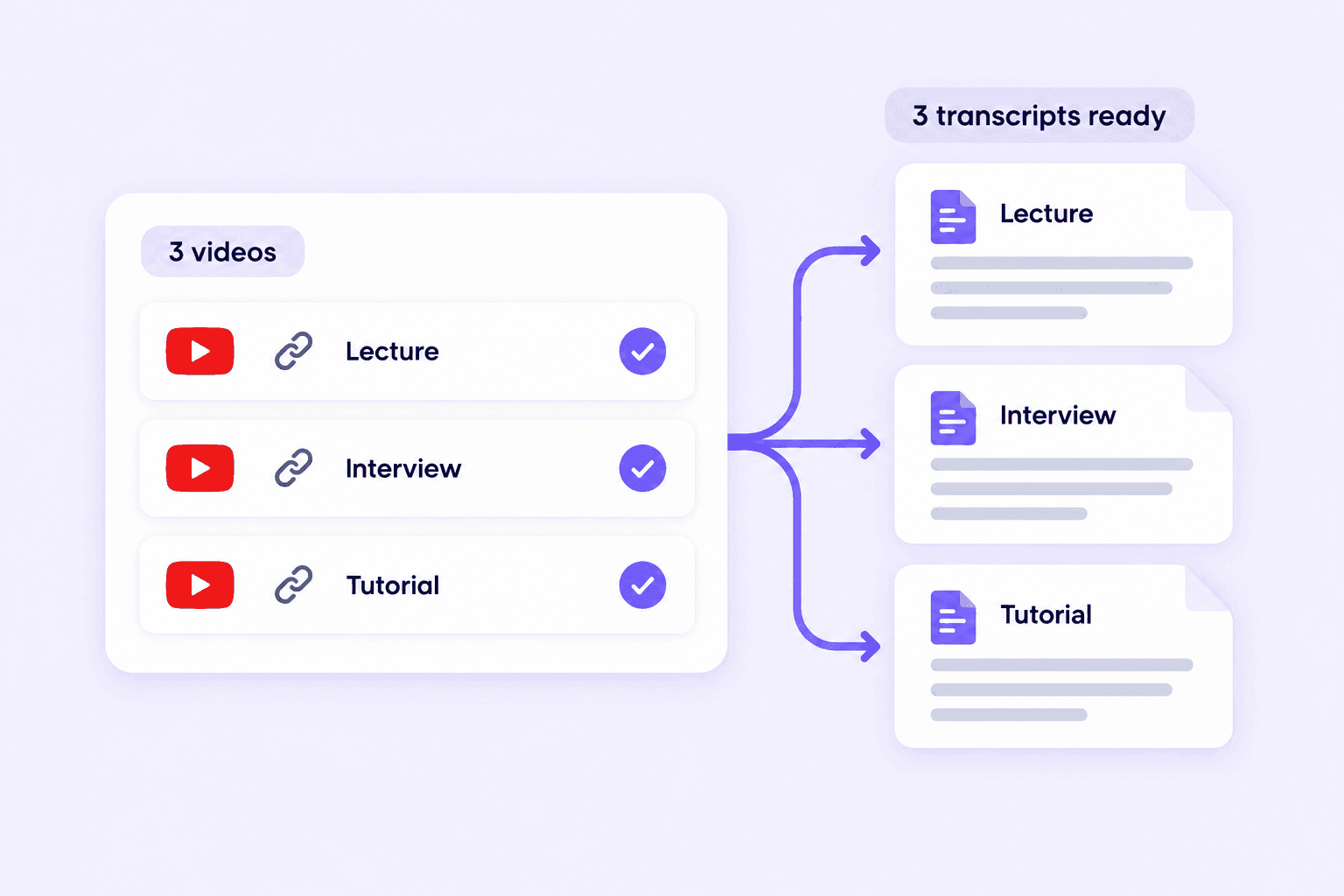
Batch YouTube to Transcript
Convert multiple YouTube videos to text in one batch. Add your video links together instead of starting a new transcription for each one. Save time on lecture series, interviews, and playlists you want to review. Get a transcript for each video, ready to read and use.
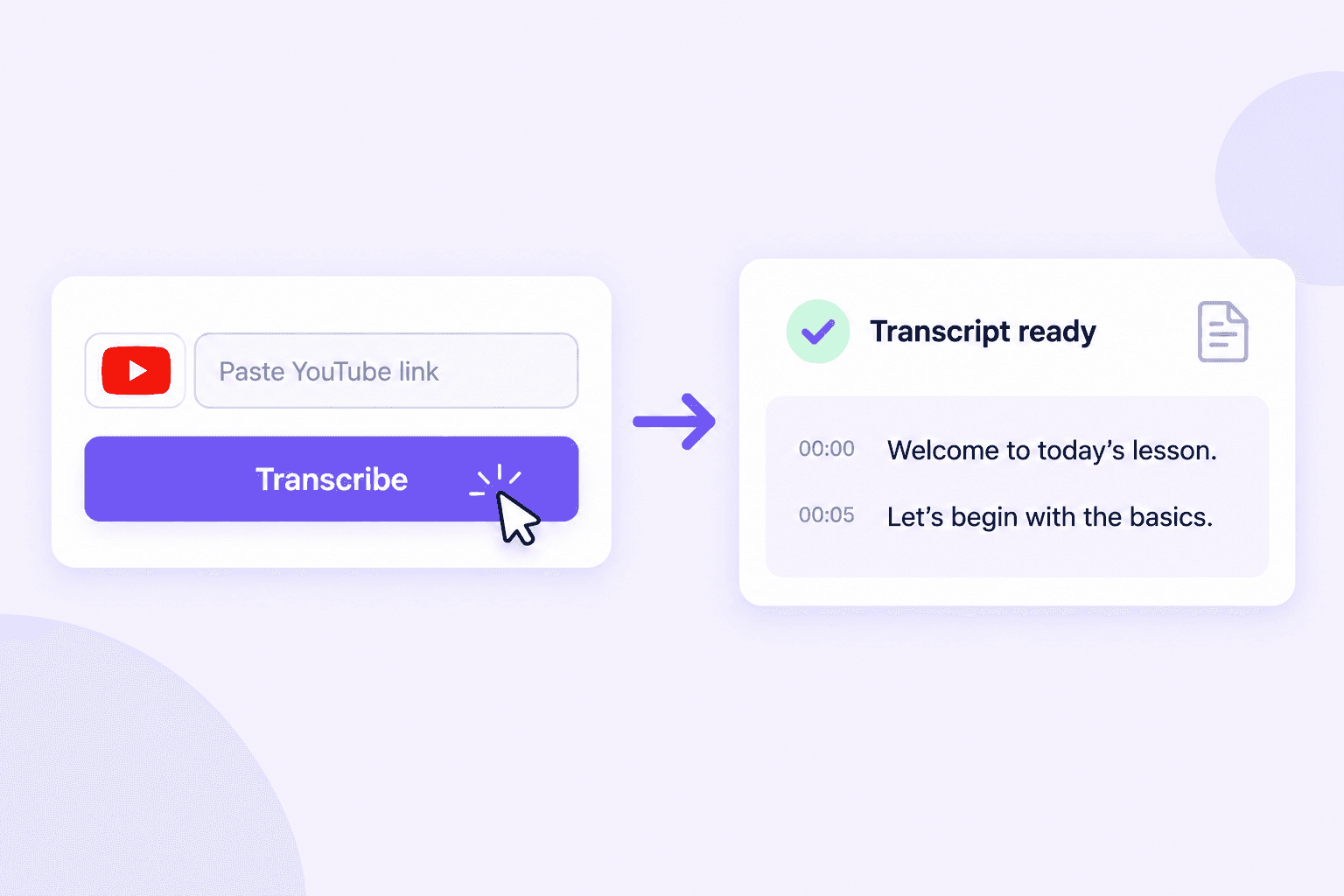
YouTube to Transcription in One Click
Paste a YouTube link and click to start. Turn speech into text without downloading the video or typing out every word. Get your YouTube transcript quickly, right in your browser. Spend less time transcribing and more time working with the content.
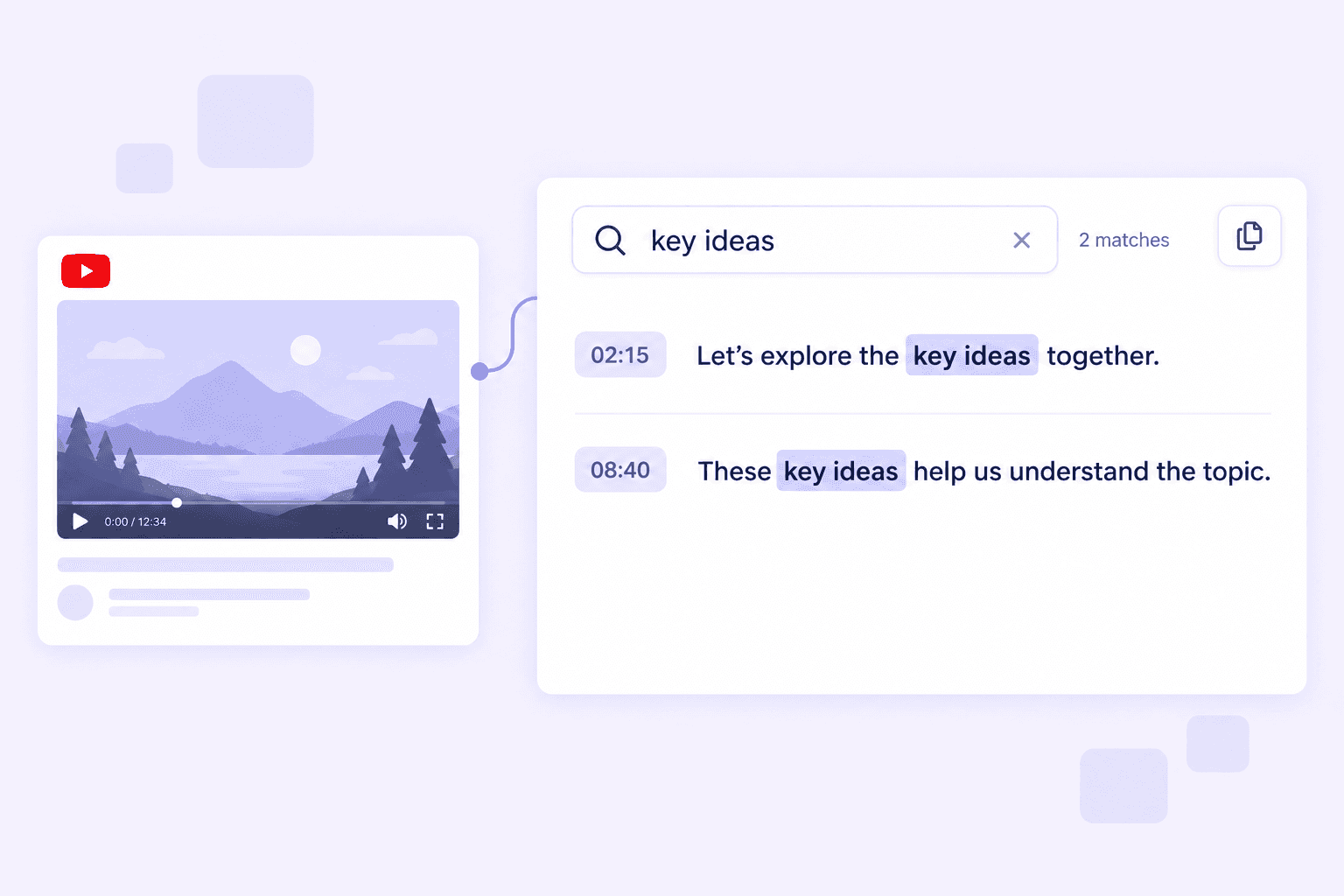
Turn YouTube Videos into Readable, Searchable Text
Turn long YouTube videos into text you can scan at your own pace. Read the transcript to review a lesson, follow a tutorial, or revisit an interview. Search for a keyword or phrase to find the details you need. Copy useful quotes and build your notes without replaying the whole video.
Video Tutorial on How to Get a YouTube Transcript
Watch this quick tutorial to learn how to turn a YouTube video into text, review the transcript, and export it.
Who is this tool suitable for?

Content Creators
Capture ideas on the fly. See a great quote while watching? Copy it instantly from the sidebar to your script without pausing or switching tabs.

Students
Convert lectures into text notes instantly. Search for key concepts and review for exams without re-watching the entire video.

Video Editors
Generate timestamps and subtitles instantly. Export SRT files to add accurate captions and speed up your editing workflow.

Language Learners
Improve listening skills by following along with the transcript. Learn new vocabulary and sentence structures from native speakers easily.

Researchers
Extract quotes and data from interviews or news reports. Analyze information efficiently by reading text instead of scrubbing through videos.

SEO Specialists
Convert video content into text articles that Google can index. Boost your website's SEO rankings and drive more organic traffic.
What People Say About Us

Content Creator

This tool is a lifesaver for my content strategy. I can turn a 20-minute YouTube video into a blog post in seconds. The accuracy is spot on, and it saves me hours of manual typing.

Computer Science Student
As a university student, this tool is indispensable. I use it to transcribe long lectures and search for key concepts instantly. It helps me study smarter without re-watching hours of footage.

Freelance Video Editor
The SRT export feature is flawless. It streamlines my captioning workflow perfectly. No more manual transcribing—just generate, download, and sync. Highly recommended for editors.

Digital Marketing Manager
I love that there's no sign-up required. I just paste the link and get the text immediately. It's the fastest tool I've found for quick SEO research and competitor analysis.

Podcast Host
Finally, a tool that handles 2-hour podcast episodes without crashing! The AI summary helps me quickly identify the best clips to share on social media. Absolutely brilliant.

Social Media Manager
Simple, fast, and incredibly reliable. The 'One-Click Copy' feature makes it so easy to move text into my Notion notes. It's now an essential part of my daily research workflow.
Free YouTube to Transcript Chrome Extension
Get YouTube transcripts right where you watch. Add the free Chrome extension to turn videos into text without switching tabs. Read along, find key points, and copy useful quotes into your notes.

Frequently Asked Questions
Have questions? We've got answers. If you can't find what you're looking for, feel free to contact us.
Yes, our tool is 100% free to use. You can generate unlimited transcripts without any hidden fees, subscriptions, or credit card requirements. We believe in making content accessible to everyone.
No, you do not need to register or log in. We prioritize your convenience and privacy. Simply paste the video URL or search for the video, and you can get the transcript instantly without providing any personal information.
Absolutely. Once the transcript is generated, you can copy it to your clipboard with a single click, or download it in TXT format.
Yes, our engine is optimized for long-form content. Whether it's a 5-minute music video or a 3-hour podcast episode, our tool can process and extract the text smoothly and accurately in seconds.
Our tool relies on the closed captions (CC) provided by YouTube. If a video owner has disabled captions or if the video does not have any subtitles available, we cannot extract the text. Please ensure the video has a "CC" button on YouTube.
Yes! We support extracting transcripts in any language that the video supports. Additionally, you can use our built-in translation feature to translate the transcript into your native language for better understanding.
Yes, our platform is fully responsive and web-based. You can access it from any device, including iPhones, Android phones, tablets, and desktop computers (Mac/Windows) via your web browser.
Yes, the generated text includes accurate timestamps. This allows you to easily locate specific parts of the video or sync the text with the video playback for editing purposes.
Yes! We now support AI-powered translation. You can translate the entire transcript at once or use the paragraph mode to see the translation next to the original text.
We offer two modes: Full Translation for reading the content in your target language, and Paragraph Translation for comparing the original text with the translation line by line.


