

Transcribe Audio to Text with AI

Drop files or browse

Add study materials to enable the AI to extract and structure content.



Why Choose Our Audio to Text Converter?

99.5% Accuracy
Convert audio into clear, reliable text with AI. Capture conversations, lectures, interviews, and recordings with high accuracy.

10+ Formats
Upload MP3, WAV, M4A, MP4, MOV, or paste a YouTube link to transcribe content instantly. No file conversion needed.

Searchable & Editable Text
Quickly turn audio into searchable, editable text that you can review, copy, and update anytime.

Speaker-Aware
Identify different speakers in conversations and meetings for easier reading and review.

Fast Audio Transcription
Convert long audio recordings into text in minutes. Save hours of manual typing and transcription work.

Multi-Language Support
Transcribe audio in different languages and generate text that is easy to read, search, and reuse.

Handles Long Recordings
Turn meetings, lectures, podcasts, interviews, and other long recordings into text in seconds.

Private & Secure
Your audio files are processed securely and never used to train AI models. Your content stays private.
Transcribe Audio Files Easily
Upload recordings, voice notes, interviews, podcasts, and other audio files directly from your device. Lynote supports popular formats like MP3, WAV, M4A, and more, so you can convert audio to text without extra conversion or setup. Simply upload your file and get a clean, readable transcript in minutes.
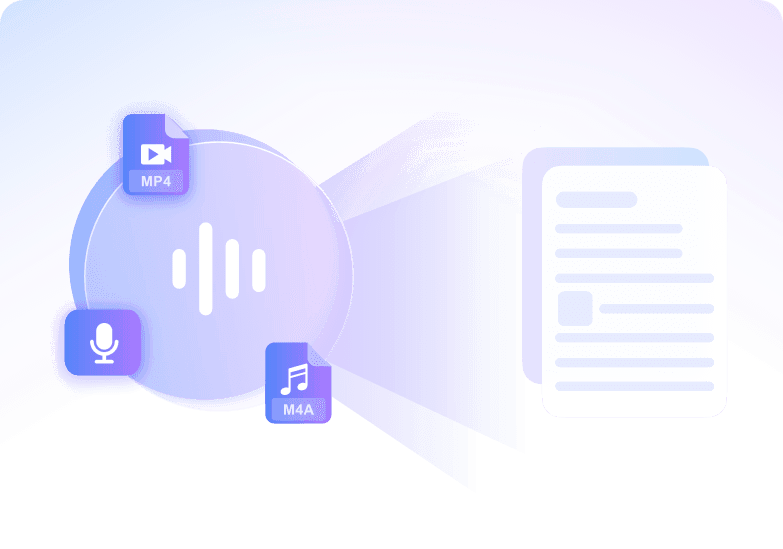
Convert Speech to Text with High Accuracy
Turn spoken audio into clear, structured text with high accuracy. Our AI audio transcription technology captures conversations, meetings, lectures, and recordings with reliable punctuation and formatting, helping you save hours of manual transcription work.
Chat with Your Audio
Go beyond basic transcription by interacting directly with your audio content. Ask questions about meetings, lectures, interviews, or recordings and get instant answers, summaries, and key insights without listening from beginning to end again.
Handles Long Audio Content
Transcribe podcasts, interviews, lectures, webinars, and other long recordings into searchable text. Quickly find important moments, review key discussions faster, and turn lengthy audio into useful written content for study or work.
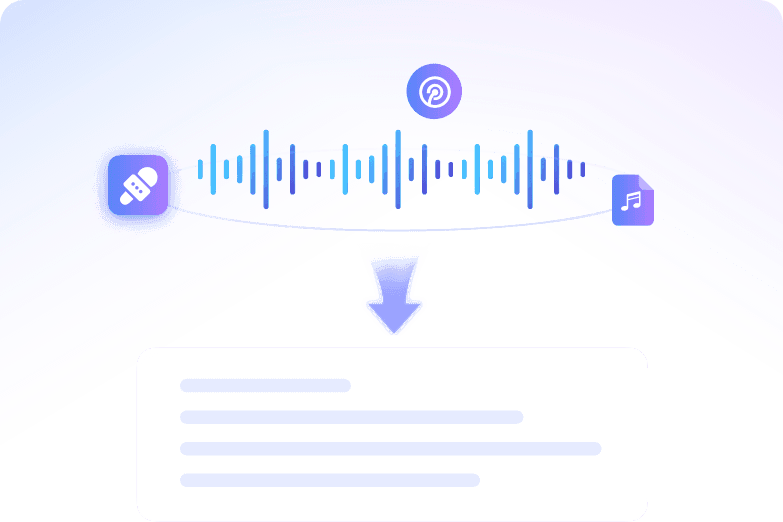
How to Convert Audio to Text with AI
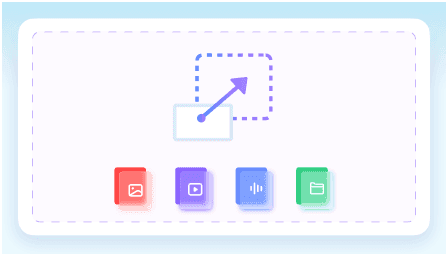
Step 1. Upload Your Audio
Upload an audio or video file from your device, or paste a YouTube link. Lynote supports formats like MP3, WAV, M4A, MP4, and more.
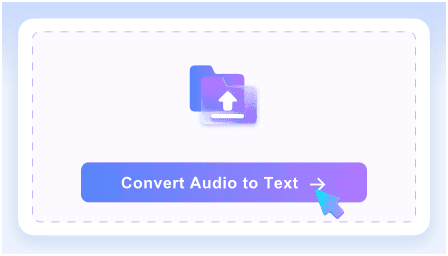
Step 2. Convert Audio to Text
Click the Convert Audio to Text button, and our AI automatically transcribes your audio into clear, structured text with speaker recognition and accurate formatting.
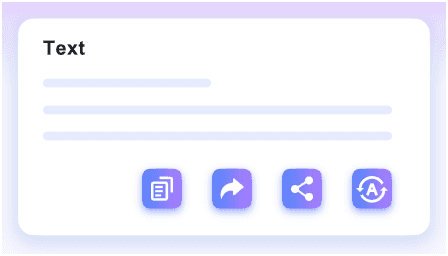
Step 3. Export the Text
Once your transcript is ready, you can copy, export, share, or translate the text for future use.
Who Is This Audio to Text Converter For?

Students
Convert lectures, study recordings, and online classes into text for faster review. Search key topics without replaying long audio again.

Journalists
Transcribe interviews, press recordings, and voice notes into accurate text. Quickly capture quotes and important details for articles and reports.

Content Creators
Turn podcasts, videos, and recordings into transcripts for captions, blogs, social posts, and repurposed content.

Researchers
Convert interviews, discussions, and research recordings into searchable transcripts. Review and analyze information more efficiently.

Professionals
Transcribe meetings, calls, webinars, and voice memos into organized text. Save time on manual note-taking and documentation.

Podcasters
Turn podcast episodes into readable transcripts for content review, SEO, accessibility, and audience engagement.
What People Say About Our AI Audio Transcriber

Podcast Producer

“I use Lynote to transcribe podcast episodes and interviews every week. The transcripts are clean, accurate, and much faster than doing it manually.”

University Student
“I upload recorded lectures and convert them into text for review. It saves a huge amount of time before exams.”

Journalist
“Transcribing interviews used to take hours. Now I can quickly search the transcript and pull important quotes almost instantly.”

Marketing Manager
“We use it to transcribe meetings and webinars for internal notes and content planning. The transcripts are easy to edit and share.”

Research Assistant
“I work with long interview recordings, and Lynote makes them much easier to review. Being able to search the transcript is incredibly useful.”

Content Creator
“I turn video and audio recordings into text for captions, blogs, and summaries. It helps me repurpose content much faster.”
Frequently Asked Questions
Have questions? We've got answers. If you can't find what you're looking for, feel free to contact us.
An AI audio to text converter automatically transcribes spoken audio into written text using speech recognition technology. It helps turn recordings, meetings, lectures, interviews, and other audio files into editable transcripts.
Lynote supports popular audio and video formats including MP3, WAV, M4A, MP4, MOV, and more. You can also paste a YouTube link for transcription.
Our AI provides highly accurate transcription for clear recordings and spoken conversations. Accuracy may vary depending on background noise, audio quality, and speaker clarity.
Yes. You can transcribe podcasts, lectures, interviews, webinars, meetings, and other long-form recordings into searchable text.
Yes. You can transcribe audio to text online for free and generate editable transcripts in minutes.
Yes. Paste a YouTube link and Lynote will automatically generate a transcript from the video audio.
Yes. Once your transcript is generated, you can review, edit, copy, export, share, or translate the text.
Your files are processed securely and are never used to train AI models. Your recordings and transcripts stay private.


