NoteGPT YouTube Transcript Generator Review: Is Lynote the Better Pick?
Notegpt youtube transcript generator review searches usually come from one practical need: users want to turn a YouTube video into readable, reusable text without wasting time. NoteGPT is a popular AI learning platform with YouTube summary and transcript-related tools, while Lynote focuses on a simpler transcript workflow with timestamps, translation, copy, and TXT export. This review compares both options so you can choose the tool that fits your YouTube transcript task.
Quick Verdict
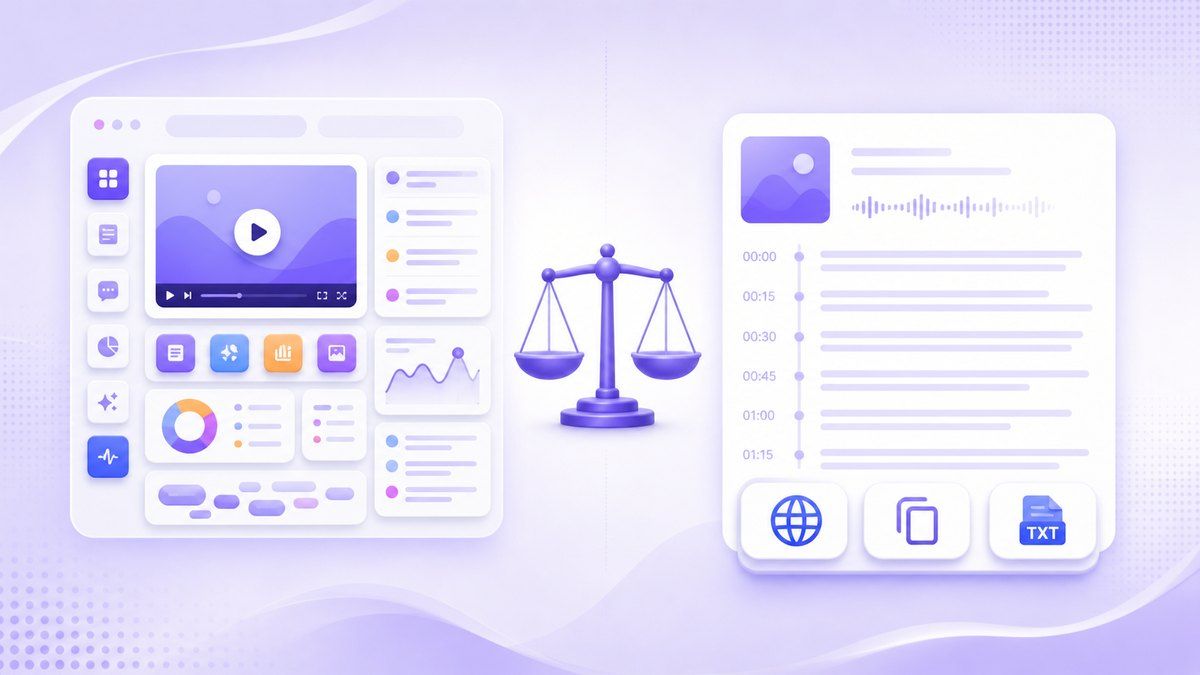
NoteGPT is useful if you want a broad AI study platform with YouTube summaries, playlists, chat, and other learning tools. Its YouTube page highlights summary generation with ChatGPT and Claude, plus support for video and playlist workflows.
Lynote is a better fit if your main goal is a clean transcript workflow. With Lynote YouTube Transcript, you can paste a YouTube URL, generate timestamped text, translate it, copy it, or download it as a TXT file.
| Need | Better Fit |
|---|---|
| Broad AI learning toolkit | NoteGPT |
| Simple YouTube transcript generation | Lynote |
| Timestamped transcript review | Lynote |
| YouTube video or playlist summary | NoteGPT |
| Copy and TXT export workflow | Lynote |
| Transcript translation workflow | Lynote |
What Is NoteGPT?
NoteGPT is an AI learning platform with tools for YouTube summaries, transcripts, AI notes, AI chat, PDFs, audio, video, images, and more. Its YouTube summary page focuses on helping users summarize YouTube videos with ChatGPT and Claude.
For users searching for notegpt io youtube transcript generator, the appeal is clear. NoteGPT feels like a larger workspace where video content can become summaries, notes, and other study outputs.
Main Features of NoteGPT's YouTube Tool
NoteGPT's YouTube page is built around summarizing YouTube videos and playlists. It includes a link input area, an Add More Link option, Basic and Premium modes, and a Generate Summary button.
The platform also promotes support for many content types beyond YouTube. That makes NoteGPT attractive for users who want one AI workspace instead of a single-purpose YouTube transcript generator.
YouTube Video and Playlist Support
One reason people search for youtube transcript generator notegpt is that they often want to process more than one video. NoteGPT's YouTube page supports video and playlist inputs, which can help with online courses, interviews, research playlists, and long video collections.
This broader workflow can be useful when your goal is to understand many videos quickly. However, if you only need one transcript from one video, the extra platform features may feel less necessary.
AI Summary with ChatGPT and Claude
NoteGPT positions its YouTube tool around AI summaries powered by ChatGPT and Claude. The page says users can summarize YouTube videos and get key insights without watching the full video.
That is helpful when your goal is quick understanding. But a notegpt youtube transcript generator review should separate summaries from transcripts, because many users want the exact spoken text rather than a condensed version.
Extra AI Learning Tools
NoteGPT lists many related tools, including AI notes, AI chat, YouTube transcript, YouTube summarizer, audio to text, video to text, PDF tools, flashcards, and quizzes. This gives the platform a wide learning-tool feel.
The tradeoff is focus. A user who only wants a transcript may need to navigate a broader ecosystem before reaching the exact output they need.
Why Is NoteGPT Popular?
NoteGPT is popular because it brings several AI learning workflows into one place. Users who want summaries, notes, chat, transcripts, and study outputs may like having these options in one platform.
Interest in notegpt's youtube transcript generator also reflects a bigger shift in how people use YouTube. Instead of watching every minute, users want searchable text, quick insights, timestamps, and reusable notes from lectures, podcasts, tutorials, reviews, and interviews.
Limitations to Consider
A fair notegpt youtube transcript generator review should not treat a long feature list as automatically better. Broad platforms can be powerful, but transcript users usually care about speed, clarity, timestamps, export, and whether the output is easy to reuse.
The main limitation is that NoteGPT's public YouTube page emphasizes summary generation more than a transcript-first workflow. If your goal is exact text capture, you may prefer a tool designed around transcript review and export.
Summary-First Workflow May Not Fit Transcript-First Users
NoteGPT's YouTube page headline focuses on YouTube summaries with ChatGPT and Claude. That is useful for users who want the main ideas, but less direct for users who want full transcript text for quoting, searching, studying, or repurposing.
A transcript-first user usually wants the spoken text, timestamps, and a simple way to copy or download the result. In that case, Lynote may feel more direct.
More Features Can Mean More Decisions
NoteGPT's ecosystem includes many AI tools, which is a strength for users who want an all-in-one platform. But more tools, modes, and options can also create extra decisions.
If someone searches for notegpts youtube transcript generator, they may not want a broad AI dashboard. They may simply want to paste a YouTube link, generate text, and move on.
Free and Premium Differences May Matter
NoteGPT's YouTube page shows Basic and Premium options. That suggests some features or usage levels may depend on plan selection, although users should check the live pricing and interface for current limits.
For occasional transcript work, plan complexity can matter. A quick YouTube transcript generator should make the next step obvious before users spend time learning the platform.
What Is Lynote YouTube Transcript?
Lynote YouTube Transcript is a transcript-focused tool for YouTube videos. Users can paste a YouTube URL or search for a video directly on the page, then generate a transcript with timestamps.
The workflow is built around usable text. After the transcript is generated, users can translate it, copy it, or download it as a TXT file for notes, articles, research, subtitles, or study material.
Who Should Use Lynote?
Lynote is a strong fit for students who need lecture transcripts, researchers who collect quotes, creators who repurpose video content, and professionals who want searchable records from webinars or tutorials. It is also useful for language learners who want to translate a transcript after generation.
Because Lynote relies on captions or CC when YouTube provides them, it is best for videos that already have available captions. If a video has no captions, transcript generation may not work as expected.
How Lynote Improves the YouTube Transcript Workflow
A strong alternative in a notegpt youtube transcript generator review should solve the core job cleanly. Lynote keeps the workflow centered on transcript output instead of surrounding the user with too many adjacent tools.
The practical value is simple: paste or search, generate, review timestamps, translate if needed, then copy or export. That sequence fits users who need a transcript they can actually reuse.
1. Paste a YouTube URL or Search
Open Lynote YouTube Transcript and paste the full YouTube URL into the input field. You can also use the built-in search option to find a video directly on the page.
This helps when you are collecting transcripts from research videos, tutorials, lectures, podcasts, or product reviews. You do not need to download the video first.

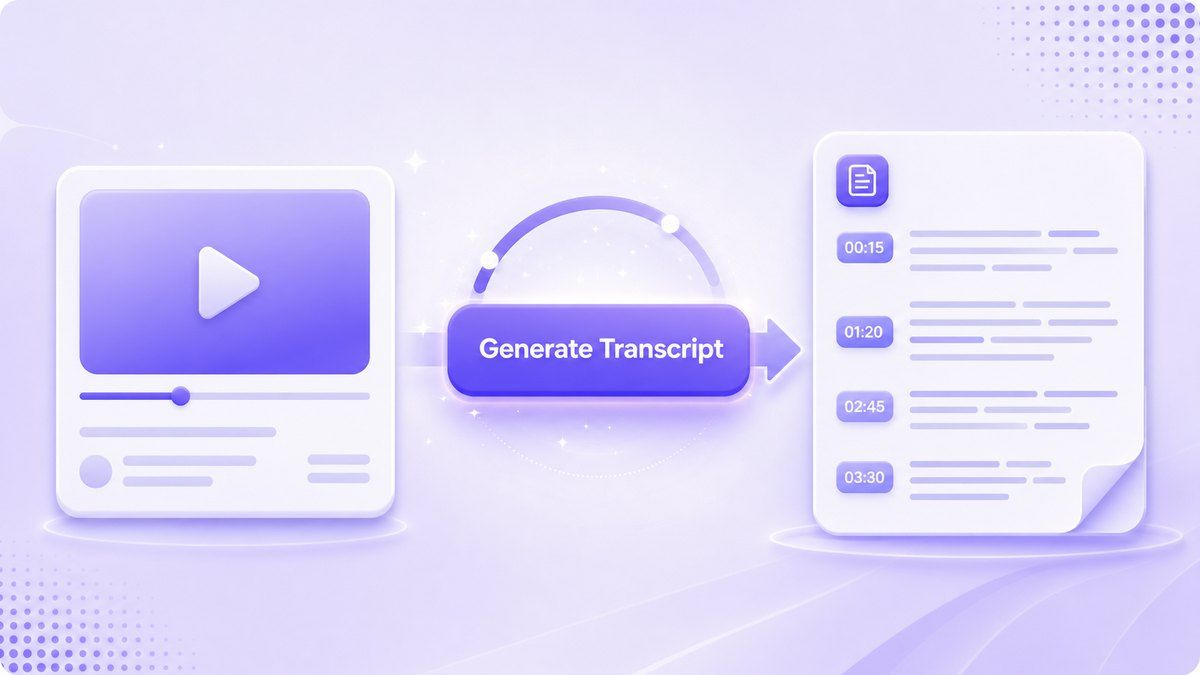
2. Generate the Transcript
Click the Get Video button to start the transcript workflow. Lynote processes the video's available captions and returns a transcript with timestamps.
For many users, timestamps are the difference between a messy text dump and a usable reference. They help you jump back to the original moment when you need context or a direct quote.
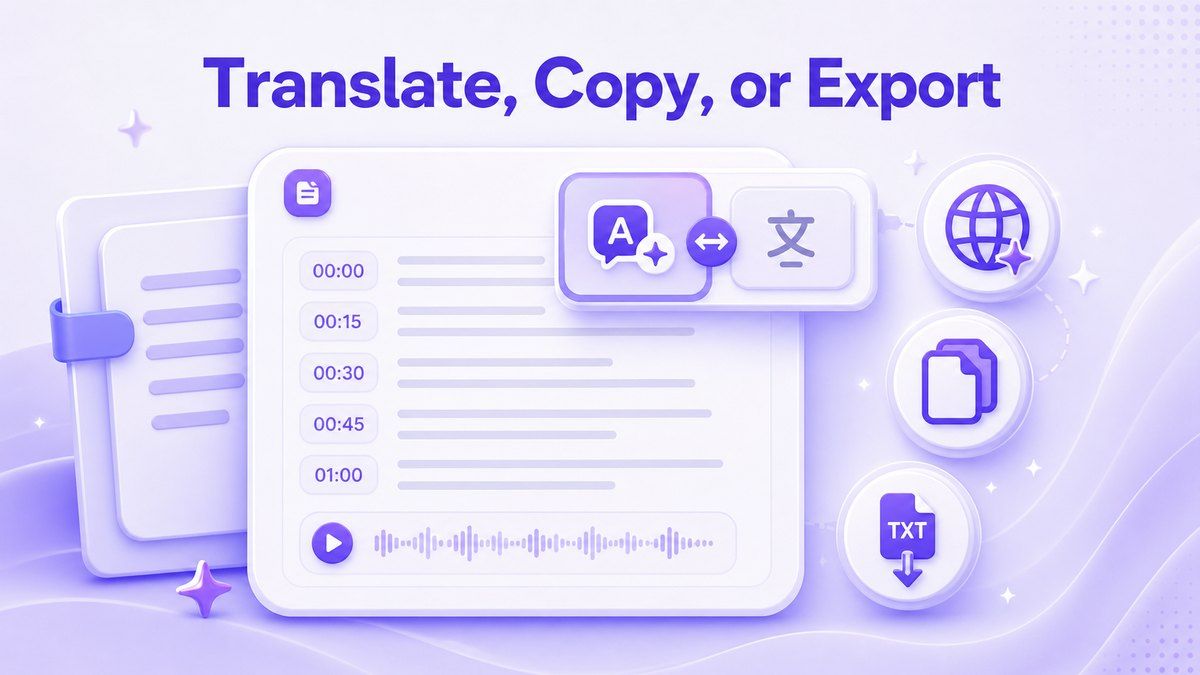
3. Translate, Copy, or Export
After generation, Lynote lets you translate the transcript using Full Translation or Paragraph-by-Paragraph mode. You can also copy the text or download it as a TXT file.
This matters for students, creators, and researchers who need to reuse YouTube content in notes, drafts, study guides, or multilingual workflows. It turns the transcript into a working document rather than a temporary result.

NoteGPT vs Lynote: Quick Comparison
| Feature | NoteGPT | Lynote |
|---|---|---|
| Main positioning | AI learning and summary platform | YouTube transcript workflow |
| YouTube URL input | Yes | Yes |
| YouTube search on page | Not the main public focus | Yes |
| Transcript timestamps | Transcript-related tools available | Timestamped transcript workflow |
| AI summary | Strong public focus | Optional AI summary |
| Translation | Broader AI tool ecosystem | Full or Paragraph-by-Paragraph transcript translation |
| Export | Tool-dependent | Copy or download TXT |
| Best for | Broad AI study workflows | Fast transcript capture and reuse |
| Possible limitation | More features to navigate | Caption-dependent when YouTube has no captions |
When Should You Choose NoteGPT?
Choose NoteGPT if you want a larger AI learning platform and plan to use more than YouTube transcripts. It may be useful if you want YouTube summaries, playlists, AI chat, PDFs, flashcards, and other study features in one ecosystem.
NoteGPT can also be a good fit when your primary goal is summarization rather than exact text extraction. If you prefer summaries over full transcripts, its YouTube summary positioning may match your workflow.
When Should You Choose Lynote?
Choose Lynote if you want a straightforward YouTube transcript generator with timestamps and reusable output. It is especially helpful when you need text for research, study notes, quotes, content drafts, or translation.
Lynote is also a better fit if you want fewer decisions. The workflow stays close to the transcript task: add a video, get text, review timestamps, translate, copy, or download.
Practical Use Cases for Lynote
Students and Online Learners
Students can use Lynote to turn lecture videos, exam reviews, and long tutorials into searchable transcripts. Instead of scrubbing through a video repeatedly, they can scan the transcript and return to timestamped moments.
This is useful for building study notes from YouTube-based courses. It also helps when the speaker talks quickly or the video covers dense technical material.
Content Creators
Creators can use transcripts to pull quotes, draft captions, outline blog posts, or repurpose long videos into short-form ideas. A transcript makes the original video easier to search and restructure.
For creators comparing notegpt io youtube transcript generator with Lynote, the key question is output usability. If the goal is editable text, a copy and TXT export workflow is practical.
Researchers and Professionals
Researchers can use YouTube transcripts to collect references from interviews, panels, lectures, and webinars. Timestamps help verify context before citing or summarizing a point.
Professionals can also use transcripts for training videos, product demos, and conference recordings. A clean transcript can become a briefing, checklist, or searchable internal note.
Language Learners
Language learners can review spoken content line by line and translate it when needed. Lynote's Full Translation and Paragraph-by-Paragraph modes make it easier to compare meaning across languages.
This is helpful for learners who want both the original transcript and a translated version. It supports active review instead of passive watching.
FAQs About NoteGPT YouTube Transcript Generator Review
Is NoteGPT a YouTube transcript generator?
NoteGPT includes YouTube transcript-related tools and promotes YouTube summary workflows with ChatGPT and Claude. Its public YouTube page focuses heavily on summarization, video and playlist input, and broader AI learning features.
If you only need transcript text, compare the exact output and export options before choosing. A dedicated transcript workflow like Lynote may be faster for simple YouTube transcript tasks.
Is Lynote an alternative to NoteGPT's YouTube transcript generator?
Yes, Lynote can be used as an alternative when your main goal is generating and reusing a YouTube transcript. It supports YouTube URL input, on-page search, timestamped transcripts, translation modes, copy, and TXT download.
It is not trying to replace every NoteGPT feature. It is better framed as a focused option for transcript-first users.
Does Lynote work for every YouTube video?
Lynote relies on captions or CC when YouTube provides them. If a video has no usable captions, transcript generation may not work as expected.
This is a normal limitation for caption-based YouTube transcript workflows. For best results, use videos with available captions and clear spoken content.
Which is better for summaries, NoteGPT or Lynote?
NoteGPT's public YouTube page strongly emphasizes AI summary generation with ChatGPT and Claude. If your main goal is summarization, NoteGPT may be worth testing.
Lynote is stronger when the transcript itself is the priority. It also includes optional AI summary support, but the workflow is centered on timestamped text reuse.
Which is better for exporting YouTube transcripts?
Lynote is a practical choice when you want to copy a transcript or download it as a TXT file. That makes it useful for notes, research, drafts, and study workflows.
For NoteGPT, export options may depend on the specific tool and plan. Check the live interface before relying on it for a large transcript workflow.
Final Verdict
This notegpt youtube transcript generator review comes down to focus. NoteGPT is a broad AI learning platform with strong summary positioning, while Lynote is better suited for users who want a clean YouTube transcript, timestamps, translation, copy, and TXT export. If your next task is turning one YouTube video into usable text, try Lynote YouTube Transcript and keep the workflow simple.
Written by Lynote Team
Lynote Team writes practical guides for Lynote.