If you searched for WriteHuman, you probably want a straight answer before pasting a draft into another AI humanizer. WriteHuman.ai is a real AI writing tool built around humanizing AI-generated text, checking it with detector-style feedback, and giving users a simple rewrite workflow.

The short version: WriteHuman AI is worth trying if you want a quick browser-based humanizer with a free entry point and built-in checking features. It is not a magic button for academic integrity, brand voice, factual accuracy, or certain detector outcomes.
This review looks at what WriteHuman does, how the free and paid plans are structured, where the tool appears useful, where it still needs human review, and when a more controlled workflow like Lynote AI Humanizer may fit better.
Quick Verdict: Is WriteHuman AI Worth Trying?
WriteHuman AI is worth trying if your main goal is to soften robotic AI writing and make a draft sound less stiff. The interface is simple, the product is easy to understand, and the official site presents a clear workflow: paste AI-generated text, click the humanize action, and review the rewritten output.
It is less convincing if you expect one click to solve deeper writing problems. A humanizer can improve phrasing, but it cannot verify facts, rebuild weak logic, add real examples, fix citations, or promise that a detector will score the text a certain way.
| Review Question | Quick Answer | What It Means |
|---|---|---|
| What is WriteHuman best for? | Quick AI text rewriting | Useful for drafts that sound repetitive, flat, or overly polished. |
| Is WriteHuman AI free? | It has a free entry point with limits | Check current word, request, and plan limits before relying on it. |
| Does it include an AI detector? | Yes, WriteHuman promotes detector-style checking | Treat detector results as signals, not proof. |
| Is it enough for academic writing? | Not by itself | You still need your own ideas, sources, citations, and policy compliance. |
| Should you pay? | Maybe, if the limits match your workload | Review the plan table and checkout terms carefully. |
My practical take is simple: WriteHuman is a convenient first-pass editing tool. It works best when you already have a draft with a clear point and you want to make the language feel more natural.
What Is WriteHuman AI?
WriteHuman.ai is a browser-based AI humanizer. Its main promise is to transform AI-generated text into writing that sounds more natural, less formulaic, and closer to human-written prose.
People search for it in several messy ways: WriteHuman, WriteHuman AI, WriteHuman.ai, WriteHumanAI, WritingHuman, or even "write human .ai." These searches are usually pointing to the same core interest: a tool that rewrites AI text into a more human-sounding version.
The official site presents WriteHuman as more than a single rewrite box. It also promotes related tools such as an AI Detector, AI Image Detector, Word Counter, API, MCP access, mobile apps, and support for many languages.
That broader positioning matters. WriteHuman is not trying to be a full writing assistant like ChatGPT, Jasper, or Grammarly. It is mainly trying to own the review-and-rewrite step after a user has already created or collected text.
How WriteHuman Works
WriteHuman's core workflow is intentionally simple. You start with AI-generated or AI-assisted text from a tool such as ChatGPT, Claude, Gemini, Grok, DeepSeek, or another writing assistant.
Then you paste the draft into WriteHuman.ai and run the humanizer. The rewritten version appears as a more natural-sounding draft that you can review, copy, and edit further.
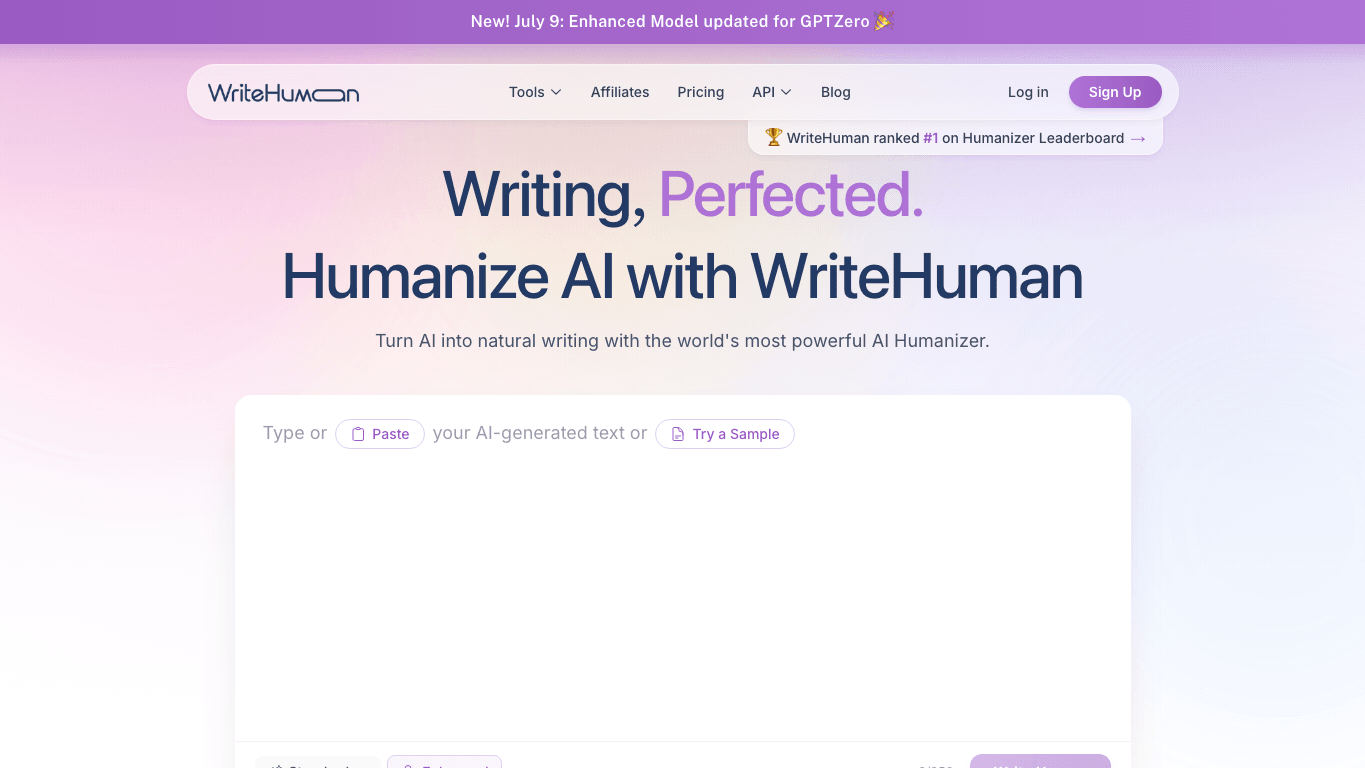
That simplicity is a strength. It lowers friction for users who do not want a complex editor, many settings, or a long onboarding flow.
It also creates a limitation. If the original draft is thin, unsupported, or inaccurate, a humanizer can only polish the surface. You still need to check whether the ideas are true, whether the sources support the claims, and whether the tone fits your actual context.
For safe use, treat WriteHuman as a revision assistant. Do not treat it as a substitute for understanding the topic or following an instructor, client, employer, or publication policy.
WriteHuman AI Features: What You Actually Get
The main feature is the AI Humanizer. It rewrites text to reduce the stiff rhythm, repeated transitions, and predictable phrasing that often appear in AI-generated drafts.
WriteHuman also promotes a built-in AI Detector. This matters because many users want a feedback loop: rewrite the text, then check whether it still appears AI-like.
The product ecosystem also includes adjacent tools such as an AI Image Detector and Word Counter. These are not the core reason most people search for WriteHuman, but they make the platform feel broader than a single-purpose rewrite box.
| Feature | What It Is For | Useful When | Limitation |
|---|---|---|---|
| AI Humanizer | Rewriting AI-like text into more natural prose | Your draft sounds robotic, repetitive, or generic | It cannot fix weak ideas or unsupported claims. |
| AI Detector | Checking whether text appears AI-generated | You want a signal before revising further | Scores are estimates, not proof. |
| AI Image Detector | Reviewing whether an image may be AI-generated | You work with generated or suspicious visuals | Image detection also has uncertainty. |
| Word Counter | Checking length and basic text volume | You need to fit word limits | It does not improve content quality. |
| API/MCP Access | Connecting WriteHuman to workflows | Developers or teams want automation | Most casual users will not need it. |
| Multi-language Support | Humanizing text across languages | You work with international content | Quality may vary by language and context. |
The most useful feature combination is the humanizer plus detector feedback. That loop can help you find sections that still read too generic, then decide whether to rewrite them manually or run another revision.
WriteHuman AI Free Plan and Pricing
WriteHuman AI has a free entry point, but the free plan is limited. That is normal for this category: humanization tools often restrict requests, words per request, daily checks, output variations, or advanced models.
The official pricing page presents paid tiers such as Basic, Pro, and Ultra. Higher tiers generally give more monthly requests, more words per request, more output variations, more AI detection checks, and access to enhanced features such as stronger rewriting models or workflow integrations.

| Plan Type | Best For | What to Check Before Paying |
|---|---|---|
| Free | Trying the tool with short drafts | Monthly or daily limits, word caps, and whether detection checks are included. |
| Basic | Light rewriting needs | Request limits, words per request, and whether the plan fits occasional use. |
| Pro | Regular creators or students with more drafts | Higher request limits, output variations, and enhanced model access. |
| Ultra | Heavy users or workflow-driven users | Larger quotas, advanced access, and whether the price makes sense for your volume. |
The important detail is not only the monthly price. You should check the billing cycle, whether the price is monthly or annual, what happens after trial-style access, and whether your actual draft length fits the plan limit.
This is especially important for the keyword writehuman ai free. A free plan can be useful for testing, but it may not be enough for long essays, batches of blog posts, or repeated client work.
Output Quality: Where WriteHuman Looks Strong and Where It Needs Review
WriteHuman looks strongest for quick tone cleanup. If a paragraph sounds too polished, too symmetrical, or too obviously generated, a humanizer can introduce more natural sentence variation.
It can also help with lightweight content such as emails, short blog sections, product copy, social posts, or simple explanatory paragraphs. In those cases, the main problem is often tone rather than deep accuracy.
The weaker fit is high-stakes writing. Technical articles, academic papers, legal content, medical content, and detailed research summaries require more than smoother wording.
In those cases, the real work is verifying claims, checking sources, tightening logic, and making sure the text matches the author's actual expertise. A humanizer can support that process, but it should not lead it.
The best way to use WriteHuman is to compare the output against the original draft sentence by sentence. Keep what improves clarity, reject what changes meaning, and manually rewrite sections that need real thinking.
Does WriteHuman Pass AI Detectors?
WriteHuman's marketing is detector-aware, and the product includes AI detection as part of the broader workflow. That makes sense because many users who search for WriteHuman are worried about whether their text sounds AI-generated.
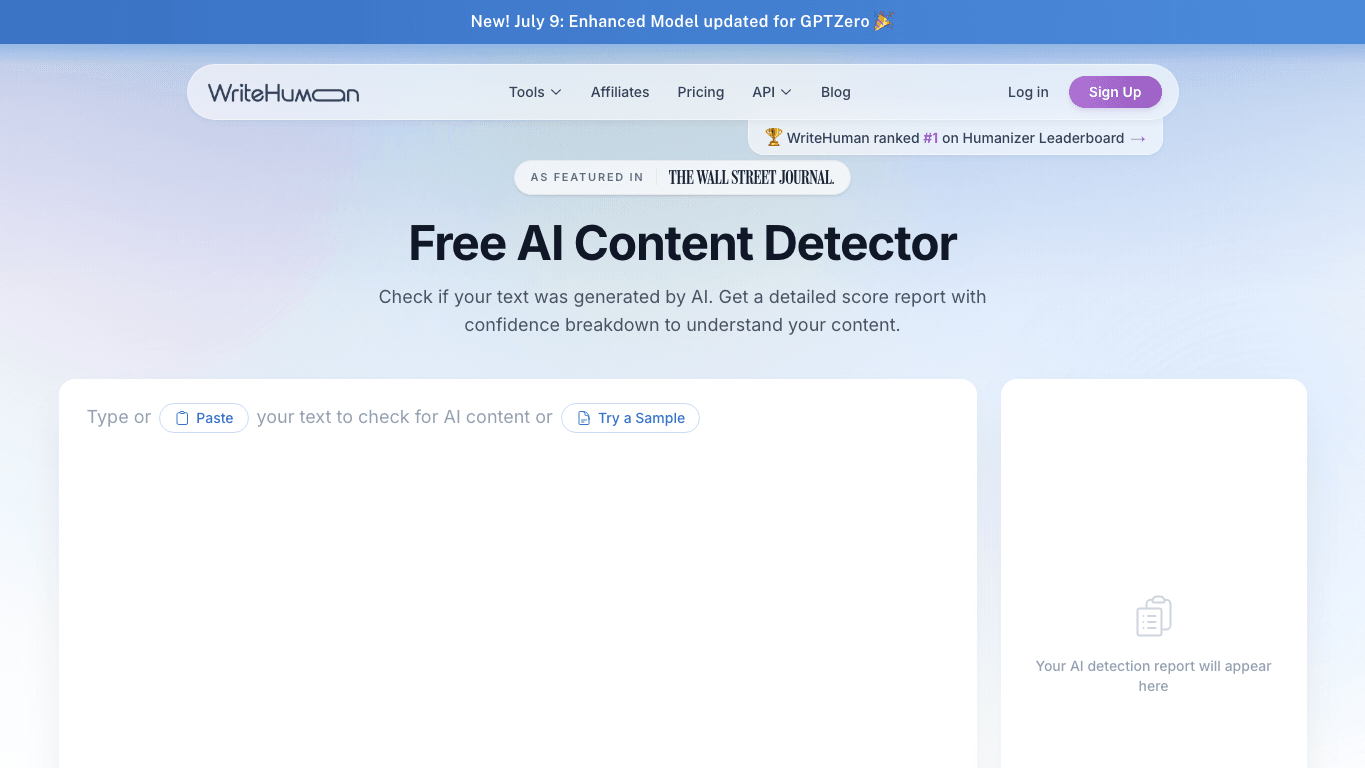
Still, no AI humanizer should be treated as protection against every AI detector. Detector results vary by tool, text length, topic, writing style, and how much human editing happens after the rewrite.
This matters for students and professional writers. If you are using AI where it is not allowed, a humanizer does not solve the policy problem. If you are using AI where editing help is allowed, a detector score can be one useful signal, but it is not the final judge of quality or authorship.
A better question is not "Can WriteHuman pass every detector?" A better question is "Did this revision make the writing clearer, more specific, more accurate, and more genuinely mine?"
Pros and Cons of WriteHuman AI
WriteHuman's biggest advantage is accessibility. The product is easy to understand, and the free entry point gives users a low-risk way to try the workflow.
The main downside is expectation management. Humanizers are useful, but they are not full editors, fact-checkers, citation tools, or policy shields.
| Pros | Cons |
|---|---|
| Simple paste-and-humanize workflow | Free and lower-tier plans can be limiting. |
| Built-in AI detector companion tool | Detector scores can vary across tools and contexts. |
| Useful for reducing robotic AI phrasing | Output still needs manual review. |
| Broad tool ecosystem beyond humanization | Some features may be unnecessary for casual users. |
| Paid tiers support higher-volume use | Pricing and limits should be checked before subscribing. |
For everyday rewriting, the pros are meaningful. For high-stakes writing, the cons matter more because the output has to be checked carefully.
Who Should Use WriteHuman AI?
WriteHuman is a good fit for users who already have a draft and want a faster first rewrite. That includes marketers polishing AI-assisted copy, freelancers revising short client drafts, bloggers improving generic sections, and casual users making AI text sound less stiff.
It can also be useful for students when their course policy allows AI editing support. In that scenario, the student still needs to preserve their own ideas, cite sources properly, and understand the final submission.
It is a poor fit for anyone expecting a one-click answer to academic integrity or compliance concerns. It is also not ideal if you need deep structural editing, original research, factual verification, or a workflow built around long documents.
The deciding factor is workload. If you occasionally rewrite short text, the free or lower-tier experience may be enough. If you rewrite long drafts frequently, pricing limits and output quality matter much more.
A WriteHuman Alternative: When Lynote AI Humanizer Fits Better
If you like the idea of humanizing AI text but want more control over how the rewrite happens, Lynote AI Humanizer is worth considering. It is designed for users who want a focused rewrite workflow with paste and document-upload options.

Lynote supports pasted text and uploaded PDF, DOC, DOCX, or TXT files. It also provides humanization modes such as Balanced, Focus, and Advanced, which helps when you want a lighter readability pass or a stronger rewrite.

That mode choice is useful because not every draft needs the same amount of rewriting. A polished blog paragraph may only need small phrasing changes, while a stiff AI-generated essay section may need more sentence-level reshaping.
Lynote also pairs naturally with Lynote AI Detector when you want a review signal before and after editing. As with WriteHuman, the right way to use that signal is carefully: revise for clarity, evidence, and voice, not for a promised score.
WriteHuman AI vs Lynote AI Humanizer
WriteHuman and Lynote AI Humanizer overlap in the most important way: both are built to make AI-assisted writing sound more natural. The difference is in workflow control and the kind of user each tool fits best.
WriteHuman is appealing when you want a straightforward web tool with a simple humanize flow and a broader ecosystem around detection and related utilities. Lynote is appealing when you want a focused rewrite process with mode selection and document upload support.
| Comparison Point | WriteHuman AI | Lynote AI Humanizer |
|---|---|---|
| Core use case | Humanize AI-generated text quickly | Humanize AI-like text with mode control |
| Input workflow | Paste-based humanizer workflow | Paste text or upload PDF, DOC, DOCX, or TXT |
| Rewrite controls | Simple rewrite flow | Balanced, Focus, and Advanced modes |
| Detector workflow | Built-in AI detector is promoted | Pairs with Lynote AI Detector for review signals |
| Best for | Users who want a quick, simple humanizer | Users who want more guided revision control |
| Main caution | Do not treat detector outcomes as certain | Still requires human review for meaning and sources |
Neither tool should replace real editing. The better choice depends on whether you want the simplest possible rewrite box or a workflow with more control over the revision style.
FAQs About WriteHuman AI
Is WriteHuman AI free?
WriteHuman AI has a free entry point, but it comes with limits. Check the current official pricing page for request limits, word caps, detection checks, and whether monthly or yearly billing changes the plan details.
What is WriteHuman.ai used for?
WriteHuman.ai is mainly used to rewrite AI-generated or AI-assisted text so it sounds more natural. Users commonly try it for essays, blog drafts, emails, marketing copy, and other text that feels too robotic.
Is WriteHuman the same as WritingHuman or WriteHumanAI?
Most searches for WritingHuman, WriteHumanAI, write human .ai, or WriteHuman AI are attempts to find WriteHuman.ai. The official product name is WriteHuman, and the site is WriteHuman.ai.
Does WriteHuman include an AI detector?
Yes. WriteHuman promotes an AI Detector as part of its tool ecosystem. Use it as a signal for review, not as absolute proof that a text is human-written or AI-written.
Can WriteHuman promise text will pass AI detectors?
No tool should be treated as a promise that text will pass every AI detector. Detector results can vary by tool, topic, text length, writing style, and the amount of human editing.
What is the best WriteHuman alternative?
The best alternative depends on your workflow. If you want a focused rewrite process with paste/upload support and mode choices, Lynote AI Humanizer is a strong option to compare.
Final Verdict: Should You Use WriteHuman AI?
WriteHuman AI is worth trying if you want a simple way to revise AI-generated text and make it sound more natural. Its free entry point, humanizer workflow, and detector companion features make it easy to evaluate before paying.
The tool is less useful if you expect it to solve deeper writing problems. It will not replace factual checking, citations, original reasoning, brand editing, or academic policy compliance.
Use WriteHuman as a first-pass revision assistant, not a final authority. If you want more control over the rewrite style or need document-upload support, compare it with Lynote AI Humanizer before choosing your main workflow.

Written by Danny
Product Marketing Manager
Danny explains how Lynote features fit real workflows, from everyday productivity to product-led writing use cases. View all articles →