10 Fathom AI Alternatives Worth Switching To in 2026

The best Fathom AI alternatives are not simply cheaper copies of Fathom. Choose Lynote AI Note Taker when you already have a recording or related source and want an editable note, Granola for unlimited bot-free meetings with limited history, Fireflies for CRM-connected meeting memory, Otter.ai for live transcription, and Jamie for bot-free online and in-person capture.
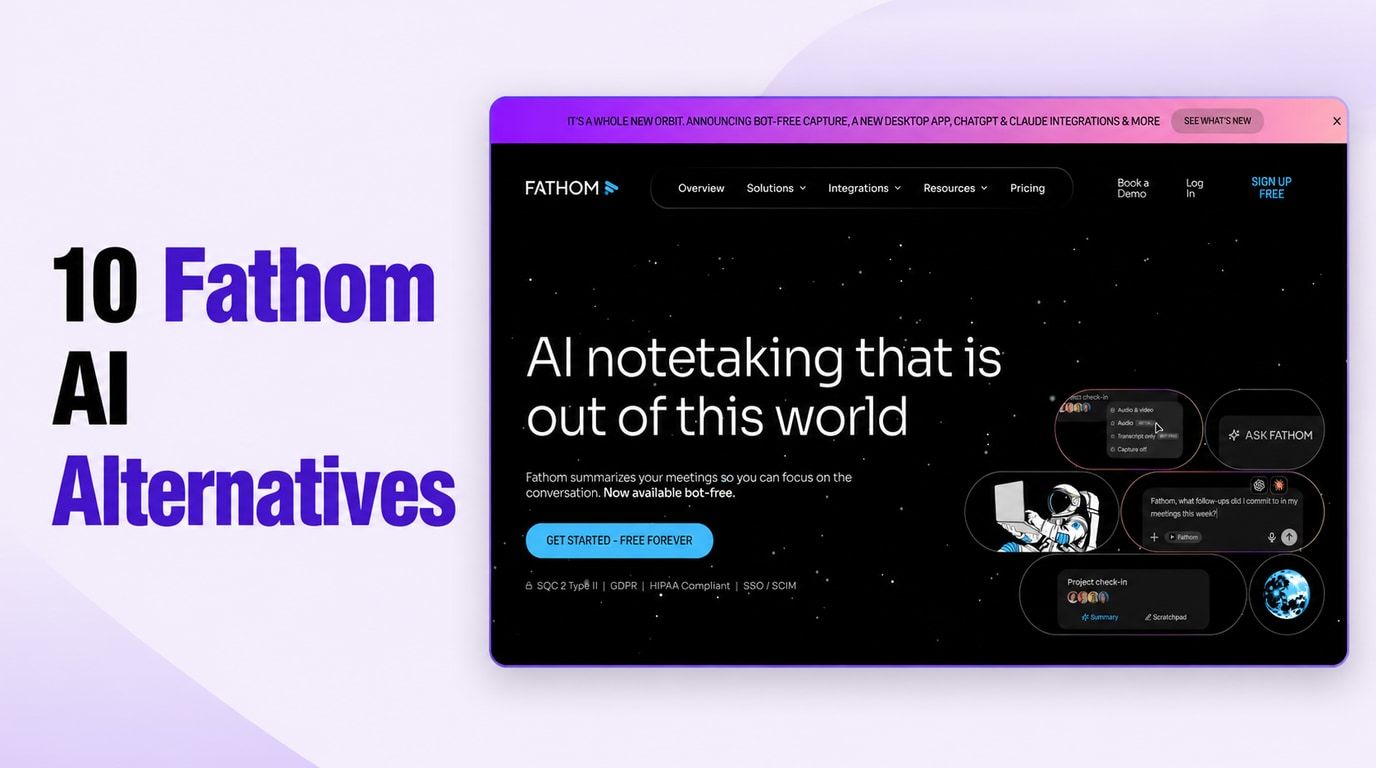
Fathom itself remains difficult to beat for frequent Zoom, Google Meet, and Microsoft Teams calls because its free plan includes unlimited recordings, storage, and transcription. A replacement makes sense only when it solves a real gap: unsupported devices, mobile or in-person conversations, a visible meeting bot, live captions, uploaded recordings, broader team intelligence, or more advanced AI output.
Quick Answer: The Best Fathom AI Alternatives
Start with the reason you are leaving. If Fathom already records every meeting you need and its standard summaries are sufficient, switching may add cost and complexity without improving the result.
If a specific workflow keeps failing, use the table below to narrow the field. Free-plan terms change frequently, so treat each allowance as a current comparison point rather than a permanent promise.
| Tool | Best reason to switch | Capture method | Free-plan reality | Main compromise |
|---|---|---|---|---|
| Lynote | Turn existing recordings and mixed sources into editable notes | Add a recording or source | Check the live allowance before a large batch | Not positioned here as an automatic calendar attendee |
| Granola | Remove the visible bot while keeping unlimited meeting notes | Local device capture | Unlimited meetings; history is limited | Older notes require a paid plan |
| Fireflies.ai | Build searchable meeting memory around CRM workflows | Bot, extension, desktop, mobile, or upload | Core transcription is free; storage and AI limits are separate | The platform is broader and more complex |
| Otter.ai | Read a live transcript during the conversation | App, meeting assistant, mobile, or import | 300 minutes monthly; 30 minutes per conversation | Long calls are truncated on Free |
| tl;dv | Review video evidence and share timestamped clips | Bot or desktop capture | Generous core recording; advanced AI is capped | Automation and retention rules need scrutiny |
| Tactiq | Capture browser meetings without a separate participant | Browser extension | 10 meetings and 5 AI credits monthly | Best suited to supported browser calls |
| Notta | Record on mobile or work across languages and source types | Web, mobile, extension, bot, screen, or upload | 120 minutes monthly; 3 minutes per conversation | Free access is mainly a short trial |
| Jamie | Capture online and in-person meetings without a bot | Local background capture | 10 meetings monthly; 30 minutes each | High-volume use becomes paid quickly |
| MeetGeek | Automate what happens after a meeting | Bot, browser, desktop, mobile, or upload | 3 transcription hours monthly | Exports and deeper automation are paid |
| Read AI | Add meeting analytics, coaching, and broader search | Meeting assistant plus native apps | 5 meeting reports monthly | Metrics can be overinterpreted |
10 Best Fathom AI Alternatives in 2026
I compared these products by the problem they solve better than Fathom, not by the number of features on a pricing page. Every option changes at least one important part of the workflow: what can be captured, whether a bot appears, when the transcript becomes available, what remains free, or how the notes are used afterward.
1. Lynote AI Note Taker: Best for Existing Recordings and Mixed Sources
Lynote AI Note Taker is the strongest fit when the conversation has already been recorded or the note must combine several kinds of source material. Instead of centering the workflow on a calendar-connected meeting participant, Lynote lets the user add the relevant source and turn it into an editable structured note.
That difference matters for recorded interviews, lectures, research discussions, presentations, documents, webpages, and videos. Fathom is optimized around supported online meetings; Lynote is useful when the source exists outside that meeting pattern and the goal is a reusable note rather than only a transcript archive.
How to use it
-
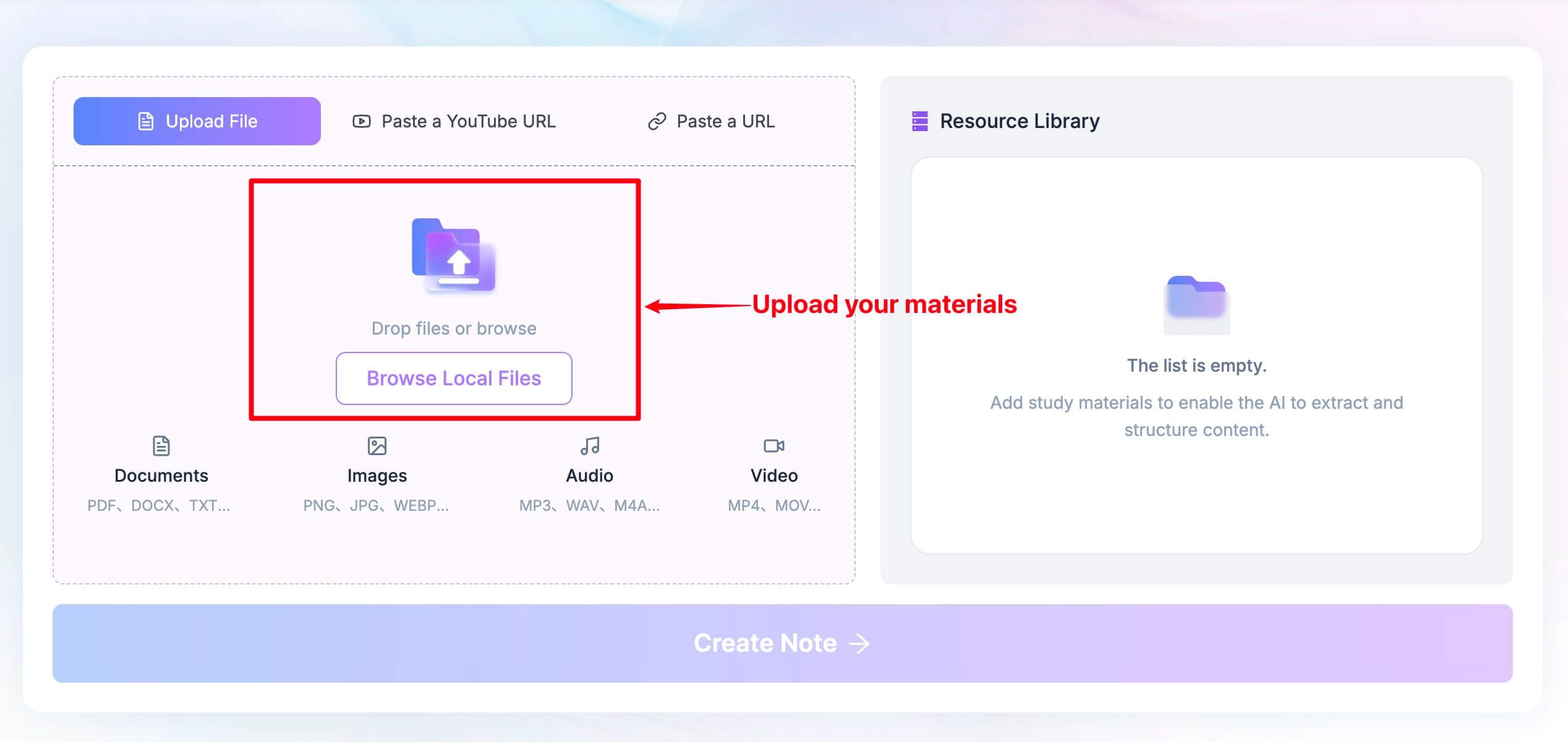
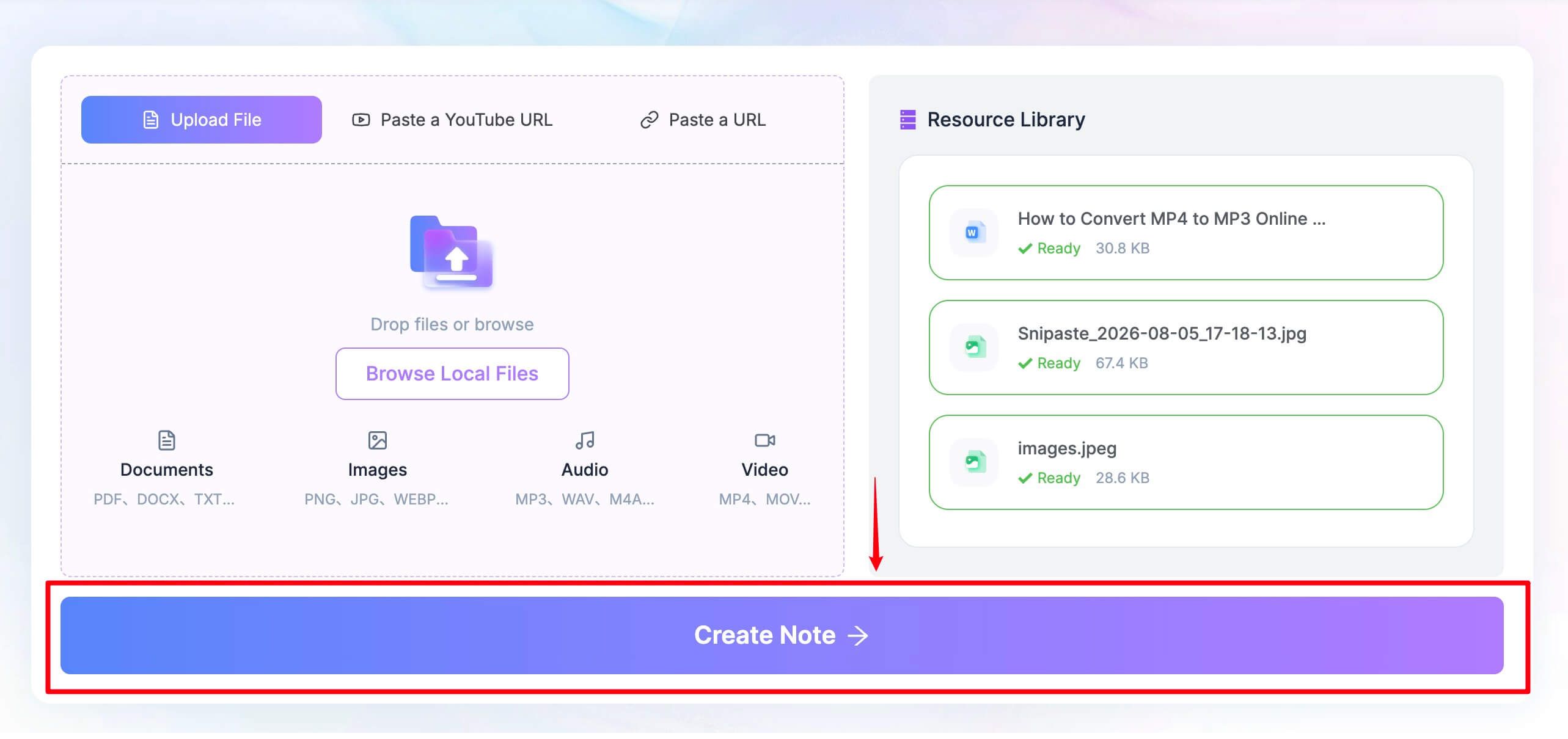
Add the recording or related source material you want to turn into notes.
-
Click Create Note after the source is ready.
-
Review the generated headings and bullets, edit the note, ask follow-up questions, and reuse or share the result.
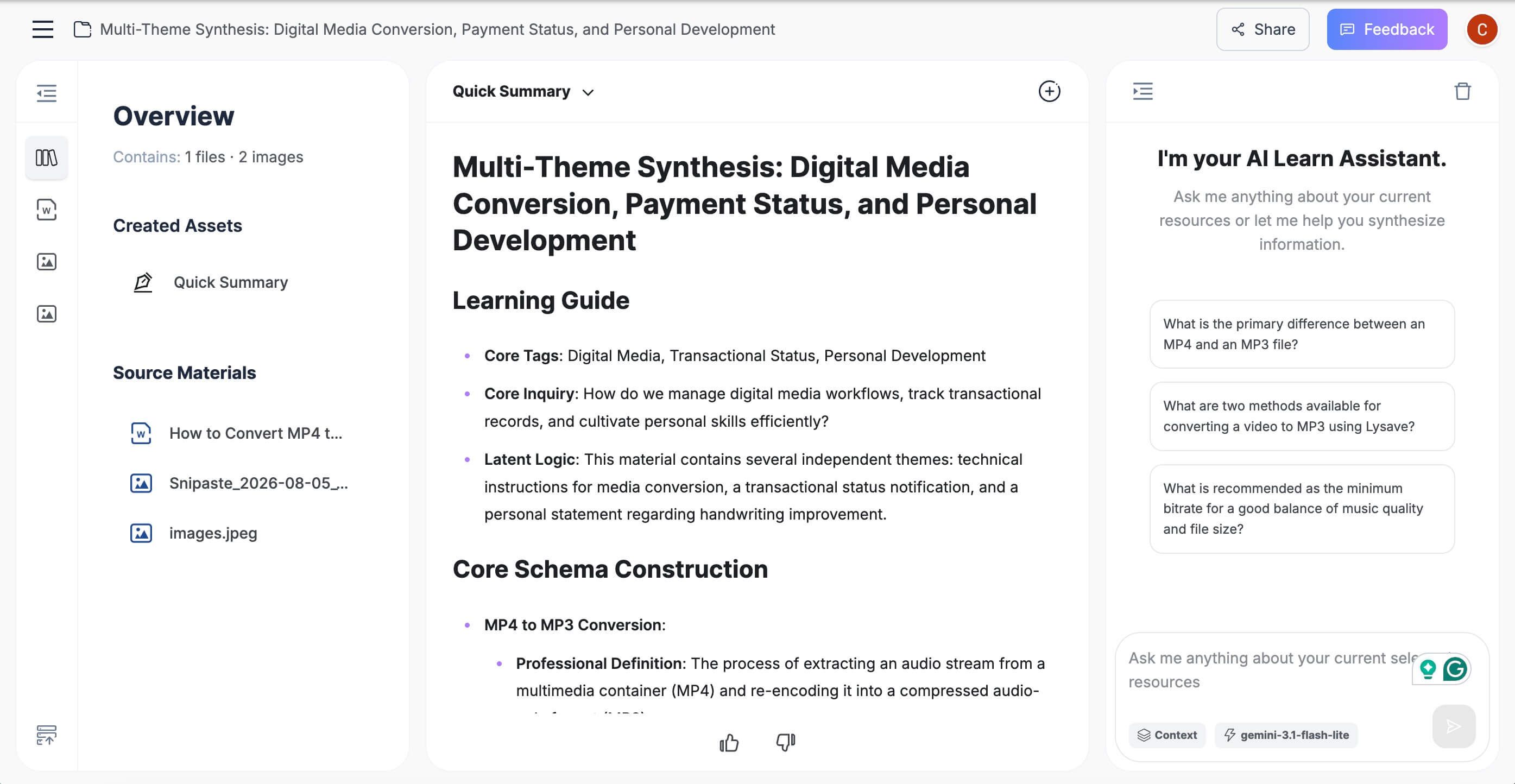
What it does better than Fathom: It brings existing recordings and other source types into one user-controlled note workflow instead of requiring the material to originate in a supported scheduled call.
Free-plan reality: Confirm the live allowance before processing a large archive. The useful comparison is source flexibility and editable output, not an unsupported claim of unlimited meeting capture.
Features
- Structured notes with headings and bullet points
- Support for recordings and other source material
- Editable output and follow-up questions in one workspace
- Reuse paths for sharing, export, or study workflows
Pros
- The user chooses exactly which source becomes a note
- Useful beyond conventional work meetings
- Produces a note that can be refined instead of treating the first summary as final
Cons
- Automatic calendar attendance is not the focus of this workflow
Best for: People with recordings, interviews, lectures, videos, documents, or related sources that need to become organized and editable notes.
2. Granola: Best Free Bot-Free Alternative
Granola is a better Fathom alternative when the visible meeting participant is the main problem. It captures device audio without adding a bot, lets the user write rough notes during the conversation, and then uses transcript context to strengthen those notes afterward.
The human-guided model is the real distinction. A founder can mark a concern, a researcher can flag an unexpected response, and a manager can note a sensitive decision; Granola uses those signals instead of assuming every attendee needs the same generic summary.
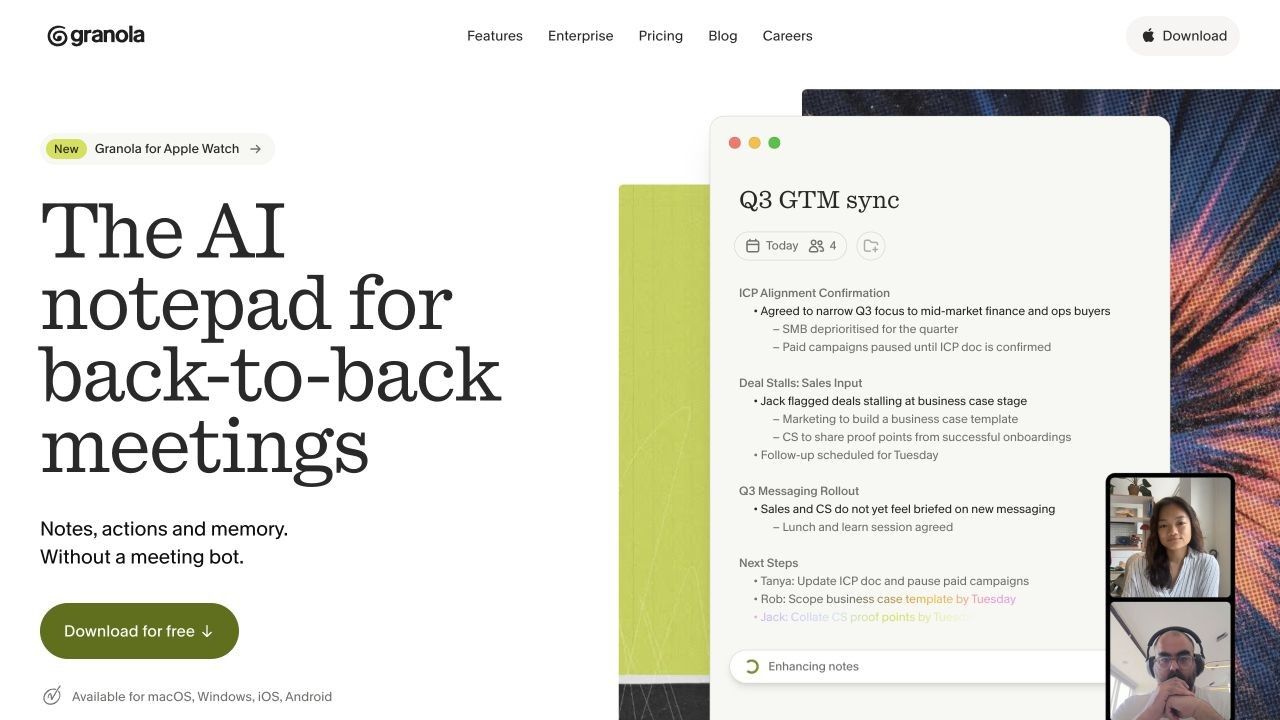
What it does better than Fathom: Bot-free capture is the default experience across its supported apps, and the user's own notes directly influence the final document.
Free-plan reality: Basic includes unlimited meeting notes, AI chat, shared folders, custom templates, and multilingual support. The major boundary is history: older notes fall outside the free viewing window, so an unlimited meeting count does not equal an unlimited free archive.
Features
- Bot-free device capture
- AI enhancement of the user's rough notes
- Chat within and across meetings
- Templates and shared folders
Pros
- Keeps the participant list clean
- Preserves human judgment about what mattered
- Unlimited free meetings make it practical for regular use
Cons
- Free history is limited
- Advanced integrations and models require Business
Best for: Founders, product teams, managers, and researchers who already jot down key points and want AI to complete rather than replace their notes.
3. Fireflies.ai: Best for CRM-Connected Meeting Memory
Fireflies is a broader operational alternative for teams that want meeting information to move into CRM, collaboration, and task workflows. It combines transcripts, structured summaries, action items, clips, AskFred, cross-meeting search, and a mature integration layer.
It also offers more capture paths than a traditional meeting bot alone. Depending on the platform and setup, users can work with a meeting assistant, a Google Meet extension, desktop or mobile recording, and uploaded media.
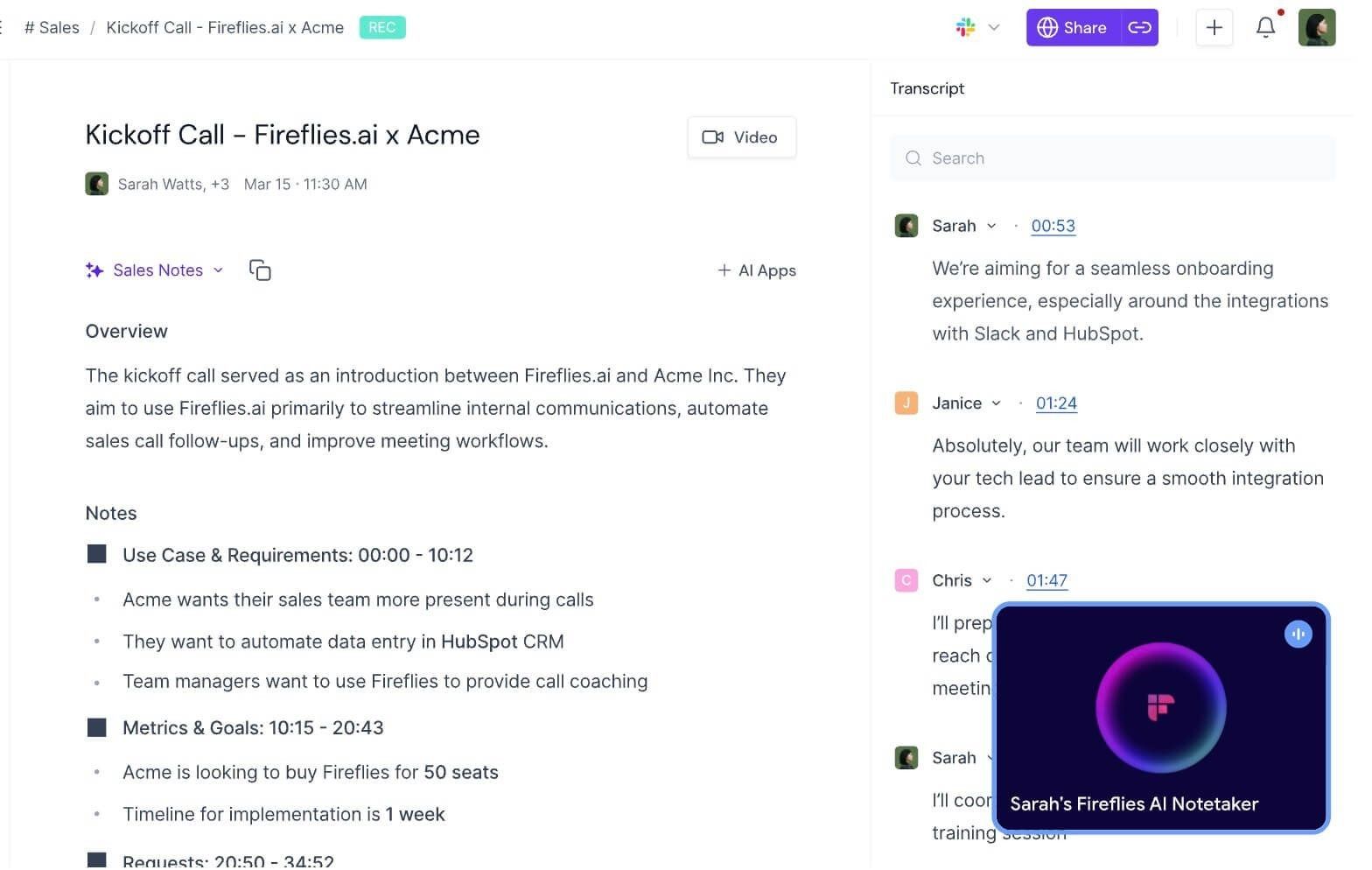
What it does better than Fathom: Fireflies is stronger when searchable team memory and downstream integrations are more important than a streamlined individual free experience.
Free-plan reality: Free access should be evaluated across transcription, storage, AI credits, downloads, and automation separately. A plan can provide useful transcription while still limiting how much history, AI analysis, or export freedom remains available.
Features
- Multiple meeting and recording capture paths
- AskFred questions and cross-meeting search
- Structured summaries, action items, clips, and comments
- CRM and workplace integrations
Pros
- Strong fit for sales, recruiting, and customer-success workflows
- More flexible input options than scheduled-call-only tools
- Useful long-term search and collaboration direction
Cons
- Free allowances are more complicated than Fathom's core offer
- The interface can feel excessive for occasional personal notes
Best for: Teams that want meetings to become searchable operational data and flow into other systems.
4. Otter.ai: Best for Live Transcription
Otter.ai is the better choice when people need to read the transcript while the meeting is happening. Live text, speaker identification, synchronized playback, and AI chat support interviews, lectures, accessibility needs, and conversations where wording must be followed in real time.
Fathom is strongest after and around the call, even as its newer experience adds live elements. Otter's identity remains more transcript-first, which is useful when the live text itself is the working surface.
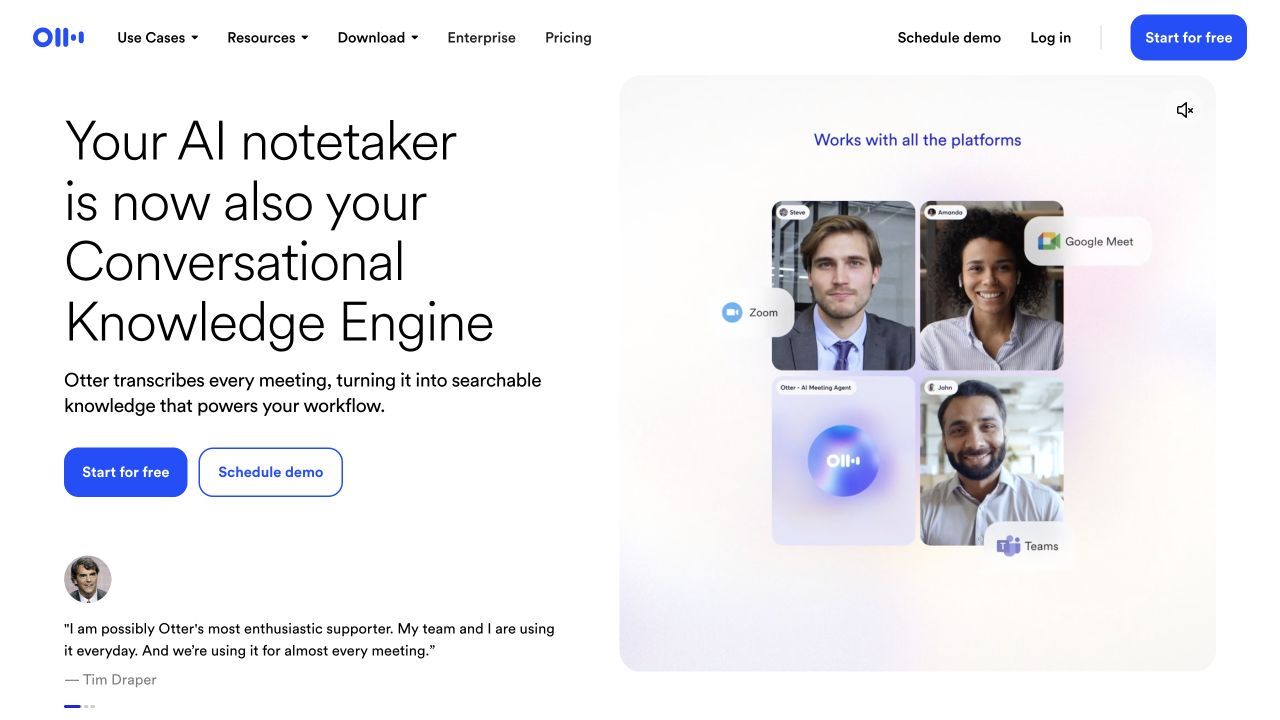
What it does better than Fathom: It makes the developing transcript central during the conversation and extends naturally to mobile and in-person recording.
Free-plan reality: Basic includes 300 transcription minutes per month, but only 30 minutes are accessible per conversation. It also limits file imports to three for the lifetime of the account and displays only the 25 most recent conversations.
Features
- Live transcription with speaker labels
- Synchronized audio and transcript playback
- AI chat within and across conversations
- Desktop and mobile apps
Pros
- Strong live reading experience
- Useful for interviews, classes, and accessibility support
- Familiar transcript editing and playback workflow
Cons
- The 30-minute free conversation limit cuts off many standard meetings
- Three lifetime imports are not enough for an archive workflow
Best for: Users who prioritize live readable text and can work within a modest monthly allowance.
5. tl;dv: Best for Video Clips and Customer Evidence
tl;dv is a stronger option when the visual record matters. It records video meetings, creates transcripts and notes, and lets teams turn specific moments into timestamped clips rather than sharing an entire hour-long call.
That evidence-oriented workflow suits customer research, product discovery, sales review, and user interviews. A short clip can preserve tone, screen context, and the exact wording behind a decision in a way a polished summary cannot.
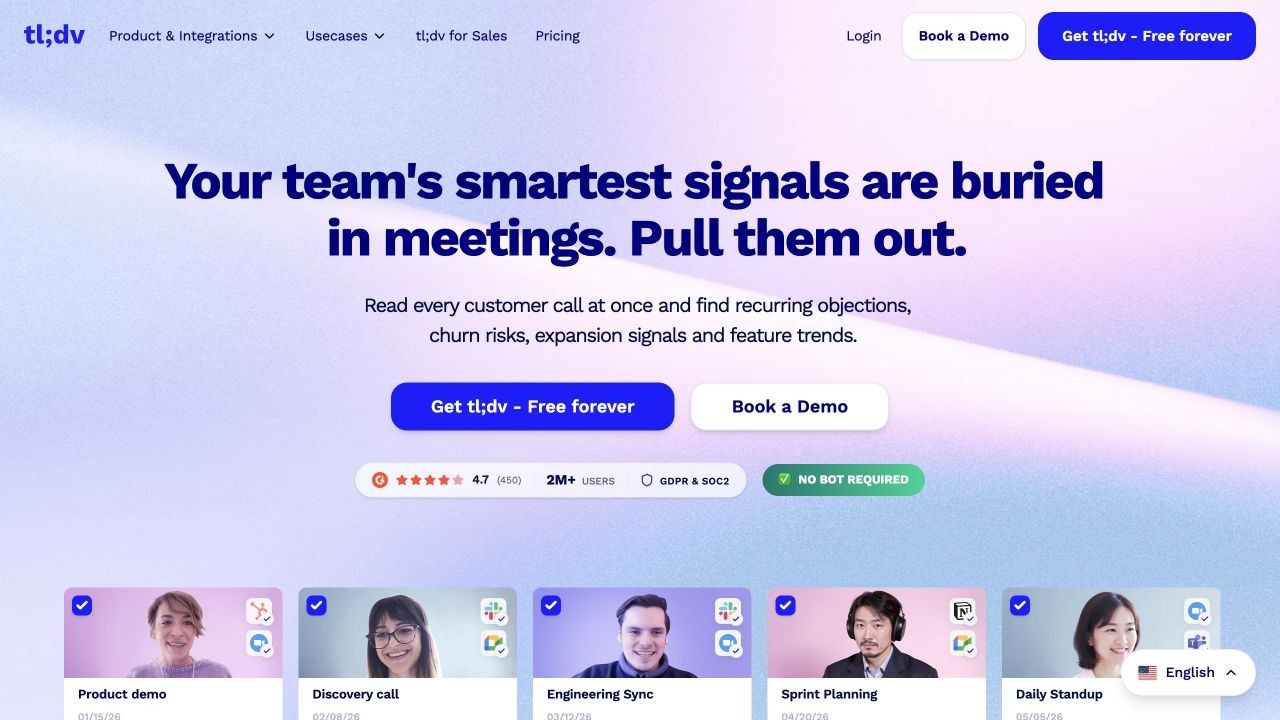
What it does better than Fathom: It emphasizes video review, clips, topic tracking, and recurring cross-meeting evidence for teams that need to show rather than merely summarize what happened.
Free-plan reality: Core recording and transcription are generous, but advanced AI notes, Ask credits, recurring reports, integrations, uploads, and retention use separate limits. Verify the current combination that affects the intended workflow.
Features
- Video recording and multilingual transcription
- Timestamped clips and shareable moments
- AI notes, topic tracking, and reports
- Bot and desktop capture options
Pros
- Strong for qualitative evidence and review
- Easy to share the relevant moment instead of the whole meeting
- Useful for customer-facing and research teams
Cons
- Free AI and retention rules are less simple than the headline suggests
- Full automation and CRM workflows are paid
Best for: Product researchers, customer teams, and sales managers who repeatedly revisit video evidence.
6. Tactiq: Best Browser Extension Alternative
Tactiq works inside a browser-centered meeting workflow and does not require a separate participant to enter the call. It captures the transcript for supported web meetings, then applies AI prompts to create summaries, decisions, action items, questions, and follow-up drafts.
This is particularly attractive on Google Meet, where installing an extension can feel lighter than managing a desktop meeting assistant. The tradeoff is that the workflow remains dependent on supported browsers and meeting environments.
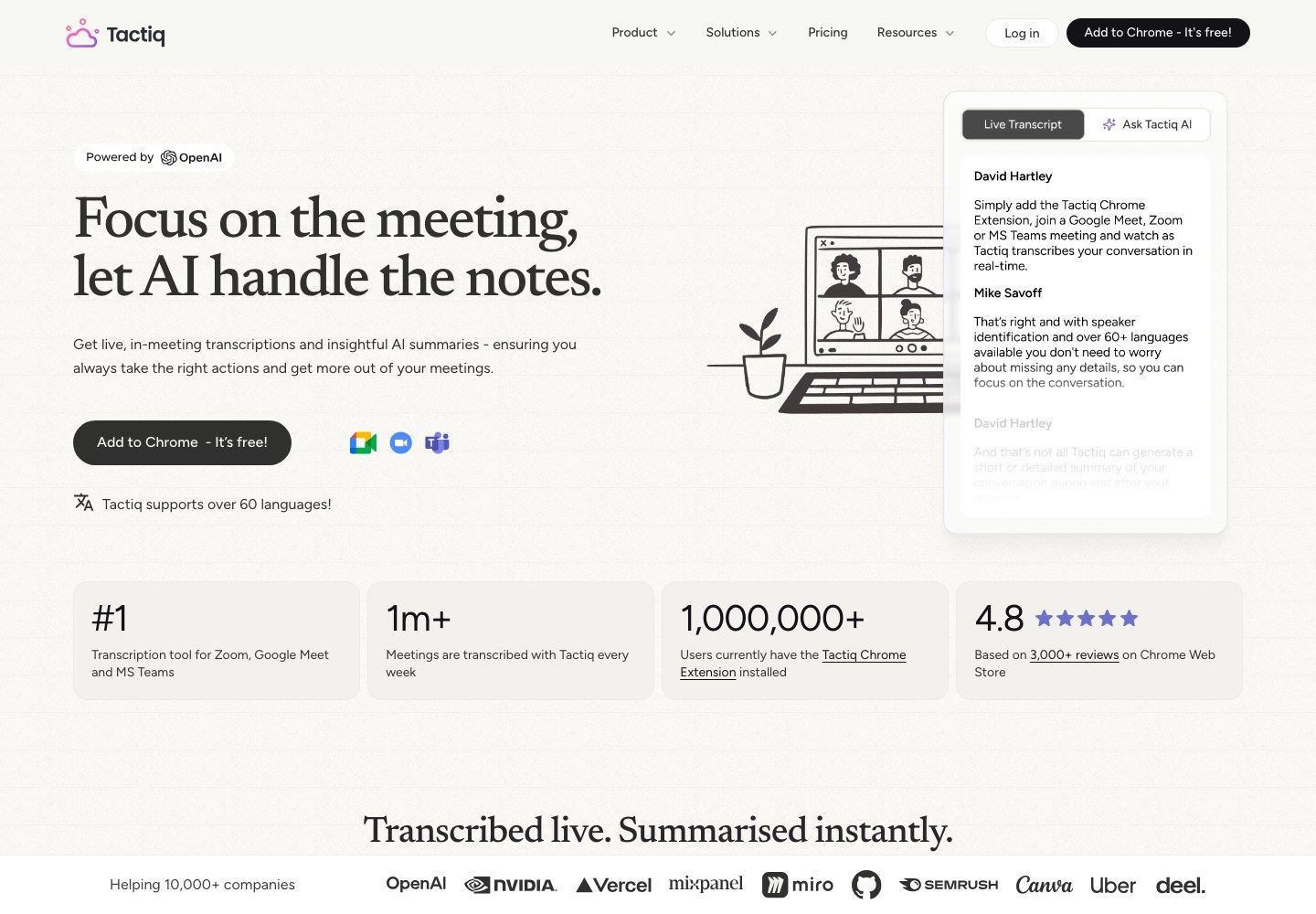
What it does better than Fathom: It provides a simple extension-based path for users who want quiet browser capture without deploying a visible meeting bot.
Free-plan reality: Free currently includes 10 meeting credits and 5 AI credits per month. Meeting credits determine transcript access, while AI credits govern analysis, so a user may still have meetings available after running out of summaries.
Features
- Browser-based live transcript capture
- AI prompts for summaries, decisions, and tasks
- Transcript sharing and export
- Workflow actions for follow-up
Pros
- No extra participant in the meeting list
- Low-friction fit for browser-based calls
- Clear separation between meeting and AI usage
Cons
- Five AI credits can disappear quickly
- The extension model is less universal than a native recorder
Best for: Browser-first users who need a small free allowance and prefer an extension to a meeting bot.
7. Notta: Best for Mobile and Multilingual Capture
Notta covers more source environments than Fathom's established meeting-link workflow. It can work with web meetings, mobile and in-person recording, browser capture, screen recording, and uploaded files, then synchronize notes across devices.
Language and mobility are the main reasons to shortlist it. A user can move from a desk meeting to an in-person interview or recorded file without changing note systems, although the free tier is far too limited for serious recurring use.
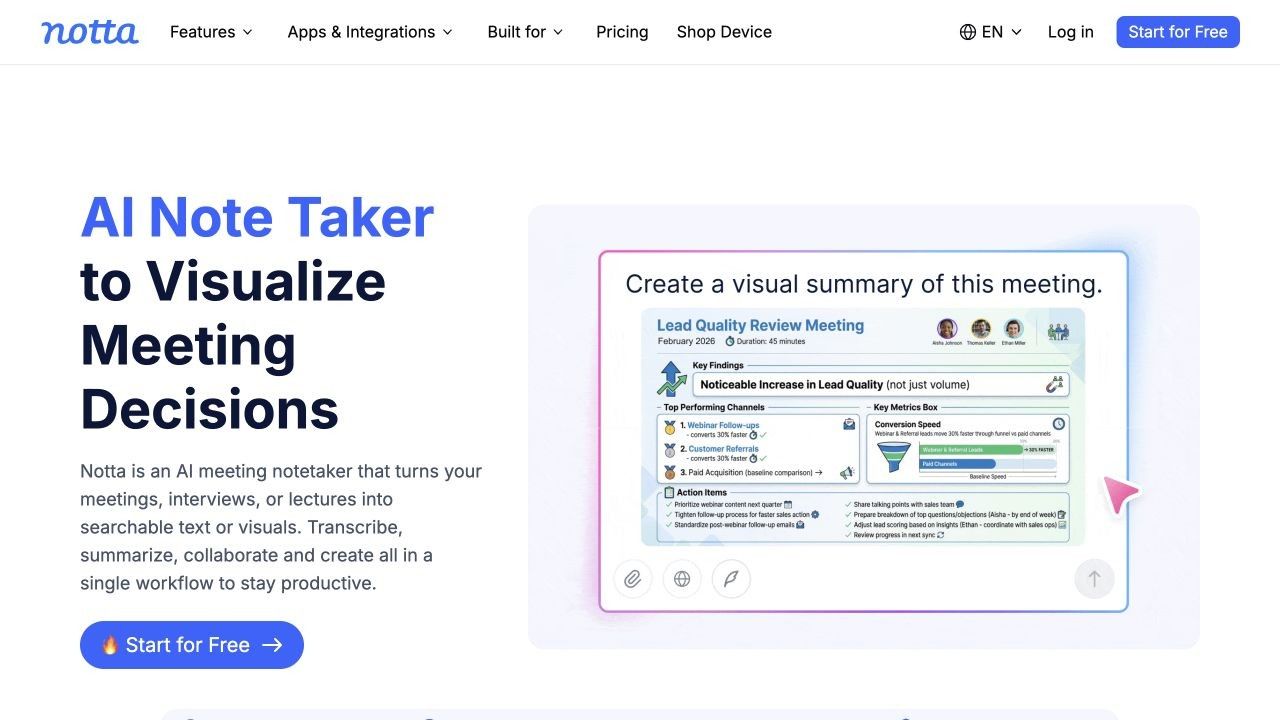
What it does better than Fathom: Notta supports mobile, in-person, file, screen, and multilingual workflows that currently sit outside Fathom's strongest supported path.
Free-plan reality: Free includes 120 transcription minutes per month, 50 file uploads, and limited AI summaries, but only the first three minutes of each conversation are available. This makes the plan a functional product trial rather than a dependable free meeting system.
Features
- Web meeting, mobile, in-person, screen, and file transcription
- Speaker identification and AI notes
- Multilingual and translation workflows
- Cross-device synchronization
Pros
- Flexible across devices and conversation types
- Useful for international and multilingual work
- Strong upload and mobile direction
Cons
- Three minutes per free conversation is highly restrictive
- Export and translation depth depend on paid access
Best for: Multilingual users who need one paid system for mobile, in-person, online, and uploaded conversations.
8. Jamie: Best Bot-Free Option for Online and In-Person Meetings
Jamie captures locally in the background rather than joining as a visible participant. It is designed to work across online meeting platforms and in-person conversations, which makes it attractive for client calls, physical meetings, and less standardized conferencing environments.
It also focuses on structured notes, tasks, speaker recognition, custom vocabulary, and post-meeting questions. The experience is closer to a device-level assistant than a platform-specific meeting bot.
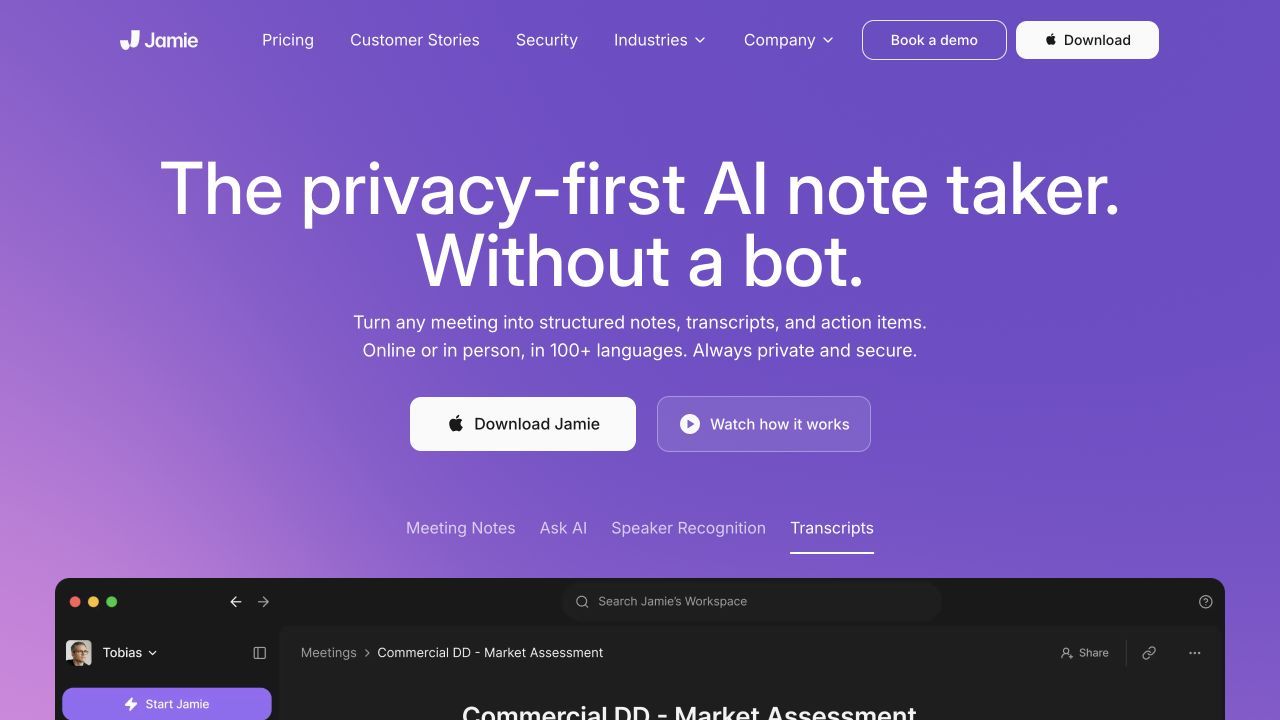
What it does better than Fathom: Bot-free capture is not limited to one conferencing platform, and the workflow explicitly includes in-person conversations.
Free-plan reality: The Free plan currently includes 10 meetings per month with a 30-minute duration limit, one custom template, basic integrations, and unlimited storage. Longer or more frequent meetings require a paid tier.
Features
- Bot-free online and in-person capture
- Structured notes, transcripts, and task detection
- Custom vocabulary and templates
- Connections to common note destinations
Pros
- Works beyond scheduled platform meetings
- No unfamiliar bot enters a client call
- Free plan is sufficient for a focused evaluation
Cons
- Ten short meetings are not enough for a meeting-heavy role
- Advanced integrations and higher limits become expensive
Best for: Client-facing professionals and teams that prioritize bot-free capture across online and physical meetings.
9. MeetGeek: Best for Automated Post-Meeting Workflows
MeetGeek is built for the work that begins when the call ends. It combines transcripts and summaries with next steps, templates, folders, AI chat, analytics, integrations, and workflow automation.
Capture flexibility is another advantage. Users can work with a meeting assistant, browser or desktop recording, mobile tools, and uploaded media, which makes the system less dependent on one standard calendar-linked meeting path.
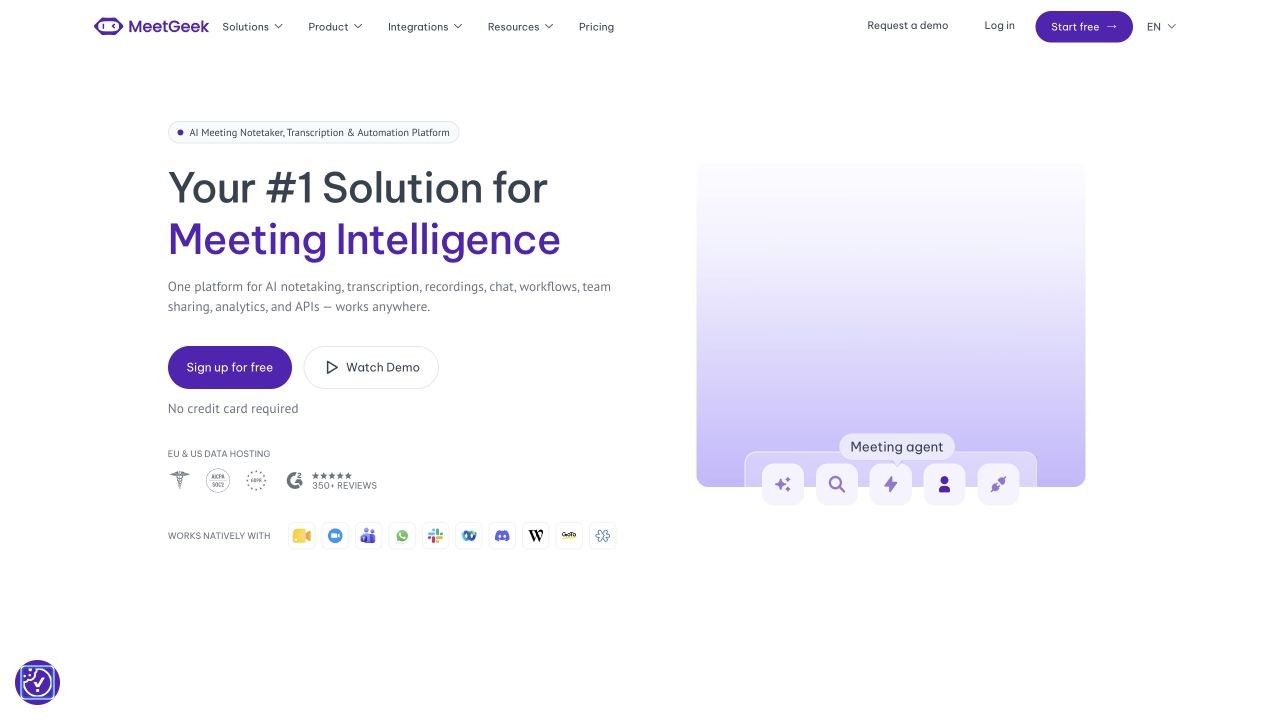
What it does better than Fathom: It offers a wider bridge from meeting capture to templates, workflow automation, and multiple recording sources.
Free-plan reality: Basic includes three transcription hours per month with summaries, search, chat, uploads, and limited retention. Downloads, expanded storage, unlimited integrations, and agent-style workflows move to paid plans.
Features
- Bot, browser, desktop, mobile, and upload capture
- AI summaries and detected next steps
- Search, chat, analytics, and folders
- Templates and automation options
Pros
- Flexible source coverage
- Useful for operations and project follow-through
- Three free hours support a meaningful trial
Cons
- The free allowance is too small for daily meetings
- Important export and automation capabilities are paid
Best for: Operations and project teams that want notes to trigger structured work after the meeting.
10. Read AI: Best for Meeting Analytics and Coaching
Read AI adds a measurement layer to meeting notes. Reports can include summaries, topics, questions, action items, transcripts, participation patterns, and coaching signals, while Ask Read extends search toward connected workplace content.
This is useful when the question is not only what was said, but how the meeting operated. Managers can examine speaking balance or recurring themes, although these signals should start a conversation rather than function as objective employee scores.
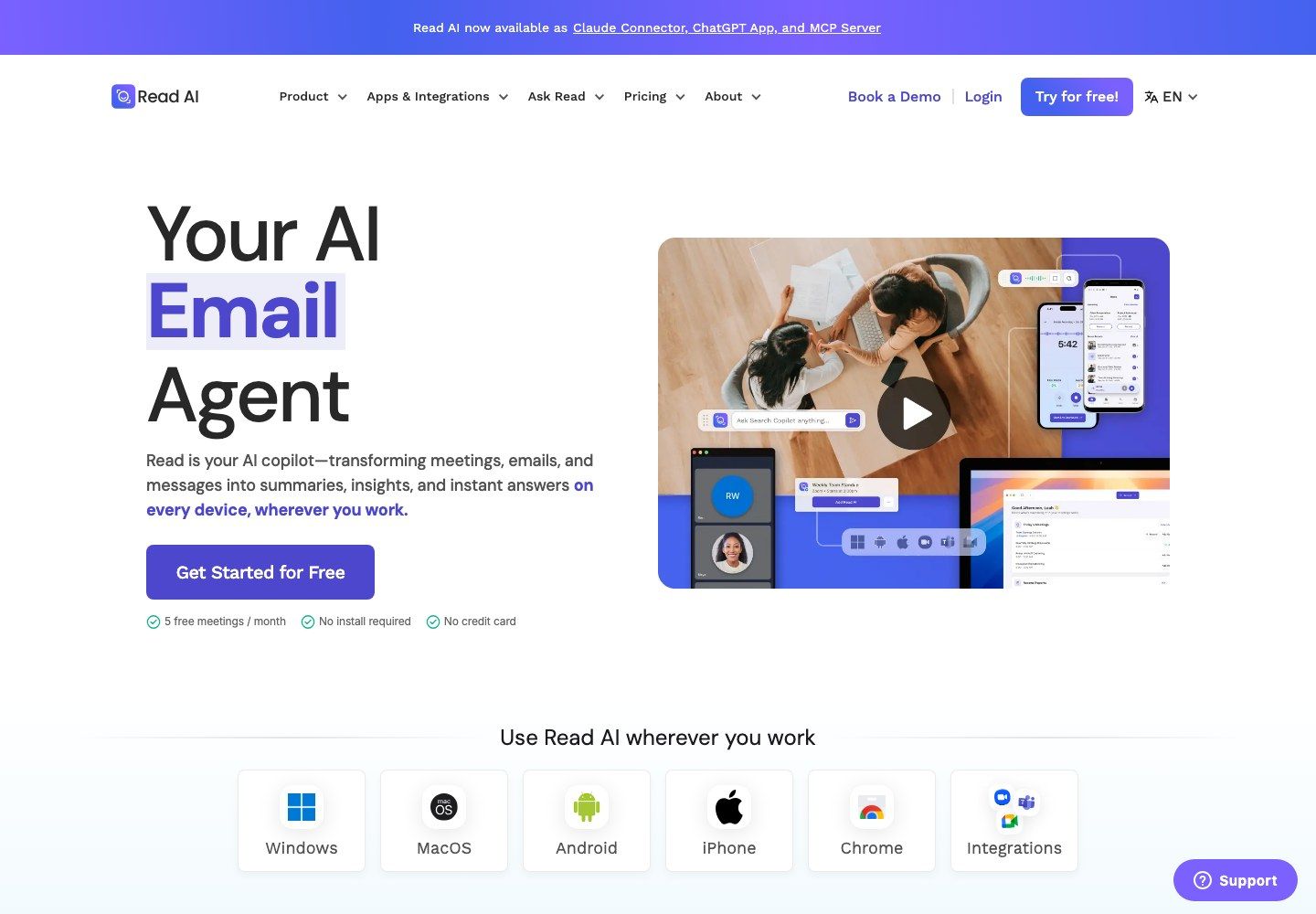
What it does better than Fathom: Read places meeting analytics and personalized coaching closer to the center of the product experience.
Free-plan reality: Free includes five meeting reports per month with summaries, transcription, search, coaching, and basic integrations. Unlimited meetings, playback, file uploads, premium integrations, and broader controls require higher tiers.
Features
- Structured reports, topics, questions, and action items
- Participation and coaching signals
- Search across meetings and connected work content
- Desktop and mobile apps
Pros
- Adds reflective feedback beyond a standard recap
- Useful direction for cross-channel workplace search
- Five reports are enough to evaluate the output deeply
Cons
- Five monthly reports cannot support regular use
- Engagement metrics can be misleading without meeting context
Best for: Leaders and teams that want meeting analytics alongside summaries and transcripts.
Fathom AI Note Taker Review: How Good Is the Free Plan?
Fathom is one of the few tools in this category where “free” describes an ongoing workflow rather than a short demo. An individual can record supported meetings repeatedly, retain the recordings, access transcripts, receive a general summary, search calls, and create clips without watching a monthly minute counter.
That does not make every premium feature free. The useful way to review Fathom is to separate the capture layer, which is generous, from the advanced AI and team-intelligence layer, which becomes increasingly paid.
What Fathom Does Better Than Most Free Tools
The strongest benefit is predictability. Unlimited recordings, storage, and transcription reduce the housekeeping common in minute-based plans, where users delete calls, split meetings, or postpone imports to avoid a monthly cap.
Fathom also delivers a complete post-call package quickly: a recording, transcript, summary, searchable call page, and shareable highlights. For an individual consultant or recruiter who mainly meets on Zoom, Google Meet, and Microsoft Teams, this is enough to build a durable routine at no cost.
The free plan supports transcription in 38 languages and provides advanced summaries for the first five calls each month. After that allowance is used, meetings still receive the general or enhanced summary rather than losing core capture altogether.
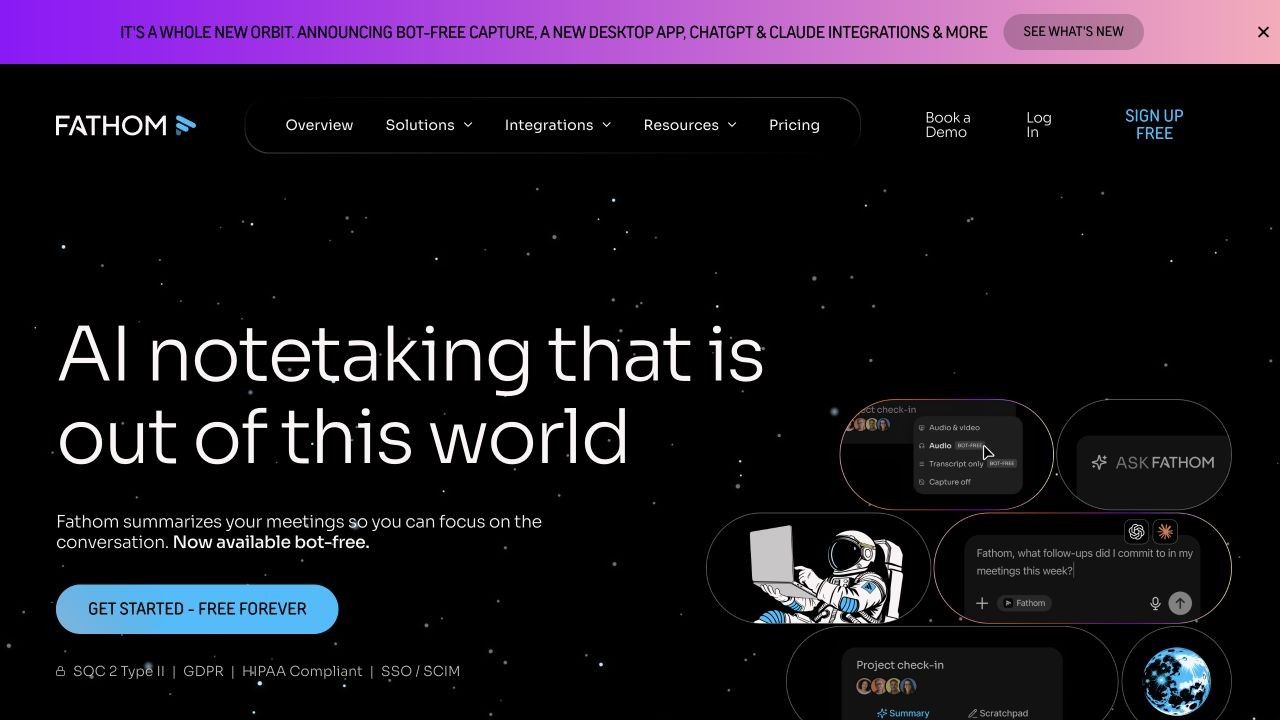
Bot, Bot-Free, and the New Capture Modes
Older comparisons often describe Fathom as exclusively bot-based. That is no longer complete: the newer Fathom experience offers three capture choices for eligible users.
| Capture mode | Visible bot | Saved media | Result | Best fit |
|---|---|---|---|---|
| Transcript Only | No | No saved audio or video | Transcript, summary, and supported AI output | Sensitive calls where media storage is unnecessary |
| Audio Only | No | Audio | Audio, transcript, and summary | Lower-footprint review without a video bot |
| Audio and Video | Yes | Full audio and video | Recording, transcript, summary, and replay | Coaching, demos, and presentation review |
The important qualification is availability. The new bot-free experience is currently a Mac beta, while Windows continues to rely on the previous supported experience until broader availability arrives.
Bot-free also does not mean invisible recording. Fathom uses meeting notices, chat messages, app prompts, and other consent mechanisms so participants are informed. Users still need to follow applicable rules and their organization's policy.
What Fathom Free Does Not Include
Fathom Free gives an individual the core meeting record, but premium AI conveniences are limited. Unlimited advanced summary templates, generated action items, follow-up emails, custom summary designs, and fuller Ask Fathom use sit in Premium or team plans.
The first five advanced summaries each month can make the free plan look more complete during onboarding than it will feel later. A fair test should include more than five meetings so the user sees the recurring general-summary experience before deciding.
Team intelligence changes the price comparison again. Global search across everyone's calls, shared collections, keyword alerts, team administration, coaching, advanced CRM field sync, and deal-oriented views are paid capabilities rather than extensions of the individual free plan.
Current official pricing lists Premium at $16 per user per month with annual billing or $20 monthly. Team begins at $15 annually or $19 monthly per user with a two-user minimum, while Business adds deeper revenue workflows at a higher price.
Device and Meeting Types Fathom Still Misses
Fathom's established supported workflow requires a standard Zoom, Google Meet, or Microsoft Teams link on a Mac or Windows computer. Chromebook, Linux, mobile devices, tablets, phone calls without a standard meeting link, webinars, and breakout rooms are not currently supported in the same way.
In-person capture is also transitional. Fathom has announced an iOS experience for direct in-person recording, but “coming soon” should not be treated as a live capability when choosing a tool today.
These boundaries create the strongest reasons to switch. A user who records lectures on a phone, interviews people in the field, works on Linux, needs webinar coverage, or processes existing media should compare tools designed for those sources instead of forcing every conversation through a temporary meeting-room workaround.
Fathom Pros, Cons, and Editorial Scorecard
| Area | Editorial fit score | Why |
|---|---|---|
| Free core value | 9.5/10 | Unlimited recordings, storage, and transcription are genuinely useful |
| Standard meeting capture | 9/10 | Strong fit for Zoom, Meet, and Teams on supported computers |
| Summary workflow | 8/10 | Fast and usable, but advanced output is limited after five calls |
| Capture flexibility | 7.5/10 | New bot-free modes help, but availability and device gaps remain |
| Live transcript experience | 7.5/10 | Useful live elements exist, but transcript-first tools remain stronger |
| Team intelligence | 8.5/10 | Broad capabilities are available, though many require paid plans |
| Mobile and in-person use | 5.5/10 | Current established support remains limited while iOS is pending |
These are editorial fit scores, not laboratory accuracy measurements. Transcription and summary quality can change with audio quality, accents, overlapping speakers, names, technical vocabulary, and the meeting platform.
Fathom pros
- Outstanding free value for repeated supported video meetings
- Unlimited recording, transcription, storage, and core summaries
- Fast post-meeting workflow with search, clips, and sharing
- New capture modes reduce dependence on a visible bot for eligible users
Fathom cons
- Advanced summaries and AI actions become limited after five free calls
- Current device support excludes several mobile and nonstandard workflows
- Bot-free availability is not yet equal across Mac and Windows
- Team intelligence and advanced CRM automation raise the real cost
Review verdict: Keep Fathom when most conversations are supported scheduled video calls and the core free recap is enough. Choose an alternative when the actual source, device, participant experience, live-text need, or downstream workflow falls outside that pattern.
Choose an Alternative by What Fathom Cannot Capture
AI note takers appear similar once a transcript exists. The decisive difference happens earlier: whether the product can capture the conversation or source without a workaround.
| Source or meeting type | Best-fit tools | Why | Watch-out |
|---|---|---|---|
| Standard Zoom, Meet, or Teams call | Fathom, Fireflies, Otter, tl;dv | Mature scheduled-call capture | Check bot visibility and sharing defaults |
| Browser-centered meeting | Tactiq, Fireflies extension | Light extension workflow | Browser and platform dependence |
| Bot-free online call | Granola, Jamie, eligible Fathom Mac users | No separate participant | Consent is still required where applicable |
| In-person conversation | Jamie, Notta, Otter, Read AI | Native device or mobile capture | Room acoustics and speaker separation vary |
| Existing audio or video recording | Lynote, Notta, MeetGeek, Fireflies, Otter | Direct file or source workflow | Import allowances can be separate from meeting limits |
| Lecture, interview, document, webpage, or video | Lynote | Mixed source material becomes an editable note | Not automatic meeting attendance |
| Video evidence and clips | tl;dv, Fathom, Fireflies | Timestamped media supports review | Retention and download rights vary |
| CRM-heavy team workflow | Fireflies, MeetGeek, paid Fathom | Stronger automation and team memory | Paid seats and admin setup add cost |
This source-first method prevents a common buying mistake. A tool can produce an excellent summary and still be the wrong choice if it cannot reliably capture the conversation that matters.
Is a Free Fathom Alternative Actually Better Value?
Because Fathom's core free tier is generous, a competitor must win on more than price. “Unlimited” should always be unpacked into recordings, transcript access, retained history, advanced summaries, AI questions, imports, exports, integrations, and meeting duration.
| Tool | Free capture allowance | AI output | History or storage | Important boundary |
|---|---|---|---|---|
| Fathom | Unlimited supported meetings | 5 advanced summaries monthly, then general summaries | Unlimited recordings and storage | Advanced AI and team features are paid |
| Lynote | Check the current live allowance | Structured editable notes from added sources | Verify current account terms | Not presented as a live auto-joining bot |
| Granola | Unlimited meetings | AI-enhanced notes and chat | Limited free history | Older notes require paid access |
| Fireflies | Core transcription available | Separate AI-credit rules | Separate storage rules | Downloads and deeper automation may be paid |
| Otter.ai | 300 minutes monthly | Live transcript and AI chat | 25 recent conversations visible | 30 minutes per conversation and 3 lifetime imports |
| Tactiq | 10 meetings monthly | 5 AI credits | Transcript access follows meeting credits | AI can run out before meetings |
| Notta | 120 minutes monthly | Limited AI summaries | Saved data remains, but free access is restricted | Only 3 minutes per conversation |
| Jamie | 10 meetings monthly | Notes, transcript, and tasks | Unlimited storage | 30-minute meetings on Free |
| MeetGeek | 3 hours monthly | Summaries, chat, and analytics | Limited retention | Exports and advanced automation are paid |
| Read AI | 5 reports monthly | Reports, search, and coaching | Five-meeting scope | Playback and premium integrations are paid |
Fathom wins when a user needs many conventional online meetings at no cost. Granola can be better when the same meeting volume must be bot-free, Otter when live text matters, and Lynote when the input is an existing recording or mixed source rather than a scheduled call.
The value calculation should also include retrieval. A free note is less useful if it disappears from visible history, cannot be exported, or consumes a scarce AI credit whenever the user asks a basic follow-up question.
Do Not Switch Until You Run This Three-Meeting Test
One polished demo call cannot reveal how an AI note taker behaves across a real week. Test the finalist on three deliberately different conversations before moving a calendar, team, or archive.
-
A clean internal call: Use familiar speakers, good microphones, and a clear agenda. This establishes the product's best-case output.
-
A noisy multi-speaker call: Include interruptions, names, numbers, and overlapping discussion. This reveals how much transcript cleanup and ownership correction is required.
-
An external or nonstandard meeting: Use a client call, in-person conversation, mobile recording, or existing file that represents the reason for leaving Fathom.
Score each product from one to five on the same criteria:
- Setup time and capture reliability
- Participant visibility and consent experience
- Speaker attribution
- Decisions, owners, dates, and numerical details
- Live usefulness during the conversation
- Editing time after the meeting
- Search and retrieval a week later
- Export, sharing, and integration effort
- Free allowance consumed by the test
Do not treat an extracted action item as correct merely because it is formatted confidently. Verify owners, deadlines, prices, names, and commitments against the transcript or recording before they enter a CRM, task system, email, or official meeting record.
FAQs About Fathom AI Alternatives
What is the best alternative to Fathom AI?
The best alternative depends on the switching reason. Lynote fits existing recordings and mixed source material, Granola fits unlimited bot-free meetings, Fireflies fits CRM-connected team memory, Otter fits live transcription, and Jamie fits bot-free online and in-person capture.
What is the best free Fathom AI alternative?
Granola is a strong free bot-free alternative because it allows unlimited meetings, although free history is limited. Otter and Tactiq offer smaller but useful allowances, while Fathom itself may remain the strongest free choice for frequent supported video calls.
Is Fathom AI really free?
Yes. The individual Free plan includes unlimited recordings, storage, and transcription plus standard summaries and five advanced summaries per month. Premium AI actions, custom summaries, fuller Ask Fathom access, and team intelligence require paid plans or have limits.
Which Fathom alternative works without a bot?
Granola and Jamie use bot-free device capture, while Tactiq captures supported browser meetings through an extension. Fathom also has new bot-free transcript-only and audio-only modes for eligible Mac users, but availability is not yet equal across devices.
Can Fathom record in-person meetings?
Fathom's established experience is designed around supported online meetings with standard links. An iOS in-person experience has been announced as coming soon, but users who need that workflow immediately should evaluate a currently available mobile or in-person tool.
Does Fathom work on mobile, Chromebook, or Linux?
Current official compatibility centers on Mac and Windows computers. Mobile devices, Chromebook, and Linux are not supported in the established workflow, so users on those devices should compare mobile or platform-independent alternatives.
Is Granola better than Fathom?
Granola is better when the priority is bot-free, human-guided notes and unlimited meetings. Fathom is better when the user wants unlimited free recording and storage, video replay, or a conventional calendar-connected meeting workflow.
Is Fireflies better than Fathom?
Fireflies can be better for CRM integrations, cross-meeting search, multiple capture methods, and shared team memory. Fathom is usually simpler and more generous for an individual who wants unlimited free recording and transcription of supported calls.
Which Fathom alternative can turn an existing recording into notes?
Lynote is designed for a user-controlled source-to-note workflow and can turn an added recording or related material into an editable structured note. Notta, MeetGeek, Fireflies, and Otter also provide recording-import paths with different free limits.
Final Verdict
Fathom is still one of the best free AI note takers for people whose work stays inside supported Zoom, Google Meet, and Microsoft Teams calls. Unlimited recording, storage, transcription, and core summaries create a stronger baseline than many “free” competitors offer.
Switch only for a concrete reason. Choose Lynote for existing recordings and mixed-source editable notes, Granola for unlimited bot-free meetings, Fireflies for CRM-connected memory, Otter for live text, tl;dv for video evidence, Tactiq for browser capture, Notta or Jamie for mobile and in-person flexibility, MeetGeek for automation, and Read AI for analytics.
Whichever tool wins the shortlist, test it on the meetings and devices that caused the search in the first place. The best Fathom AI alternative is the one that reliably captures the real source, produces a note worth correcting and keeping, and remains usable after its free limits are reached.

Written by Danny
Product Marketing Manager
Danny explains how Lynote features fit real workflows, from everyday productivity to product-led writing use cases. View all articles →