

Need a Turnitin alternative you can use without going through your school? Lynote, GPTZero, and other independent AI checkers offer ways to review a draft, while broader platforms combine detection with other writing checks. The right choice depends on whether you need AI analysis, source matching, or an institutional review workflow. None should be treated as a preview of your exact Turnitin score.
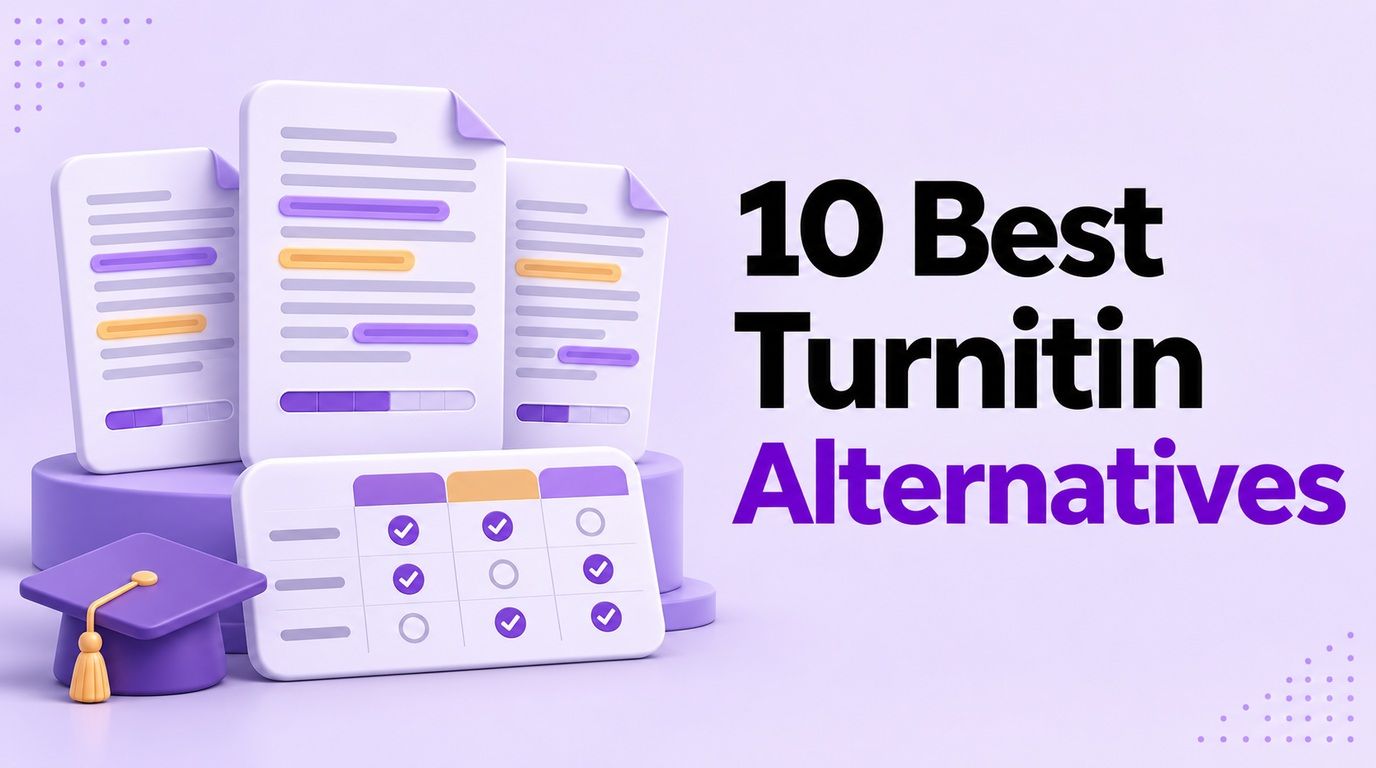
This comparison focuses on those practical differences, including what free access actually buys you. It is a feature-and-access comparison, not a controlled accuracy benchmark or a claim that these tools use Turnitin's detection model.
Turnitin Alternatives at a Glance
Start by identifying the job you want to replace. A student checking one draft needs something different from a department reviewing hundreds of submissions.
In this table, a check means the capability or entry point is offered, not that it is unlimited or included in every plan. A separate checker is not necessarily included with a free AI scan.
| Tool | AI checking | Free entry point | Other checks to investigate | Main reason to consider it |
|---|---|---|---|---|
| Lynote | ✅ | Free entry; plan limits apply | AI/mixed/human breakdown | Accessible draft review with sentence highlights |
| GPTZero | ✅ | Recurring free allowance | Plagiarism on eligible paid plans | A defined free quota and upgrade path |
| Copyleaks | ✅ | Check current account offer | Separate plagiarism checking; LMS/API options | Broader institutional requirements |
| Originality.ai | ✅ | One-time starter credits | Plagiarism, readability, content quality | Editorial and publishing workflows |
| Winston AI | ✅ | Trial access | Plagiarism and writing-related checks | Evaluating a multi-check review platform |
| Pangram | ✅ | Free signup offer; paid-plan trial also advertised | Similarity detection and integrations | Account-based document review |
| Scribbr | ✅ | Free web checker | Separate plagiarism service | Short checks in an academic-writing context |
| QuillBot | ✅ | Free detector entry | Separate plagiarism and writing tools | Reviewing text within a writing toolkit |
| Grammarly | ✅ | Free web detector | Separate plagiarism and writing tools | A quick check alongside writing assistance |
| ZeroGPT | ✅ | Public checker entry | Separate plagiarism and editing tools | A straightforward additional opinion |
Two distinctions apply to every row: ❌ no verified guarantee of matching Turnitin's score, and ❌ no automatic replacement for a school's submission and review process. A paid subscription does not change those limitations.
10 Best Turnitin Alternatives
1. Lynote AI Detector: For Reviewing a Draft Yourself
Lynote AI Detector fits the practical question behind many searches: can I inspect my writing before submission? Its interface accepts pasted text and supported documents and presents AI-generated, mixed, and human-written results with sentence-level highlights.
Features:
- Paste text or upload TXT, DOCX, or PDF material.
- Inspect a three-category result rather than only a headline percentage.
- Review highlighted passages in context.
Pros:
- A focused workflow for reviewing a draft without institutional access.
- Highlights give you specific passages to inspect for clarity and supporting evidence.
Cons:
- Free and paid plans have different allowances and features.
To review a draft with Lynote:
- Paste your text or upload a supported document.
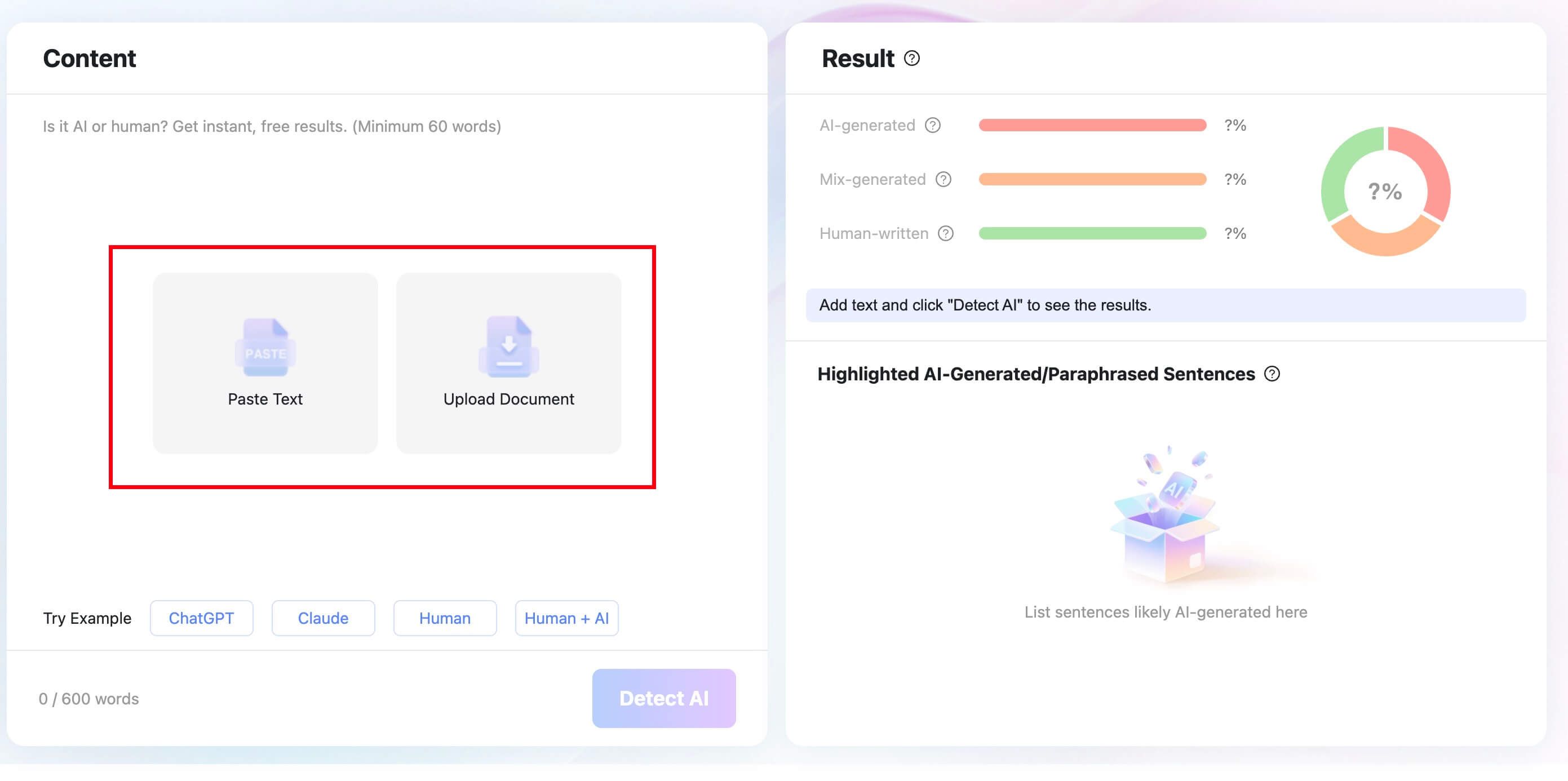
- Click Detect AI to run the check.
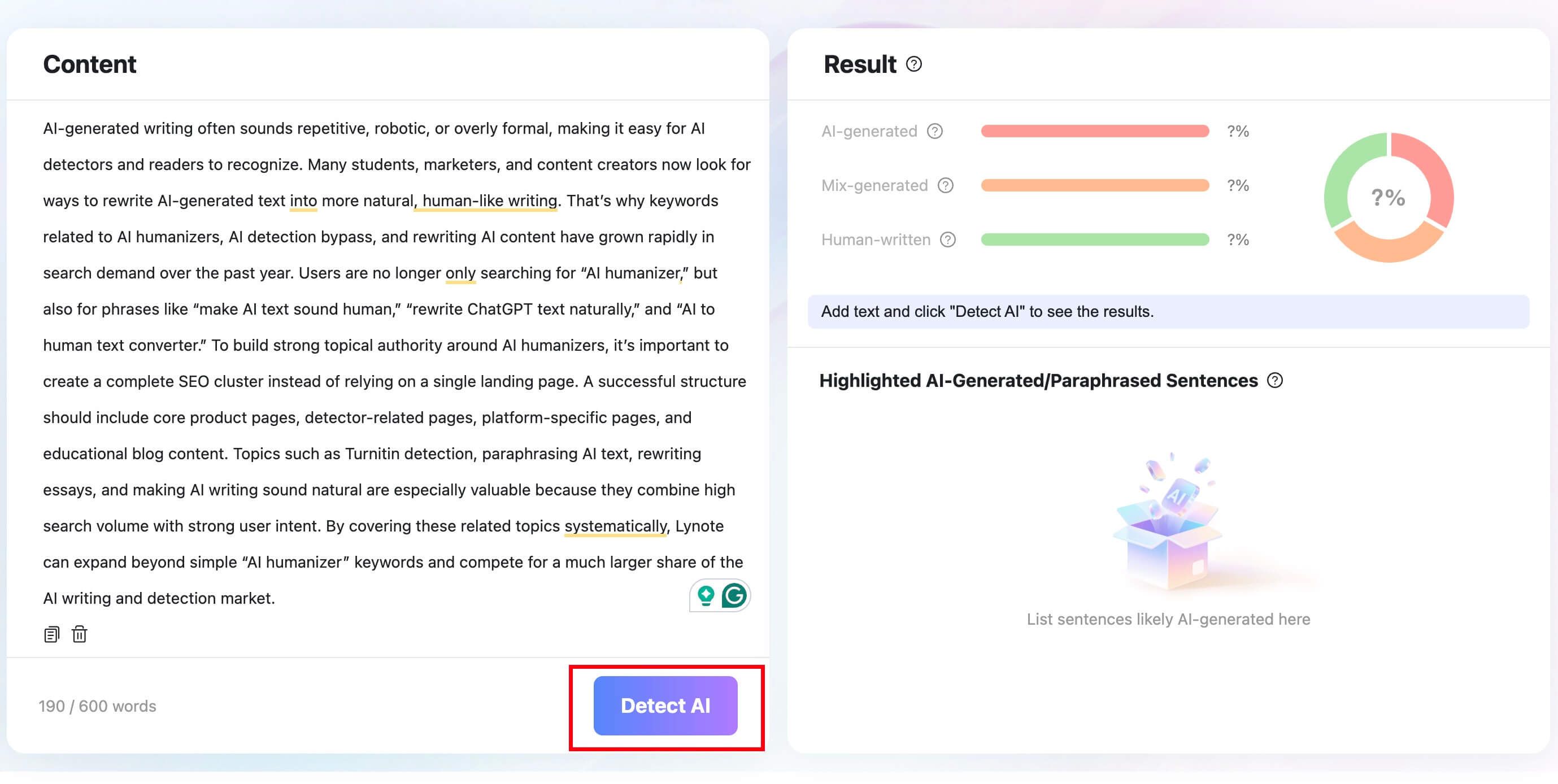
- Read the breakdown together with the highlighted passages. Treat the result as a prompt to review the writing, not an instruction to change every flagged sentence or a prediction of Turnitin's decision.
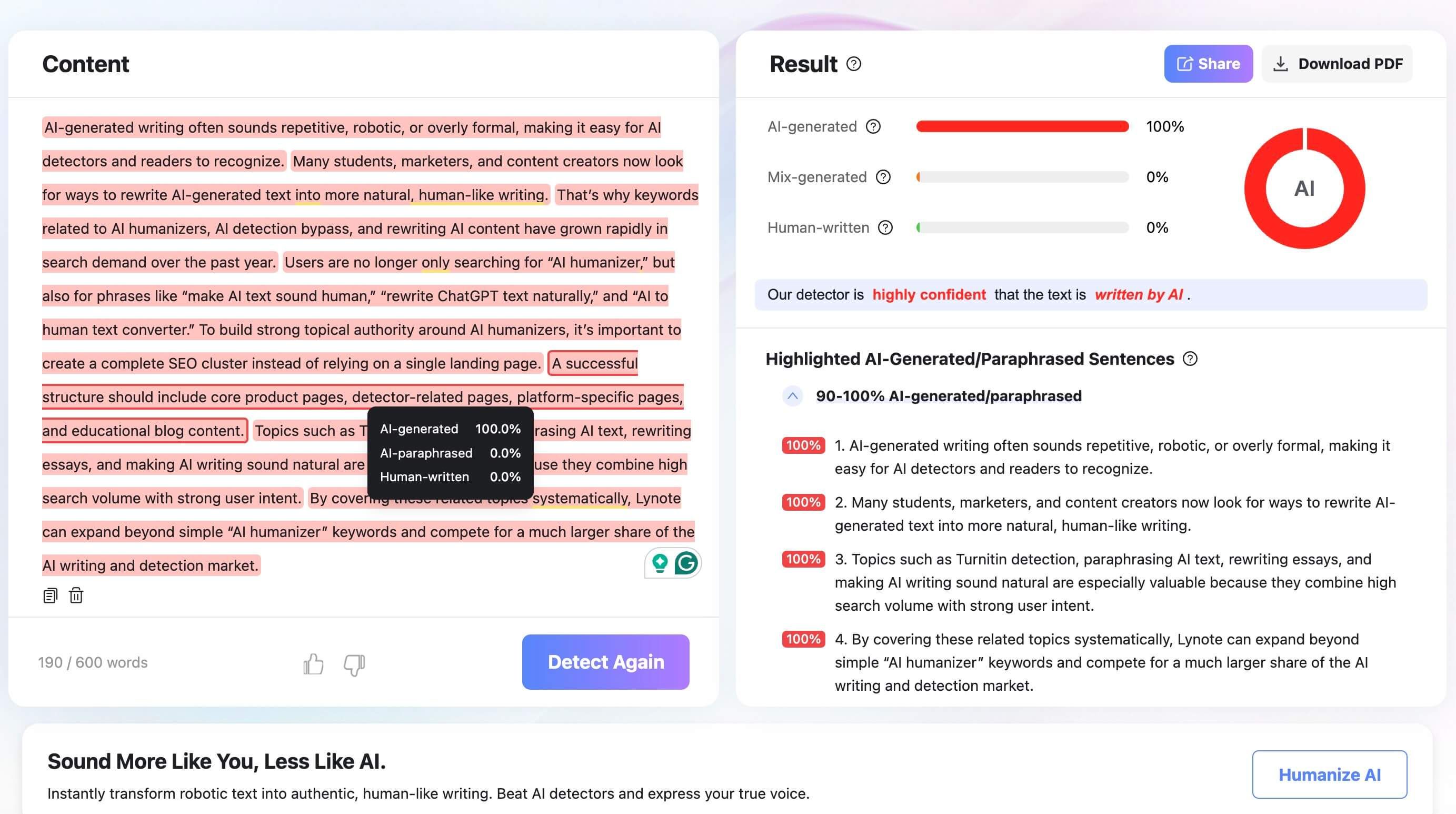
These workflow screenshots illustrate the interface, not a benchmark against Turnitin.

2. GPTZero: For a Clearly Defined Free Allowance
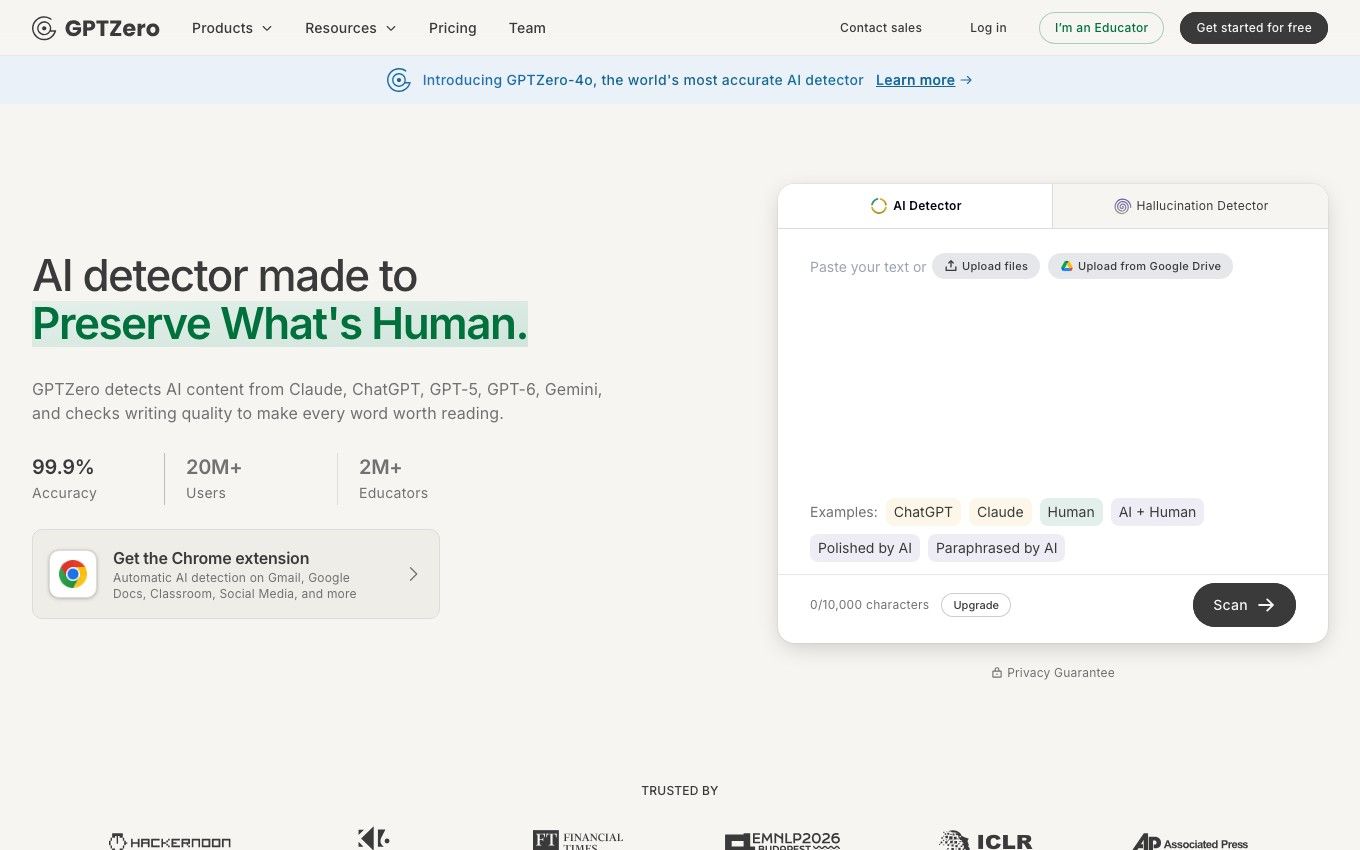
GPTZero is worth considering when you want to know your available checking budget before settling into a workflow. Its current support documentation lists 10,000 words per month on Free, with a 10,000-character scan limit and up to three files in a batch.
Features:
- Basic AI Scan on the free plan.
- One free Advanced Scan to try sentence-level analysis.
- More detailed reports and additional tools on eligible paid tiers.
Pros:
- Published limits make it easier to plan a small number of draft checks.
- Paid tiers provide a path toward larger batches and broader review.
Cons:
- A free overall score is not the same as ongoing access to advanced highlights.
- Plagiarism checking is not included in every tier.
Use it when its allowance covers your workload. Do not confuse a monthly word allowance with the separate character limit for one scan.
3. Copyleaks: For a Broader Institutional Shortlist
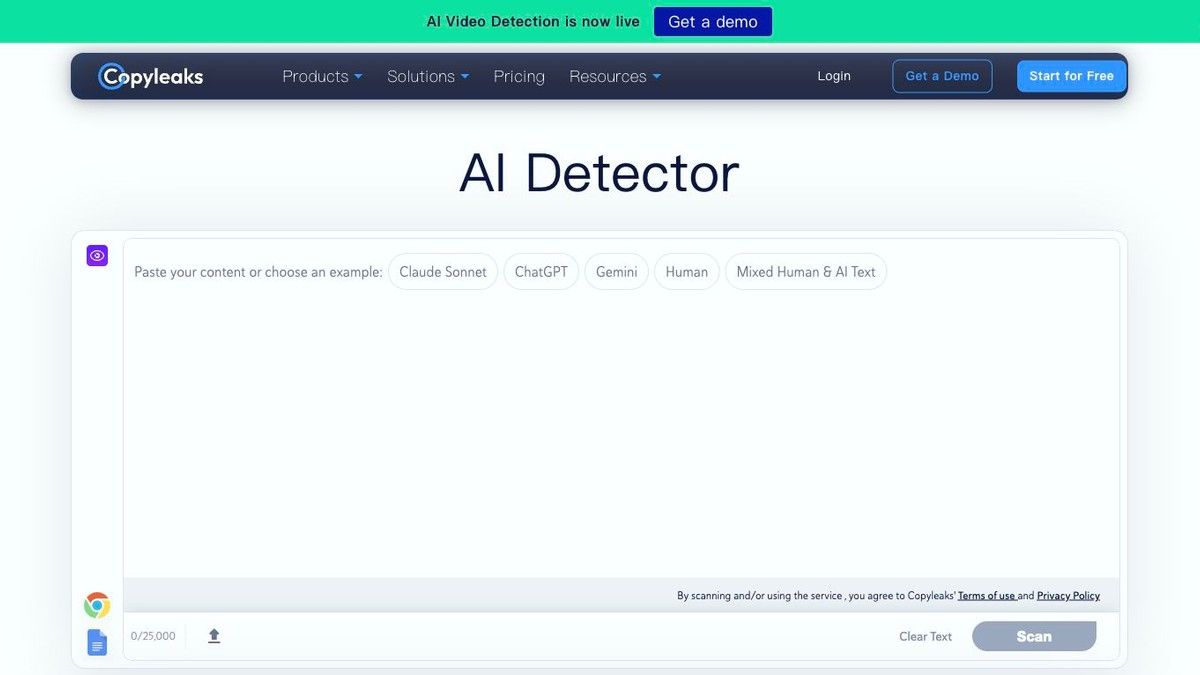
Copyleaks deserves a look when replacing Turnitin means more than adding a text box to a student's workflow. Its product lineup includes AI detection and plagiarism checking, alongside API and LMS integration options.
Features:
- AI and plagiarism products under the same provider.
- Education-focused services.
- Integration options for organizations and developers.
Pros:
- A more relevant shortlist candidate for institutional requirements than a standalone paste-only checker.
- Lets buyers investigate detection and source matching together.
Cons:
- The presence of both products does not establish that both are included in a particular offer.
- Procurement, integration, and account allowances need separate verification.
For an institution, ask for a demonstration of the actual submission-to-review workflow. For an individual, check the available account allowance before treating it as a free Turnitin alternative.
4. Originality.ai: For Publishing and Editorial Review
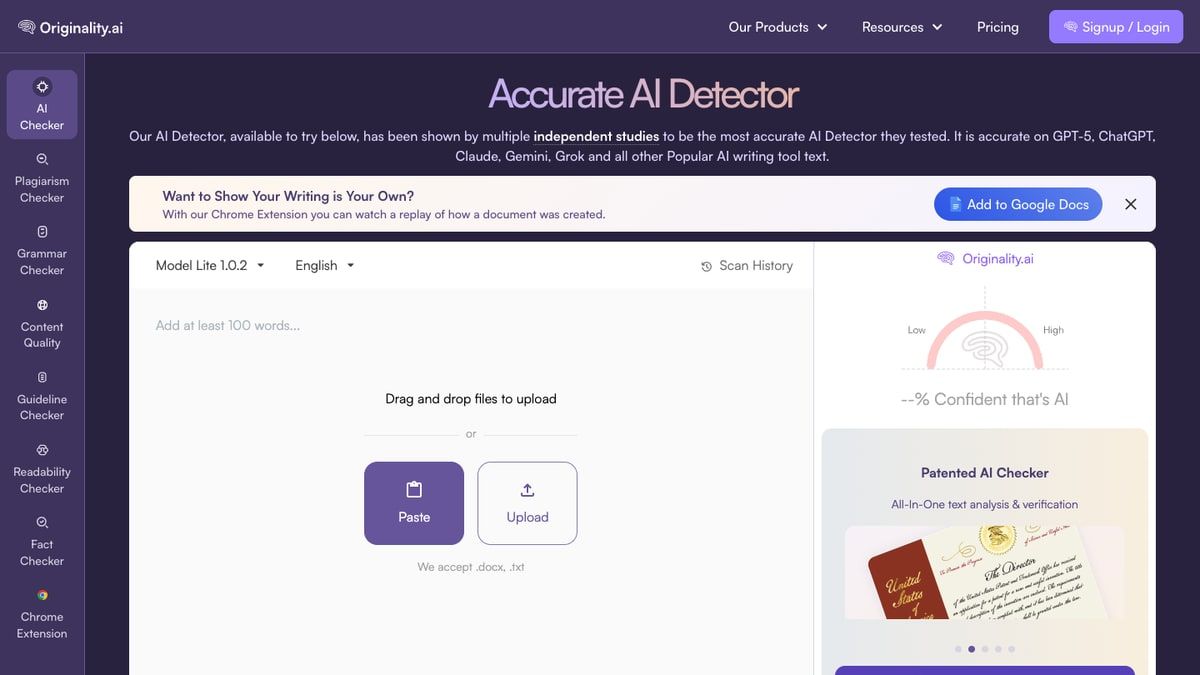
Originality.ai is a useful candidate for editors evaluating content rather than students trying to reproduce a university report. Its current pricing page lists AI detection, plagiarism checking, readability, and other content-quality tools.
Features:
- A credit-based checking model.
- A listed free starter allocation of 100 credits, presented as 10,000 words.
- Broader editorial checks beyond AI analysis.
Pros:
- A starter allocation lets you evaluate the workflow without immediately buying a subscription.
- Relevant when readability and content quality matter alongside detection.
Cons:
- The free credits are listed as one-time, not a recurring monthly allowance.
- Check credit consumption for the combination of checks you intend to run.
The important comparison is editorial fit, not whether its percentage resembles Turnitin's. A publishing review and a school misconduct review have different purposes and evidence requirements.
5. Winston AI: For Evaluating Multiple Review Tools
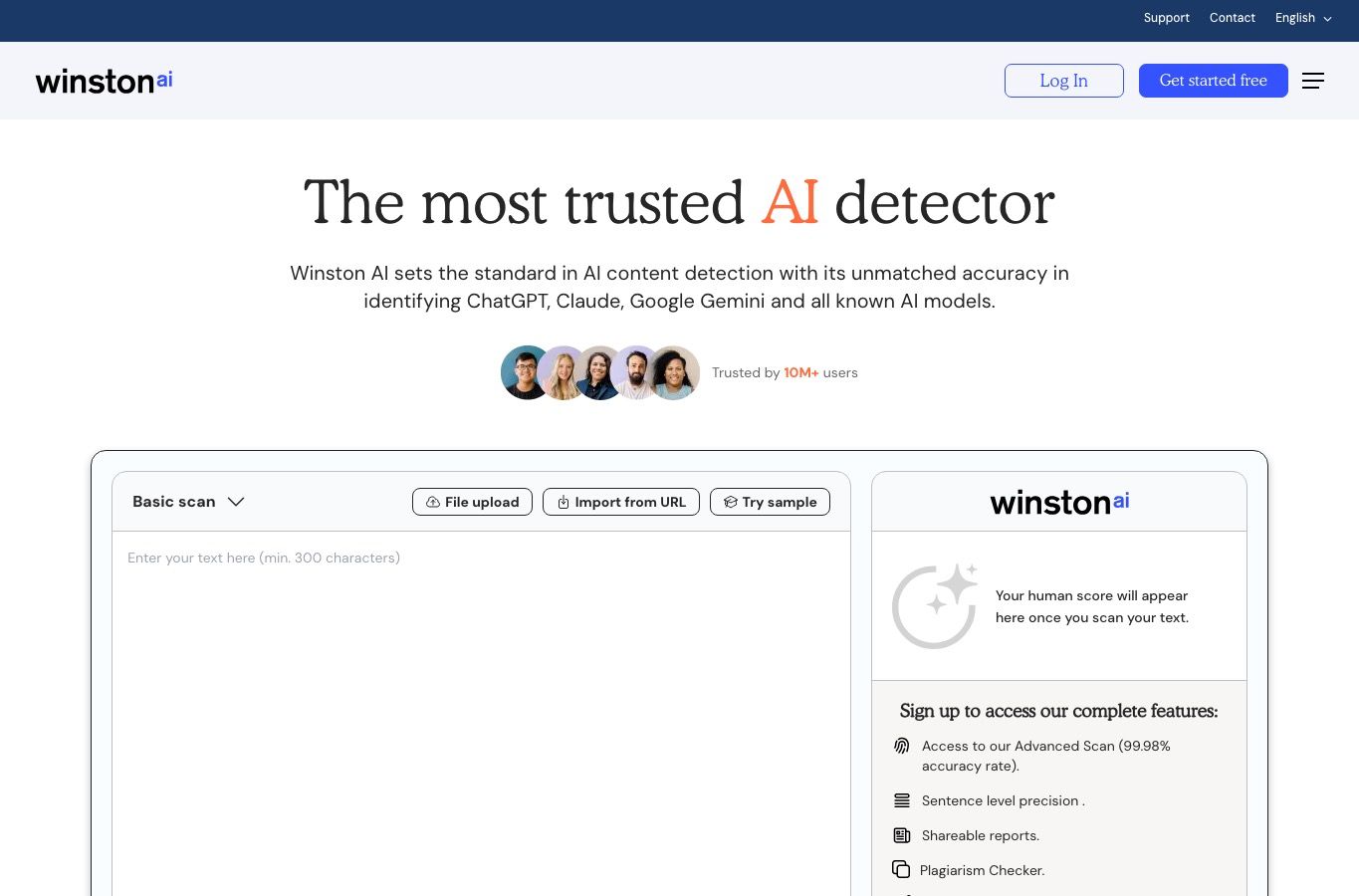
Winston AI offers AI checking alongside a broader collection of writing and content-review products. It belongs on your shortlist if you want to assess several checks in one environment rather than collect separate browser tools.
Features:
- AI detection and a plagiarism-checking product.
- Writing-feedback and other review offerings.
- Trial entry points for evaluating the platform.
Pros:
- Useful for assessing how different review results fit together.
- A trial can reveal whether the workflow suits your documents.
Cons:
- Trial access is not the same as an ongoing free plan.
- Trial duration and included features should be checked for the specific offer you select.
During a trial, inspect the explanation behind the result and whether the report is useful to a second reviewer. A prominent score is less useful if it cannot support a clear conversation about the text.
6. Pangram: For Account-Based Document Review
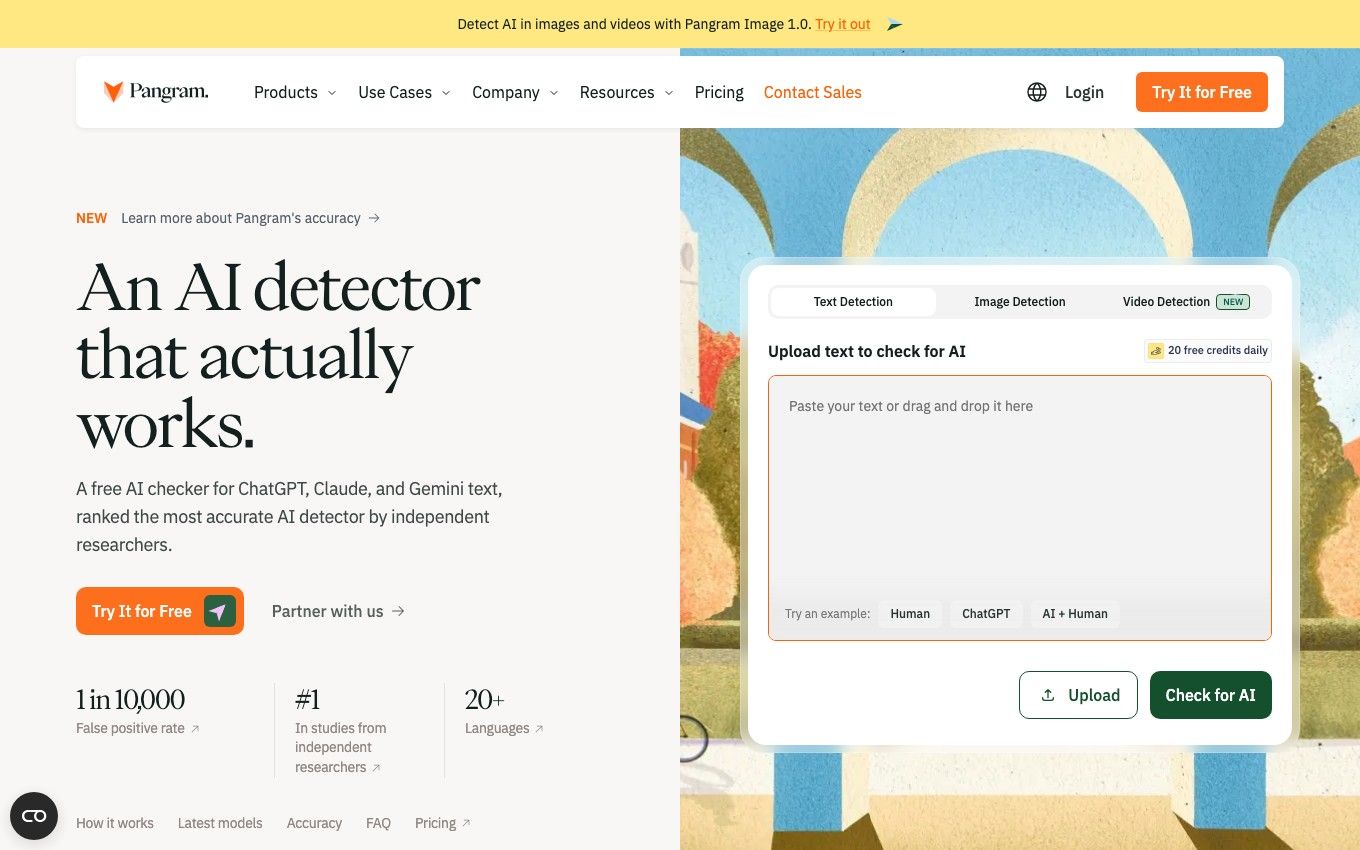
Pangram is another candidate for users who want more than an occasional pasted passage. Its current Individual pricing lists $20 per month, a seven-day trial, up to 300,000 words monthly, document upload with OCR, and similarity detection.
Features:
- Document-oriented review options.
- Google Docs integration on the listed plan.
- Similarity checking alongside its detection offering.
Pros:
- Worth evaluating when document input and integrations matter.
- Published paid-plan allowances provide a concrete workload comparison.
Cons:
- Its signup page advertises free checks separately from the paid-plan trial; confirm which offer your account receives.
- A similarity feature does not establish coverage equivalent to Turnitin's repositories.
Avoid combining the most generous terms from different pages into a fictional free plan. Compare the terms shown in your actual signup and checkout flow.
7. Scribbr AI Detector: For Short Academic Draft Checks

This existing interface example shows how a report is presented; its score is not a test result from this comparison.
Scribbr's free detector is a straightforward entry point within an academic-writing service. Its published comparison describes a 1,200-word limit per check, making it more relevant to shorter passages than a seamless full-dissertation review.
Features:
- A free web-based AI checker.
- Academic-writing resources elsewhere on the site.
- A separate plagiarism-checking service.
Pros:
- A convenient starting point for a short draft or section.
- Fits readers already using academic-writing guidance.
Cons:
- Free AI detection should not be confused with a free full plagiarism report.
- Breaking a long document into sections does not recreate a whole-document result.
Scribbr's academic positioning is not evidence that its AI detector returns Turnitin scores. Evaluate the specific checker, rather than assuming all services under one brand share the same engine or coverage.
8. QuillBot AI Detector: For an Existing Writing Workflow
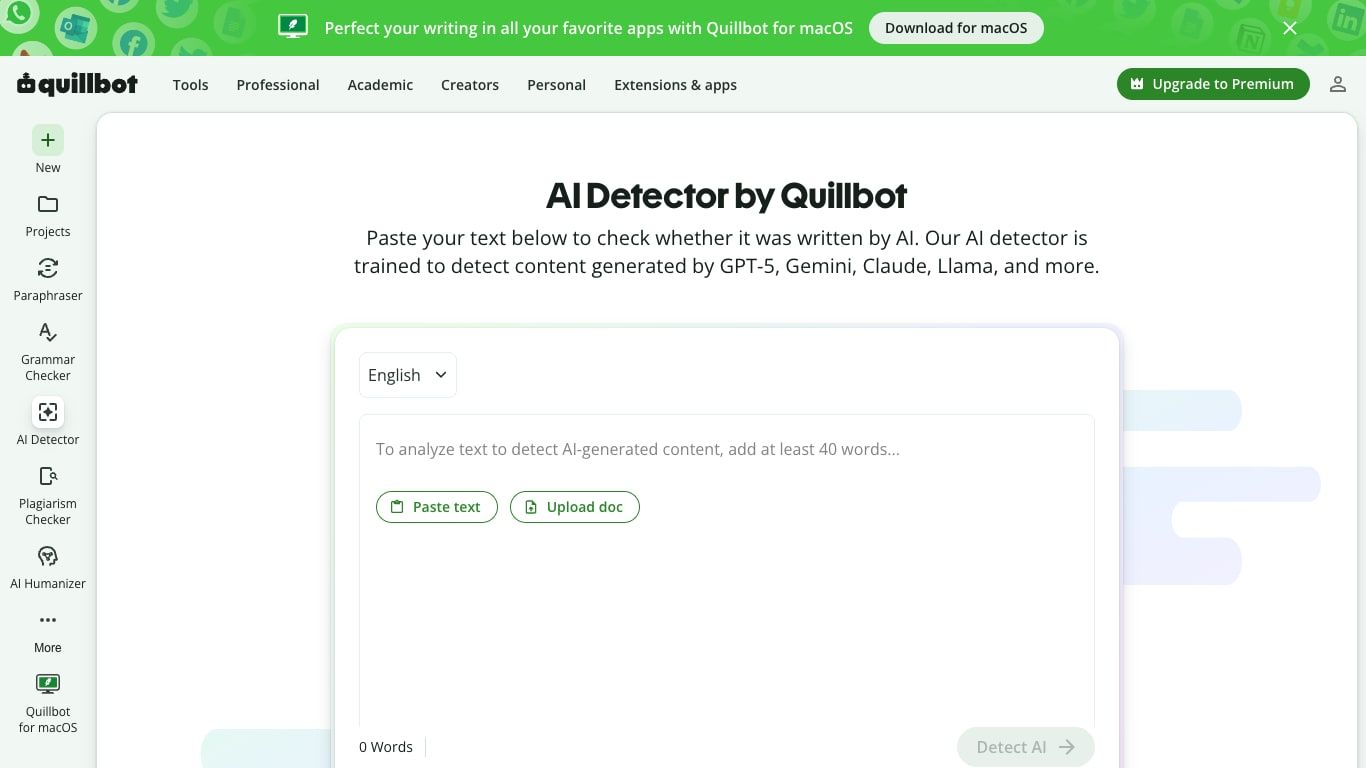
QuillBot's detector sits alongside its grammar, paraphrasing, citation, and other writing tools. Its public detector page describes an AI score and sentence-level highlights, making it a natural candidate for people already working in that environment.
Features:
- A free AI detector entry point.
- Sentence-focused feedback advertised on the detector page.
- Separate plagiarism and writing tools.
Pros:
- Convenient if you already use QuillBot for legitimate editing tasks.
- Lets you evaluate the highlighted passages alongside the surrounding text.
Cons:
- Availability of another tool in the navigation does not mean it is included in the free detector.
- Rewriting text and then rechecking it is not evidence that authorship has changed.
Keep an unedited copy before using any writing assistant. Your ability to explain revisions matters more than finding a wording variation that produces a lower score.
9. Grammarly AI Detector: For a Quick Check Alongside Editing
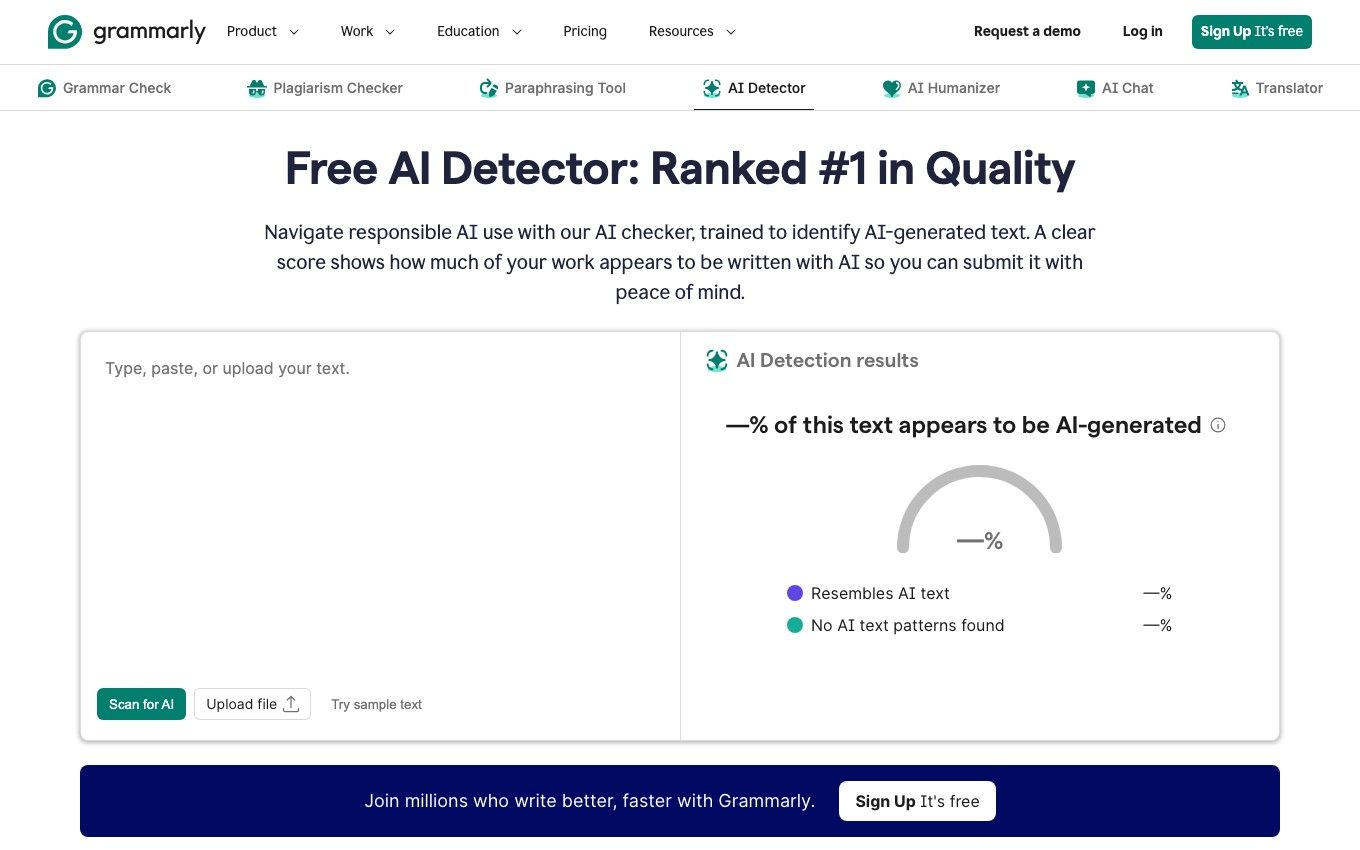
Grammarly offers a free web detector as part of a wider writing ecosystem. It is a reasonable option to evaluate when your primary task is reviewing writing and you do not want to start with a specialist institutional platform.
Features:
- Public AI-checking entry point.
- Grammar and writing assistance elsewhere in the product family.
- A separate plagiarism-checking offering.
Pros:
- Familiar context for people already using Grammarly.
- Suitable for exploring an additional review signal during editing.
Cons:
- The free detector does not represent every feature in Grammarly's paid products.
- Detector output and documentation of your writing process are different kinds of evidence.
Use the detector for its stated analysis, and keep revision history separately. A polished document can still need source checking, and a low AI score does not establish correct citations.
10. ZeroGPT: For an Additional Independent Check
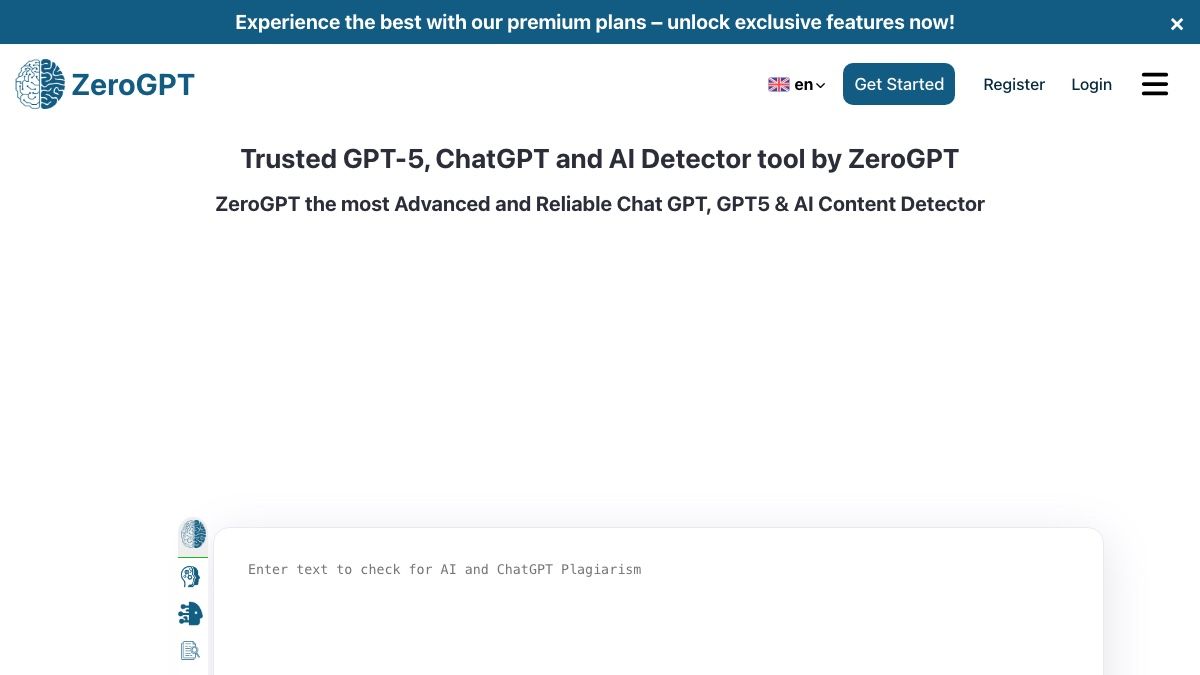
ZeroGPT offers a public AI-checking interface and lists additional tools such as plagiarism checking, grammar assistance, and summarization. It is a different product from GPTZero despite the similar names.
Features:
- A web-based AI/GPT detector.
- A broader selection of separate text tools.
- An accessible entry point for inspecting a passage.
Pros:
- Easy to include when evaluating different interfaces.
- Useful for examining how another product describes the same text.
Cons:
- Extra tools and higher allowances may have separate terms.
- A different percentage does not identify which detector is correct.
Treat an additional check as a comparison, not a tie-breaking vote. Three tools agreeing with one another still do not prove that Turnitin will produce the same result.
Which AI Detector Is Closest to Turnitin?
There is no defensible universal winner without defining what "closest" means. A platform might resemble Turnitin's institutional workflow while producing very different AI results; another may show familiar highlights without offering comparable source matching.
| Meaning of closest | What you should compare | What does not establish it |
|---|---|---|
| Closest workflow | Submission handling, roles, integrations, review and reporting | A similar-looking text box |
| Closest report | Explanations, highlights, exports, and definitions | Both tools showing a percentage |
| Closest source coverage | Document collections and matching behavior relevant to your work | Both products advertising plagiarism checks |
| Closest AI results | The same suitable samples, versions, settings, and a documented comparison | A vendor claim or one matching essay score |
Copyleaks is worth investigating for institutional workflow requirements, while tools such as GPTZero offer a more accessible individual checking route. That is a comparison of use cases, not a claim that either reproduces Turnitin's model.
If your question is specifically about GPTZero, the dedicated GPTZero vs. Turnitin comparison addresses that narrower decision. Keep score agreement separate from detection accuracy: a tool can agree with another tool and still be wrong.
What Does a Free Turnitin Alternative Actually Include?
Free access can mean a recurring allowance, a limited public checker, one-time credits, or a time-limited trial. These are not interchangeable when you need to check multiple drafts over a semester.
For example, GPTZero documents a recurring monthly quota, whereas Originality.ai labels its starter credits as one-time. Pangram advertises a paid-plan trial alongside a separate free signup offer, so the account terms matter more than the word "free" in a headline.
Before creating an account, check:
- The limit per scan, including whether it is measured in words or characters.
- The total allowance and when, or whether, it resets.
- Whether detailed highlights are included or only a summary score.
- Whether file upload is supported on the selected plan.
- Whether a trial turns into a paid subscription.
- Whether plagiarism checks consume a separate allowance.
A short free scan can help you evaluate usability. It should not be presented as a free replacement for all the reports, integrations, and review processes your institution uses.
AI Detection Is Not a Plagiarism Check
AI detection estimates whether text has patterns associated with generated writing. Similarity checking searches for overlap with available sources; interpreting that overlap still requires attention to quotations, citations, and context.
This distinction creates two common mistakes. A low AI score does not tell you whether material was copied, and a low similarity score does not establish that no AI assistance was used.
Turnitin treats its AI writing result as separate from its similarity score. If your actual need is finding uncited source overlap, evaluate plagiarism coverage rather than choosing whichever AI checker has the most impressive percentage display.
For access instructions rather than tool comparisons, see how to use Turnitin AI Checker. Your institution's configuration and policies determine what reports you can access.
How to Compare Detectors Without Chasing the Lowest Score
Use comparison to understand the reports, not to shop for a reassuring result. Repeatedly changing a sentence until one tool accepts it can reduce clarity without resolving the question that prompted the check.
- Choose a document you have permission to upload and keep an unchanged copy.
- Submit the same passage to each tool, respecting its minimum and maximum input requirements.
- Record the date, product, plan, and relevant settings. Save the report definition as well as its number.
- Compare highlighted passages with the source text. Look for missing citations, generic claims, factual errors, or legitimate reasons for repeated wording.
- Keep your outline, source notes, and revision history. These explain your process in ways a detector percentage cannot.
If one tool reports a high result and another reports a low result, do not average the numbers. They may describe different quantities or apply different thresholds, so the arithmetic can give a false impression of precision.
For consequential academic decisions, a detector result needs human review and appropriate institutional procedures. Turnitin itself warns against relying on its AI output as the sole basis for adverse action against a student.
Before Uploading an Essay: Access, Privacy, and Report Limits
A tool that is convenient for a public blog post may be inappropriate for an unpublished research document. Review retention, training use, sharing, deletion, and organizational requirements before submitting confidential or third-party material.
Be especially cautious about unofficial sellers offering access to someone else's Turnitin account. You need to know where the document goes and whether the service is authorized, not just whether it promises a report quickly.
For teachers, the first question is whether the institution permits the proposed tool and upload workflow. For students, the first question is what the assignment allows and what evidence would be relevant if the work is questioned.
FAQs About Turnitin Alternatives
Is there a free alternative to Turnitin?
There are free entry points for independent AI checks, including several tools in this list. They replace a limited task, not automatically Turnitin's full institutional system, source collections, or reporting workflow.
Which AI detector gives the same result as Turnitin?
This comparison does not establish any detector as an exact substitute. Similar features or occasional agreement on a document do not demonstrate consistent score equivalence.
Can a low score on another detector predict my Turnitin result?
No reliable prediction follows from that score alone. Different models, input rules, and report definitions can produce different results for the same writing.
Does a plagiarism checker also check for AI?
Only if the provider offers that capability in the product or plan you use. Source matching and AI detection are different operations, even when both appear in the same dashboard.
Can I use an alternative without a school account?
Many independent services support individual access through a public interface or personal signup. That access does not give you your institution's Turnitin report or permission to upload someone else's work.
Why do detectors disagree on the same essay?
They can use different models, thresholds, eligible text rules, and definitions of their scores. Disagreement is a reason to examine the underlying writing and reports, not proof that the lowest score is the correct one.
Final Verdict: Replace the Task, Not the Turnitin Score
Pick a tool whose access, allowance, and report help with the job in front of you. For a personal draft, prioritize understandable feedback; for a department, evaluate the full review workflow and privacy requirements.
The useful outcome is a clearer, better-supported document and a review process you can explain. A reassuring number on a different detector is not a substitute for either.

Written by Danny
Product Marketing Manager
Danny explains how Lynote features fit real workflows, from everyday productivity to product-led writing use cases. View all articles →