How to Convert a YouTube Video Into Text Easily
How to convert youtube video to text is a common question for students, creators, researchers, and teams who need more than a video link. A text transcript makes YouTube content searchable, easier to quote, simpler to repurpose, and faster to review. This guide explains the main methods, then shows how Lynote helps you turn a YouTube video into timestamped text online.
Why Convert YouTube Video to Text?
A YouTube video is useful, but it is not always easy to scan. If you need one quote, one tutorial step, or one research point, replaying the same section can waste time.
When you know how to convert youtube video to text, you can search the spoken content like a document. That makes videos easier to study, edit, summarize, translate, and reuse.
Study and Note-Taking
Students often use YouTube for lectures, tutorials, exam reviews, and explainer videos. A transcript helps turn long videos into structured notes without writing everything manually.
If you convert YouTube video voice into text, you can highlight key ideas and return to exact timestamps. This is especially useful when a speaker moves quickly or covers technical material.
Content Repurposing
Creators can turn YouTube transcripts into blog outlines, social captions, newsletters, scripts, or quote collections. A transcript gives you raw material before you start editing.
Learning how to convert youtube video into text also helps teams build content workflows. Instead of relying only on memory, they can work from the actual spoken content.
Research and Quote Collection
Researchers, journalists, and marketers often need exact wording from interviews, webinars, reviews, and public talks. A timestamped transcript makes it easier to verify context.
This matters when you need to cite a moment accurately. It also helps when several people are reviewing the same video.
Accessibility and Language Support
Text makes video content easier to access for viewers who prefer reading or cannot listen with sound. It also helps non-native speakers review difficult wording at their own pace.
If the transcript can be translated, the same video becomes more useful across languages. This is one reason many users search for how to convert youtube audio into text online.
Different Ways to Convert YouTube Video to Text
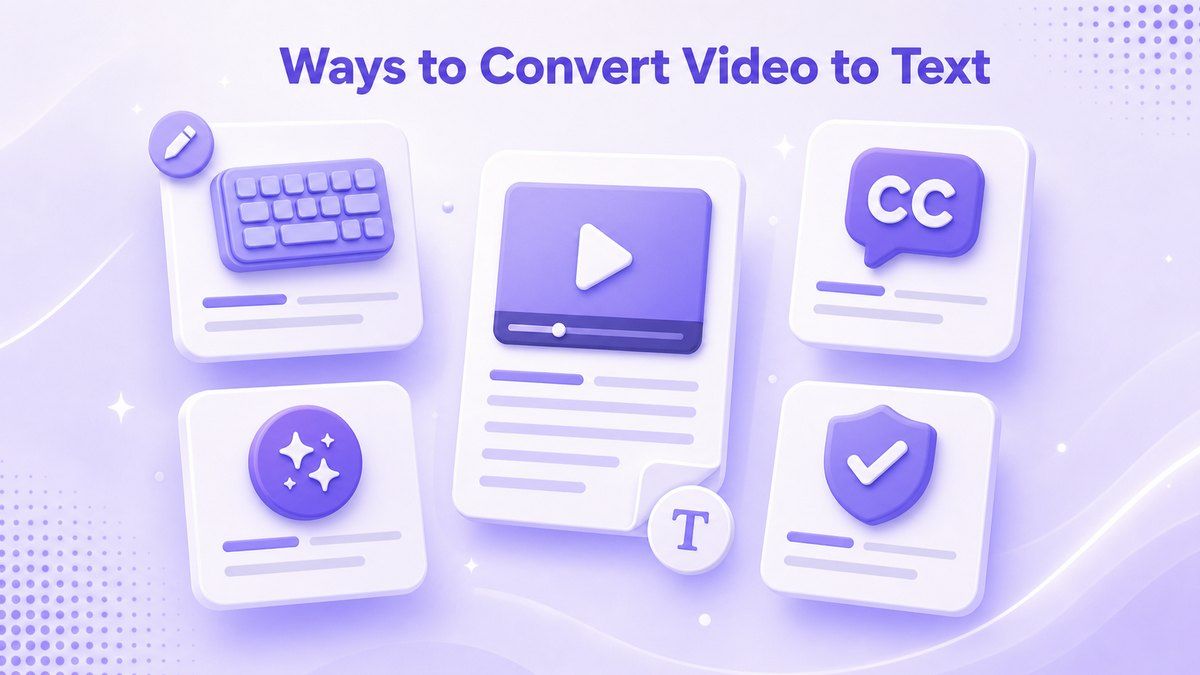
There are several ways to convert a YouTube video into text. The best method depends on your time, accuracy needs, budget, and whether the video has captions.
Some methods are free but slower. Others are faster, but still need proofreading if the audio is noisy or the topic includes specialized terms.
| Method | Best For | Main Limitation |
|---|---|---|
| Manual transcription | Short clips and exact control | Slow for long videos |
| YouTube captions | Free quick checks | Captions may be missing or imperfect |
| AI transcript tools | Fast transcript generation | Still needs review |
| Professional transcription | High-stakes public work | Costs more and takes longer |
| Lynote YouTube Transcript | Fast online transcript, timestamps, export | Depends on available captions or CC |
Method 1: Manual Transcription
Manual transcription means playing the video, pausing often, and typing the spoken words yourself. This gives you full control over punctuation, speaker names, and formatting.
The downside is time. If you need to convert a long YouTube video to text, manual work can take much longer than the video itself.
How to Do It
Open the YouTube video and play it in short sections. Pause every few seconds, type what you hear, and replay unclear parts.
After the first pass, edit the transcript for readability. Add timestamps if you need to reference specific moments later.
When Manual Transcription Makes Sense
Manual transcription works well for short clips, important quotes, or videos with poor captions. It is also useful when you need a polished transcript for publication.
For everyday study or content research, it is usually too slow. Most users looking for how to convert youtube video to text free will prefer captions or AI tools.
Method 2: Use YouTube Captions
Many YouTube videos include captions or auto-generated subtitles. If captions are available, they can provide a quick starting point for a transcript.
This method is free and built into YouTube. However, caption quality depends on audio clarity, language, speaker speed, background noise, and whether captions were uploaded by the creator.
How to Use Captions
Open the YouTube video and check whether subtitles or CC are available. If the transcript panel is available, you can view timestamped text beside the video.
You can then copy the transcript manually if YouTube allows it in your interface. You may still need to clean spacing, remove timestamps, or correct words.
Pros and Cons
YouTube captions are useful because they are fast and free. They are also easy to check while watching the original video.
The drawback is formatting. If you need a clean document, translation options, or TXT export, you may want a dedicated YouTube transcript tool.
Method 3: Use an AI YouTube Transcript Tool
AI transcript tools are designed for users who want a faster workflow. Instead of typing manually, you paste a link and let the tool generate text from the video?s available audio or captions.
This is often the best answer for how to convert youtube video to text online. It is especially useful for tutorials, podcasts, interviews, lectures, and product videos.
Where NoteGPT Fits
NoteGPT offers a YouTube summary workflow with ChatGPT and Claude. It can be useful if your main goal is summarizing YouTube videos, playlists, and study content in a larger AI learning workspace.
However, some users want a transcript-first experience rather than a broad summary platform. If your goal is timestamped text, copy, translation, and TXT download, a focused tool like Lynote may feel more direct.
Method 4: Use Lynote YouTube Transcript
Lynote YouTube Transcript is built for users who want to convert YouTube video to text online with fewer steps. You can paste a YouTube URL or search for a video directly on the page.
Lynote generates a transcript with timestamps, then lets you translate, copy, or download the result as a TXT file. It is a practical workflow for study notes, research, content reuse, and language review.
How to Convert YouTube Video to Text With Lynote
If you want a simple workflow, Lynote is the most direct path in this guide. It keeps the process focused on turning video content into usable text.
You do not need to download the YouTube video first. You only need the video URL or a search query for the video you want to process.
Step 1. Paste the YouTube URL or Search
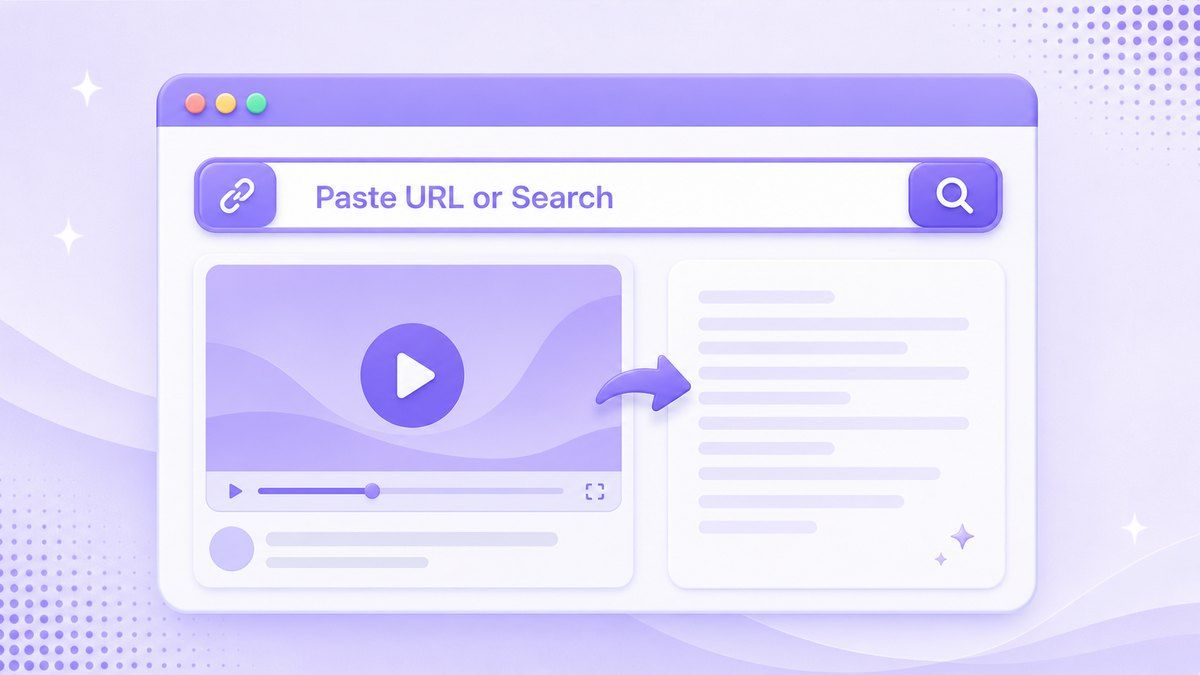
Open Lynote YouTube Transcript and paste the full YouTube video URL into the input box. If you do not have the link ready, use the built-in search option to find the video from the page.
This is useful when you are collecting transcripts from research videos, tutorials, lectures, podcasts, or product reviews. It also helps when you are moving quickly through several source videos.
Step 2. Generate the Transcript
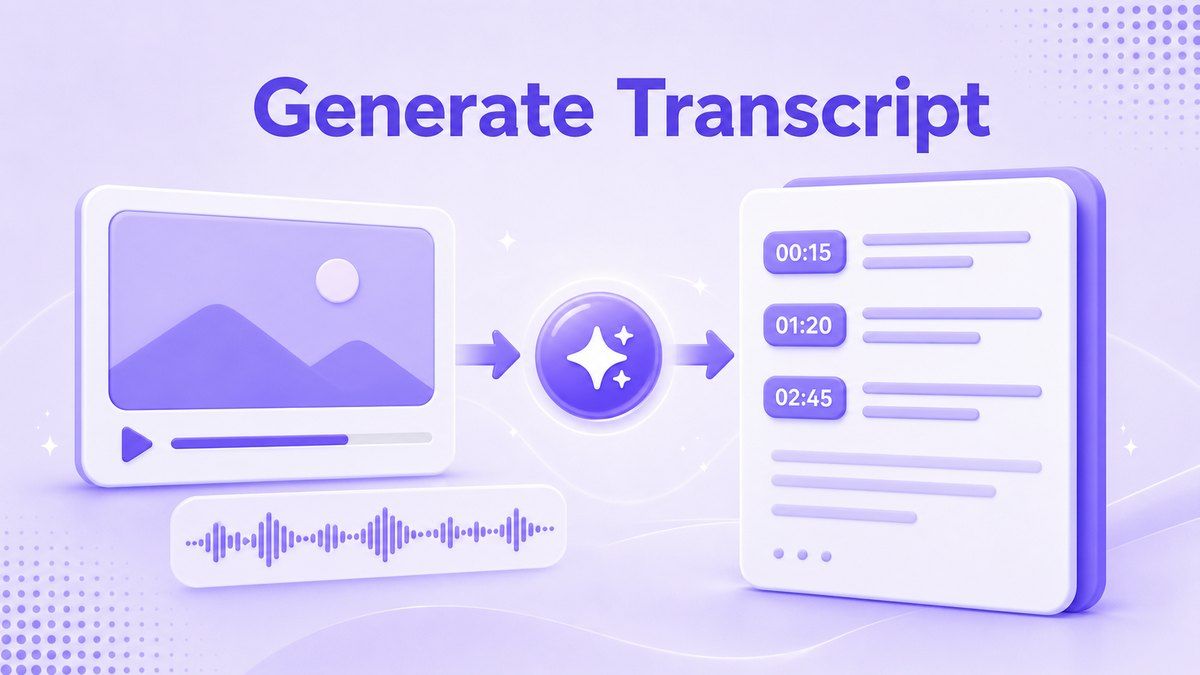
Click the Get Video button to start the transcript workflow. Lynote processes the video?s available captions and returns timestamped transcript text.
The timestamps are important because they let you jump back to the original moment. This makes the transcript easier to verify, quote, and review.
Step 3. Translate, Copy, or Export
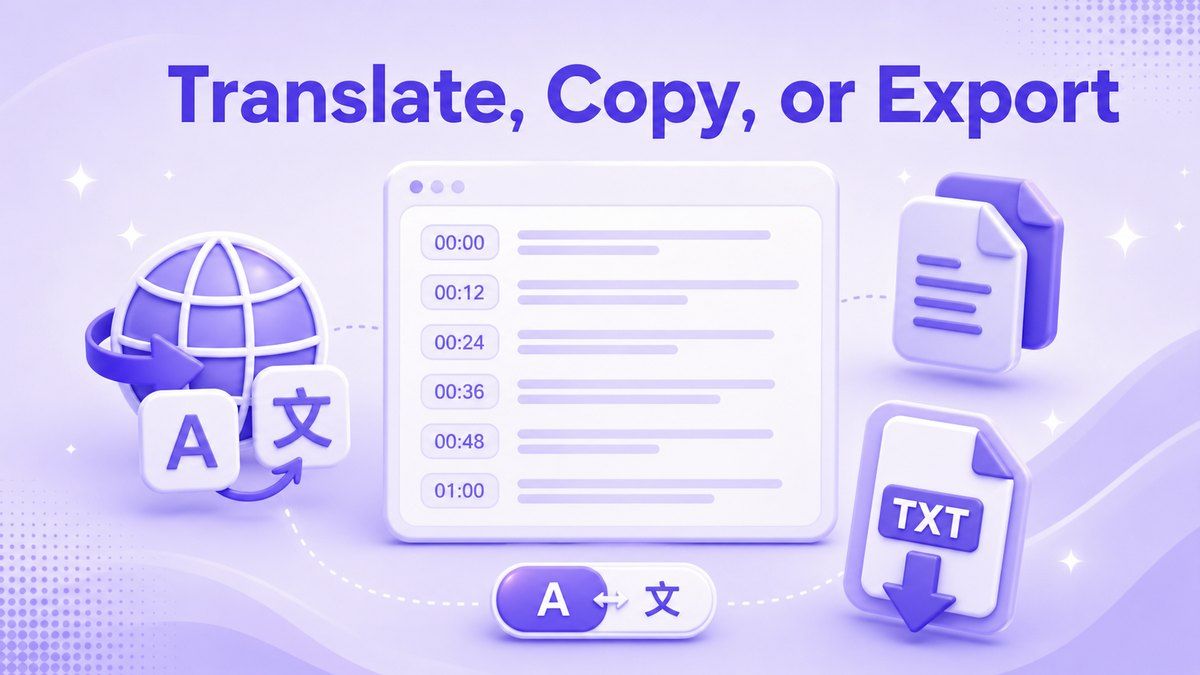
After generation, use Lynote?s translation options if you need the transcript in another language. You can choose Full Translation or Paragraph-by-Paragraph mode.
You can also copy the transcript or download it as a TXT file. That makes it easier to move the text into notes, documents, study guides, content drafts, or research files.
How to Convert YouTube Audio to Text
Many people search for how to convert youtube audio to text because they care about the spoken content, not the video visuals. The workflow is similar: the tool needs access to the video?s speech or captions, then turns that material into text.
For YouTube links, Lynote focuses on transcript generation from available captions or CC. If the video has no usable captions, results may be limited.
How to Convert YouTube Video to Text Free
The easiest free options are YouTube captions and basic online transcript tools. YouTube captions are built in, but they may require manual cleanup.
Lynote is useful when you want a more organized online workflow. You can generate timestamped text, review it, translate it, copy it, or download TXT from one place.
Tips for Better YouTube Transcripts
Choose videos with clear speech whenever possible. Background noise, overlapping voices, music, and heavy accents can make any transcript less reliable.
Always review the output before using it in public work. Even strong transcript tools may mishear names, product terms, numbers, or technical vocabulary.
Keep timestamps when you need citations or quote checks. They help you return to the original video quickly and confirm the meaning.
Use translation carefully when the transcript includes slang, jokes, or domain-specific terms. Paragraph-by-Paragraph translation can make review easier because you keep the original flow visible.
Common Challenges
Missing Captions
Some YouTube videos do not provide captions or usable CC. When that happens, caption-based transcript tools may not work as expected.
If the video is your own, consider adding captions first. If it is someone else?s video, choose another source or use a tool that supports direct audio transcription.
Poor Audio Quality
Low-volume speech, background noise, and music can reduce transcript quality. This is true whether you use YouTube captions, NoteGPT, Lynote, or another AI tool.
For important content, proofread the transcript while checking the original video. Treat the transcript as a working draft, not a guaranteed final document.
Multiple Speakers
Interviews and panel videos can be harder to convert cleanly. Speakers may interrupt each other, talk over background sound, or use similar voices.
If speaker labels matter, review the transcript manually. Add names or roles after generation so the final text is easier to follow.
Technical Terms
Tutorials, academic lectures, medical content, coding videos, and finance videos often contain specialized terms. AI tools may produce close-sounding but incorrect words.
Search the transcript for key terms after generation. Correct important names, formulas, acronyms, and product terminology before reusing the content.
Best Method by Use Case
| Use Case | Recommended Method |
|---|---|
| Short quote from a video | Manual transcription or timestamped transcript |
| Fast study notes | Lynote YouTube Transcript |
| Blog or content repurposing | Lynote transcript plus manual editing |
| Broad YouTube summaries | NoteGPT or another summary tool |
| Public-facing legal or medical transcript | Professional transcription plus review |
| Multilingual review | Lynote translation modes |
Lynote vs NoteGPT for YouTube Text Workflows
NoteGPT is helpful when you want summaries and a broader AI study platform. It can be a good option for users who want many learning tools in one place.
Lynote is better suited to users who ask how to convert youtube video to text online free and want a transcript-first workflow. It gives you timestamps, translation options, copy, and TXT export without making the process feel like a full dashboard project.
FAQs About Converting YouTube Videos to Text
Can I convert a YouTube video to text for free?
Yes, you can use YouTube captions or free online transcript tools. Free methods may still require proofreading, especially when the video has unclear audio or technical language.
Lynote is a practical option when you want a clean online workflow. It lets you paste or search for a video, generate timestamped text, and reuse the transcript.
How do I convert a YouTube video into text online?
Use a YouTube transcript generator. Paste the video URL, generate the transcript, review timestamps, then copy or export the result.
With Lynote, you can also translate the transcript. This helps when the video is useful but not in your preferred language.
Can I convert YouTube audio into text?
Yes, if the tool can process the YouTube video?s speech or available captions. For many online workflows, the video link is enough.
Lynote uses available captions or CC for YouTube transcript generation. If captions are missing, transcript generation may be limited.
Is YouTube?s built-in transcript accurate?
It depends on the video. Clear audio and slow speech usually produce better captions, while noise, accents, music, and technical terms can create errors.
You should review any transcript before using it in a paper, article, client document, or public-facing content. Timestamps make that review much easier.
What is the best way to convert a long YouTube video to text?
For long videos, use an AI transcript tool with timestamps. Manual transcription is usually too slow unless the content is very short or highly sensitive.
Lynote is useful for long tutorials, lectures, interviews, and podcasts when captions are available. You can generate the transcript, scan sections by timestamp, and export the text.
Can I use a transcript for SEO?
Yes, transcripts can help you turn video content into searchable text for blogs, summaries, captions, and content briefs. Search engines cannot watch video the way users do, so text makes the content easier to index and reuse.
You should still edit the transcript before publishing. Raw transcripts often need headings, structure, grammar cleanup, and context.
Conclusion
Learning how to convert youtube video to text gives you more value from every video you watch, study, or create. You can use manual transcription, YouTube captions, AI tools, or professional services depending on your accuracy needs. For a fast online workflow with timestamps, translation, copy, and TXT export, try Lynote YouTube Transcript.
Written by Lynote Team
Lynote Team writes practical guides for Lynote.