Can AI Make Notes from a Video? How It Works Online

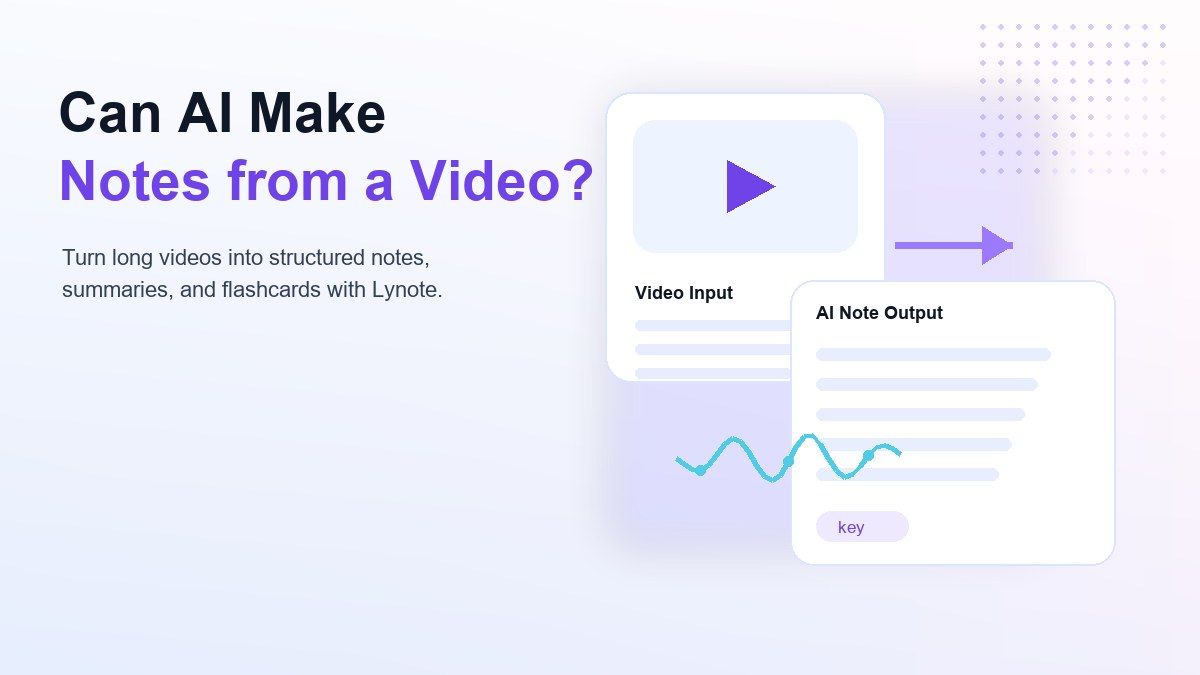
Can AI make notes from a video? Yes, AI can turn a video into structured notes by extracting the spoken content, identifying key ideas, and organizing the result into summaries, bullets, sections, and review material. This is useful when you need to learn from YouTube videos, lectures, webinars, interviews, tutorials, or recorded meetings without pausing every few minutes to type.
The practical question is not only whether AI can do it. It is whether the tool can create notes that are clear enough to review, edit, cite, and reuse. A good video note workflow should help you move from video watching to actual learning.
What Does It Mean for AI to Make Notes from a Video?
When people ask, "can AI make notes from a video," they usually mean more than a basic transcript. A transcript gives you the words, but notes should organize the ideas into a cleaner structure.
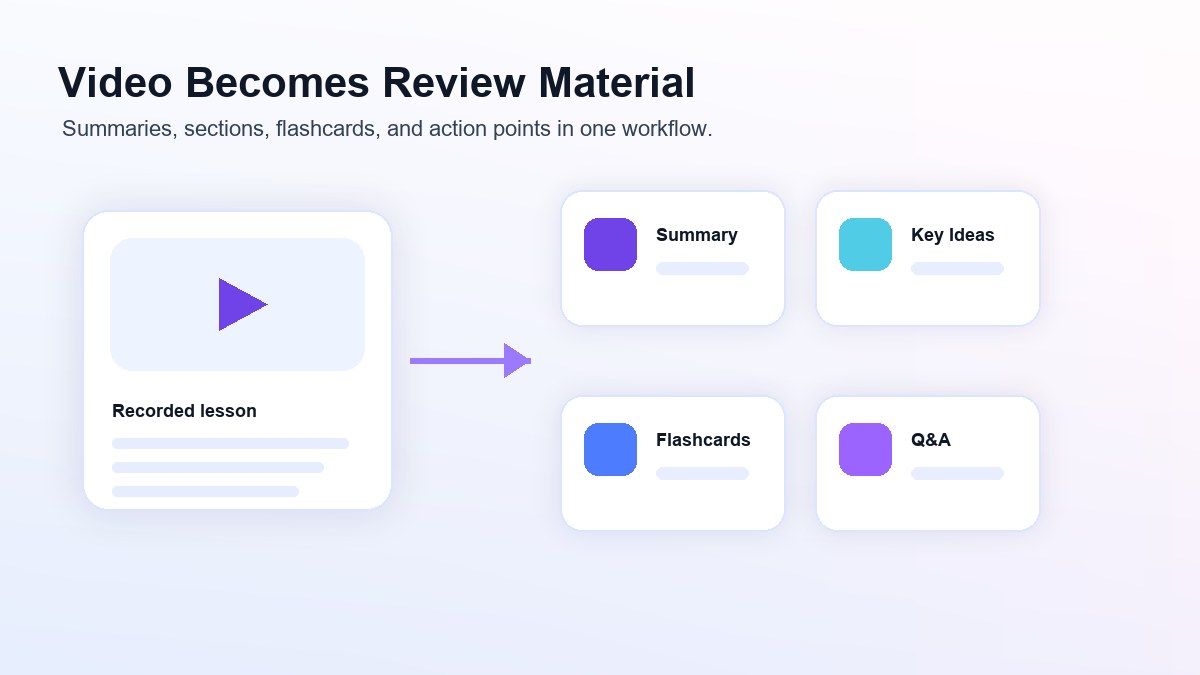
AI video notes often include a short summary, main points, section headings, timestamps, key terms, follow-up questions, and action items. Some tools can also turn the notes into flashcards or study prompts.
This matters because videos are hard to scan. A 45-minute lecture may contain only a few ideas you need to review, but finding those ideas manually can take almost as long as watching the video again.
Why Manual Video Note-Taking Is So Slow
Taking notes from video manually creates constant friction. You watch a section, pause, type, rewind, fix missed details, and then repeat the same process again.
That workflow can work for short clips, but it becomes difficult with long lectures, tutorials, product demos, or research interviews. The longer the video gets, the easier it is to miss context or write notes that are too fragmented.
This is why many students and professionals now ask what AI can make notes from a video. They want a faster way to capture the material without losing the structure of the original source.
Can AI Make Notes from a YouTube Video?
Yes, AI can make notes from a YouTube video when the tool supports YouTube links or can process the video's available transcript or audio. This is useful for class recordings, explainer videos, conference talks, podcasts, tutorials, and long-form educational content.
A YouTube note workflow usually starts with a URL. The AI reads or extracts the spoken content, then generates a summary and organized notes.
If you want to use this workflow in Lynote, open Lynote AI Note Generator, paste a YouTube URL, parse the source when needed, and create structured AI notes. You can then edit the notes, ask follow-up questions, or convert important parts into flashcards.
What Can AI Notes from a Video Include?
AI notes from a video can include several output types. The best format depends on whether you are studying, writing, researching, training, or preparing a meeting recap.
| Output Type | What It Helps With | Best Use Case |
|---|---|---|
| Transcript | Captures the spoken content | Quoting, reviewing exact wording, checking details |
| Quick summary | Gives the main idea fast | Deciding whether the video is worth deeper review |
| Structured notes | Organizes ideas into sections | Studying lectures or long tutorials |
| Key takeaways | Pulls out the most important points | Reviewing a video after watching |
| Action items | Lists tasks or decisions | Meetings, product demos, team recordings |
| Flashcards | Turns ideas into active recall prompts | Exams, training, language learning |
| Follow-up Q&A | Lets you ask about the source | Research, clarification, deeper study |
This is why "AI take notes from a video" searches are growing. People do not just want raw text; they want reusable learning material.
Types of AI Tools That Can Take Notes from Video
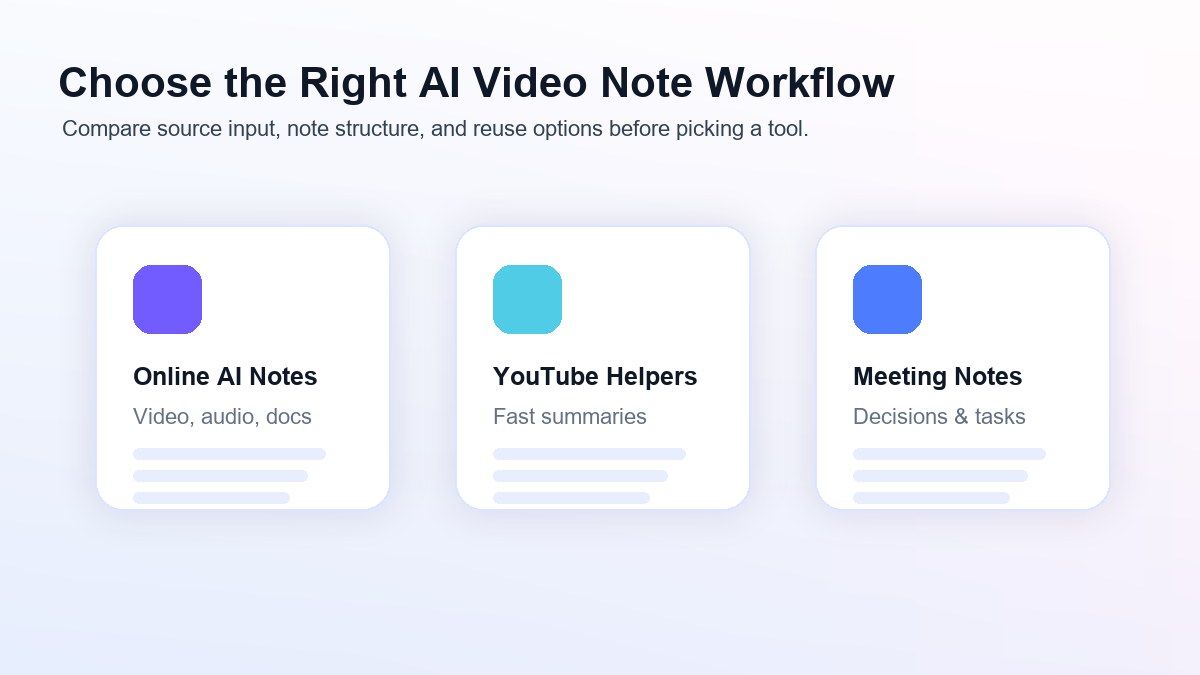
There are several tool categories that can answer the question "can AI make notes from a video." Each one has a different strength, so the best choice depends on your workflow.
Online AI Note Generators
Online AI note generators are usually the most flexible option. They can often process video links, uploaded files, audio, documents, webpages, and images inside one workspace.
This is helpful when your video notes are part of a larger study or research workflow. For example, you may want to combine a YouTube lecture, a PDF reading, and class slides into one set of notes.
Lynote fits this category because it is designed to turn source material into structured AI notes. It is especially useful when the video is only one part of the material you need to understand.
YouTube Note Extensions
Browser extensions can be convenient when your workflow happens mostly inside YouTube. They may let you summarize a video, save timestamps, or capture notes while watching.
The limitation is that extensions can feel narrow. If you also need notes from PDFs, audio files, webpages, or uploaded videos, you may end up switching tools.
For users who only ask "can AI make notes from a YouTube video," an extension may be enough. For broader study and work tasks, a full AI note generator is usually more practical.
Meeting and Recording Note Takers
Meeting note tools are useful when the video comes from Zoom, Google Meet, Teams, or a recorded call. They often focus on speaker notes, meeting summaries, decisions, and action items.
These tools are helpful for business workflows, but they may not be ideal for study notes. A lecture, tutorial, or research video often needs definitions, examples, key concepts, and review questions rather than only meeting minutes.
If your video content is educational, choose a tool that can generate structured notes and flashcards, not just a meeting recap.
Reference Workflows We Reviewed
For this guide, we reviewed public examples of video-note and lecture-note workflows, including articles about taking notes from video automatically and AI lecture note takers. The useful pattern is clear: the strongest content explains the source problem first, then shows a simple workflow users can repeat.
Lynote builds on that same practical expectation but keeps the output focused on reusable notes. Instead of stopping at a short summary, the workflow can support structured notes, follow-up questions, and flashcards for study or work.
How to Make AI Notes from a Video with Lynote
Lynote is built for people who want to move from raw content to organized notes. It can help when you have a YouTube video, video file, lecture recording, tutorial, or other source material that needs to become reviewable notes.
Step 1. Add the Video Source
Start by opening Lynote AI Note Generator. Add your source by uploading a supported file or pasting a link, depending on where the video comes from.
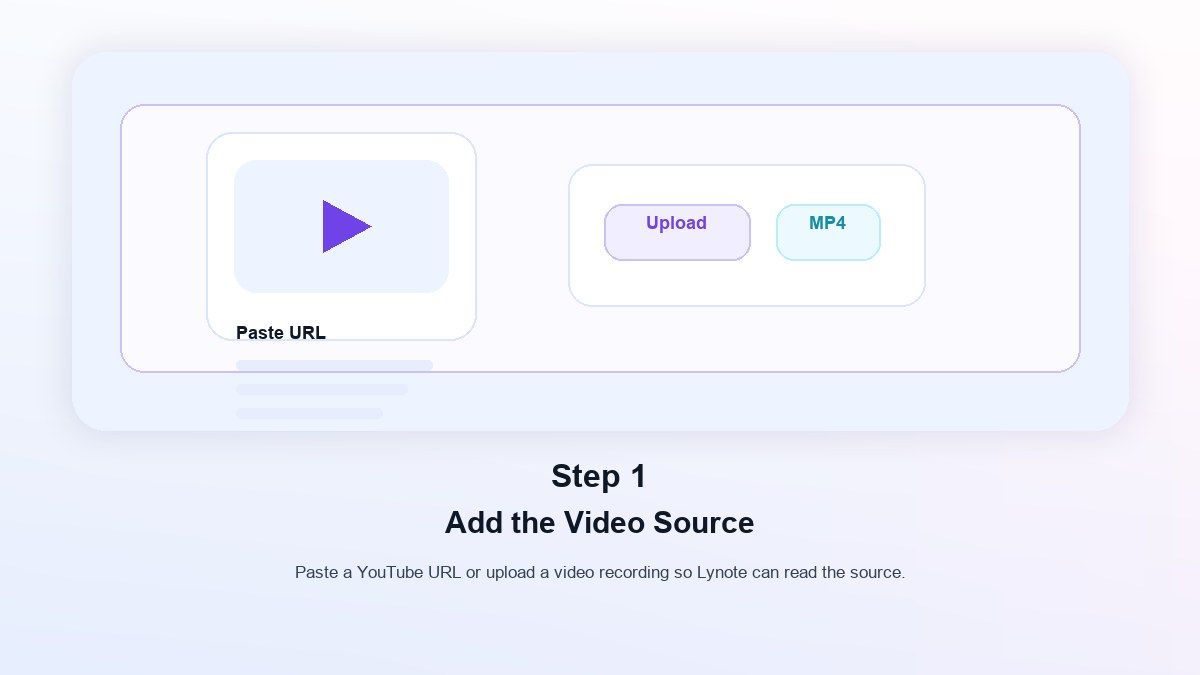
If you paste a URL, use the parse step when needed so Lynote can fetch the source content. This gives the AI enough context to build notes from the video rather than making you copy everything manually.
This step is useful for anyone asking "can AI make notes from a video" because it removes the blank-page problem. You begin with the source itself.
Step 2. Generate Structured AI Notes
After adding the source, generate the AI notes. Lynote processes the content and creates organized notes with headings, bullets, and source-linked sections.
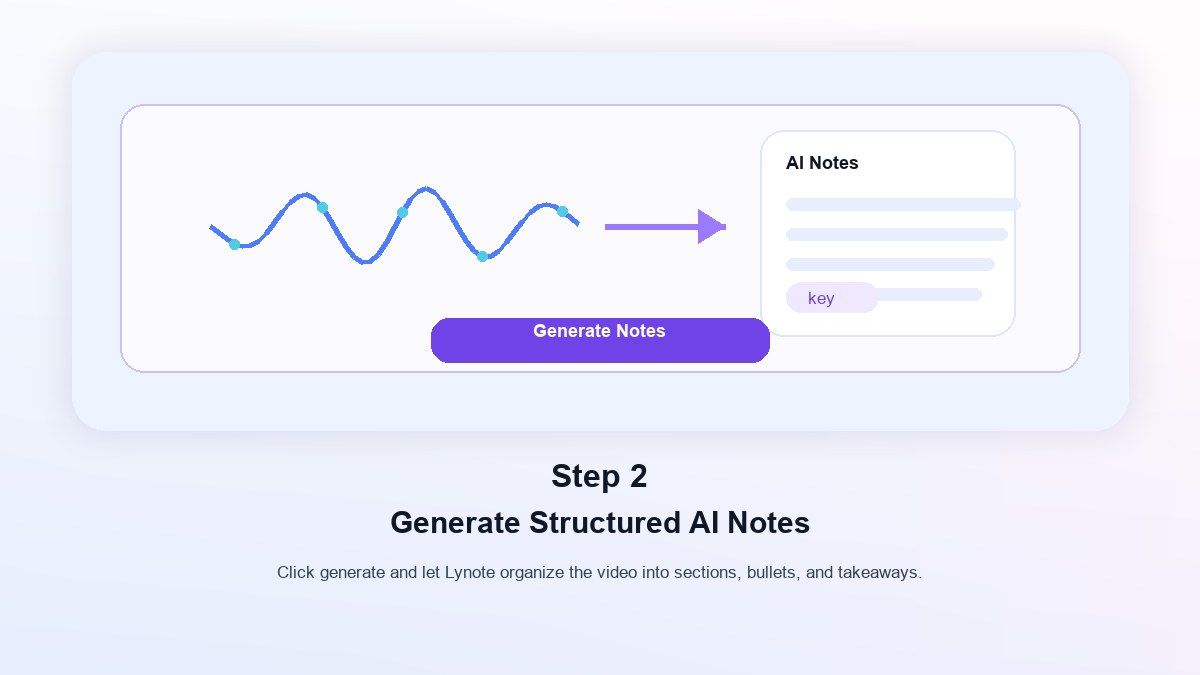
This is different from a simple transcript dump. The goal is to make the video easier to review, search, and reuse.
If the video is long, the structured output helps you see the major sections faster. You can skim the notes first, then return to the original video only when you need more detail.
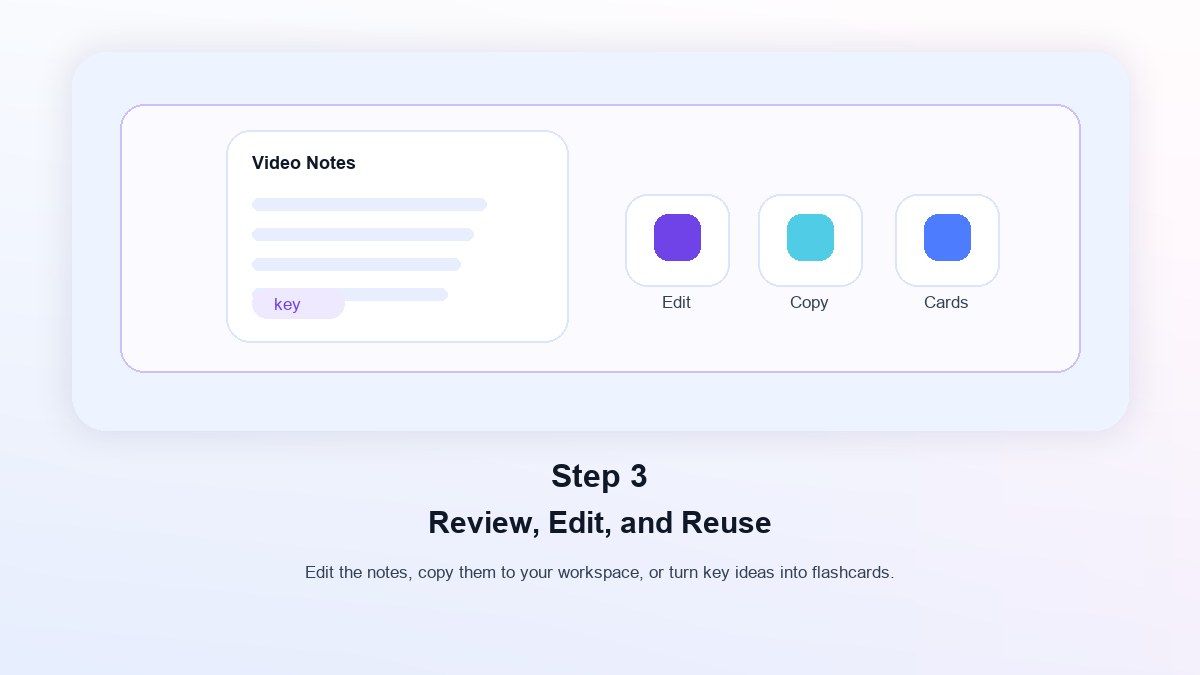
Step 3. Review, Edit, and Reuse
Once the notes are generated, you can edit them, ask questions about the content, export or share them, or convert important parts into flashcards. This keeps the workflow close to learning and reuse, not just storage.
Lynote still requires review, especially when the source is complex or the audio is unclear. But it can reduce the manual work needed to build the first usable version of your notes.
When Should You Use AI to Take Notes from a Video?
Use AI when the video is long, dense, or important enough to review later. Lectures, tutorials, webinars, interviews, conference talks, product training, and research videos are strong fits.
You should also use AI when you need searchable notes. A video is hard to scan, but structured notes make it easier to find a definition, timestamp, example, or action item.
If the video is short and casual, manual notes may be enough. But when the video contains real learning or work value, AI can save time and create a more reusable record.
What Makes a Good AI Video Note Tool?
A good AI video note tool should do more than summarize. It should help you move from video content to organized knowledge.
Look for support for the source types you actually use. If you study from YouTube, PDFs, webpages, lecture audio, and images, choose a tool that can handle more than one format.
Also look for editable notes, clear structure, follow-up Q&A, and export or reuse options. The best tool is the one that fits your review process after the notes are generated.
Lynote vs Basic Video Summarizers
Basic video summarizers can be useful when you only need a quick overview. They are fast, simple, and good for deciding whether a video is worth watching.
Lynote is more useful when you want notes you can continue working with. It is designed for structured notes, source-linked sections, editing, follow-up questions, and flashcards.
That difference matters for students and knowledge workers. A summary helps you understand a video once, while structured notes help you review and reuse the content later.
Common Use Cases for AI Video Notes
Students can use AI video notes for recorded lectures, online courses, exam review, and flipped classroom materials. Instead of writing everything manually, they can start with structured notes and then add class-specific details.
Creators and researchers can use AI notes to process interviews, webinars, competitor videos, and long tutorials. This helps turn video content into briefs, outlines, scripts, and content ideas.
Professionals can use the workflow for training videos, internal demos, onboarding recordings, and product walkthroughs. The notes make long videos easier to search and share.
FAQs About AI Notes from Video
Can AI make notes from a video for free?
Some tools offer free or limited workflows, so an AI that can take notes from a video free may be possible depending on the platform and usage limits. Always check the current plan, video length limits, and supported inputs before relying on a free workflow.
What AI can make notes from a video?
AI note generators, video summarizers, transcript tools, and meeting note tools can make notes from a video. Lynote is a strong fit when you want structured notes from videos alongside documents, audio, images, webpages, and YouTube links.
Can AI make notes from a YouTube video?
Yes, AI can make notes from a YouTube video when the tool supports YouTube links or can process the video transcript. Lynote supports a YouTube-link workflow inside its AI note generator.
Is it better to get a transcript or AI notes?
A transcript is better when you need exact wording. AI notes are better when you need the main ideas, structure, summaries, key points, and study material.
Can AI take notes from a video lecture?
Yes, AI can take notes from a video lecture if the audio is clear enough and the tool supports the source. For best results, review the generated notes and add course-specific details.
Are AI video notes accurate?
AI video notes can be helpful, but quality depends on audio clarity, speaker pace, background noise, accents, and topic complexity. Use the notes as a reviewable draft and check important details against the source.
Final Thoughts
Can AI make notes from a video? Yes, and the best workflow goes beyond a quick summary. A useful AI tool should help you turn videos into structured notes, review the content, ask follow-up questions, and reuse the material for study or work.
Lynote AI Note Generator is built for that broader workflow. If your learning material comes from YouTube videos, recordings, documents, audio, images, and webpages, Lynote gives you one place to turn those sources into notes you can actually use.

Written by Janet L. Harris
AI Writing Specialist
Janet reviews AI detectors and humanization tools, with a focus on accuracy, limitations, and responsible use. View all articles →