How to Record Lectures and Take Notes with AI

AI record lecture and take notes is now a practical study workflow, not just a futuristic classroom idea. Instead of choosing between listening carefully and writing everything down, students can use AI to turn lecture materials into structured notes. With Lynote AI Note Generator, you can upload or link your study source, generate organized notes, and reuse them for review.
Why Students Need an AI Lecture Note Workflow
Lectures move quickly, especially when the class includes formulas, technical terms, dates, names, or multi-step explanations. A student may understand the moment in class but lose the details later because handwritten notes are incomplete. That is why many learners now search for an ai app that records lectures and takes notes.
The real goal is not simply recording more content. The better goal is turning messy source material into notes that are searchable, structured, and useful before an exam. Lynote helps with that by converting supported files, media, web pages, and YouTube links into organized AI notes.
What Does "AI Record Lecture and Take Notes" Mean?
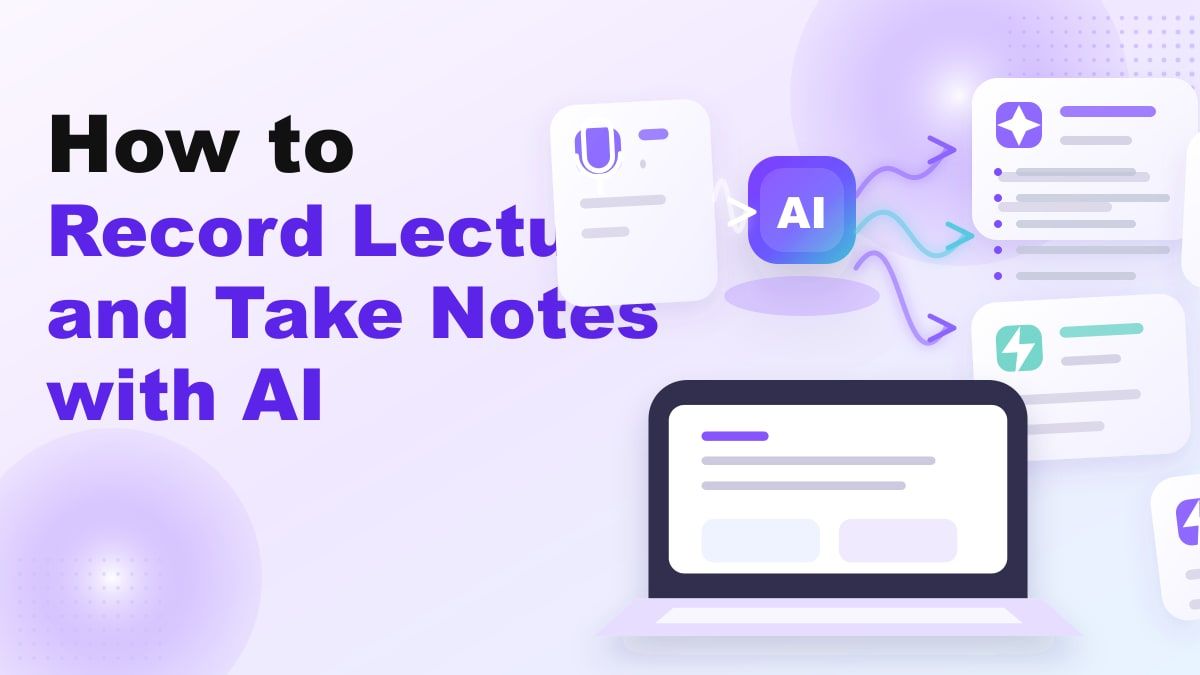
An ai that records lectures and takes notes usually combines capture, transcription, summarization, and note organization. In a classroom workflow, the source might be a lecture recording, a video, a slide deck, or a YouTube lecture. The AI then processes that source into headings, bullet points, and reusable study content.
Lynote AI Note Generator is designed for this broader workflow. It can turn documents, audio, video, images, webpages, and YouTube links into structured notes. That makes it useful when your lecture material is not limited to one format.
Quick Answer: What Is the Best Way to Use AI for Lecture Notes?
The best way to use ai record lecture and take notes tools is to treat AI as a study assistant, not a replacement for thinking. First, capture or collect your lecture source. Then use Lynote to generate structured notes, review the output, and edit key details while the lecture is still fresh.
This workflow works especially well for long classes, online lectures, research seminars, and review sessions. It also helps international students who need more time to process dense academic language. The result is a cleaner study base that can later become flashcards, summaries, or exam review notes.
Key Features to Look For in an AI Lecture Note Taker
Choosing an ai tool that records lectures and takes notes should be about workflow quality, not only transcription. A transcript is helpful, but it can still be too long to study from. Strong lecture note tools should transform the source into a structure that makes review easier.
| Feature | Why It Matters for Students |
|---|---|
| Multi-format input | Lectures may come from audio, video, PDFs, slides, images, webpages, or YouTube |
| Structured notes | Headings and bullet points are easier to scan than raw transcripts |
| Editable output | Students need to correct names, formulas, and course-specific terms |
| Source-linked sections | Notes are more useful when ideas trace back to the original material |
| Follow-up review | Students often need clarification after the first note is generated |
| Flashcard conversion | Active recall is stronger than passive rereading |
Lynote fits this workflow because it focuses on structured AI notes, not only raw capture. Students can review the generated notes in the same workspace and refine them for real study use. That makes it a stronger choice than a simple recorder when your goal is exam preparation.
How Lynote Helps You Record Lectures and Take Notes
Lynote AI Note Generator helps students turn lecture materials into organized notes with headings, bullet points, and source-linked sections. You can add source content through supported uploads or links, then let Lynote process the material into a cleaner note format. This is especially helpful when lecture content is too long to summarize manually.
The phrase ai record lecture and take notes free often reflects a student's first concern: they want a fast way to try the workflow before committing. Lynote offers a practical entry point for students who need to test AI notes on real class materials. The important part is to check whether the generated notes actually help you review, not just whether the tool creates text.
Best For
Lynote is best for students who study from mixed sources. That includes recorded lectures, YouTube explainers, PDFs, class notes, images, and web articles. It is also useful for learners who want to turn notes into flashcards after the first study pass.
Honest Limitation
AI lecture notes still need review. Audio quality, unclear speech, complex equations, and course-specific terminology can affect the output. Students should treat Lynote as a fast structure builder, then edit important details before relying on the notes for exams.
Step-by-Step: Use Lynote to Create Lecture Notes
This workflow follows the same practical logic as a classroom study session. You bring in the lecture source, let AI structure it, and then review the result like a smart study draft. Here is how to use Lynote as an ai app that records lectures and takes notes.
Step 1. Add Your Lecture Source
Open Lynote AI Note Generator and add your lecture material. You can upload supported local files or paste a URL when the lecture is available online. If you paste a URL, use the parse step so Lynote can fetch the content before note generation.
This is useful because lecture content rarely lives in one neat format. One class may provide a PDF, another may use a video replay, and another may rely on a webpage or YouTube lecture. A flexible ai tool that records lectures and takes notes should handle those different study inputs.
Step 2. Generate Structured AI Notes
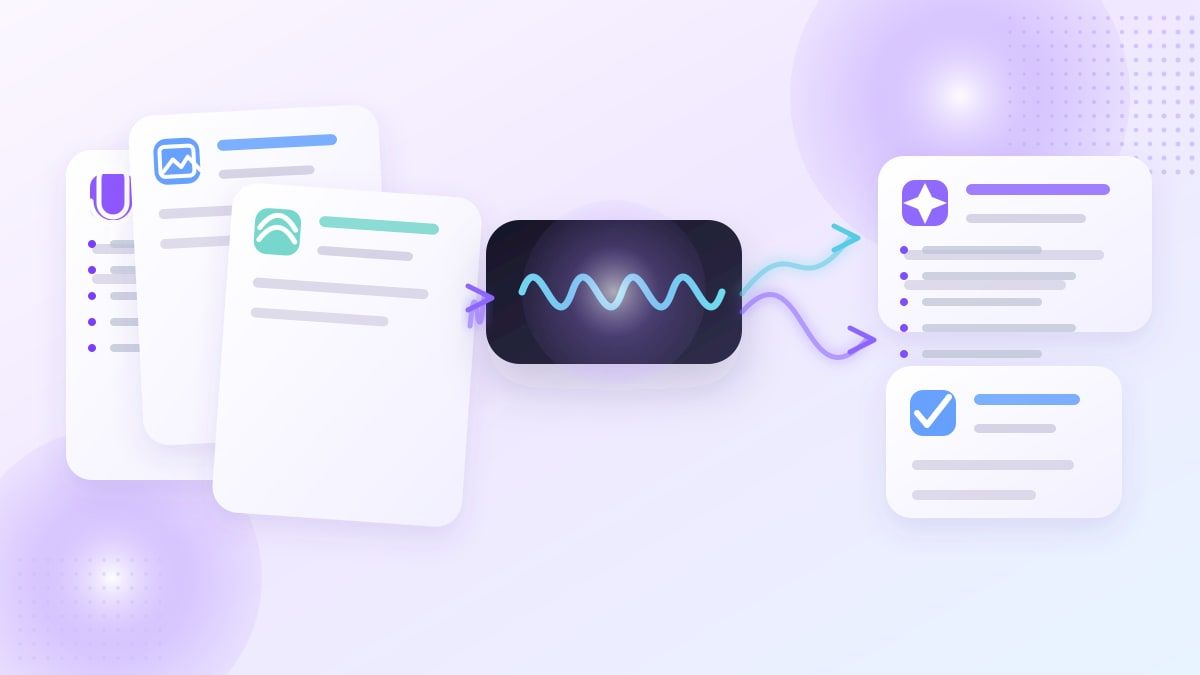
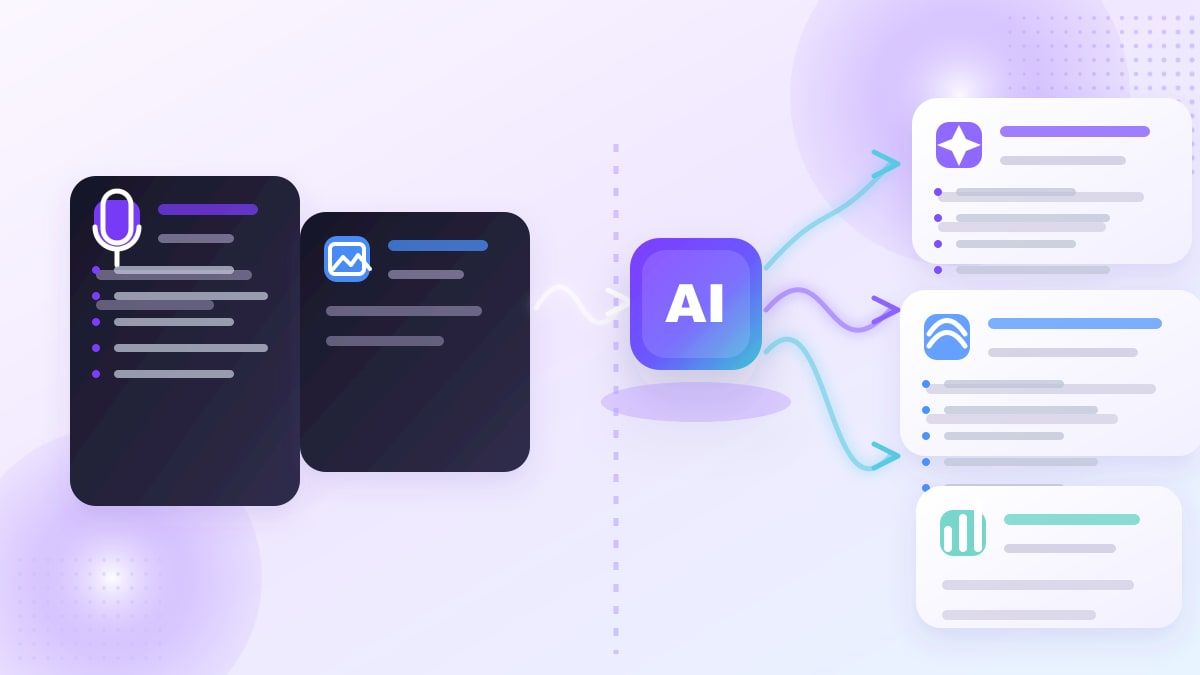
After your source is ready, click "Create Note" to let Lynote process the content. Lynote generates structured notes with headings, bullet points, and sections tied to the source material. This turns a long lecture into a format that is easier to skim, search, and review.
This step is where AI becomes more valuable than a basic recorder. A recorder preserves everything, but students still need to dig through the full material later. An ai that records lectures and takes notes should help compress the learning path without removing the important ideas.
Step 3. Review and Edit the Notes
Once the notes appear, read them while the lecture is still fresh. Fix names, dates, formulas, professor-specific phrasing, or examples that need more precision. Lynote's editable note workflow helps you turn AI output into a study resource that reflects your actual class.
This review step matters because no AI note taker should be treated as final without a quick check. The strongest students use AI to save time on structure, then add judgment and course context. That combination makes ai record lecture and take notes workflows more reliable.
Step 4. Reuse Notes for Study
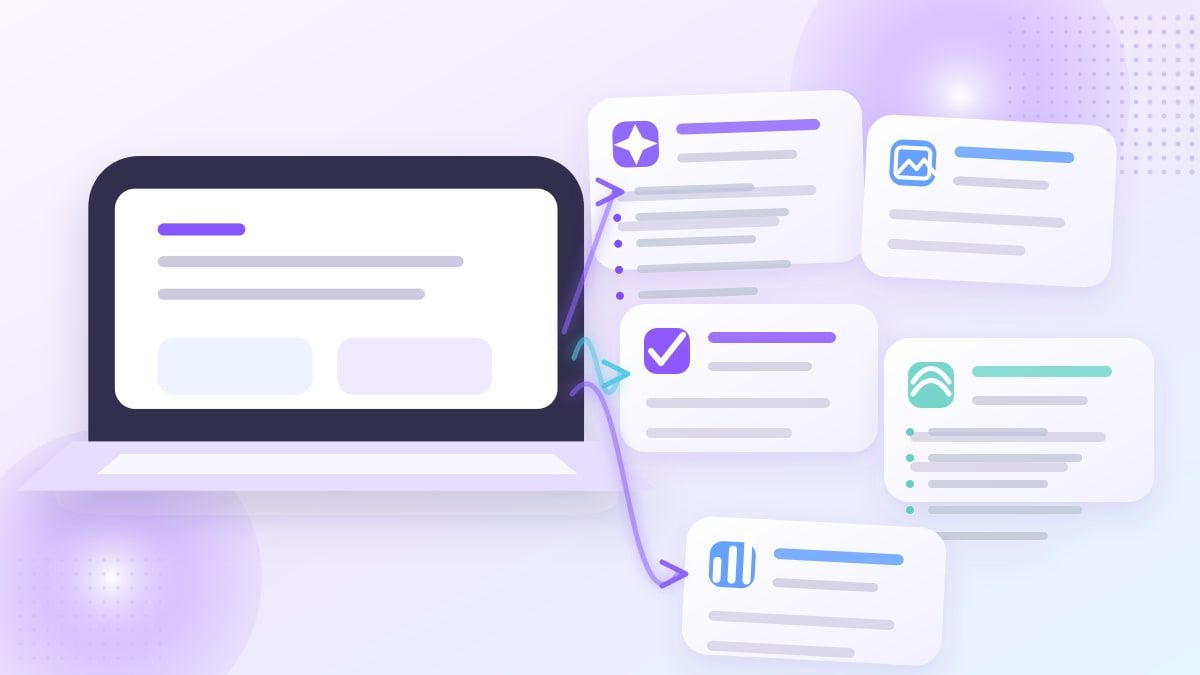
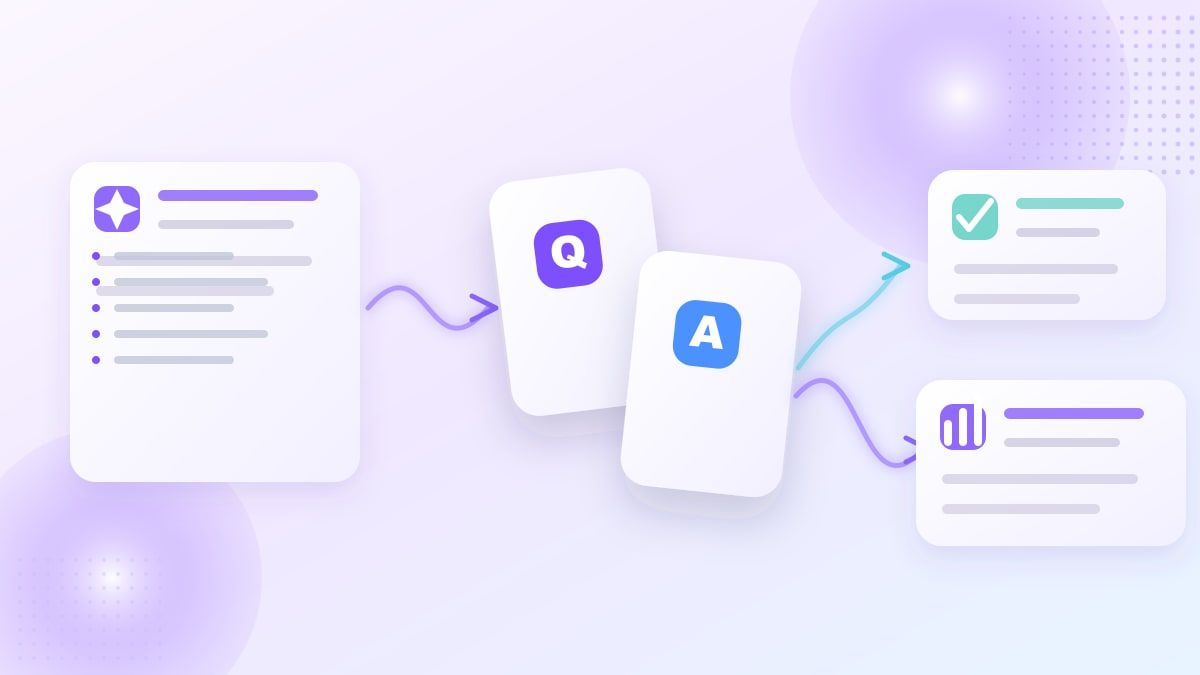
After editing, reuse the notes for exam preparation, assignments, or weekly review. Lynote also connects note-taking with study workflows such as follow-up Q&A and flashcard creation. This helps students move from passive reading into active recall.
That is where Lynote becomes more than a note generator. The tool can help you build a repeatable system: lecture source in, structured notes out, then review materials from the same content. For students comparing ai record lecture and take notes free options, this end-to-end workflow is a key advantage.
Example Workflow for a Real College Lecture
Imagine you have a 75-minute psychology lecture and a PDF reading assigned for the same topic. You can upload or link the lecture source in Lynote, generate notes, and then add the reading as a second study source when needed. The result is a more complete review base than handwritten notes alone.
For a computer science lecture, you might use Lynote to capture definitions, process steps, and conceptual explanations. You would still verify code examples or formulas manually, but the note structure can save time. This is the kind of practical use case behind searches like ai tool that records lectures and takes notes.
For an online course, you can use a YouTube lecture or webpage source when supported by the workflow. Lynote can help organize the material into headings and bullet points that are easier to revisit. That makes it useful for self-paced learners who need order, not just access.
How Students Can Turn Lecture Notes Into Better Review
Good notes are only the first layer of learning. The next layer is retrieval practice, where you test whether you can remember and apply the material. Lynote supports that study direction by helping users convert generated notes into flashcards.
This is important because many students reread notes and assume they understand the topic. Flashcards force you to recall the idea before seeing the answer. When your notes come from your own lecture materials, the flashcards stay closer to your actual class content.
Lynote vs Basic Recording Apps
A basic recorder captures audio, but it does not automatically create a study structure. Students still need to replay the lecture, find the important sections, and rewrite the ideas manually. That can be slow during exam week.
Lynote focuses on the note-taking layer after capture. It helps convert lecture material into organized notes that can be edited, searched, shared, or turned into study assets. For students looking for an ai app that records lectures and takes notes, this distinction matters.
| Option | What It Does Well | What Students Still Need |
|---|---|---|
| Basic recorder | Saves the lecture audio | Manual review and note organization |
| Raw transcription app | Converts speech to text | Summaries, headings, cleanup, study structure |
| Lynote AI Note Generator | Creates structured notes from supported sources | Student review and final corrections |
What to Check Before Choosing an AI Lecture Note Tool
Before choosing an ai record lecture and take notes workflow, check whether the tool supports your real course materials. If your classes use video, audio, PDFs, images, and links, a single-format tool may become frustrating. Lynote is useful because it is built around multi-source study workflows.
You should also check whether the output is editable. Lecture notes often need small corrections, especially for names, acronyms, and technical terms. Editable notes are more valuable than a fixed summary that you cannot refine.
Finally, look for study reuse. A tool should help you do more than store information. The best AI lecture workflow helps you review, ask follow-up questions, and create study materials from the same source.
Who Should Use Lynote for Lecture Notes?
Lynote is a strong fit for college students who review long lectures. It helps reduce the time spent turning raw materials into usable notes. Students in lecture-heavy courses can use it to build cleaner weekly study files.
It is also useful for international students. When academic language moves quickly, structured notes can make review less stressful. An ai that records lectures and takes notes can provide a second pass through difficult material.
Teachers, tutors, and content creators may also benefit from the workflow. They can turn recorded explanations, lesson materials, or training videos into reusable notes. That makes Lynote useful beyond traditional classrooms.
Practical Tips for Better AI Lecture Notes
Use clear source material whenever possible. Clean audio, complete slides, and well-formatted documents usually produce better notes. If your lecture recording has background noise or overlapping speech, review the generated notes more carefully.
Add context after generation. For example, mark what your professor said would be on the exam or which examples were emphasized in class. AI can structure the content, but your course judgment makes the notes more useful.
Review notes within 24 hours. This helps you catch mistakes while the lecture is still familiar. It also turns ai record lecture and take notes from a one-time shortcut into a consistent study habit.
FAQs About AI Lecture Note Tools
Is there an AI that records lectures and takes notes?
Yes, AI tools can help students capture lecture materials and generate structured notes. The exact workflow depends on the tool and input format. Lynote AI Note Generator focuses on turning supported sources into organized notes with headings, bullets, and editable sections.
Can I use Lynote as an AI lecture note taker?
Yes, you can use Lynote AI Note Generator to create notes from lecture-related materials such as supported files, media, webpages, and YouTube links. The tool is especially useful when you want structured notes instead of a long raw transcript. You should still review the output for course-specific accuracy.
What is the best ai app that records lectures and takes notes?
The best app depends on your source material and study goals. If you only need audio storage, a recorder may be enough. If you want structured notes, editable output, and study reuse, Lynote is a better fit for many students.
Can AI lecture notes replace handwritten notes?
AI lecture notes can reduce manual work, but they should not fully replace your judgment. Handwritten notes often capture what your professor emphasizes, while AI helps organize the broader material. A strong workflow combines both.
Is ai record lecture and take notes free?
Some tools offer free ways to test AI lecture note workflows, but limits vary by platform. If you search for ai record lecture and take notes free, check input limits, supported formats, and whether the notes are actually editable. Lynote is worth trying if you want to evaluate structured notes from real study material.
Final Verdict
AI record lecture and take notes workflows are most useful when they turn class material into something you can actually study. Lynote AI Note Generator helps students move from lecture sources to structured notes, then into review and flashcards. Try Lynote AI Note Generator when you want a cleaner, faster way to turn lectures into study-ready notes.

Written by Danny
Product Marketing Manager
Danny explains how Lynote features fit real workflows, from everyday productivity to product-led writing use cases. View all articles →