The best QuillBot alternatives depend on what you are trying to replace. If you want a free paraphraser, Paraphraser.io and Paraphrasing-Tool.com are useful quick options.

If you want AI-generated text to sound more natural, Lynote AI Humanizer is a better fit. If you need grammar, tone, or long-form style review, Grammarly, Wordtune, and ProWritingAid may serve you better than another basic rewriter.
That distinction matters. QuillBot is not just one tool anymore; it covers paraphrasing, grammar, summarizing, citations, AI detection, and humanizing. So the right alternative is not always "the closest clone."
This guide compares 10 practical QuillBot alternatives by use case, not just by popularity. The goal is to help you pick the tool that matches the writing problem in front of you.
Quick Picks: Best QuillBot Alternatives by Need
If you are in a hurry, start here.
| If you need... | Best alternative | Why |
|---|---|---|
| AI-generated text to sound more natural | Lynote AI Humanizer | Built for AI-like text, with rewrite modes and an authenticity report |
| Grammar, tone, and everyday clarity | Grammarly | Stronger for polishing text that is already written |
| Sentence-level rewrite options | Wordtune | Good for choosing between alternate phrasings |
| Long-form style analysis | ProWritingAid | Better for reports, fiction, and repeated writing patterns |
| Flexible rewriting with custom instructions | ChatGPT | Works well when you can prompt and review carefully |
| Longer reasoning and restructuring | Claude or Gemini | Useful for larger drafts and nuanced revisions |
| Free quick paraphrasing | Paraphraser.io | Generous free paraphrasing workflow for simple rewrites |
| Free paraphrasing with synonym control | Paraphrasing-Tool.com | Useful when you want manual control over wording changes |
| Visible edit tracking | editGPT | Helpful when you want to accept or reject changes |
| Marketing copy and brand voice | Jasper | Built for teams rewriting content within brand rules |
My short recommendation: do not choose a QuillBot alternative by feature count alone. Choose it by the kind of rewrite you need.
Why People Look for QuillBot Alternatives
QuillBot is still useful, especially for quick paraphrasing and simple rewriting. The reason people search for alternatives is usually not that QuillBot is bad; it is that their writing workflow has outgrown one-click paraphrasing.
The first common issue is free-plan friction. QuillBot's free paraphrasing flow is useful for short passages, but longer drafts can feel choppy when you need to rewrite section by section.
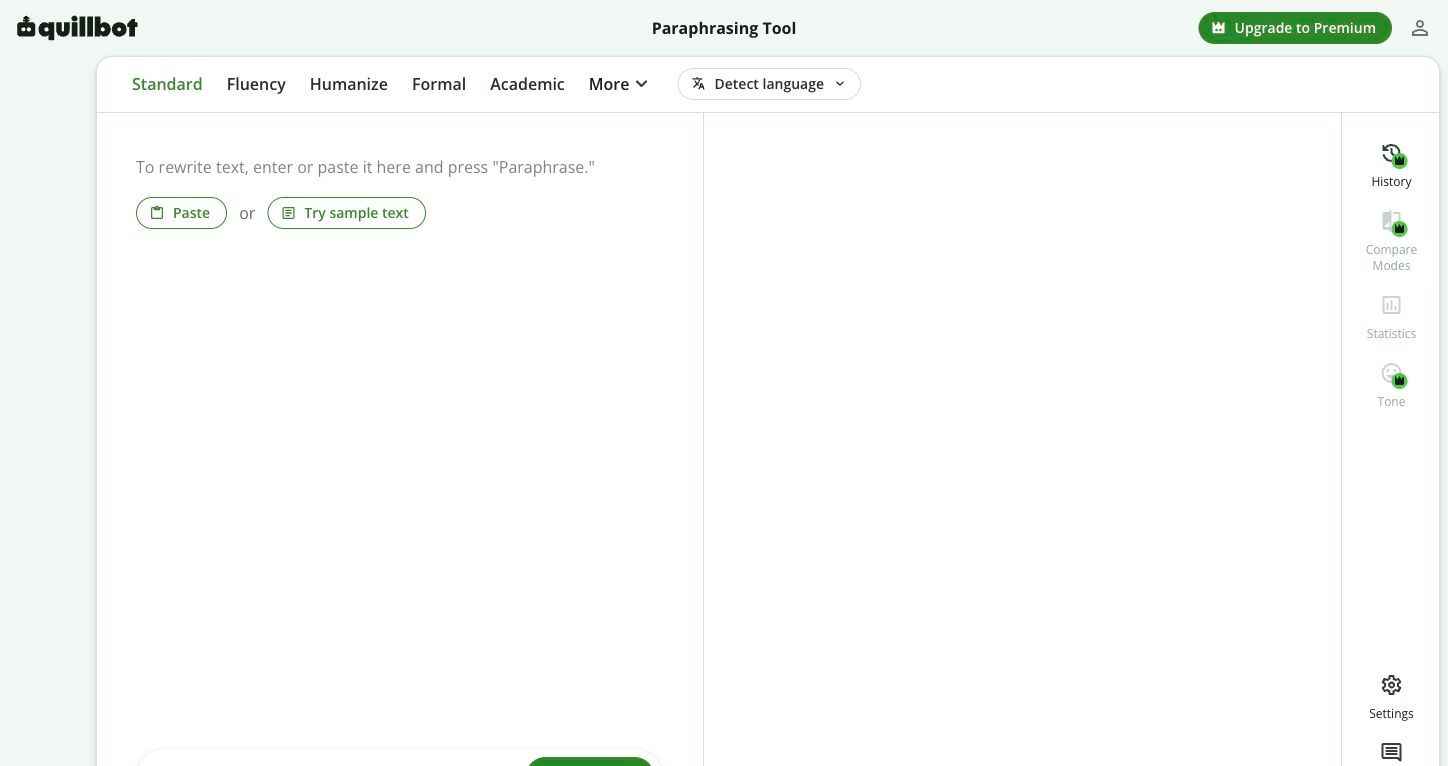
The second issue is output style. Paraphrasing tools can change words without making the writing feel more thoughtful, more specific, or more human.
The third issue is that users often need a different category of tool. A student may need grammar clarity, a marketer may need brand voice, and an SEO writer may need an AI-like paragraph to sound less generic.
The fourth issue is risk. For dissertations, journal submissions, legal-sensitive documents, or client-facing reports, a paraphraser is not enough because meaning and accountability matter more than speed.
Paraphrasing vs Humanizing vs Editing
Before choosing a replacement, it helps to separate three tasks that often get blended together.
Paraphrasing means rewriting the same idea in different words. It is useful when your sentence is awkward, repetitive, too close to source language, or not clear enough.
AI humanizing means revising AI-generated or AI-like text so it reads with more natural rhythm, less generic structure, and a clearer human point of view. This is not just synonym swapping.
Editing means improving correctness, clarity, structure, tone, factual precision, and flow. Editing may include rewriting, but it also includes judgment.
That difference is why one tool rarely wins every category. The best QuillBot alternative for a 100-word paraphrase may not be the best tool for a 2,000-word essay, a sales page, or an AI-assisted blog draft.
QuillBot Alternatives Compared
| Tool | Best for | Free option | Rewrite depth | Document fit | Main caution |
|---|---|---|---|---|---|
| Lynote AI Humanizer | AI-like text that needs natural rewriting | Yes, for shorter use | Medium to high | Paste or upload supported files | Not a full grammar suite |
| Grammarly | Grammar, tone, and clarity | Yes | Light to medium | Great across everyday writing apps | Less focused on deep paraphrasing |
| Wordtune | Sentence-level rewrite choices | Yes, limited daily use | Medium | Best for short passages | Can be slower for long documents |
| ProWritingAid | Long-form style analysis | Yes, with limits | Light to deep editing guidance | Strong for longer drafts | Not a one-click paraphrase tool |
| ChatGPT | Custom rewriting and restructuring | Often available free | Flexible | Depends on input length and plan | Needs careful fact and meaning checks |
| Claude or Gemini | Nuanced long-context rewriting | Varies by platform | Flexible | Good for longer drafts | Still needs human review |
| Paraphraser.io | Quick free paraphrasing | Yes | Light to medium | Good for paragraphs | Output may need cleanup |
| Paraphrasing-Tool.com | Free paraphrasing with controls | Yes | Light to medium | Good for short-to-medium text | Not a deep editor |
| editGPT | Trackable editing | Yes or trial-style access may vary | Medium | Good for revision workflows | Not the fastest casual paraphraser |
| Jasper | Marketing and brand voice | Trial or paid-first workflow may vary | Medium to high | Strong for marketing teams | Overbuilt for simple student paraphrasing |
1. Lynote AI Humanizer: Best for AI-Generated Text That Needs a Natural Rewrite
Lynote AI Humanizer is the strongest QuillBot alternative when the real problem is not paraphrasing human-written text, but making AI-generated text sound more natural. That is a different job from replacing words with synonyms.
It works well for students, SEO writers, creators, and professionals who have a draft that feels too smooth, too generic, or too obviously AI-shaped. Instead of asking for a vague rewrite, you can choose a mode and review the output with an authenticity report.
Features
- Paste text directly or upload PDF, DOC, DOCX, or TXT files.
- Choose Balanced, Focus, or Advanced mode depending on rewrite intensity.
- Review the rewritten text in the result panel.
- Use the authenticity report as a signal across major AI detector predictions.
Pros
- Better fit than a basic paraphraser for AI-like text.
- Rewrite modes help control how much the text changes.
- Useful when you want to revise and then review the result.
Cons
- Not designed as a full grammar, citation, or academic formatting suite.
- The free tier is best for shorter passages.
Best for: AI-assisted drafts, robotic paragraphs, SEO intros, student writing that needs a more natural voice, and professional text that needs smoother flow without changing the meaning.
2. Grammarly: Best for Grammar, Tone, and Clarity
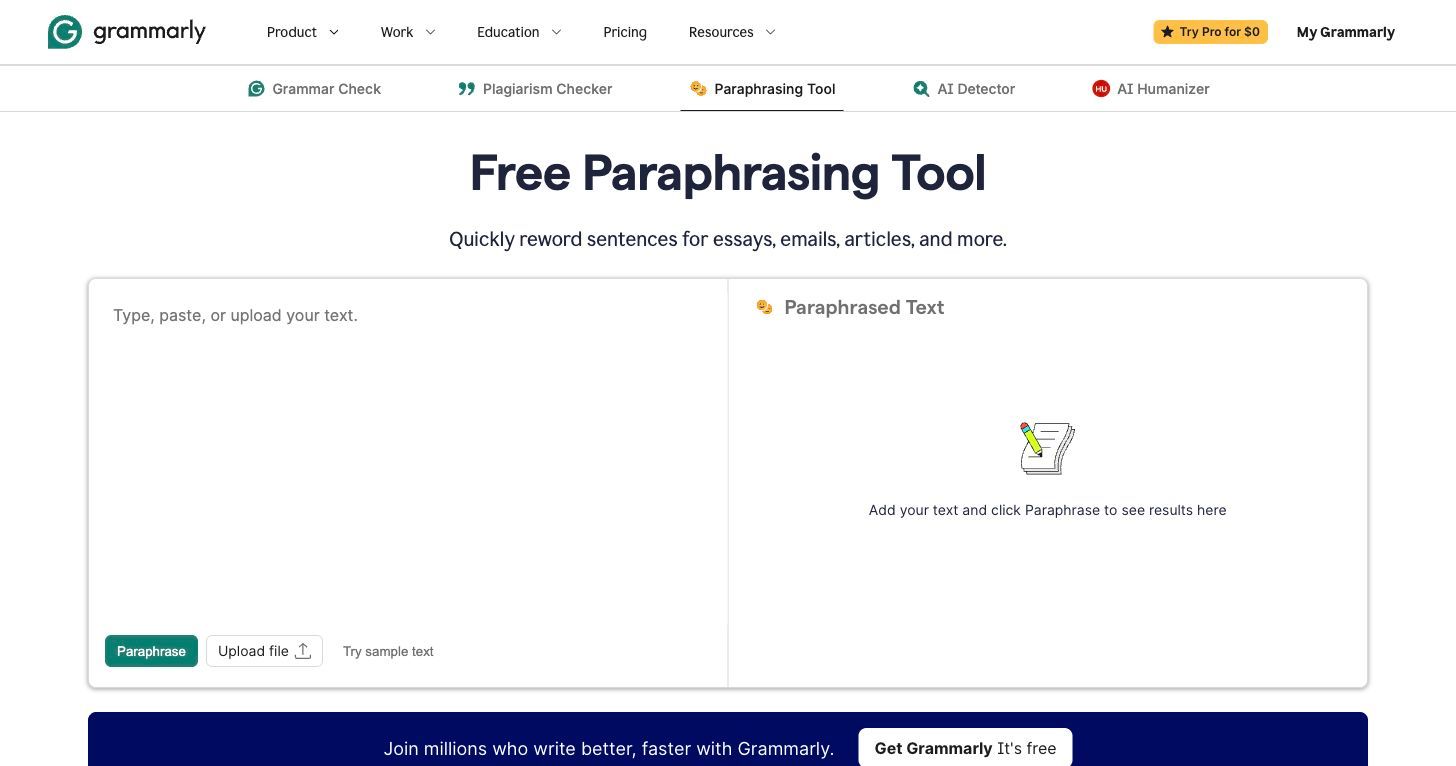
Grammarly is not a direct QuillBot clone, and that is exactly why it belongs on this list. If your writing is already yours and you mostly need correctness, tone, and clarity, Grammarly can be more useful than another paraphrasing tool.
It works especially well for emails, essays, reports, messages, and workplace writing. Grammarly can rewrite paragraphs and adjust tone, but its strength is polishing the text rather than generating many alternate paraphrases.
Features
- Grammar, spelling, punctuation, and clarity suggestions.
- Tone detection and tone rewrite support depending on plan and surface.
- AI paragraph rewriting and writing assistance.
- Broad app and browser integration.
Pros
- Strong everyday writing assistant.
- Useful across many writing surfaces.
- Better than QuillBot when the text needs polish rather than heavy rewording.
Cons
- Not ideal if you want many aggressive rewrite modes.
- Some advanced rewriting features depend on plan and platform.
Best for: emails, essays, business writing, professional messages, and writers who want cleaner language without heavily changing the original sentence.
3. Wordtune: Best for Sentence-Level Rewrite Options
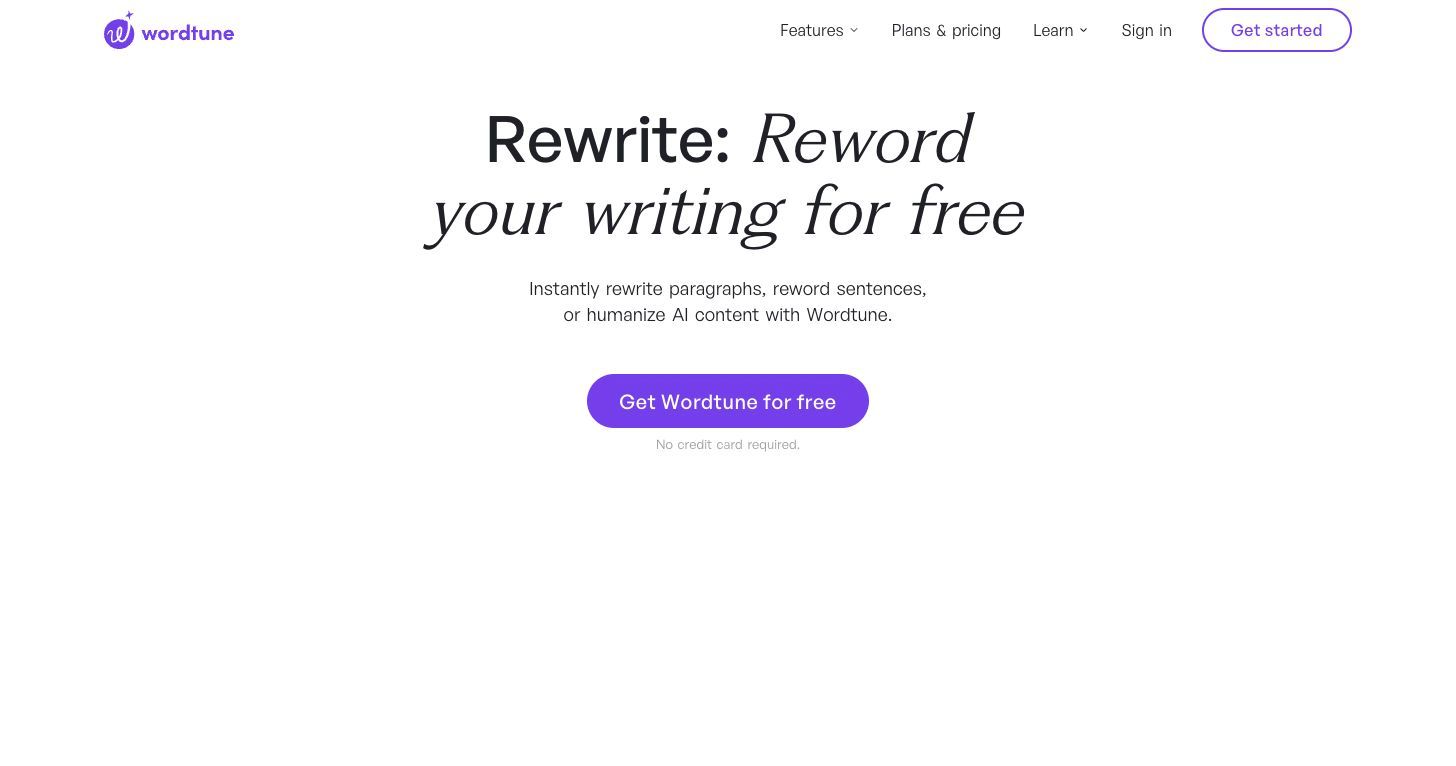
Wordtune is one of the closest QuillBot alternatives for sentence rewriting. It gives you alternate ways to say the same thing, which is helpful when a sentence is almost right but not quite there.
It is especially useful for micro-editing. If you want a sentence to sound more confident, concise, casual, or polished, Wordtune can help you compare options quickly.
Features
- Rewrite and paraphrase support.
- Grammar correction and AI writing features.
- Free use with daily limits.
- Premium tiers for heavier rewrite use.
Pros
- Good for choosing between rewrite options.
- Easy fit for short passages and sentence edits.
- Useful for non-native English writers refining phrasing.
Cons
- Less efficient for full document restructuring.
- Limited free usage can feel restrictive for heavy rewriting.
Best for: sentence-level rewriting, tone changes, non-native English writing, and users who want alternatives without handing over the whole draft.
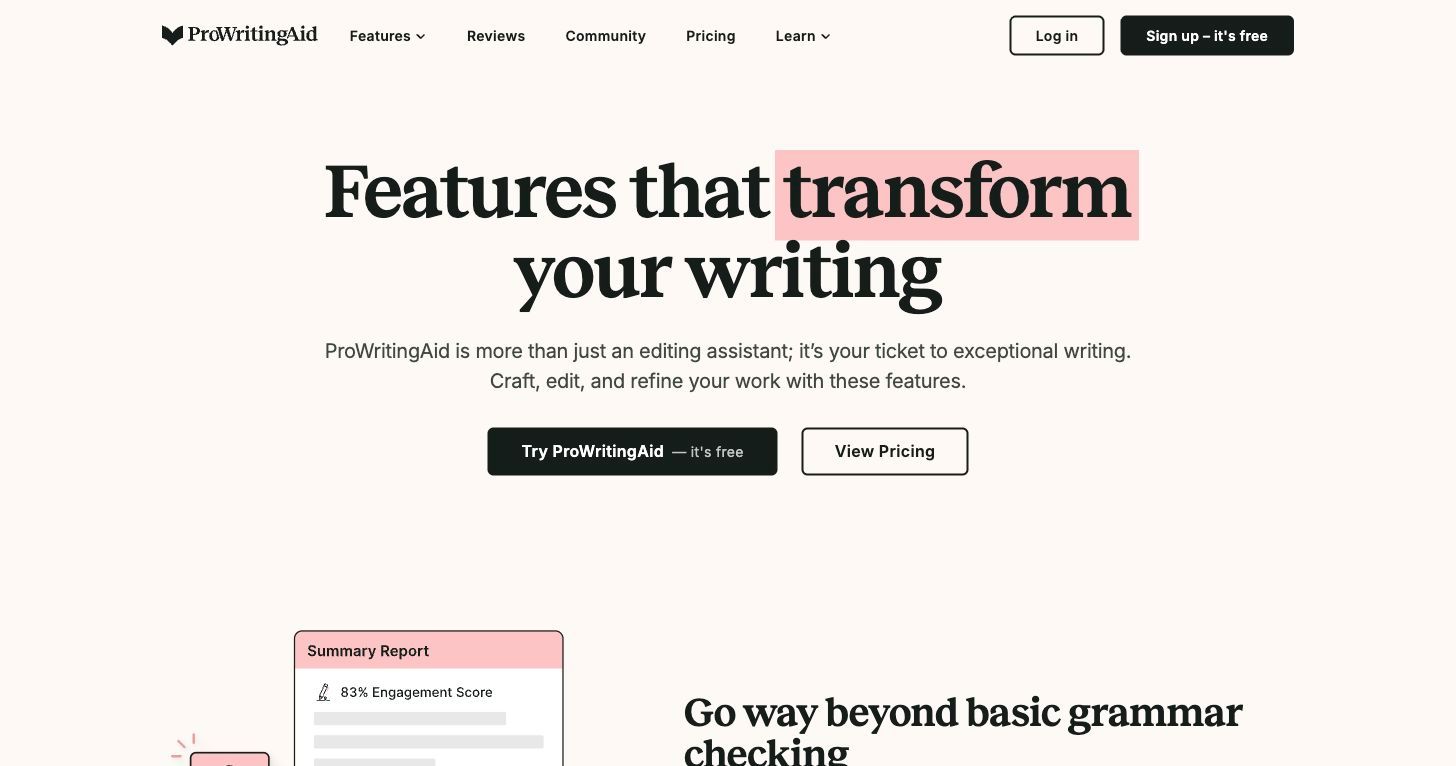
4. ProWritingAid: Best for Long-Form Style Review
ProWritingAid is a better QuillBot alternative when the problem is not one awkward sentence, but repeated writing patterns across a longer draft. It is closer to a writing coach than a paraphrase button.
It can help with grammar, readability, repetition, pacing, style, and other patterns that matter in longer work. That makes it especially useful for fiction, reports, essays, and professional documents.
Features
- Grammar and style checking.
- Writing reports for readability, repetition, pacing, and more.
- Long-form editing support.
- Integrations with common writing tools.
Pros
- Strong for longer documents.
- Helps writers understand patterns, not just rewrite sentences.
- Useful for serious editing and revision.
Cons
- Not the fastest choice for a quick paraphrase.
- The number of reports can feel like too much for casual users.
Best for: long-form writers, novelists, report writers, graduate students, and anyone who wants to improve style across a full document.
5. ChatGPT: Most Flexible QuillBot Alternative if You Can Prompt Well
ChatGPT is not a dedicated paraphrasing app, but it can be a powerful QuillBot alternative because it follows custom instructions. You can ask it to shorten, simplify, formalize, restructure, or rewrite for a specific audience.
The tradeoff is control. A paraphrasing app gives you a predictable interface, while ChatGPT depends heavily on the prompt you write and the quality of your review afterward.
Features
- Custom rewriting prompts.
- Tone, audience, and format instructions.
- Summarizing, expanding, outlining, and restructuring.
- Useful for side-by-side rewrite requests.
Pros
- Very flexible.
- Good for complex instructions.
- Can explain why a rewrite works.
Cons
- May change meaning if the prompt is vague.
- Can add unsupported claims if you ask for expansion.
- Requires human review before use.
Best for: users comfortable writing prompts, content writers, marketers, and anyone who wants a rewrite shaped by detailed instructions.
6. Claude or Gemini: Best for Reasoned Rewriting and Longer Context
Claude and Gemini can also work as QuillBot alternatives, especially when you need more than a sentence-level rewrite. They are often useful for longer drafts where structure, argument, and nuance matter.
I would use them when the task is closer to "help me revise this section for clarity and audience" than "swap this sentence into different words." They can help restructure an explanation, preserve nuance, and suggest better organization.
Features
- Long-form rewriting and restructuring.
- Tone and audience adjustments.
- Summaries, outlines, and content expansion.
- Reasoning support for revision choices.
Pros
- Useful for longer context.
- Better for conceptual rewriting than synonym-level changes.
- Can explain edits and suggest structure improvements.
Cons
- Not a dedicated paraphrasing UI.
- Output still needs meaning, source, and factual review.
- Availability and limits vary by platform.
Best for: long drafts, complex explanations, research notes, and users who want an AI assistant rather than a paraphrasing-only tool.
7. Paraphraser.io: Best Free QuillBot Alternative for Quick Rewrites
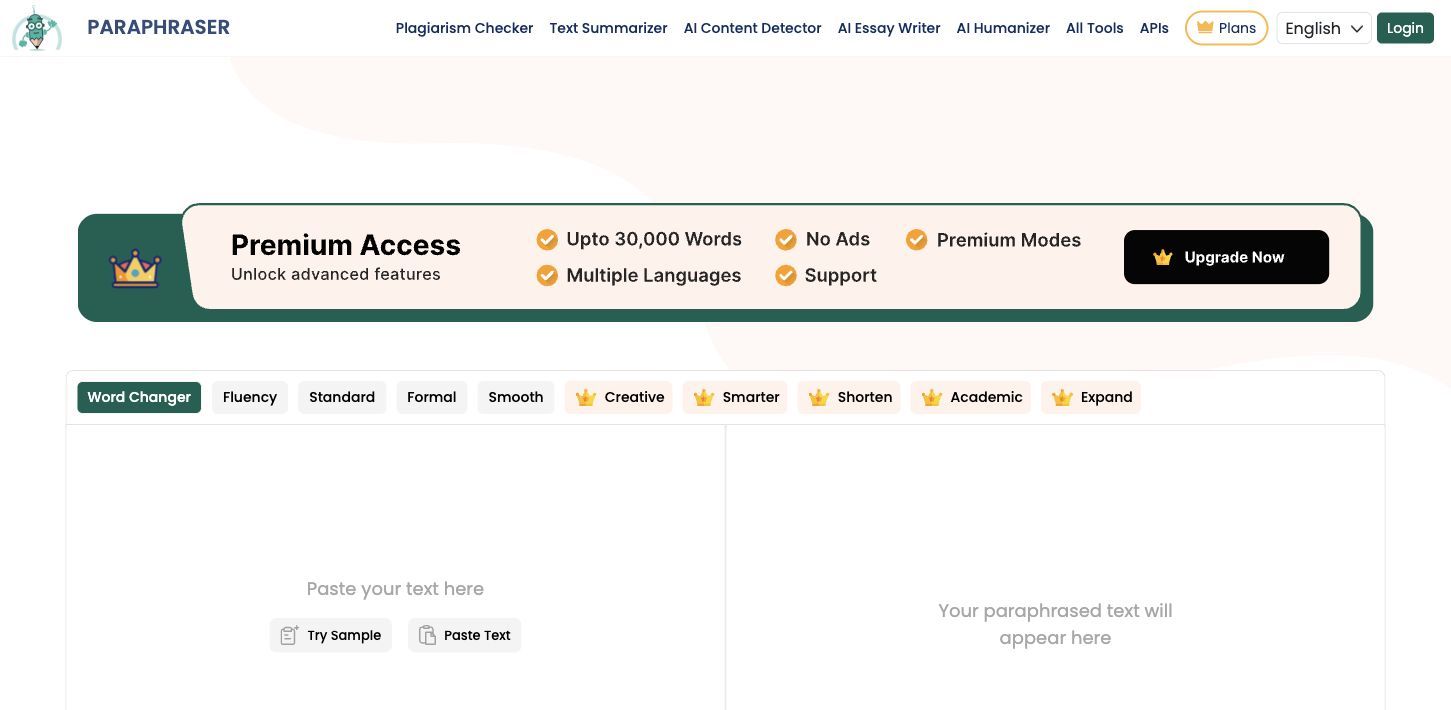
Paraphraser.io is one of the clearest options for users searching specifically for a free QuillBot alternative. Its public page highlights free paraphrasing modes and a larger free word allowance than QuillBot's free paraphrasing input.
That makes it useful when your main frustration is simple: you want to rewrite more text without chopping it into tiny pieces.
Features
- Multiple paraphrasing modes.
- Free paraphrasing with a stated word limit.
- No daily-limit style positioning on its public page.
- Simple paste-and-rewrite workflow.
Pros
- Good for quick free rewrites.
- Easy to understand.
- Useful for low-stakes paragraphs.
Cons
- Output may still need grammar and meaning review.
- Not ideal for high-stakes or deeply nuanced writing.
- Free tools often trade off polish and control.
Best for: students and casual writers who want a fast free paraphraser for short-to-medium passages.
8. Paraphrasing-Tool.com: Best Free Option With Synonym Control
Paraphrasing-Tool.com is another useful free alternative when you want a simple rewording tool rather than a full writing platform. Its strongest angle is control: synonym options let users influence how much the wording changes.
That can be useful when a rewrite is too aggressive or too close to the original. Instead of accepting a single output, you can keep more control over wording.
Features
- Free paraphrasing workflow.
- Synonym control.
- No-signup positioning.
- Designed for quick text rewriting.
Pros
- Simple and accessible.
- Good for quick paraphrasing.
- Synonym control can help preserve meaning.
Cons
- Not a deep editor.
- Not built for AI detection or humanization workflows.
- You still need to check citations and source meaning.
Best for: users who want a lightweight free paraphraser with more control over wording changes.
9. editGPT: Best for Tracking Rewrites and Edits
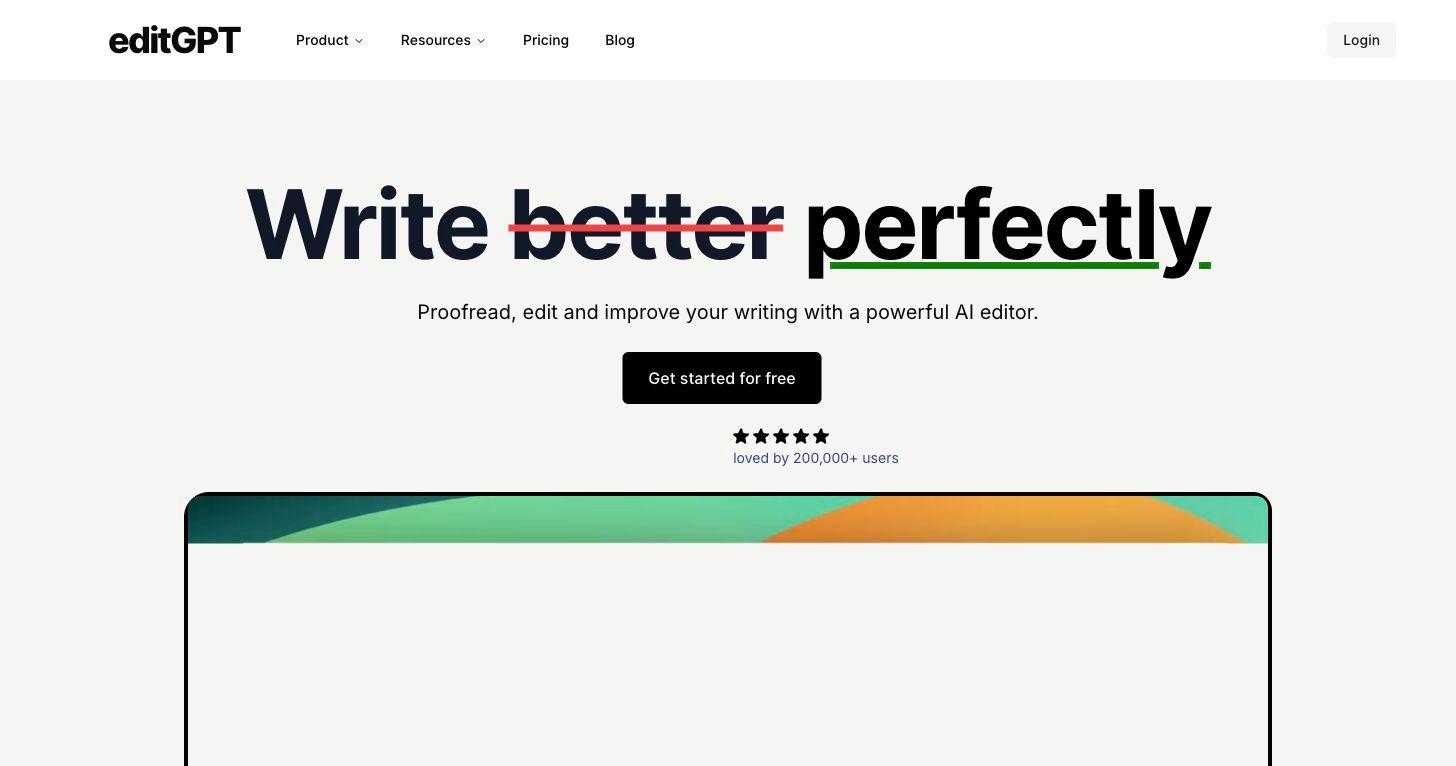
editGPT is a strong alternative when you care about editing visibility. Instead of only giving you a rewritten paragraph, it focuses on proofreading, editing, and tracking changes.
That matters when you want to see what changed. For serious revision, visible edits are often more useful than a clean rewritten paragraph with no explanation.
Features
- Proofreading and editing with AI.
- Track changes-style workflow.
- Accept or reject edits depending on workflow.
- Custom prompts for editing goals.
Pros
- Helpful for revision control.
- Better for editing drafts than blind paraphrasing.
- Useful when you want to learn from the changes.
Cons
- Not the fastest choice for casual one-click paraphrasing.
- Best value depends on whether you care about visible edits.
Best for: writers, editors, students, and professionals who want AI help but still want to see and control the revision process.
10. Jasper: Best for Marketing Copy and Brand Voice
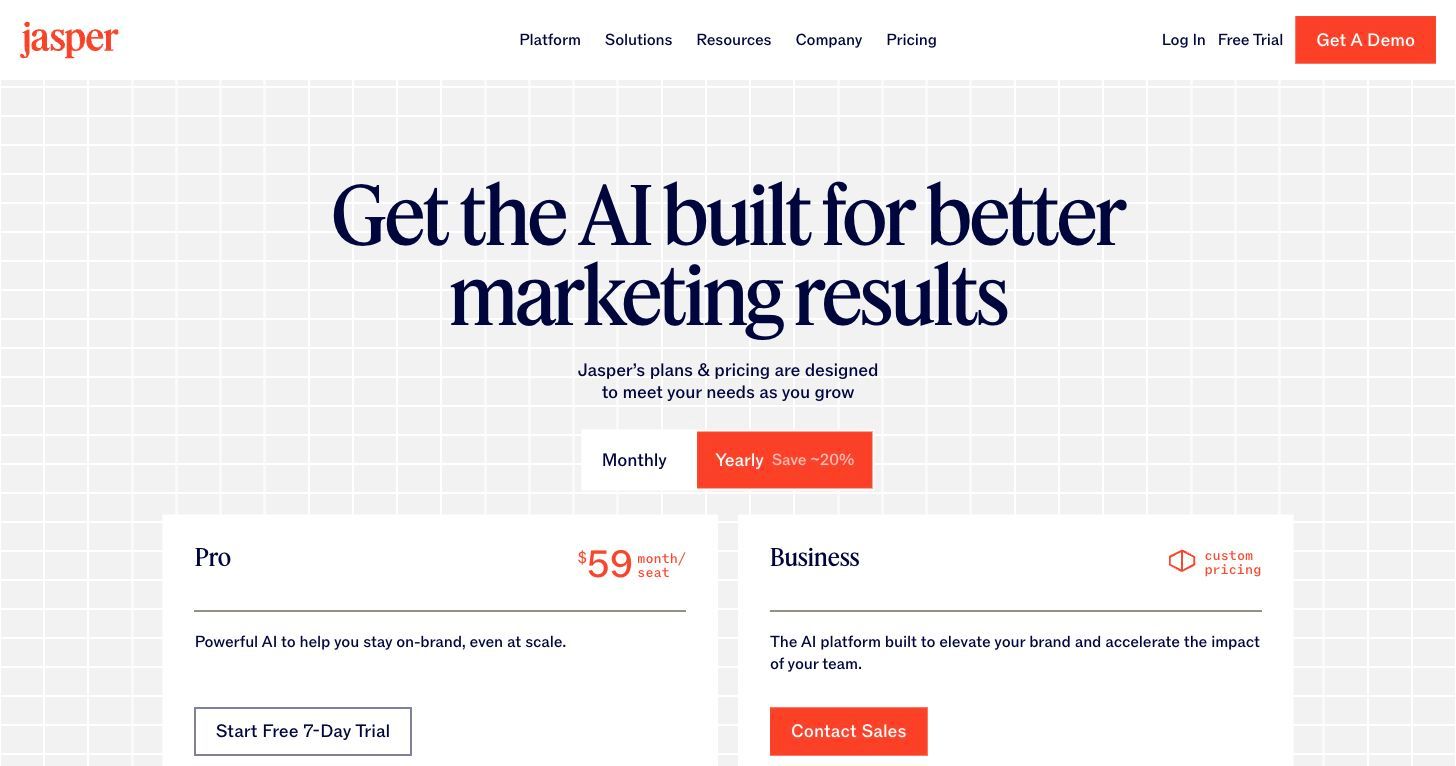
Jasper is a QuillBot alternative only for a specific audience: marketing teams. If you are rewriting ad copy, blog sections, landing pages, product messaging, or campaign content, Jasper's brand voice and marketing workflow can be more relevant than a simple paraphraser.
It is not the tool I would recommend to a student who only wants a free sentence rewriter. It is better for teams that need consistent voice across marketing channels.
Features
- Brand voice and style guide support.
- Marketing workflow and campaign content features.
- Rewriting and repurposing for different channels.
- Team-oriented content production.
Pros
- Strong fit for marketing teams.
- Better for brand consistency than basic paraphrasing.
- Useful for repurposing existing copy.
Cons
- Too broad for simple paraphrasing.
- Likely more expensive than casual users need.
- Requires brand inputs to get the most value.
Best for: marketers, agencies, and teams rewriting copy across campaigns while preserving brand voice.
Best Free QuillBot Alternatives
If your search is specifically for a free QuillBot alternative, the best choice depends on what you mean by "free."
For quick paraphrasing, Paraphraser.io is a strong first stop because it gives more room for simple rewrites than QuillBot's free input limit. Paraphrasing-Tool.com is useful if you want synonym control and a simple no-signup workflow.
For flexible rewriting, ChatGPT can be useful if you have access to a free tier and know how to prompt it. For AI-like writing, Lynote AI Humanizer can help with shorter passages that need a more natural rewrite.
| Free need | Try first | Tradeoff |
|---|---|---|
| Quick paragraph paraphrasing | Paraphraser.io | Output may need cleanup |
| Manual wording control | Paraphrasing-Tool.com | Not a full editor |
| Flexible custom rewriting | ChatGPT | Prompt quality matters |
| AI-like text humanizing | Lynote AI Humanizer | Best for shorter free-tier checks |
| Grammar polish | Grammarly | Less focused on heavy paraphrasing |
Free tools are useful, but they usually come with limits. Expect tradeoffs in word count, usage limits, ads, rewrite quality, export options, or editing control.
Best QuillBot Alternative by Scenario
| Scenario | Best choice | Why |
|---|---|---|
| You wrote text yourself and want it cleaner | Grammarly | It polishes grammar, clarity, and tone |
| You want five different versions of one sentence | Wordtune | It is strong for sentence-level options |
| Your AI draft sounds generic | Lynote AI Humanizer | It is designed for AI-like text revision |
| You are editing a long report or manuscript | ProWritingAid | It catches patterns across longer drafts |
| You need custom rewriting instructions | ChatGPT | It follows detailed prompts |
| You need nuanced long-form restructuring | Claude or Gemini | They can reason through longer context |
| You need a free paraphraser fast | Paraphraser.io | It is simple and generous for quick rewrites |
| You want synonym-level control | Paraphrasing-Tool.com | It gives more manual wording control |
| You want tracked changes | editGPT | It shows edits instead of hiding them |
| You are rewriting marketing copy | Jasper | It is built around brand and campaign workflows |
This is also how I would evaluate new QuillBot alternatives in the future. Do not ask "Is this better than QuillBot?" Ask "Is this better for my exact writing job?"
How to Use Lynote AI Humanizer as a QuillBot Alternative
Use Lynote when the draft sounds AI-generated, overly smooth, repetitive, or generic. It is especially useful after using an AI assistant to create a first draft and then realizing the text still needs a more natural voice.
Step 1. Paste Text or Upload a Document
Open Lynote AI Humanizer and paste your text into the input box. You can also upload supported document formats such as PDF, DOC, DOCX, or TXT.

Start with one section at a time if the draft is long. The introduction, conclusion, and generic transition paragraphs are usually the best places to begin.
Step 2. Choose a Humanization Mode
Choose Balanced, Focus, or Advanced depending on how much rewriting you want. Balanced is the safest starting point when you want clearer, more natural language without changing the meaning too much.

Use stronger modes when the text is clearly robotic or repetitive. Still, review the output carefully because stronger rewrites can change rhythm, emphasis, or detail.
Step 3. Click Humanize
Click the Humanize button to generate a revised version. The rewritten output appears in the result panel.
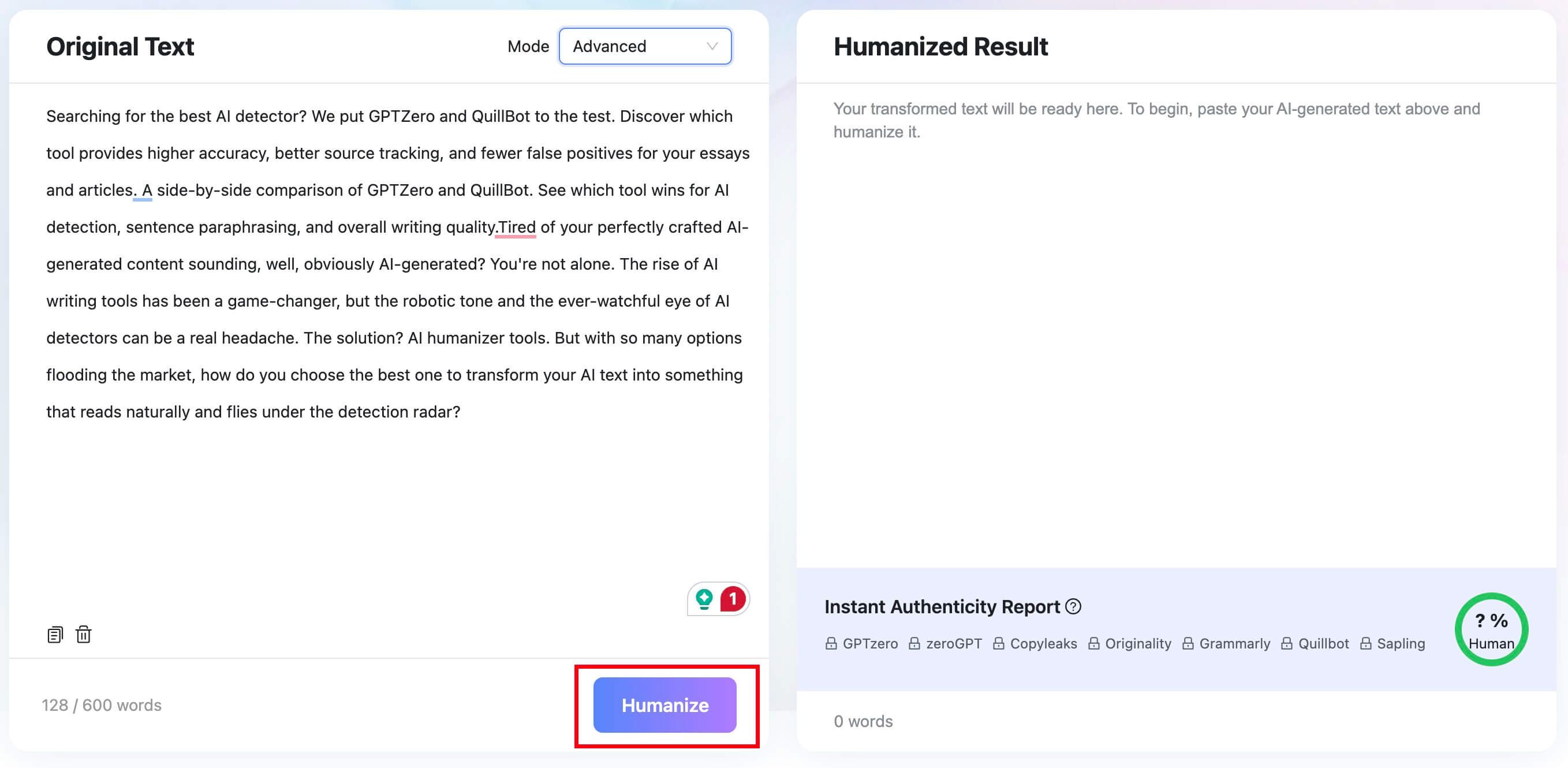
Do not stop at the first output. Read it against the original and make sure names, facts, claims, examples, and citations still mean the same thing.
Step 4. Review, Copy, and Check the Result
Review the rewritten text and the authenticity report as a signal, not as a promise. Then copy or download the result and make your own final edits.

The best use of a humanizer is not to hide AI use. It is to turn a stiff draft into writing that is clearer, more specific, and easier to read.

When QuillBot Is Still Good Enough
You do not need to switch tools just because a listicle says another app is better. QuillBot is still useful for quick paraphrasing, short rewrites, basic grammar help, summaries, and citation-adjacent workflows.
If your writing task is simple, QuillBot may be enough. For example, rewriting a short email sentence or improving one awkward paragraph does not require a larger AI writing stack.
The reason to switch is specific friction. If you need more free input room, use a free paraphraser. If the text sounds AI-like, use a humanizer.
If the draft needs grammar and tone polish, use Grammarly. If the document is high-stakes, use a human editor.
When Not to Use an AI Paraphrasing Tool
There are times when the best QuillBot alternative is not another AI tool.
Do not rely only on AI paraphrasing for a thesis, dissertation, journal submission, grant proposal, legal-sensitive document, medical content, or any assignment with strict academic integrity rules. In those cases, you need review, accountability, and careful source handling.
AI tools can help you clarify your own writing. They should not replace understanding, citation, subject expertise, or institutional rules.
For high-stakes work, use AI tools as a draft assistant at most. Let a human editor, instructor, supervisor, or qualified reviewer make the final call.
FAQs About QuillBot Alternatives
What is the best QuillBot alternative?
The best QuillBot alternative depends on your use case. Lynote AI Humanizer is best for AI-like text, Grammarly is best for grammar and tone, Wordtune is best for sentence-level rewrites, and ProWritingAid is best for long-form style review.
What is the best free QuillBot alternative?
For free paraphrasing, Paraphraser.io and Paraphrasing-Tool.com are strong starting points. ChatGPT can also work well for custom rewriting if you have access and know how to prompt it.
Is there a QuillBot alternative for AI-generated text?
Yes. Lynote AI Humanizer is a better fit when the text was created with AI and needs a more natural voice. It is designed for AI-like writing rather than only synonym-level paraphrasing.
Is Grammarly better than QuillBot?
Grammarly is better if your main goal is grammar, clarity, tone, and professional polish. QuillBot is closer to a paraphrasing suite, so it may be better when you want multiple rewritten versions of a passage.
Is Wordtune better than QuillBot?
Wordtune can be better for sentence-level rewrite choices and tone alternatives. QuillBot may be better if you want a broader suite that includes paraphrasing, summarizing, grammar, and citation-related tools.
What is the best alternative to QuillBot for academic writing?
For academic writing, choose the tool based on the risk level. Grammarly and ProWritingAid can help with clarity and style, but high-stakes academic work should be reviewed by a human editor or advisor, especially when citations and meaning matter.
Can a QuillBot alternative hide AI writing?
Do not choose a tool for that purpose. AI rewriting tools can improve clarity and naturalness, but they should not be treated as a way to conceal authorship or bypass review. Use them to improve your own work responsibly.
Final Verdict: Choose the Alternative Based on the Job
There is no single best QuillBot alternative for everyone. The best choice depends on the writing problem you are trying to solve.
Use Lynote AI Humanizer for AI-like text, Grammarly for polish, Wordtune for sentence rewrites, ProWritingAid for long-form style analysis, ChatGPT or Claude/Gemini for flexible rewriting, Paraphraser.io for free quick paraphrasing, editGPT for tracked changes, and Jasper for marketing copy.
The smartest workflow is often simple: use the right tool for the first rewrite, then review the result yourself. A good alternative should help you write more clearly, not take responsibility for the writing away from you.

Written by Janet L. Harris
AI Writing Specialist
Janet reviews AI detectors and humanization tools, with a focus on accuracy, limitations, and responsible use. View all articles →