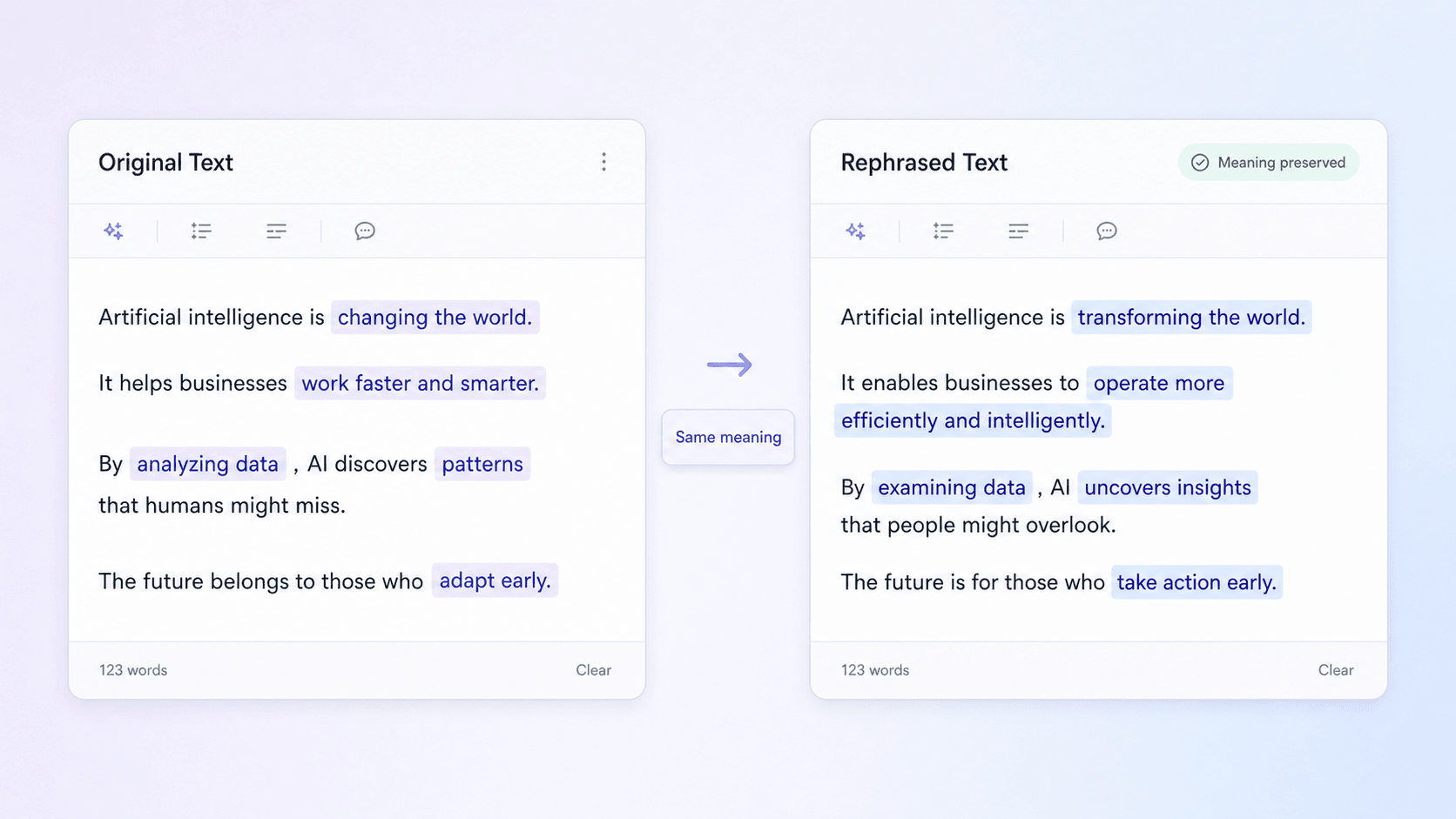
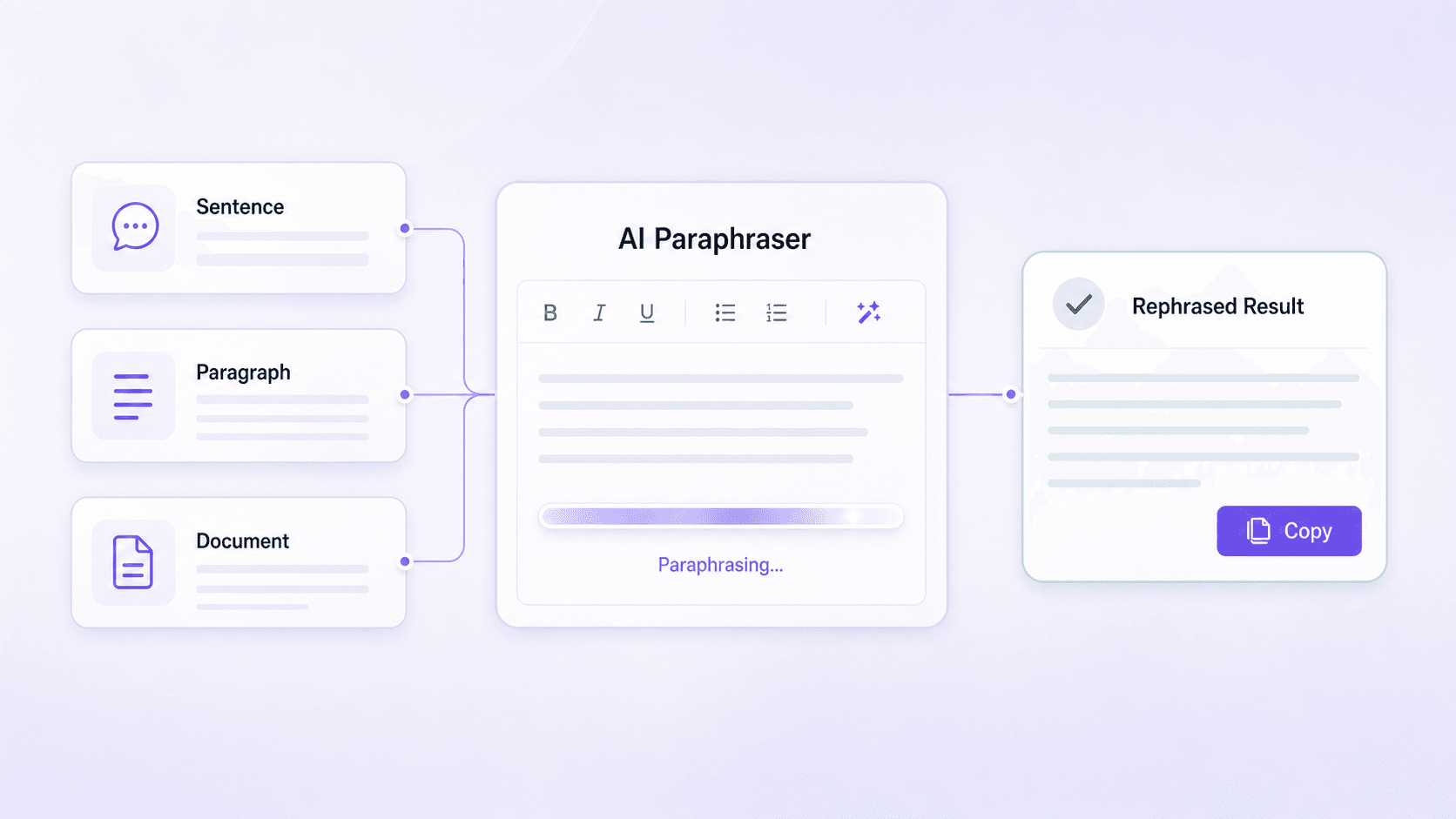
An AI paraphrasing tool helps writers express an existing idea in a new way without changing what it means. It examines the context of the original passage, replaces repetitive wording, and restructures sentences to improve clarity and flow. Writers can use it for essays, emails, reports, blog posts, and other drafts when they need fresh phrasing but want to keep the same message.

Free AI Paraphraser: Rephrase Text Online
Content
Result
Your humanized result will be ready here. To begin, paste your AI-generated text in the left box.
Recent History
Why Choose Lynote’s AI Paraphraser?
80+ Languages
Rephrase multilingual text without switching tools.
100% Original Meaning
Change wording and sentence structure while preserving your exact message.
0% Robotic Phrasing
Remove stiff, repetitive wording so the rephrased text reads clearly and naturally.
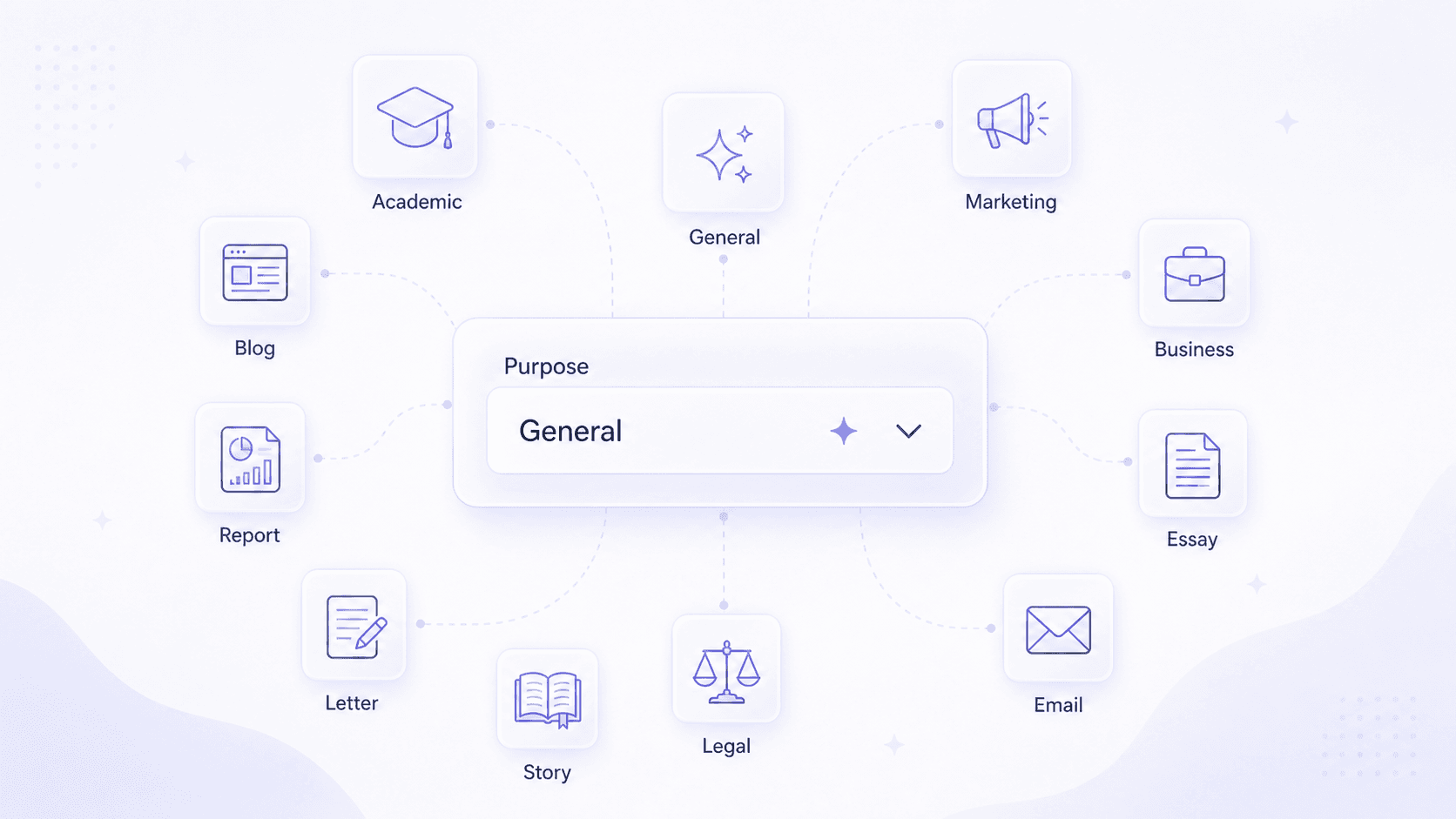
11 Writing Purposes
Choose General, Academic, Marketing, Business, Essay, Email, Legal, Story, Letter, Report, or Blog.
2 Rephrasing Methods
Paste text or upload a document to rephrase sentences, paragraphs, and longer drafts.
Free, No Sign-Up
Try the AI paraphrasing tool in your browser without creating an account.
1-Click Rephrasing
Click Humanize once to generate a fresh version with new wording, sentence structure, and flow.
Built-In Result Check
Review the rephrased output and its Instant Authenticity Report in one place.

Rephrase Text Without Losing the Point
Lynote’s AI text paraphraser reads the surrounding passage before changing vocabulary and sentence structure. The result is designed to express the same central idea with fresher wording, so you can compare both versions and keep the phrasing that fits. For broader structural changes, use the AI Rewriter.

Paraphrase Text for Any Purpose
Choose General, Academic, Marketing, Business, Essay, Email, Legal, Story, Letter, Report, or Blog. The selected purpose guides how formal, direct, or conversational the rephrased text should sound. To make an AI-generated draft sound more naturally written, use the AI Humanizer.

Rephrase a Sentence, Paragraph, or Draft
Paste text for a quick sentence rephrase or add a longer passage when the whole section needs better flow. You can also upload a supported document instead of copying it section by section. To check rewritten text for AI signals, try the Paraphrase AI Detector.
See How AI-Generated Paraphrasing Text Is Detected
We tested a keyword-focused passage about an AI paraphraser and paraphrasing tool with Lynote AI Detector. The live scan returned 100% AI-generated, 0% mixed, and 0% human-written.
Our detector is highly confident that the text is written by AI.
- 100%An AI paraphrasing tool helps writers express an existing idea in a new way without changing what it means.
- 100%Writers can use it for essays, emails, reports, blog posts, and other drafts when they need fresh phrasing but want to keep the same message.
- 100%It examines the context of the original passage, replaces repetitive wording, and restructures sentences to improve clarity and flow.
How Our AI Paraphrasing Tool Works
Lynote does more than swap synonyms. It reads the full passage, identifies the core message, and rebuilds wording and sentence structure for the writing purpose you choose.
An AI paraphrasing tool rewrites existing text without changing the idea behind it. Lynote studies the context of the full passage, replaces repetitive wording, varies sentence structure, and improves flow. Choose a purpose such as Academic, Marketing, Business, Essay, Email, Legal, Story, Letter, Report, or Blog, then compare the rephrased result with your original before copying it.
How to Rephrase Text with AI

Paste or Upload Your Text
Add the sentence, paragraph, or draft you want to rephrase, or upload a supported document.

Choose a Purpose and Click Humanize
Select the writing purpose that fits your text, then click Humanize to generate the rephrased version.

Compare and Copy the Result
Read the original and rephrased text side by side, restore any wording that matters, then copy the version you want to use.
What Can You Rephrase?

Academic Drafts
Rephrase dense sentences and paragraphs in essays or research drafts while keeping the argument and citations clear.

Marketing Copy
Create fresh versions of ads, landing-page lines, captions, and campaign messages without starting over.

Blog Content
Refresh repetitive paragraphs, smooth awkward transitions, and adapt an older article for a new audience.

Business Emails
Turn rough or overly formal messages into clearer emails while preserving the request, context, and next step.
Who Uses an AI Paraphrasing Tool?

Students
Express ideas more clearly in essays and assignments while keeping citations and academic rules in view.

Content Creators
Rephrase captions, scripts, newsletters, and promotional copy for different channels.

Writers and Editors
Explore alternative sentence structures when a draft feels repetitive, awkward, or stuck.

Multilingual Writers
Refine translated or second-language writing so the phrasing fits the intended audience more naturally.

Marketers
Adapt one message for ads, social posts, email, landing pages, and campaign tests.

Business Teams
Polish emails, proposals, reports, and internal documents without changing their purpose.
What Users Say About Our Paraphraser
AI Paraphraser FAQ

Answers about sentence and paragraph rephrasing, free access, languages, academic use, uploads, and the difference between paraphrasing, rewriting, and humanizing.
An AI paraphraser restates text with different words and sentence structures while keeping the main meaning. You can use it to rephrase a sentence, a paragraph, or a longer draft that needs clearer wording or better flow.
Paste your text or upload a supported document, choose the writing purpose that fits, and click Humanize. Lynote returns a rephrased version that you can compare with the original before copying it.
Yes. Use it for one sentence when a line sounds awkward, or add a full paragraph when the ideas need smoother transitions and more varied wording.
Lynote is designed to preserve the central idea while changing vocabulary and sentence structure. Compare the result with the source and restore any names, figures, quotations, citations, or specialist terms that must remain exact.
Yes. You can start with the free AI paraphrasing tool without creating an account. Usage limits may apply to the length or number of rewrites available on the free plan.
Yes. Lynote supports more than 80 languages, so you can paraphrase multilingual text and then review the result for the right local wording, tone, and terminology.
You can use it to improve clarity or explore a different way to express an idea when your school or instructor permits AI-assisted editing. Paraphrasing someone else’s ideas does not remove the need to cite the original source.
Paraphrasing restates the same idea in new wording. Rewriting can make broader changes to structure or style. Humanizing focuses on making AI-generated text sound more naturally written.
Yes. Paste a longer passage into the editor or use Upload Document when the text is already in a supported file. For a very long draft, rephrase it in logical sections so each result has enough context.
Yes. The AI text paraphraser can change the wording and flow of an AI-assisted draft. Choose the tool that matches your next step: naturalize the writing when it still sounds machine-made, or check the rewritten text when you need to review AI signals.