10 Fireflies Alternatives for Smarter AI Meeting Notes

The best Fireflies alternatives solve different problems. Choose Lynote when you want to turn recordings and related source material into editable notes, Fathom for frequent meetings on a generous free plan, Granola for bot-free capture, Otter.ai for live transcription, and Tactiq for a browser-extension workflow.
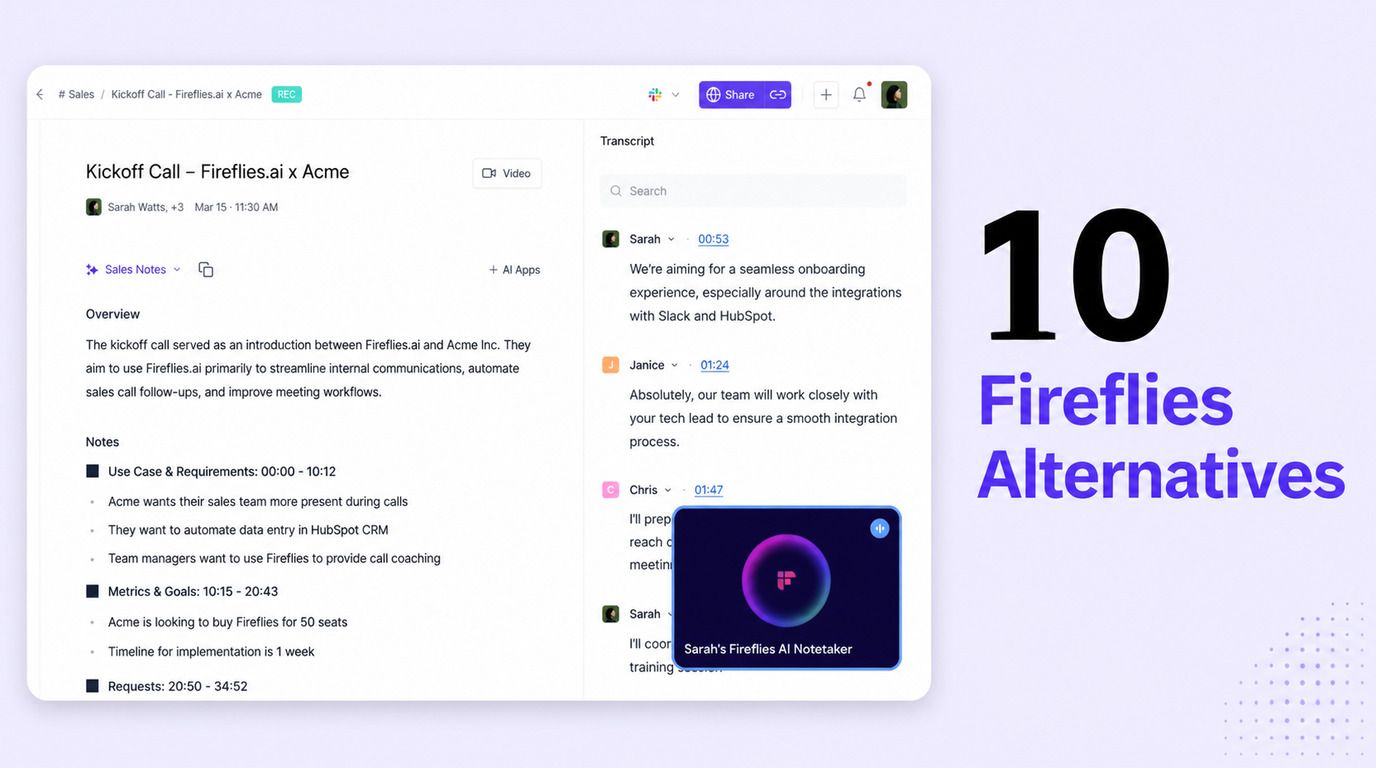
Fireflies remains a strong choice for teams that want searchable meeting memory and mature integrations. Switching makes more sense when its capture method, free-plan restrictions, workflow complexity, or participant-facing bot does not fit how you actually meet.
Quick Answer: The Best Fireflies Alternatives
Start with the capture method rather than the longest feature list. A tool that automatically joins every scheduled call solves a different problem from one that listens locally, runs inside a browser, or converts a recording into notes after the meeting.
| Tool | Best for | Capture method | Free-plan reality | Main tradeoff |
|---|---|---|---|---|
| Lynote | Editable notes from recordings and mixed sources | Upload or add a source | Check the live allowance before a large batch | Not positioned here as an auto-joining bot |
| Fathom | Frequent free meeting capture | Meeting app or extension | Unlimited recording, transcription, and storage; advanced AI is capped | Team controls require paid plans |
| Granola | Bot-free, human-guided notes | Local device capture | Core AI notes with limited history | Integrations and unlimited history are paid |
| Otter.ai | Live transcription | App, meeting assistant, or import | 300 minutes monthly with conversation limits | Free imports and meeting length are restrictive |
| tl;dv | Video review and clips | Bot or desktop capture | Generous recording and transcription; advanced AI is capped | Full automation moves to paid tiers |
| Tactiq | Browser-based capture | Browser extension | 10 meetings and 5 AI credits monthly | Best fit is browser-based meetings |
| MeetGeek | Post-meeting automation | Bot, extension, desktop, or upload | 3 transcription hours monthly | Exports and deeper workflows are paid |
| Notta | Multilingual and mobile capture | Web, mobile, extension, or bot | 120 minutes monthly but only 3 minutes per conversation | Free transcript access is too short for most meetings |
| Fellow | Agendas and accountable action items | Collaborative workspace plus AI capture | Free collaborative notes; AI use is limited | Strongest value depends on team adoption |
| Read AI | Analytics and coaching | Meeting assistant and native apps | 5 meeting reports monthly | Playback and premium integrations cost more |
My evaluation favors usable output over a nominally unlimited transcript. A free plan is only genuinely useful when you can retain the meeting, review the summary, correct mistakes, export what matters, and repeat the workflow next month.
Fireflies AI Note Taker Review: Is It Still Worth Using?
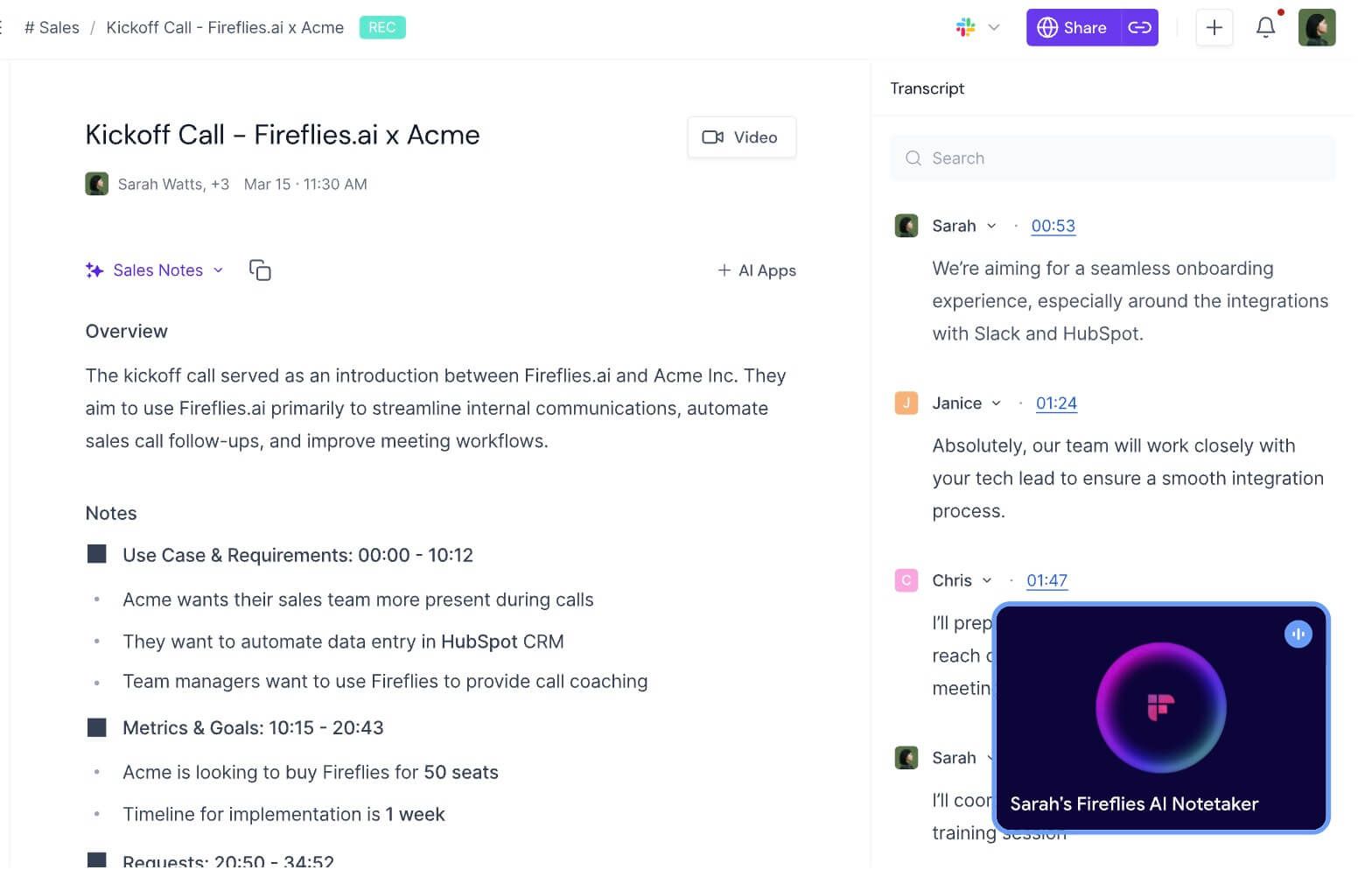
Fireflies is still worth considering if meetings are a durable knowledge source for your team. It captures conversations, produces transcripts and structured notes, identifies action items, supports questions through AskFred, and makes older conversations searchable instead of leaving each recap in a separate document.
That breadth is also why Fireflies can feel heavy for a solo user. It is closer to a meeting intelligence system than a minimal note generator, and its best value appears when search, collaboration, integrations, and repeated team workflows matter together.
What Fireflies Does Well
Fireflies is particularly strong after the meeting. A transcript can be searched by speaker or topic, notes are organized into sections, and important moments can be bookmarked or clipped instead of forcing someone to replay the entire call.
Its integration layer is a meaningful advantage for sales, recruiting, customer success, and operations teams. Meeting information can move toward CRMs, collaboration apps, and task systems, while team members can comment, organize conversations, and search across accumulated meeting history.
AskFred adds another layer: rather than opening individual transcripts, users can ask questions about a meeting or locate a decision discussed weeks earlier. That can turn a large archive into useful organizational memory, provided the underlying access permissions and sharing rules are managed carefully.
How Fireflies Captures Meetings
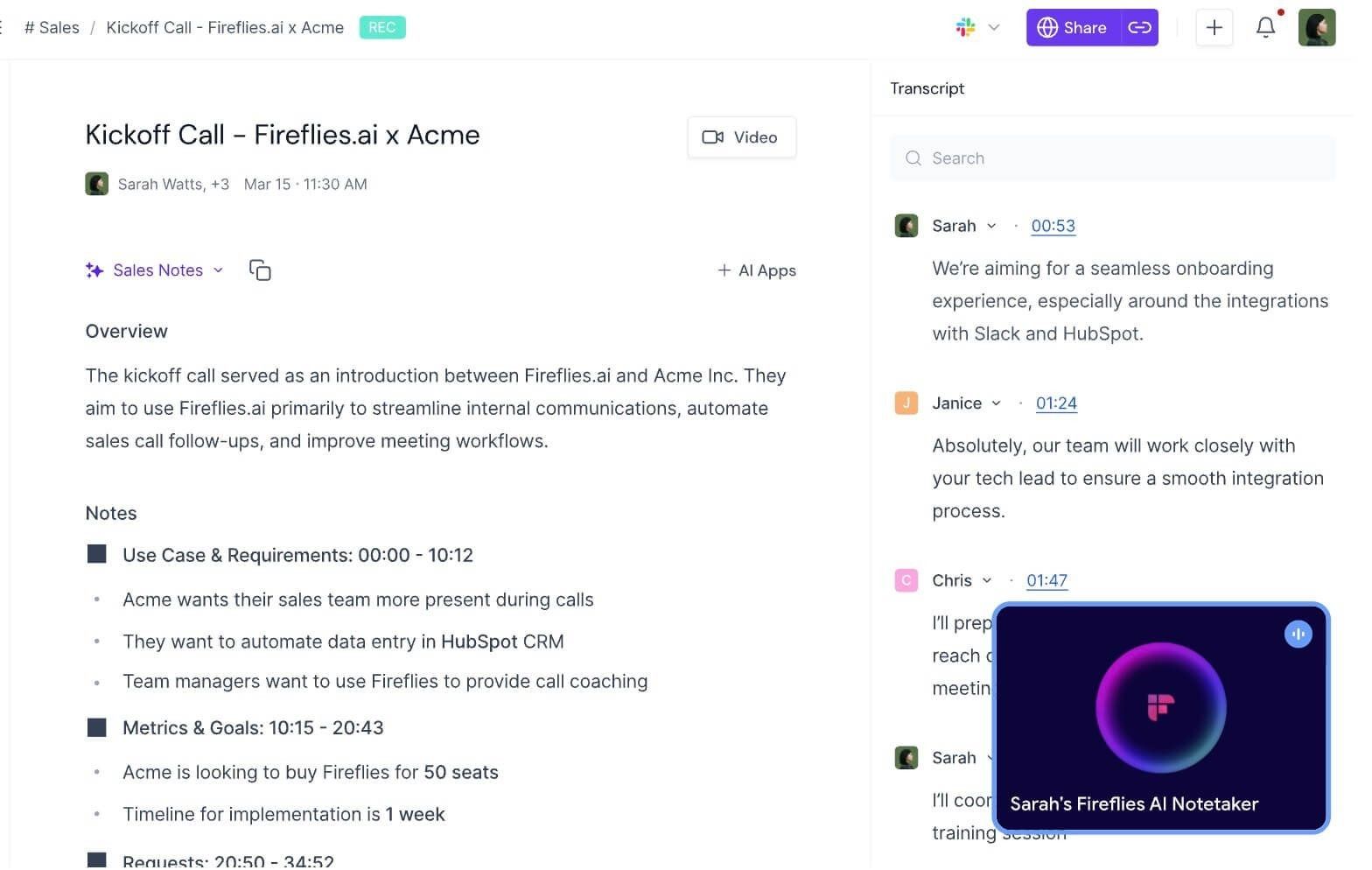
The familiar Fireflies workflow uses a meeting assistant that joins Zoom, Google Meet, Microsoft Teams, and other supported platforms. This approach is convenient because calendar automation can capture calls without requiring someone to remember to press record, but the assistant is visible to participants.
It is no longer accurate to say Fireflies always requires a bot. Fireflies also offers a Google Meet Chrome extension path, desktop and mobile recording options, and file uploads; some Google Meet workflows can capture without adding a separate participant. Platform support and participant notices differ by method, so the chosen path should be tested in the actual meeting environment.
This distinction matters for external calls. A visible assistant can make consent obvious, but it can also interrupt the first minutes of a client conversation; a local or extension-based method can feel less intrusive, yet users still need an appropriate disclosure and permission process.
Fireflies Free Plan: What Is Actually Limited
The phrase "unlimited transcription" does not describe the full free experience. Fireflies uses separate concepts for transcription access, storage, advanced AI actions, uploaded files, meeting length, and downloads, so reaching one limit can restrict a workflow even while another feature remains available.
Current Fireflies official pages do not always present the same free storage figure. Rather than treating a number from a comparison article as permanent, verify the allowance shown in the live dashboard and current help center before migrating a team archive.
Free users can evaluate core meeting capture, summaries, search, and collaboration. However, transcript and recording downloads, expanded automation, deeper analytics, and higher storage or governance requirements can move an active team toward Pro, Business, or Enterprise.
Fireflies Pros, Cons, and Editorial Score
| Area | Editorial fit score | Why |
|---|---|---|
| Capture flexibility | 8.5/10 | Bot, extension, desktop, mobile, and upload paths cover many scenarios |
| Meeting notes | 8/10 | Structured summaries and action items are useful but still need review |
| Search and recall | 9/10 | Cross-meeting search and AskFred are central strengths |
| Integrations | 9/10 | Mature CRM and workflow connections suit operational teams |
| Free value | 7.5/10 | Strong evaluation path, but separate credits and storage rules add friction |
| Simplicity | 7/10 | The platform can be more extensive than a basic note-taking need |
These are editorial fit scores based on current capabilities, not measured transcription-accuracy benchmarks. Audio quality, accents, specialized vocabulary, crosstalk, and microphone setup can change the result in any AI note taker.
Fireflies pros
- Multiple ways to capture online and recorded conversations
- Searchable meeting history rather than isolated summaries
- Strong integration and collaboration ecosystem
- Useful combination of transcript, notes, action items, clips, and AI questions
Fireflies cons
- Free-plan credits, storage, and feature gates take time to understand
- A visible meeting participant may not suit every client conversation
- The interface and automation system can be excessive for occasional notes
- Important tasks, dates, and commitments still require human verification
Review verdict: Keep Fireflies if your team records frequently and wants conversations to feed a searchable, integrated system. Consider a replacement when the primary requirement is simpler notes, a no-bot experience, a more predictable free tier, stronger live text, or user-controlled processing of existing recordings.
10 Best Fireflies Alternatives in 2026
The tools below are ranked by how directly they answer common reasons for leaving Fireflies, not by a single universal score. Each option has a distinct capture model and free-plan boundary, so the best choice depends on what happens before, during, and after the meeting.
1. Lynote AI Note Taker: Best for Editable Notes From Recordings and Sources
Lynote AI Note Taker fits users who want control over what enters the note-making workflow. Instead of automatically attending every calendar event, it can turn a user-provided recording or related source material into structured notes that remain editable in the same workspace.
This approach is useful beyond scheduled video calls. A recorded interview, lecture, research discussion, presentation, document, webpage, or video can become a note with headings and bullets, then support follow-up questions and reuse without forcing every source into a meeting-bot model.
How to use it
-
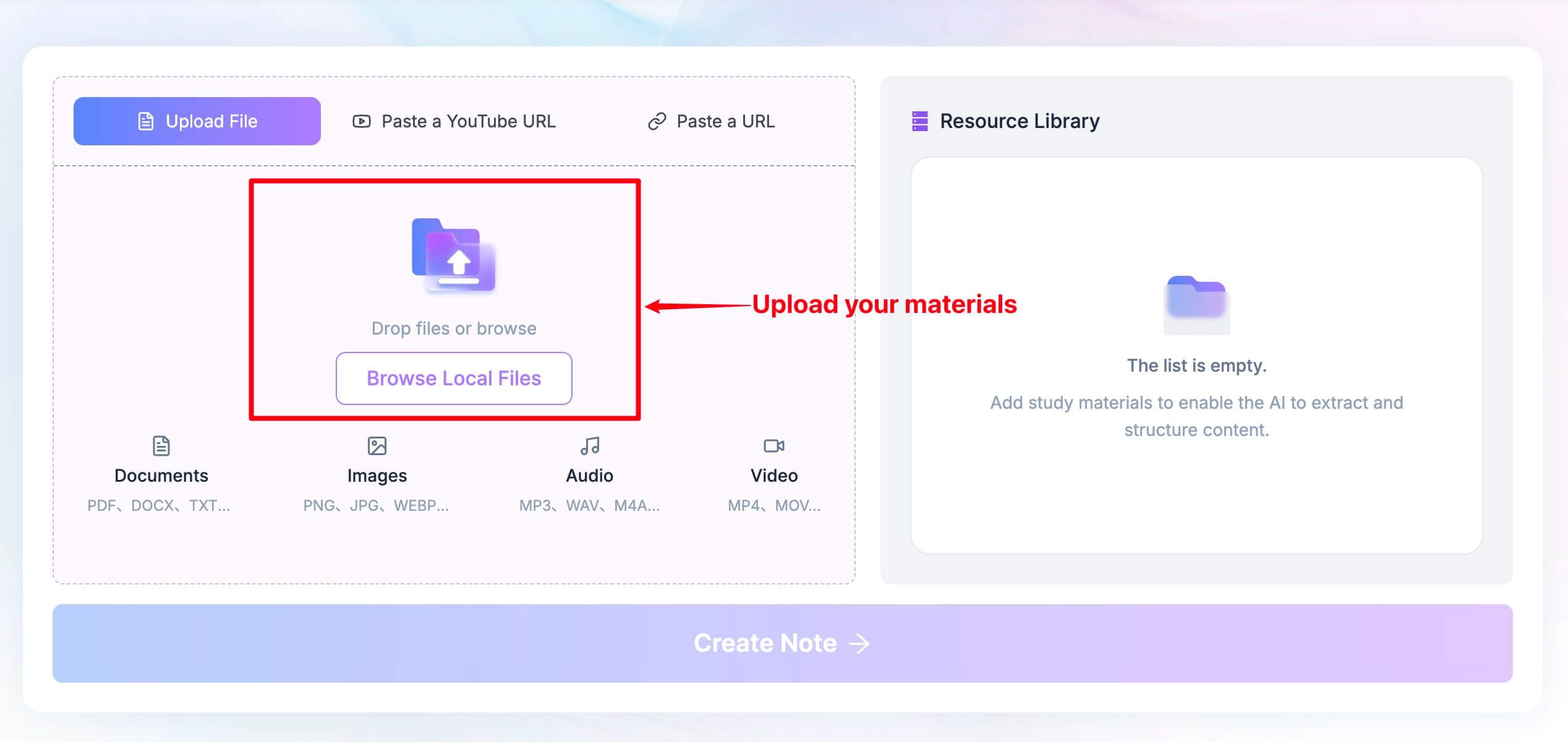
Add the recording or source material you want to turn into notes.
-
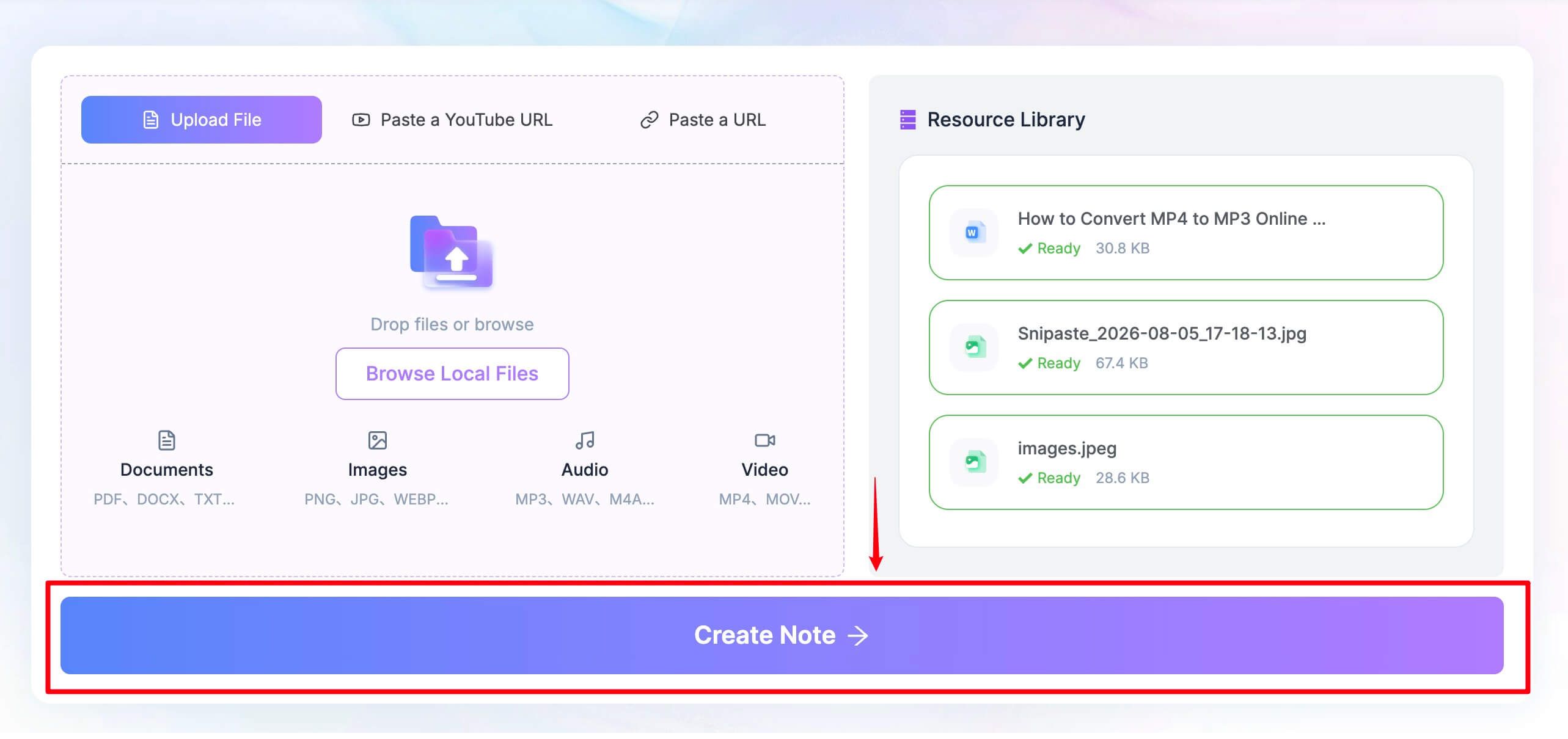
Click Create Note after the source is ready.
-
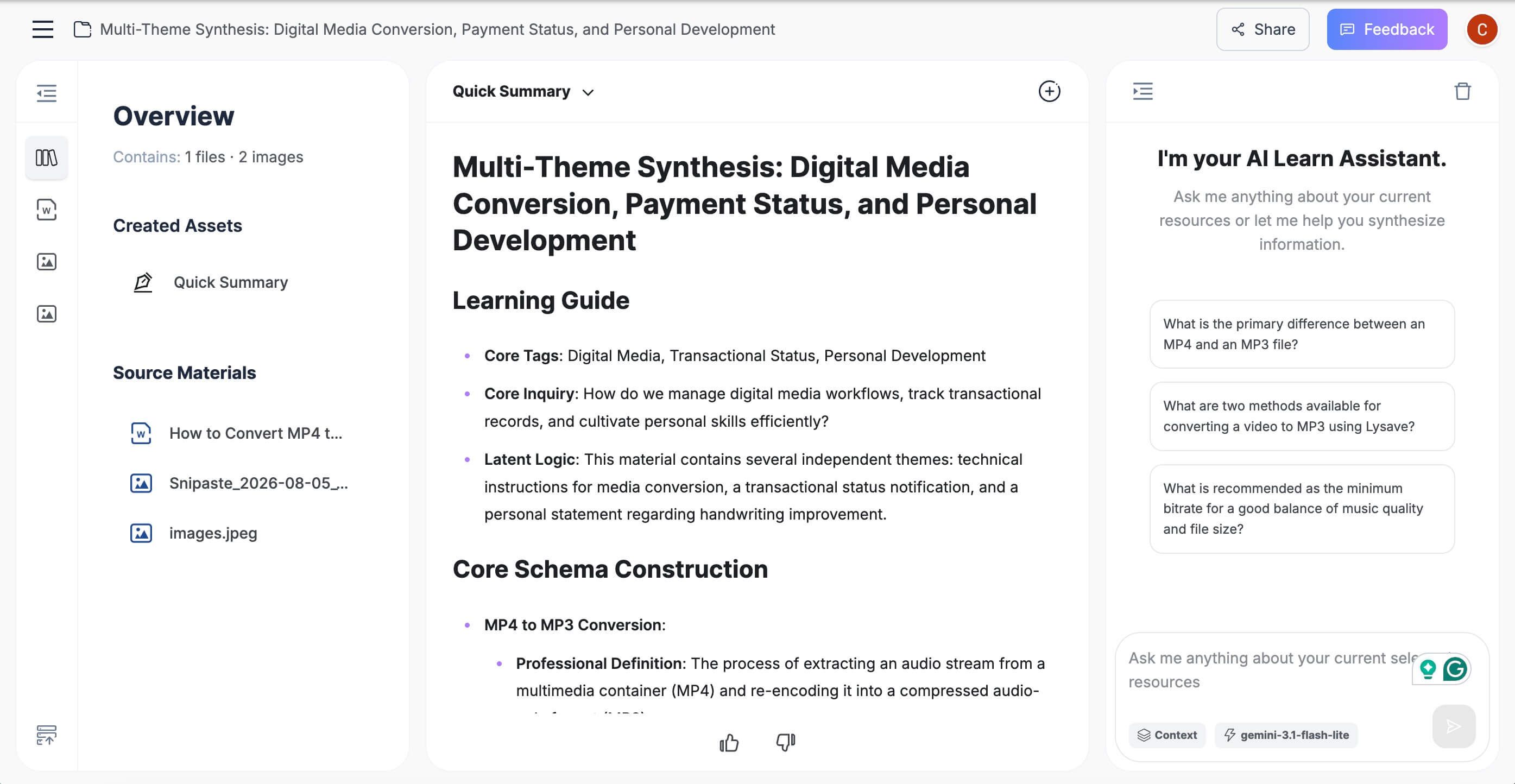
Review the generated structure, edit the note, ask follow-up questions, and reuse or share the result.
Free-plan reality: Use the live page to confirm the current allowance before processing a large archive. The practical value is the source-to-note workflow, not an unsupported promise of unlimited live meeting capture.
Key features
- Structured notes with headings and bullet points
- Support for recordings and several other source types
- Editable notes and follow-up questions in one workspace
- Reuse paths for sharing, export, or study output
Pros
- User controls which source becomes a note
- Useful for meetings, interviews, lectures, and mixed research material
- Produces a reusable note rather than only a transcript
Cons
- Automatic calendar attendance is not the focus of this workflow
Best for: People who already have a recording or source and want an editable, organized note without adding another participant to every call.
2. Fathom: Best Free Fireflies Alternative for Frequent Meetings
Fathom is the clearest starting point for individuals who run many online meetings but do not want a small monthly transcription allowance. Its free plan includes unlimited recordings, transcription, and storage, making it easier to build a routine without deleting older calls to recover space.
The limitation is concentrated in advanced AI output rather than basic capture. Free users receive richer summaries and AI features for a limited number of calls each month, after which a more general summary remains available; teams that need custom templates, unrestricted AI action items, coaching, or shared management should compare paid tiers.
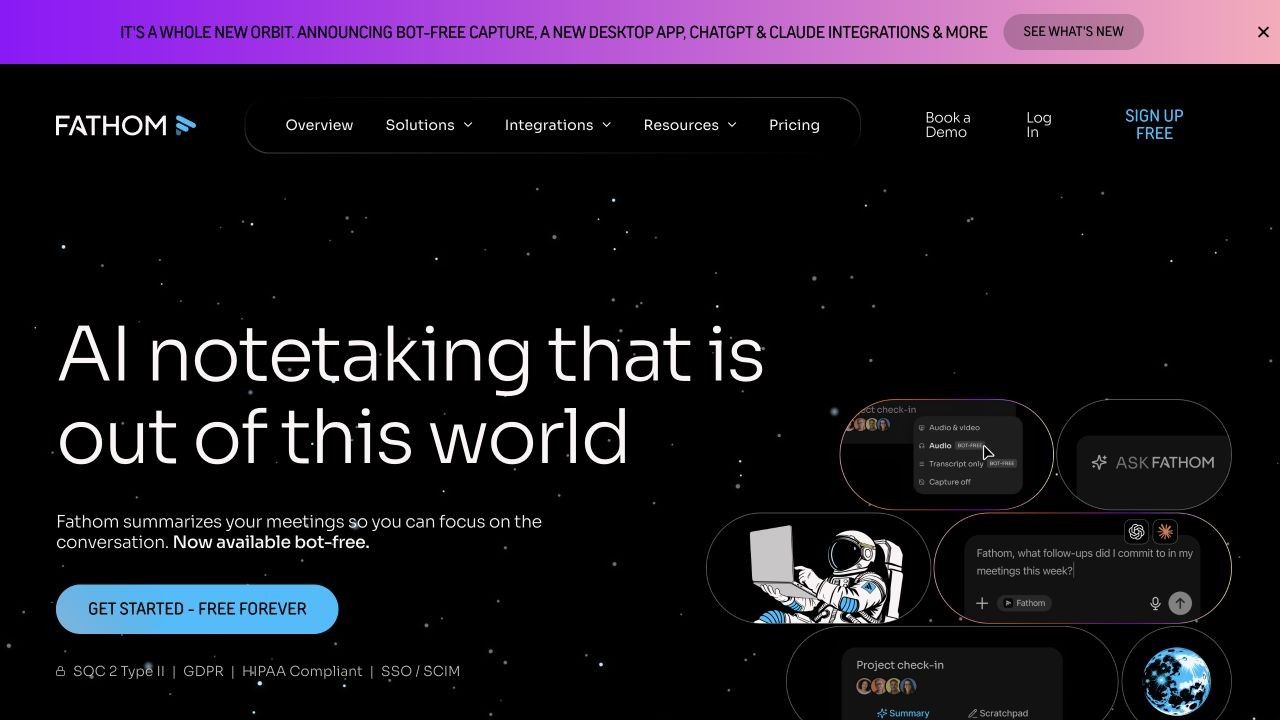
Free-plan reality: Core recording, storage, and transcription remain generous, while advanced summaries, action items, follow-up emails, and Ask Fathom have monthly limits.
Key features
- Unlimited recording, transcription, and storage for individual free users
- Meeting summaries, clips, playlists, and searchable recordings
- Support for Zoom, Google Meet, and Microsoft Teams
- CRM and personal automation options with plan-specific limits
Pros
- Low risk for frequent solo use
- Easy to retain and revisit a large meeting history
- Good sharing and highlight workflow
Cons
- The most useful advanced AI features are capped on Free
- Team administration and deeper intelligence require paid plans
Best for: Consultants, founders, recruiters, and client-facing professionals who want frequent meeting capture without watching a minute counter.
3. Granola: Best Bot-Free Alternative for Human-Guided Notes
Granola takes a different position from fully automatic meeting bots. It listens through the user's device while the user writes rough notes, then combines personal emphasis with captured context to produce a cleaner document after the conversation.
That hybrid workflow is valuable when interpretation matters. The AI handles recall and structure, while the user's own notes signal which decisions, concerns, and nuances deserve prominence instead of assuming every attendee needs the same generic recap.
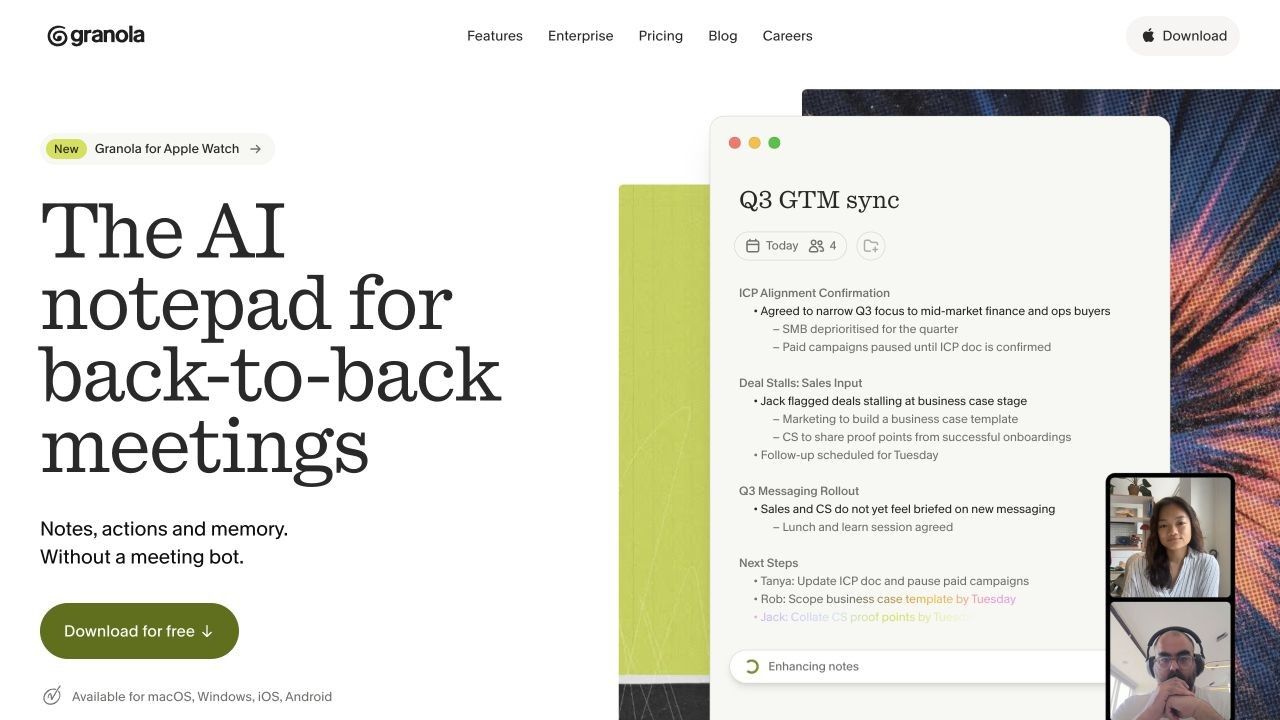
Free-plan reality: Granola Basic includes AI meeting notes, chat, shared folders, templates, multiple languages, and limited meeting history. Unlimited history, advanced models, integrations, API access, and broader administration sit on paid plans.
Key features
- Bot-free local meeting capture
- AI enhancement of the user's own notes
- Chat within and across meetings
- Custom templates and shared folders
Pros
- No separate participant enters the call
- Keeps the human note taker's judgment in the process
- Calm workflow for founders, product teams, and one-to-ones
Cons
- Limited history reduces the value of the free archive
- Full integration workflows require a paid plan
Best for: People who already jot down key points and want AI to improve their notes without taking over the meeting.
4. Otter.ai: Best for Live Transcription and Speaker-Aware Notes
Otter.ai remains a practical Fireflies alternative when seeing the transcript during the conversation matters more than post-call automation. Live text, speaker identification, playback, and AI chat make it suitable for interviews, lectures, accessibility support, and meetings where participants want to follow the wording in real time.
Its free plan is easy to understand but restrictive for long meetings. The monthly allowance can cover occasional calls, while the per-conversation limit means one standard hour-long meeting cannot be reviewed in full without upgrading.
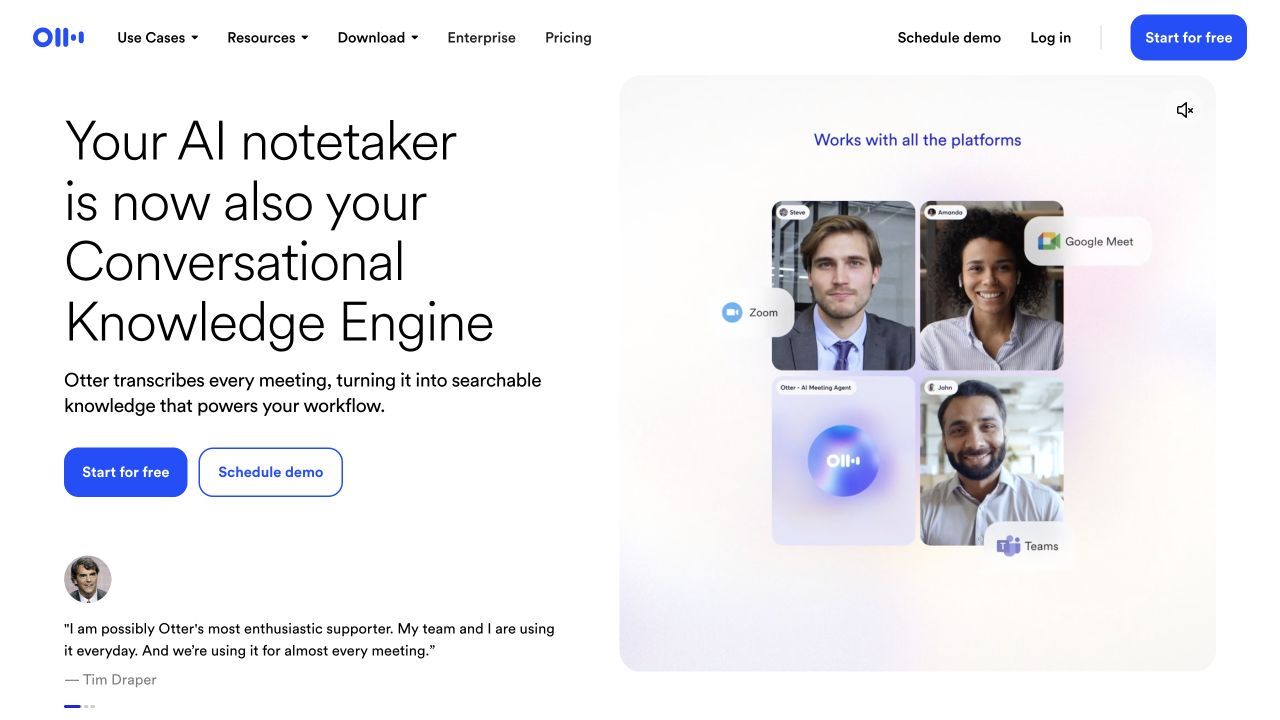
Free-plan reality: Basic currently includes 300 transcription minutes per month, up to 30 minutes per conversation, and three lifetime audio or video imports.
Key features
- Live transcription and speaker identification
- AI chat within and across meetings
- Playback synchronized with the transcript
- Apps for desktop and mobile use
Pros
- Strong real-time reading experience
- Familiar workflow for interviews and classes
- Useful search and speaker organization
Cons
- The 30-minute free conversation cap is limiting
- Only three lifetime file imports are included on Basic
Best for: Users who prioritize a live, readable transcript and only need a limited number of meeting minutes each month.
5. tl;dv: Best for Video Review, Clips, and Multi-Meeting Insights
tl;dv is a better fit than Fireflies when visual meeting context and shareable moments matter. It records and transcribes calls, supports timestamped clips, and helps teams revisit product demos, research interviews, sales calls, and customer conversations without sending an entire recording.
The platform also reaches beyond one-meeting summaries through reports, topic tracking, and workflow automation. Free access is generous for capture, but recurring AI notes, long-term retention, broad integrations, and unlimited cross-meeting intelligence should be checked carefully against current plan limits.
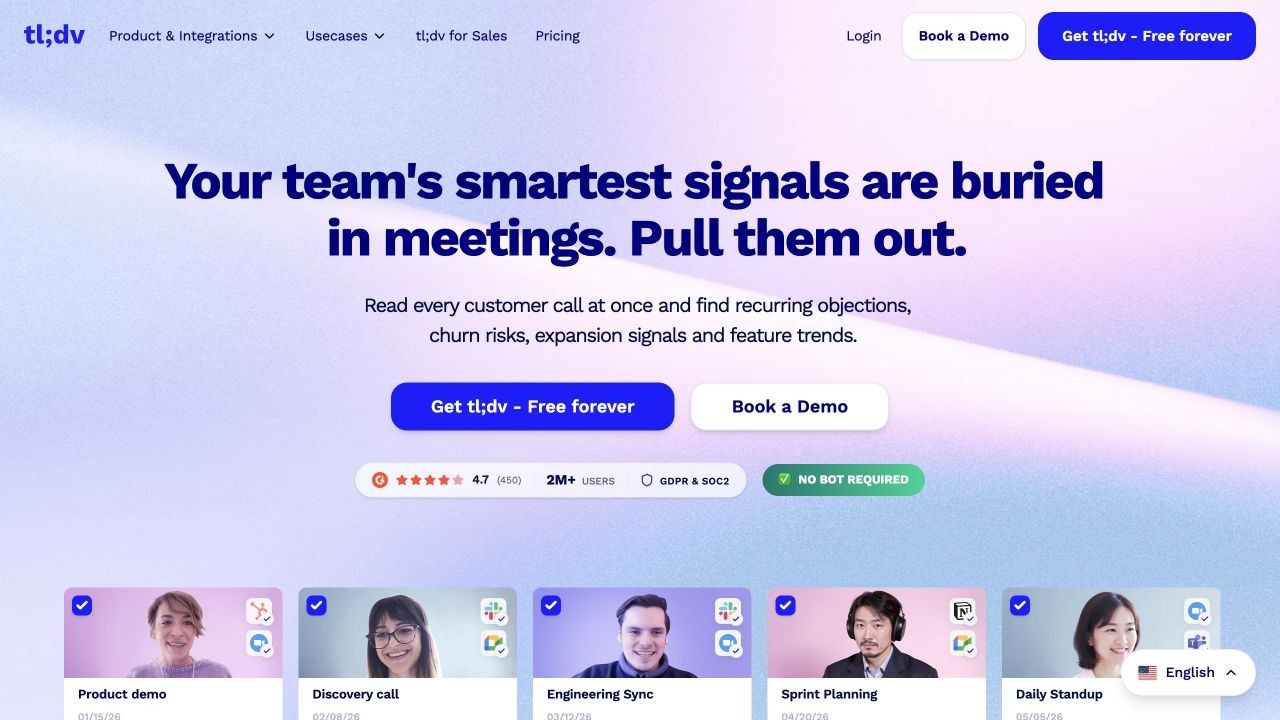
Free-plan reality: Recording and transcription are positioned generously, while advanced AI notes, Ask credits, reports, integrations, uploads, and retention have separate limits.
Key features
- Video and audio recording with multilingual transcription
- Timestamped clips and shareable meeting moments
- AI summaries, topic tracking, and multi-meeting reports
- Bot and newer desktop capture options
Pros
- Strong visual review experience
- Useful for qualitative research and customer-facing teams
- Flexible sharing of short evidence clips
Cons
- The number of AI and retention rules makes Free less simple than it appears
- Full CRM and reporting automation is paid
Best for: Teams that need to show what happened in a meeting, not merely read a text recap.
6. Tactiq: Best Browser Extension Alternative
Tactiq suits users who want meeting notes inside a browser workflow without a separate participant joining the call. The extension captures transcripts for supported web meetings, then uses AI actions to create summaries, decisions, action items, questions, and follow-up drafts.
Its free plan uses two different allowances: meeting credits determine how many transcripts can be fully accessed, while AI credits govern analysis. That separation is more transparent than a vague unlimited claim, but users who summarize every meeting can reach the AI limit before the transcript limit.
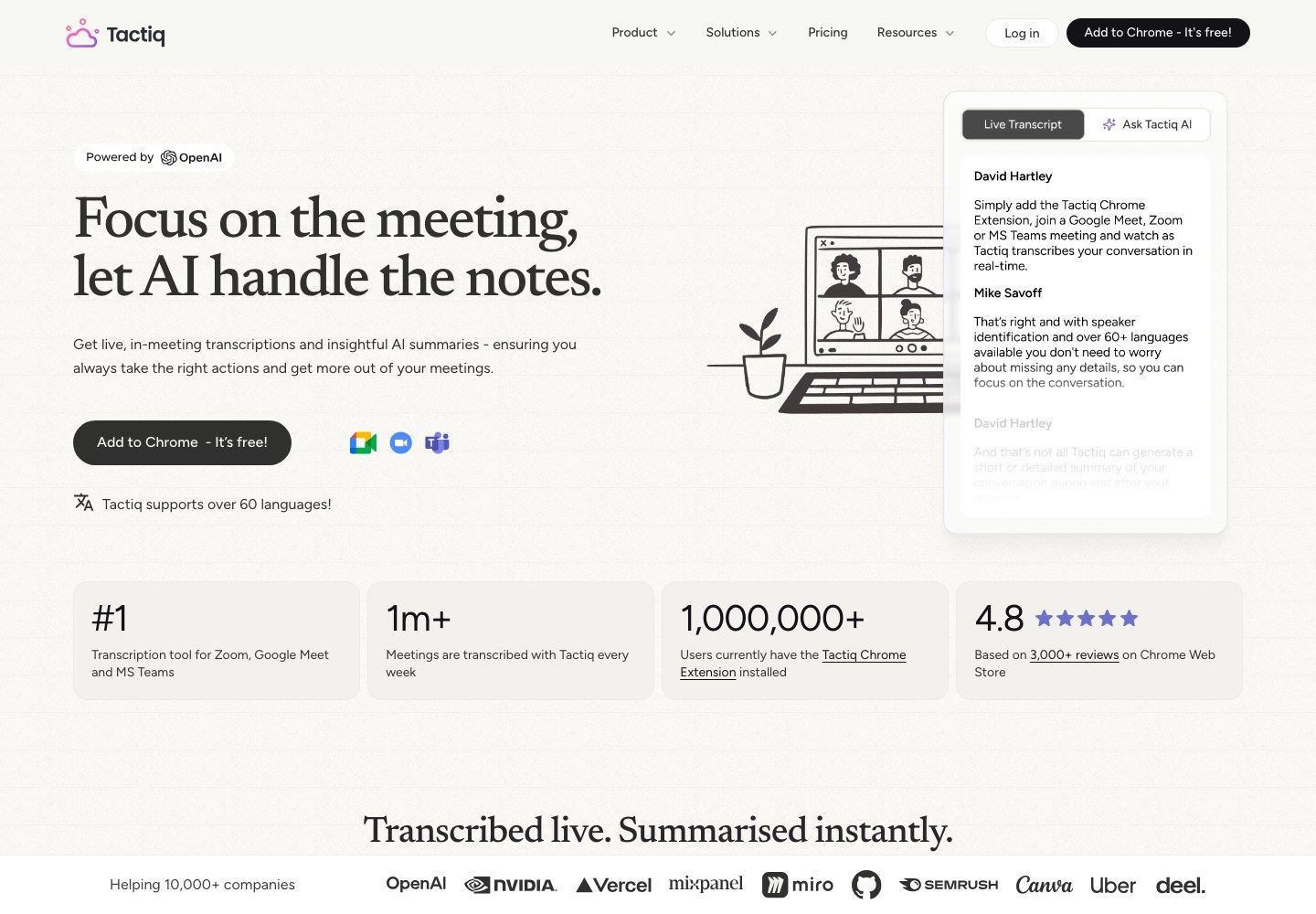
Free-plan reality: Free includes 10 meeting credits and 5 AI credits per month. Unused credits do not roll over, and newly renewed credits do not retroactively unlock a meeting already reduced to preview access.
Key features
- Browser-extension transcript capture
- AI prompts for summaries, actions, and insights
- Transcript sharing and export
- AI workflows for moving meeting information forward
Pros
- No separate meeting bot in the participant list
- Straightforward fit for browser-based calls
- Clear distinction between transcript and AI usage
Cons
- Five monthly AI credits can disappear quickly
- The extension workflow is less universal than a multi-platform recorder
Best for: Google Meet and browser-centered users who want quiet capture and a small but useful free allowance.
7. MeetGeek: Best for Automated Post-Meeting Workflows
MeetGeek is designed for users who want the recap to trigger work after the call. In addition to transcripts and summaries, it emphasizes next steps, templates, analytics, AI chat, integrations, and workflow automation.
Its capture flexibility is notable: users can work with a meeting assistant, browser or desktop recording, mobile apps, and uploaded media. That makes it easier to combine scheduled calls with conversations that happen outside the usual conferencing platforms.
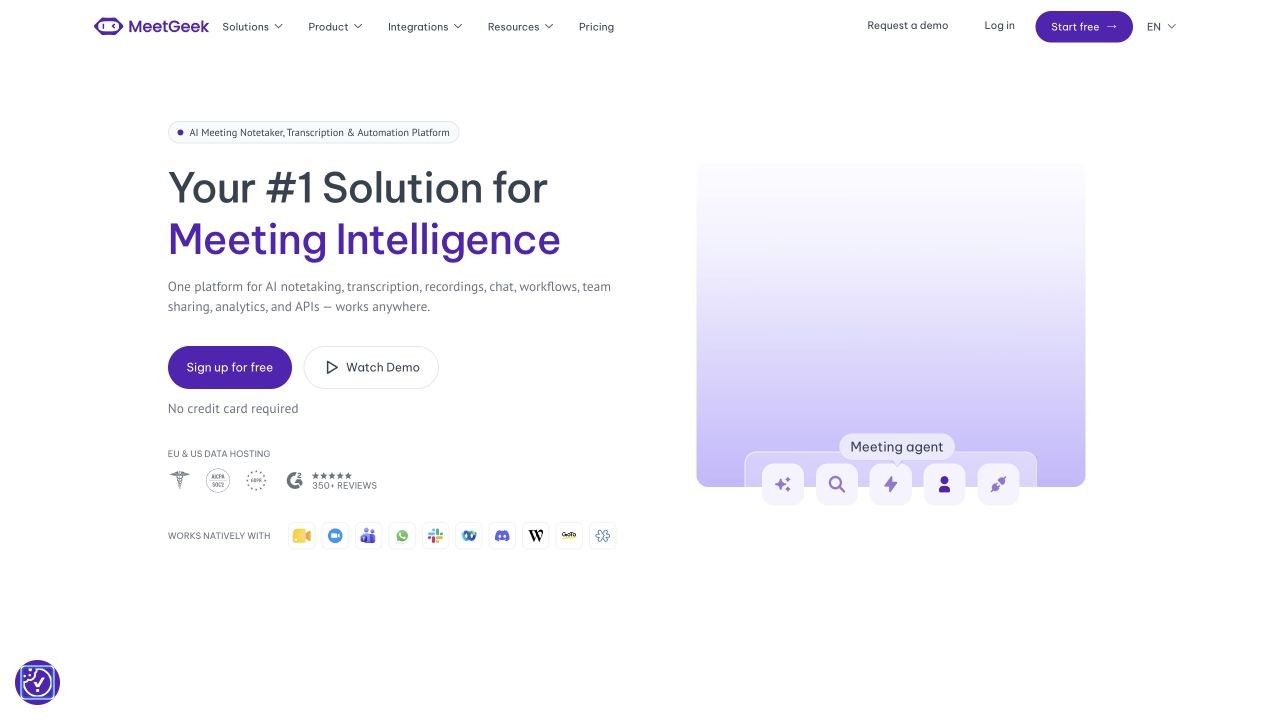
Free-plan reality: Basic includes three transcription hours per month, AI summaries, search, chat, analytics, uploads, and limited transcript and audio retention. Downloads, extended storage, unlimited integrations, and agent workflows move upward.
Key features
- Online, no-bot, mobile, and upload capture paths
- Meeting summaries and AI-detected next steps
- Search, AI chat, analytics, and folders
- Templates and automation on paid tiers
Pros
- More capture choices than many bot-only tools
- Useful bridge from notes to post-meeting workflow
- Free plan includes enough time for occasional evaluation
Cons
- Three hours per month is not enough for meeting-heavy roles
- Exports and advanced workflow automation are paid
Best for: Operations and project teams that care more about what happens after the meeting than building a passive transcript archive.
8. Notta: Best for Multilingual and Mobile Note Taking
Notta spans online meetings, uploaded recordings, mobile capture, and in-person conversations. Its transcription, speaker identification, AI summaries, translation options, and cross-device access make it relevant to international teams and users who move between a desk and a phone.
The headline monthly minute allowance looks reasonable until the per-conversation access limit is considered. A three-minute free cap is too short for most meetings, so the free plan is better understood as a product demonstration than a dependable ongoing meeting system.
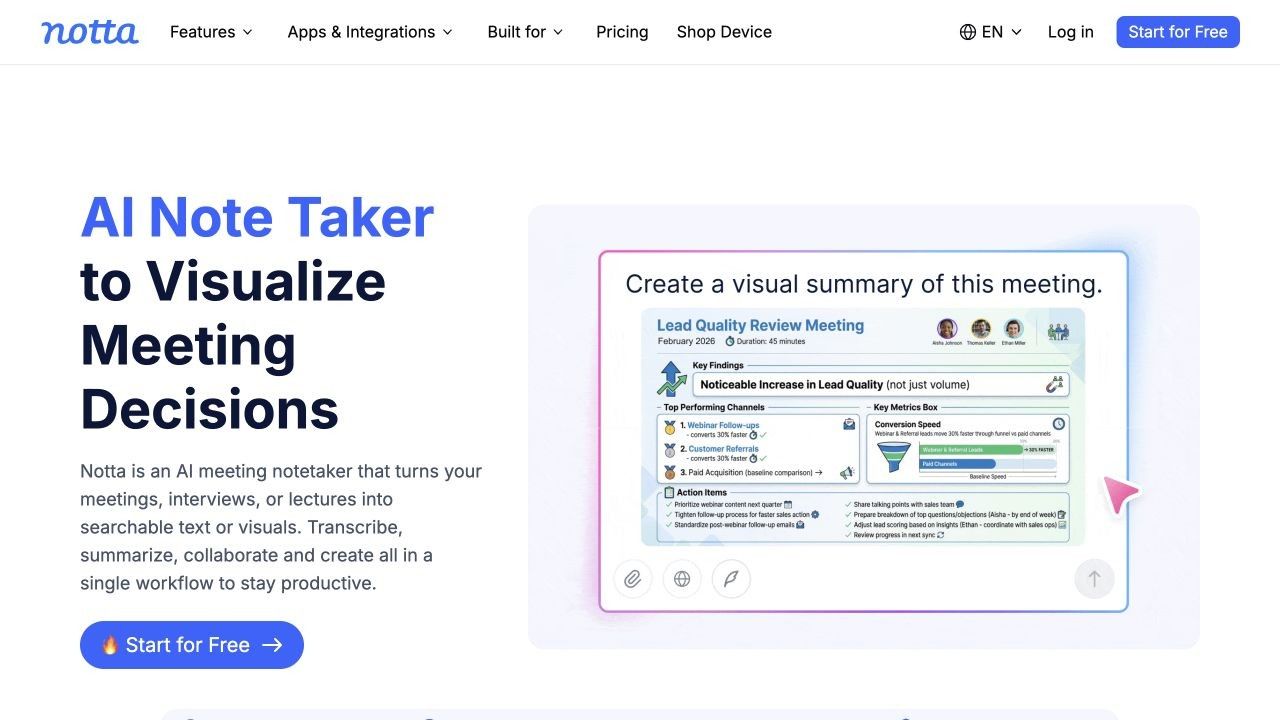
Free-plan reality: Free currently provides 120 minutes per month, but only up to three minutes per conversation, alongside limited AI summaries and other quotas.
Key features
- Web meeting, file, browser, screen, and mobile transcription
- Speaker identification and AI notes
- Multilingual and translation workflows
- Web and mobile account synchronization
Pros
- Flexible for online and in-person conversations
- Good language-oriented workflow
- Useful across desktop and mobile contexts
Cons
- Three minutes per free conversation is highly restrictive
- Export and translation depth depend on paid access
Best for: Multilingual users who are willing to pay for a flexible web-and-mobile transcription system after evaluating it.
9. Fellow: Best for Agenda-Led Meetings and Accountable Action Items
Fellow begins before the transcript. Shared agendas, collaborative notes, meeting templates, timers, feedback, and assigned action items help a team improve the meeting itself rather than only document what happened afterward.
Its AI note taker can add recording, transcription, summaries, and generated actions, but AI availability is more plan-dependent than the core collaborative note experience. Fellow is therefore strongest when the organization also wants repeatable meeting practices and ownership, not just automatic capture.
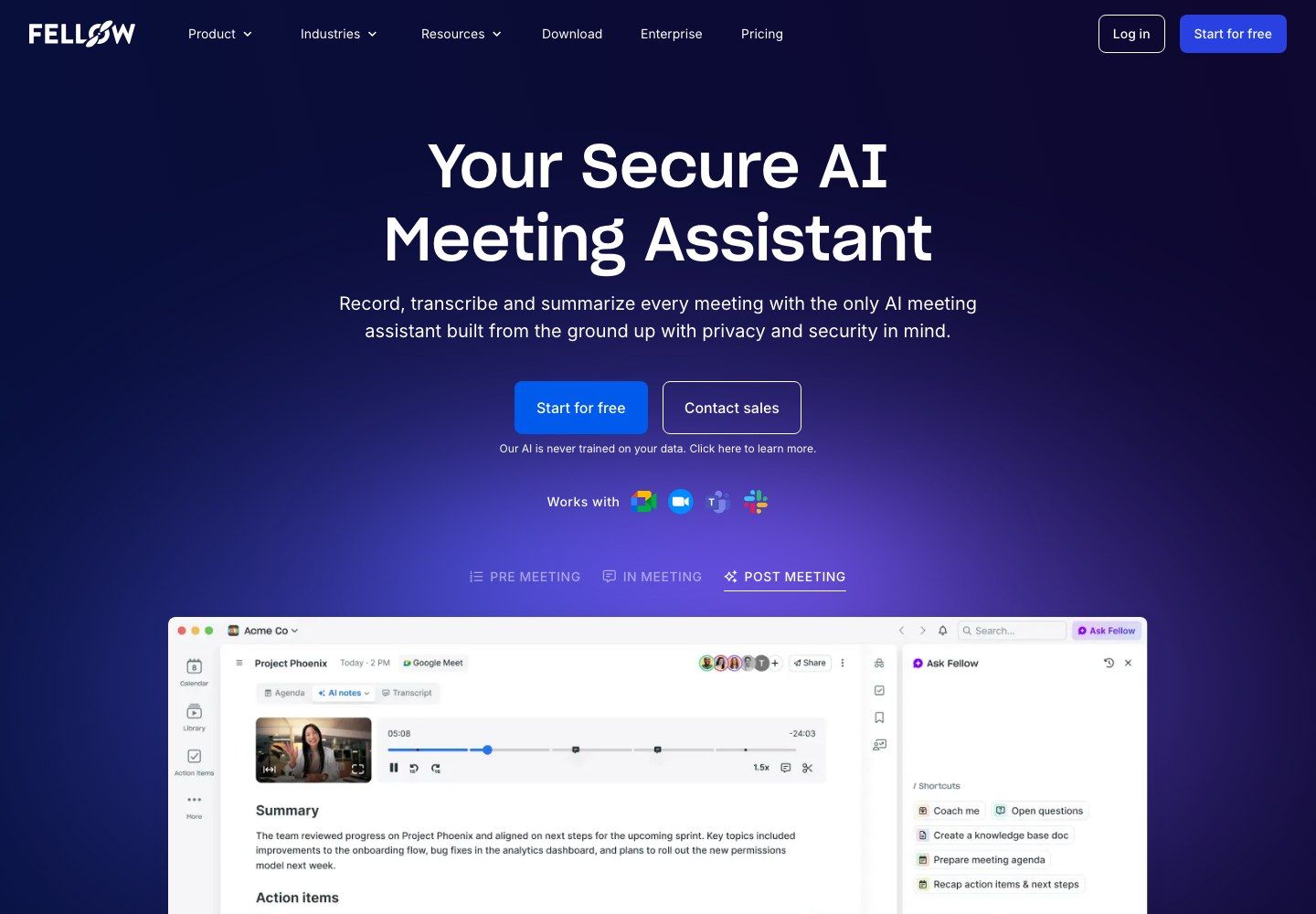
Free-plan reality: Small teams can use collaborative and private notes with limited history. AI meeting recordings and summaries are limited, trial-based, or tied to paid-plan allowances and add-ons, so current workspace pricing should be checked before adoption.
Key features
- Collaborative agendas and note templates
- Assigned action items and meeting follow-through
- AI transcription and summaries on eligible plans
- Integrations with calendars, conferencing, and work apps
Pros
- Connects preparation, discussion, and accountability
- Better meeting discipline than transcript-only tools
- Useful for recurring one-to-ones and team rituals
Cons
- AI note taking is not the main strength of the free tier
- The value depends on teammates using the workspace consistently
Best for: Managers and teams that want better agendas and owned next steps as much as they want an AI recap.
10. Read AI: Best for Meeting Analytics and Coaching
Read AI combines meeting notes with measures intended to help people understand how a conversation unfolded. Reports include summaries, topics, questions, action items, transcripts, and coaching signals, while Ask Read can search across connected workplace information.
This is a different emphasis from Fireflies' integration-led meeting archive. Read is more attractive to users who want participation, engagement, speaking, and meeting-quality feedback, although such signals should guide reflection rather than be treated as objective judgments about performance.
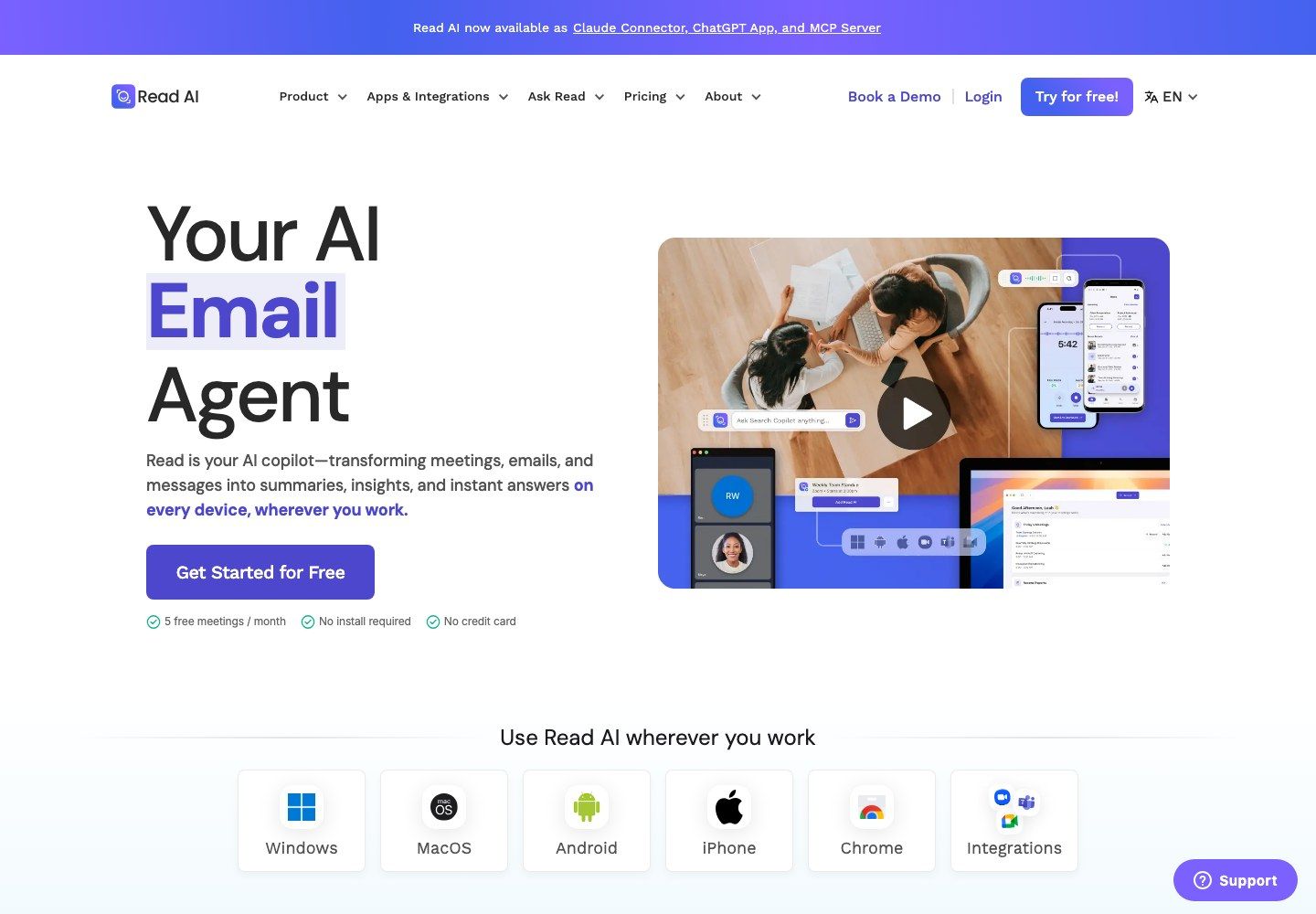
Free-plan reality: Free includes five meeting reports per month with summaries, transcription, search, coaching, and basic integrations. Unlimited meetings, premium integrations, file-upload credits, playback, and enterprise controls require higher tiers.
Key features
- Structured meeting reports and action items
- Live notes, metrics, and personalized coaching
- Search across meetings and connected workplace content
- Desktop and mobile apps for online or in-person use
Pros
- Richer meeting feedback than a standard summary
- Useful cross-channel search direction
- Five free reports are enough for a focused trial
Cons
- Five monthly meetings are insufficient for regular use
- Engagement metrics can be overinterpreted without context
Best for: Leaders, coaches, and teams that want meeting analysis in addition to transcription and notes.
Choose the Capture Method Before You Compare Features
Feature tables make most AI note takers look identical: transcript, summary, speakers, action items, search. The capture method creates the more consequential difference because it determines platform coverage, participant visibility, failure points, and what happens when the user cannot attend.
| Capture model | How it works | Good fit | Main concern | Examples |
|---|---|---|---|---|
| Meeting bot | A separate assistant joins the call | Automatic scheduled capture and missed-meeting coverage | Participant acceptance and admission settings | Fireflies, Read AI, MeetGeek |
| Browser extension | Captures a supported meeting in the browser | Quiet Google Meet or web-based workflows | Browser and platform dependence | Tactiq, Fireflies extension |
| Local desktop capture | Records system and microphone audio on the device | Bot-free client calls and personal note control | Device permissions and local setup | Granola, tl;dv desktop |
| Mobile or in-person capture | Uses phone or desktop microphones | Interviews, field work, lectures, and physical rooms | Speaker separation and room acoustics | Notta, Read AI, MeetGeek |
| Upload-first notes | Processes an existing recording or source | User-controlled archives and mixed content | It does not automatically attend the call | Lynote |
Choose a bot when automation is more important than participant-list simplicity. Choose an extension or local recorder when the user will attend and wants a less visible tool; choose mobile capture for physical spaces; choose an upload-first workflow when source control, mixed materials, or post-event processing matters most.
No method removes the need for consent and review. A bot being absent does not make recording invisible in an ethical or policy sense, and an automatic assistant being visible does not guarantee that every participant understands how the resulting notes will be stored or shared.
What Free AI Note Taker Plans Usually Hide
"Free" can describe six different resources. Before choosing any free Fireflies AI alternative, inspect each one separately.
- Transcription allowance: Is the limit measured in meetings, minutes, files, or credits?
- Per-meeting duration: A generous monthly pool is less useful if only the first three or thirty minutes of each call remain visible.
- Storage and history: Determine whether old meetings are deleted, archived, hidden, or merely unavailable until an upgrade.
- AI output: A transcript may be free while summaries, questions, action items, or custom templates consume separate credits.
- Downloads and exports: Check whether you can remove the transcript, recording, summary, captions, or tasks from the platform.
- Integrations and seats: A solo free tier may become expensive when every collaborator requires a paid seat or when CRM sync is gated.
Also ask what happens after the limit is reached. Some products stop processing new meetings, some keep only a preview, some require deletion to recover capacity, and others preserve basic summaries while restricting advanced AI formats.
The safest comparison uses a normal month, not one demonstration call. Estimate meeting count, average duration, number of people who need access, AI actions per meeting, and how long the archive must remain searchable.
Run a One-Meeting Migration Test Before You Switch
A pricing table cannot show whether a tool creates notes your team can trust and use. Shortlist two or three options, then process the same 30- to 45-minute recording or run equivalent test meetings with a clear agenda, several speakers, decisions, dates, and action items.
Score each output on the following criteria:
| Test area | What to inspect |
|---|---|
| Speaker labels | Are speakers separated consistently after interruptions? |
| Decisions | Does the note distinguish a decision from an idea or unresolved proposal? |
| Owners and dates | Are names, deadlines, and responsibility assignments exact? |
| Numbers and terms | Are prices, quantities, acronyms, and product names preserved? |
| Traceability | Can a reviewer return to the transcript, timestamp, or recording? |
| Editing effort | How long does it take to make the note publishable internally? |
| Reuse | Can the result move into email, tasks, CRM, notes, or a knowledge base? |
| Free impact | Which allowance did one realistic meeting consume? |
Use the transcript as the primary verification layer and the summary as a draft. Recheck every owner, deadline, amount, commitment, and high-stakes conclusion before it enters a project tracker, customer record, performance review, or formal meeting minutes.
The winning tool is not necessarily the one with the longest summary. It is the one that preserves the right details, makes uncertainty visible, and requires the least cleanup before the notes can support real work.
Consent, Sharing, and Retention Checks Before Recording
Recording and consent obligations vary by location, organization, meeting type, and participant relationship. Follow applicable policy and requirements, communicate clearly, and do not assume that installing a bot-free extension removes the responsibility to inform participants.
Before enabling any AI note taker, answer these questions:
- How will participants know that recording or transcription is active?
- Who owns the resulting report, recording, transcript, and AI summary?
- Are reports automatically emailed to invitees or shared with a workspace?
- Can someone with a link re-share the content outside the original group?
- Does access require an account, and can administrators revoke it?
- How long are audio, video, transcripts, and derived notes retained?
- Can data be deleted in bulk, and what happens after account cancellation?
- Which integrations can create tasks or CRM records automatically?
Use a review step between AI output and downstream automation. A sentence such as "Jordan can probably send it Friday" should not become an assigned Friday deadline without confirmation, even when the summary sounds confident.
FAQs About Fireflies Alternatives
What is the best Fireflies alternative?
Fathom is a strong general alternative for frequent online meetings, while Granola is better for bot-free, human-guided notes and Otter.ai is stronger for live transcription. Lynote is a better fit when the user already has a recording or mixed source material and wants an editable structured note.
What is the best free alternative to Fireflies AI?
Fathom offers one of the most practical free meeting-capture plans because recording, transcription, and storage remain unlimited for individual users, although advanced AI features are capped. The best free choice still depends on whether you need live meetings, uploaded recordings, a bot-free experience, or team integrations.
Which Fireflies alternative works without a meeting bot?
Granola captures locally and combines the conversation with the user's notes, while Tactiq uses a browser-extension workflow. tl;dv and MeetGeek also offer no-bot capture paths in supported environments, and Lynote processes recordings or other sources after the user adds them.
Is Fathom better than Fireflies?
Fathom is often better for an individual who values generous free recording and simple recaps. Fireflies is generally stronger when a team needs a broader integration ecosystem, searchable conversation intelligence, automation, and structured collaboration across many meetings.
Is Otter.ai better than Fireflies?
Otter.ai is a better fit for live transcript visibility, interviews, lectures, and speaker-aware real-time notes. Fireflies is a better fit for teams that prioritize automated capture, post-meeting workflows, CRM integrations, and search across a large meeting library.
Which AI note taker is best for uploaded meeting recordings?
Lynote is useful when the goal is to turn a recording and related source material into an editable note. MeetGeek, Fireflies, Notta, Otter.ai, and several other tools also accept uploads, but free upload limits and download rights vary considerably.
Can an AI note taker record a meeting without consent?
The technical ability to capture audio does not determine whether recording is permitted. Follow relevant rules and organizational policy, disclose the note taker appropriately, and confirm how the recording, transcript, and summary will be shared and retained.
Final Verdict
Fireflies remains a strong AI note taker for teams that value searchable conversation history, CRM connections, and several capture options. Its breadth is an advantage when meetings are part of a larger operational system, but it can be more complex than necessary for occasional or user-controlled notes.
Choose Lynote for recordings and mixed sources that need to become editable notes, Fathom for frequent free meeting capture, Granola for bot-free human-guided notes, Otter.ai for live text, tl;dv for video evidence, and Tactiq for extension-based capture. Before migrating, test the same meeting, verify the current free limits, and review the settings that control consent, sharing, retention, and downstream automation.

Written by Danny
Product Marketing Manager
Danny explains how Lynote features fit real workflows, from everyday productivity to product-led writing use cases. View all articles →