




























LynoteLynote

Free AI Humanizer - Humanize AI Text with 100% High Quality

Paste or upload AI-generated text from ChatGPT, Claude, Gemini, or any AI writer. Humanize AI text online for free and get natural, human-like writing in seconds — no sign-up required.

Content

Paste Text⌘Vor click
Upload DocumentTXT.DOCX.PDF
Try Example:
Human + AI
Claude
ChatGPT
0 words

Result

Your humanized result will be ready here. To begin, paste your AI-generated text in the left box.

Instant AI Detection ResultAwaiting result
GGPTZero
BBrandwell
WWinston AI
SSapling
CCrossplag
CCopyleaks
WWriter
ZZeroGPT
SScribbr
TTurnitin
0 words
icon of 10m+ words humanized
10M+
Words Humanized
the icon of the high bypass AI rate
99%
Bypass Rate
the icon of lynote AI humanizer ratings
4.9
Average User Rating
the image showing what is an AI humanizer

What Is an AI Humanizer?

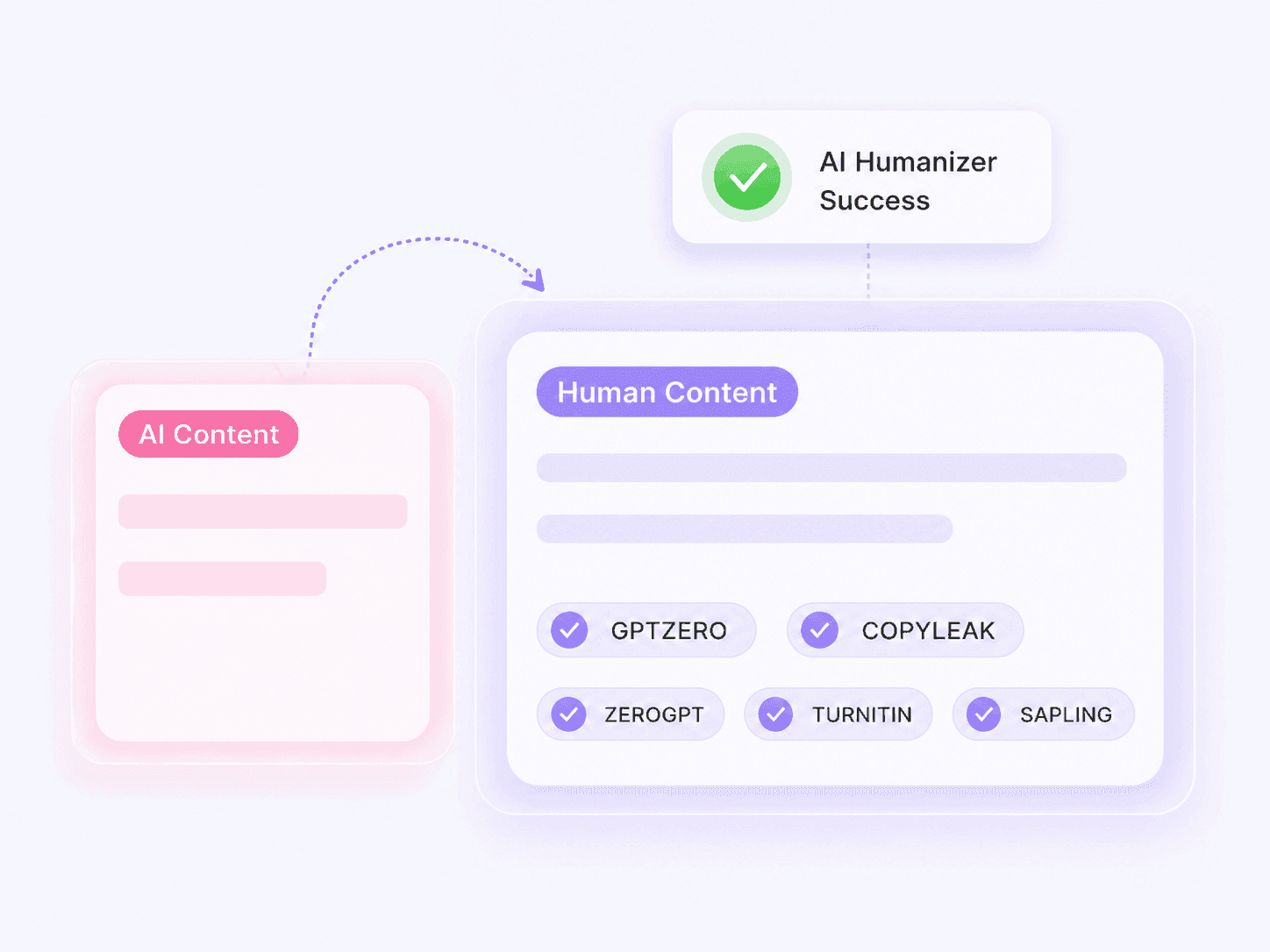
An AI text humanizer is a tool that rewrites AI-generated content so it sounds like it was written by a person. Lynote reads the structure and tone of your draft and rewrites it with natural sentence rhythm, less repetition, and none of the flatness that gives AI text away. Your meaning, facts, and keywords stay exactly where you put them.

Use it any time a ChatGPT, Claude, or Gemini draft reads a little too clean to pass as your own writing. Paste it in, and humanize AI text into something that sounds like you wrote it from scratch.

    the image showing the features of our humanize ai text tool

    Features of the Humanize AI Text Tool

    No sign-up. No word limits. No paywall. Just a fast, private, AI humanizer free tool that works the moment you open the page — on any device, in any browser.

    • Free & Unlimited:​ Humanize AI text free with no registration, no daily caps, and no hidden fees — the full feature set stays open for everyone.
    • 80+ Languages:​ Humanize AI content in English, Chinese, Spanish, Arabic, Japanese, and more — native-level rhythm in every one.
    • Fast & Confidential:​ Results in under 5 seconds, encrypted in transit, never stored or shared. Your drafts stay yours.
      the image explains that our ai humanizer supports 10+ rewriting purposes

      10+ Purposes for Every Humanize AI Text Task

      From essays to emails, legal drafts to blog posts — every task gets its own treatment. Humanize AI writing for school, work, or marketing: set the readability, pick a purpose, choose a mode, and get output tuned to your exact audience. Every option unlocked. Free for everyone.

      • 4+ Readability Levels — Normal, High School, University, PhD. Humanize AI text for any reader, from casual audiences to academic reviewers.
      • 10+ Writing Purposes — Essay, Email, Legal, Story, Letter, Report, Blog, Resume, Marketing, and more. One tool, every task.
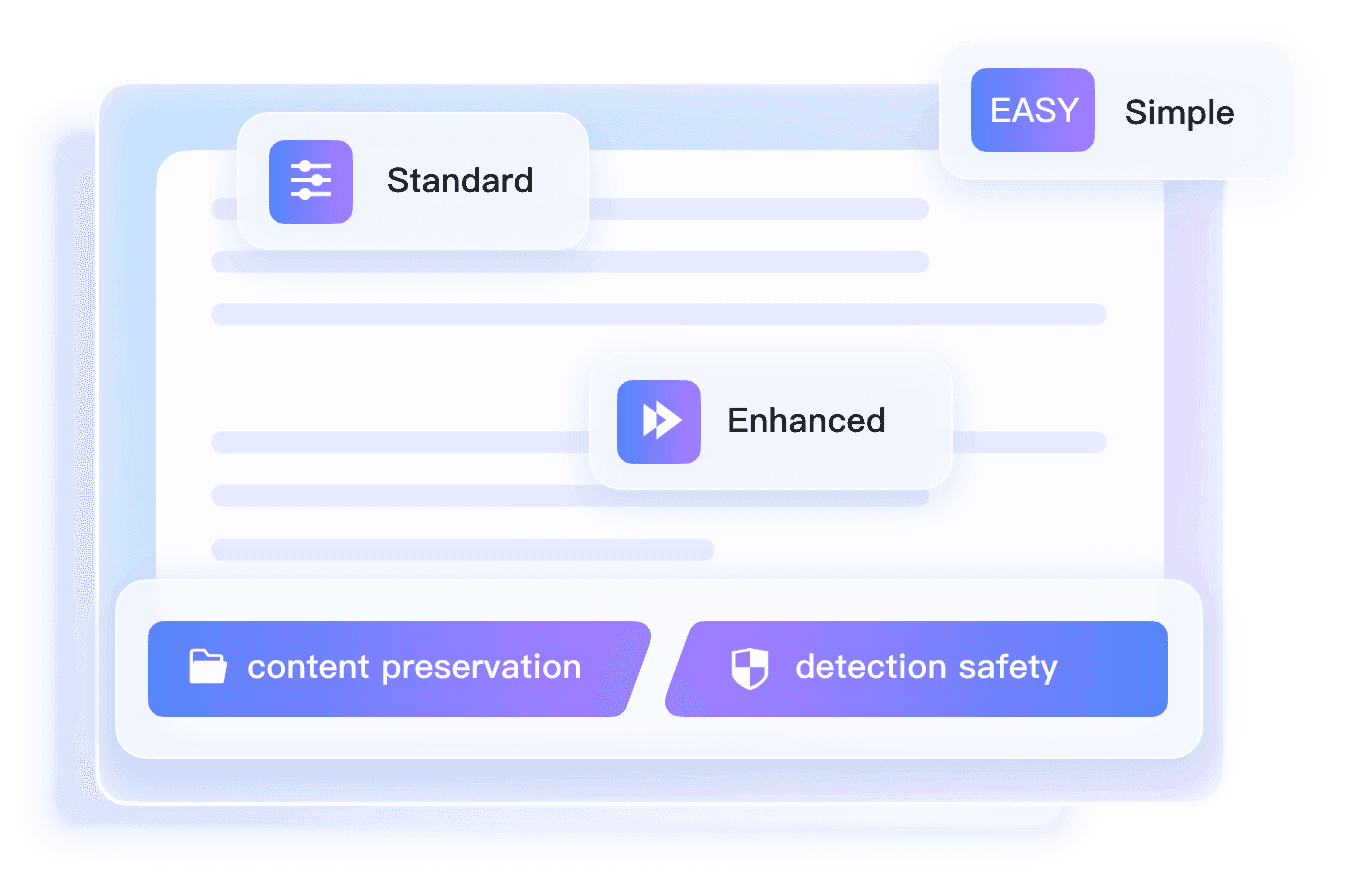
      • 3 Humanization Modes — Simple, Standard, Enhanced. A light touch-up, or go deeper when humanizing AI text that needs a full rewrite.

        How Can You Humanize AI Text for Free?

        the screenshot of paste your text
        Step 1

        Paste or Upload Your AI Text

        Drop your AI-generated draft from ChatGPT, Claude, Gemini, or another AI writing tool and paste it into the input box. You can also upload a .doc, .pdf, or .txt file directly.

        Screenshot of selecting rewriting settings for AI humanizer text adjustments
        Step 2

        Choose Your Rewriting Settings

        Select the readability, purpose, and rewriting level that best matches your content. Use a lighter setting when your draft already sounds natural, or choose a stronger mode when the writing feels robotic.

        Screenshot of humanizing, reviewing, and copying processed AI text
        Step 3

        Humanize, Review, and Copy

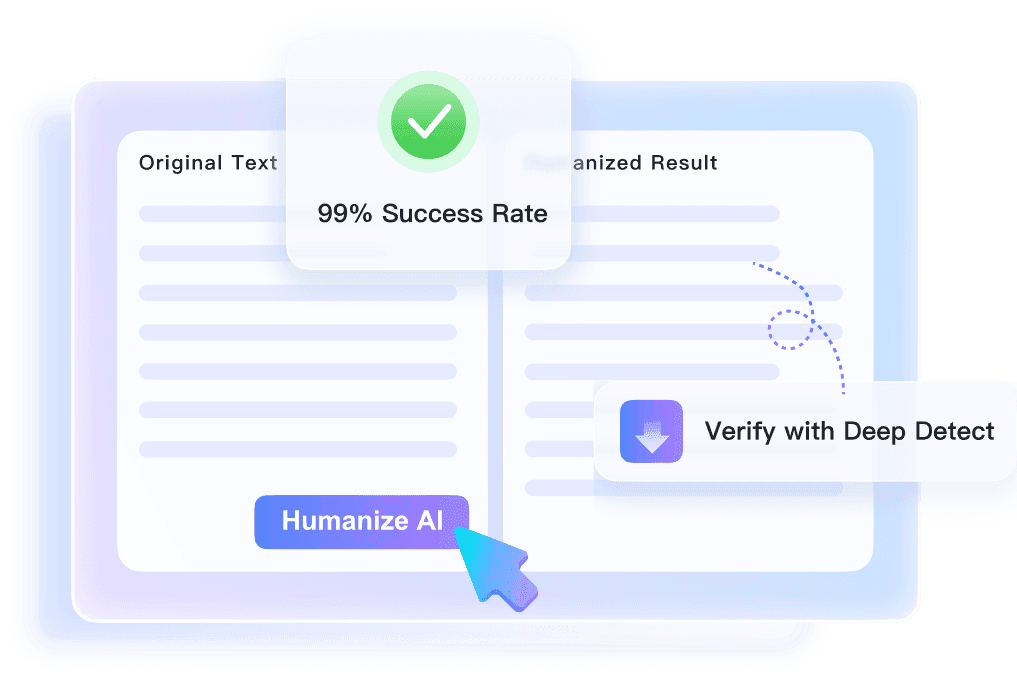
        Click the Humanize AI button and let the tool process your text. Review the result and make any final personal edits you want. Copy the finished version.

        Humanized Your Text? Check It for AI.

        Already humanized your AI text? Run an AI check to see if your revised text still shows signs of AI writing.

        Why Choose Our AI Humanizer?

        the icon of ai humanizer bypass

        Built to Beat Every Major Detector

        Lynote is trained against GPTZero, Originality.ai, Turnitin, Copyleaks, and Sapling. Every pass is checked against real detector behavior, so your humanize AI text output holds up wherever it's scanned.

        Icon of AI humanizer rewriting content with context for improved naturalness

        Rewrites With Context, Not Just Synonyms

        Most tools swap words and call it done. Lynote reads the sentence, the paragraph, and the point you're making, then rewrites around that meaning, so nothing sounds like a thesaurus exploded.

        Icon of AI humanizer with three selectable rewrite bypass modes

        Three Bypass Modes, One Click Away

        Switch between Simple, Standard, and Enhanced depending on how heavy the rewrite needs to be. Light touch for a near-human draft, deeper rewrite for text that's still reading robotic.

        Icon of AI humanizer generating original text output every time you rewrite

        Original Output, Every Time

        Nothing here is spun or recycled. Each result is generated fresh from your input, so it passes plagiarism checks the same way it passes AI checks.

        Icon of AI humanizer keeping keywords in place during rewriting

        Keeps Your Keywords Where They Belong

        Lynote is built for content that still needs to rank. It identifies the phrases carrying your SEO weight and rewrites everything else around them.

        Icon of AI humanizer adapting text across more than 80 languages

        Works Natively in 80+ Languages

        This isn't a tool that only sounds human in English. Lynote adapts tone, idiom, and rhythm across 80+ languages, so humanize AI text works the same whether you are writing in Spanish, French, or Japanese.

        Icon of AI humanizer allowing instant use without account signup

        No Account, No Waiting

        There's no sign-up wall between you and your text. Paste, humanize, and copy is the entire flow.

        Icon of AI humanizer providing private and secure text processing

        Private & Secure

        Nothing you paste into Lynote is stored or fed into model training. What you write in is between you and the page.

        See the Difference: AI-Generated vs. Humanized Text

        The difference is easier to understand when you see it side by side.

        AI-Generated Draft
        Input

        Improving your daily productivity is essential for achieving personal and professional success. By creating a clear schedule, prioritizing important tasks, and avoiding unnecessary distractions, individuals can make better use of their time and accomplish more throughout the day.

        38/2000words
        Before AI Score
        ChatGPT logoChatGPT
        Claude logoClaude
        Grok logoGrok
        Gemini logoGemini
        DeepSeek logoDeepSeek
        Copilot logoCopilot
        Humanized Text
        Output

        Getting more done each day doesn't always mean pushing yourself harder. It often comes down to knowing what actually deserves your attention. A simple plan, a few clear priorities, and fewer distractions can make it much easier to stay focused and get through your day.

        45words

        After Human Score
        GPTZero logoGPTZero
        BrandWell logoBrandWell
        Winston AI logoWinston AI
        Crossplag logoCrossplag
        Copyleaks logoCopyleaks
        Writer logoWriter
        ZeroGPT logoZeroGPT
        Turnitin logoTurnitin

        Lynote AI vs. Other AI Humanizers

        Lynote is built for natural rewrites, faster processing, stronger meaning preservation, and detector-aware workflows. See how Lynote AI Humanizer compares against other common AI humanizer tools across the features users evaluate most.

        FeaturesLynote AIHumanizer AIAI HumanizeSuperHumanizerWriteHumanWalterWritesGPTHumanUndetectable AIStealthWriter Decopy AI
        Human Score99%+85%92%90%87%95%85%83%91%88%
        TurnitinYesYesYesNoNoYesNoNoYesNo
        GPTZeroYesNoYesNoYesYesNoNoNoYes
        Originality.aiYesNoNoYesNoNoYesNoYesNo
        Multilingual Support50+ 50+ 30+ Not listedNot listed50+ Not Listed20+ 10+50+
        Built-in AI DetectorYesYesNoNoYesYesNoYesYesYes
        Plagiarism-Free OutputYesYesNoNoYesNoNoYesNoNo
        Meaning PreservationHighGoodGoodNaturalGoodHighGoodNaturalGoodGood
        Processing SpeedFast (<30s)ModerateFastModerateModerateModerateFastSlowModerateSlow
        Free Trial300 Words200 wordsNot listedNot listed250 WordsNot listed300 WordsNot listedNot listedNot listed

        This comparison reflects Lynote's own review and is for general reference only. Product details may change or be incomplete, so it should not be treated as fully authoritative.

        How AI Humanizer Helps You?

        the icon showing use case of humanize seo blogs

        Blog Posts and SEO Content

        Turn rough AI drafts into articles that feel easier and more natural to read while keeping important keywords and topics in place.
        Icon of marketing copy being improved with AI humanizer

        Marketing and Brand Copy

        Give AI-generated campaigns, landing pages, product descriptions, and promotional copy a more natural voice that fits your audience.

        Icon of emails enhanced with AI humanizer for natural communication

        Emails and Business Communication

        Make AI-assisted emails sound less stiff and more like something a person would actually send.

        Icon of social media posts polished by AI humanizer

        Social Media Posts

        Polish AI-generated captions and posts so they feel more conversational and suited to the platform.

        Advantages of the Humanize AI Text Tool

        An AI humanizer isn't there to make everything sound casual. It's there to give you back control over an AI draft before it goes out the door.

        Makes AI Writing Sound Like Writing

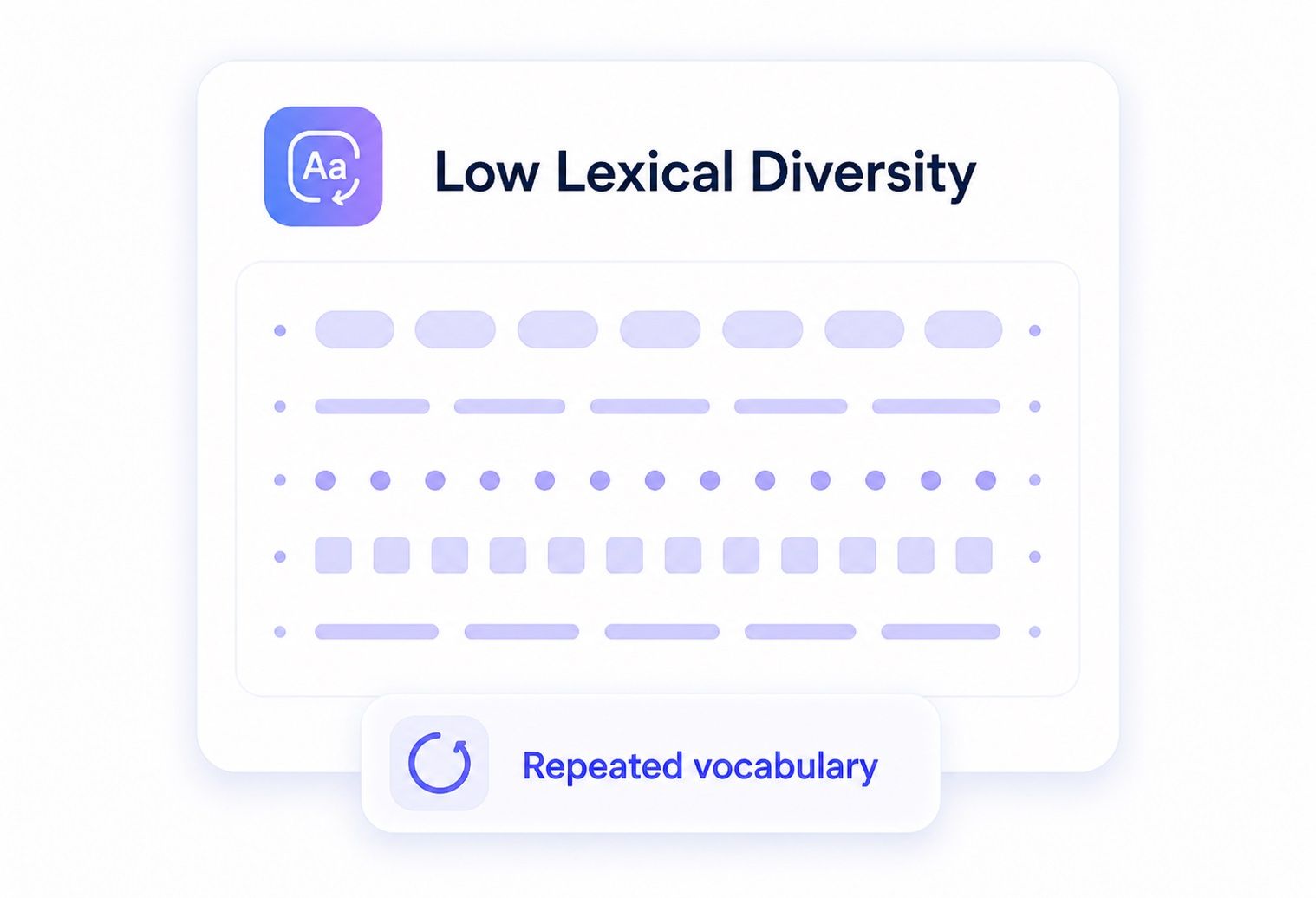
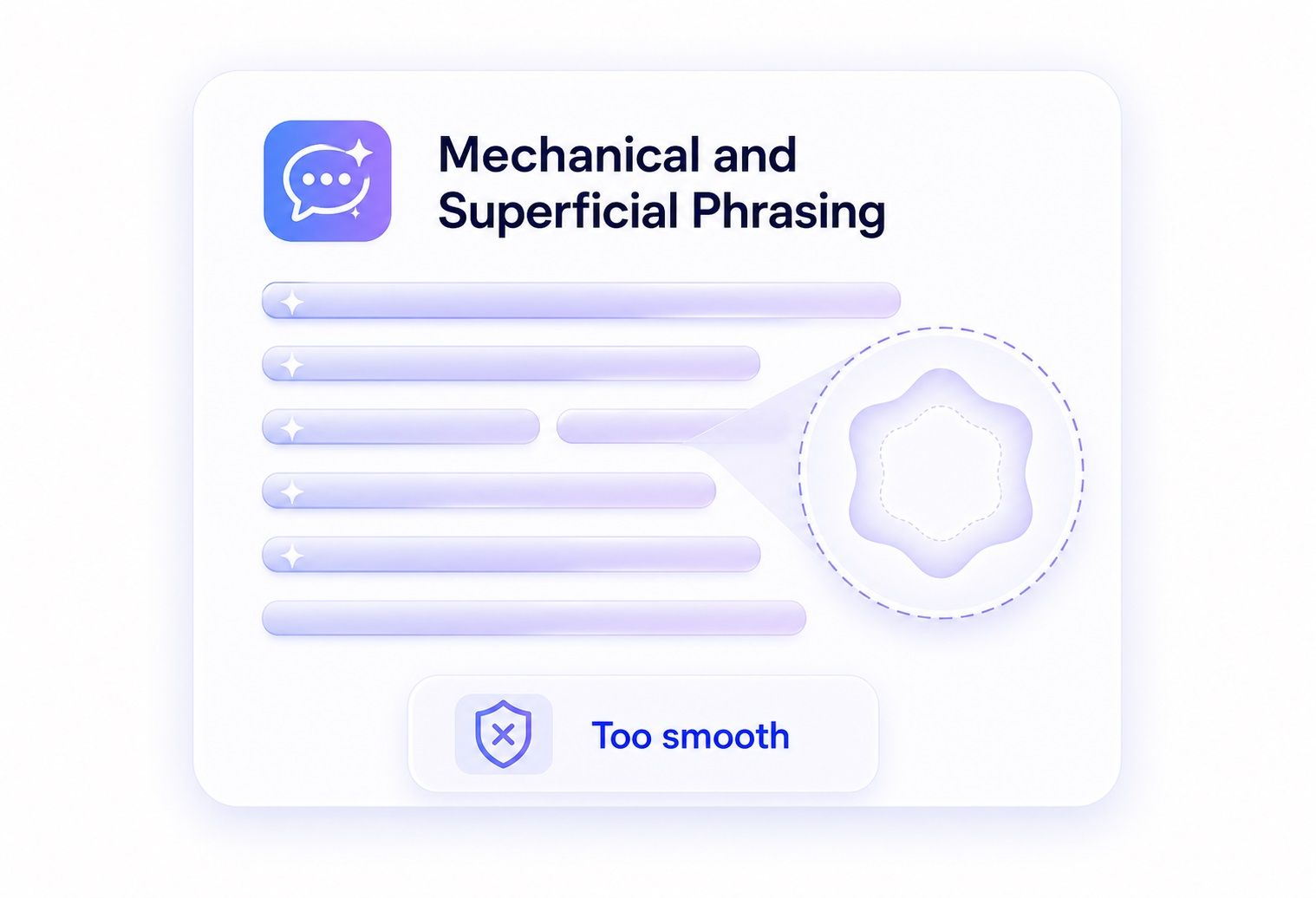
        Cuts the repetition and the too-clean phrasing that gives AI text away, without flattening it into something generic.

        An image showing how AI humanizer makes AI writing sound human-like

        Cuts Out the Manual Edit Pass

        Start from your AI draft instead of a blank page. The first round of cleanup is already done for you.

        An image showing how AI humanizer eliminates the need for manual editing

        Keeps Your Original Point Intact

        The ideas and information don't change. Only how they're delivered does.

        An image showing AI humanizer preserving the original meaning of text

        Makes It Easier to Read

        Shorter, more varied sentences move a reader through the page rather than stalling them.

        An image showing AI humanizer making text easier to read

        Doesn't Touch Your Keywords

        Rewrites happen around your target terms, not through them. The SEO work you already did stays put.

        An image showing AI humanizer protecting target keywords in rewrites


        Matches the Tone to the Content

        A product description and a resignation email shouldn't read the same. Humanizing gives you room to adjust for who's actually reading it.

        An image showing AI humanizer matching tone to content type

        Who Can Benefit From a Humanize AI Text Tool?

        Icon of student benefiting from using humanize AI text tool

        Students

        Submit essays and assignments that pass Turnitin and other academic checks without a second thought.

        Icon of SEO specialist leveraging AI humanizer for quality content

        SEO Specialists

        Scale content production while keeping quality high and avoiding AI-content penalties from search engines.

        Icon of content agency delivering AI-humanized copy

        Content Agencies

        Deliver bulk, humanized content to clients without slowing down turnaround time.

        Icon of copywriter using AI humanizer to refine writing voice

        Copywriters

        Use AI as a drafting partner, then humanize the output so it keeps your unique voice.

        Icon of webmaster editing content with AI humanizer for natural readability

        Webmasters

        Protect rankings by making sure published content reads as naturally as it needs to.

        Icon of researcher using AI humanizer to rewrite literature summaries

        Researchers

        Rewrite literature reviews and summaries quickly while preserving technical accuracy.

        Best AI Humanizer Handbook

        Brought to you by the Lynote team, this is the most comprehensive "AI Humanize" handbook to date, designed to help you master the use of AI humanization tools.

        Best AI Humanizer Trusted by Writers and Featured in Tech Media

        Lynote has been covered by technology, writing, and productivity publications for helping users turn AI-generated drafts into clearer, more natural content. These mentions highlight what people look for in the best AI humanizer: readable rewrites, preserved meaning, AI detector awareness, and multilingual workflows.

        iLounge logo

        It highlights specific paragraphs that need a human touch.

        ★★★★★
        Logo with Chinese characters from a technology media outlet

        AI humanization is becoming a standard step in content production pipelines.

        ★★★★★
        Logo from a review site with a screenshot-themed design

        Use AI to filter and refine information streams.

        ★★★★★
        Metapress logo

        We use slang, unexpected metaphors, and creative phrasing.

        ★★★★★
        Business Media logo with a red accent

        Lynote utilizes context-aware rewriting.

        ★★★★★
        Redmond logo

        The output does not just look human; it reads human.

        ★★★★★
        AndroidUser logo

        Lynote is becoming the preferred choice for the academic and self-learning sector.

        ★★★★★
        Logo with Chinese characters from a tech publication

        If a draft feels too robotic, the platform provides a path to polish it.

        ★★★★★
        BT logo (SVG format)

        Lynote.ai bridges the gap between artificial efficiency and human authenticity.

        ★★★★★
        Tuttotek logo

        Content creators can focus on tone and readability.

        ★★★★★

        Watch the Video to Learn More About Lynote AI Humanizer

        See Lynote AI Humanizer in action as it turns an AI-generated draft into clearer, more natural writing. The video shows how Lynote improves readability, tone, and flow while keeping the original meaning intact.

        What People Say About Us

        Maria S.

        Content Writer

        starstarstarstarstar

        "I use this on almost every AI-assisted draft before it goes to a client. It keeps my keywords in place and doesn't turn my sentences into nonsense."

        Daniel K.

        SEO Specialist

        starstarstarstarstar

        "Ran it against three detectors on the same article and it passed all of them. That's the first tool that's actually done that for me."

        Priya N.

        Graduate Student

        starstarstarstarstar

        "Cleaned up my thesis draft without changing what I was actually saying. That was the part I was worried about."

        Tom R.

        Agency Owner

        starstarstarstarstar

        "Good for bulk content. I still skim everything before it ships, but it cuts my editing time down a lot."

        Aisha B.

        Freelance Copywriter

        starstarstarstarstar

        "The tone control is the reason I switched. I can keep the client's voice consistent across a whole batch of posts."

        Chris L. M.

        Marketing Manager

        starstarstarstarstar

        "Free, fast, and it doesn't mangle the CTA. That's a higher bar than it sounds like."

        Frequently Asked Questions

        Have questions? We've got answers. If you can't find what you're looking for, feel free to contact us.

        An AI humanizer is a tool that refines AI-generated writing to sound more natural and less repetitive while preserving the original meaning and context.

        Yes. You can humanize AI text free, up to 2,000 words per run, with no sign-up and no hidden limits.

        Lynote is built and tested against the detectors most schools and platforms actually use, including GPTZero, Originality.ai, Copyleaks, and Turnitin.

        No. Lynote identifies your target keywords and rewrites around them, so your rankings-relevant terms stay in place.

        The goal is to improve the wording and flow/tone without changing the core message. You should still review the final version before publishing or submitting it.

        Lynote works natively in 80+ languages, with results that are read naturally rather than just translated.

        No. Paste your text and click humanize. There's no registration required to use the free tool.

        Yes. Every result is generated fresh from your input, so it isn't recycled or spun from other sources.

        Yes, Lynote accepts .doc, .pdf, and .txt uploads in addition to pasted text.

        Get the Free AI Humanizer Chrome Extension

        Use this free Chrome plugin to humanize AI-generated text on any webpage.

        More Tools to Humanize, Rewrite, and Check AI Text

        Rewrite AI-generated drafts, improve readability, adjust wording, and check whether the final text still looks AI-written before you publish or submit it.