

Blog Post Humanizer for Natural AI Drafts
Content
Result

Your humanized result will be ready here. To begin, paste your AI-generated text in the left box.



Why Choose Our AI Blog Post Humanizer?

Remove AI Footprints
Remove obvious AI footprints by cutting predictable vocabulary like "delve into" and robotic transitions. Your writing feels more editorial.

Boost Reader Retention
Improve conversational flow so readers can move through the article without stiff, repetitive phrasing.

Scale Publishing Cadence
Maintain a high-volume blog publishing cadence without sacrificing human quality or your unique brand voice.

Support Multilingual SEO
Support your multilingual SEO strategy by humanizing translated blog drafts across 80+ languages with more natural local phrasing.

Meet Editorial Standards
Prepare client drafts for editorial review with a clearer voice, smoother transitions, and fewer obvious AI patterns.

Fix Generic Introductions
Fix awkward, generic AI introductions that fail to hook readers in the crucial first paragraph.

Craft Natural Conclusions
Restructure robotic, repetitive summaries into natural, compelling conclusions that drive real calls to action.

Private Draft Handling
Keep unpublished drafts private. Your blog content is not used for future AI model training.
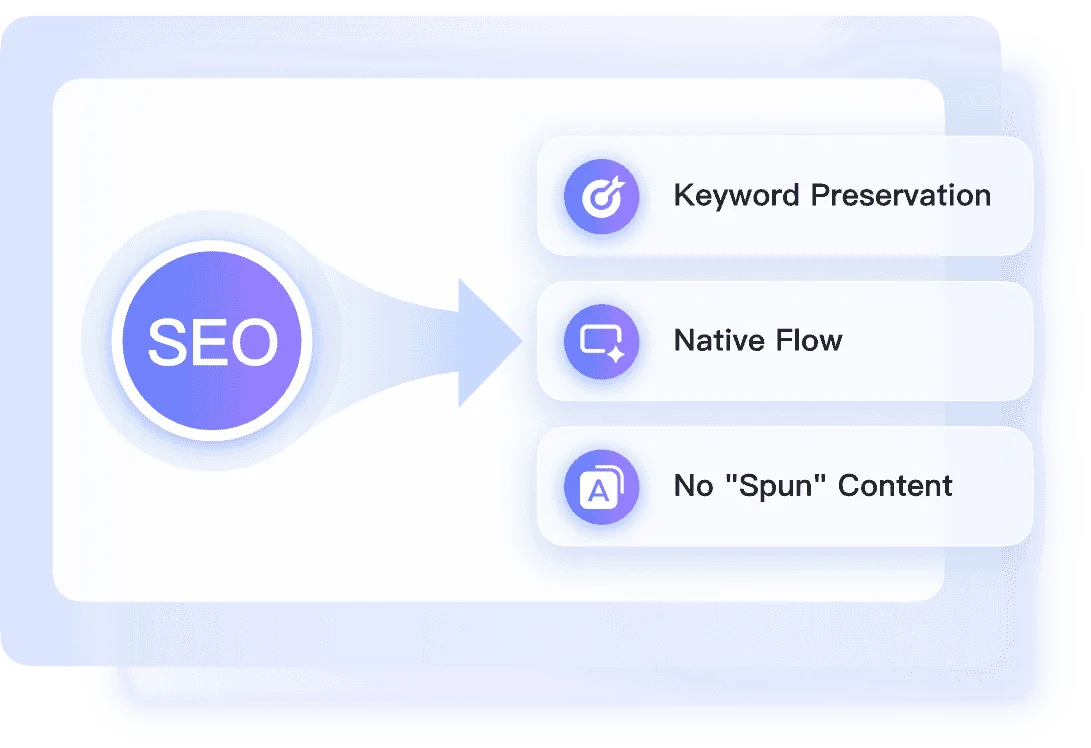
Retain Target SEO Keywords With Context-Aware Rewriting
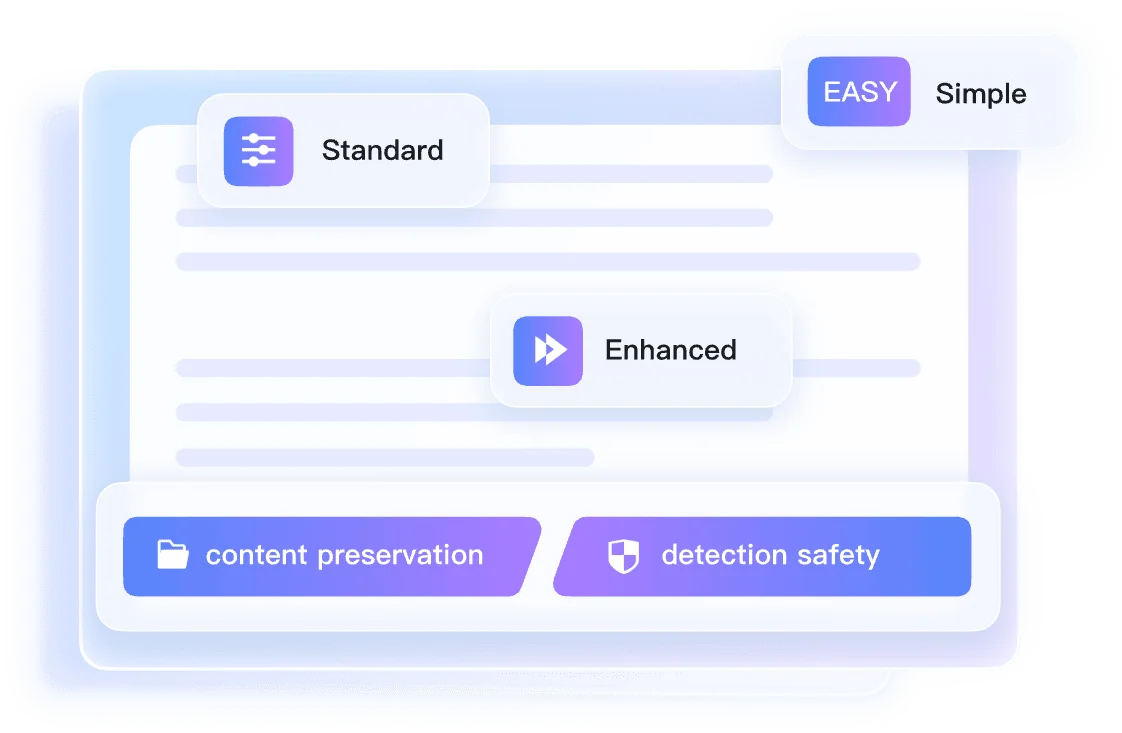
Match Specific Blog Styles With Three Humanization Modes
Verify Content With an Instant Authenticity Report
How to Humanize Blog Posts in Three Steps

Step 1. Paste Text or Upload Document
Open the blog draft that needs editing, whether it came from ChatGPT, Gemini, or another tool. Paste the section, or upload a supported document.


Step 2. Select a Humanization Mode
Choose Simple, Balanced, or Enhanced from the mode dropdown. Pick the depth of rewriting that best matches your target blog tone and editorial standards.

Step 3. Click Humanize and Review
Click 'Humanize' and read the new version like a reader would. Check the authenticity report, then move the improved draft into your CMS.
Perfect for Any Blog Post Format

SEO Blog Articles
Strip repetitive phrasing out of WordPress blog drafts before publishing so the article reads more smoothly.
Strip repetitive phrasing out of WordPress blog drafts before publishing so the article reads more smoothly.

Client Blog Outlines
Add a natural flow to ChatGPT blog outlines before client review, reducing the amount of manual cleanup.
Add a natural flow to ChatGPT blog outlines before client review, reducing the amount of manual cleanup.

Brand-Aligned Posts
Transform generic AI drafts to match your brand voice so every published post feels consistent.
Transform generic AI drafts to match your brand voice so every published post feels consistent.

Affiliate Articles
Scale content production while reducing obvious AI patterns in high-volume affiliate article drafts.
Scale content production while reducing obvious AI patterns in high-volume affiliate article drafts.
Who Uses This Blog Post Humanizer?

SEO Managers
Edit WordPress drafts by replacing robotic transitions with natural phrasing that keeps visitors reading.

Freelance Writers
Submit natural-sounding drafts to clients by transforming rigid ChatGPT outlines into conversational articles with less cleanup.

Content Marketers
Maintain a consistent brand voice across all marketing channels by rewriting generic AI text into engaging, brand-aligned posts.

Niche Site Owners
Manage affiliate content pipelines while giving every article a clearer, more human editorial voice.

Agency Editors
Review pre-publish client drafts with the Instant Authenticity Report before handing them to editors or content leads.

International SEOs
Humanize translated foreign-language blogs so local audiences can read them more naturally across 80+ languages.
What Our Users Say

Tech Blogger

"This AI blog post humanizer cleaned up stiff transitions and words like 'delve into' from my 1,500-word software review. The article reads less mechanical now."

SEO Strategist
"I needed to humanize blog posts without losing exact-match terms. It kept my long-tail keywords in a 5-page PDF guide while improving the flow."

Content Marketer
"The Enhanced mode improved the robotic tone of my lifestyle blog draft. I pasted a 2,000-character text block, and it sounded closer to our brand voice."

Agency Editor
"Getting predicted scores from GPTZero and Copyleaks inside the dashboard helps. I can review a client's .txt submission before sending it back."

Niche Site Owner
"Since I started using this tool to humanize AI blog posts, my latest affiliate drafts read more conversationally before they go into WordPress."

Freelance Writer
"Uploading my .docx blog drafts saves editing time before publishing. It keeps the text structure readable when I work from .txt or .pdf files."
Frequently Asked Questions
Have questions about our blog post humanizer? Find answers below.
A blog post humanizer is an AI tool that rewrites robotic drafts into natural, engaging articles. It adjusts sentence structure, vocabulary, and transitions to match a human writer's tone. This helps your content read smoothly while preserving your original message and formatting.
Our context-aware engine understands the core topic of your article. Instead of blindly swapping words, it restructures surrounding sentences while keeping important target keywords in place. This helps your humanize blog posts maintain search relevance.
Yes, you can upload your drafts directly as .doc or .docx files. We also support .txt and .pdf uploads for easy processing.
You can process up to 600 words per request on our free tier. Simply paste your text or upload a single document to start.
Yes. The tool removes repetitive sentence patterns, breaks up clunky paragraphs, and rewrites generic introductions to create a natural reading flow for your audience.
It is designed to improve readability, not manipulate rankings. By making your text sound more natural and useful to readers, the draft can better support your broader SEO content quality goals.
Ordinary paraphrasers often leave the same stiff structure under new words. Lynote reshapes blog intros, transitions, and paragraph rhythm while keeping your topic, SEO terms, and message intact.
No. Your unpublished posts, uploaded files, and rewritten drafts are not used for model training or shared as public examples.
Yes, our tool supports over 80 languages. You can paste international content and humanize AI blog posts for global audiences easily.
Short blog sections usually return in seconds. Longer uploaded drafts may take more time, and you should still review the output before publishing.