logo
menu

Free AI Rewriter: Rewrite Text Online

Rewrite a sentence, paragraph, or longer draft without starting over. Paste text or upload a document, choose the writing purpose, and compare Lynote’s rewritten version with your original.

Content

Paste Text⌘Vor click
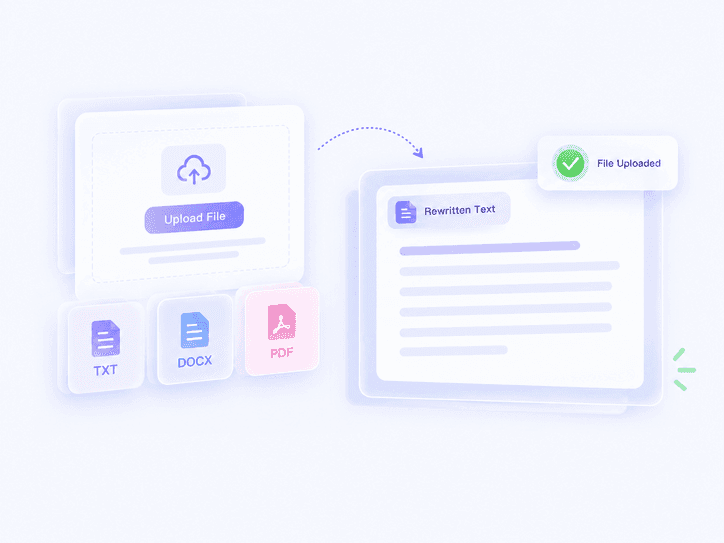
Upload DocumentTXT.DOCX.PDF
Try Example:
Human + AI
Claude
ChatGPT
0 words

Result

Your humanized result will be ready here. To begin, paste your AI-generated text in the left box.

Instant AI Detection ResultAwaiting result
GGPTZero
BBrandwell
WWinston AI
SSapling
CCrossplag
CCopyleaks
WWriter
ZZeroGPT
SScribbr
TTurnitin
0 words

Recent History

5M+
Words Rewritten
10X
Faster
4.9
User Rating

Why Choose Lynote’s AI Rewriter?

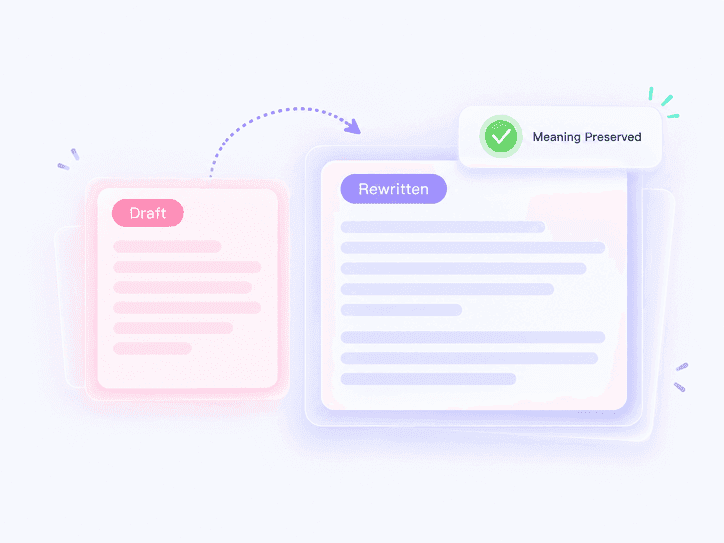
Keep the Original Meaning

Keep the Original Meaning

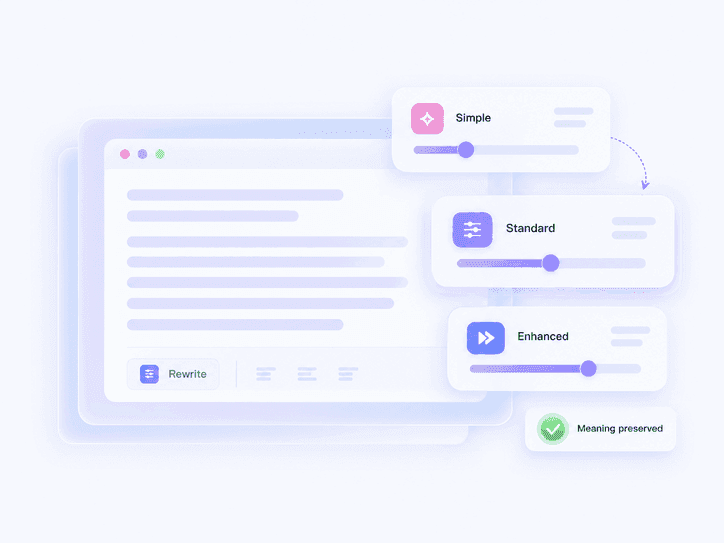
Change wording, sentence structure, and flow without replacing the point you want to make.

Rewrite for Readability

Rewrite for Readability

Untangle dense paragraphs, vary repeated sentence patterns, and make the next draft easier to follow.

Free, No Sign-Up

Free, No Sign-Up

Start with Lynote’s free AI rewriter in your browser—no account or credit card required.

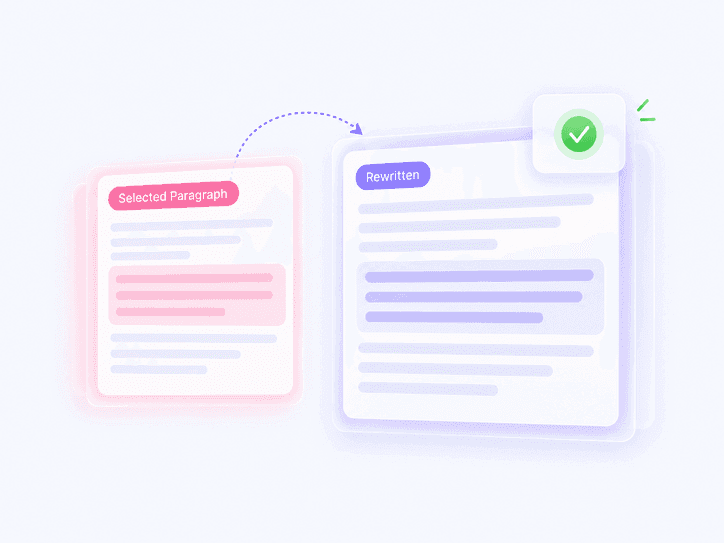
Fast Paragraph Rewrites

Fast Paragraph Rewrites

Paste the paragraph that needs work and get a new version in seconds instead of editing line by line.

Bypass Repetitive Patterns

Bypass Repetitive Patterns

Rewrite predictable openings, transitions, and sentence rhythms so the draft does not repeat the same pattern from line to line.

11 Writing Purposes

11 Writing Purposes

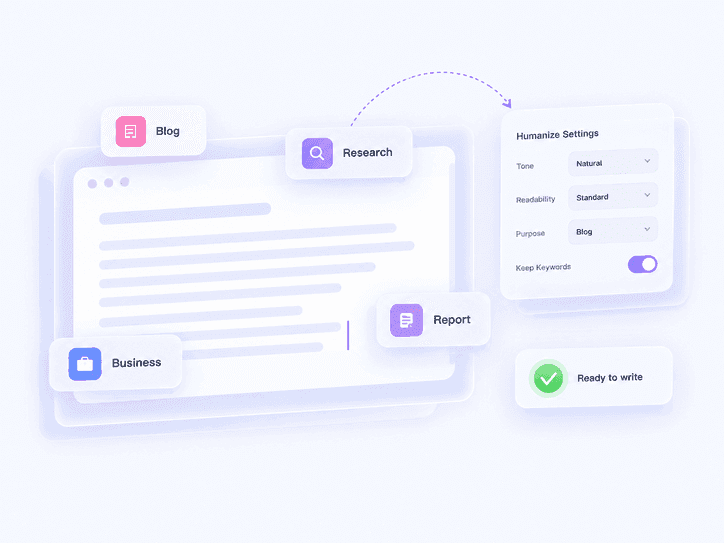
Choose General, Academic, Marketing, Business, Essay, Email, Legal, Story, Letter, Report, or Blog.

80+ Languages

80+ Languages

Rewrite multilingual drafts without switching tools, then review the final wording for the audience and locale.

Private by Design

Private by Design

Keep drafts and rewritten outputs confidential; Lynote does not share them with third-party databases.

Rewrite More Than Words

Rewrite More Than Words

Lynote changes more than vocabulary. It can rebuild a sentence, vary repeated structures, and improve paragraph flow while keeping the central message in view. Compare both versions and keep the changes that help. If you only need to restate the same idea in fresh wording, use the AI Paraphraser.

    Match the Rewrite to Your Task

    Match the Rewrite to Your Task

    Choose from 11 writing purposes—General, Academic, Marketing, Business, Essay, Email, Legal, Story, Letter, Report, or Blog—so the rewrite fits the document you are working on. For narrower word-and-phrase alternatives, try the AI Rewording Tool.

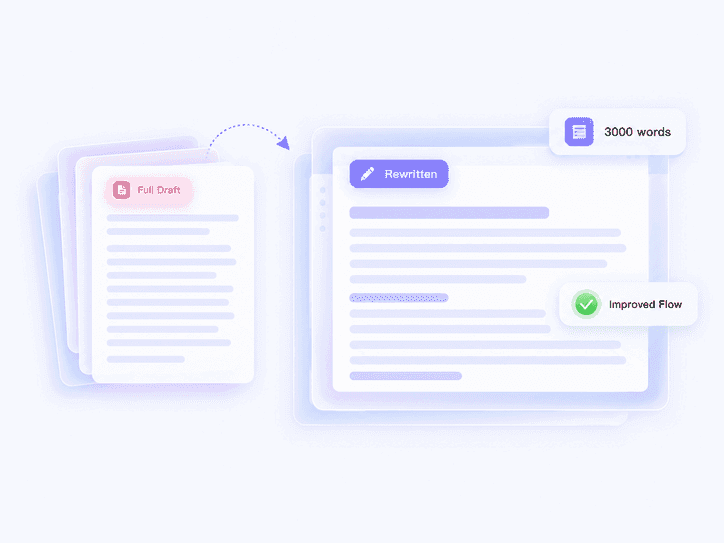
      Rewrite a Sentence, Paragraph, or Draft

      Rewrite a Sentence, Paragraph, or Draft

      Paste one sentence for a focused fix, add a complete paragraph when flow matters, or upload a longer document. Lynote reads the surrounding context before producing the rewritten version. If the source is AI-generated and your priority is reducing detection signals, use the AI Humanizer, then review the result with the AI Detector.

        AI Rewriter Example: Original vs Rewritten Paragraph

        We ran a 71-word paragraph through Lynote’s AI rewriter using the General purpose, then checked the 119-word result with Lynote AI Detector. The rewritten paragraph scored 98.7% human-written, 1.3% AI-generated, and 0% mixed, with no sentences flagged. This example shows how the rewrite changed wording, sentence structure, and paragraph flow while keeping the central meaning.

        Original and Rewritten Paragraph

        Original Paragraph: Artificial intelligence tools can help teams draft content quickly, but the first version often sounds repetitive and overly formal. Sentences may follow the same pattern, transitions can feel predictable, and important ideas may be buried under unnecessary wording. A useful rewrite should preserve the original message while improving sentence structure, paragraph flow, and tone. Writers still need to review names, figures, quotations, and technical terms before they publish the final version.

        Rewritten Paragraph: AI tools are great for brainstorming first drafts, yet their output has distinct qualities that a skilled copyeditor must correct. For instance, AI output sometimes consists of sentences that have a similar structure and phrasing. Transitions may be obvious, and some of the key points may be obscured by filler or unnecessary words. However, a good rewrite should maintain all of the facts and the meaning, but vary the sentence structure and word choice to make the piece flow better from one paragraph to the next. The style and voice also need to be improved to sound more natural. Finally, writers must review the draft for names, numbers, direct quotes and jargon before it can be ready to publish.


        AI Detection Result After Rewriting
        AI-generated
        1%
        Mix-generated
        0%
        Human-written
        99%
        Sentence-Level Detection Report

        After rewriting, Lynote AI Detector classified this output as 98.7% human-written and 1.3% AI-generated, with no sentences flagged.

        How to Rewrite Text with AI

        Paste or Upload Your Text
        Step 1

        Paste or Upload Your Text

        Paste the sentence, paragraph, or draft you want to rewrite, or select Upload Document. Include enough surrounding text for Lynote to understand the context.

        Choose a Purpose and Click Humanize
        Step 2

        Choose a Purpose and Click Humanize

        Select the writing purpose that fits your task, then click Humanize to generate the rewritten version.

        Compare and Copy the Rewrite
        Step 3

        Compare and Copy the Rewrite

        Read the original and rewritten text side by side. Restore any names, figures, quotations, or technical terms that must stay exact, then click Copy Result.

        What Can You Rewrite?

        Essays and Research Drafts

        Essays and Research Drafts

        Rewrite dense paragraphs for clearer logic and flow while preserving the argument, citations, and subject-specific terms that must remain exact.

        Articles and Blog Posts

        Articles and Blog Posts

        Restructure repetitive sections, tighten long introductions, and adapt an existing draft for a new audience without starting from a blank page.

        Emails and Business Messages

        Emails and Business Messages

        Rewrite a blunt, wordy, or overly formal message so the request, context, and next step are easier to understand.

        Social Posts and Campaign Variations

        Social Posts and Campaign Variations

        Turn one core message into versions for captions, ads, landing-page copy, or newsletters while keeping the campaign point consistent.

        Who Uses an AI Rewriter?

        Students and Researchers

        Students and Researchers

        Rewrite paragraphs in essays or research drafts when the argument is clear but the wording, structure, or flow still needs work.

        Content Marketers

        Content Marketers

        Adapt one campaign idea for emails, ads, landing pages, and social posts without rewriting the message from scratch.

        Freelancers and Copywriters

        Freelancers and Copywriters

        Explore a cleaner structure or a different tone when a client draft feels repetitive, awkward, or too close to the first version.

        Multilingual Writers

        Multilingual Writers

        Rewrite translated or second-language drafts so the phrasing better fits the intended audience, then review local terminology and tone.

        Editors and SEO Teams

        Editors and SEO Teams

        Refresh stale sections, tighten introductions, and improve readability while keeping the page’s main topic and factual details intact.

        Business Teams

        Business Teams

        Rewrite emails, reports, proposals, and internal updates so the request, decision, and next step are easier to scan.

        What Users Say About Our AI Rewriter?

        Sarah Jenkins

        College Student

        starstarstarstarstar

        "I constantly use this to rewrite my paragraph when my essays sound too repetitive. It changes words naturally and makes my writing flow so much better."

        David Chen

        SEO Strategist

        starstarstarstarstar

        "Finding an AI text rewriter free of clunky output was tough. This tool lets me rewrite AI text for client blogs while keeping the original keyword intent perfectly intact."

        Elena Rodriguez

        Freelance Copywriter

        starstarstarstarstar

        "Whenever I get stuck on a draft, I just paste it in and let the AI rewrite it. It is an incredible sentence rewriter that speeds up my daily editing process."

        Marcus Thorne

        Marketing Manager

        starstarstarstarstar

        "We use this paragraph rewriter to turn long technical manuals into easy-to-read social posts. The artificial intelligence rephrase feature is highly accurate."

        Priya Patel

        Graduate Researcher

        starstarstarstarstar

        "As a non-native speaker, I often struggle with tone. I ask it to reword my paragraph, and it instantly provides a polished, academic version that sounds very natural."

        James O'Connor

        Tech Blogger

        starstarstarstarstar

        "The best AI rewriter free version I have tested. It works perfectly as a paragraph changer when I need to refresh older articles without losing my personal voice."

        AI Rewriter FAQ

        Answers about rewriting text, paragraphs, and sentences; free access; document uploads; and the difference between rewriting, paraphrasing, rewording, and humanizing.

        An AI rewriter revises existing text by changing wording, sentence structure, tone, or paragraph flow while keeping the central message. Use it when the idea is already there but the draft needs a clearer or more suitable version.

        Paste text or upload a document, choose a writing purpose, and click Humanize. Lynote reads the surrounding context and returns a rewritten version that you can compare with the original before copying.

        Yes. Paste one sentence for a targeted revision, or include the full paragraph when the surrounding context and flow matter. For longer drafts, work in logical sections or use Upload Document.

        Yes. You can use the free AI rewriter in your browser without signing up. Paste your text, choose a purpose, and generate a rewritten version; usage limits may apply to longer drafts.

        Rewriting can make broader changes to structure, tone, and flow. Paraphrasing focuses on restating the same idea in new wording; Lynote’s AI Paraphraser is designed for that task. Rewording focuses more narrowly on alternative words and phrases; use the AI Rewording Tool for that.

        Yes. The AI rewriter can revise an AI-assisted draft for clarity, tone, and structure. If your main goal is to reduce AI-detection signals, use Lynote’s AI Humanizer; if you want to evaluate the result, use the AI Detector.

        It is designed to preserve the central message, but a broader rewrite can change emphasis or detail. Compare both versions and restore any names, figures, quotations, citations, or technical terms that must remain exact.

        Lynote currently offers General, Academic, Marketing, Business, Essay, Email, Legal, Story, Letter, Report, and Blog. Choose the purpose that best matches the draft and its audience.

        Yes. Select Upload Document in the editor, add a supported file, choose the purpose, and generate the rewrite. Review the extracted text and the final result before copying it.

        We take your privacy very seriously. When you use our platform to rewrite text, your data is processed securely and is never used to train public language models. You can confidently rewrite sensitive documents knowing your information is protected.

        Learn More About Rewriting

        Compare rewriting and humanizing, learn how to rewrite AI text naturally, and explore practical rewrite-with-AI workflows.