

Free AI Text Improver to Enhance Any Draft
Content
Result

Your humanized result will be ready here. To begin, paste your AI-generated text in the left box.



Why Use Lynote’s AI Text Improver?

Clearer at a Glance
Untangle dense or awkward sentences so readers can follow the point on the first pass.

Meaning Stays Intact
Improve wording and structure without replacing the facts, argument, or intent behind your draft.

Tone for the Task
Choose a Purpose that fits an essay, email, report, blog post, or other real writing task.

Better Sentence Flow
Smooth transitions, reduce repetition, and vary sentence structure without rebuilding the whole draft.

One Focused Pass
Refine clarity, readability, tone, and flow together instead of fixing each issue separately.

Fast to Review
Compare the original and improved versions, then copy or download the text you want to keep.

80+ Languages
Improve English drafts or work across more than 80 supported languages.

Free, No Sign-Up
Start in the browser without creating an account or setting up a writing project first.
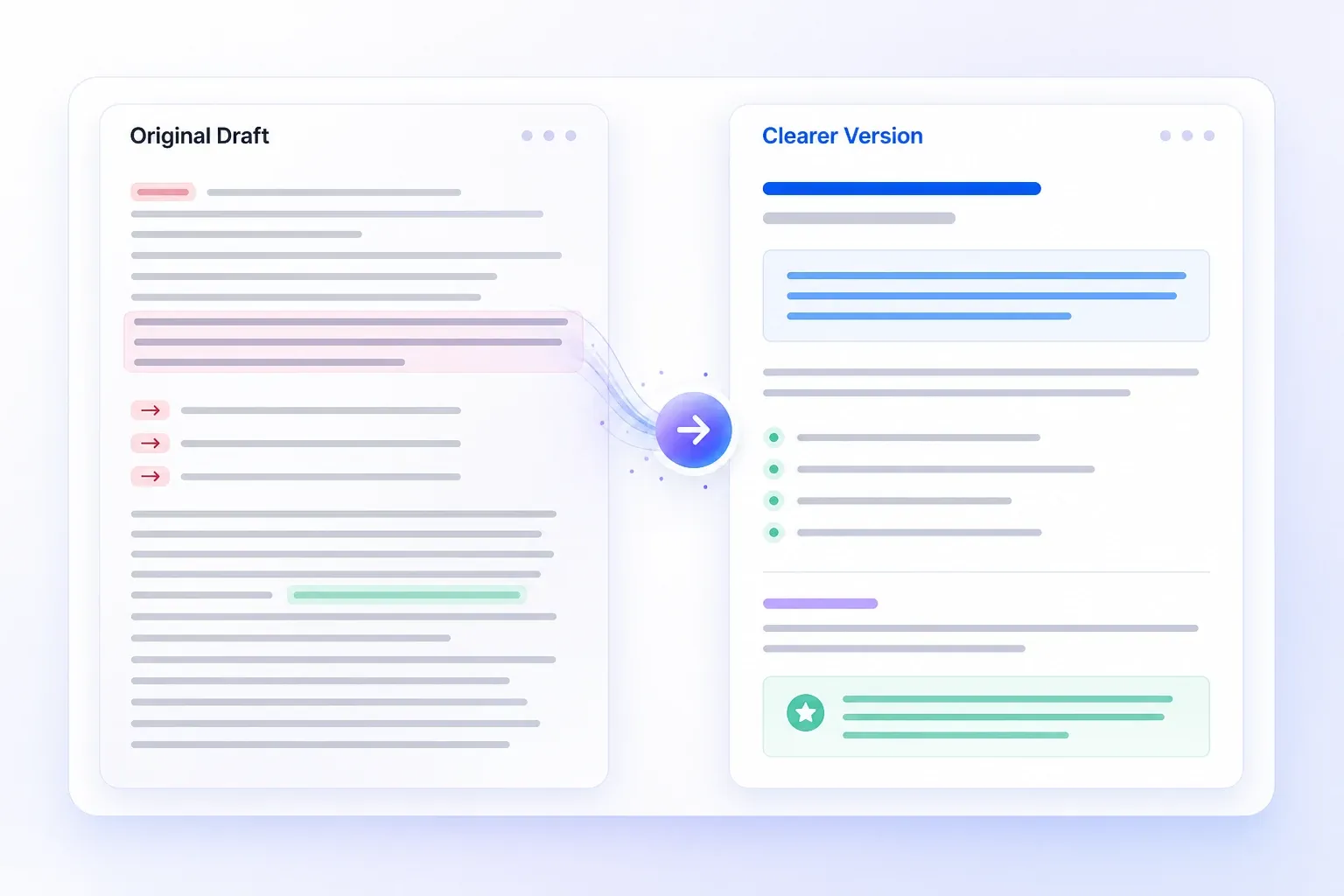
Turn a Rough Draft into Clearer Writing
Some drafts are technically correct but still make readers work too hard: the main point arrives late, sentences carry too many ideas, or transitions repeat. Lynote’s AI text improver tightens those passages and brings the message forward.
Use it for an email that buries the request, an essay paragraph with a weak topic sentence, or a report that needs a clearer explanation—without replacing the point you intended to make.
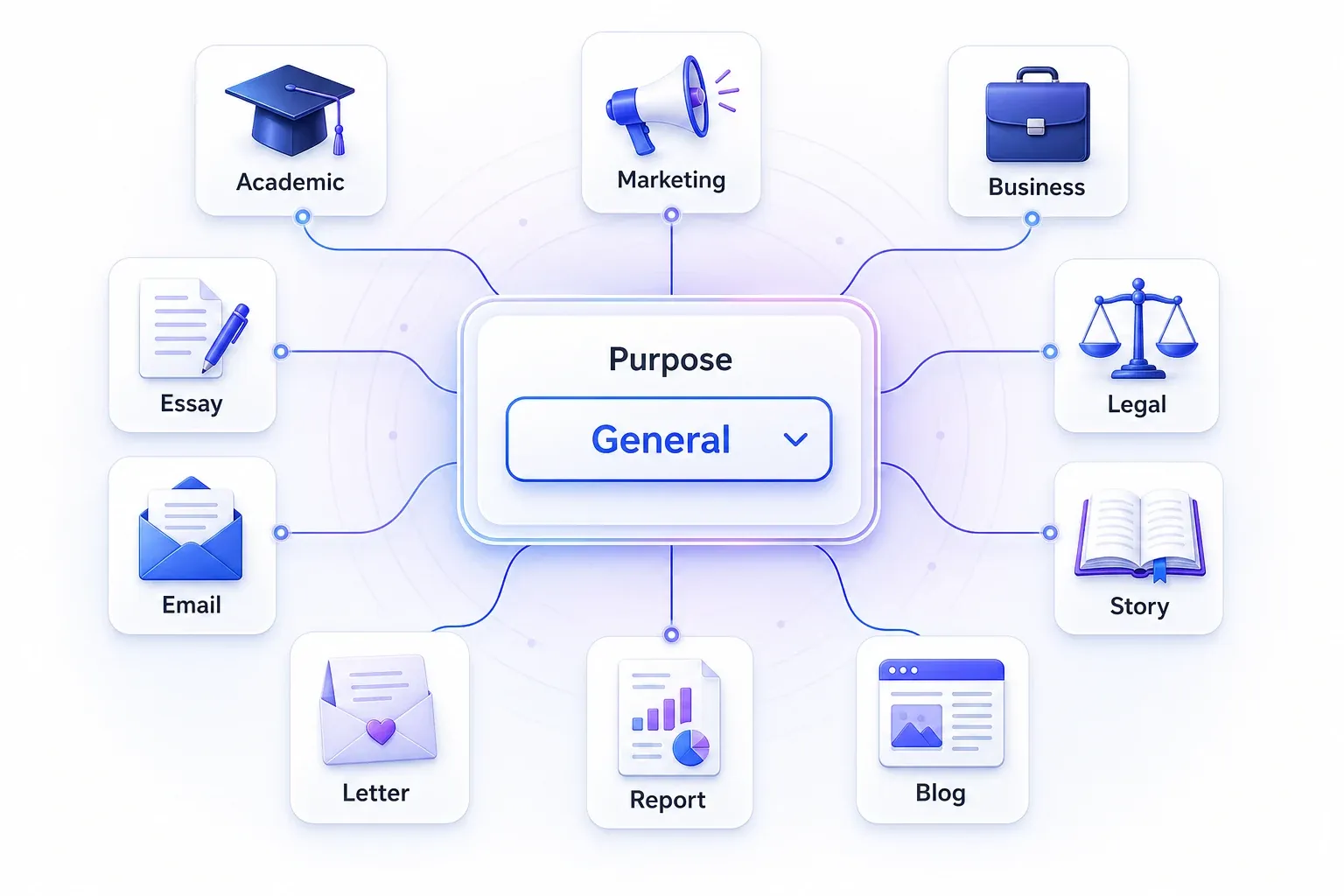
Match the Tone to the Writing Task
The same sentence should not sound identical in a client email, academic paragraph, product page, and social post. Choose a Purpose such as Academic, Marketing, Business, Essay, Email, Legal, Story, Letter, Report, or Blog, then select Simple, Standard, or Enhanced.
Lynote uses those choices to guide formality, sentence length, and word choice, so the result fits the context instead of sounding generically polished.
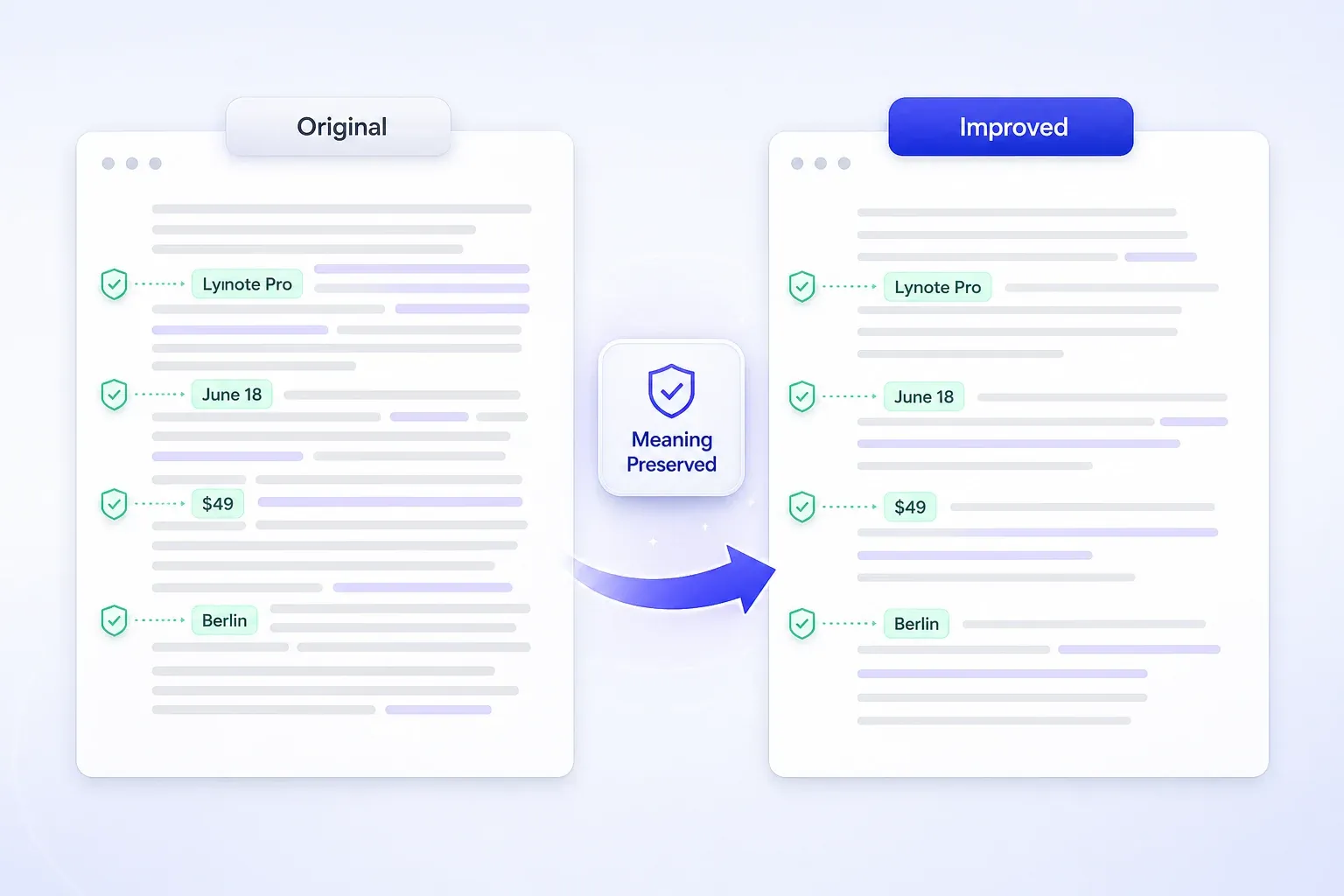
Improve the Draft Without Replacing Your Ideas
Text improvement should make a draft easier to understand without quietly changing names, numbers, claims, or conclusions. Compare the Result panel with your original and keep the version that preserves every important detail.
If you mainly need alternative wording, use the AI Paraphraser. For broader structural changes, try the AI Rewriter. Use this page when the draft is already yours but needs clearer, stronger delivery.
See What an AI Text Improver Changes

Original Sample
Our team has made a new customer onboarding guide and it has a lot of information that customers need to understand before they can start using the product. The guide explains how accounts are created, how permissions are selected, and how the first project is set up, but some sections are long and repetitive and customers may have trouble finding the steps they need.


Improved Example
Our new onboarding guide walks customers through account setup, permissions, and their first project. The information is complete, but several long, repetitive sections make key steps difficult to find. A clearer structure and more direct wording will help customers get started faster.

What Changed
The purpose appears in the first sentence; repeated setup language was removed; account, permission, and project details were preserved; the final sentence states the reader benefit directly. This is an editorial example, not a claimed live-tool result.
How to Improve Text with AI in 3 Steps
Paste or Upload Your Draft
Paste text into the Content box or upload a TXT, DOCX, or PDF file. Choose Try Example if you want to see the workflow before adding your own draft.
Choose Purpose and Readability
Set Readability, choose a Purpose such as General, Academic, Marketing, Business, Essay, Email, Legal, Story, Letter, Report, or Blog, then select Simple, Standard, or Enhanced.
Review the Improved Text
Click Humanize Now, compare your draft with the Result panel, and copy or download the version that fits your audience. Use Scan for AI only when detection is part of your review.
Improve the Writing You Already Have

Academic Drafts
Clarify a topic sentence, tighten a literature review, or smooth transitions between evidence and analysis. Check every citation, quotation, and technical term after the edit.
Clarify a topic sentence, tighten a literature review, or smooth transitions between evidence and analysis. Check every citation, quotation, and technical term after the edit.

SEO Blog Content
Keep target keywords and factual details in place while improving the sentences around them. Use the result to strengthen readability—not as a substitute for search intent, evidence, or original insight.
Keep target keywords and factual details in place while improving the sentences around them. Use the result to strengthen readability—not as a substitute for search intent, evidence, or original insight.

Social Posts
Shorten a crowded caption, sharpen the opening line, or make a call to action easier to understand without turning every post into the same brand voice.
Shorten a crowded caption, sharpen the opening line, or make a call to action easier to understand without turning every post into the same brand voice.

Business Emails
Bring the request, deadline, and next step forward. Adjust the Purpose and readability settings so the email sounds direct without becoming abrupt.
Bring the request, deadline, and next step forward. Adjust the Purpose and readability settings so the email sounds direct without becoming abrupt.
Who Uses an AI Text Improver?

Students
Make dense explanations easier to follow and strengthen paragraph flow while keeping your own argument, evidence, and citations.

Marketers
Refine campaign drafts for a specific channel or audience while preserving product facts, offers, and approved brand terms.

Blog Writers
Reduce repetition, improve transitions, and tighten sections that lost focus during drafting.

Language Learners
Compare the original and improved versions to see how word choice, sentence order, and tone change in context.

Content Teams
Clean up first drafts before editorial review so reviewers can spend more time on accuracy, evidence, and brand judgment.

Global Professionals
Improve client messages and reports across supported languages, then review names, numbers, and specialist terminology before sending.
Which Writing Tool Should You Use?
AI Text Improver
Best for: a draft with the right ideas but weak clarity, tone, or flow. Changes: wording, transitions, and sentence structure. Choose it when you want better delivery without replacing the message.
Grammar Checker
Best for: a draft that mainly needs error correction. Changes: spelling, punctuation, grammar, and usage. Choose it when the structure and tone already work.
AI Paraphraser
Best for: expressing the same idea in different words. Changes: phrasing and syntax. Choose it when you want an alternative version rather than a general quality pass. Try the AI Paraphraser.
AI Rewriter
Best for: sentences or paragraphs that need a broader recast. Changes: wording, order, and structure. Choose it when light improvement is not enough. Try the AI Rewriter.
AI Humanizer
Best for: AI-generated drafts that need more natural rhythm and detection-aware review. Changes: AI-style phrasing, cadence, and variation. Try the AI Humanizer when source and detection are the main concerns.
What Users Say About This AI Content Improver

Content Strategist

"I use it as an AI text enhancer for landing page drafts that feel too stiff. It keeps the message intact but makes the writing sound much more natural."

Graduate Student
"This AI text improver helps me clean up research summaries fast. My writing reads more smoothly, and I spend less time fixing awkward sentences by hand."

SEO Writer
"I needed an AI content improver that could make blog drafts easier to read without flattening the meaning. This tool does that consistently, even on longer articles."

Email Marketer
"The AI content enhancer is useful when campaign copy sounds robotic after a first draft. It improves flow and tone quickly, which helps me move faster during launches."

Bilingual Consultant
"As a non-native English user, I like that I can improve text with AI without losing my original intent. The edits feel natural instead of overly formal or generic."

Startup Founder
"I was looking for a free AI content improver for product updates and website copy. It gives me cleaner, more readable text in a few seconds, which is exactly what I needed."
Frequently Asked Questions
Answers about improving clarity, tone, readability, file support, and choosing the right Lynote writing tool.
An AI text improver refines an existing draft for clarity, tone, readability, and flow. It is useful when your ideas are already on the page but the wording feels awkward, repetitive, too dense, or poorly matched to the audience.
Paste or upload your text, set the Purpose and readability options, and choose Simple, Standard, or Enhanced. Lynote then returns an edited version in the Result panel so you can compare it with the original before using it.
Yes. A grammar checker mainly flags spelling, punctuation, and grammatical errors. An AI content improver can also revise sentence order, transitions, tone, concision, and paragraph flow. You should still proofread the final draft.
Lynote is designed to preserve the core message while improving how it is expressed. Because any substantial edit can affect nuance, compare names, numbers, claims, quotations, and conclusions with the original before publishing or submitting the text.
Yes. You can improve essays, emails, reports, blog drafts, social posts, stories, letters, marketing copy, and other existing text. Choose the Purpose that best matches the document so the tone and level of detail fit the task.
It can help make keyword-focused drafts clearer and less repetitive, but it does not replace search-intent research, original evidence, internal linking, or editorial review. Keep important terms and factual details in place, then judge the result as a reader would.
Yes. You can start improving text in the browser without signing up. Usage limits or premium options, if shown in the product, should be checked on the current page before a large editing session.
The current upload control lists TXT, DOCX, and PDF. You can also paste text directly into the Content box.
Use the text improver to strengthen an existing draft. Choose the <a href="/ai-paraphraser">AI Paraphraser</a> for alternative wording, the <a href="/ai-rewriter">AI Rewriter</a> for broader structural change, or the <a href="/ai-humanizer">AI Humanizer</a> when your main goal is to make AI-generated text sound more human and review detection signals.