

AI Humanizer Japanese for Natural Native Flow
Content
Result

Your humanized result will be ready here. To begin, paste your AI-generated text in the left box.



Why Choose Our Japanese AI Humanizer?

Fix Desu/Masu Consistency
Unify mixed polite Desu/Masu and plain Da/Dearu forms into one consistent, professional style throughout your document.

Optimize Kanji Balance
Adjust the Kanji-to-Kana balance to prevent your writing from looking dense, robotic, or hard to scan.

Correct Sentence Particles
Fix unnatural sentence-final particles like ne and yo to restore an authentic, native flow to your writing.

Direct Document Uploads
Use direct document uploads for Japanese PDFs, Word drafts, or TXT files when long emails, essays, and manuals are too tedious to paste section by section.

Localize Global Drafts
Humanize Japanese drafts from multilingual teams and reduce the rigid phrasing left by translated AI text.

Eliminate the Uncanny Valley
Reduce the uncanny valley effect in business communications so native readers experience a smoother, more natural tone.

Save Manual Editing Time
Reduce manual editing time by letting the tool rewrite and polish stiff AI-generated sections before your final review.

Private Draft Handling
Japanese emails, essays, and localization files stay private; pasted or uploaded text is not used for model training.
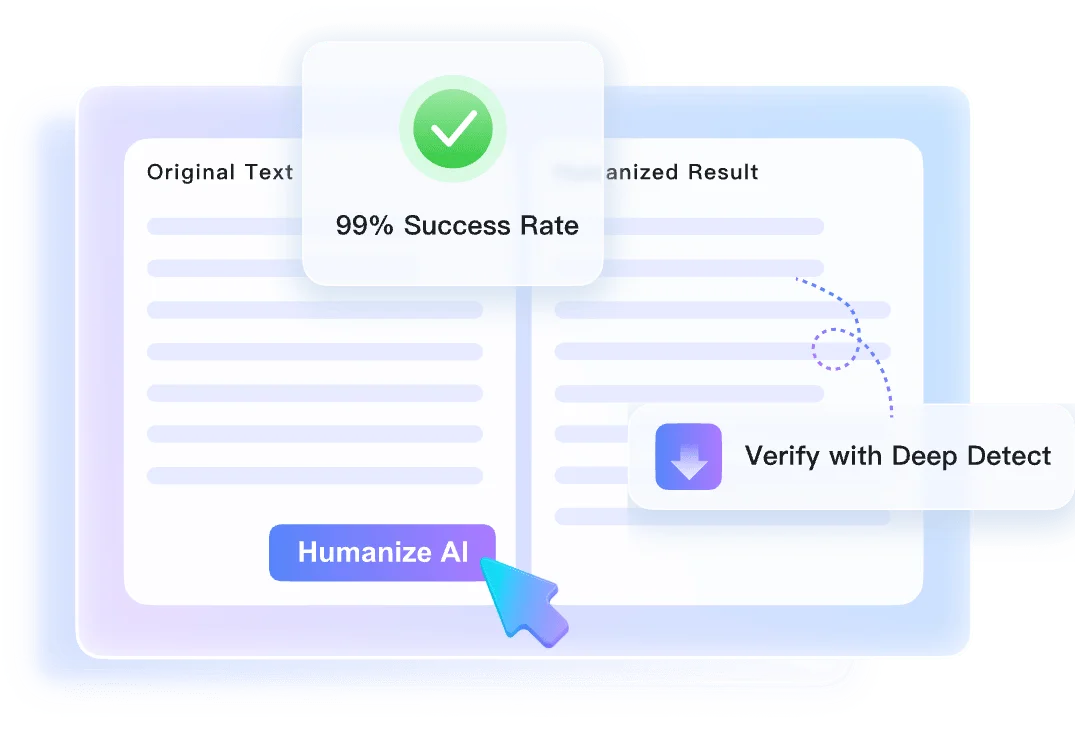
Humanize Japanese Text Without Losing Nuance
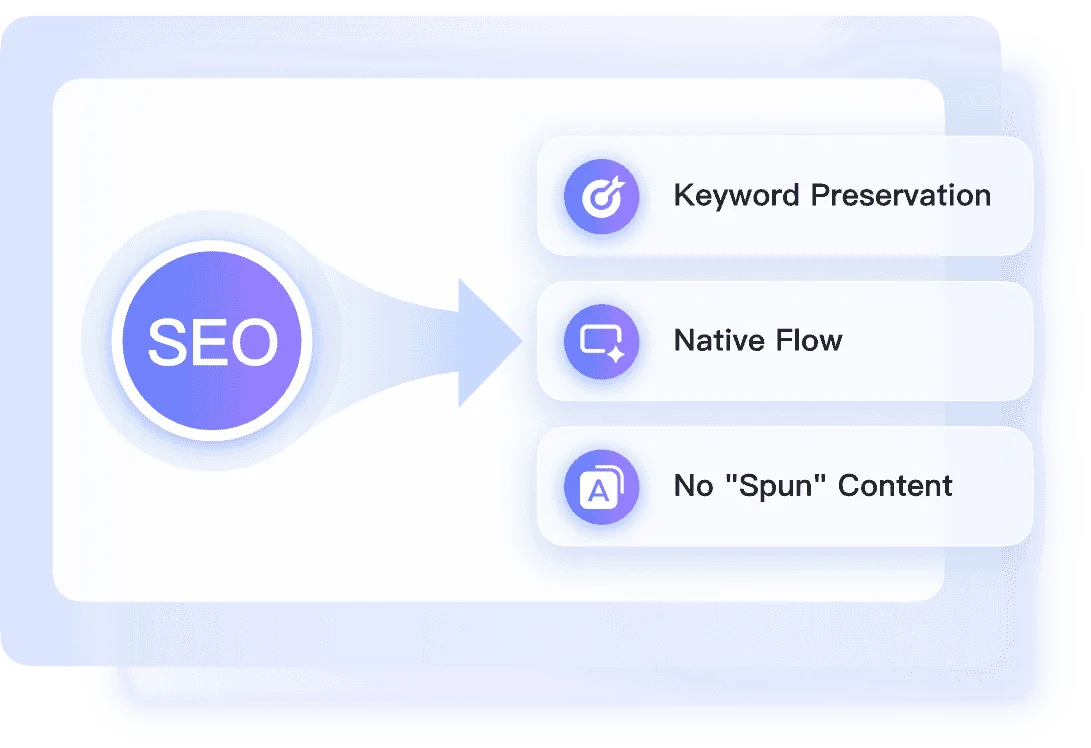
Control Japanese Rewrite Depth and Keigo
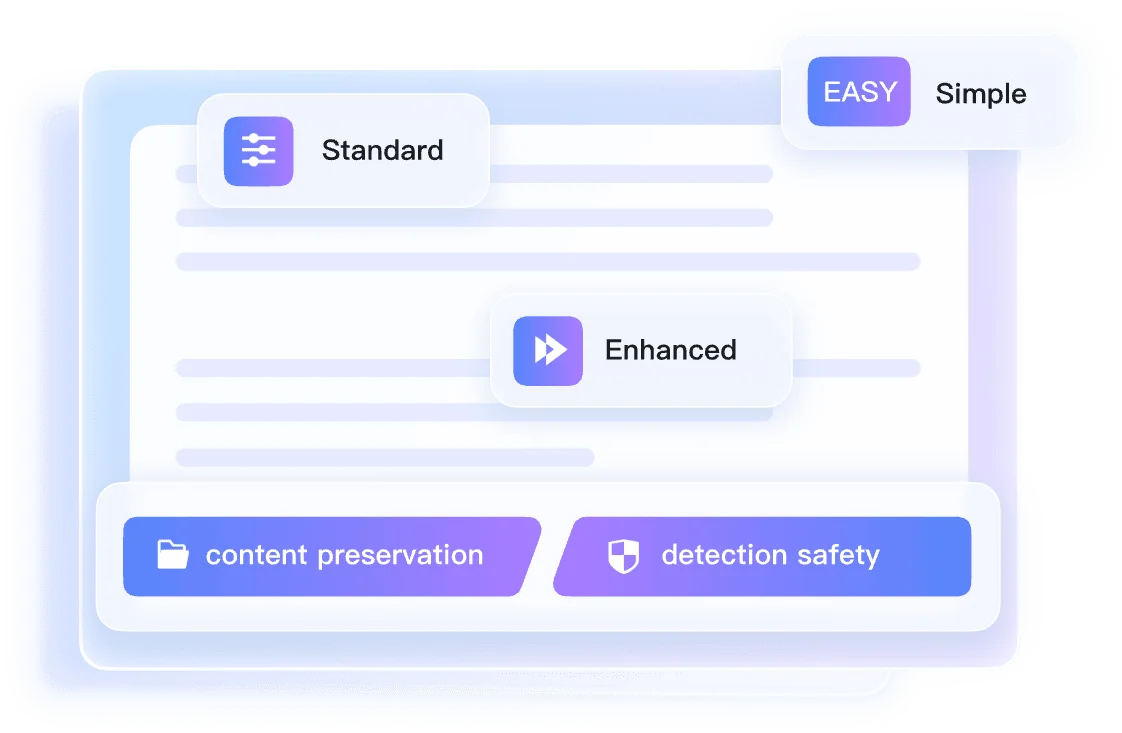
Review Humanized Japanese Text Signals
How to Humanize Japanese Text in Three Steps

Step 1. Paste or Upload Japanese File
Paste the Japanese passage that feels translated, over-formal, or too machine-written. You can also upload a .pdf, .doc, .docx, or .txt file.


Step 2. Select a Humanization Mode
Choose Simple, Balanced, or Enhanced from the mode dropdown menu. This selection adjusts the Keigo level and overall structural depth to match your desired formality.

Step 3. Click Humanize & Review
Click the Humanize button, then read the output for Keigo consistency, particle flow, and native rhythm. The authenticity report appears beside the rewritten text.
Perfect for All Japanese Content Types

Japanese SEO Content
Localize web content and blog posts for the Japanese market. Make your SEO articles read naturally to native speakers.
Localize web content and blog posts for the Japanese market. Make your SEO articles read naturally to native speakers.

Corporate Communications
Write polite, culturally accurate Japanese business emails that respect honorific nuances and build trust with your clients.
Write polite, culturally accurate Japanese business emails that respect honorific nuances and build trust with your clients.

Product Manuals
Fix rigid Japanese product manuals by replacing literal AI phrasing with clearer instructions and more natural indirectness.
Fix rigid Japanese product manuals by replacing literal AI phrasing with clearer instructions and more natural indirectness.

University Essays
Keep a consistent academic tone in your Japanese research papers by unifying mixed writing styles and vocabulary.
Keep a consistent academic tone in your Japanese research papers by unifying mixed writing styles and vocabulary.
Who Uses Our Japanese AI Humanizer?

SEO Marketers
Localize web content and blog posts for the Japanese market. We help you humanize Japanese text so your translated drafts engage local readers naturally.

Non-Native Professionals
Draft polite, culturally accurate Japanese business emails. Make your daily corporate communications respect honorifics and flow naturally for native clients.

Localization Specialists
Fix direct English-to-Japanese AI translations in technical manuals. Replace rigid machine phrasing with the natural indirectness expected by local users.

University Students
Maintain a consistent academic tone across your Japanese research papers. Unify your writing style before final submission review.

Content Creators
Smooth out AI-generated video scripts to sound like a native speaker. Remove robotic phrasing so your spoken content feels authentic.

Freelance Translators
Polish machine-translated drafts into fluent Japanese documents. Speed up your workflow by letting the tool handle awkward sentence structures.
What Users Say About the Japanese Humanizer

SEO Marketer

"This tool adjusted the Kanji-to-Kana ratio in my 2000-word SEO blog post. It prevented the text from looking dense and unreadable for local searchers."

Expat Manager
"I used to struggle with mixing Desu/Masu and Da/Dearu forms. It fixed those inconsistencies in a crucial DOCX client email, making me sound professional."

Localization Expert
"It replaced rigid translated phrasing in our product manual with the culturally appropriate indirectness our users expect."

University Student
"I loved that I could upload my PDF research paper directly. It saved me from copying long Japanese sections paragraph by paragraph."

Content Writer
"Finding a reliable AI humanizer Japanese tool was hard, but this corrected the weird sentence-final particles in my TXT social media drafts. The flow feels more natural."

Agency Owner
"Having an Instant Authenticity Report is helpful. I checked the predicted detection scores for a Japanese pitch deck presentation before sending it to investors."
Frequently Asked Questions
Before you rewrite Japanese text, check these notes on Keigo, files, privacy, and output quality.
The tool analyzes the context of your writing to help maintain the appropriate level of politeness throughout. It adjusts mismatched honorifics, polite forms, and humble expressions so the text reflects more consistent, natural Keigo for your intended audience.
Yes, you can directly upload .pdf, .doc, .docx, and .txt files containing Japanese text for processing.
Yes, the AI evaluates the visual and rhythmic flow of your sentences. It adjusts the ratio of Kanji, Hiragana, and Katakana to match the reading patterns of native Japanese speakers, preventing text from looking too dense or unnaturally simplistic.
Yes, users on the free tier can process up to 600 words per request. For longer documents, you will need to process them in sections.
No, the AI uses context-aware rewriting to improve the natural flow and readability of your Japanese content while keeping the original meaning in place.
Yes. Paste the Japanese version you already have, and Lynote can smooth literal phrasing, Keigo mismatches, and sentence rhythm so it reads more naturally.
Your Japanese drafts stay private. Lynote does not use pasted text or uploaded files for model training.
Standard translators often produce robotic, literal phrasing. Our AI humanizer goes further by restructuring sentences, fixing unnatural phrasing, and applying native rhythms so the final Japanese text reads more naturally.
Short Japanese snippets usually return in seconds. Longer uploaded documents may take more time, and the authenticity report appears with the rewritten text.
No sign-up is required for basic usage. You can start pasting text or uploading files without creating an account.