Resume Humanizer-Humanize and Optimize AI Resume
Content
Result

Your humanized result will be ready here. To begin, paste your AI-generated text in the left box.



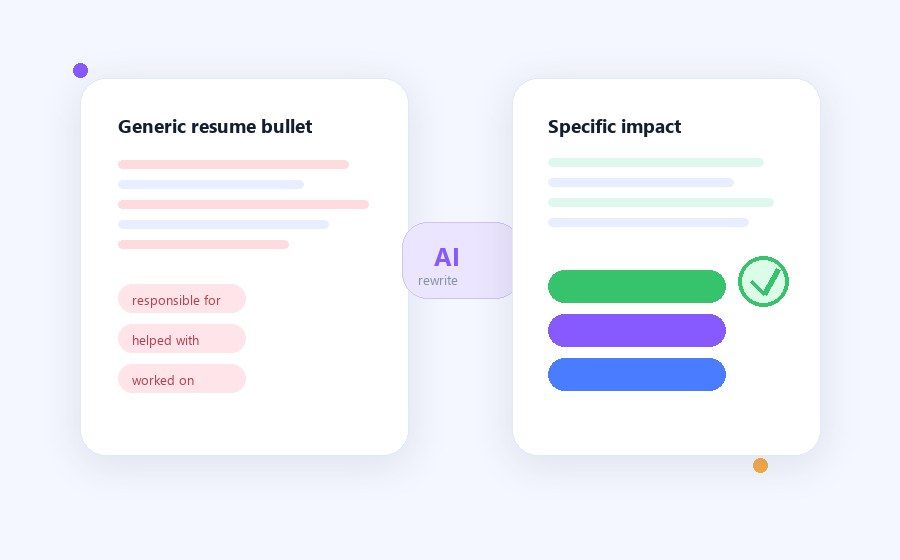
From Generic to Specific
Replace vague AI phrasing with clearer action verbs, role context, and measurable impact where you already have the facts.
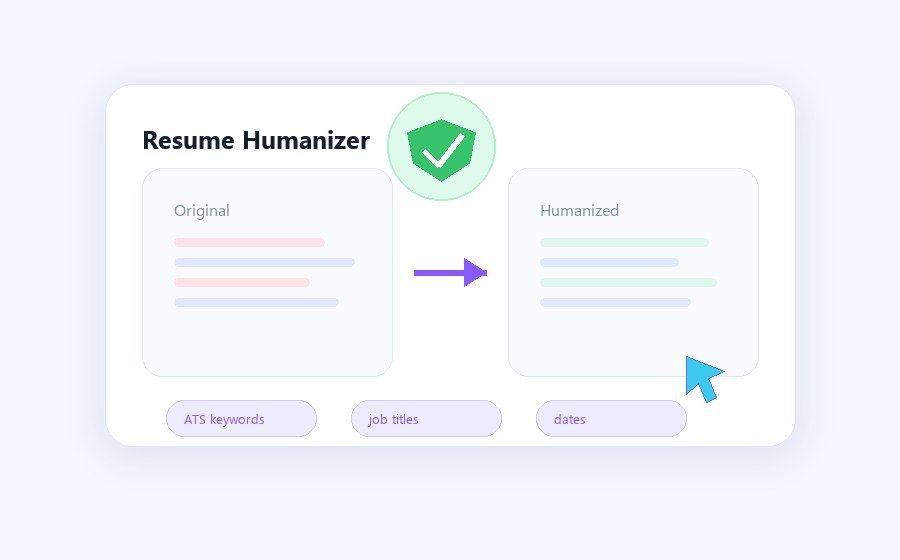
Humanize Resume by AI Safe Rewriting
Keep names, dates, job titles, certifications, and technical terms stable while improving sentence rhythm.
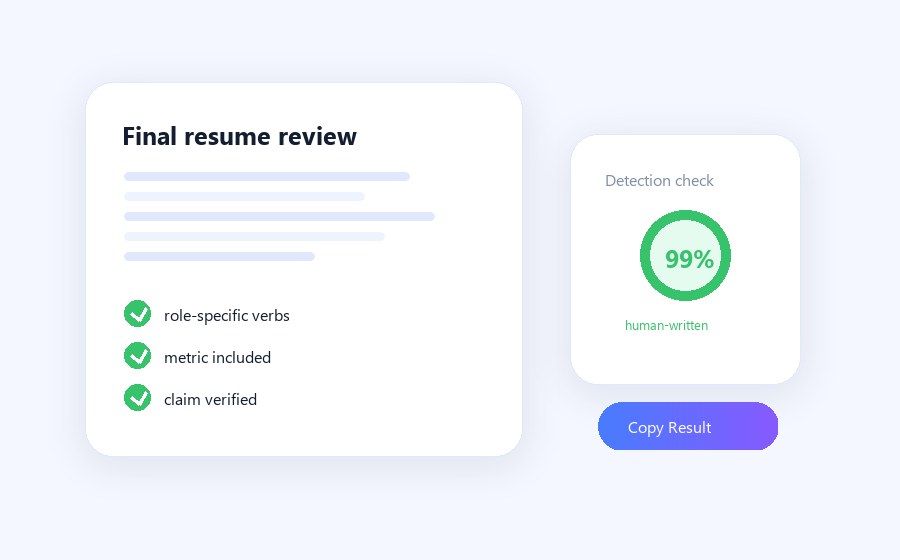
Better Final Review
Why Use Lynote’s Resume Humanizer?

Make AI Resume Bullets Sound Natural
Turn stiff, template-like bullet points into clearer language that still reflects your real work.

Keep ATS Keywords
Preserve job titles, skills, tools, and role-specific keywords while improving flow and tone.

Protect Your Actual Experience
Humanizing should not add fake numbers, responsibilities, employers, or achievements.

Improve Recruiter Readability
Make bullets easier to scan by focusing on action, impact, and concrete details.

Use Before Final Review
Polish AI-assisted drafts before you send the resume to a recruiter, advisor, or hiring manager.

Edit With Control
Compare the rewritten version with the original so the meaning stays accurate.

Built for Job Seekers in a Hurry
Paste a resume section, choose a mode, and get a cleaner version quickly. It is useful when applications are due today and your draft still sounds too AI-generated.

Free to Try
Registered users can try Lynote 3 times for free, with up to 600 words per run. That is enough to polish key resume sections before applying.
How to Humanize Resume Bullet Points
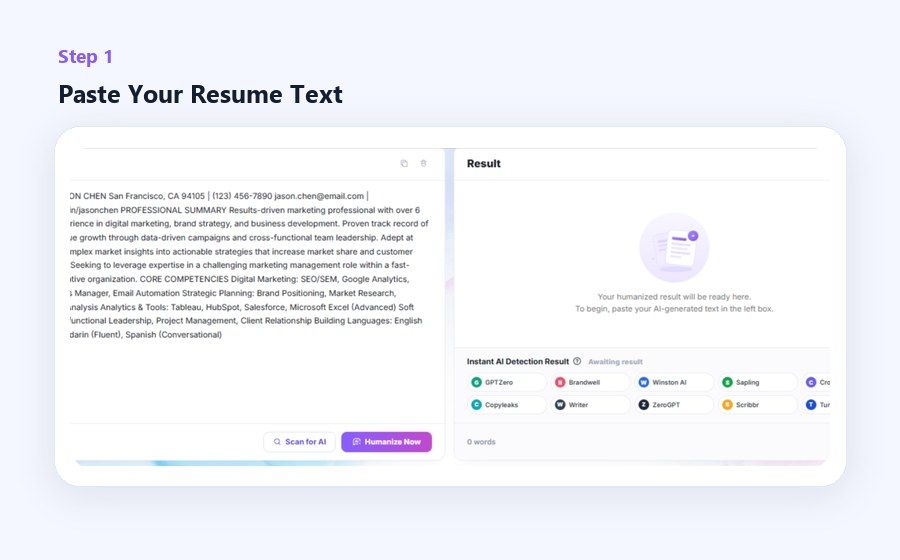
Paste Resume Text
Add a summary, work experience section, or selected bullet points.

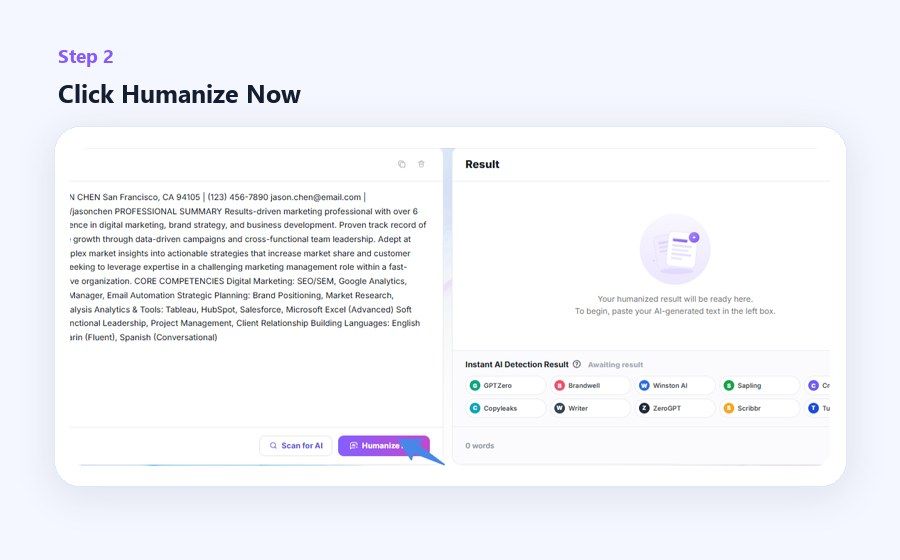
Generate a Natural Version
Review the rewritten wording for clarity, tone, and recruiter readability.
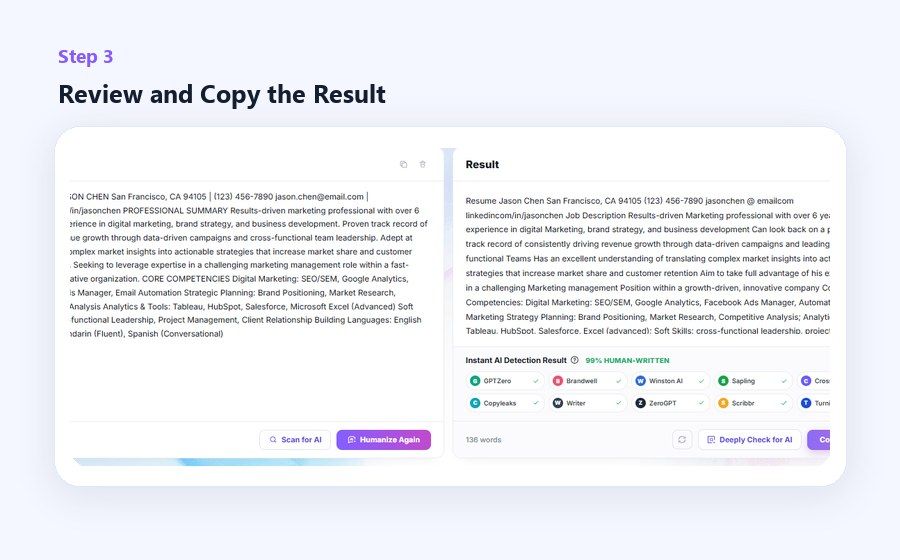
Verify Every Claim
Keep real metrics, tools, and responsibilities accurate before exporting your resume.
Resume Sections You Can Humanize

Professional Summaries
Make an AI-written summary sound less generic and more aligned with your role.
Make an AI-written summary sound less generic and more aligned with your role.

Experience Bullets
Improve rhythm and clarity while keeping responsibilities and outcomes truthful.
Improve rhythm and clarity while keeping responsibilities and outcomes truthful.

Cover Letter Snippets
Smooth stiff sentences before adapting them to a specific job.
Smooth stiff sentences before adapting them to a specific job.

LinkedIn About Sections
Turn resume-style text into a more natural professional introduction.
Turn resume-style text into a more natural professional introduction.
Who Benefits From a Resume Humanizer?

Job Seekers
Polish AI-assisted resume drafts before applying.

Students and Graduates
Make early-career experience sound clear without exaggeration.

Career Changers
Translate past experience into a more relevant story.

Non-Native English Writers
Improve flow while keeping the meaning accurate.

Resume Writers
Use it as a controlled wording pass for client drafts.

Recruiting Teams
Review candidate-facing templates for clarity and tone.
What Job Seekers Say

Product Manager

"Lynote helped me make my resume summary sound more direct and less like a template. The final version felt professional, but still sounded like my own career story."

Software Engineer
"My bullet points were too responsibility-heavy. After using Lynote, they became clearer achievement statements that explained what I built and why it mattered."

Marketing Specialist
"I had a resume draft from an AI tool, but it felt generic. Lynote helped remove the AI-sounding phrases and made the wording feel more specific to my experience."

Career Changer
"I needed to keep the right keywords for product roles, but the resume sounded stiff. Lynote helped me keep the role alignment while making the language flow better."

Non-Native English Writer
"My resume sounded too formal and translated. Lynote made the tone smoother and more confident without exaggerating my experience."

Recent Graduate
"I was tailoring my resume for several applications in one week. Lynote helped me polish key sections quickly so I could focus on matching each role."
Frequently Asked Questions
Quick answers before you use the tool.
Yes, but you should review the result. Important skills, tools, job titles, and certifications should remain intact.
It should not, and you should reject any wording that adds experience, metrics, or responsibilities you did not have.
It is safer when you use humanizing as an editing step and verify every claim against your real background.
Use real bullets with context, tools, and outcomes. The more factual detail you provide, the better the revised version can stay specific.
Pricing Plans for Users
Choose a plan that is best for you,no worries on your resumes any more.
Latest Knowledge On AI Detection&Humanization&AI Rewording
Seek advanced latest knowledge of AI detection and humanization to help you get equipped with the skills in work or life.