





















Original Spanish AI Draft
InputPurpose: General. This is the Spanish AI-generated text before humanization.
Your humanized result will be ready here. To begin, paste your AI-generated text in the left box.

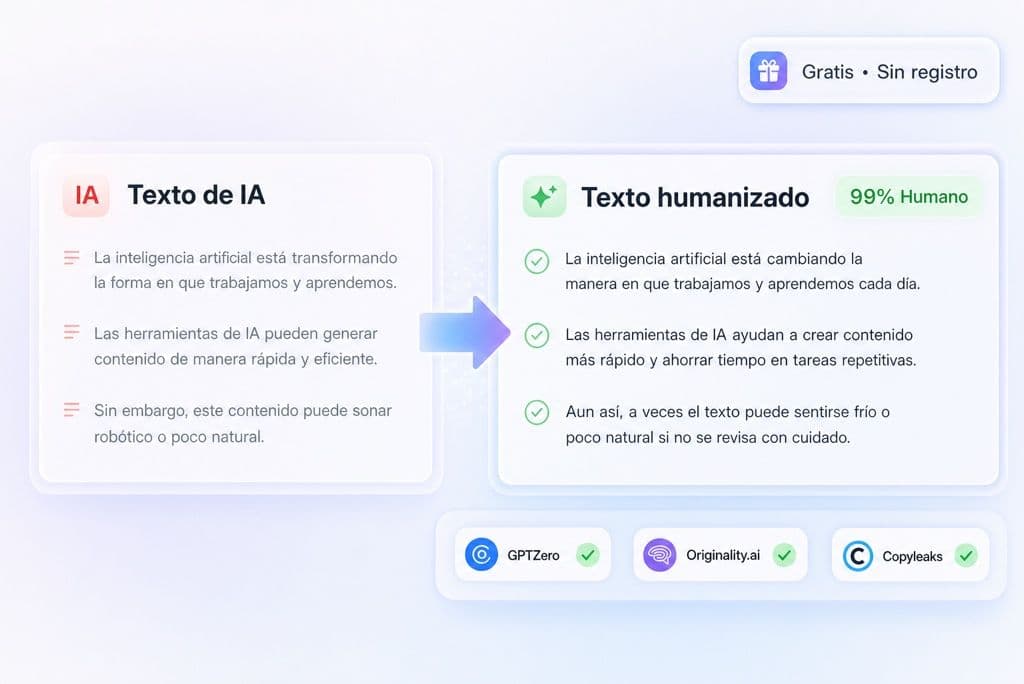
Paste or upload Spanish AI text and start humanizing it free without signing up. Lynote rewrites repetitive connectors, rigid sentence patterns, and over-formal wording; when the result is ready, check it with the Spanish AI Detector.

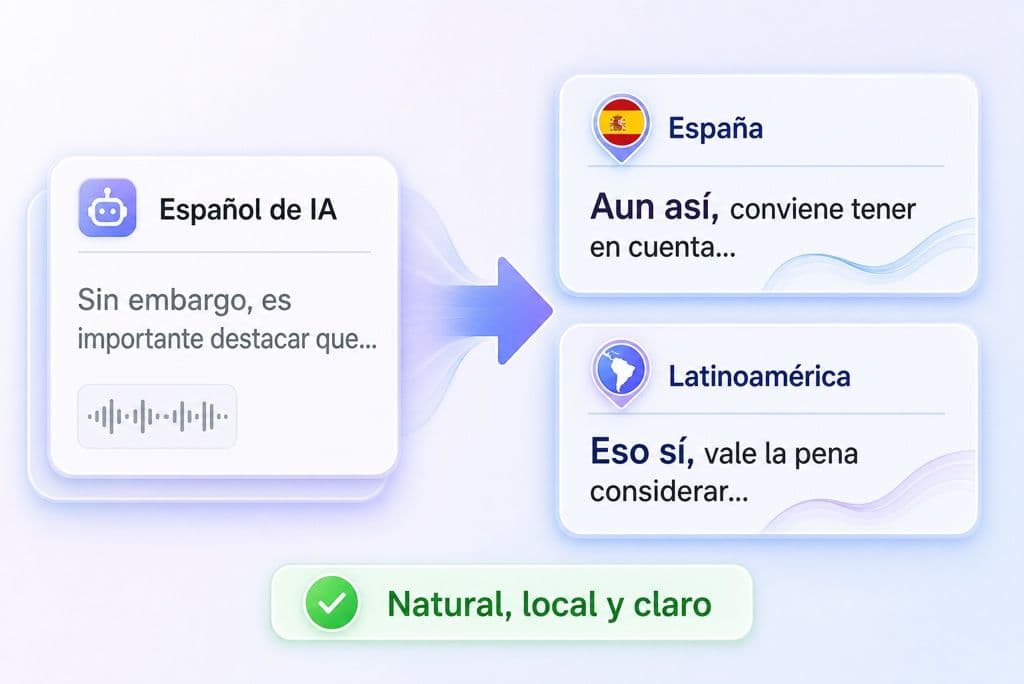
Fix literal English structure, stiff Spanglish, mismatched formality, and phrases that feel off for Spain or Latin America. If the source text is not Spanish yet, translate it first with the Spanish Translator.

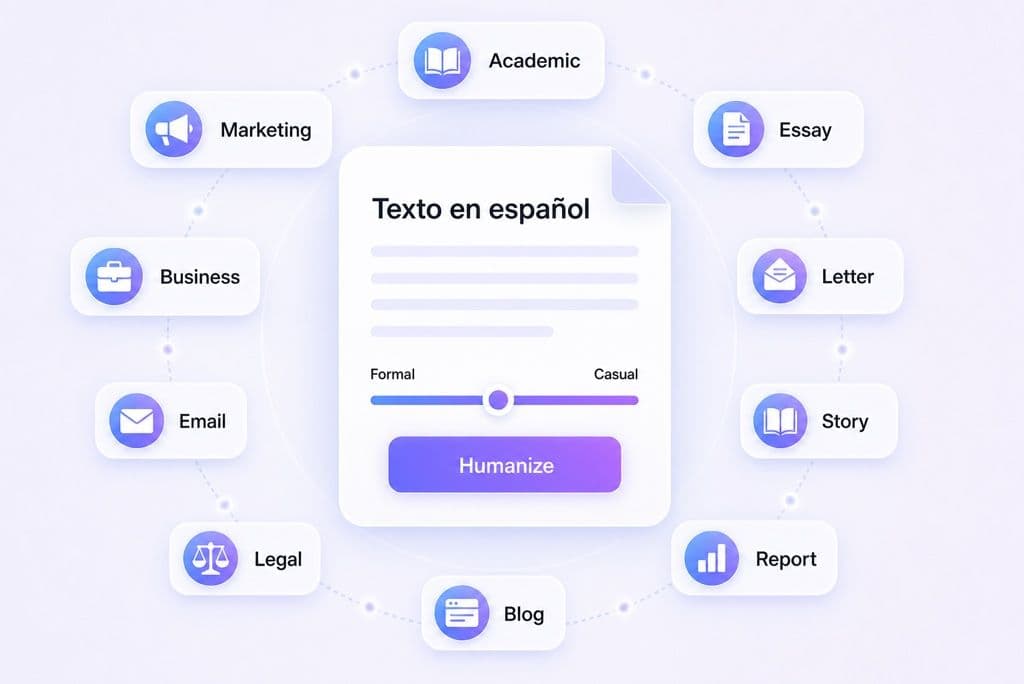
Choose the purpose that fits your draft, such as Academic, Marketing, Business, Essay, Email, Legal, Story, Letter, Report, or Blog. Lynote adjusts the rewrite without turning the text into generic Spanish. For other languages, use the AI Humanizer.

Copy Spanish text from ChatGPT, Claude, or Gemini into the editor, or use Upload Document when the draft is already in a file.

Pick the Purpose that matches the document, then click Humanize. Lynote rewrites robotic Spanish patterns while preserving your message.

Compare the original and humanized Spanish, check the authenticity report, and copy or export the version that keeps your meaning and sounds human.
Bypass GPTZero, Originality.ai, Copyleaks, and similar Spanish AI checks while keeping the text natural for native readers.
Make Spanish drafts feel right for Spain or Latin America, with fewer awkward calques, stiff connectors, or region-mismatched phrases.
Choose a lighter polish or stronger Spanish humanization when the draft needs more distance from AI patterns.
Humanize sentence rhythm without losing names, technical terms, Spanish keywords, or the core message.
Keep Spanish search terms in place while making the surrounding copy sound less robotic for readers and editors.
Smooth gender agreement, verb forms, idioms, and transitions that generic rewriters often flatten.
Paste a Spanish draft and try the humanizer directly in your browser before creating an account.
Your Spanish manuscripts and business documents are safe. We use enterprise-grade encryption and never store your data or use it to train our Spanish language models.

Humanize Spanish blog posts, landing pages, and product copy while keeping important search terms in place.

Rewrite Spanish essays, tesis drafts, or research notes so the language sounds less mechanical while you keep citations and evidence intact.

Turn AI-written Spanish emails, ads, and sales pages into copy that sounds closer to a real brand voice.

Humanize Spanish captions, posts, and threads so they feel less translated and more local to the audience.

Polish Spanish-language assignments so the writing sounds more human, then review your school’s AI-use rules before submission.

Humanize client drafts for Spanish and LATAM markets while preserving keywords, examples, and brand terminology.

Make AI-assisted Spanish articles feel less templated before they go to an editor, client, or publisher.

Use AI to brainstorm in Spanish, then add the alma, rhythm, and style that make the draft feel written by a person.

Refresh Spanish website copy that sounds AI-made, especially pages where repeated phrasing hurts trust.

Refine machine-translated or AI-assisted Spanish. If the source text still needs translation first, use the Spanish Translator.
Compare a real General-mode Spanish draft with Lynote’s humanized result. The wording, sentence rhythm, and transitions change while the main point stays intact.
Purpose: General. This is the Spanish AI-generated text before humanization.
The result kept the topic and audience while changing the flow, wording, and sentence structure.
Answers about Spanish AI humanization, detector bypass, dialects, uploads, SEO, and when to use the Spanish AI Detector.
A Spanish humanizer rewrites AI-generated Spanish so it sounds more natural, less repetitive, and less translated. Lynote focuses on Spanish sentence rhythm, word choice, and detector-aware humanization. For other languages, use the AI Humanizer.
Yes. Lynote is built to reduce Spanish AI signals and bypass major detectors such as Turnitin, Copyleaks, GPTZero, and Originality.ai.
Lynote is designed to preserve the main message, names, technical terms, and Spanish keywords while changing the robotic phrasing. Review the result before publishing important text.
The rewrite creates new sentence structures, but originality still depends on your source material and citations. Use Lynote to humanize the wording, then check plagiarism rules for academic or published work.
Yes. Use the Spanish humanizer for drafts aimed at Spain, Latin America, or a neutral Spanish audience. After rewriting, check local expressions if the text is for a specific country.
You can start with the free Spanish humanizer in the browser. If you need longer or repeated Spanish rewrites, follow the limit shown in the tool or your account plan.
Yes. Use Upload Document for Spanish PDF, DOCX, or TXT files, then review the extracted and humanized text before using the final version.
Humanizing Spanish SEO copy can reduce repetitive AI phrasing while preserving target keywords. Rankings still depend on usefulness, originality, topical depth, and search intent.
Yes. We do not store your Spanish inputs. Once your text is humanized and the session ends, your data is deleted from our servers to ensure total privacy.
Use a Spanish Translator when the source text is in another language. Use the Spanish humanizer after you already have Spanish text and need it to sound less AI-written, more local, and ready for readers or detector checks.
Learn how to make AI text sound human, use better prompts, and remove detectable AI patterns before publishing.