

AI Humanizer for Gemini
Content
Result

Your humanized result will be ready here. To begin, paste your AI-generated text in the left box.



Why Choose Our Gemini AI Humanizer?

Remove Repetitive Phrasing
Eliminate repetitive phrasing and predictable linguistic patterns like 'delve into' or 'in conclusion' to give your Gemini drafts a smoother, more natural flow.

Avoid Forced Tones
Avoid forced tones caused by standard 'make it human' prompts. This tool applies professional adjustments so your text sounds naturally conversational instead of awkwardly casual.

Direct Document Upload
Upload your exported Gemini-generated documents directly into the system instead of manually copy-pasting long text passages.

Multilingual Support
Enjoy full multilingual support to humanize Gemini text across more than 80 languages, helping you connect fluently with global audiences in their native language.

Preserve Your Voice
Polish your Gemini-assisted drafts while keeping your authentic voice and core message intact.

Protect SEO Credibility
Removing clear AI tells helps content marketers protect their search engine rankings and maintain reader trust.

Humanize All Gemini Models
Paste or upload any Gemini-generated draft. Lynote handles the model differences for you, so there is no need to choose a Gemini model or rebuild prompts.

Complete Privacy Protection
Your uploaded Gemini drafts and humanized outputs remain strictly private and are never used for training.
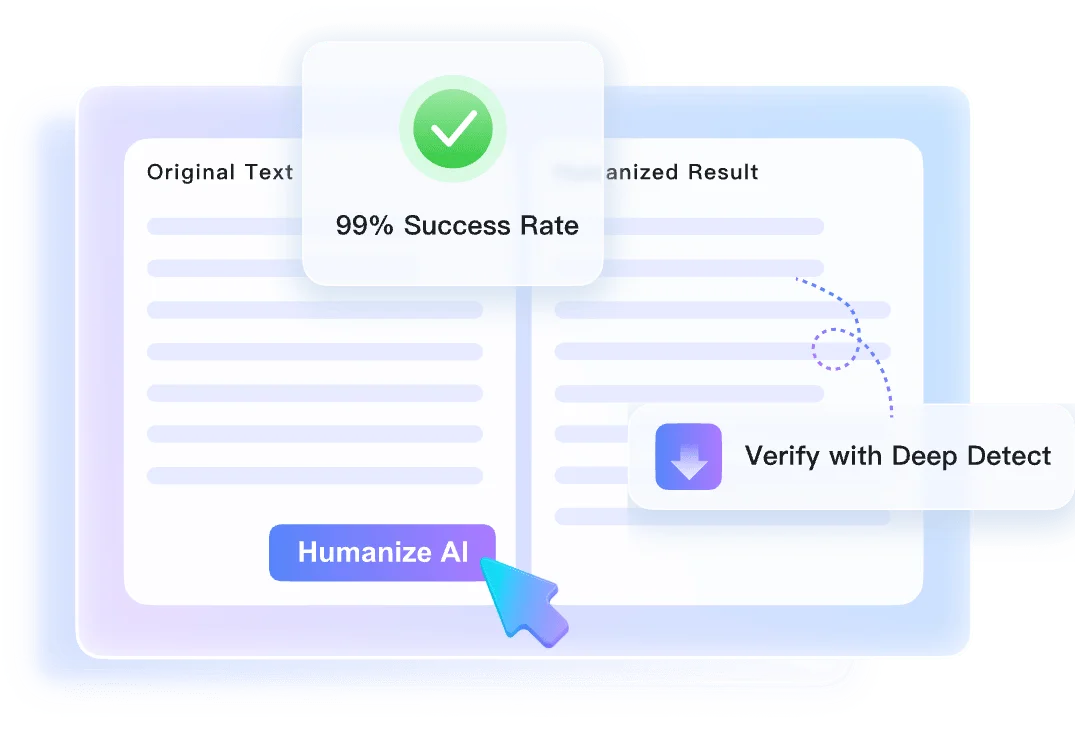
Humanize Gemini Text with Full Context
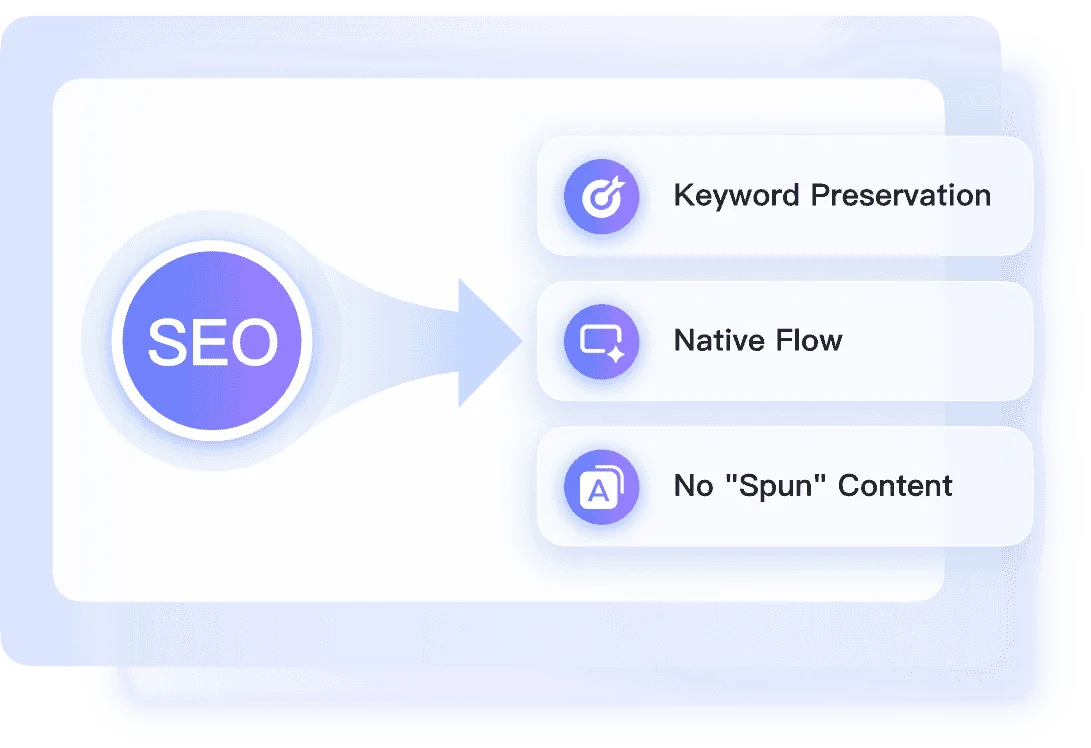
Explore Three Modes in Our AI Humanizer Gemini Tool
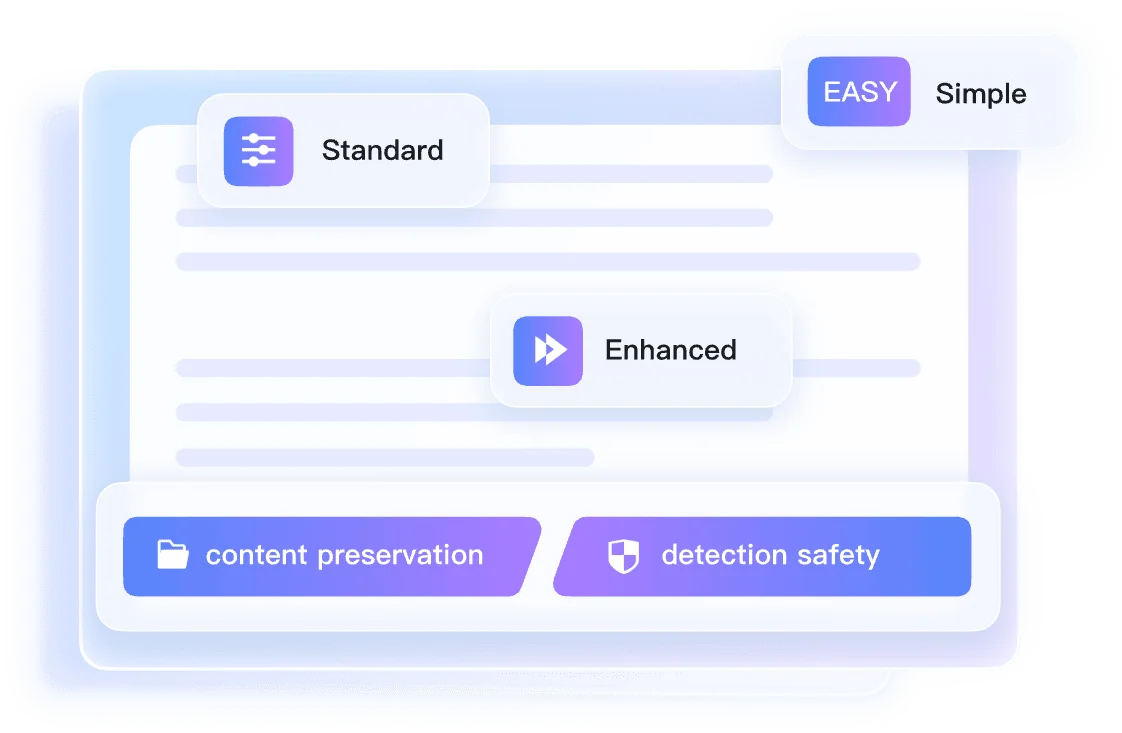
Check Humanized Gemini Text with an Authenticity Report
How to Humanize AI Text Gemini Generates

Step 1. Paste Text or Upload Document
Paste your Gemini draft directly into the text box. Alternatively, you can upload a supported file format such as .pdf, .doc, .docx, or .txt to begin processing.


Step 2. Humanize Gemini Text
Click the 'Humanize' button to start the transformation process. Lynote will immediately rewrite the robotic Gemini output into clear, human-sounding text.

Step 3. Get the Result
Review the humanized result on your screen. Once you are satisfied with the final output, copy the text to use in your draft, email, article, or document.
Perfect for Any Gemini Content

Content Marketing Drafts
Humanize Gemini-drafted blog posts into natural prose to avoid search engine penalties and keep your audience engaged.
Humanize Gemini-drafted blog posts into natural prose to avoid search engine penalties and keep your audience engaged.

Academic Outlines
Polish your Gemini-assisted essay outlines into clear, readable drafts while completely preserving your original academic voice.
Polish your Gemini-assisted essay outlines into clear, readable drafts while completely preserving your original academic voice.

Website Copy
Rebuild sterile website copy generated by Gemini into engaging, human-sounding pages that appeal to real readers.
Rebuild sterile website copy generated by Gemini into engaging, human-sounding pages that appeal to real readers.

Translated Emails
Ensure your Gemini-translated business emails read fluently to native speakers, avoiding awkward phrasing in professional communication.
Ensure your Gemini-translated business emails read fluently to native speakers, avoiding awkward phrasing in professional communication.
Who Should Use This AI Humanizer for Gemini?

Content Marketers
Humanize Gemini-drafted blog posts to avoid search penalties. Our AI humanizer Gemini tool ensures your brand voice remains authentic.

University Students
Polish assisted outlines into clear, readable drafts. This Gemini AI humanizer preserves your unique academic voice without sounding robotic.

SEO Specialists
Rebuild sterile website copy into engaging pages. When you humanize AI text Gemini generates, you appeal directly to human readers.

Non-Native Speakers
Ensure translated emails read fluently to native speakers. Humanize AI Gemini drafts to avoid awkward phrasing in professional communication.

Copywriters
Inject nuance into robotic marketing drafts. Use this Google Gemini AI humanizer to create compelling, high-converting ad copy.

Business Executives
Refine generated reports to sound professional. Our tool helps Gemini humanize AI drafts, making complex data easier to digest.
What Our Users Say

SEO Strategist

"I uploaded a DOCX file of a Gemini-drafted blog post, and this AI humanizer Gemini tool removed all the robotic tells. It protects my search rankings perfectly."

College Student
"When I paste a TXT draft of my essay outline, this Gemini AI humanizer polishes the phrasing while completely preserving my original voice."

Freelance Copywriter
"Standard rewrite prompts always sound forced. Pasting a rough Gemini draft here fixes that casual tone, helping me humanize AI text Gemini produces naturally."

Marketing Manager
"This Google Gemini AI humanizer strips out repetitive phrases like 'delve into' from my PDF marketing reports. The output is clean and professional."

Non-Native Professional
"I use this to humanize AI Gemini translations across different languages. It ensures my business email drafts read fluently in English every time."

Tech Blogger
"After rebuilding a sterile tech review DOC, the Instant Authenticity Report showed me the predicted GPTZero scores immediately. It is incredibly helpful."
Frequently Asked Questions
Still got questions about using our AI humanizer for Gemini? Here are the answers.
Asking Gemini to rewrite often results in different but still robotic phrasing. Our Google Gemini AI humanizer specifically restructures sentences to mimic natural human writing patterns while keeping your original intent intact.
No. The tool uses context-aware rewriting to adjust the tone and vocabulary without altering the core facts. It is the safest way to humanize AI Gemini outputs.
Yes. You can upload your drafts directly as .pdf, .doc, .docx, or .txt files. To humanize AI text Gemini generates, simply drop your file into the tool.
It removes overly formal patterns typical of AI outputs. By selecting the Simple mode, you can polish your drafts while maintaining your personal academic style.
Yes. Our AI humanizer for Gemini supports over 80 languages, allowing you to refine non-English outputs just as effectively as English ones.
The free tier allows you to process up to 600 words per request for a single document.
After you use the Gemini humanize AI feature, the tool provides a predicted score based on patterns recognized by major detectors. This helps gauge how natural the rewritten text appears.
Yes. We do not store your uploaded documents or use your pasted text to train our models, ensuring your drafts remain completely private.
No account is required for basic usage. You can start humanizing your text immediately without registering.
Yes. The tool preserves your original formatting, including paragraph breaks and lists, so you will not have to reformat your document after rewriting.