




























logo
menu

AI Humanizer for SEO: Make Your Content Sound Human

Turn stiff AI-generated blogs, landing pages, and product copy into natural SEO writing. Use the SEO rewording tool to choose a rewrite depth, compare the result, and review authenticity signals before publishing.

Content

Paste Text⌘Vor click
Upload DocumentTXT.DOCX.PDF
Try Example:
Human + AI
Claude
ChatGPT
0 words

Result

Your humanized result will be ready here. To begin, paste your AI-generated text in the left box.

Instant AI Detection ResultAwaiting result
GGPTZero
BBrandwell
WWinston AI
SSapling
CCrossplag
CCopyleaks
WWriter
ZZeroGPT
SScribbr
TTurnitin
0 words

80+
Languages Supported
10
Detector Signals in One Report
1-Click
Humanize and Review

Why SEO Teams Choose Lynote

Sound Human to Readers

Turn stiff AI drafts into natural, reader-ready SEO copy.

Keep SEO Intent Clear

Reword the draft without losing the page’s purpose.

Control the Rewrite

Choose Simple, Balanced, or Enhanced for each draft.

Check Before You Publish

Review authenticity signals immediately after every rewrite.

Rewrite Beyond Synonyms

Reshape robotic passages instead of swapping isolated words.

Fit Every SEO Page

Reword blogs, landing pages, category copy, and product descriptions.

80+ Languages

Adapt international SEO copy without switching tools.

Private Draft Handling

Process unpublished content without storing or sharing it.

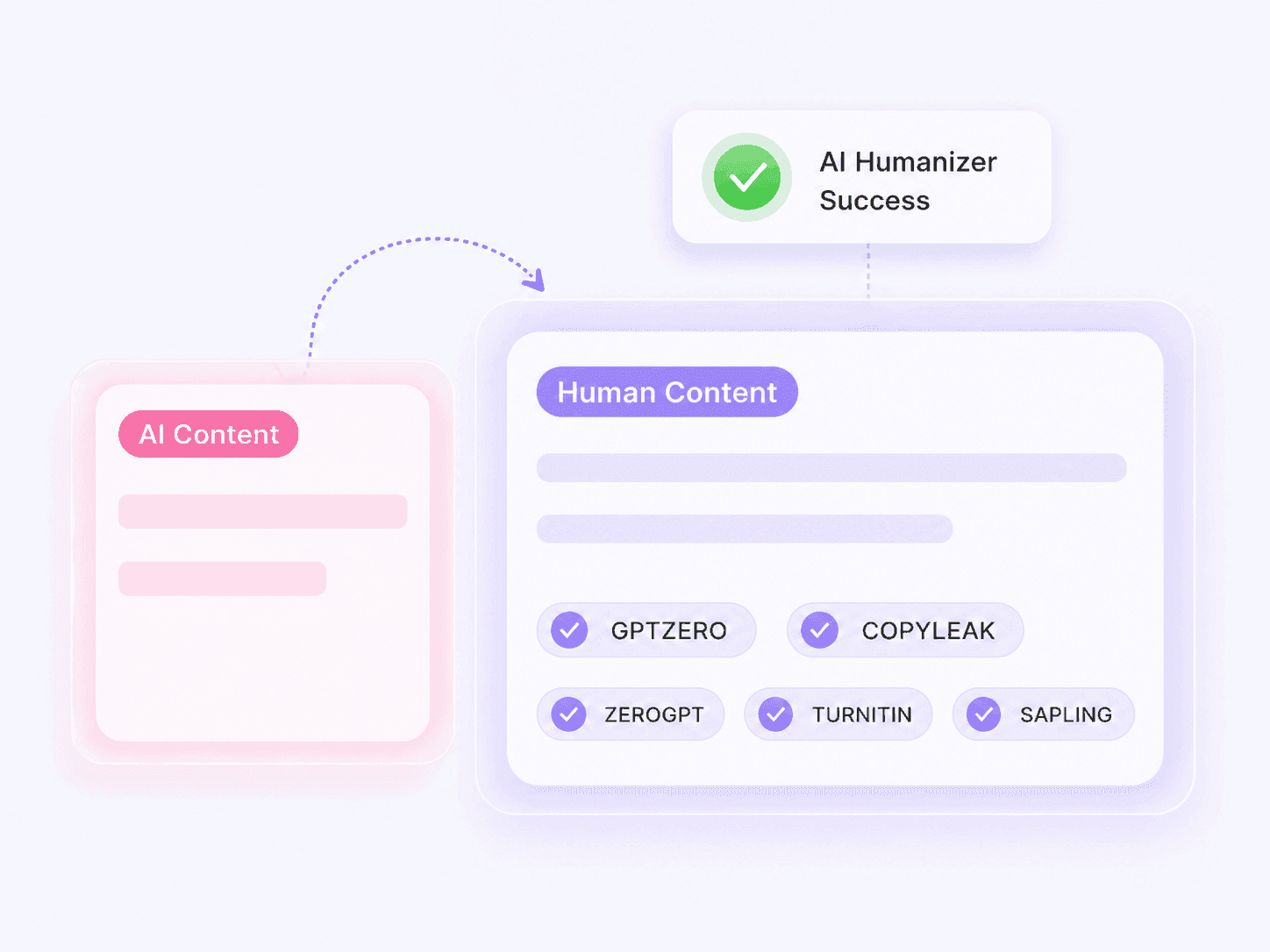
AI-generated SEO draft reworded into natural SEO copy while topic, search intent, and key terms remain available for review

Reword AI Drafts into Natural SEO Content

Raw AI copy can be grammatically correct and still feel generic, over-polished, or disconnected from the reader. Lynote’s AI Humanizer reshapes those passages for a more natural voice while keeping the page topic, important terms, and original message available for review.

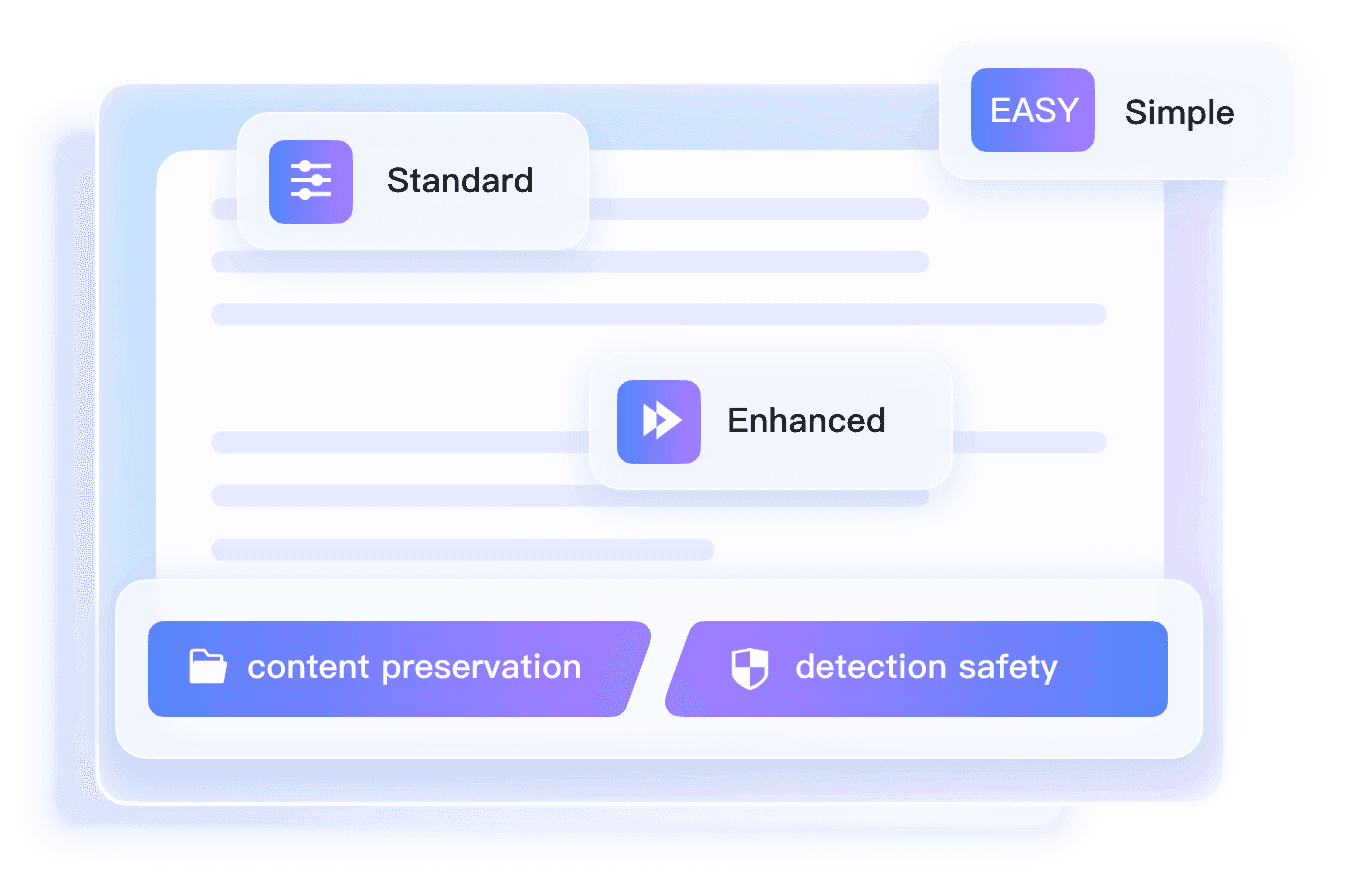
    Simple, Balanced, and Enhanced rewrite depths for SEO copy

    Control Rewrite Depth with an AI Humanizer for SEO

    Use Simple for a light cleanup, Balanced for routine blog and landing-page edits, or Enhanced when a draft needs a deeper structural rewrite. Start with the smallest change that fixes the robotic phrasing; move deeper only when the result still sounds formulaic. If the draft is already human-written and mainly needs clearer delivery, use the AI Text Improver instead.

      Pre-publish review of a humanized SEO draft for authenticity signals, search intent, facts, internal links, and calls to action

      Review Humanized SEO Content Before Publishing

      The Authenticity Report shows AI-likelihood signals after the rewrite. Treat that score as one QA input or run a separate check with the AI Detector, then verify facts, links, calls to action, and search intent. A more human-sounding draft still needs original examples and editorial judgment; see what humanization can and cannot fix before publishing.

        How to Humanize AI-Generated Content for SEO

        Step 1

        Paste or Upload the SEO Draft

        Paste the draft or upload one PDF, DOC, DOCX, or TXT file. Before you start, note the target keywords, headings, names, figures, and links you need to verify after the rewrite.

        Step 2

        Choose the Rewrite Depth

        Pick Simple for a light polish, Balanced for a standard content edit, or Enhanced for a broader rewrite. If the draft already matches search intent, begin with the lightest mode so you do not change more than necessary.

        Step 3

        Humanize, Compare, and Edit

        Click Humanize, then compare the result with the source. Confirm that priority keywords, facts, links, and calls to action still work; use the Authenticity Report as a signal, add original examples, and complete a human edit before publishing.

        Humanize AI Content Across Your SEO Workflow

        Blog Posts and Guides

        Clean up repetitive AI phrasing while keeping the topic, target query, headings, and supporting terms easy to review.

        Landing and Category Pages

        Rewrite stiff page copy without losing the search intent, offer, calls to action, or keyword priorities behind the layout.

        Product Descriptions

        Vary formulaic descriptions across a catalog while checking that product facts, names, specifications, and buying language remain accurate.

        Content Refreshes

        Update older AI-assisted pages for clearer flow, then add fresh evidence, examples, and links instead of treating humanization as the whole refresh.

        What to Check Before Publishing Humanized SEO Content

        Match the Search Intent

        Make sure the page answers the task behind the query, not just the keywords in it.

        Keep Critical Terms

        Check target keywords, entities, product names, technical terms, and internal-link anchors against the source.

        Verify Every Claim

        Recheck facts, dates, quotations, prices, and citations; rewriting does not validate them.

        Add First-Hand Value

        Include real examples, tests, screenshots, data, or expert judgment that the AI draft did not provide.

        Read for Brand Voice

        Remove phrases that are fluent but still sound generic, over-polished, or unlike your site. Use the AI Text Improver when clarity and delivery need a separate editing pass.

        Test the Page Journey

        Open links, review CTAs, and read the page on mobile before you publish or update it.

        AI Humanizer for SEO Reviews: What Our Users Say

        Omar Khoury

        SEO Specialist

        starstarstarstarstar

        "Lynote helped me humanize AI-generated product review text pasted from a DOCX draft. The final posts read smoothly and reduced AI-like signals, improving trust for my niche site."

        Mateo Vargas

        Content Writer

        starstarstarstarstar

        "Transformed a keyword-rich AI blog draft into natural, fluent copy for a client. Lynote's context-aware rewriting kept meaning and flow while making it sound genuinely human."

        Rajat Mehra

        Agency Owner

        starstarstarstarstar

        "I used Enhanced mode on a section of a long AI article for a high-authority SEO client. Three humanization depths gave me full control over the final voice and structure."

        Jasper Okeke

        SEO Project Lead

        starstarstarstarstar

        "Before publishing a humanized landing page, I checked the Instant Authenticity Report. Seeing detector scores reassured me the copy was ready for a new campaign."

        Keiko Yamamoto

        Blogger

        starstarstarstarstar

        "I used Lynote to humanize my AI-generated travel blog post. All my SEO keywords and the original headings were preserved perfectly in the new version."


        Gabriela Petrescu

        Marketing Team Lead

        starstarstarstarstar

        "Lynote supported humanizing product descriptions in both Spanish and French. The 80+ language options make it essential for global SEO content across multiple regions."

        AI Humanizer for SEO: Questions Before You Publish

        Use these answers to decide where humanization fits—and what still needs a human editor.

        An SEO rewording tool reshapes stiff or repetitive AI-generated copy so it sounds more natural to readers without turning the task into simple synonym swapping. Lynote keeps the page topic, important terms, and original message available for review, but the final draft still needs research, fact-checking, and editorial judgment.

        Google says to focus on accuracy, quality, relevance, and added value rather than the production method alone. Using generative AI to create many pages without adding value can violate its scaled content abuse policy. Humanize the draft for readers, then add evidence and editorial judgment.

        List the exact keywords, entities, headings, and anchor text that matter before rewriting. Use the lightest suitable mode, then compare the source and output line by line. Restore any term only where it remains accurate and natural.

        No. A humanizer can improve rhythm and readability, but it cannot create first-hand experience, fix weak search intent, verify claims, or earn links. The final page still needs useful information that gives the searcher a concrete reason to choose it.

        You can use it for blog posts, guides, landing pages, category copy, product descriptions, and content refreshes. Paste text or upload a PDF, DOC, DOCX, or TXT file, then review each asset according to its goal.

        Start with Simple when the structure and search intent are already right. Use Balanced for a normal editorial pass. Choose Enhanced only when the draft still feels formulaic or needs broader sentence restructuring, because deeper changes require a closer keyword and fact check.

        Compare keywords, headings, entities, facts, citations, internal links, and calls to action with the original. Then read for brand voice, add specific examples, and confirm the page still answers the query better than a generic summary.

        No. It is an AI-likelihood signal, not a ranking forecast or proof of authorship. Use it to locate wording that may need another look, then judge the content by accuracy, usefulness, originality, and fit with the search intent.

        Lynote supports more than 80 languages. Review the result with a native or market-aware editor, because preserving a literal keyword is not always the same as matching how people search in that locale.

        The current free workflow supports up to 600 words in one request and one document at a time. For a longer page, process logical sections separately and perform one final pass for consistency across headings, terminology, and calls to action.

        More Guides for Humanizing AI SEO Content

        Learn how AI humanizers work, make AI writing sound natural, and use AI detection as one signal in an SEO publishing review.