8 Free Scholarcy Alternatives for Smarter Research Reading

The best Scholarcy alternatives depend on which part of Scholarcy you want to replace. Choose Lynote for structured paper notes, NotebookLM for projects with several sources, Elicit for discovering and comparing evidence, and Explainpaper when a difficult passage matters more than a full summary.
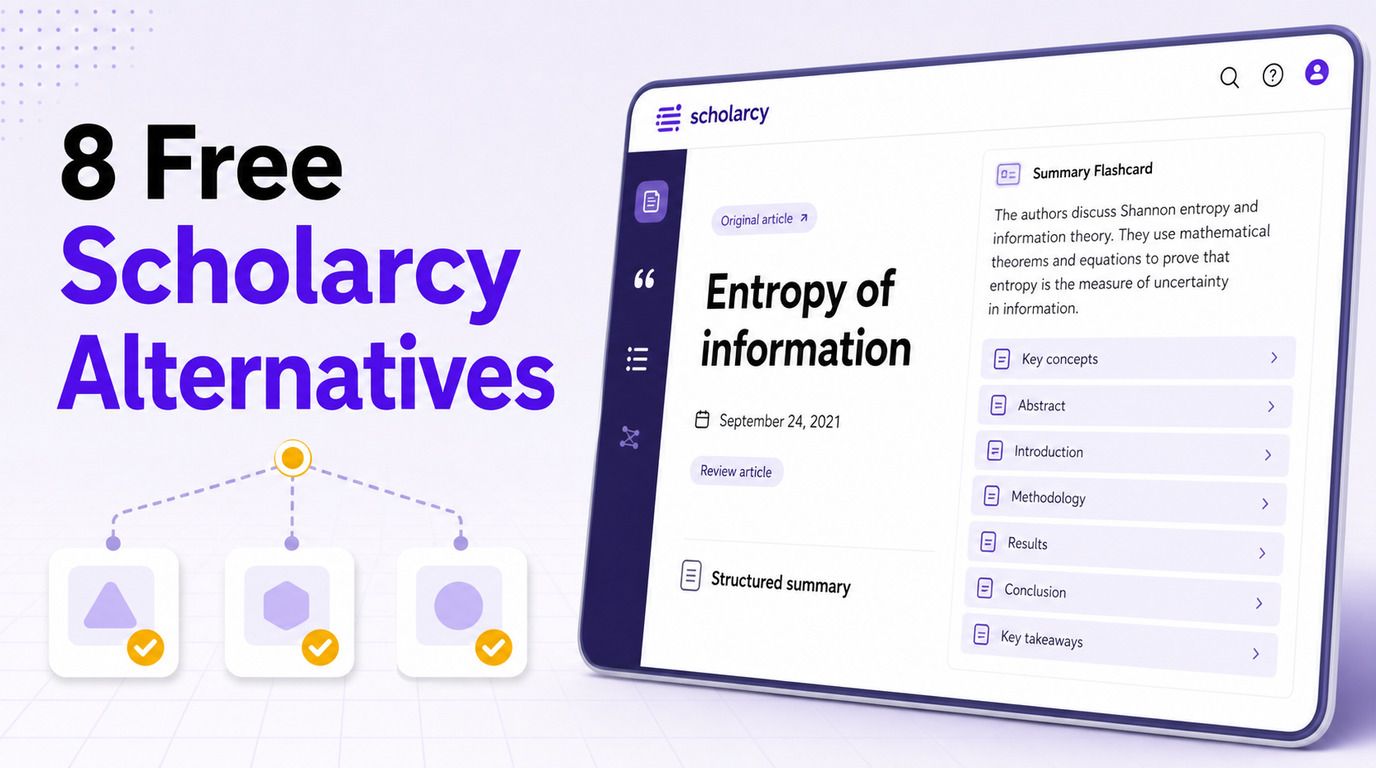
There is no single free tool that reproduces Scholarcy's summaries, flashcards, library, literature matrix, and exports in exactly the same way. The useful question is therefore not simply "Which tool is free?" but "Which free workflow solves the part of research reading that slows me down?"
Quick Answer: The Best Free Scholarcy Alternatives
For most students, Lynote AI Paper Summarizer is the most direct alternative when the desired output is a structured set of research notes. NotebookLM is stronger for combining multiple sources, while Elicit is better when the task begins with finding papers rather than uploading one.
The table below distinguishes free-forever access from limited plans and trials. Limits change frequently, so treat the figures as a current comparison rather than a permanent promise.
| Tool | Best for | Free-access type | Closest Scholarcy feature | Main limitation |
|---|---|---|---|---|
| Lynote | Structured notes from research PDFs | Basic online workflow | Paper summary and reusable notes | Exact claims still require source checking |
| NotebookLM | Multi-source study projects | Generous capped free plan | Research library and source-grounded study | Google account and daily limits |
| Elicit | Evidence discovery and comparison | Freemium | Literature matrix and paper screening | Advanced reviews are usage-limited |
| SciSpace | Academic reading workspace | Freemium with credits | Paper explanation and literature tools | Credit model can be complex |
| Explainpaper | Difficult passages and formulas | Free explanations; paid full summaries | Plain-language explanation | No full-paper summaries on Free |
| ChatPDF | Fast questions about one paper | Daily capped free plan | Source-based paper Q&A | Small daily document allowance |
| Semantic Scholar | Finding and screening papers | Free | Discovery and quick relevance checks | Does not summarize every uploaded PDF |
| SciSummary | Science papers and figures | Seven-day trial | Science-focused summary cards | Not free forever |
8 Best Scholarcy Alternatives for Research Papers
These tools are ranked by how directly they address the reasons people search for a Scholarcy alternative: limited free use, the need for deeper questions, multi-paper work, source traceability, or more flexible study output. Each entry also states what it does not replace, because a useful shortlist needs boundaries as much as features.
1. Lynote AI Paper Summarizer: Best for Structured Research Notes
Lynote is the closest fit for readers who want an academic paper converted into notes they can revisit. Instead of returning only a short paragraph, it organizes attention around the research question, method, findings, limitations, and implications, then keeps follow-up questions beside the generated note.
That workflow makes it useful for reading triage. You can decide whether a paper deserves close reading, create a consistent note for later comparison, and ask targeted questions without treating the summary as final evidence.
Free access: The basic online paper workflow is available from the product page. Because account and usage allowances may change, check the live interface before planning a high-volume review.
How to use it:
-
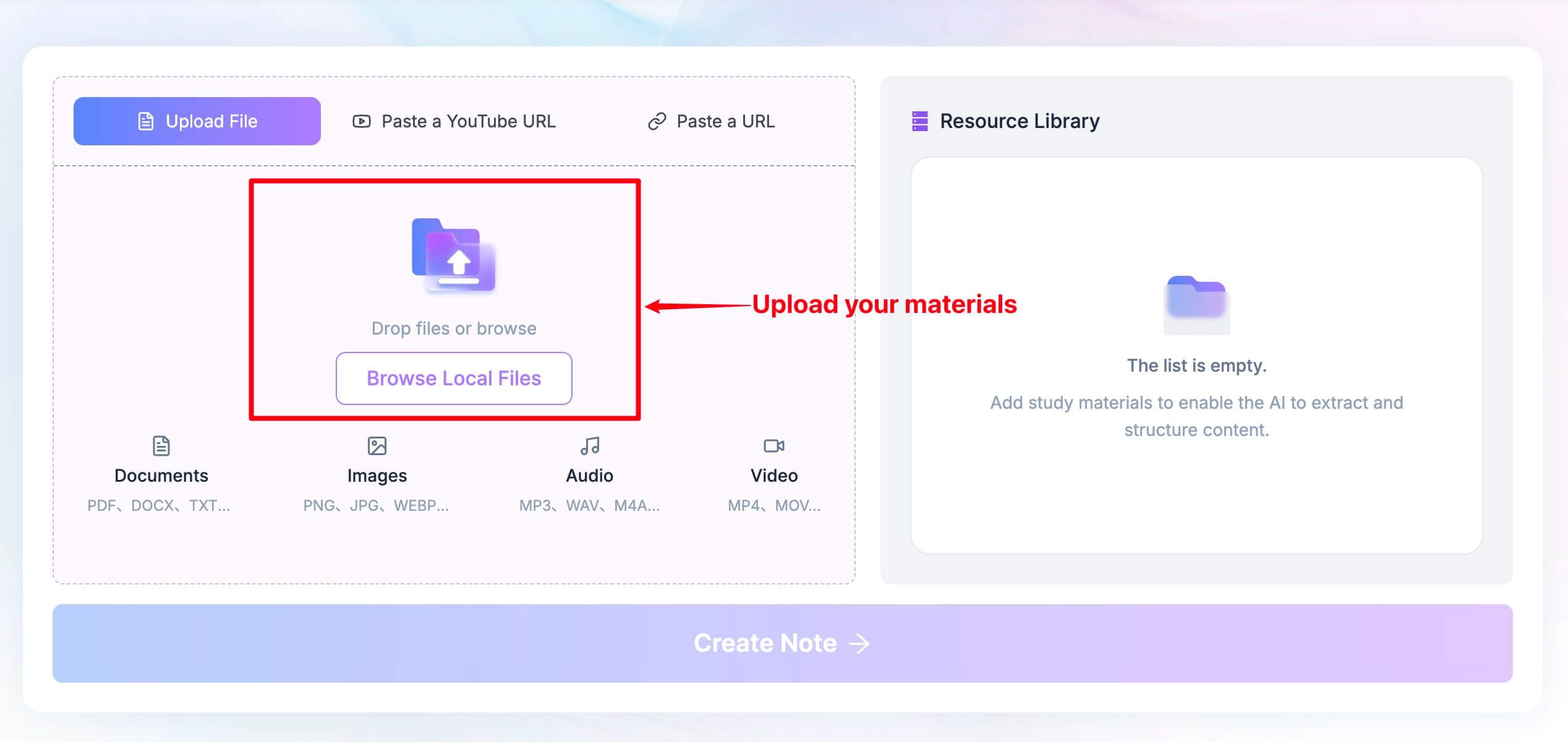
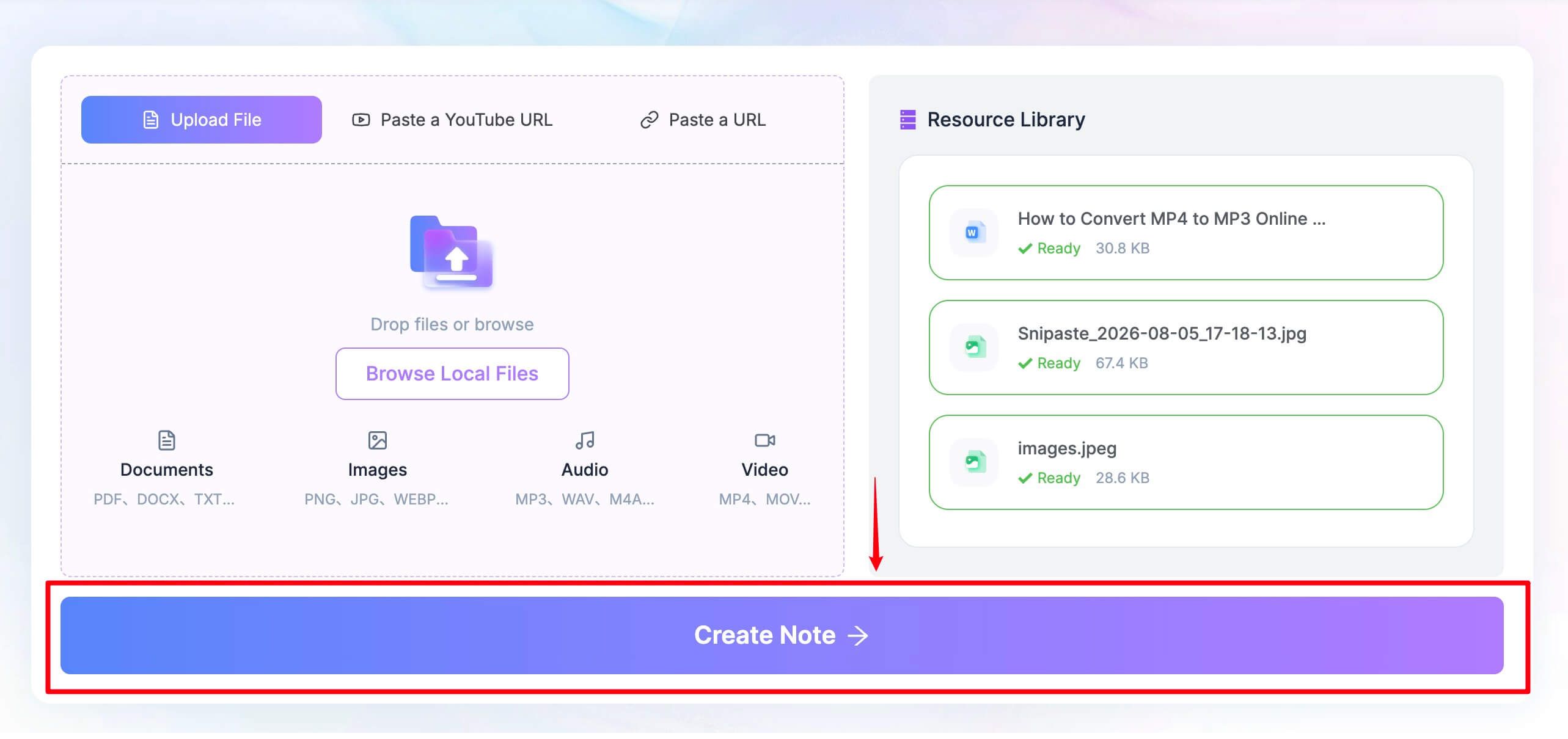
Upload a readable research-paper PDF through the Upload File tab.
-
Wait until the paper appears as ready in the Resource Library, then click Create Note.
-
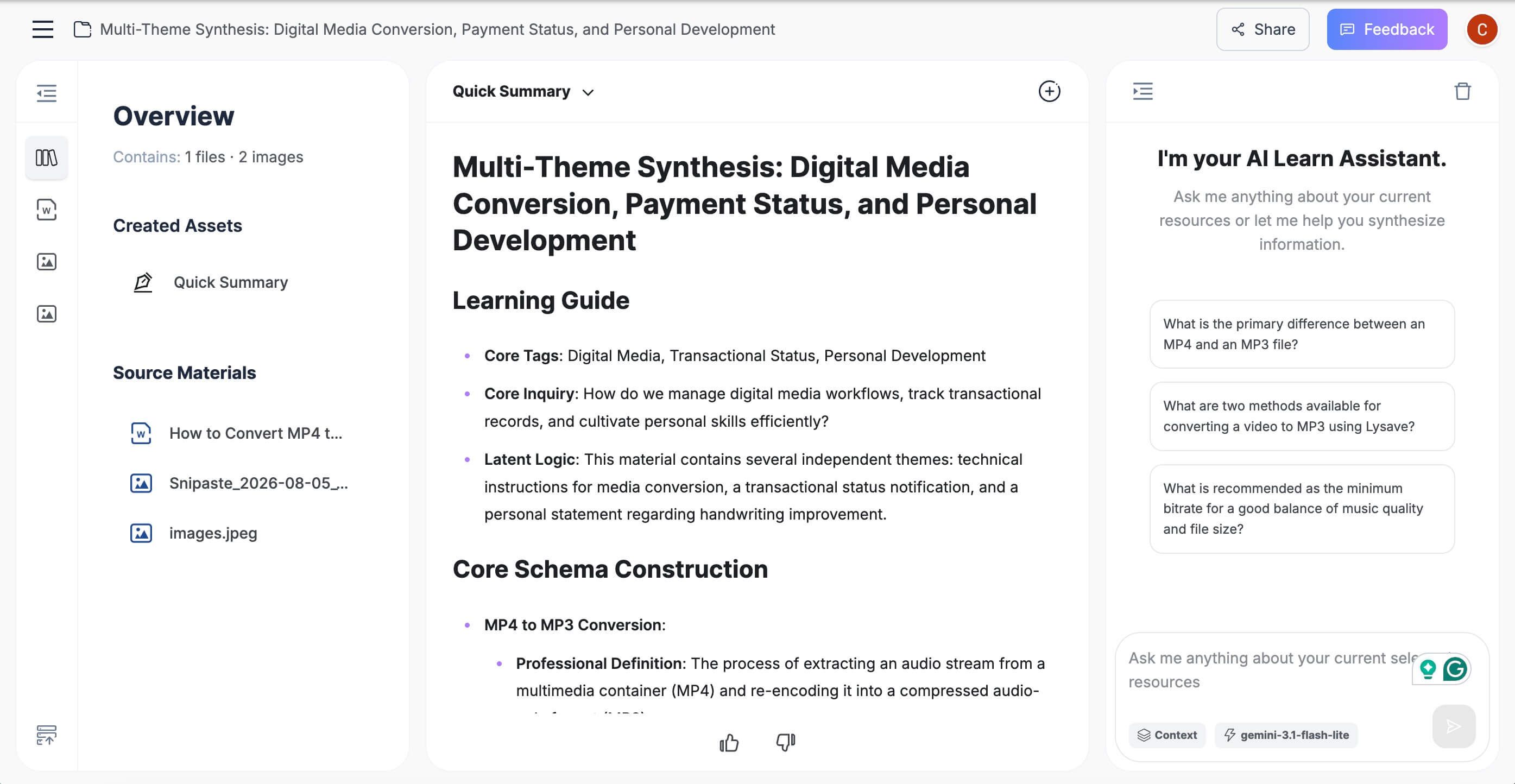
Review the structured summary and ask questions about the method, findings, limitations, or unfamiliar terms.
-
Verify statistics, citations, tables, figures, and conclusions in the original paper before reusing them.
Key features
- Paper-focused summaries with an academic reading structure
- Generated notes and source-focused questions in one workspace
- Reusable output for class preparation, research screening, and review notes
- A source-first workflow that encourages checking the original paper
Pros
- Produces more reusable output than a one-paragraph summary
- Keeps the note and follow-up discussion together
- Matches the needs of students and researchers reading dense papers
Cons
- Important details still need verification against the original paper
Best for: Students and researchers who want each paper to become a structured note rather than a disposable answer.
2. NotebookLM: Best for Multi-Source Study and Synthesis
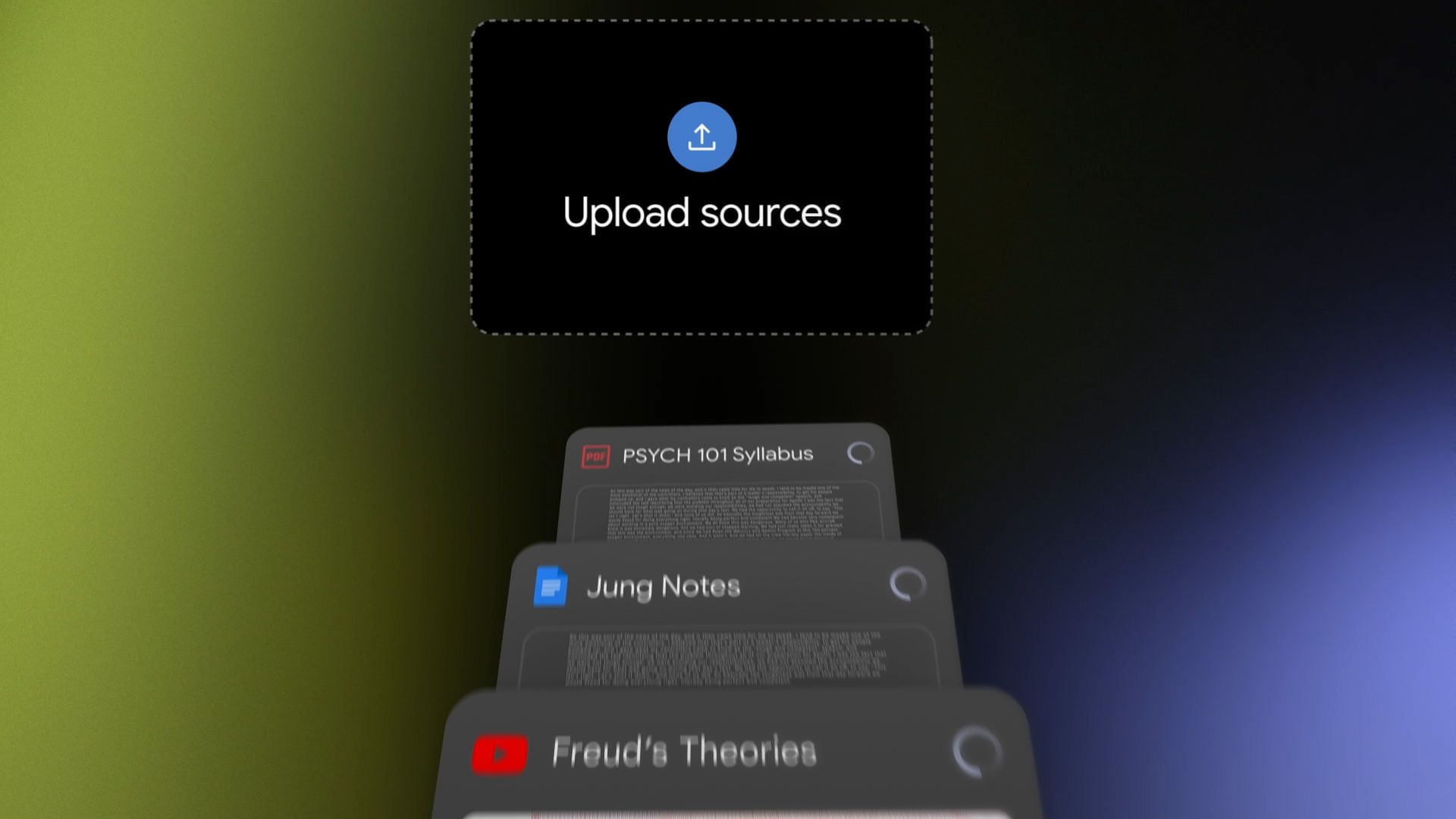
NotebookLM is a better Scholarcy alternative when the project is larger than one article. A standard account currently supports up to 100 notebooks, 50 sources in each notebook, and 50 chat questions per day, giving many students enough capacity to group papers, course documents, webpages, and other sources by topic.
Its main advantage is grounding. Answers point back to selected sources, while the Studio area can turn the same material into reports, flashcards, quizzes, mind maps, and other study artifacts within separate usage limits.
Free access: Standard access is free with a Google account. Current limits include 100 notebooks, 50 sources per notebook, 50 chats per day, and source-size limits; paid Google plans increase several allowances.
Key features
- Source-grounded questions with inline citations
- PDF, Office document, webpage, YouTube, audio, image, and pasted-text inputs
- Reports, flashcards, quizzes, mind maps, and overview formats
- Selected-source controls for focused comparison
Pros
- Strong free capacity for multi-source projects
- Citations make it easier to return to supporting passages
- Useful study outputs extend beyond summarization
Cons
- A Google account is required
- Daily chat and artifact-generation limits still apply
- Its flexible notebook output is less standardized than Scholarcy's automatic flashcard structure
Best for: A thesis topic, course module, or research question supported by several sources.
3. Elicit: Best for Finding Papers and Comparing Evidence
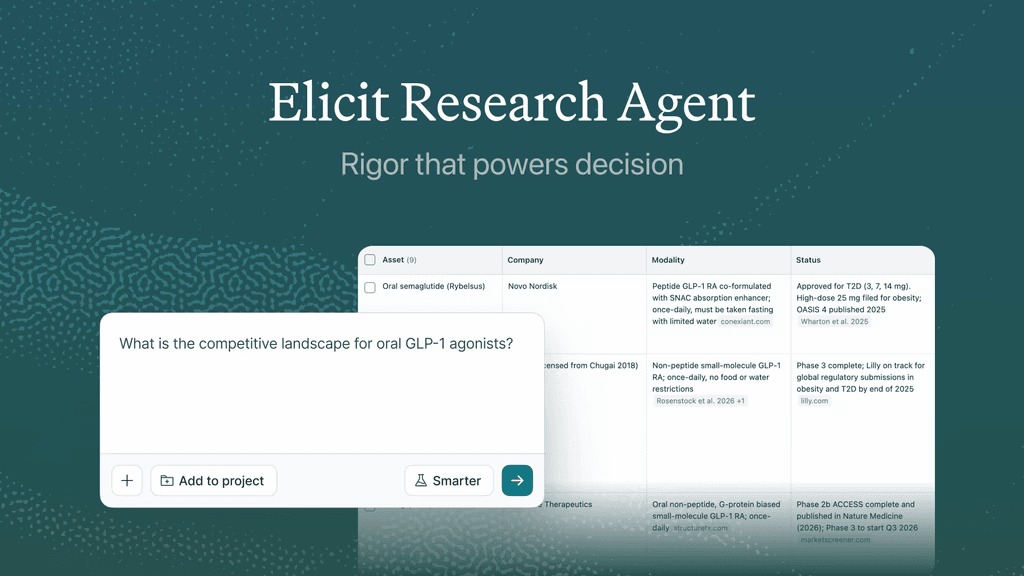
Elicit is the strongest replacement when the feature you value is closer to Scholarcy's literature matrix than its single-paper summary. It starts with a research question, finds relevant scholarly work, summarizes results, exposes sources, and helps organize evidence into tables.
The free Basic plan is unusually useful for early research: it currently includes unlimited search over a large paper index, unlimited summaries, full-text paper chat, source visibility, and Zotero import. Advanced Research Agent, reports, extraction, and systematic-review workflows have tighter plan-based allowances.
Free access: Basic is free for casual exploration, with broad search and summary access but limited use of advanced research workflows.
Key features
- Scholarly search driven by research questions
- Paper summaries and chat with accessible full text
- Sources shown for generated answers
- Evidence tables and more advanced review workflows on higher tiers
Pros
- Connects discovery, screening, and comparison
- Better than a PDF chatbot for evidence-oriented questions
- Free search and summary access can support early literature review work
Cons
- Advanced reports and systematic-review use are capped
- It is less focused on making a polished study note from one assigned paper
- Full text may not be available for every result
Best for: Literature reviews, evidence maps, and questions that require finding papers before summarizing them.
4. SciSpace: Best for an Academic Research Workspace
SciSpace combines several tasks that Scholarcy users may otherwise handle in separate tools. Its environment includes Chat with PDF, passage explanations, literature review, citation utilities, notebooks, and academic writing support.
The breadth is valuable, but it also makes pricing harder to read at a glance. Free users currently receive a monthly allowance for Agent work, while several non-Agent tools remain available after those credits are exhausted; complex multi-step requests can consume credits faster than simple questions.
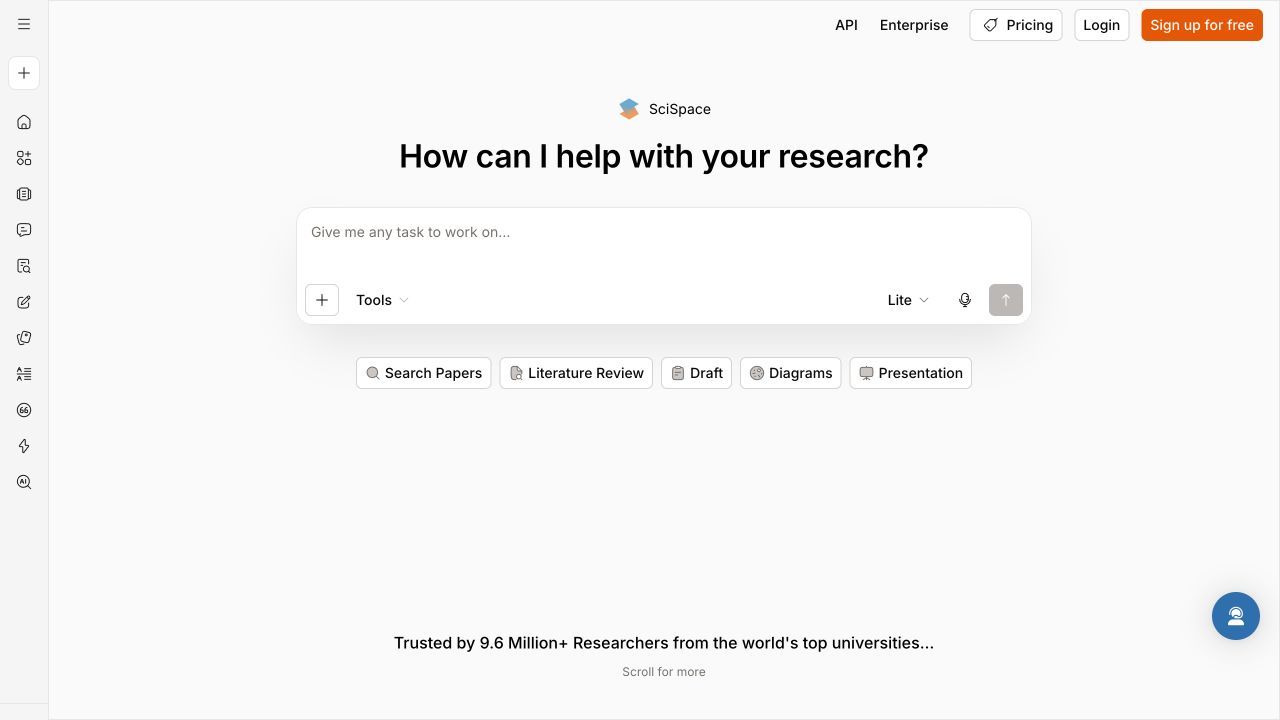
Free access: A limited free plan is available. The current Agent allowance uses credits, and advanced or high-volume tasks require a paid tier.
Key features
- Chat with PDF and academic passage explanations
- Literature search and review tools
- Citation, notebook, and writing utilities
- An Agent for multi-step research tasks
Pros
- Provides academic context around the paper being read
- Connects reading with literature discovery
- Broader than a standalone article summarizer
Cons
- Credits make free capacity less predictable than a simple file quota
- The large feature set can feel heavy for one quick summary
- Some advanced workflows sit behind paid plans
Best for: Researchers who want reading, discovery, and academic support in one environment.
5. Explainpaper: Best for Difficult Passages and Formulas
Explainpaper takes a different approach: instead of automatically compressing the whole article, it helps you understand the exact sentence, concept, formula, or figure blocking your progress. Highlight a passage, request an explanation, and continue with follow-up questions while remaining close to the original text.
This is often more useful than a broad summary when the abstract is clear but the methods section is not. However, the free plan should not be described as a complete Scholarcy replacement because full-paper summaries and more advanced math or figure explanations are paid features.
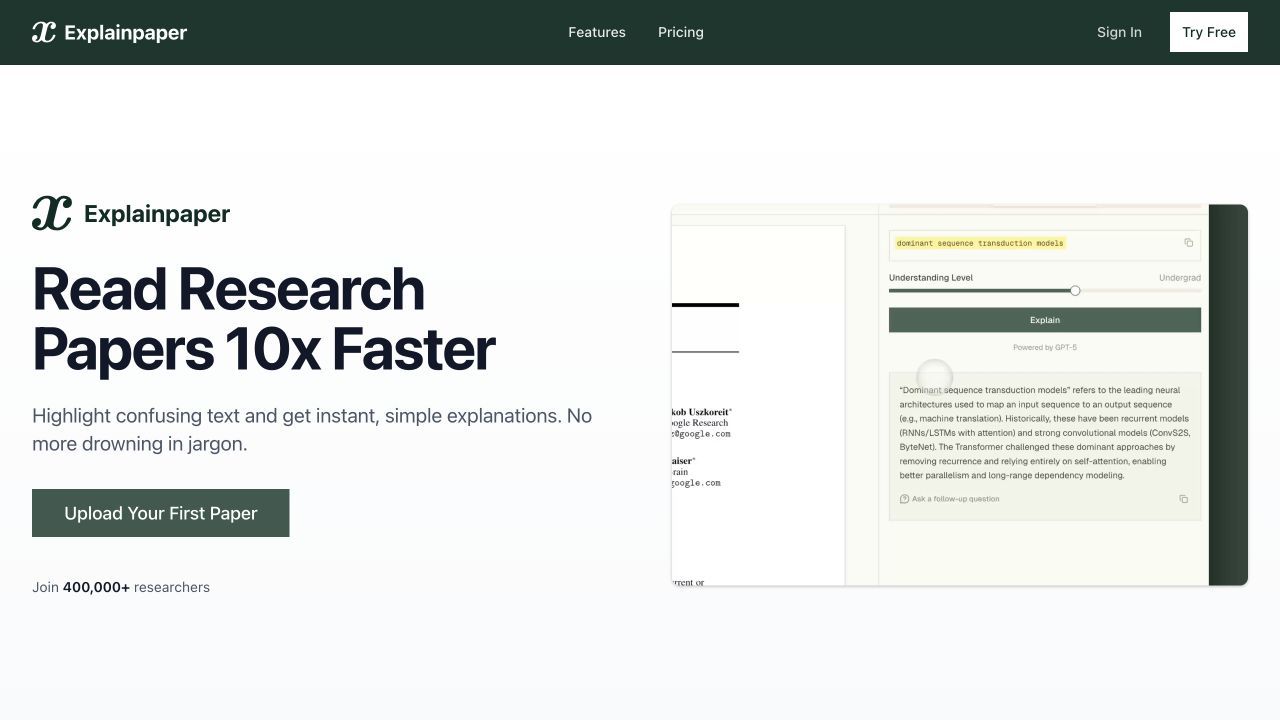
Free access: The free plan currently includes unlimited highlight explanations, follow-up questions, Zotero import, and basic AI models. Full-paper summaries and advanced models require Pro.
Key features
- Highlight-to-explain reading workflow
- Follow-up questions about selected material
- Zotero library import
- Advanced math and figure explanations on the paid plan
Pros
- Helps readers resolve the exact point of confusion
- Keeps attention on the source instead of replacing it
- The free plan has a clear, useful purpose
Cons
- Free users do not receive whole-paper summaries
- It is not designed for synthesis across many papers
- Saved research organization is less central than in Scholarcy
Best for: Readers who need explanation more than compression.
6. ChatPDF: Best for Quick Questions About a Paper
ChatPDF is the low-friction choice in this list. Upload a document, ask a direct question, and use the referenced passages to check where the answer came from without first building a research library.
That simplicity works well for occasional use, but it is also the boundary. The current free plan allows analysis of two documents per day, which is enough for an assignment or quick check but restrictive for a large reading list.
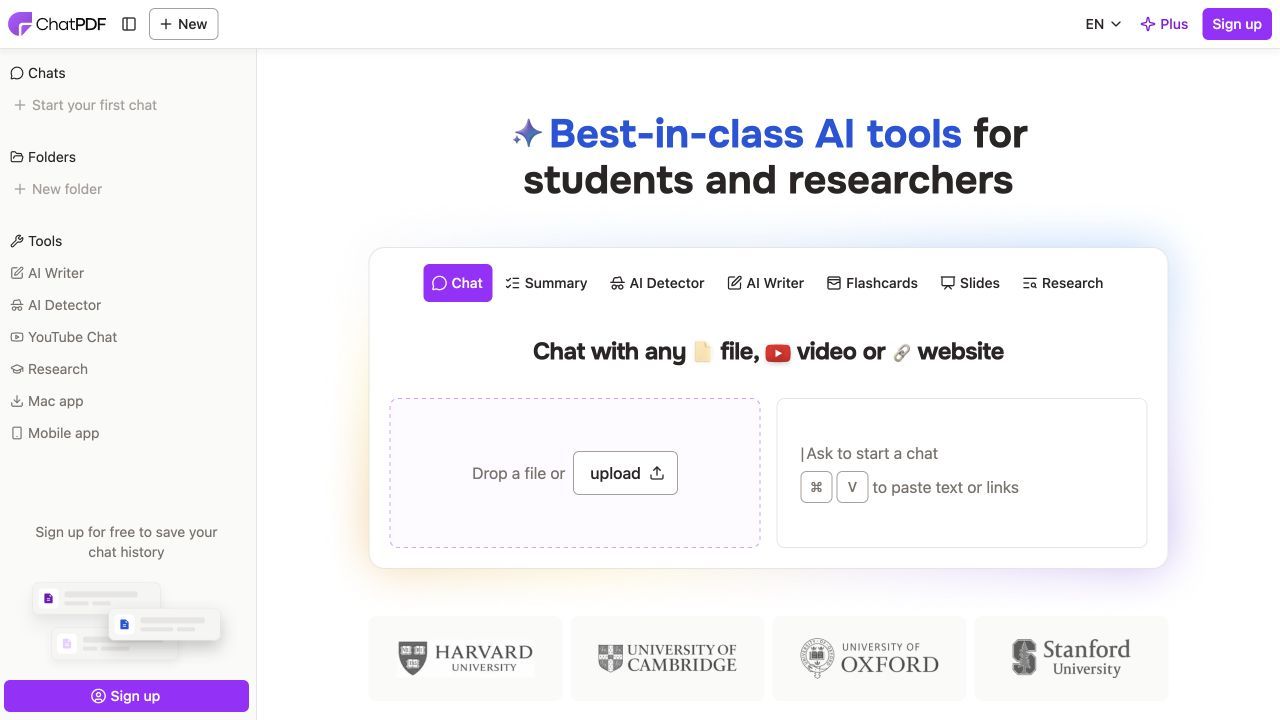
Free access: The official site currently states that free users can analyze two documents each day. Paid access raises document, page, and question limits.
Key features
- Fast document upload and question workflow
- Answers connected to source references
- Suggested questions for getting started
- Minimal account and workspace setup
Pros
- Quick path from paper to answer
- Source references support manual verification
- Suitable for occasional single-document tasks
Cons
- The daily free document allowance is small
- It lacks Scholarcy's structured flashcard library
- Long-running multi-paper projects fit notebook tools better
Best for: Someone who needs answers from one or two papers today, not a permanent research system.
7. Semantic Scholar: Best Free Option for Paper Discovery
Semantic Scholar belongs on this list even though it is not an upload-and-summarize tool. It is a free scholarly search engine that surfaces metadata, references, citations, related papers, influential citations, and short AI-generated TLDRs for eligible records.
Its role comes before Scholarcy in the research sequence: discover relevant work and decide what deserves deeper reading. It cannot create a full summary from every personal PDF, so pair it with a paper reader when you need detailed analysis of a document you already have.
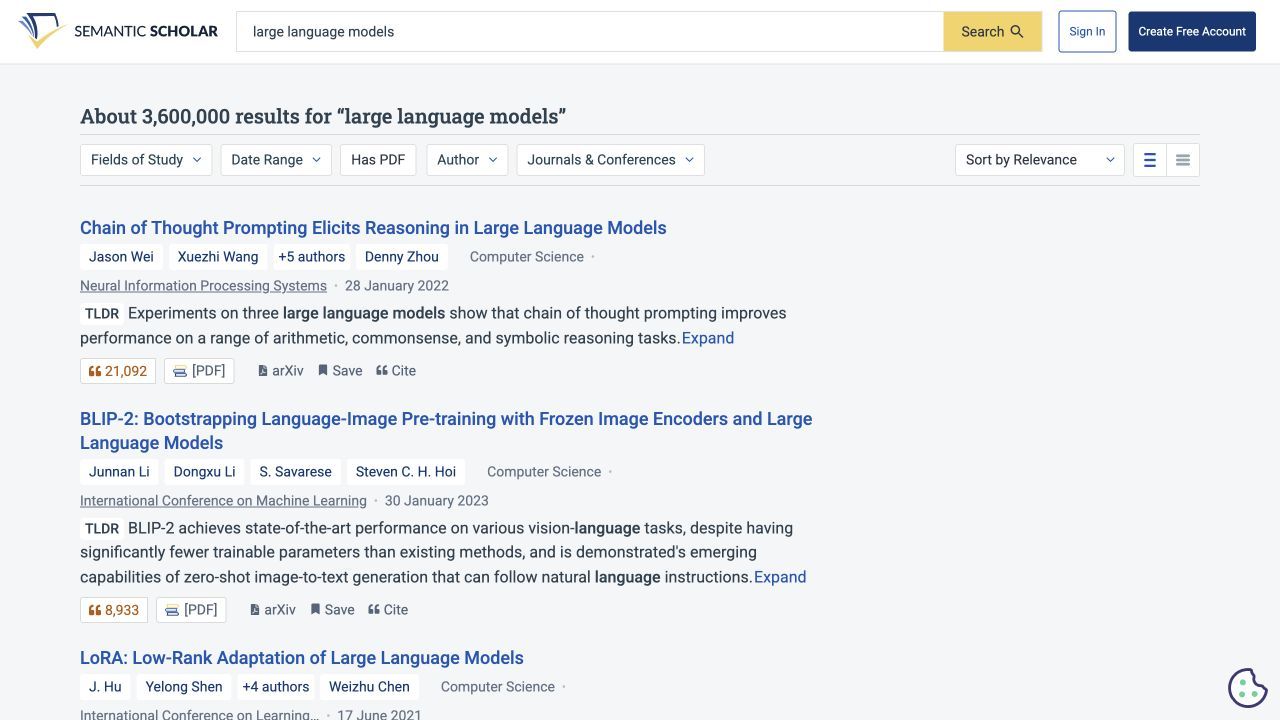
Free access: Scholarly search and paper discovery are free. TLDR availability varies by paper and should not be expected on every result.
Key features
- Scholarly paper and author search
- Citation, reference, and related-paper exploration
- AI-generated TLDRs where available
- Filters and topic signals for relevance screening
Pros
- No subscription is required for core discovery
- Helps reduce the reading list before detailed analysis
- Citation connections provide useful research context
Cons
- It is not a personal PDF summarizer
- TLDR coverage is not universal
- It does not replace Scholarcy's saved flashcard and export workflow
Best for: Finding and screening papers before sending selected items to a dedicated reading tool.
8. SciSummary: Best Trial for Science Papers and Figures
SciSummary is built specifically for scientific articles, with summary generation, paper chat, article search, and figure analysis. That narrower focus can be useful for readers whose papers depend heavily on charts, experimental results, and discipline-specific structure.
It appears in this free-alternative list with an important qualification: its current free access is a seven-day trial, not a permanent free tier. The trial currently includes a defined summary-word allowance, a small number of AI-analyzed figures, and a chat-message allowance, making it suitable for evaluation rather than an ongoing no-cost workflow.
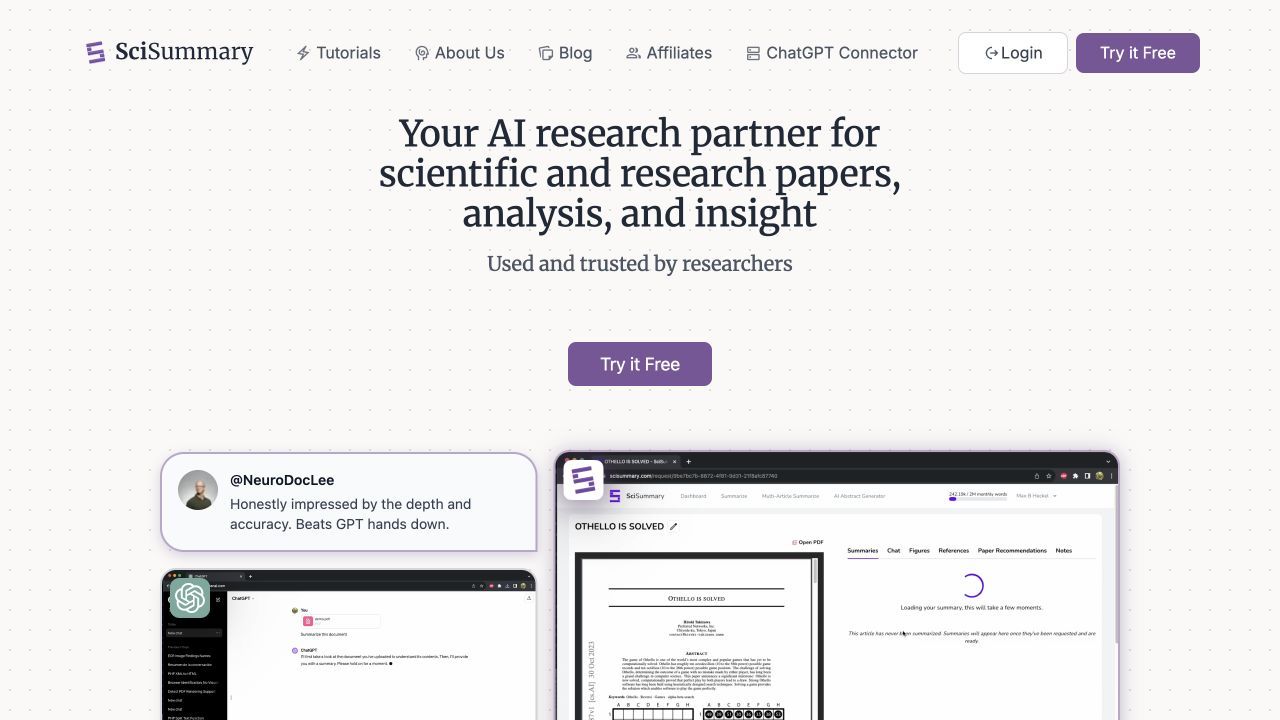
Free access: Seven-day trial with current usage allowances. Continuing unlimited use requires a paid subscription.
Key features
- Science-focused article summaries
- AI-assisted figure analysis
- Questions about uploaded papers
- Article search and indexed-document workflows
Pros
- Academic-science focus is more specific than a generic summarizer
- Figure support helps with data-heavy papers
- The trial is sufficient for a focused comparison with Scholarcy
Cons
- It is not free forever
- The trial allowance is not suited to an entire semester or literature review
- Readers still need to verify numerical and visual interpretations in the paper
Best for: Science readers who want to compare a specialized summarizer before choosing a paid tool.
What Scholarcy Does Better Than Most Free Tools
Scholarcy remains distinctive because it automatically turns papers into a consistent flashcard-style format. Its paid environment also combines saved summaries, notes, highlights, collections, bulk flashcard export, literature matrices, and one-click bibliographies in a workflow designed around academic articles.
That consistency matters. A flexible chatbot may produce a better answer to one question, but Scholarcy can be easier when you want every paper processed into the same repeatable structure without writing prompts.
Scholarcy's official pricing page currently describes free access in two ways. The free pricing card lists a limit of 10 summaries and one-at-a-time flashcard export, while the FAQ says the free Article Summarizer can generate up to one summary per day; because these may refer to different entry points, check the live product rather than treating them as one universal quota.
Paying for Scholarcy may still make sense when your priority is a stable per-paper summary template and an organized flashcard library. Switching is more compelling when you need multi-source chat, scholarly discovery, detailed evidence tables, broader study artifacts, or passage-level explanations.
Which Scholarcy Feature Are You Actually Replacing?
This capability map is more useful than declaring one overall winner. Start with the feature you use most, then accept that a second tool may handle discovery, citation management, or final verification.
| Scholarcy capability | Best replacement | Why | Free-access caveat |
|---|---|---|---|
| Structured single-paper notes | Lynote | Separates question, method, findings, and limitations in reusable notes | Check current live usage before high-volume work |
| Saved multi-source study workspace | NotebookLM | Combines many sources with citations and study artifacts | Daily chats and generations are capped |
| Literature matrix and evidence discovery | Elicit | Finds papers and organizes evidence around a research question | Advanced workflows have plan limits |
| Academic explanation and research tools | SciSpace | Combines paper chat, literature review, citations, and writing support | Agent work consumes credits |
| Difficult-passage explanation | Explainpaper | Explains selected text without pulling the reader away from the source | Full-paper summaries are paid |
| Quick cited paper questions | ChatPDF | Fast document chat with source references | Two free document analyses per day |
| Paper discovery and relevance screening | Semantic Scholar | Free search, citation context, and selected TLDRs | Not a personal PDF summarizer |
| Science-specific summaries and figures | SciSummary | Tailored summary and figure-analysis workflow | Free access is a trial |
One product may therefore replace only 60 percent of your Scholarcy workflow and still be the better choice. A student reading assigned PDFs may value notes, while a researcher building a review may care far more about discovery, extraction columns, and source traceability.
Free Forever, Freemium, or Trial: What the Labels Hide
"Free" describes at least four different arrangements in this market. Semantic Scholar offers free core discovery, Explainpaper provides a free but feature-limited reader, ChatPDF uses a daily document cap, and SciSummary offers a time-limited trial.
The headline price does not reveal the practical bottleneck. A tool may allow many sources but restrict daily questions, offer unlimited chats but reserve better models for payment, or provide summaries while limiting export and saved organization.
Estimate your real workload before moving. Count papers per month, note whether you need multi-paper comparison, decide whether page-level source links are essential, and identify the output you actually keep: a short answer, structured note, evidence table, flashcards, or bibliography.
Also consider switching costs. If years of Scholarcy flashcards are already organized into collections, a free tool with better chat may still cost more in time than a subscription saves.
Run This One-Paper Test Before You Migrate
Use one public, non-sensitive paper to compare shortlisted tools. Pick a paper containing an abstract, clear methods, numerical results, stated limitations, at least one table or figure, and a reference list so the test covers more than basic summarization.
Ask each tool the same questions:
- What research question does this paper investigate?
- What sample, data, and method does it use?
- What is the main finding, including the exact reported number?
- What limitation do the authors state?
- Which page or passage supports each answer?
- Ask one question that the paper does not answer and see whether the tool admits the evidence is missing.
Score the results on structure, traceability, omissions, setup time, and reusability. A fluent answer with no reliable path back to the source should score lower than a less polished answer you can verify.
Do not use unpublished research, student records, confidential reports, or sensitive data for this comparison until you have reviewed the provider's retention and privacy terms. Even after selecting a tool, treat generated notes as navigation aids and return to the original paper before citing a claim.
FAQs About Scholarcy Alternatives
What is the best free Scholarcy alternative?
Lynote is a strong choice for turning individual papers into structured notes, while NotebookLM is better for combining several sources in one study project. Elicit is the better fit when you need to discover papers and compare evidence rather than only summarize an uploaded PDF.
Is Scholarcy free to use?
Scholarcy provides free summarizer access, but its official pricing page currently describes limits differently across the free pricing card and FAQ. Check the live tool for the exact allowance that applies to the entry point you plan to use.
Which Scholarcy alternative is best for research papers?
For structured notes from a paper you already have, Lynote is the most direct fit in this comparison. For understanding a difficult passage, choose Explainpaper; for literature discovery and evidence tables, choose Elicit.
Is NotebookLM better than Scholarcy?
NotebookLM is generally stronger for multi-source chat, citations, and varied study artifacts. Scholarcy can be better when you prefer automatic, consistent flashcard summaries and a dedicated academic-summary library.
Which tool is best for comparing several research papers?
Elicit is well suited to evidence-oriented comparison and research tables, while NotebookLM works well for conversational synthesis across a selected group of sources. Formal systematic reviews still require a documented screening and extraction process beyond either tool's generated summary.
Can AI paper summaries be trusted for citations?
No AI summary should be cited as a substitute for the original paper. Verify the claim, number, quotation, page, table, figure, and methodology in the source before using it in academic or professional work.
Final Verdict
The best Scholarcy alternative is the one that replaces the feature you actually use. Lynote is the most practical choice here for structured paper notes, NotebookLM leads for multi-source study, Elicit is stronger for evidence discovery, and Explainpaper is better when a dense passage is the real obstacle.
Keep Scholarcy if its consistent flashcard summaries and organized research library already match your process. Otherwise, run the one-paper test, compare source traceability and reusable output, and choose the free-access model that can support your real monthly workload.

Written by Danny
Product Marketing Manager
Danny explains how Lynote features fit real workflows, from everyday productivity to product-led writing use cases. View all articles →