10 Best Meeting Transcription Apps and Software in 2026

The best meeting transcription app depends on how you need to capture the conversation. Lynote is the best choice when you already have a meeting recording and want to turn it into an editable, searchable transcript without inviting a bot. Fathom is the strongest free option for automatic live meetings, Granola is the best bot-free AI notepad, and Otter is the easiest choice for real-time text and mobile recording.
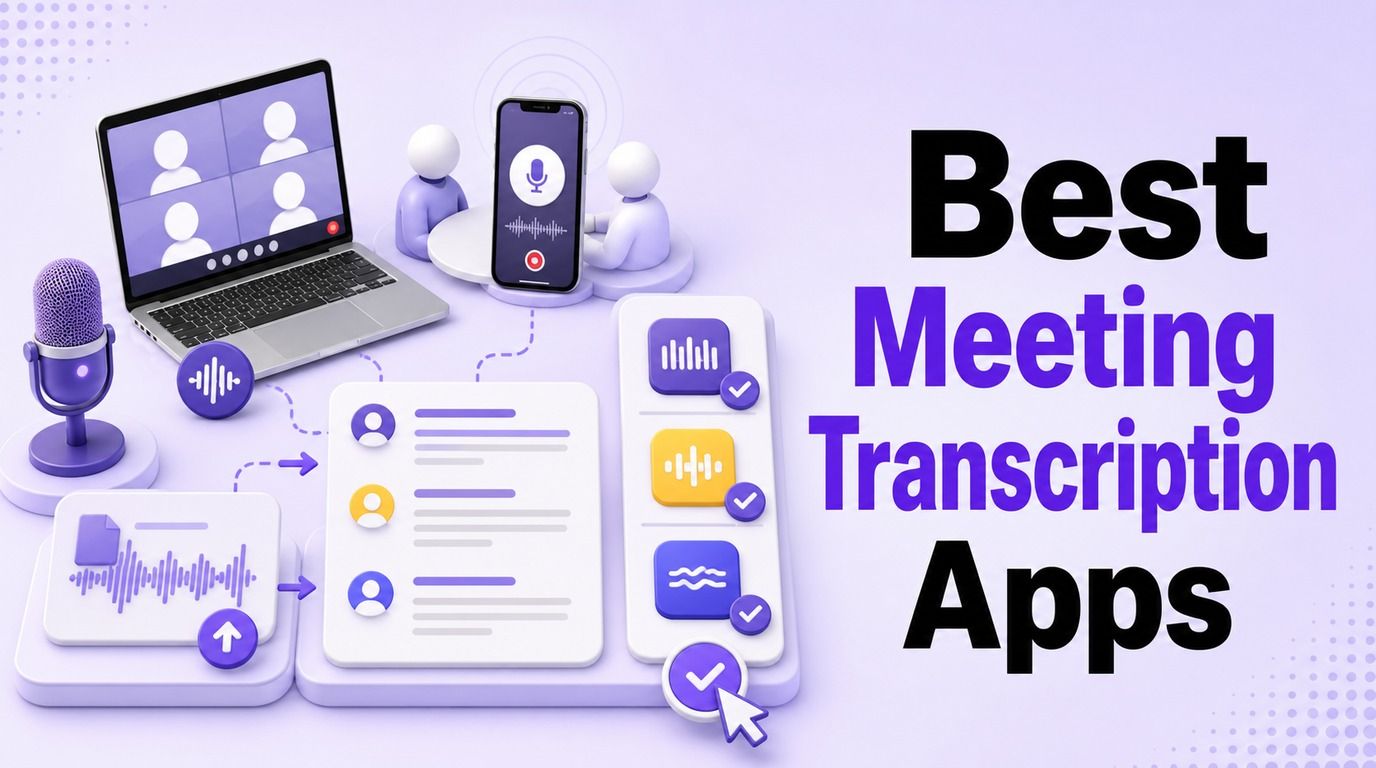
That distinction matters because meeting transcription software no longer describes one kind of product. Some tools join Zoom, Google Meet, or Microsoft Teams as a visible participant, some listen through a desktop app, some record in person from a phone, and others process an audio or video file after the meeting.
Quick Answer: The Best Meeting Transcription App by Use Case
If you want a fast shortlist, start with your capture method and the output you need after the call.
| Use case | Best pick | Capture type | Free-plan reality | Why it stands out |
|---|---|---|---|---|
| Recorded meetings and flexible follow-up | Lynote | Upload-first web app | Basic use available without sign-up | Transcribe, edit, export, translate, and question an existing recording |
| Free automatic live transcription | Fathom | Meeting assistant | Recurring free plan | Unlimited recordings, storage, and transcription for individuals |
| Bot-free AI meeting notes | Granola | Desktop and mobile capture | Free plan with limited history | Enhances your own notes without adding a meeting participant |
| Real-time and mobile transcription | Otter | Meeting assistant and mobile app | 300 minutes monthly | Strong live transcript and mature phone apps |
| Integrations and team follow-through | Fireflies.ai | Bot, extension, and mobile | Credits plus storage limits | Turns transcripts into tasks, searchable knowledge, and app workflows |
| Multilingual and cross-device use | Notta | Bot, web, desktop, mobile, extension | Monthly and per-conversation caps | Broad device coverage and 58 transcription languages |
| Video highlights and research clips | tl;dv | Meeting recorder | Generous free core recording | Connects the transcript to exact video moments |
| Editing the recording from the transcript | Descript | Desktop/web editing software | Limited free processing | Edit audio or video by changing the text |
There is no honest universal winner. A tool can be excellent at automatically joining sales calls and still be the wrong choice for a confidential client meeting, an in-person interview, or a recording that already exists.
First Choose How You Want the Meeting Captured
The capture method affects permissions, participant experience, platform support, and cost before transcript quality enters the conversation. Choosing this first removes most of the wrong products from your shortlist.
| Capture method | Does a bot join? | Cross-platform potential | Best for | Main limitation |
|---|---|---|---|---|
| Meeting assistant | Usually | High across supported platforms | Automatic scheduled calls | A visible participant may be unwelcome or blocked |
| Bot-free desktop capture | No | High on supported computers | Client calls and mixed meeting platforms | Requires an installed app and audio permissions |
| Mobile recording | No | Works in person | Interviews, lectures, and room meetings | Microphone placement affects speaker quality |
| Upload-first transcription | No | Independent of the original platform | Existing audio or video recordings | No automatic live attendance |
| Platform-native transcription | No external bot | Usually limited to that suite | Standardized Zoom, Teams, or Meet organizations | Licensing and organizer settings control availability |
Meeting Bots and Calendar Assistants
Fathom, Fireflies, Otter, tl;dv, and MeetGeek can connect to a calendar and capture scheduled online meetings. This is convenient because the user does not need to remember to start a separate recorder, and the transcript can arrive with a summary soon after the call.
The tradeoff is visibility. A recorder may appear in the participant list, some hosts reject external bots, and organizations may block them through administrative policy.
Bot-Free Desktop Capture
Granola and Krisp can capture audio through the user's computer rather than joining the meeting as a virtual attendee. This works across more meeting platforms and feels less intrusive in calls where an external bot would be distracting.
Bot-free does not mean consent-free or necessarily local-only. The app may still process audio or transcript data in the cloud, so users must review the recording notice, data flow, and retention policy.
Mobile and In-Person Recording
Otter and Notta are useful when the conversation happens in a room, over a phone, or away from a laptop. Mobile capture is also helpful for interviews, lectures, workshops, and informal discussions that never receive a video-conference link.
Results depend heavily on where the phone is placed. One device at the end of a long table will struggle more with distant speakers and interruptions than a well-positioned microphone in a quiet room.
Upload-First Transcription After the Meeting
Lynote and Descript make sense when the recording already exists. This approach avoids adding a bot to the original meeting and lets the user process recordings captured by Zoom, Teams, a phone, a camera, or another recorder.
Upload-first tools also work well for archives. The drawback is that they cannot provide a live transcript unless another system captures and supplies the recording first.
Built-In Zoom, Teams, and Google Meet Transcription
Platform-native transcription can be the simplest answer for organizations already standardized on one suite. It avoids another vendor in the participant list and can follow existing administrator, identity, and retention settings.
However, availability depends on the subscription, organizer settings, region, and meeting policy. Native output may also be harder to move into a cross-platform knowledge base when a team regularly switches among Zoom, Teams, Meet, Webex, and in-person calls.
10 Best Meeting Transcription Apps and Software Compared
The following ranking compares capture method, free access, transcript workflow, post-meeting output, and practical limitations. It does not claim a controlled accuracy winner because vendors publish results under different test conditions and real meetings vary too much for a single percentage to be meaningful.
| Rank | Tool | Best for | Capture type | Bot-free option | Live transcript | Mobile/in-person | Main free-plan catch |
|---|---|---|---|---|---|---|---|
| 1 | Lynote | Existing recordings | File upload | ✅ | ❌ | ◐ Upload mobile recordings | Does not attend live meetings |
| 2 | Fathom | Free automatic calls | Meeting assistant | ◐ Platform-dependent experiences | ◐ | ◐ | Advanced AI limited after five calls monthly |
| 3 | Fireflies.ai | Integrations | Bot, extension, mobile | ✅ | ✅ | ✅ | Credits, storage, and downloads have separate rules |
| 4 | Otter.ai | Live text and mobile | Bot and mobile | ✅ for direct recording | ✅ | ✅ | 300 minutes monthly and 30 minutes per conversation |
| 5 | tl;dv | Video and highlights | Meeting recorder | ◐ Workflow-dependent | ◐ | ❌ | Advanced multi-meeting features are paid |
| 6 | Granola | Bot-free notes | Device audio | ✅ | ◐ | ✅ | Older history is limited on Free |
| 7 | Krisp | Noise plus transcription | Desktop audio | ✅ | ✅ | ◐ | Trial and ongoing allowances vary by plan |
| 8 | Notta | Multilingual use | Bot, app, extension, upload | ✅ | ✅ | ✅ | Short per-conversation limit on Free |
| 9 | MeetGeek | Flexible capture and automation | Bot, desktop, mobile, extension, upload | ✅ | ✅ | ✅ | Three hours monthly and three months of storage |
| 10 | Descript | Transcript-based media editing | File import and recording | ✅ | ❌ | ❌ | Free processing and export limits |
1. Lynote: Best Overall for Transcribing Recorded Meetings
Lynote AI Transcription is the strongest choice in this list when the meeting recording already exists. It accepts common audio and video inputs such as MP3, WAV, M4A, MP4, and MOV, then turns the source into an editable and searchable transcript.
Its advantage is what can happen next in the same workflow. You can review the text, correct rough wording, copy or download it, translate it, share it, or ask questions about the transcript instead of moving the meeting through several disconnected tools.
Lynote is also useful when a bot was never allowed into the meeting. A recording from another platform, phone, camera, or voice recorder can be processed afterward, and multiple source files can enter the batch-oriented workflow.
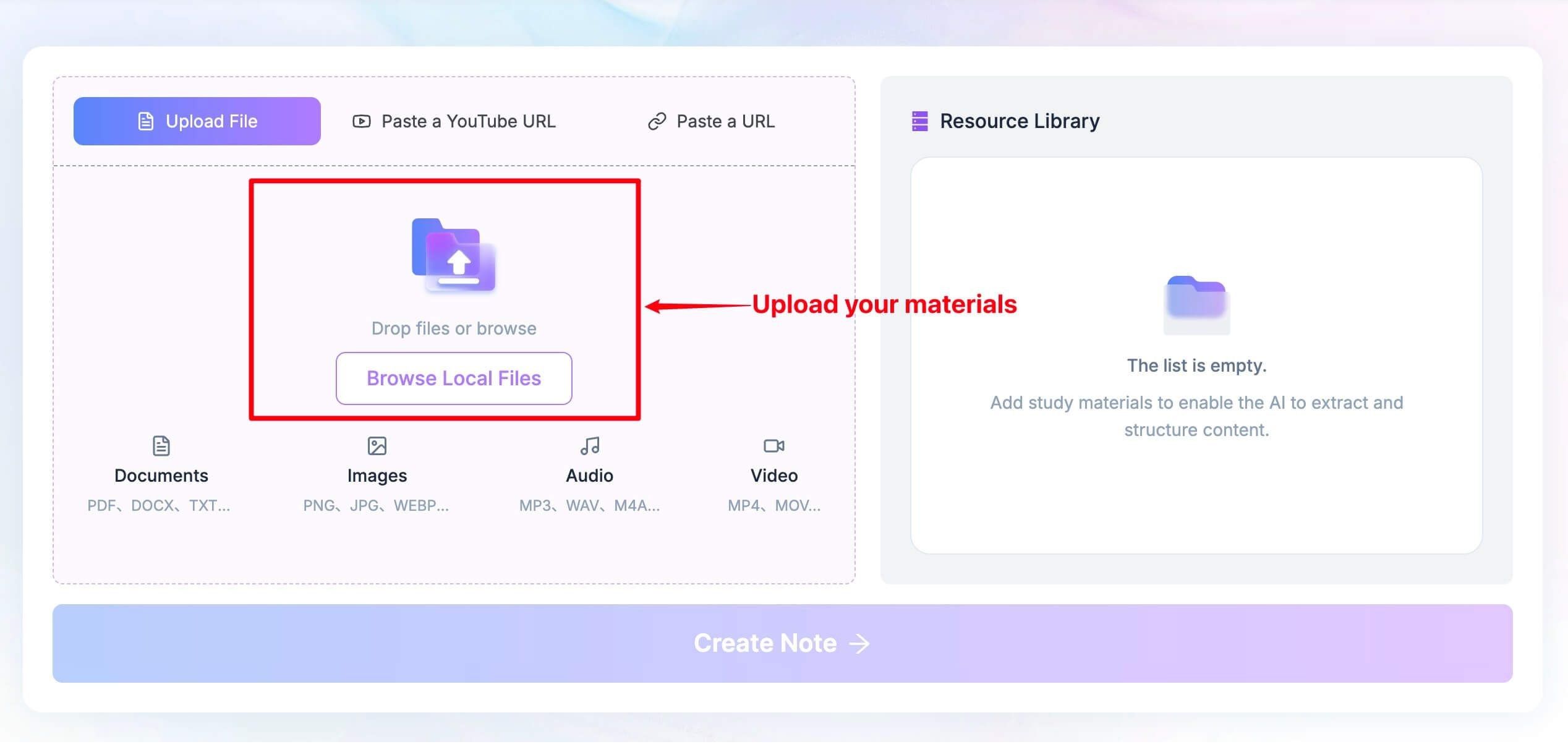
How to transcribe a recorded meeting with Lynote:
- Add the meeting recording. Upload the audio or video file to the workspace. If the meeting is available through a supported web or YouTube URL, paste the link and parse it first.
- Create the transcript. Click Create Note, open the transcription action, and let Lynote produce searchable text with speaker-aware formatting.
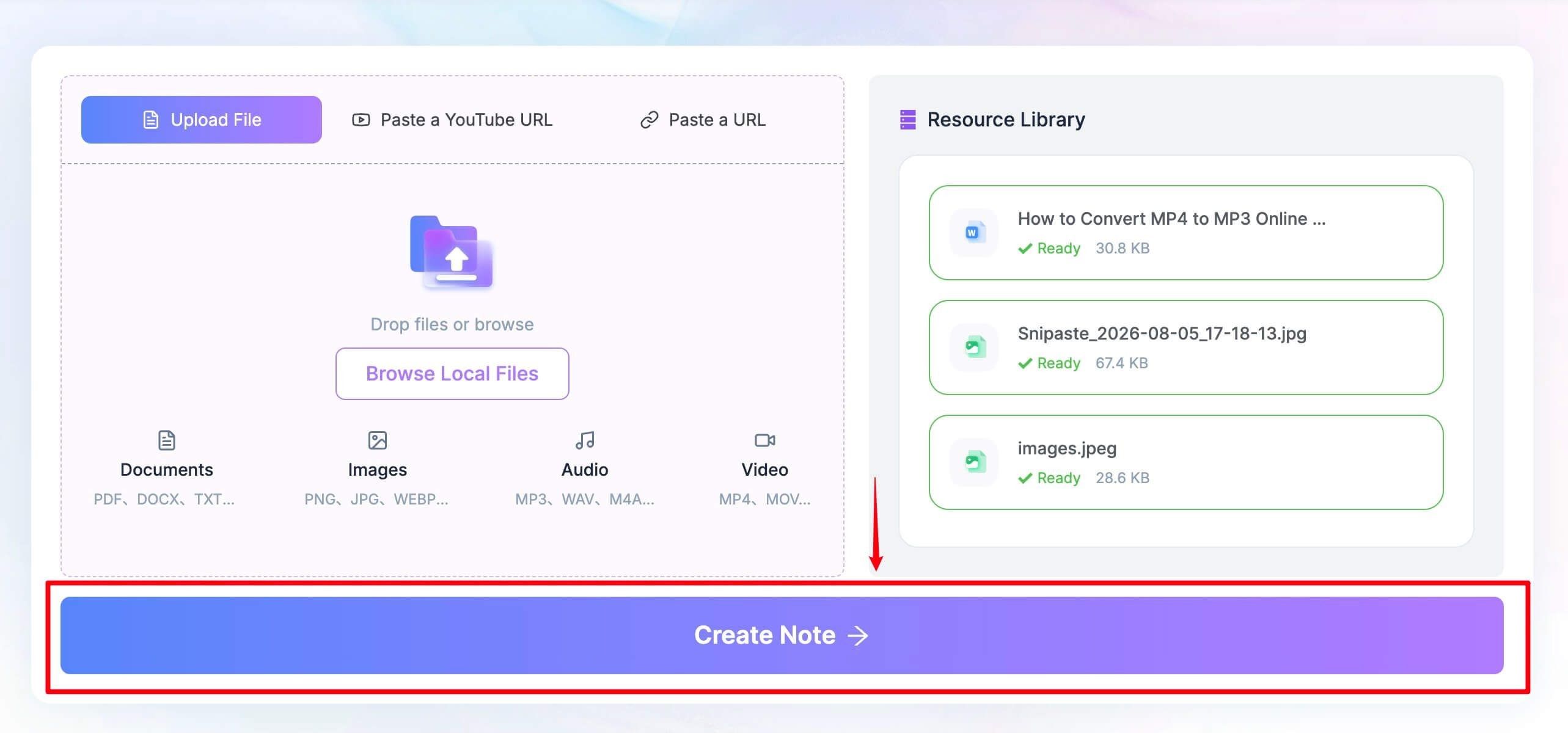
- Review and reuse it. Correct names or terminology, then copy, download, share, translate, or ask questions about the conversation.
Features
- Audio and video file input
- Batch-friendly workflow
- Searchable, editable transcript
- 130+ language workflows
- Export, translation, sharing, and transcript Q&A
Pros
- No meeting bot is required
- Useful for archived and externally recorded calls
- The transcript can continue into other knowledge tasks
Cons
- It does not automatically join Zoom, Google Meet, or Microsoft Teams
- Poor source audio still requires manual cleanup
Best for: Interviews, recorded meetings, lectures, webinars, research calls, and users who want a flexible post-meeting workflow without a live bot.
2. Fathom: Best Free Meeting Transcription App for Live Calls
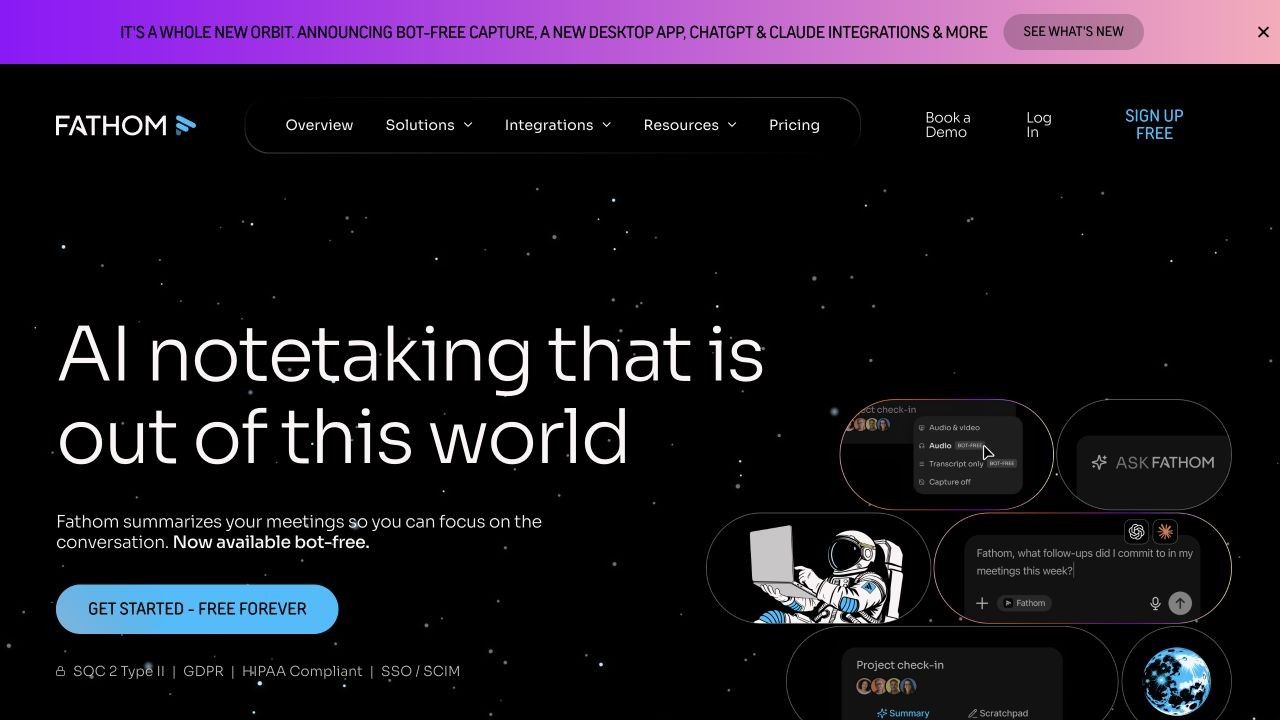
Fathom has one of the clearest free offers for an individual who attends frequent online meetings. Its Free plan includes unlimited recordings, storage, and transcription, with current support for 38 languages.
Free does not mean every AI feature is unlimited. Advanced summaries, action items, follow-up emails, custom summaries, and Ask Fathom are available for the first five calls each month; later calls receive the more general summary experience.
Fathom works with Zoom, Google Meet, and Microsoft Teams and links the transcript to the recording. Clips, playlists, search, sharing, and limited personal CRM connections make it useful beyond a plain text download.
Features
- Unlimited free recordings and transcription
- 38 transcription languages
- AI meeting summaries
- Clips, playlists, and search
- CRM and automation connections
Pros
- Unusually generous recurring free core
- Fast meeting-to-recap workflow
- Good for frequent individual use
Cons
- A recorder or meeting assistant may be visible to participants
- The most useful advanced AI actions are capped on Free
Best for: Individuals who want automatic transcription on frequent Zoom, Meet, or Teams calls and can accept a meeting-assistant workflow.
3. Fireflies.ai: Best for Integrations and Team Follow-Through
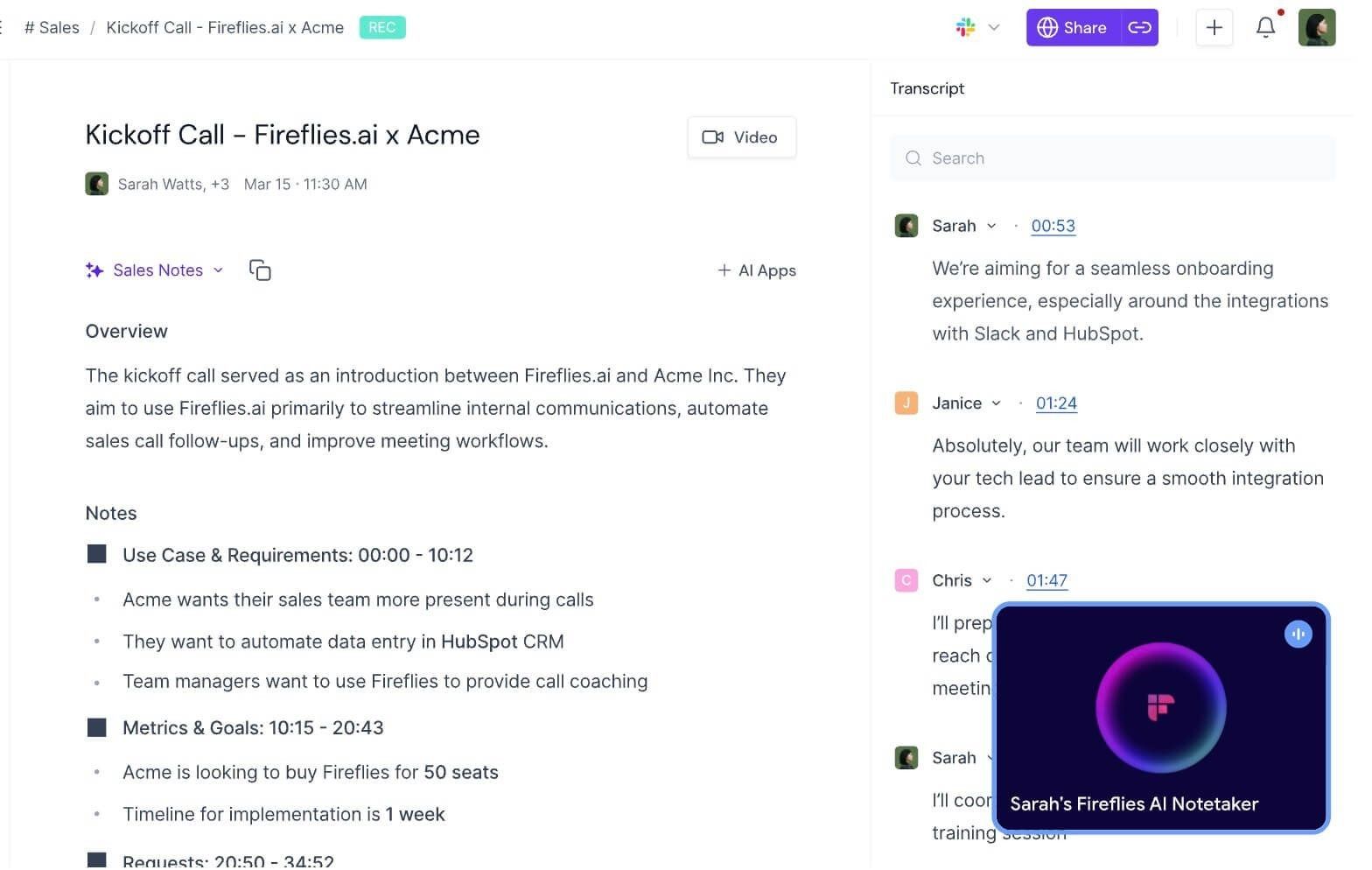
Fireflies is less about producing one transcript and more about turning conversations into shared operational data. Its Notebook organizes meetings, while summaries, action items, comments, bookmarks, soundbites, contacts, and search help teams reuse the content.
The Free plan needs careful reading because it has several currencies. New accounts receive transcription credits, Free includes 20 AI credits per month and 800 minutes of storage per seat, and transcript downloads require a paid plan even though core transcription is available through supported capture methods.
Fireflies can use its calendar-connected bot, Chrome extension, or mobile app, and it supports uploaded MP3, MP4, WAV, and M4A files. Its broad integration catalog is the real reason to choose it: meeting output can move into CRM, project-management, calendar, dialer, and collaboration systems.
Features
- Bot, browser extension, mobile, and file-upload capture
- Transcription across 100+ supported languages
- Structured summaries and action items
- AskFred, soundbites, channels, and search
- More than 50 direct app integrations
Pros
- Strong team knowledge and workflow layer
- Several ways to capture a conversation
- Good collaboration around transcripts
Cons
- Free usage is split among transcription credits, AI credits, and storage
- Downloads and advanced controls require an upgrade
Best for: Sales, recruiting, customer-success, and operations teams that need meeting information to update other systems.
4. Otter.ai: Best for Real-Time Transcription and Mobile Meetings
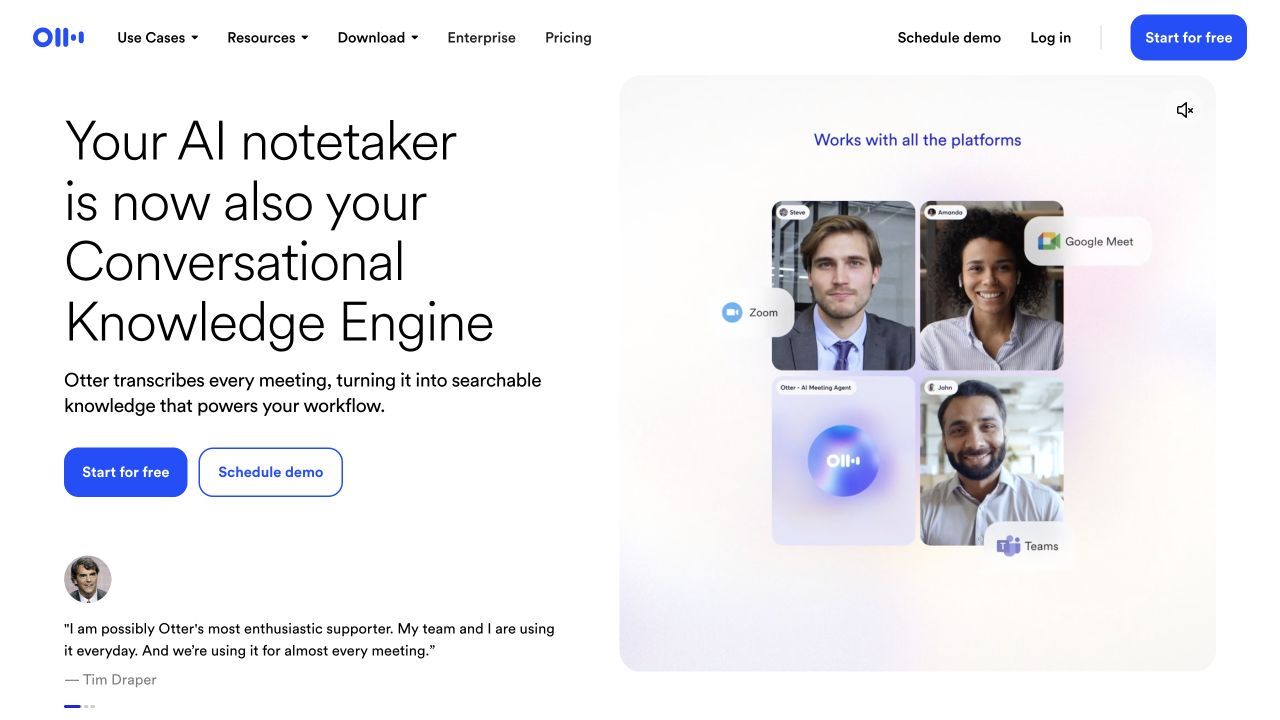
Otter remains one of the easiest tools for following a transcript while people are still speaking. The live conversation view, comments, highlights, speaker labels, summaries, action items, and AI chat make it useful during and after the call.
Its Basic plan currently provides 300 transcription minutes per month, with a 30-minute limit per conversation and three lifetime audio or video imports. That is enough to evaluate the experience but restrictive for hour-long weekly meetings.
Otter can connect a meeting agent to Zoom, Google Meet, and Teams, while its iOS and Android apps make in-person capture practical. Automated slide capture adds context when a presenter shares important visual material.
Features
- Live collaborative transcription
- Web, iOS, and Android access
- Automated summaries and action items
- Otter AI Chat
- Slide capture and meeting-platform integrations
Pros
- Mature real-time reading experience
- Easy mobile and in-person capture
- Familiar collaboration controls
Cons
- Free conversations stop being practical after 30 minutes
- Free file imports are a small lifetime allowance
Best for: People who need live text during meetings, interviews, lectures, or accessibility-focused conversations.
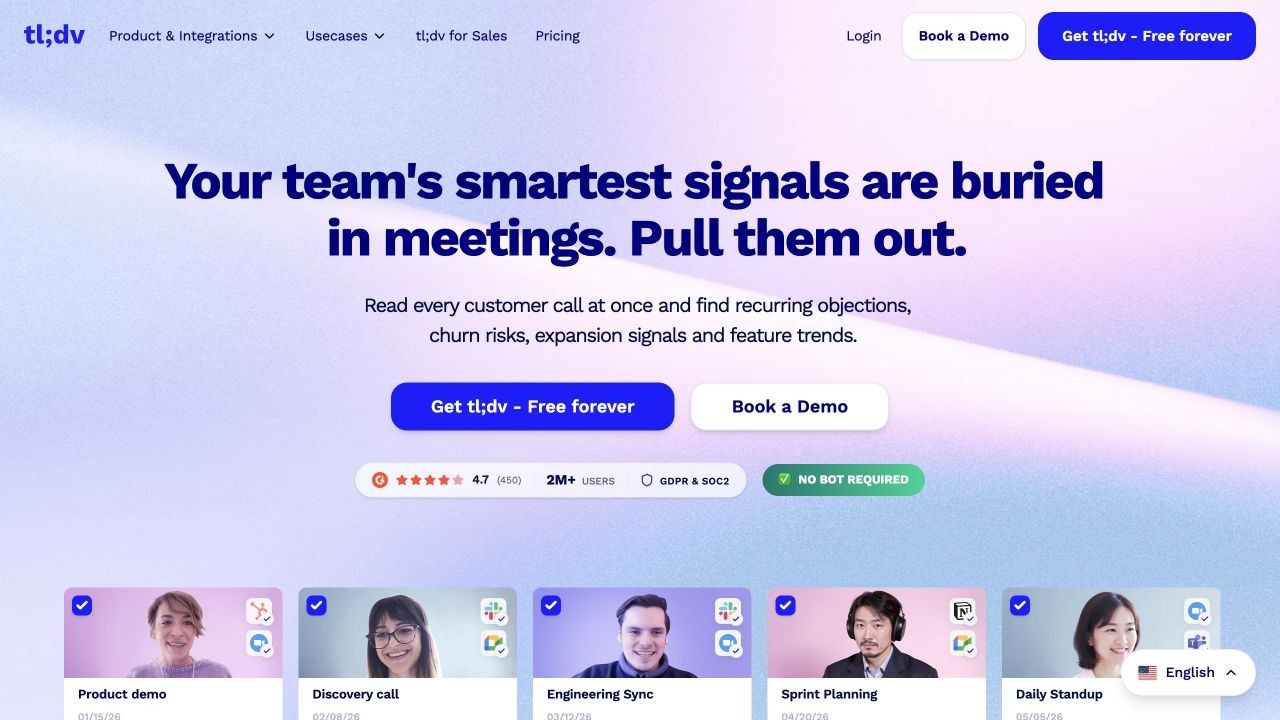
5. tl;dv: Best for Video Meetings, Highlights, and Research Reels
tl;dv keeps the recording and transcript tightly connected. Instead of sharing a wall of text, users can send a timestamped moment, cut a clip, revisit a slide, or build a reel from multiple calls.
Its official core offer includes unlimited free meeting recordings and transcriptions across Zoom, Google Meet, and Microsoft Teams, with support for more than 30 languages. Topic trackers, deeper multi-meeting analysis, coaching, reports, and advanced team workflows depend more heavily on paid plans.
This makes tl;dv especially useful for user interviews and product research. A researcher can return to exact wording, share evidence with a teammate, and preserve the tone that a summary might flatten.
Features
- Video, audio, and transcript playback
- Zoom, Meet, and Teams support
- 30+ transcription languages
- Timestamped clips and shareable moments
- Slide capture, topics, and AI insights
Pros
- Strong link between evidence and video context
- Generous free core capture
- Easy sharing of precise moments
Cons
- Recording visibility depends on the chosen setup
- Advanced cross-meeting intelligence is not part of the basic free experience
Best for: User researchers, product teams, interviewers, and anyone who needs video evidence rather than only meeting minutes.
6. Granola: Best Bot-Free AI Notepad
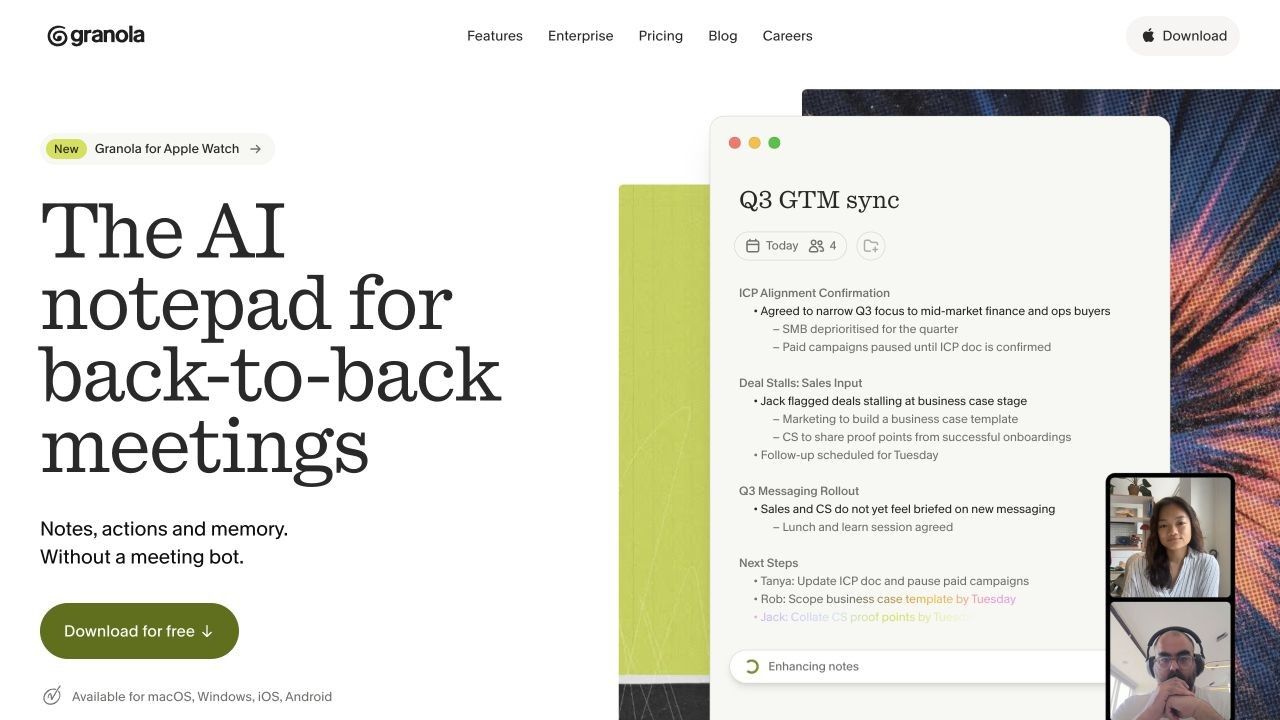
Granola takes a different approach from automated meeting assistants. It captures device audio without adding a bot, lets the user jot down what matters, and then uses transcript context to improve those notes after the meeting.
That human-in-the-loop model is valuable because a complete transcript does not know which objection, decision, or unfinished thought mattered most to you. Your rough notes supply priority; the captured conversation supplies supporting detail.
The Basic plan includes AI meeting notes, AI chat, shared folders, custom templates, multilingual support, and the ability to opt out of model training. Free users can take meetings without a minute cap, but access to older meeting history is limited, while Business adds unlimited history and wider integrations.
Features
- Bot-free device-audio capture
- AI-enhanced personal notes
- Questions within and across meetings
- Custom templates and shared folders
- Desktop and mobile experiences
Pros
- No virtual attendee appears in the call
- Preserves the user's judgment and context
- Clean workflow for notes people will actually read
Cons
- Requires a supported installed app
- Free access limits older meeting history
Best for: Founders, consultants, designers, researchers, and product managers who take selective notes and do not want a bot in client calls.
7. Krisp: Best Bot-Free Transcription With Noise Cancellation
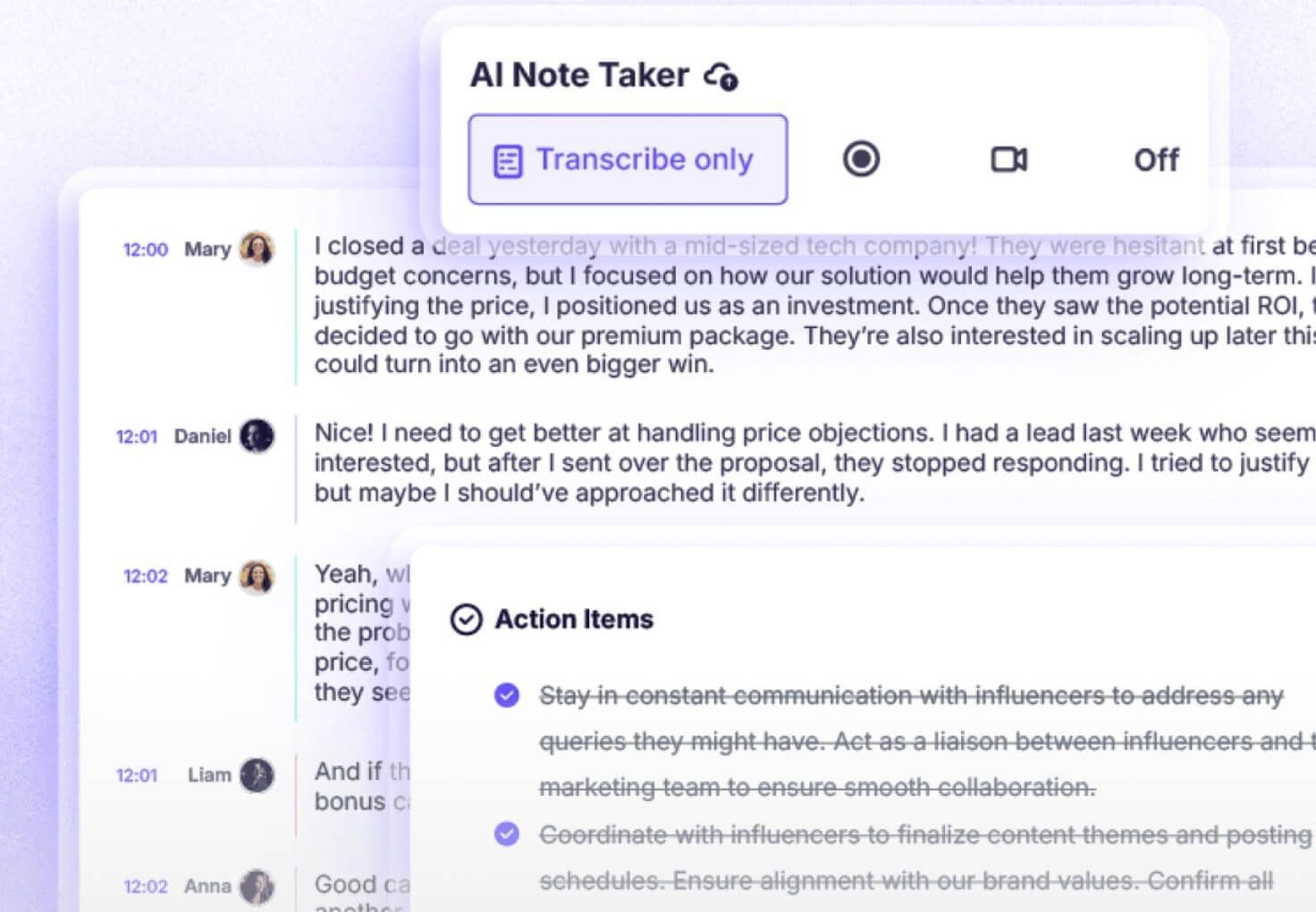
Krisp addresses both sides of meeting audio: what participants hear and what the transcription model receives. Its desktop layer can cancel background noise and distracting voices while recording and transcribing meetings across conferencing apps.
The meeting recorder can operate without a bot, identify speakers, align transcript text with playback, and produce summaries and action items. It is a practical choice when a user switches among several calling platforms or works in a noisy environment.
Krisp's free and trial allowances require more attention than Fathom's simple unlimited-transcription message. Before committing, verify which recording, transcription, summary, and noise-cancellation limits continue after the initial trial in your account.
Features
- Bot-free desktop recording
- Noise, echo, and voice filtering
- Speaker-aware transcripts
- Synchronized playback
- Summaries, action items, and sharing
Pros
- Works as a cross-platform audio layer
- Improves the source audio and captures the meeting
- Avoids a visible meeting participant
Cons
- Requires desktop permissions and an installed app
- Ongoing free allowances are less straightforward than the trial experience
Best for: Remote workers, support teams, and professionals who need cleaner audio and bot-free transcription across meeting platforms.
8. Notta: Best Multilingual and Cross-Device Meeting Transcription
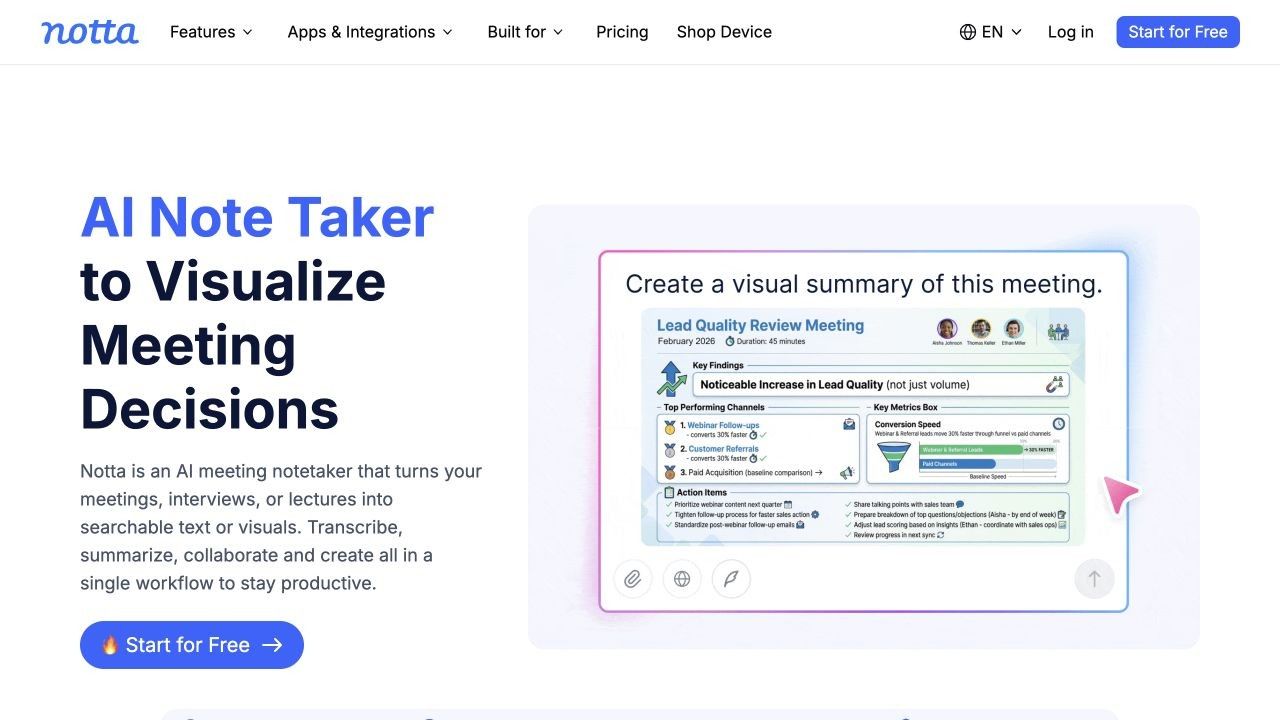
Notta offers one of the widest combinations of capture surface and language workflow. It is available through web, desktop, mobile, and a Chrome extension, and it can record in-person conversations, import files, or transcribe Zoom, Teams, Google Meet, and Webex meetings.
Its current feature set includes speaker identification, custom vocabulary, bilingual transcription and translation, AI Notes, search, folders, sharing, and integrations. Public plan pages list 58 transcription languages, but exact free-minute messaging has changed across pages, so users should confirm the current allowance inside the live pricing view.
The more important free limitation is often the per-conversation duration. A monthly bucket has little value if a single class or client call exceeds the maximum duration supported by Free.
Features
- 58 transcription languages
- Web, mobile, desktop, and browser extension
- Online, in-person, and uploaded-file capture
- Bilingual transcription and translation
- AI Notes and cross-meeting questions
Pros
- Broad language and device coverage
- Flexible for virtual and physical meetings
- Useful translation workflow for international teams
Cons
- Free monthly and per-conversation limits are restrictive
- Users must recheck the current allowance because plan details change
Best for: International teams, multilingual interviews, and users who move among a browser, desktop app, and phone.
9. MeetGeek: Best for Flexible Capture and Automated Recaps
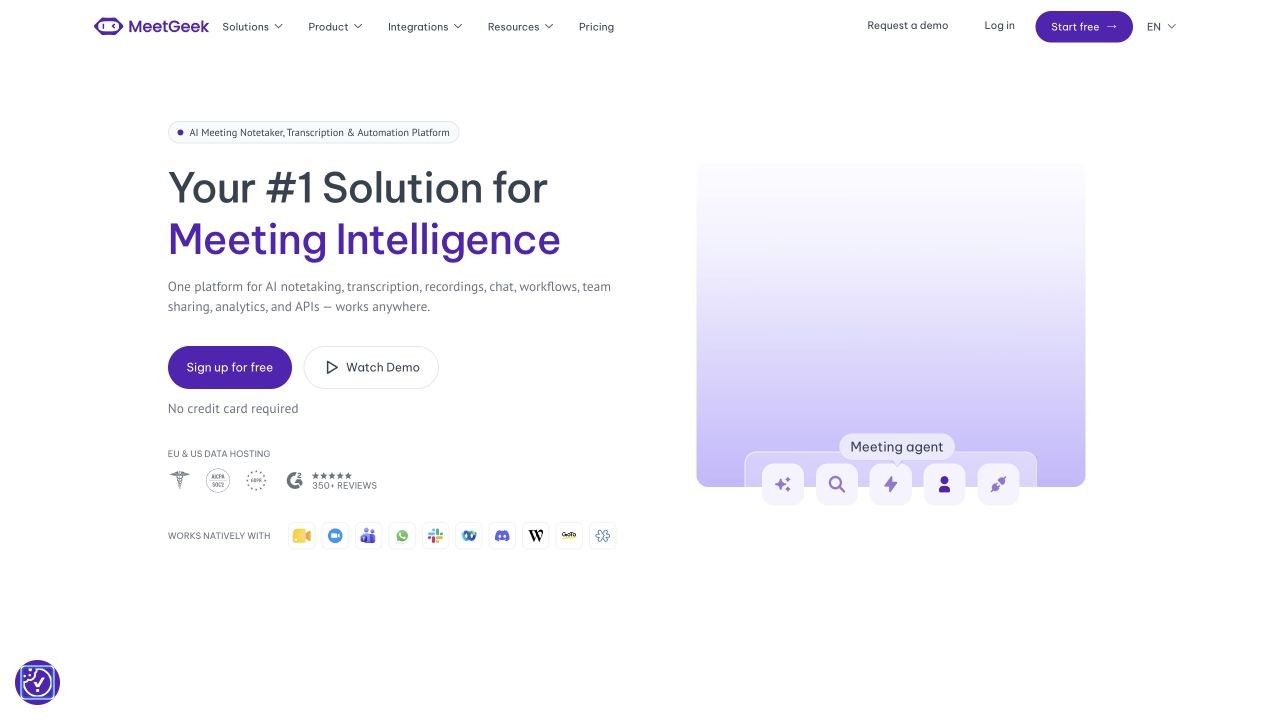
MeetGeek now spans more capture methods than a traditional calendar bot. Its Meeting Agent joins Zoom, Google Meet, and Teams, while the desktop app, mobile app, browser extension, and file upload provide bot-free ways to capture online, in-person, hybrid, and recorded conversations.
Every path leads into a similar output: transcript, summary, highlights, and action items. Custom templates can structure sales calls, interviews, standups, client reviews, and other recurring meeting types, while workflows can send results into collaboration, CRM, storage, and project tools.
The Free plan currently includes three hours of meeting time per month and three months of transcript storage. That is enough for occasional use, but a weekly calendar of hour-long calls will move beyond it quickly.
Features
- Bot, desktop, mobile, extension, and upload capture
- Automatic language detection and speaker identification
- Summaries, highlights, action items, and AI chat
- Custom meeting templates
- Native integrations, automation platforms, API, and MCP access
Pros
- Unusually flexible capture architecture
- Strong repeatable recap workflows
- Useful bridge from meeting data to team systems
Cons
- Three free hours disappear quickly for meeting-heavy users
- Automation and governance depth increases with paid plans
Best for: Teams that want consistent recap formats and several capture options inside one meeting-intelligence system.
10. Descript: Best Meeting Transcription Software for Editing the Recording
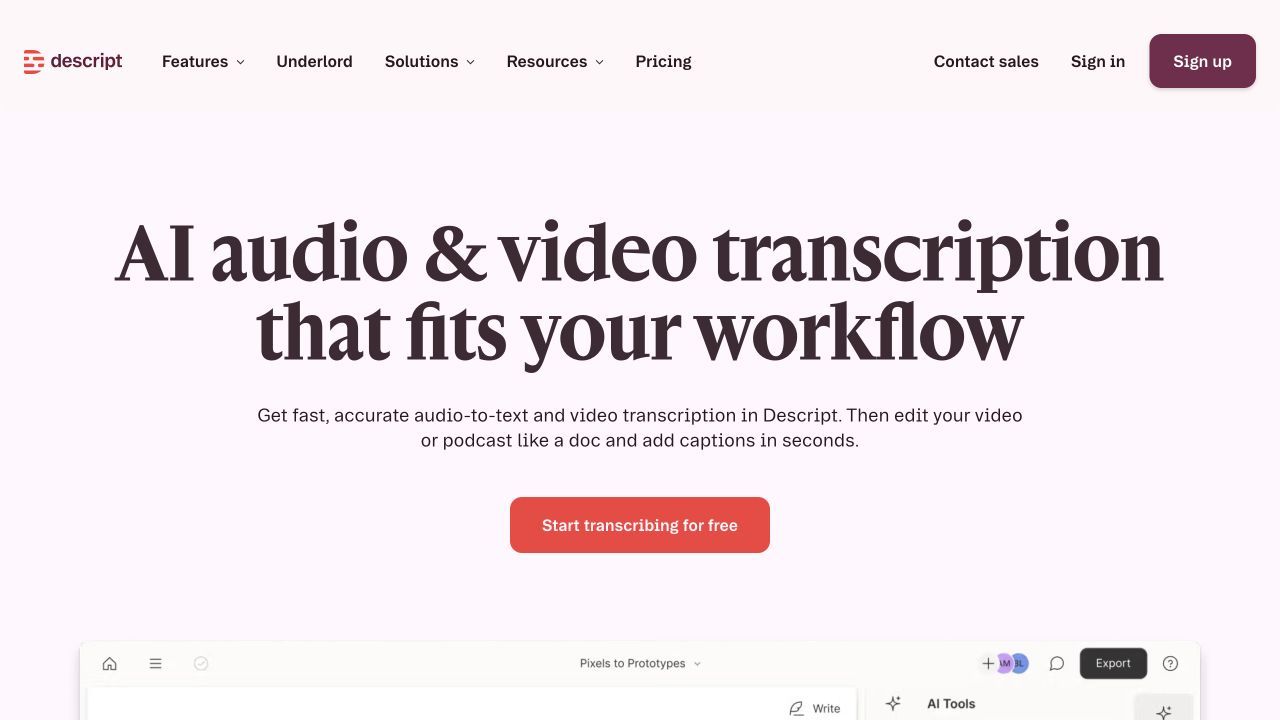
Descript is not primarily a meeting bot. It is transcription and media-editing software where the transcript becomes the editing surface: remove text and the corresponding audio or video can be removed as well.
That makes it valuable when a meeting, interview, webinar, or research call will become a shareable recording, training clip, podcast, or video. Speaker labels, screen recording, comments, collaboration, and media export support the production stage that meeting assistants usually leave untouched.
The free plan is suitable for trying the workflow, but transcription, editing, and export limits make it less attractive as an unlimited meeting archive. It is a specialist choice for a high-value recording, not the simplest set-and-forget notetaker.
Features
- Audio and video transcription
- Edit media by editing the transcript
- Speaker labels and collaborative comments
- Screen recording
- Clips, captions, and media export
Pros
- Transcript and recording stay synchronized
- Strong for polished reusable content
- Combines text correction with media production
Cons
- Not designed as the easiest automatic meeting attendee
- Free processing and export allowances are limited
Best for: Teams turning interviews, webinars, meetings, and presentations into edited content.
What Does Free Really Mean for Meeting Transcription?
A green check under “Free plan” says almost nothing about how long the product remains useful. Meeting tools meter different resources, and the upgrade trigger may not be transcription itself.
| Tool | Free processing model | Per-meeting issue | History or storage | AI output | Export issue |
|---|---|---|---|---|---|
| Lynote | Basic no-sign-up workflow | Recording and account limits may apply | Workspace-dependent | Transcription and follow-up workflow | Confirm current account allowance |
| Fathom | Unlimited recordings and transcription | Unlimited core recording length | Unlimited storage | Advanced AI limited after five calls monthly | Core downloads available |
| Fireflies | Capture plus transcription/AI credits | Uploaded files up to published limits | 800 minutes per seat | 20 AI credits monthly | Transcript download is paid |
| Otter | 300 minutes monthly | 30 minutes per conversation | Account workspace | Summaries and AI chat included with limits | Three lifetime imports |
| tl;dv | Unlimited core recordings/transcripts | Platform workflow applies | Plan-dependent | Advanced intelligence is limited | Advanced team outputs are paid |
| Granola | Unlimited meeting notes | Device-app workflow | Limited free history | Notes and chat included | Advanced integrations are paid |
| MeetGeek | Three hours monthly | Monthly bucket | Three months of transcript storage | Basic meeting output included | Automation depth is plan-dependent |
Unlimited Transcription Can Still Mean Limited Summaries
Fathom illustrates this well: the transcript can remain unlimited while advanced summary templates, action-item detection, and account-wide AI features have separate limits. If your real goal is a follow-up email rather than verbatim text, evaluate that allowance instead of the headline transcription claim.
Storage and Searchable History Are Different Limits
An app may store audio while restricting cross-meeting search, or retain notes while hiding older history from the free workspace. Granola limits older-history access on Basic, while MeetGeek's Free plan currently retains transcripts for three months.
File Imports May Be Capped Separately
Otter allows recurring live minutes but only three lifetime imports on Basic. This matters if your recordings come from another platform, because the same product can be useful for live calls and impractical for an archive.
Downloads Determine Whether You Can Leave
A transcript locked inside one service is different from a transcript you can export to a document, research system, CRM, or archive. Test export format, timestamps, speaker labels, and recording links before committing a year of meeting history.
How to Test a Meeting Transcription App Before You Commit
Do not test products with different recordings and then compare the results. Use the same consented 10- to 15-minute sample in every tool that accepts file uploads, and reproduce similar conditions for tools that only capture live.
- Include realistic difficulty. Use at least two speakers, one interruption, a proper name, a number, and a term from your field.
- Separate transcript errors. Count missing words, wrong words, speaker changes, number errors, and timing problems independently.
- Check the summary against the recording. A polished recap can omit a disagreement or assign an action to the wrong person even when it reads smoothly.
- Measure correction time. The practical winner is often the tool that takes five minutes to clean up instead of twenty.
- Test the exit path. Download the transcript, delete a sample meeting, change sharing permissions, and send one action item into the system you use.
Word error rate can be useful in a controlled test, but it does not describe speaker attribution, summary quality, or cleanup effort. A lower word-error score does not help if the app merges two speakers or loses the decision your team needs.
Which App Fits Your Meeting Type?
Client and Consulting Calls
Granola and Krisp are good starting points when a visible bot would change the tone of the conversation. Lynote is the safer post-meeting option when the client-approved recording already exists and no live assistant should attend.
Sales Calls and CRM Updates
Fireflies and MeetGeek offer the strongest workflow orientation in this list, while Fathom provides practical CRM connections for individuals and smaller setups. Evaluate field mapping, duplicate handling, sharing defaults, and whether action items reach the correct owner.
Multilingual Meetings
Notta deserves the first look for broad multilingual and translation workflows, while Fireflies supports a large language set and Fathom supports 38 transcription languages. Test the actual language pair, especially when participants switch languages in one sentence.
In-Person Interviews and Workshops
Otter and Notta provide mature mobile paths. MeetGeek also supports mobile and desktop capture, while Lynote can process a recording made by a dedicated phone or field recorder afterward.
Saved Zoom, Teams, or Phone Recordings
Lynote is the clearest fit when you already have a file and want transcription plus editing, translation, and questions. Descript becomes more attractive when the recording itself must be cut, polished, captioned, or republished.
Research Calls and Video Evidence
tl;dv is strong when a team needs timestamped video evidence and shareable clips. Descript is better when those moments will become an edited reel or formal content asset.
Organizations Already Paying for a Meeting Suite
Check Zoom AI Companion, Teams transcription or Copilot, and Google Meet with Gemini before buying another tool. The native option may satisfy basic transcription while fitting existing identity and retention controls, although an independent tool can still win on cross-platform search and integrations.
Accuracy, Speaker Labels, and Why Meeting Audio Fails
Overlapping Speech and Rapid Turn-Taking
Meeting transcription is harder than dictation because people interrupt, affirm, laugh, and finish each other's sentences. The model must recognize the words and determine who said them, so a short overlap can create both a wording error and a speaker error.
Microphone Distance, Echo, and Compression
A transcript cannot recover detail that never reached the recording clearly. Laptop speakers feeding back into a microphone, aggressive conference-call compression, distant room participants, and background noise all reduce the useful signal.
Accents, Code-Switching, and Language Detection
Support for two languages does not guarantee clean code-switching inside one meeting. Automatic language detection may select a dominant language and mishandle short phrases, names, or borrowed terminology from another one.
Names, Acronyms, and Domain Vocabulary
Proper names and specialist terms are frequent errors because they are less predictable than ordinary language. Custom vocabulary helps where available, but important names, prices, dates, dosages, and commitments still require human review.
A Clean Summary Can Hide Transcript Errors
Summaries remove detail by design. That can make them easier to read while concealing a misheard number, missing condition, uncertain decision, or disagreement between speakers.
Use the transcript and recording for verification. Treat the summary as a navigation and follow-up aid, not as the authoritative record of a consequential conversation.
Privacy, Consent, and Retention Questions to Ask
Recording requirements vary by location, organization, and context, so this section is a practical checklist rather than legal advice. Bot-free and mobile recording still require appropriate notice and consent.
- How are participants notified before recording begins?
- Does the service store audio, video, transcript, summary, and embeddings separately?
- Who can open a shared meeting link by default?
- Can administrators set retention and deletion rules?
- Can users opt out of model training, and does that setting apply to the whole organization?
- Does “local capture” mean local processing, or is the audio still sent to a cloud service?
- Can recordings and transcripts be exported before an account is closed?
- Does the product offer the security, residency, and contractual controls your organization requires?
The least visible recorder is not automatically the most private. Privacy depends on data collection, processing, access, retention, and deletion, not only whether participants see a bot icon.
FAQs About Meeting Transcription Apps
What is the best meeting transcription app?
Lynote is the best option when the meeting recording already exists and you want to edit, export, translate, or question the transcript. For automatic live meetings, Fathom is the strongest free individual option, while Granola is better when you want bot-free AI-enhanced notes.
What is the best free meeting transcription app?
Fathom has one of the strongest recurring free offers for automatic online meetings because core recording, storage, and transcription are unlimited for individuals. The best free choice can change if you need mobile capture, file imports, exports, multilingual transcription, or unlimited AI summaries.
Which meeting transcription app works without a bot?
Granola and Krisp capture through the user's device without joining as a participant. MeetGeek also offers desktop, mobile, and extension-based bot-free capture, while Lynote and Descript process recordings without attending the original call.
Can meeting transcription software identify different speakers?
Many tools provide speaker diarization or identification, but the labels can fail when people overlap, use one shared microphone, speak briefly, or sound similar. Review speaker changes before using the transcript as meeting minutes.
Which app works with Zoom, Google Meet, and Microsoft Teams?
Fathom, Fireflies, Otter, tl;dv, and MeetGeek support workflows across the three major meeting platforms. Exact behavior differs by bot, extension, desktop capture, organizer permissions, and subscription.
Can I transcribe a meeting recording after the call?
Yes. Lynote is designed for this workflow and accepts common audio and video files, while Fireflies, Otter, Notta, MeetGeek, and Descript also offer file-import paths with plan-specific limits.
Are free meeting transcription apps private?
A free price does not determine privacy. Check participant notice, sharing defaults, training settings, encryption, retention, deletion, data residency, and whether the app sends locally captured audio to cloud services.
How accurate is AI meeting transcription?
Accuracy depends on audio quality, speaker overlap, microphone placement, accent, language, vocabulary, and the product's models. Test with your own consented recording and measure speaker mistakes and correction effort instead of relying on a vendor's single percentage.
Final Verdict: Choose the Capture Method Before the Brand
Choose Lynote when you have a recording and want the transcript to continue into editing, export, translation, and Q&A. Choose Fathom for generous free automatic live transcription, Granola for bot-free AI-enhanced notes, Otter for real-time and mobile reading, Fireflies for integrations, and Notta for multilingual and cross-device work.
The best meeting transcription software is not the one with the longest feature list. It is the one that can capture your actual meeting with appropriate consent, produce a transcript you can verify, and move the decisions into the place where your team will act on them.

Written by Janet L. Harris
AI Writing Specialist
Janet reviews AI detectors and humanization tools, with a focus on accuracy, limitations, and responsible use. View all articles →