7 Best Audio-to-Text Transcription Tools in 2026

Transcription software from audio to text is no longer just about turning speech into a plain transcript. In 2026, the best tools help you upload recordings, clean up messy speech, review timestamps, export text, and reuse transcripts for notes, summaries, research, subtitles, or team documentation.
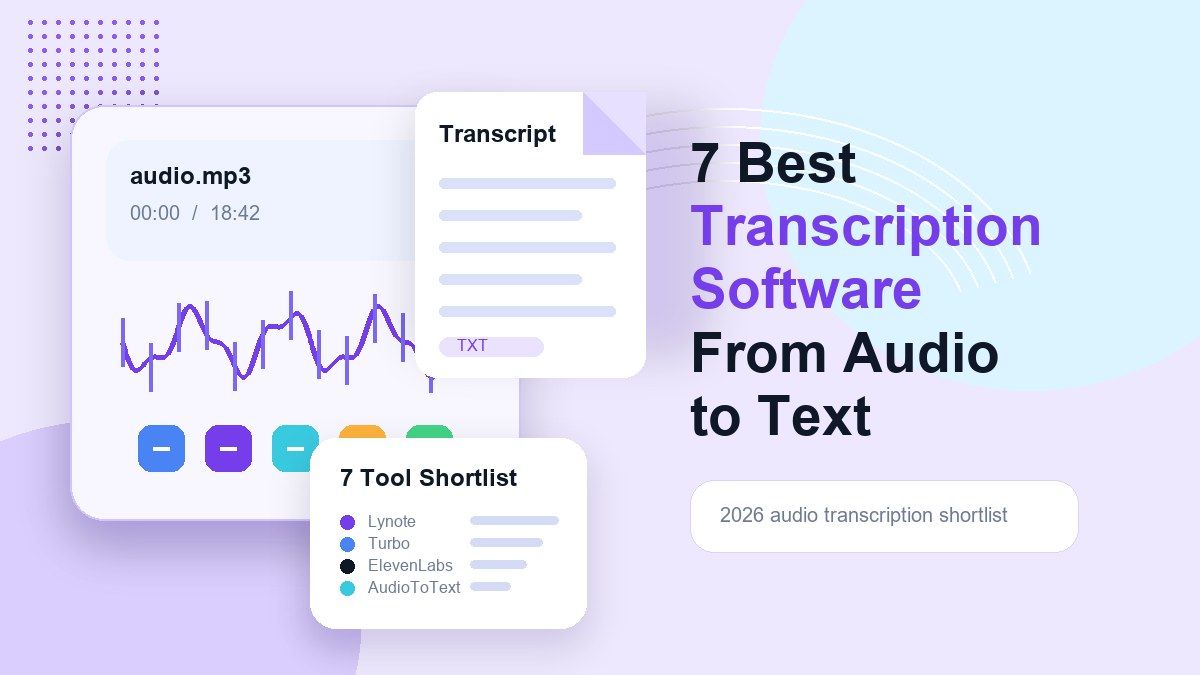
If you only need a rough transcript, almost any audio to text converter cloud tool can help. But if you work with lectures, interviews, meetings, podcasts, or long recordings, the details matter. This guide compares seven useful options and explains where Lynote fits when you want transcripts that can also become structured notes.
The Best Transcription Software From Audio to Text at a Glance
| Tool | Best For | Standout Use Case | Main Limitation |
|---|---|---|---|
| Lynote | Notes, transcripts, and reuse | Turn audio into editable text and notes | Best for users who want a study or work output, not only raw text |
| AudioToText.com | Fast simple uploads | Free browser-based transcription | Fewer advanced workspace features |
| Evernote | Meeting notes inside a notes app | Record or upload meeting audio | More focused on meetings than broad media workflows |
| TurboScribe | High-volume transcription | Long audio and video files | Requires account workflow for heavier use |
| TheBestPDF | PDF-tool users | Audio transcription inside document tools | Less specialized for note-taking |
| NoteGPT | AI study workflows | Upload audio and summarize content | Can feel broad if you only need clean transcription |
| ElevenLabs | Advanced speech-to-text | Developer and multilingual transcription | More technical for casual users |
How I Evaluated These Audio Transcription Tools
For this roundup, I looked at practical user intent behind transcription software from audio to text. A good tool should accept common audio formats, return readable text, support review or export, and make the transcript useful after generation.
I also considered whether each tool works as a free program to transcribe audio to text, or at least offers a clear free entry point. For many users, the first test is simple: upload an MP3, get the transcript, and decide whether the output is clean enough to reuse.
The 7 Best Transcription Software From Audio to Text Tools
1. Lynote: Best for Turning Audio Into Transcripts and Notes
Lynote Audio to Text is a strong choice when you need transcription software from audio to text that does more than produce a block of words. It is useful for lectures, interviews, podcasts, voice memos, meetings, and study recordings where the transcript needs to become something you can review, edit, copy, or reuse.
The workflow is simple: add your audio source, create the note, and review the generated text. This makes Lynote especially useful for students, researchers, creators, and professionals who do not want to move between a transcription app, a notes app, and a separate AI summarizer.
Features:
- Upload audio files and convert speech into text.
- Review transcript output inside a note-style workspace.
- Reuse the text for notes, study guides, drafts, or summaries.
- Useful for audio-based learning and work documentation.
Pros:
- Good fit for users who want transcripts plus structured notes.
- Cleaner workflow than copying raw text into a separate note app.
- Useful for both study and productivity use cases.
Cons:
- Not the best fit if you only want a developer API.
- Transcript quality still depends on audio clarity, speaker overlap, and background noise.
Best for: Users who want transcription software from audio to text that connects transcription with practical note-taking.
2. AudioToText.com: Best for Simple Free Transcription
AudioToText.com is a straightforward option for users who want to upload a file and get a transcript quickly. Its page focuses on free audio-to-text conversion, with support for common audio and video formats.
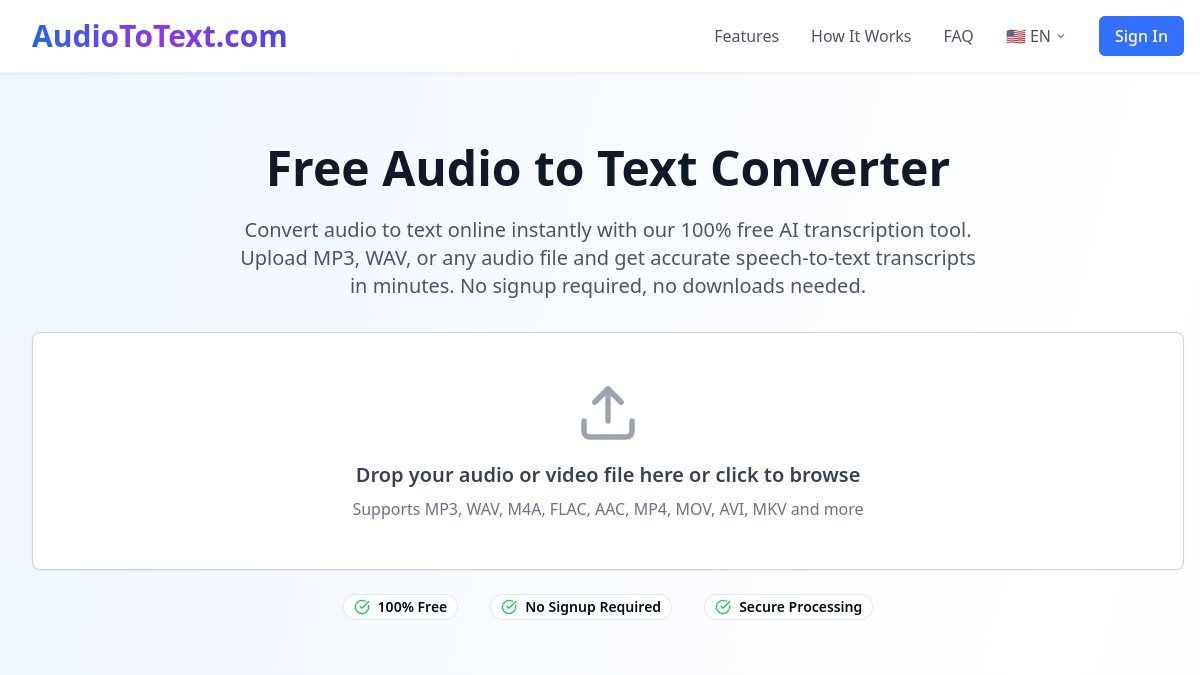
This makes it useful when you need a quick free transcription software from audio to text without a complex setup. It is less focused on downstream work like note organization, study outputs, or multi-step research workflows.
Features:
- Browser-based upload flow.
- Supports common file formats such as MP3 and WAV.
- Simple interface for quick transcription.
- Positioned around free access.
Pros:
- Easy to understand.
- Good for one-off transcription tasks.
- No heavy learning curve.
Cons:
- Fewer advanced review and note-building features.
- Less suited for users who want transcript-to-study or transcript-to-work outputs.
Best for: Quick, lightweight transcription when simplicity matters most.
3. Evernote: Best for Meeting Notes Inside a Notes App
Evernote offers meeting-note workflows for people who already organize work inside Evernote. This can be helpful when you want meeting audio, notes, and follow-up context to live in one familiar notebook system.
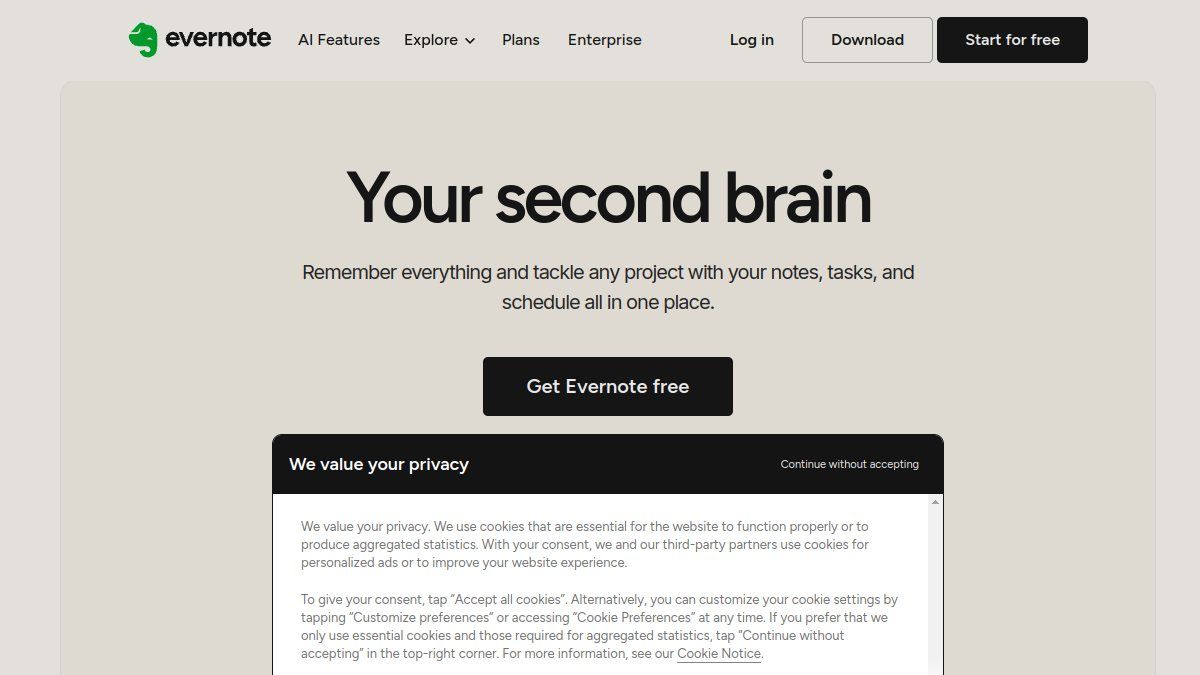
This is helpful when your main need is meeting documentation. It may not be the most flexible transcription software from audio to text for podcasts, lectures, research recordings, or broad audio-to-text workflows, but it fits naturally into Evernote’s note environment.
Features:
- Meeting note workflow inside Evernote.
- Useful for organizing notes after calls.
- Familiar notebooks and note organization.
- Good fit for existing Evernote users.
Pros:
- Useful if your notes already live in Evernote.
- Keeps meeting context and notes together.
- Good for meeting-centered productivity.
Cons:
- Not built primarily as a standalone transcription platform.
- Less ideal for users who do not use Evernote as their main workspace.
Best for: Professionals who want meeting transcripts and notes inside an existing notes app.
4. TurboScribe: Best for High-Volume Audio and Video Transcription
TurboScribe is a popular transcription option for users who process a lot of audio or video. Its official site emphasizes audio and video transcription, free daily transcripts, language support, speaker recognition, and long uploads.
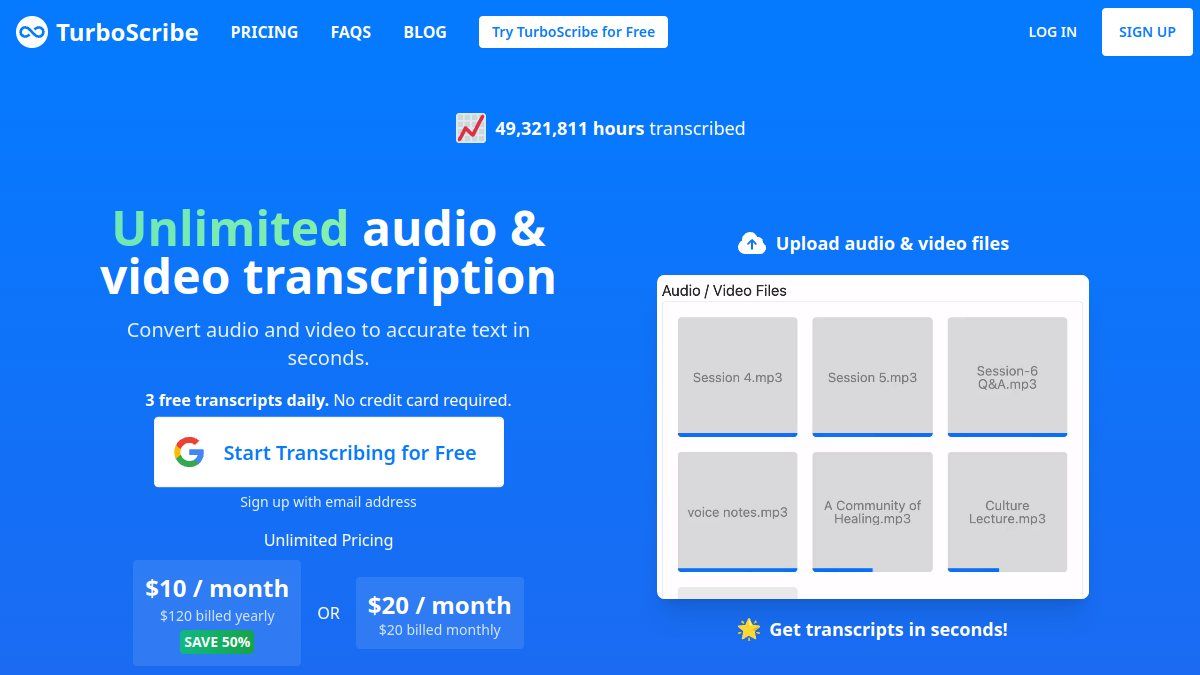
For people comparing transcription software from audio to text, TurboScribe stands out when volume and file length matter. It is a practical choice for creators, researchers, podcasters, and teams who regularly turn recordings into text.
Features:
- Audio and video transcription.
- Supports common media formats.
- Speaker recognition.
- Free daily transcript entry point.
Pros:
- Strong fit for long files.
- Designed around repeated transcription work.
- Handles both audio and video.
Cons:
- Heavy use may require paid plans.
- The workflow is more transcription-centered than note-centered.
Best for: Users who need a high-volume transcription workflow.
5. TheBestPDF: Best for PDF and Document Tool Users
TheBestPDF includes an audio-to-text tool inside a broader document management platform. Its transcription page supports uploading audio, recording audio, or pasting a URL, then downloading the transcript.
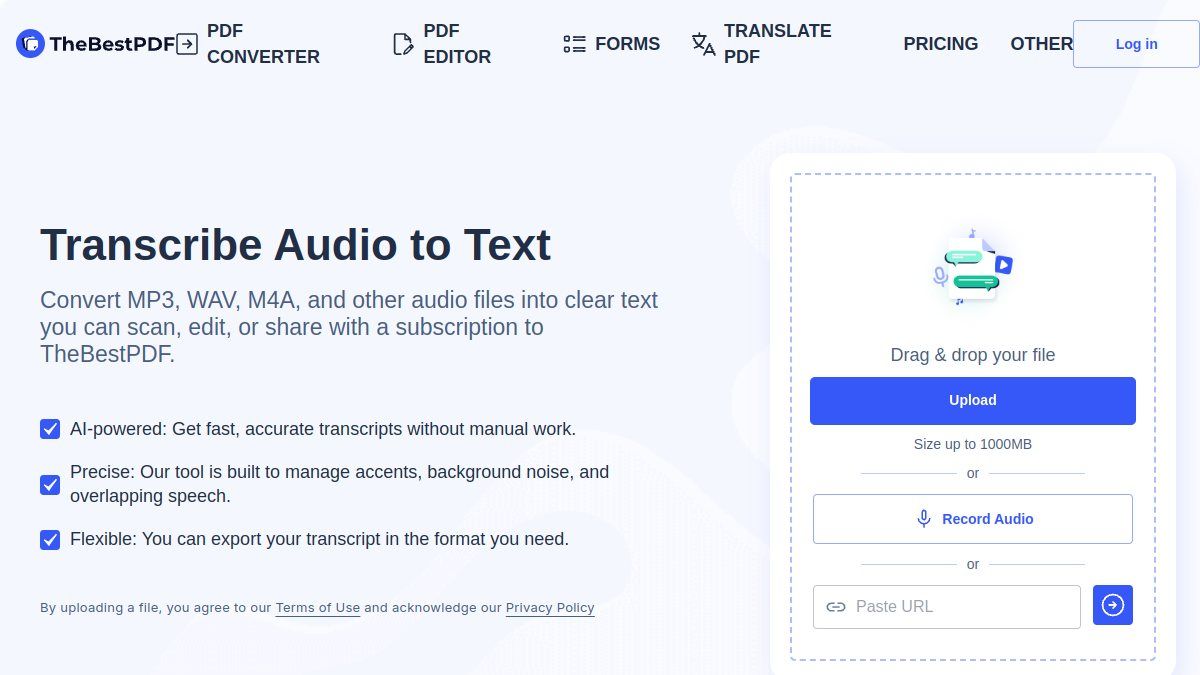
This can work well if your workflow already revolves around document tools. However, if your main goal is to compare transcription software from audio to text, TheBestPDF feels more like a document-suite option than a dedicated transcript workspace.
Features:
- Upload audio files.
- Record audio.
- Paste an online audio source.
- Download transcript output.
Pros:
- Useful if you also work with PDF tools.
- Simple audio-to-text workflow.
- Fits document-heavy teams.
Cons:
- The transcription experience is part of a broader PDF platform.
- Less focused on learning notes or audio research workflows.
Best for: Users who want audio transcription alongside document utilities.
6. NoteGPT: Best for AI Study and Summary Workflows
NoteGPT offers AI note-taking and content processing features, including audio upload, transcription, and summaries. Its broader AI study positioning makes it useful when you want recordings to become learning material instead of just transcript text.
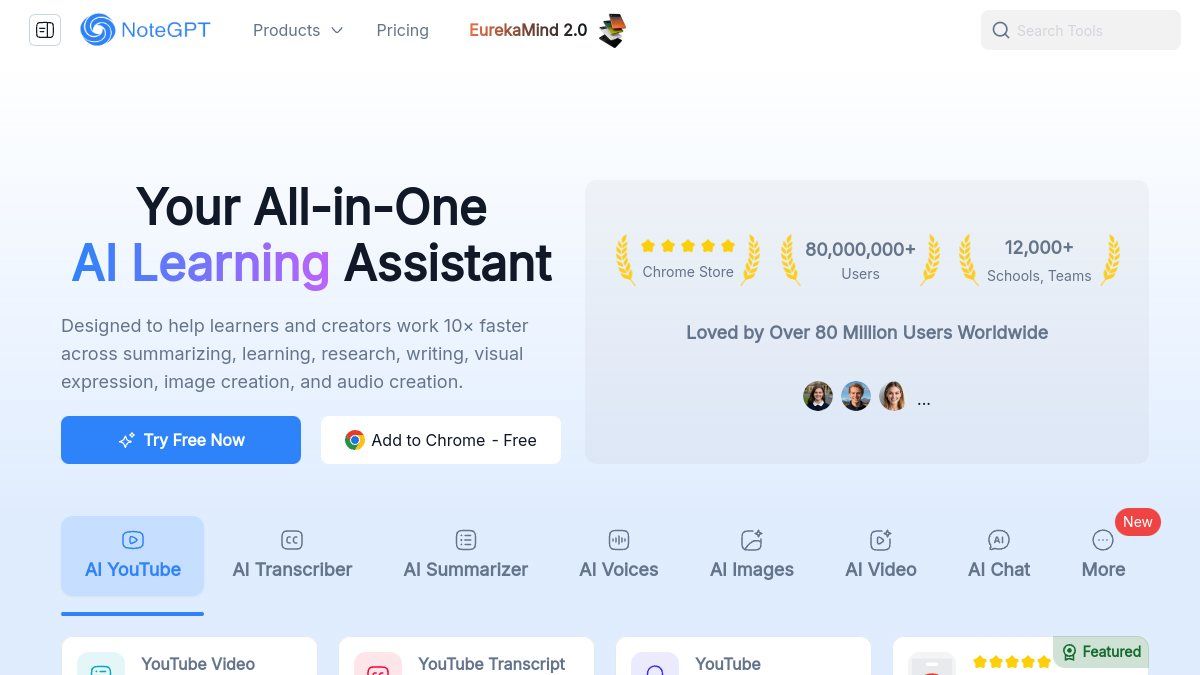
That can be useful if you want to summarize audio, turn recordings into study material, or work with multiple content types. For users searching for transcription software from audio to text, NoteGPT may be more appealing when summaries matter as much as transcript text.
Features:
- Upload audio.
- Record audio.
- Summarize content.
- Handle documents, links, and notes.
Pros:
- Good for study-oriented users.
- Combines transcription with AI summaries.
- Useful for mixed content workflows.
Cons:
- Broad interface may feel heavier than a simple audio converter.
- Users who only want a transcript may not need all features.
Best for: Learners who want transcription plus AI study support.
7. ElevenLabs: Best for Advanced Speech-to-Text and Developers
ElevenLabs offers speech-to-text workflows for users who need advanced recognition features. Its audio-to-text positioning is especially relevant for multilingual transcription, technical teams, and developer-led products.
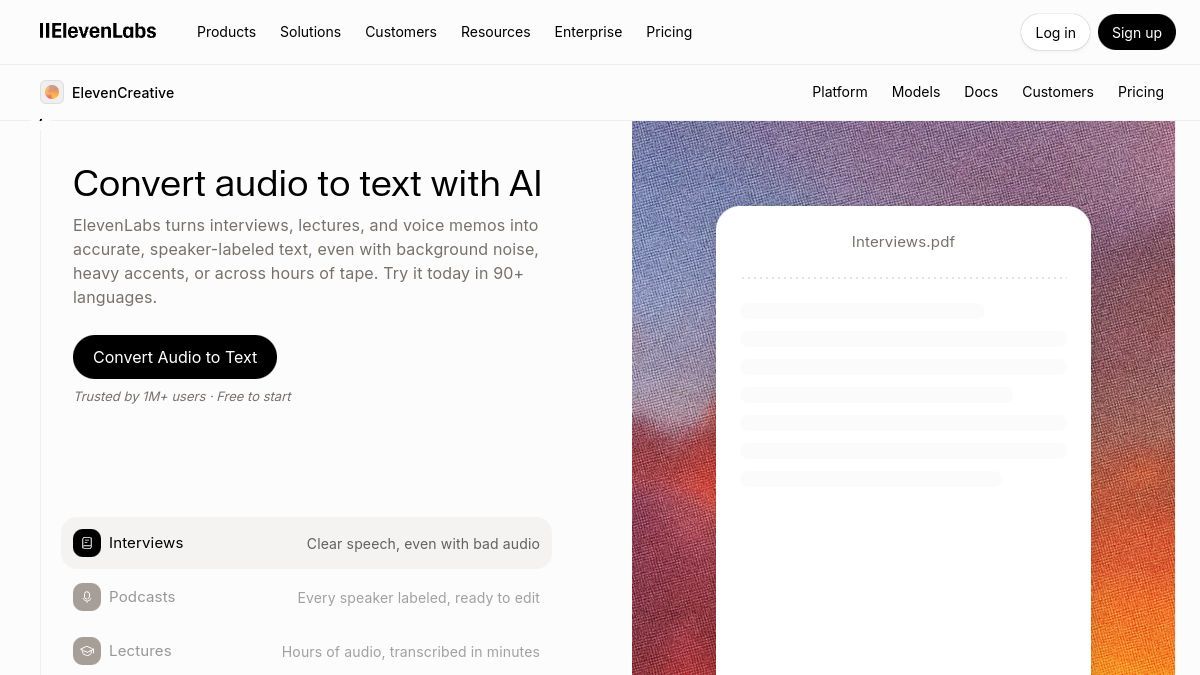
This makes ElevenLabs a strong option for technical users, product teams, and developers who need advanced speech recognition. It may be more than casual users need, but it is important in any serious comparison of transcription software from audio to text.
Features:
- Speech-to-text workflows.
- Multilingual transcription support.
- Useful for more technical implementations.
- Strong fit for AI audio products.
Pros:
- Strong technical feature set.
- Useful for multilingual transcription.
- Good for developers and advanced workflows.
Cons:
- More technical than beginner-friendly tools.
- API and platform choices may be unnecessary for simple uploads.
Best for: Users who need advanced speech-to-text infrastructure.
Which Tool Should You Choose?
Choose Lynote if you want transcription software from audio to text that helps you turn recordings into useful notes. It is especially practical for lectures, interviews, voice memos, research recordings, and content planning.
Choose TurboScribe if you handle a large number of long audio or video files. Choose ElevenLabs if you need API-level control, multilingual transcription, timestamps, or developer-friendly speech-to-text features.
Choose Evernote if your priority is meeting notes inside Evernote. Choose AudioToText.com if you want the simplest free browser workflow. Choose NoteGPT or TheBestPDF if you prefer transcription as part of a broader AI study or document tool.
How to Convert Audio to Text with Lynote
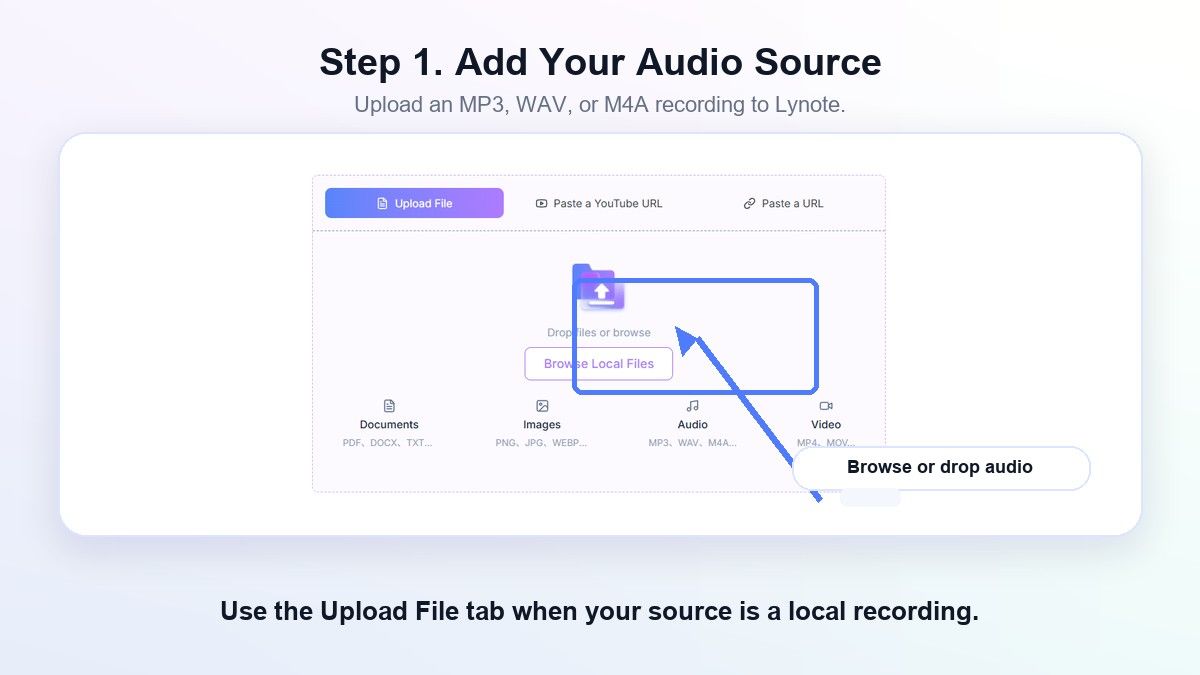
Step 1. Upload Your Audio File
Open Lynote Audio to Text and add your audio source. Use this step for MP3 recordings, lecture audio, interviews, voice memos, or other supported audio files.
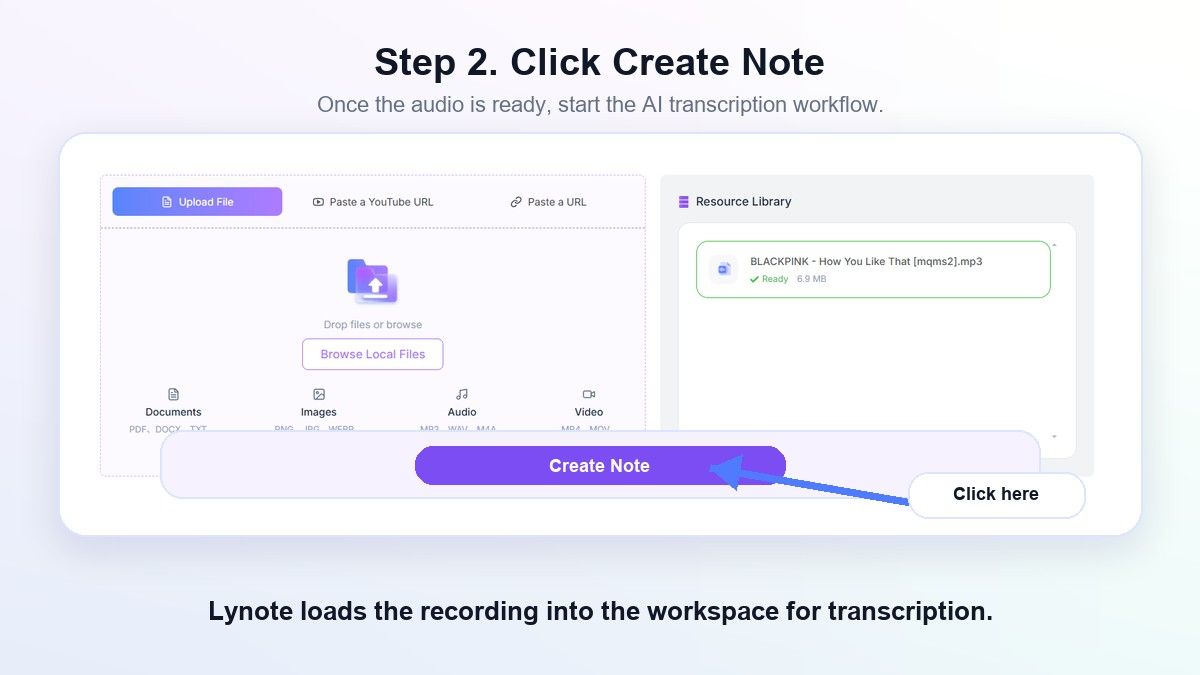
Step 2. Generate the Transcript
Start the audio-to-text workflow so Lynote can process the recording. The result gives you editable text you can review before using it in notes, documents, or summaries.
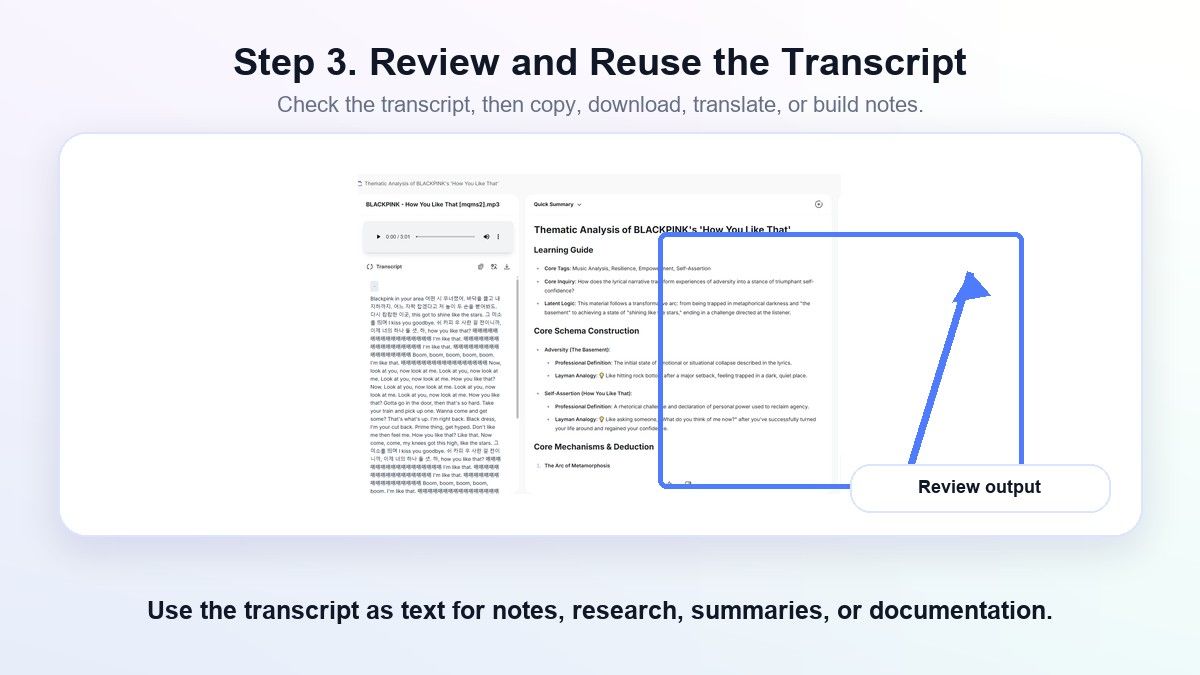
Step 3. Review and Reuse the Text
Read through the transcript and correct any unclear names, terms, or timestamps. Then copy the text into your workflow or turn it into useful study and work material.
FAQs About Transcription Software From Audio to Text
What is transcription software from audio to text?
Transcription software from audio to text converts spoken audio into readable written text. It is often used for meetings, podcasts, interviews, lectures, voice memos, webinars, and research recordings.
What is the best free program to transcribe audio to text?
The best free program to transcribe audio to text depends on your workflow. AudioToText.com is simple for quick uploads, while Lynote is better when you want the transcript to become notes or reusable study material.
What is an audio to text converter cloud tool?
An audio to text converter cloud tool processes audio online instead of requiring desktop software. This is useful when you want to upload a file, generate a transcript, and access the result from a browser.
Is AI transcription always accurate?
No. Accuracy depends on recording quality, accents, background noise, overlapping speakers, microphone distance, and technical vocabulary. Always review the transcript before quoting, publishing, or submitting it.
Can I use transcription software for lectures?
Yes. Lecture audio is one of the strongest use cases for transcription software from audio to text. A tool like Lynote can help turn long lecture recordings into text you can review and reuse for study notes.
Final Verdict
The best transcription software from audio to text depends on what you want after the transcript is generated. If you only need raw text, a simple converter may be enough; if you want transcripts that become study notes, research material, or reusable work documents, Lynote is the more practical place to start.

Written by Janet L. Harris
AI Writing Specialist
Janet reviews AI detectors and humanization tools, with a focus on accuracy, limitations, and responsible use. View all articles →