How to Compress PDF in Bluebeam

Learning how to compress PDF in Bluebeam is useful when construction drawings, markups, reports, or plan sets become too large to share. Bluebeam Revu is widely used for architecture, engineering, and construction workflows, but large PDF files can slow down uploads, emails, and project collaboration. If you need a faster online option, Lynote's PDF compressor can also help reduce PDF size directly in your browser.
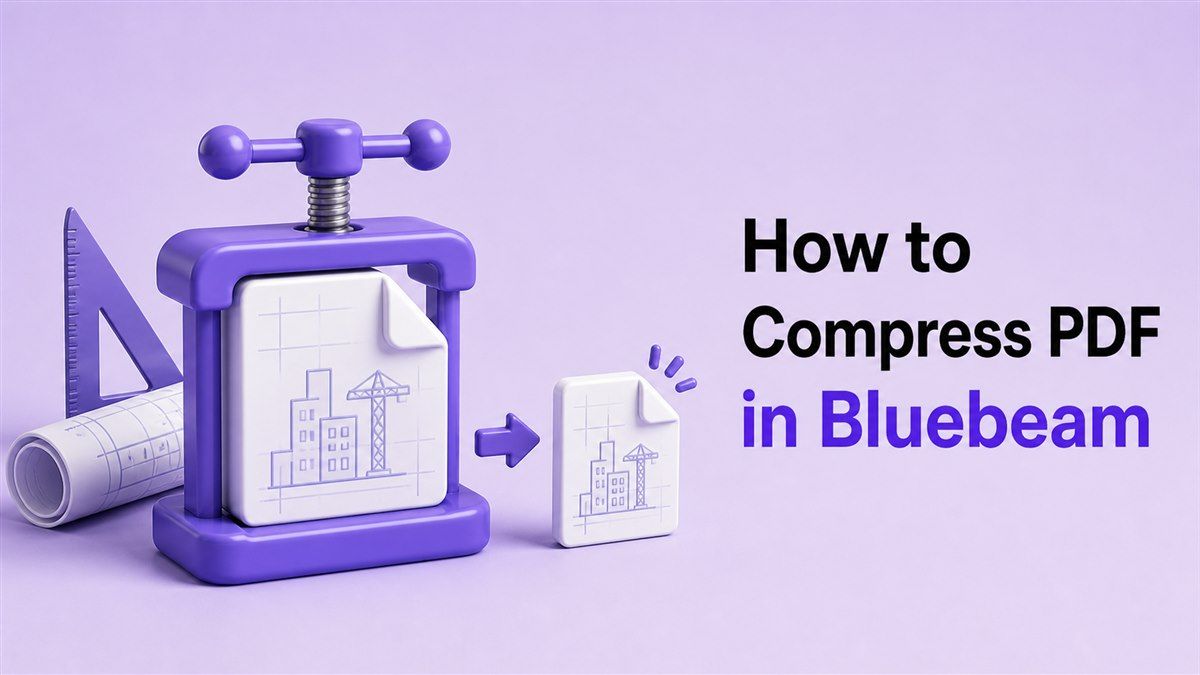
How to Reduce PDF File Size in Bluebeam
Large PDFs are common in Bluebeam workflows. A single file may include detailed drawings, scanned sheets, high-resolution images, layers, markups, stamps, forms, and embedded data. These elements make the document useful, but they can also make the file too large to send or upload.
Many users search for how to compress a PDF in Bluebeam because they need a smaller file without losing important project details. Others search for bluebeam compress pdf when submittals, RFIs, bid packages, or field reports exceed platform limits. The goal is to make the PDF easier to share while keeping drawings and annotations readable.
Step 1. Open the PDF in Bluebeam Revu
Start by opening your PDF in Bluebeam Revu. This can be a drawing set, scanned document, markup file, or exported report. Before you compress PDF in Bluebeam, save a copy of the original file so you can compare the result later.
Keeping the original is especially important for construction and design files. Compression may reduce image data or remove unnecessary file information. If your file includes detailed linework, stamps, signatures, or markups, you should always review the compressed version before sending it.
Step 2. Use Reduce File Size
In many Bluebeam Revu workflows, you can look for a file size reduction option under the document or file tools. The exact menu path may vary depending on your Bluebeam version. Search for options such as Reduce File Size, Optimize PDF, or similar compression settings.
This is the standard answer when users ask can Bluebeam compress PDF files. Yes, Bluebeam can help reduce file size, especially for PDFs with images, scanned pages, or unused data. The available settings may depend on your version and the structure of the PDF.
Step 3. Choose Compression Settings Carefully
When you compress PDF Bluebeam files, avoid choosing the strongest compression immediately. Stronger compression can make the file smaller, but it may also reduce image quality. For technical drawings, small text, measurements, and symbols must remain clear.
Choose settings that balance file size and readability. If the PDF is mostly text, compression may have little visible impact. If the file includes scanned sheets or photos, review the result page by page before using it.
How to Compress Bluebeam PDF Online with Lynote
Bluebeam is useful when you already work inside Revu, but it is not always the fastest option. If you only need to reduce file size quickly, an online tool can be more convenient. Lynote's Compress PDF tool lets you compress a PDF in your browser without opening a full desktop workflow.
This is helpful when you need to compress Bluebeam PDF exports before emailing, uploading, or archiving them. You can upload the PDF, reduce its size, and download the smaller version. It is a practical option for users who need a lightweight compression step after exporting from Bluebeam.
Step 1. Export or Save Your PDF from Bluebeam
First, save the file you want to compress from Bluebeam Revu. If the PDF contains active markups or layers, decide whether the recipient needs those elements. For sharing, you may want a clean copy that preserves visible content without unnecessary working data.
After saving the file, check its size in your file manager. This helps you understand how much compression you need. If your upload limit is strict, such as 10MB or 25MB, knowing the starting size makes the next step easier.
Step 2. Open Lynote Compress PDF
Go to https://lynote.ai/compress-pdf in your browser. Lynote works online, so you do not need to install another desktop PDF editor. This is useful when you want to compress PDF in Bluebeam output files from any device.
The tool is designed for a simple workflow. Upload the PDF, wait for compression, and download the smaller file. This makes it a good choice for quick sharing tasks, especially when you are not doing deeper PDF editing.
Step 3. Upload, Compress, and Download
Upload your Bluebeam PDF export to Lynote. The tool will process the document and create a smaller version. After compression, download the file and open it to review the result.
This workflow is useful if you need to compress Bluebeam PDF files before sending them to a client, contractor, reviewer, or project team. It can also help when a project management platform rejects a large file. Always confirm that sheet numbers, markups, images, and small details remain readable.
How to Make a Bluebeam PDF Smaller Without Losing Quality
When people search how to compress bluebeam PDF, quality is usually the biggest concern. Technical PDFs often include precise drawings, scales, measurements, legends, and annotations. A smaller file is helpful only if the content remains usable.
The safest approach is to compress gradually and review the result. Avoid reducing quality so aggressively that fine lines, dimensions, or scanned text become unclear. For project documents, readability matters more than hitting the smallest possible file size.
Use Moderate Compression for Drawings
Construction and engineering drawings need extra care. Thin linework, symbols, and small labels can become harder to read if image compression is too strong. When you compress PDF in Bluebeam, use moderate settings first.
After compression, zoom in on important sheets. Check title blocks, dimensions, callouts, legends, and markup notes. If anything looks soft or unclear, return to the original and use a lighter compression setting.
Use Stronger Compression for Drafts
Not every PDF needs perfect visual quality. Internal drafts, reference copies, and review-only files may tolerate stronger compression. If the document is only being used for quick review, a smaller file may be more important than high image detail.
This is where compress PDF Bluebeam workflows can be flexible. Keep a high-quality original for records, then create a smaller copy for sharing. That way, you can move files quickly without losing the source document.
How to Share a Compressed Bluebeam PDF
Once your PDF is smaller, the next step is usually sharing it. You may need to send it by email, upload it to a construction management platform, attach it to an RFI, or store it in a shared project folder. A compressed PDF makes these workflows faster.
Before sharing, open the compressed file and review it. Make sure pages are in the right order, markups are visible, and any flattened content still looks correct. This is especially important when sharing files outside your internal team.
Send by Email
Email systems often reject large attachments. If your Bluebeam PDF is too large, compress it first with Bluebeam Revu or Lynote. Then attach the smaller file to your message.
For large plan sets, email may still not be the best option. Compress the PDF first, then consider whether a shared link is safer. Smaller files are easier to send, but very large project packages may still belong in cloud storage.
Upload to a Project Platform
Project platforms often have file size limits. Submittals, drawing revisions, site reports, and closeout documents may fail if the PDF is too large. Compressing the PDF before uploading can prevent delays.
If the upload fails, check the file size requirement and compress again if needed. Lynote can help when you need a quick online compression step. Bluebeam can help when you also need editing, markup control, or document cleanup.
How to Choose a Safe PDF Compressor for Bluebeam Files
Bluebeam PDFs may contain sensitive project information. They can include client names, site details, contracts, drawings, estimates, or internal notes. That makes it important to choose a reliable compression workflow.
If the file is confidential, follow your company's document handling rules. For everyday files, use a trusted compressor with a clear workflow and avoid suspicious sites filled with ads or confusing download buttons. A safe tool should help you complete the task without adding unnecessary risk.
When to Use Bluebeam Revu
Use Bluebeam Revu when you are already editing, marking up, flattening, or preparing project PDFs. It is useful when you need more control over document structure and professional PDF workflows. Bluebeam Revu compress PDF options are helpful for teams that already rely on Revu daily.
Bluebeam is also useful when you want to review the file in detail after compression. You can inspect sheets, annotations, measurements, and visual quality inside the same environment. This makes it a strong choice for technical document workflows.
When to Use Lynote
Use Lynote when you need fast online compression without a full desktop workflow. It is convenient for exported Bluebeam PDFs, simple reports, scanned files, and documents that need to be sent quickly. You can open the browser, upload the file, compress it, and download the result.
Lynote is especially useful when someone asks how to compress PDF in Bluebeam but really needs a smaller file fast. If no editing is required, an online compressor may save time. It gives you a simple way to prepare files for email, upload, or storage.
Common Questions About Compressing PDFs in Bluebeam
Can Bluebeam compress PDF files?
Yes, Bluebeam can compress PDF files through file size reduction or optimization tools, depending on your version. These tools help reduce unnecessary data and image weight. For quick online compression, Lynote is another simple option.
How do I compress a PDF in Bluebeam?
Open the file in Bluebeam Revu and look for the Reduce File Size or optimization option. Choose compression settings that preserve readability, then save the smaller copy. Always compare the compressed file with the original before sharing.
What does bluebeam compress PDF mean?
The phrase bluebeam compress PDF usually refers to reducing file size inside Bluebeam Revu. This may involve optimizing images, removing unused data, or saving a lighter version of the document. The goal is to make the PDF easier to send, upload, or archive.
How to compress Bluebeam PDF files online?
Export or save the PDF from Bluebeam, then upload it to Lynote Compress PDF. Lynote reduces the file size and lets you download a smaller version. This is helpful when you want a fast compression workflow outside Revu.
Is compress PDF Bluebeam quality safe?
It can be safe if you use moderate settings and review the result. Technical drawings and scanned sheets need extra care because small details matter. Keep the original file and use the compressed copy for sharing.
Final Thoughts
Knowing how to compress PDF in Bluebeam helps you share drawings, reports, and project documents without file size problems. Bluebeam Revu is useful for professional PDF workflows, while Lynote Compress PDF gives you a fast online option. Use Lynote when you need to compress PDF in Bluebeam exports quickly and keep your documents easy to send.

Written by Janet L. Harris
AI Writing Specialist
Janet reviews AI detectors and humanization tools, with a focus on accuracy, limitations, and responsible use. View all articles →