

Turnitin Bypass:Best AI Humanizer to Bypass Turnitin
Content
Bypass Result
Your transformed text will be ready here. To begin, paste your AI-generated text above and humanize it.
Recent History



Why Use Lynote AI Humanizer to Bypass Turnitin?

99% pass rate on Turnitin
Lynote rewrites rigid wording, mechanical transitions and templated sentence structures to humanize AI text, delivering a 99% pass rate when scanned by Turnitin’s AI detection system.

Contextual Humanization
Unlike basic spinners, Lynote rewrites with context in mind, preserving your thesis, logic, keywords, and supporting details while making the draft sound more human, personal, and believable.

Flexible Rewrite Strength
Choose light cleanup or deeper humanization depending on how obvious the original AI text sounds and how aggressively you want Originality Guide Tools to reshape it before review.

More Original Wording
Lynote refreshes awkward wording with more original, human-sounding language so the final result feels less templated, less repetitive, and more authentic to real writing.

Free to Start
Lynote is free to use and gives you 600 characters at no cost, making it easy to test the ByPass Tools, humanize AI text instantly, and see the quality before upgrading.

Academic-Friendly Tone
The output stays polished and suitable for essays, reports, reflection papers, and discussion posts, helping your work sound natural without losing a credible student or professional voice.
Fast Results
Paste your draft and get a stronger first-pass rewrite in seconds, making Originality Guide Tools a practical option for students, researchers, marketers, and professionals who need efficient revision.
Private & Secure
Your draft stays yours. Lynote uses privacy-first rewriting so you can humanize AI content for detector checks, coursework, business writing, and sensitive documents with more confidence and control.
What Is Turnitin?
Turnitin is an academic integrity platform widely used by schools and universities to review written submissions. It compares a paper against published sources, web content, and institutional databases, then generates a similarity report showing where matching text appears.
A Turnitin similarity score is not automatically a plagiarism verdict. Instructors usually read the report in context, because legitimate matches can come from quotations, references, templates, or common terminology. The report is best understood as a review tool that helps educators evaluate citation quality, source use, and originality.
How does Lynote ByPass help reduce Turnitin AI detection signals?
- •Rewrite for more natural student-style wording Turn stiff AI drafts into smoother, more personal, and more credible academic writing.
- •Reduce obvious AI phrasing Remove robotic transitions, repetitive structure, and machine-like wording.
- •Keep your original meaning Preserve your ideas, logic, and key points while making the language sound more human.
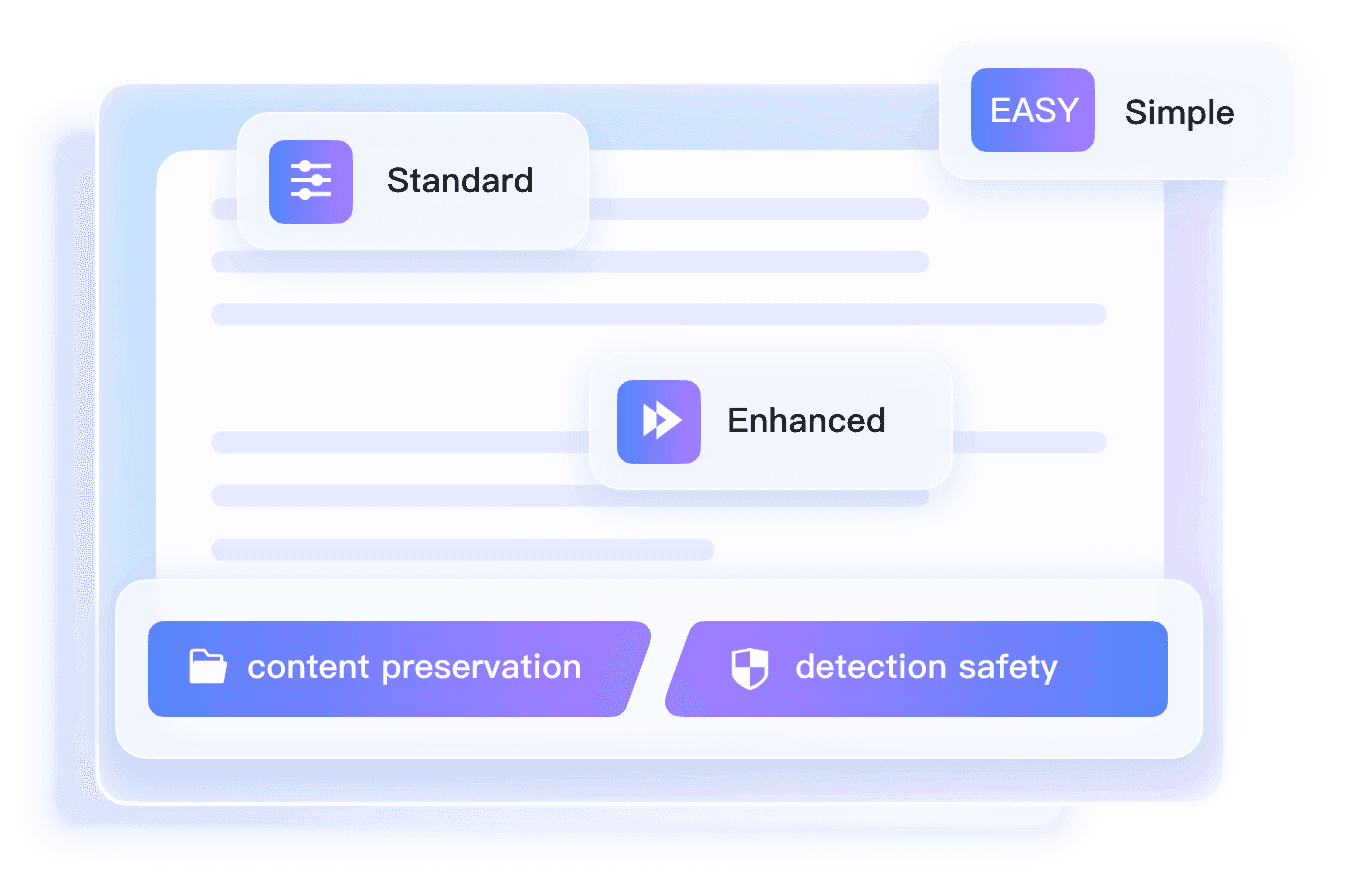
Adjustable Humanization Levels for Different Turnitin Detection Risks
Not every draft needs the same level of rewriting. Lynote ByPass lets you choose how lightly or deeply to humanize your text based on how obvious the AI patterns feel and how much cleanup you want before detector review.
- •Simple (Light Edits) cleans robotic phrasing while keeping tone and structure close to the original.
- •Standard (Balanced) improves readability, rhythm, and naturalness for essays, reports, and discussion posts.
- •Enhanced (Deeper Rewrite) applies stronger restructuring for drafts that still feel obviously AI-generated.
How Lynote Turns AI Drafts intoTurnitin-Friendlier Writing
- •Craft naturally human academic text Reframe stiff AI-generated language to match the natural tone of student work.
- •Build trustworthy, fluid readability Strip mechanical, formulaic sentence structures so your writing feels authentic.
- •Retain all your original core arguments Erase traceable AI fingerprints without shifting your intended message.
How to Bypass Turnitin AI Detector in 3 Steps
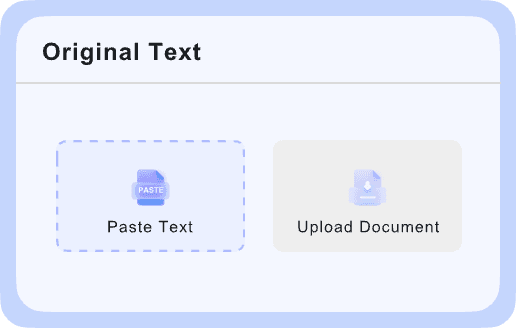
Paste or Upload Your Draft
Add your AI-assisted text to the editor or upload a document. Review the draft first to identify robotic wording, repeated phrasing, and sections that need clearer, more personal writing.

Rewrite for Natural Flow
Use Lynote to improve sentence flow, tone, and readability. Focus on making the writing sound more natural and student-like while keeping your original meaning, structure, and supporting points intact.
Review Before Submission
Read the final version carefully, check citations, and make sure the content follows your school’s rules for AI use. Then download or copy the revised draft for submission.
Turnitin Bypasser Writing for Every Use Case

For Essays and Papers
Improve AI-assisted essays, term papers, and written assignments so they read more naturally, sound more student-like, and feel better prepared for Turnitin-style review.
Improve AI-assisted essays, term papers, and written assignments so they read more naturally, sound more student-like, and feel better prepared for Turnitin-style review.

For Academic Writing
Refine reports, reflections, and coursework drafts with clearer phrasing, smoother flow, and stronger readability while keeping your original meaning intact.
Refine reports, reflections, and coursework drafts with clearer phrasing, smoother flow, and stronger readability while keeping your original meaning intact.

For Research Summaries
Polish literature summaries, study notes, and draft explanations into more natural academic writing without losing key points, logic, or technical details.
Polish literature summaries, study notes, and draft explanations into more natural academic writing without losing key points, logic, or technical details.

For Discussion Posts
Rewrite AI-assisted discussion responses into more personal, fluent, and credible writing that feels less templated and more like a real student voice.
Rewrite AI-assisted discussion responses into more personal, fluent, and credible writing that feels less templated and more like a real student voice.
Who Needs Turnitin Bypass ?

Academic Writers
Refine reports, response papers, and coursework drafts with clearer phrasing, smoother flow, and a more credible academic tone.

Researchers
Polish summaries, literature notes, and draft explanations while keeping technical meaning, structure, and supporting points intact.

Students
Improve AI-assisted essays, assignments, and reflection papers so they read more naturally and feel more like real student writing before academic review.

Tutors and Editors
Help students improve readability, tone, and sentence flow in AI-assisted drafts while keeping the original argument consistent.

SEO
Rewrite AI-assisted articles and blog content into more natural, readable writing that feels less templated and more credible to real readers.

Education Teams
Review student-facing academic materials, guidance content, and instructional copy to ensure the writing feels clear, natural, and trustworthy.
Watch the Video to Learn More About Bypass Turnitin AI Detector
Watch the video to see how Lynote rewrites AI-assisted text into more natural, student-like writing for Turnitin-style review. You’ll get a quick look at how it improves flow, tone, and readability while helping preserve your original meaning.
Frequently Asked Questions About Bypass Turnitin
Questions about Bypass Turnitin? We’ve answered the most common ones below. If you still need help, feel free to contact us.
Lynote helps improve AI-assisted writing by rewriting robotic phrasing, repetitive sentence patterns, awkward transitions, and unnatural wording into clearer, more natural academic English. It is designed to support better readability and flow, not to guarantee results with any specific detector.
Lynote can help reduce obvious AI-writing signals by making drafts sound smoother, more human, and more natural. However, results may vary depending on the review system, writing quality, and how the original draft was created.
Lynote is best understood as an academic writing improvement tool. It helps revise AI-assisted drafts into clearer and more natural writing, but it does not promise to bypass Turnitin or any other detection platform.
Yes. Lynote offers free access to core writing improvement features for essays, reports, and academic drafts. You can paste text or upload a file, rewrite it in seconds, and review the revised version right away.
Lynote can be used for essays, assignments, reports, discussion posts, reflections, summaries, literature reviews, and other academic drafts that need more natural flow and clearer phrasing.
Lynote rewrites AI-assisted text into clearer, more natural writing with better sentence variation and less mechanical phrasing. This may help reduce common AI-writing signals, although outcomes differ across systems.
Lynote Bypass Turnitin rewrites the text you provide rather than copying from a content database. Even so, users should still cite sources properly, follow academic integrity rules, and run plagiarism checks when required.
Turnitin Bypass Tool makes it easy to revise drafts quickly without installing software. With Lynote, students and writers can improve clarity, readability, and tone in just a few steps.