Humanize ai text free 2000 words is a common goal for writers who use AI to draft blogs, essays, reports, emails, or marketing copy but still want the final text to sound natural. The safest workflow is not to paste a long draft into one tool and hope for the best. Instead, split the text into readable sections, rewrite each part with context, then review the full draft for flow, accuracy, and voice.
Why Humanizing 2000 Words Needs a Workflow
A 2000-word draft is long enough to include multiple ideas, tones, and transitions. If you rewrite it all at once, the result may become uneven, with strong paragraphs in one section and awkward phrasing in another. A better way to humanize ai text free 2000 words is to treat the draft like an editing project.
AI-generated text often sounds repetitive because it relies on predictable sentence patterns. You may see repeated transitions, overly balanced phrasing, generic claims, or paragraphs that explain too much without adding personality. Humanizing is about making the writing clearer, more specific, and easier to trust.
This matters for blog posts, student writing, product pages, and professional documents. Readers can usually feel when a piece sounds flat, even if the grammar is correct. A humanized version should preserve meaning while improving rhythm, word choice, and readability.
Quick Answer: Can You Humanize 2000 Words for Free?
Yes, you can humanize a 2000-word draft for free if you use a section-by-section workflow. Many tools have free limits per request, so the practical solution is to divide the draft into smaller chunks. This approach also gives you more control over the final result.
With Lynote AI Humanizer, the free flow is designed for quick rewriting, with a free tier of up to 600 words per request. That means a 2000-word document should be split into several parts before processing. This is also better editorially, because each section can be reviewed with its own purpose and context.
Bottom line: To humanize ai text free 2000 words, divide the draft into 400-600 word sections, humanize each part, then reconnect the sections with a final manual review.
Best Use Cases for Humanizing AI Text
The humanize ai text free 2000 words online workflow is useful when you already have a full AI draft but need it to sound more polished. This may include a blog article, product description, newsletter, school assignment, research summary, or professional email sequence. The goal is not to hide authorship, but to improve quality and make the writing more natural.
For SEO content, humanizing can help remove generic AI wording and make the article more useful. You can add specific examples, rewrite repetitive introductions, and make the conclusion sound less formulaic. The strongest result comes from combining AI rewriting with human judgment.
For academic or professional writing, the same workflow should be used responsibly. You should preserve your own ideas, citations, facts, and intended meaning. AI Humanizer tools can help improve clarity, but they should not be used to misrepresent authorship or replace required original work.
Before You Start: Prepare Your 2000-Word Draft
Before you try to humanize ai text free 2000 words, read the draft once from beginning to end. Mark the sections that feel robotic, repetitive, vague, or too formal. This first review helps you decide which parts need a stronger rewrite and which parts only need light editing.
Next, divide the draft into logical chunks. Do not split in the middle of an argument, example, or list. A good chunk usually contains one heading section or two to four connected paragraphs.
Keep the original version in a separate document before you rewrite anything. This gives you a fallback if one section loses detail or changes the meaning. It also makes it easier to compare the humanized version with the original draft.
How to Humanize AI Text Free 2000 Words Step by Step
Step 1. Split the Draft Into 400-600 Word Sections
Start by breaking your 2000-word draft into four or five smaller sections. This works well with tools that have free limits per request and helps keep the rewrite focused. It also makes the output easier to review.
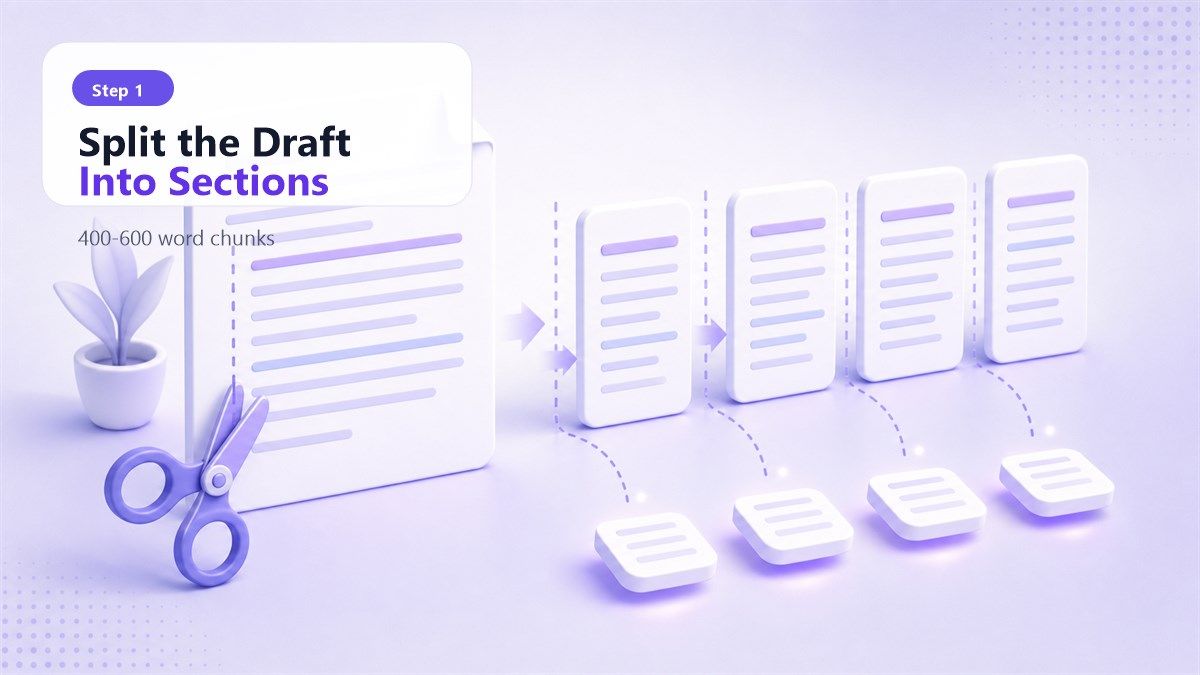
Each section should have a clear role. For example, one section may explain the problem, another may give steps, and another may compare options. When you humanize ai text free 2000 words, structure is what keeps the final draft coherent.
Avoid splitting a paragraph just because you reached a word limit. It is better to keep ideas intact and adjust the chunk size slightly. The goal is clean editing, not mechanical cutting.
Step 2. Paste or Upload Your Content
Open the humanizer tool and paste the first section into the text box. If your content is in a document, use the upload option when supported. Lynote AI Humanizer supports pasted text and document uploads such as PDF, DOC, DOCX, and TXT.
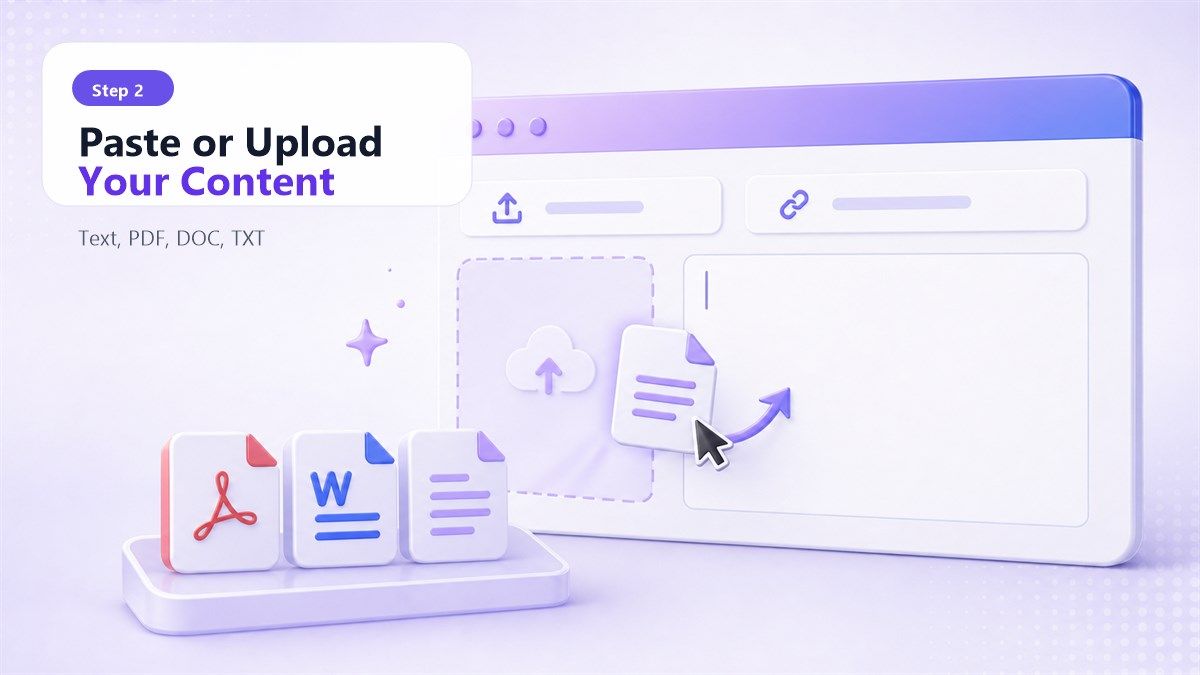
This is especially helpful for people searching for humanize ai text free 2000 words pdf. If your draft is stored as a PDF, you can upload the file when the tool supports that format, or copy one section at a time from the document. For better control, section-by-section editing is still recommended.
Make sure the pasted text includes enough context. If a section starts with "this method," add the heading or previous sentence so the tool understands the reference. Context helps the rewrite stay accurate.
Step 3. Choose the Right Humanization Mode
Lynote AI Humanizer includes different rewriting modes, such as Balanced, Focus, and Advanced. Balanced is a good starting point when you want smoother wording without changing too much. Focus can apply a stronger rewrite when the text feels especially robotic.

Advanced is useful when you want a more deliberate revision with deeper rewriting. It may be better for important sections such as introductions, conclusions, and key arguments. When you humanize ai text free 2000 words online, use different modes based on how much each section needs to change.
Do not use the strongest rewrite for every paragraph automatically. Some sections may already be clear and only need light smoothing. A careful mode choice helps preserve your voice and meaning.
Step 4. Humanize One Section at a Time
Click the Humanize button and review the rewritten result before moving to the next section. Check whether the meaning stayed the same and whether the tone fits your audience. If the rewrite adds vague claims or removes important details, adjust the input and try again.
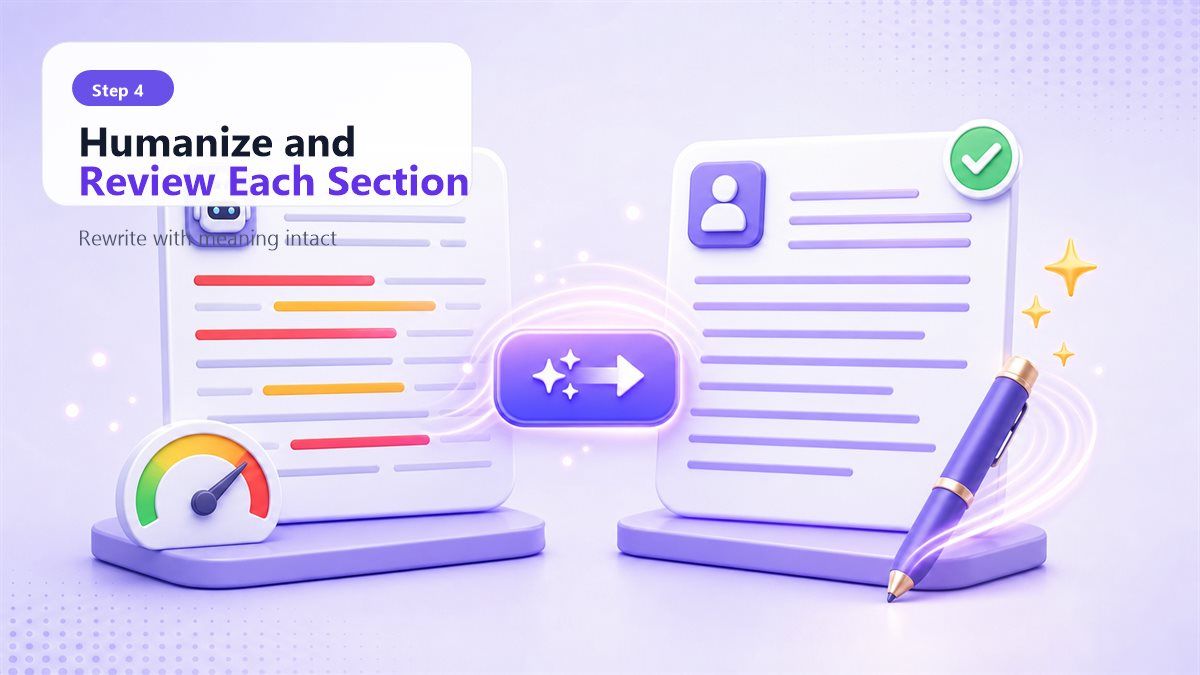
This is the most important part of the humanize ai text free 2000 words process. A humanizer can improve sentence flow, but you are still the editor. You should decide whether the new wording is more accurate, readable, and useful.
Repeat the same process for every section of the draft. Keep each rewritten section in a working document. Once all sections are complete, you can begin the final assembly.
Step 5. Reconnect the Sections Smoothly
After each section is rewritten, paste them back into the full draft. Read the article from start to finish and look for broken transitions. Because each section was humanized separately, you may need to adjust linking sentences.
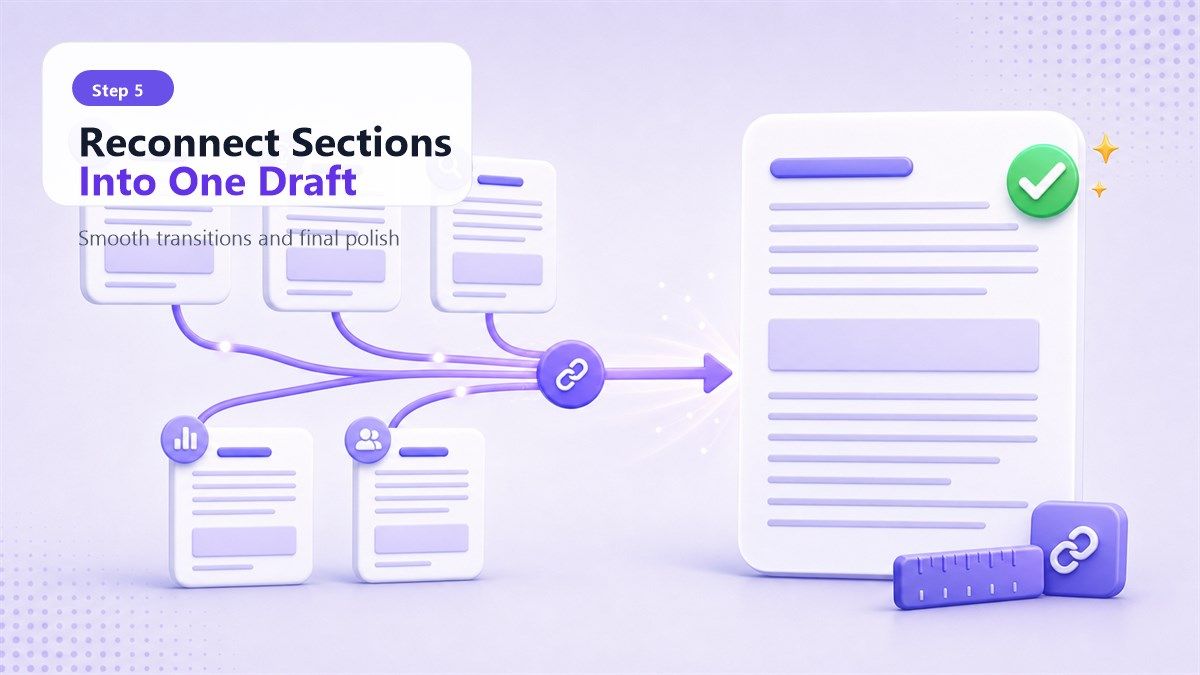
Check whether the tone stays consistent across the whole piece. One section may sound conversational while another sounds formal. Small manual edits can make the final 2000-word version feel like one complete article.
This final pass is what separates a quick rewrite from a polished draft. If you want to humanize ai text free 2000 words online, do not skip the full-document review. The combined draft should feel natural, not stitched together.
Recommended Chunking Plan for a 2000-Word Draft
| Draft Section | Suggested Length | Humanizer Mode | Review Focus |
|---|---|---|---|
| Introduction | 250-350 words | Advanced or Balanced | Hook, clarity, natural opening |
| Main Section 1 | 400-600 words | Balanced | Meaning, examples, sentence flow |
| Main Section 2 | 400-600 words | Balanced or Focus | Repetition, transitions, specificity |
| Main Section 3 | 400-600 words | Focus if needed | Tone, structure, useful detail |
| Conclusion | 200-300 words | Balanced | Summary, CTA, final impression |
This plan makes the humanize ai text free 2000 words workflow easier to manage. It also helps you avoid over-rewriting short sections or under-reviewing important ones. You can adapt the table based on your exact draft length.
How to Humanize AI Text Free 2000 Words PDF
If your draft is in PDF format, first decide whether you need to preserve formatting. For rewriting, the most important part is the text itself, not the PDF layout. Copying sections from the PDF into a humanizer can give you better control than rewriting the full document at once.
For humanize ai text free 2000 words pdf, upload the PDF if the tool supports it, or copy the text into smaller sections. Lynote AI Humanizer supports PDF uploads, along with DOC, DOCX, and TXT files. Still, a 2000-word PDF should be reviewed in sections because long documents can contain different tones and purposes.
After rewriting, paste the improved sections back into your document editor. Then export the final version as a new PDF if needed. This keeps the editing workflow clean and reduces the chance of losing formatting control.
What Makes AI Text Sound Less Human?
AI text often sounds less human because it explains ideas in a balanced but generic way. It may use phrases like "in today's digital world," "it is important to note," or "this comprehensive guide" too often. These phrases are not wrong, but they can make writing feel predictable.
Another issue is rhythm. Human writing usually has more variation in sentence length, emphasis, and pacing. A good humanized version should mix direct sentences with more detailed explanations.
Specificity also matters. Instead of saying "this tool improves productivity," a stronger sentence explains what task gets easier and why. When you humanize ai text free 2000 words, look for places where the draft needs examples, constraints, or clearer reasoning.
Humanizer vs Manual Editing: What Should You Use?
| Method | Best For | Limitation |
|---|---|---|
| AI Humanizer | Fast rewriting, smoother tone, sentence variation | Needs review for meaning and accuracy |
| Manual Editing | Facts, examples, structure, brand voice | Takes more time |
| Combined Workflow | Long drafts, blogs, PDFs, professional writing | Requires a final full-document pass |
The best approach is usually a combined workflow. Use an AI humanizer to improve the first pass, then edit manually for accuracy and voice. This is the most reliable way to humanize ai text free 2000 words without losing control of the message.
Manual editing is especially important for claims, data, citations, and personal experience. A humanizer can rewrite wording, but it should not invent facts. Your final review keeps the content trustworthy.
Common Mistakes to Avoid
The first mistake is trying to rewrite the entire 2000-word draft in one request. Even if a tool accepts long input, the output may lose structure or flatten the tone. Section-based rewriting gives you more control.
The second mistake is accepting the first output without reading it carefully. Humanized text can still contain vague wording or subtle meaning changes. Always compare the rewritten section with the original.
The third mistake is over-humanizing every sentence. If the original draft already has clear, specific wording, keep it. The goal of humanize ai text free 2000 words online is better communication, not rewriting for its own sake.
How Lynote AI Humanizer Fits This Workflow
Lynote AI Humanizer is useful for this process because it supports both pasted text and document uploads. You can work section by section, choose a mode, generate a rewrite, and review the result before continuing. This makes it practical for longer drafts even when you need to stay within free request limits.
The tool is designed to preserve meaning while making AI-generated text read more naturally. Its modes give you control over rewriting intensity, so you can use Balanced for cleaner edits or Focus for stronger revision. The Instant Authenticity Report can also help you review how the rewritten text may be interpreted by common AI-detection-style systems, but it should be treated as a signal, not proof.
A candid limitation is that the free tier is not meant for a full 2000-word rewrite in one request. For the keyword humanize ai text free 2000 words, the realistic Lynote workflow is to process the draft in smaller sections. That approach is more accurate, more editable, and more useful for real writing.
Editing Checklist After Humanizing
After you humanize each section, read the full draft out loud or use a text-to-speech tool. Awkward transitions and repeated sentence patterns are easier to notice when you hear the text. This helps you catch issues that a quick visual scan may miss.
Check every factual claim, example, number, product detail, and citation. Humanizing should improve the writing, not change the evidence. If a sentence becomes more stylish but less precise, rewrite it manually.
Finally, look at the beginning and ending of every section. Each section should open with a clear idea and close in a way that leads naturally to the next part. That final polish makes a humanize ai text free 2000 words workflow feel complete.
FAQs About Humanizing AI Text Free 2000 Words
Can I humanize 2000 words for free?
Yes, but you may need to split the text into smaller sections. Many free tools have limits per request, so a chunking workflow is more practical. It also gives you better control over tone and meaning.
What is the best way to humanize ai text free 2000 words online?
The best method is to divide the draft into 400-600 word sections, humanize each part, and then review the full document. This keeps the rewrite focused and prevents the final article from sounding uneven. A final manual edit is still important.
Can I humanize a 2000-word PDF?
Yes, if the humanizer supports PDF uploads or if you copy the PDF text into smaller sections. For humanize ai text free 2000 words pdf, section-based editing is usually cleaner than processing the entire PDF at once. After rewriting, you can place the text back into your document and export a new PDF.
Will humanized text always pass AI detection?
No. No responsible tool should promise that text will always pass AI detection or become undetectable. Humanizing can help improve readability and reduce common AI-like patterns, but detector results can vary.
Should I edit the output manually?
Yes. Manual editing is what makes the final version accurate, personal, and consistent. Use the humanizer for rewriting support, then review the final draft for meaning, facts, and voice.
Final Verdict
The best way to humanize ai text free 2000 words is to work in sections, choose the right rewriting mode, and review the final draft as one complete piece. For online drafts and PDFs, Lynote AI Humanizer can help you paste or upload content, rewrite it naturally, and refine the result without turning the process into guesswork. Keep the workflow honest, readable, and focused on better writing.

Written by Janet L. Harris
AI Writing Specialist
Janet reviews AI detectors and humanization tools, with a focus on accuracy, limitations, and responsible use. View all articles →