

Reword AI Text Free Online
Content
Result

Your humanized result will be ready here. To begin, paste your AI-generated text in the left box.
What Is Rewording And Why We Created This Tool
Rewording is not the replacement of some words with more sophisticated words. It's about creating a sentence that you've already written and improving it. Must get into a line that is at 1 am before an essay is due? Paste it in. Before you have finished your coffee, there are 3 or 4 choices. We created Lynote to examine the structure of a sentence, rather than the words within the sentence. That's what the difference is between a real rewrite and a thesaurus completing your homework.
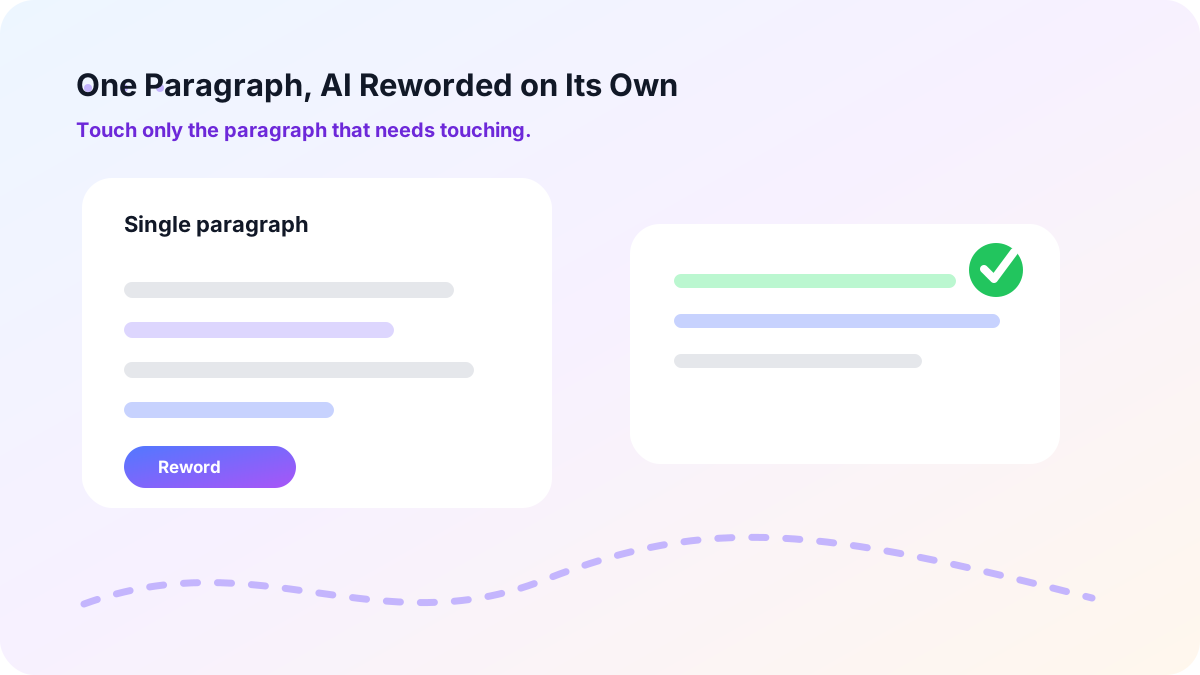
One Paragraph, AI Reworded on Its Own
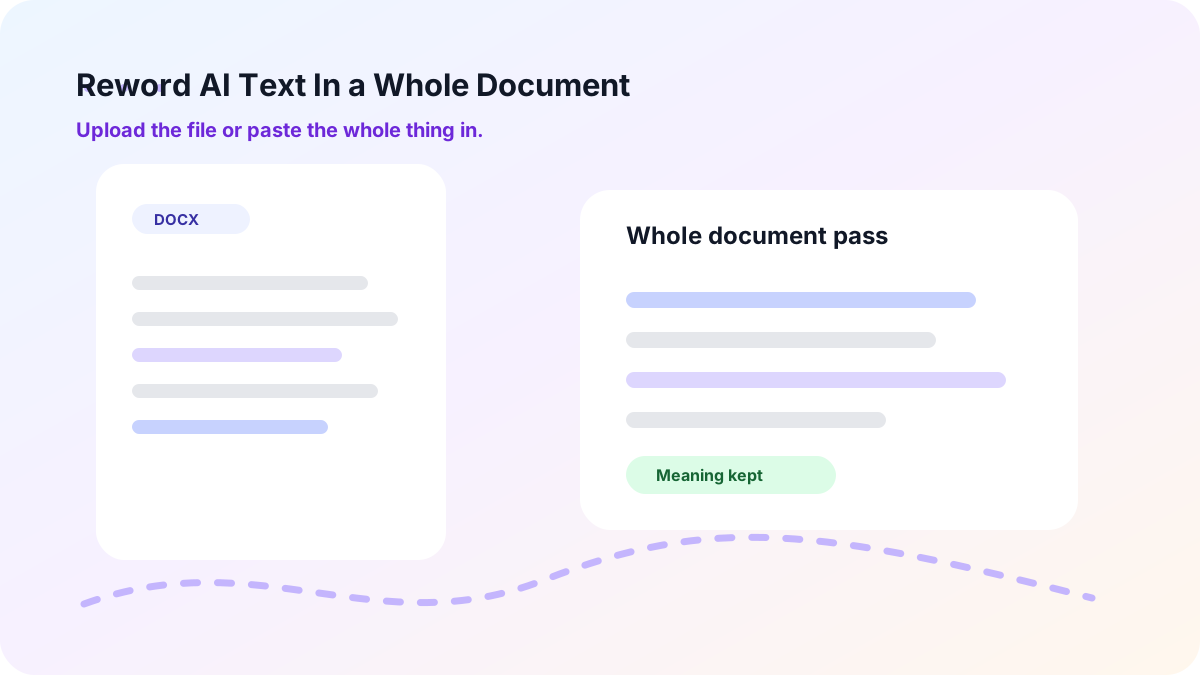
Reword AI Text In a Whole Document, Get It Back Done
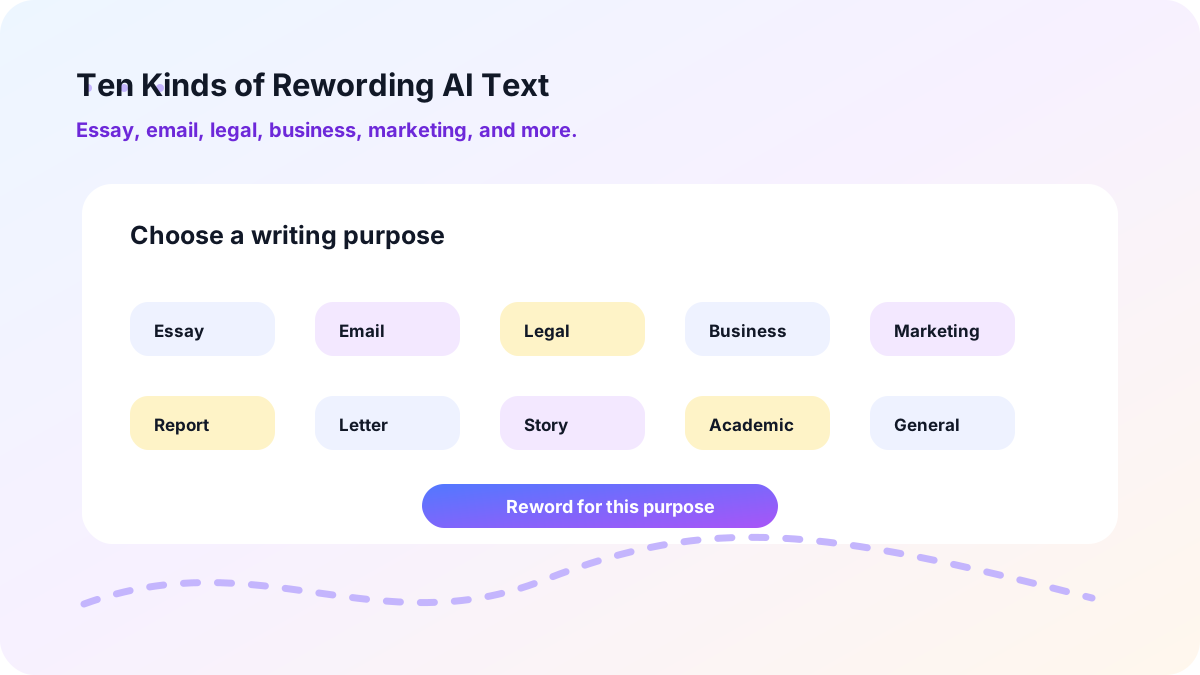
Ten Kinds of Rewording AI Text, One AI Reworder
If it's a marketing piece, then it's a marketing notice piece. Before you reword, determine what it is that you are rewording. Complete school assignments using essay format. If it's something quick, send an e-mail. Legal, as long as the wording is needed to withstand the law. Marketing for a page with a product to sell. Every kind of writing you may need can be customized, such as Business, Academic, Story, letter, report, or General.
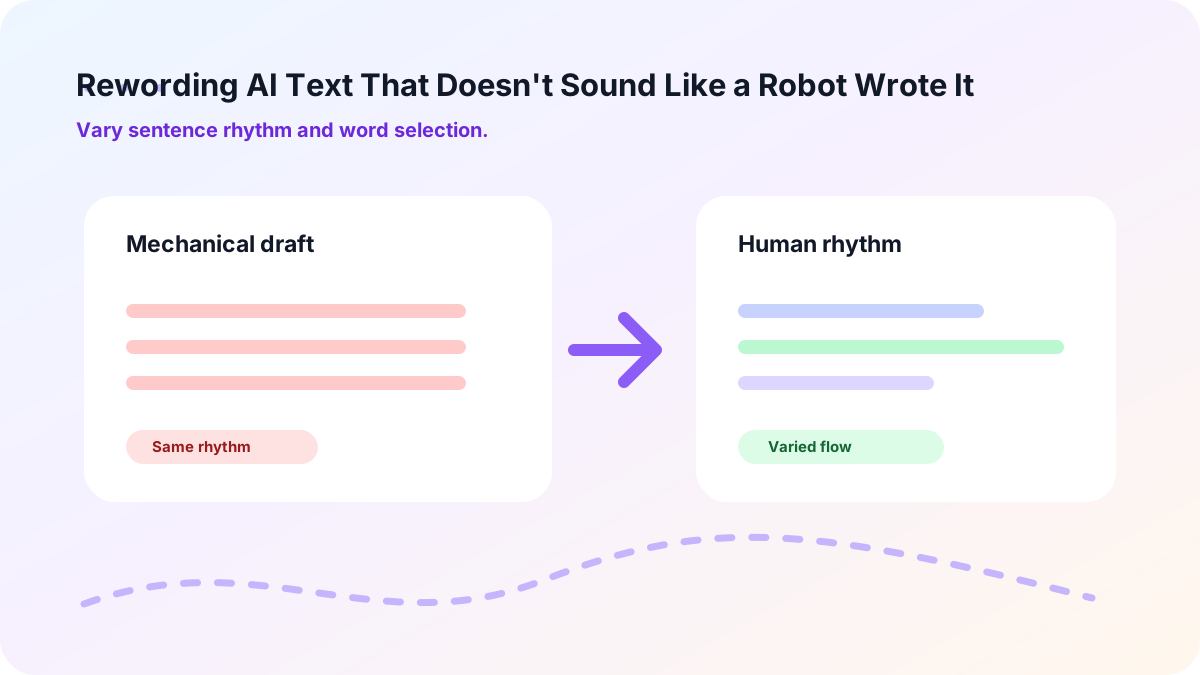
Rewording AI Text That Doesn't Sound Like a Robot Wrote It
Often, you'll be able to tell if AI has written something. All sentences have the same length, rhythm, and beat. That's what Lynote does. One line is short and hard. The next one's out, takes another concept, and works at it. The words are not repeated; it's a change of words from line to line. This produces a tone that sounds like a human voice rather than a machine tone that is playing the same pitch throughout.
The Reasons People Are Staying With Lynote AI Reworder Tool

Get Real Time Back
It takes 10 minutes of reading time to handwrite a paragraph. Lynote provides you with a clean draft in less than 5 seconds to reword AI to human.

A Genuine Upgrade, Not a Patch Job
A rough draft is one that is weak but strong. Lynote changes soft words to sharper words, and the writing is not only different but also sounds better upon rewording AI.

Your Point Never Moves
Rewording AI to human is not changing the meaning; it's just changing the way it is said. Your facts always take you to your argument.

Clean Grammar with No Extra Work
The rewrite is not going to allow typos and minor mistakes. Lynote will review sentences as they are read, and a clean reading will be produced starting from the first sentence.

Nothing to Learn First with This Free AI Rewording Tool
There is no settings menu or user's manual available. Copy/paste and read the outcome. Well, that's the whole story, beginning to end.

Works Well Past English
Your draft can be written in another language, and this will be accepted as the same. This is NOT a trick of English but supports over 80 languages, including Lynote.
Who's Actually Using This AI Rewording Tool

Students
It's midnight, and the essay is due at nine am and the third paragraph is stiff when read back. Copy and paste it in, find something cleaner, and go to sleep.

Content Writers
New copies: if the well dries up, turn old ones each week. If writers find themselves regularly returning to the same patterns in their writing, they don't need to start a new project with client work each time; they can use Lynote.

Marketers
After 3 months, the same 5 lines of ad copy. Experiment with a new headline, a different angle, or one of the many other ways to save a copywriter from a tweak.

Professionals
You don't want to send an email that is stuffy. As it passes through Lynote, it will smooth it out, and all of the facts will stay just right.

Non-Native English Writers
It's okay if you have to say it in your head and it doesn't sound correct in English. Your email or report will have its rough edges smoothed over before you send it or submit it to Lynote.

AI Content Editors
Eventually, a fully developed website of AI-generated pages can become tedious. Each draft is now given another voice, without a manual touch, when it is run through Lynote.
Getting Started With Lynote AI Reworder Takes About a Minute
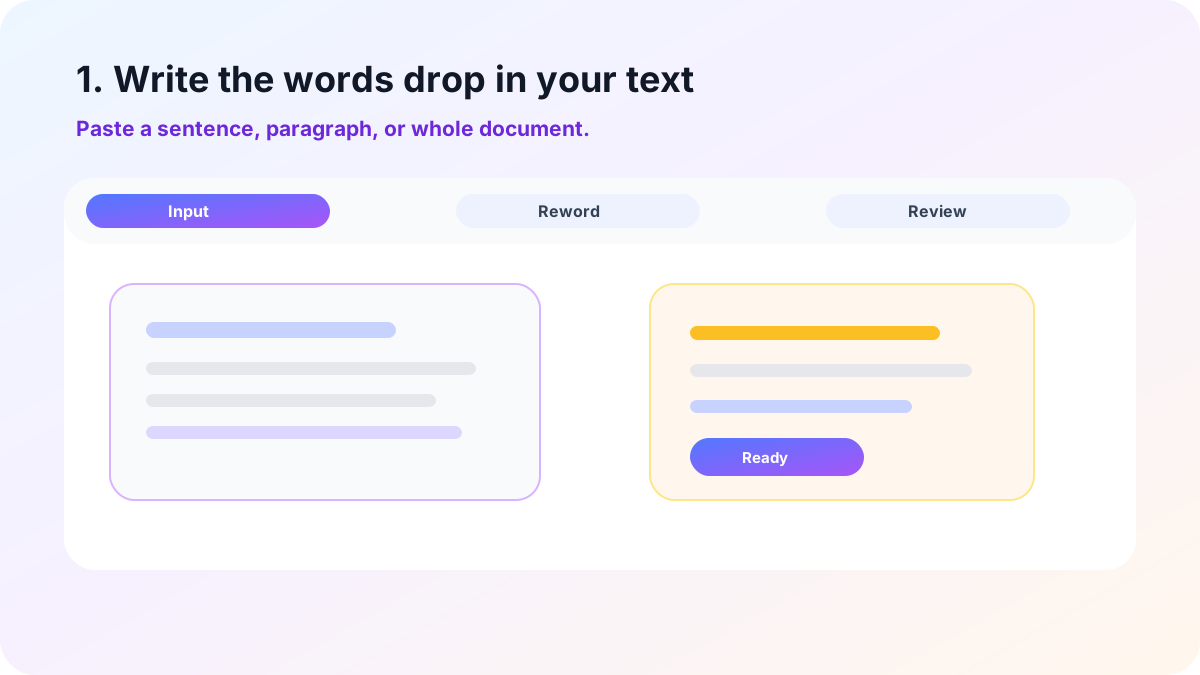
1. Write the words drop in your text
Simply type it into the box, sentence, paragraph, or whole document. You can also provide a DOCX, PDF, and TXT file and don't have to retype anything.

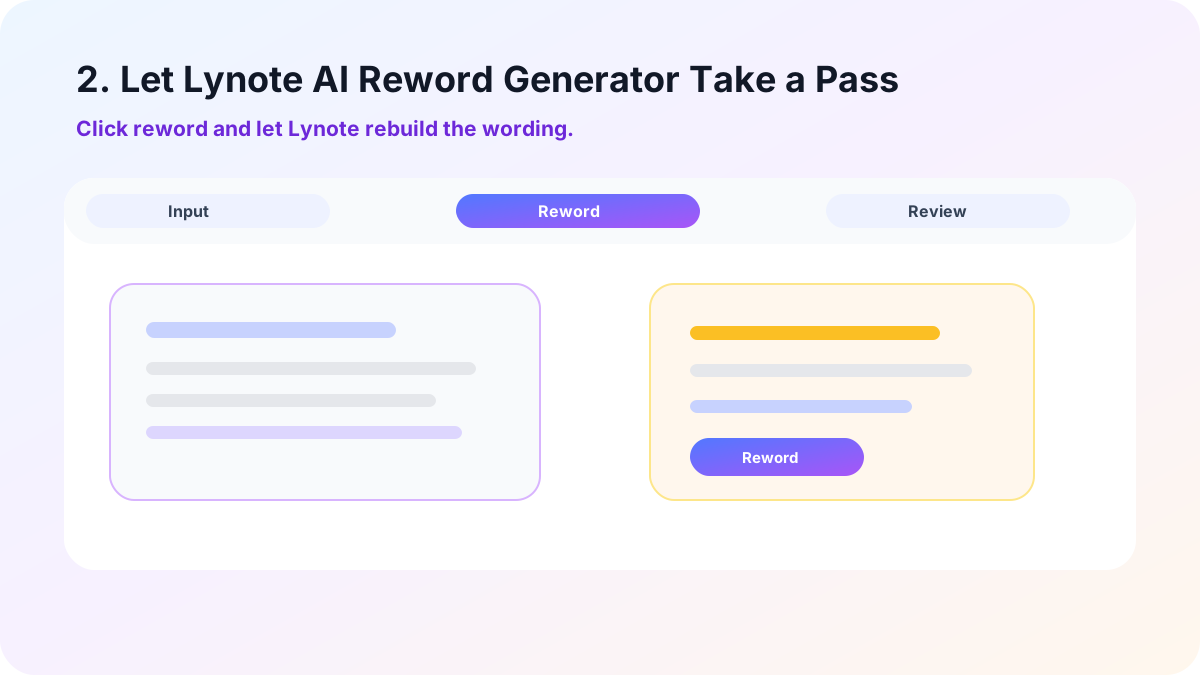
2. Let Lynote AI Reword Generator Take a Pass
It will go straight there if you click reword. Reads for meaning first and then constructs the words around the meaning in a few seconds.
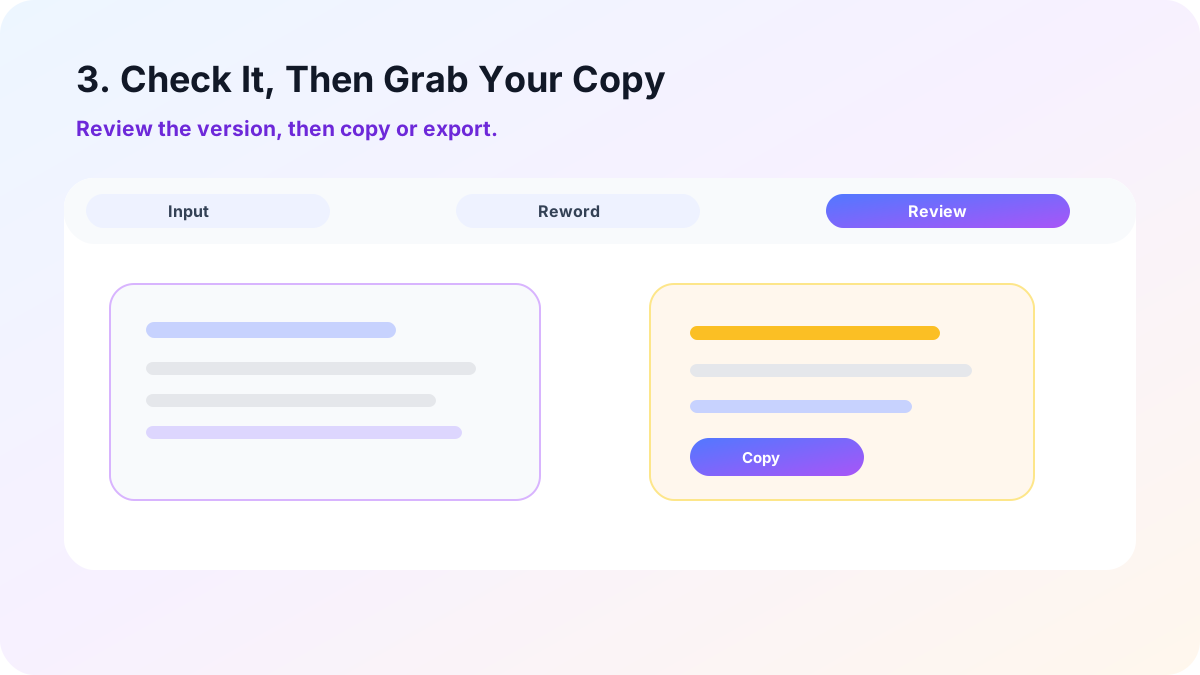
3. Check It, Then Grab Your Copy
Quickly read through the new version and correct anything that doesn't sound like you. If correct, copy it out or export it to a document.
What Actual Users Say About Lynote Rewording AI Text Tool

University Student

I used to spend an hour perfecting my essay intro before I would write it; now I just paste it in, and I'm done before my coffee cools.

Content Writer
When I used to post, they used to sync up with all the other blogs, but now they have a rhythm when I run them through Lynote.

Marketer
If I used to make 5 variants of an ad to see which works best in this angle, then I reword one of the good lines and move on.

Business Professional
We have one client who said that one day I was a little cold in my e-mail, so I did it through Lynote reword AI tool before sending the next e-mail, and then that e-mail was hot.

Marketing Coordinator
I'm not English, so I always have to think twice before I say what I want to say out of my mouth. Don't know how to say the bits that Lynote AI reword tool smoothes out.

Content Editor
Dozens of pages of AI-written content all sounded similar, but feeding them back into Lynote AI reword generator makes them all sound different.
Frequently Asked Questions About This AI Reworder
Yes, it doesn't require an account to use. Just copy and paste your text, click Reword, and your reworded text will be displayed in seconds, not minutes.
It should not, and that's the objective. Your facts do not change, nor does your point change, but your sentence structure and word choice do change below.
You can. Upload a DOCX, PDF, or TXT file, and Lynote processes the entire file, paragraph by paragraph, without any copy/pasting.
Covered. Lynote supports more than 80 languages, so you can reword a sentence in the language that you wrote it in.
Pretty much, yes. As Lynote corrects the text, it will also correct grammar, so you will not see many small errors in your original text.
Definitely. Choose a purpose like Essay, Email, Legal, or Marketing, and the ai reword sentence or paragraph is customized from the start.
More Lynote Tools for Rewriting, Humanizing, and AI Checks




Fresh Guides for AI Rewriting and Content Authenticity
Explore practical Lynote resources on AI detection, humanization, detector-aware editing, academic drafts, SEO content, and professional writing workflows.


Our users come from institutions including top universities worldwide
Names reflect the communities our users belong to — not an endorsement or affiliation.