What Does Compress PDF Mean? A Practical Guide for Files

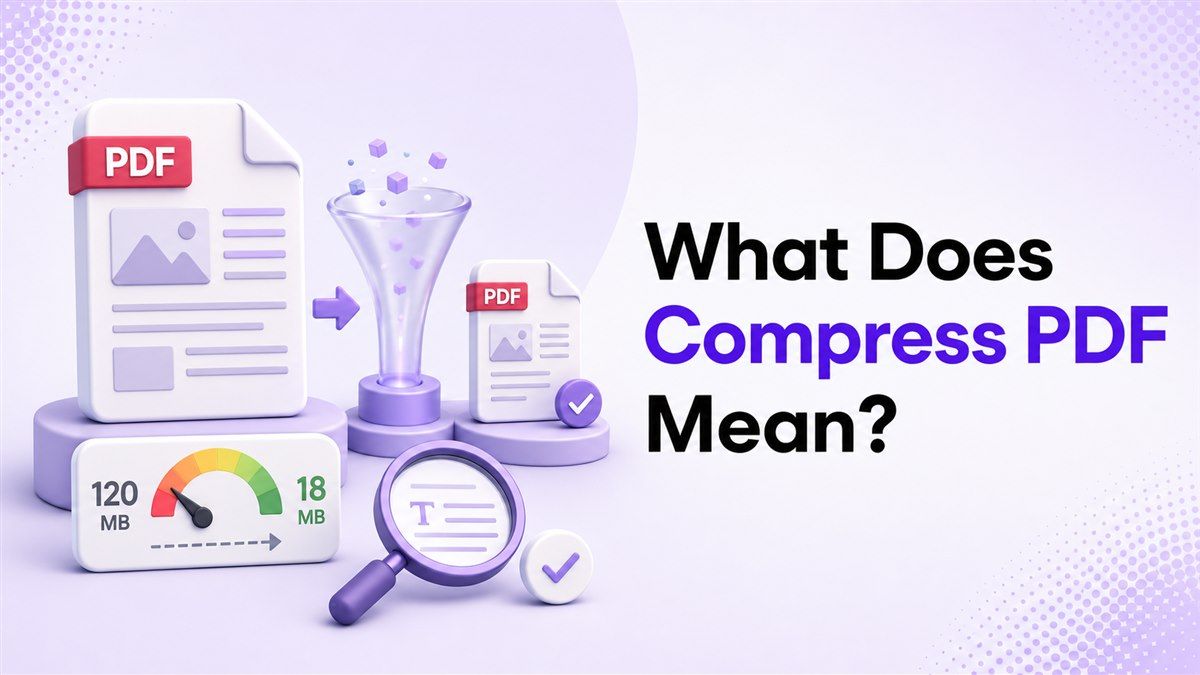
If you have ever tried to upload a large document and hit a file-size limit, you may have wondered, what does compress PDF mean? In simple terms, it means reducing the file size of a PDF so it is easier to upload, email, store, and share. The goal is not to change the document's message, but to make the file lighter and more practical to use.
PDFs are popular because they preserve layout, fonts, images, forms, charts, and page structure across devices. That reliability is useful, but it can also make files heavy, especially when a PDF includes scans, photos, high-resolution graphics, or many pages. This guide explains what compression means, how it works, when to use it, and how Lynote Compress PDF can help you reduce file size quickly.
What Does Compress PDF Mean?
So, what does compress PDF mean in everyday language? It means taking a PDF file and making it smaller while keeping it in the same PDF format. You still open it as a normal .pdf file, but it takes up less storage space and usually uploads or downloads faster.
When people ask what does it mean to compress a PDF, they are usually asking whether anything important will be removed. A good PDF compressor does not delete your text or rearrange your pages. Instead, it reduces the hidden weight inside the file, such as oversized images, duplicate data, unused metadata, and inefficient storage patterns.
A compressed PDF is especially useful when a website, email system, job portal, school portal, or government form rejects files above a certain size. Instead of rebuilding the document from scratch, you can compress it and try again. That is why understanding what does compress a PDF mean can save time in real submission workflows.
What Does a Compressed PDF Mean for File Quality?
When users ask what does compressed PDF mean, quality is usually the biggest concern. A compressed PDF means the file has been optimized to take up less space, but the visual result depends on the original document and the compression level. A text-heavy PDF often compresses cleanly, while a scan-heavy PDF may require more trade-offs.
Compression can be gentle or aggressive. Gentle compression focuses on removing unnecessary file weight while keeping the PDF nearly identical to the original. Aggressive compression can reduce size more dramatically, but images may become less sharp if the file is pushed too far.
This is why compressing a PDF is not just a technical action; it is a quality decision. The best result is not always the smallest possible file. The best result is a PDF that fits the upload limit while staying readable for the person who needs to review it.
What Does It Mean to Compress a PDF File Technically?
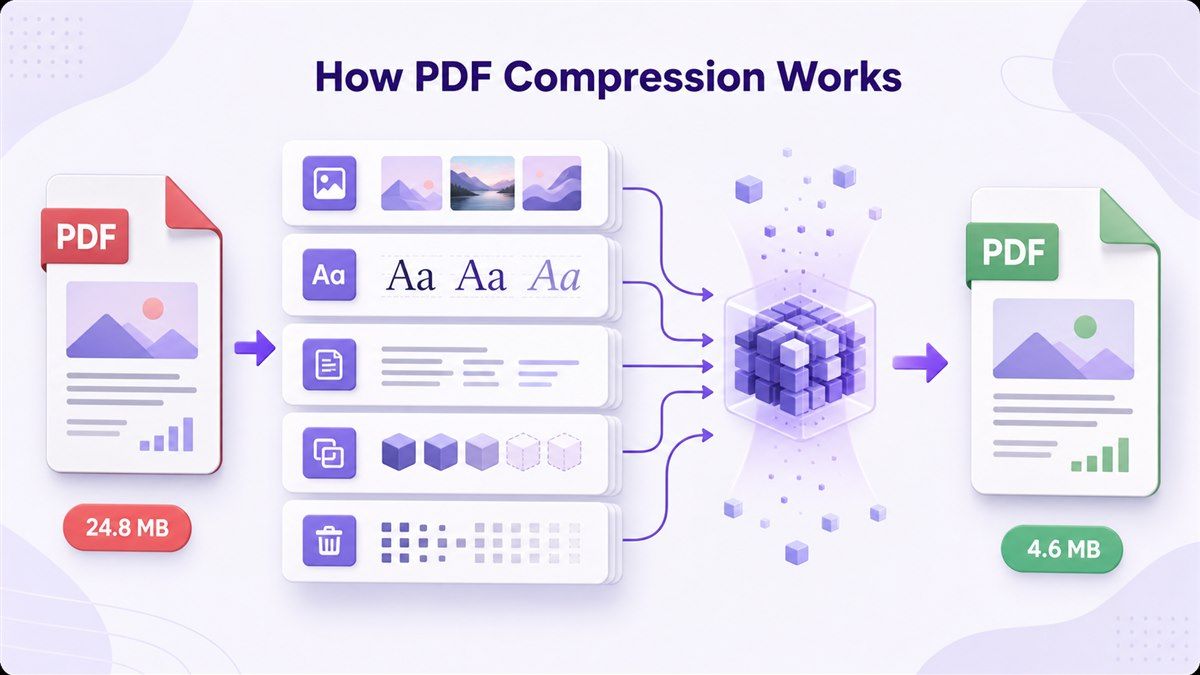
Technically, what does it mean to compress a PDF file? It means the compressor examines the document's internal elements and rewrites them in a more efficient way. The visible pages may look similar, but the file behind them becomes lighter.
PDF compression may reduce image resolution, recompress embedded pictures, remove redundant data, clean up unused objects, and simplify how the file stores repeated elements. Some compression is lossless, meaning it reduces file size without visible quality loss. Other compression is lossy, meaning it sacrifices some visual detail to reach a smaller size.
The right method depends on the PDF. A scanned contract, a design portfolio, a lecture slide deck, and a simple invoice do not behave the same way. That is why Lynote focuses on practical compression: reduce the file enough for the task, then let you use the smaller PDF with confidence.
Why Do PDFs Become So Large?
Before asking compress PDF what does it mean, it helps to know why PDFs become large in the first place. Many PDFs contain images that are much bigger than needed for reading on a screen. A scanned page may store the whole page as a high-resolution image, even if the page mostly contains text.
PDFs can also become large because of embedded fonts, layered design files, annotations, form data, bookmarks, comments, and duplicated resources. Export settings matter too. A PDF saved for print production may preserve very high-quality assets that are unnecessary for email or online upload.
This is why two PDFs with the same number of pages can have completely different file sizes. A 20-page text report may be smaller than a two-page scanned certificate. When you understand what does compressing a PDF mean, you can choose a smarter approach instead of guessing.
When Should You Compress a PDF?
You should compress a PDF when file size blocks the next step. Common examples include email attachments, job applications, scholarship portals, legal submissions, class assignments, and client document sharing. In these moments, the file does not need to be perfect for printing; it needs to be accepted and readable.
You should also compress PDFs before placing them on a website. Smaller PDFs load faster, use less bandwidth, and create a smoother experience for readers. This matters for blogs, help centers, digital brochures, product manuals, and downloadable guides.
Another good time to compress is before archiving. If you keep hundreds of invoices, forms, reports, or scanned records, smaller PDFs can reduce storage pressure. Even modest file-size reductions can make a difference when repeated across many documents.
How to Compress a PDF with Lynote
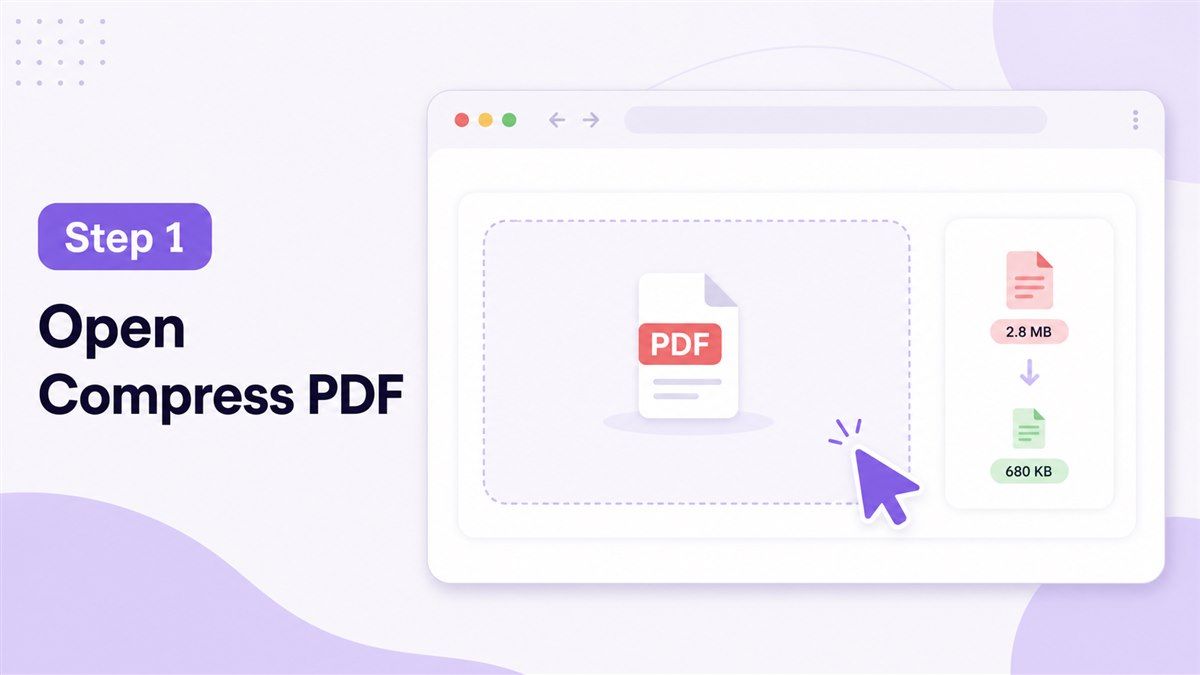
Step 1. Open Lynote Compress PDF
Go to Lynote Compress PDF in your browser. You do not need to install heavy desktop software just to make a file smaller. This is useful when you need a quick result for an upload, email, or online submission.
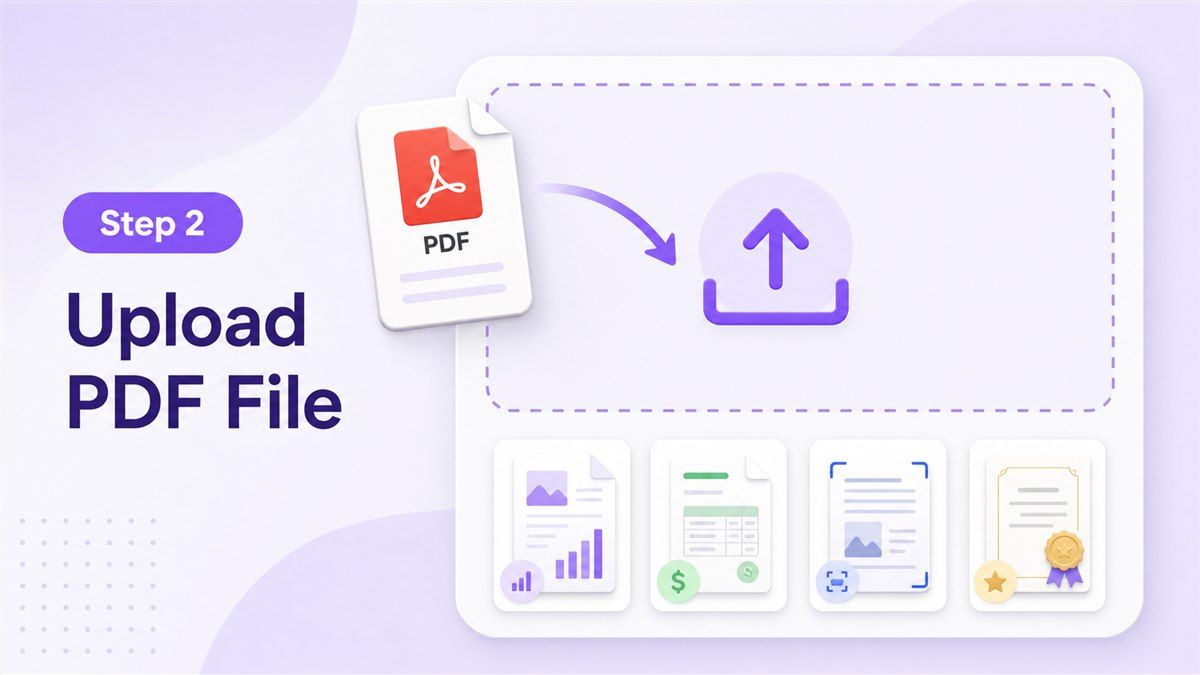
Step 2. Upload Your PDF File
Upload the PDF you want to reduce. This could be a resume, scanned form, report, invoice, certificate, study material, or business document. If you are asking what does it mean to compress pdf in a real workflow, this is the point where the tool reads the file and prepares it for size reduction.
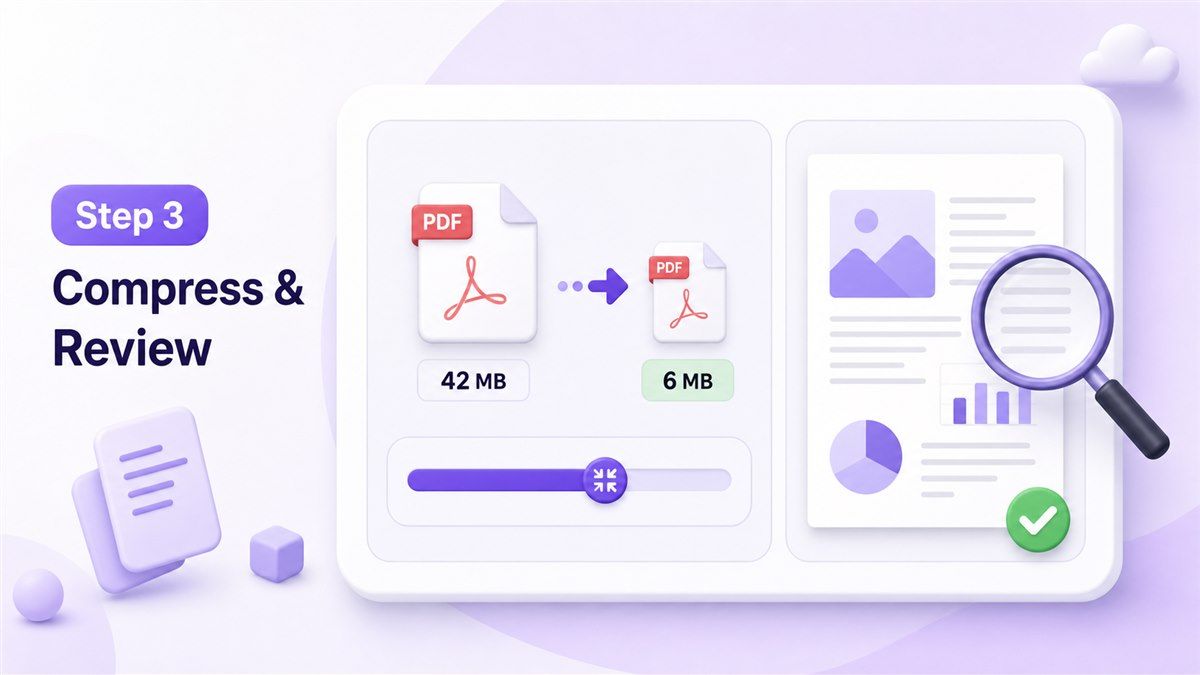
Step 3. Compress and Review the Result
Start the compression and wait for Lynote to create a smaller version. After the file is compressed, review whether the pages remain readable and useful. If the PDF still looks clear and fits your size requirement, you can download it and move on.
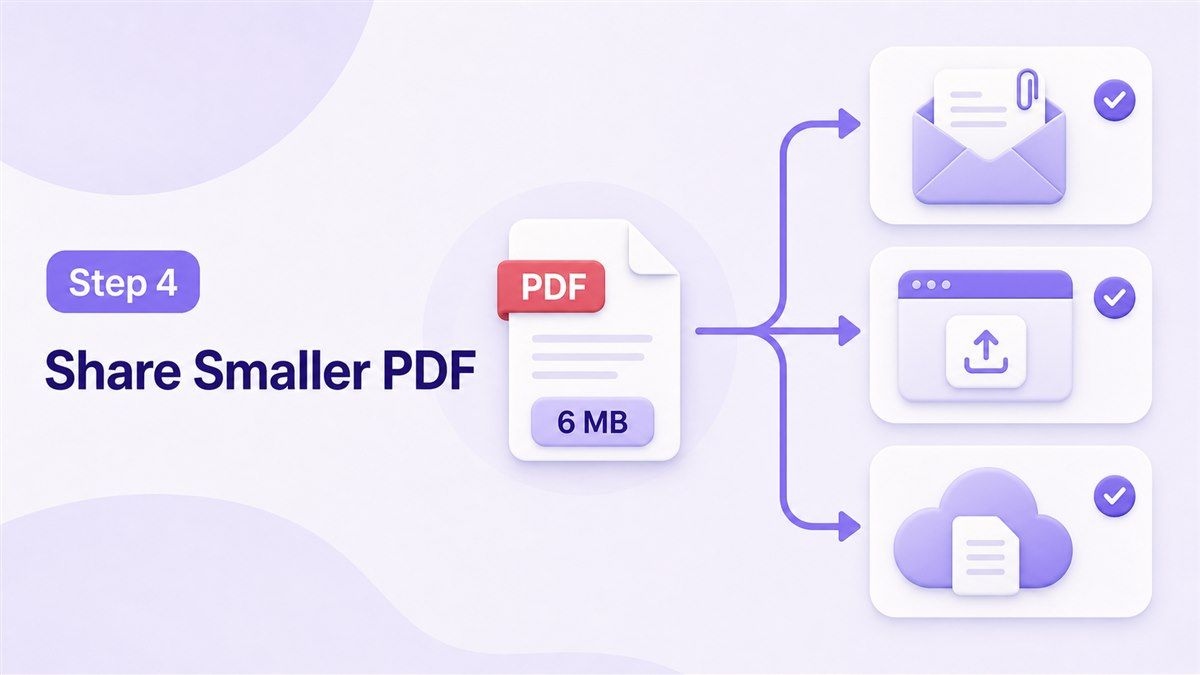
Step 4. Use the Smaller PDF Where It Matters
Once downloaded, the compressed PDF can be uploaded, attached, stored, or shared like any normal PDF. You do not need special decompression software. The document remains a PDF, only lighter and easier to handle.
What Makes Lynote Useful for PDF Compression?
Lynote is useful because it focuses on the practical question behind what does compress PDF mean: "Can I make this file small enough without making it hard to read?" That matters more than chasing the smallest possible number. A tiny PDF is not helpful if the reviewer cannot read the text or see key details.
For students, Lynote helps with assignment uploads, application documents, certificates, and scanned notes. For office teams, it helps with invoices, HR documents, contracts, reports, and policy files. For creators and consultants, it helps with proposals, portfolios, case studies, and client-ready PDFs.
The workflow is also simple. You upload, compress, download, and use the file. That makes Lynote a good fit for people who do not want to learn advanced PDF settings just to solve one file-size problem.
Benefits of Compressing a PDF
Easier Uploads
Many platforms reject PDFs that are too large. Compressing the file helps you meet upload limits without rebuilding the document. This is one of the most common reasons people search what does compress PDF mean before using a tool.
Faster Sharing
Smaller PDFs are easier to send through email, chat apps, learning platforms, and client portals. They upload faster and download faster. This reduces friction when someone needs to review the document quickly.
Better Storage Management
A compressed PDF takes up less space on your computer, cloud drive, or document system. This is helpful when you manage many records over time. Smaller files also make folders easier to sync and back up.
Better Web Experience
If your PDF is linked from a website, compression can improve the user experience. Visitors are less likely to abandon a slow download. For content teams, smaller PDFs can support smoother resource pages and better mobile access.
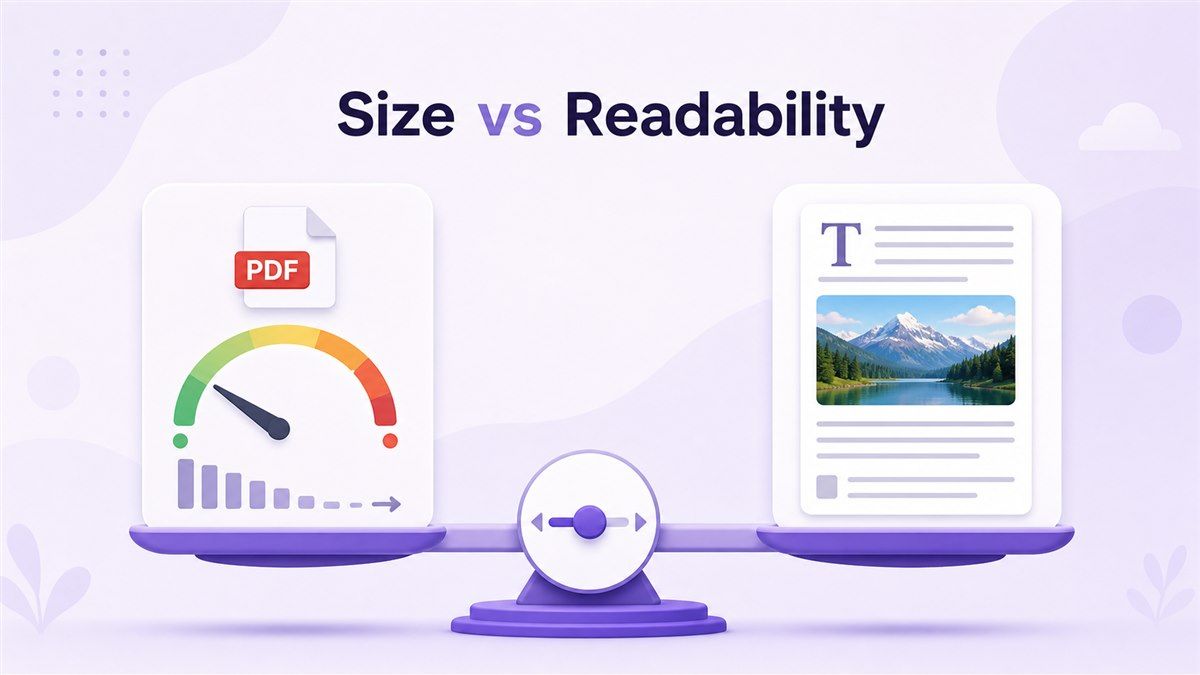
Compression Levels: Small File vs. Readable File
Not every PDF should be compressed the same way. A scanned receipt can often tolerate stronger compression than a design portfolio with detailed visuals. A legal form must stay readable, while a photo-heavy booklet may need a more careful balance.
This is the key idea behind what does it mean to compress a PDF file: compression is a balance between size and quality. If the file only needs to be read on screen, moderate compression may be enough. If it must meet a strict portal limit, stronger compression may be necessary.
A useful rule is to compress toward the actual requirement. If the portal allows 10 MB, you do not need to force the file down to 500 KB. Aim for the size that solves the problem while keeping the content usable.
Common Mistakes to Avoid
One mistake is compressing the same PDF repeatedly without checking the result. Each round may bring smaller improvements, and aggressive settings can eventually reduce visual quality. It is better to review the output after each compression.
Another mistake is using the smallest possible file as the only goal. The real goal is a document that can be accepted, opened, and understood. For resumes, forms, contracts, and academic documents, readability matters more than extreme reduction.
A third mistake is assuming every PDF can shrink by the same percentage. A file that is already optimized may not shrink much. A large scanned PDF may shrink more, but it may also need more careful review.
FAQ About What It Means to Compress a PDF
What does compress PDF mean?
What does compress PDF mean? It means reducing a PDF's file size so it is easier to upload, email, download, store, or share. The file remains a PDF, but it becomes lighter.
What does it mean to compress a PDF?
What does it mean to compress a PDF? It means optimizing the file's internal data, images, and structure to reduce size. The goal is to keep the document readable while making it easier to handle.
What does compressed PDF mean?
What does compressed PDF mean? It means the PDF has already gone through file-size reduction. It should still open as a normal PDF, but it should take up less space than the original version.
Will compressing a PDF remove pages?
No, normal PDF compression should not remove pages. It reduces file weight, not the document's core structure. Still, you should review the compressed file before submitting it.
Does compression reduce quality?
Sometimes it can, especially with strong compression on image-heavy PDFs. Text-heavy PDFs often keep quality very well. The best approach is to compress, preview, and confirm the file is still readable.
Do I need software to open a compressed PDF?
No. A compressed PDF is still a regular PDF file. You can open it with common PDF readers, browsers, phones, tablets, and document apps.
Final Thoughts
So, what does compress PDF mean? It means making a PDF smaller so it works better for uploads, email, storage, sharing, and online access. If you want a fast, simple way to reduce file size without overthinking technical settings, try Lynote Compress PDF and turn a heavy PDF into a file that is easier to use.

Written by Janet L. Harris
AI Writing Specialist
Janet reviews AI detectors and humanization tools, with a focus on accuracy, limitations, and responsible use. View all articles →