Best AI Image Detectors in 2026: 10 Tools Compared

Best AI image detectors are no longer just niche forensic tools. They help students, teachers, journalists, hiring teams, marketplace moderators, and everyday users decide whether a picture deserves more verification before they trust or share it.

No detector can prove image origin with absolute certainty. The practical goal is to combine multiple signals, such as pixel patterns, metadata, content credentials, watermarks, model traces, and manual review, so you can make a better judgment.
This guide compares ten AI image detector tools by use case, workflow, reporting, ease of use, and fit for different users.
Quick Answer: Which AI Image Detector Should You Use?
If you want the shortest answer, choose based on the job:
| Need | Best Fit | Why It Works |
|---|---|---|
| Best all-in-one student workflow | Lynote | Image detection sits beside study and learning workflows. |
| High-volume moderation | Hive Moderation | Built for platform-scale detection and API usage. |
| Text plus image checks | Winston AI | Combines AI text and image detection in one dashboard. |
| Explainable visual review | Illuminarty | Useful when you want heatmaps or model-style clues. |
| Fast one-off checks | AI or Not | Simple interface for quick real-or-AI checks. |
| Developer API | Sightengine | Designed for product teams and automated pipelines. |
| Broader AI content review | TruthScan Image Detector | Good fit if you already use a wider AI review workflow. |
| Manual forensics | FotoForensics | Better for metadata and error-level analysis than quick scoring. |
| Free experimentation | Hugging Face detectors | Open-source models are useful for research and comparison. |
| Casual browser checks | Is It AI? | Simple scoring, URL checks, and browser-friendly use. |
How to Choose an AI Image Detector
Before picking a tool, decide what kind of decision you need to make. A casual social media check, a classroom review, a news verification workflow, and a moderation pipeline all need different levels of evidence.
For most users, the best AI image detector has five qualities:
- It gives a clear result without pretending to be final proof.
- It explains the evidence behind the score.
- It supports the file types you actually use.
- It respects privacy expectations for uploaded images.
- It fits your volume, from occasional checks to API-scale scanning.
Use at least two checks for important cases. A detector result can be a strong signal, but edited, compressed, cropped, or newly generated images can still produce uncertain results.
Quick Comparison Table
| Tool | Best For | Free Option | Strongest Use Case |
|---|---|---|---|
| Lynote AI Image Detector | Students and everyday checks | Basic scan available | Scan an image and keep results in a learning workflow. |
| Hive Moderation | High-volume platforms | Developer credits may be available | API-based AI image and deepfake moderation. |
| Winston AI | Educators and publishers | Trial-based access | Text and image detection in one account. |
| Illuminarty | Explainable image review | Basic detector available | Heatmaps and AI-region clues. |
| AI or Not | Fast single checks | Limited monthly checks | Quick real-or-AI verdicts. |
| Sightengine | Developers | Limited free operations | Image detection inside products or pipelines. |
| TruthScan Image Detector | Existing AI review users | Trial-based access | Image checks alongside broader AI content review. |
| FotoForensics | Manual investigation | Free web tool | Metadata and error-level analysis. |
| Hugging Face detectors | Researchers | Free community tools | Comparing open-source models. |
| Is It AI? | Occasional individual use | Limited free scans | Simple image or URL checks. |
The 10 Best AI Image Detectors Reviewed
1. Lynote AI Image Detector
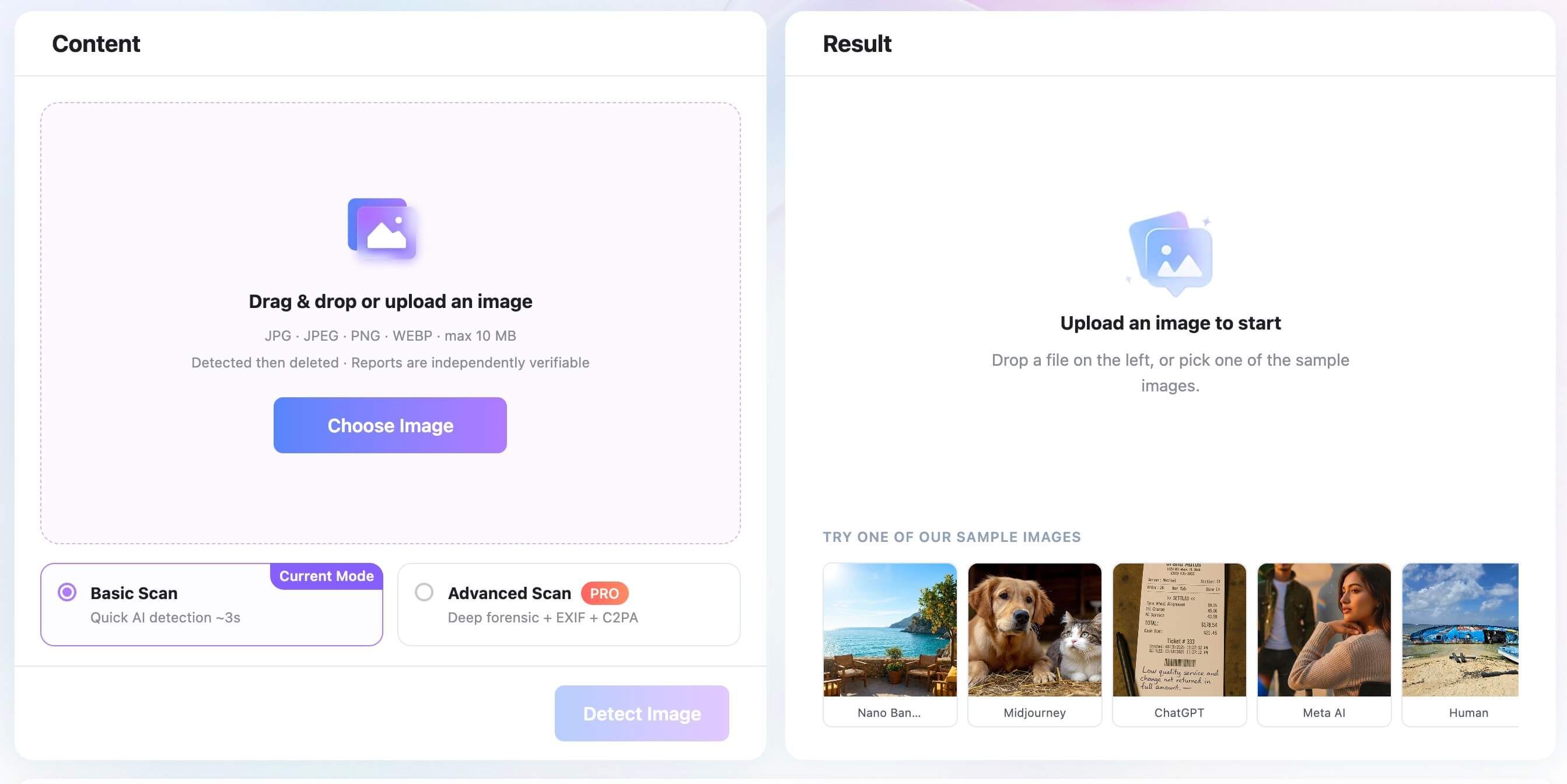
Lynote AI Image Detector is the best fit when you want a practical image check inside a broader learning and productivity workspace. It supports common image formats such as JPG, JPEG, PNG, and WEBP, with a visible 10 MB upload limit in the current interface.
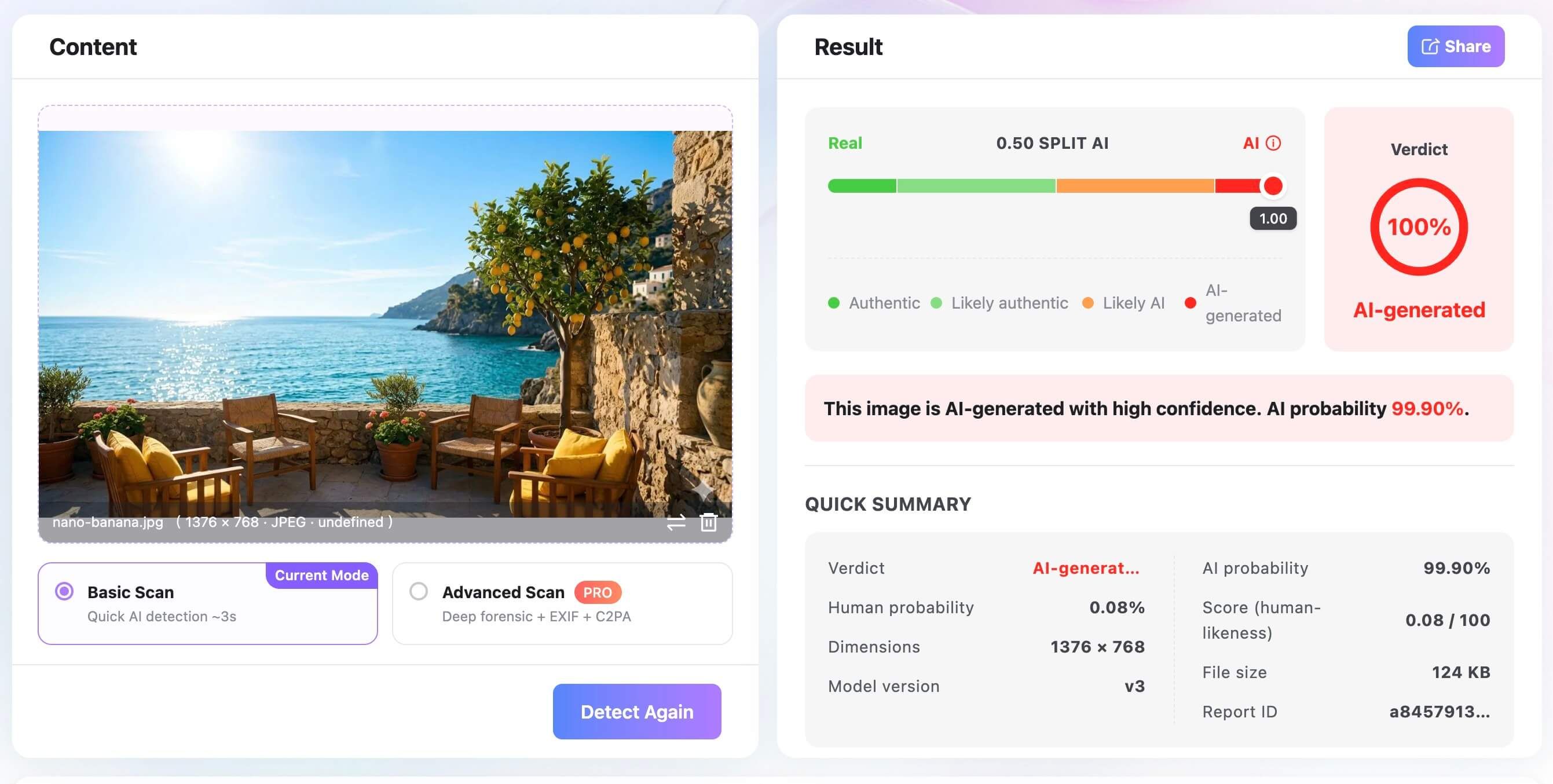
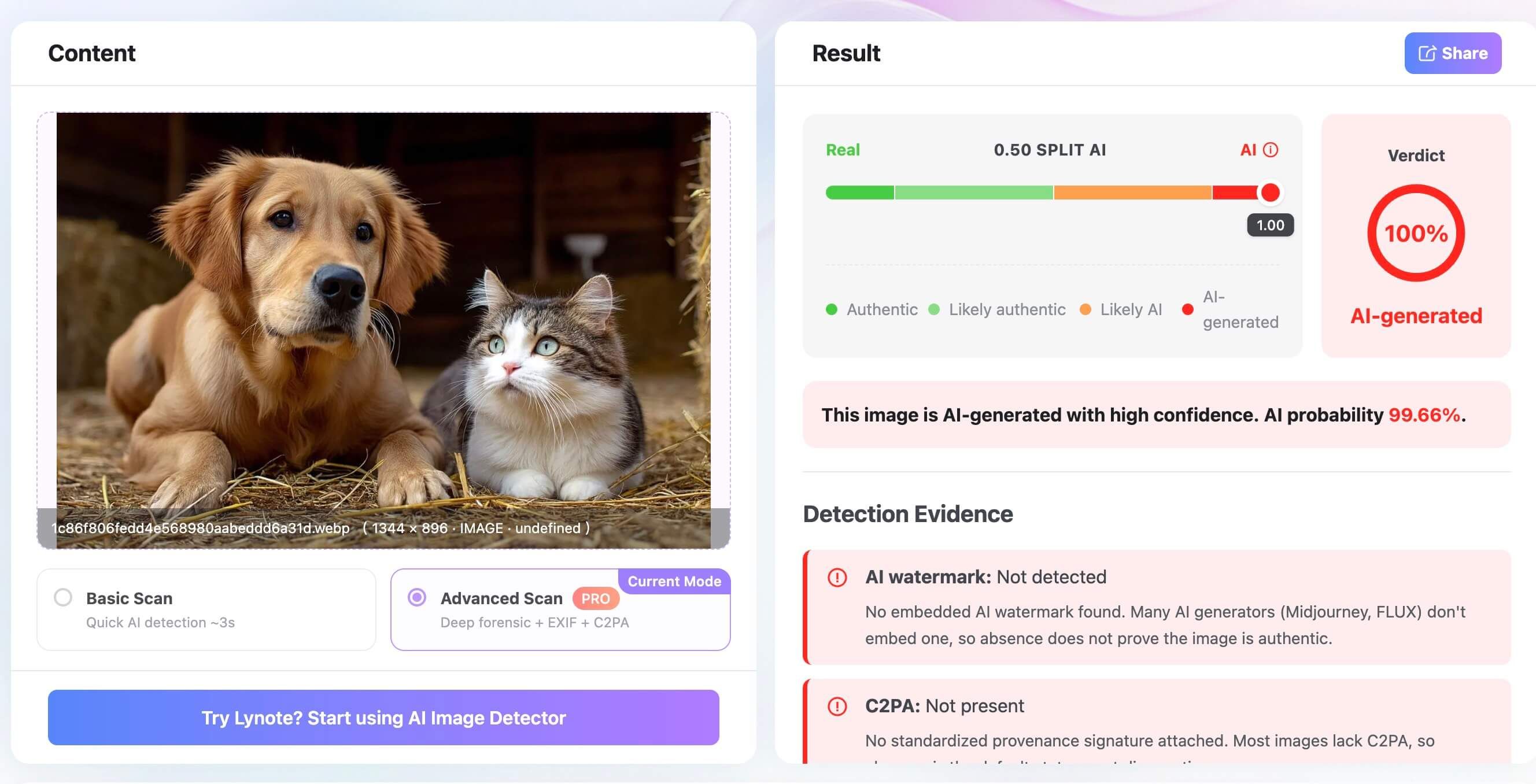
The tool offers a Basic Scan for quick AI detection and an Advanced Scan marked as Pro for deeper forensic review with EXIF and C2PA signals. The result screen gives a verdict, AI probability, human probability, dimensions, file size, model version, report ID, and a share option, which makes the result easier to discuss or save.
Features
- Basic Scan for quick image checks.
- Advanced Scan with deeper forensic signals, including EXIF and C2PA.
- Supports JPG, JPEG, PNG, and WEBP images up to 10 MB.
- Result page shows verdict, probability, file details, model version, and report ID.
- Shareable results and independently verifiable report messaging.
Pros
- Easy enough for non-technical users.
- Strong fit for students, teachers, and creators who already use Lynote.
- Shows more context than a bare yes-or-no result.
- The interface clearly separates quick scans from deeper scans.
Cons
- Advanced Scan is marked as Pro, so heavier forensic use may require a paid option.
Best for: Students, educators, creators, and everyday users who want image detection in the same place they handle study or content workflows.
Our take: Lynote is the most convenient pick when image checking is part of a broader learning or review workflow, not a standalone moderation pipeline.
2. Hive Moderation
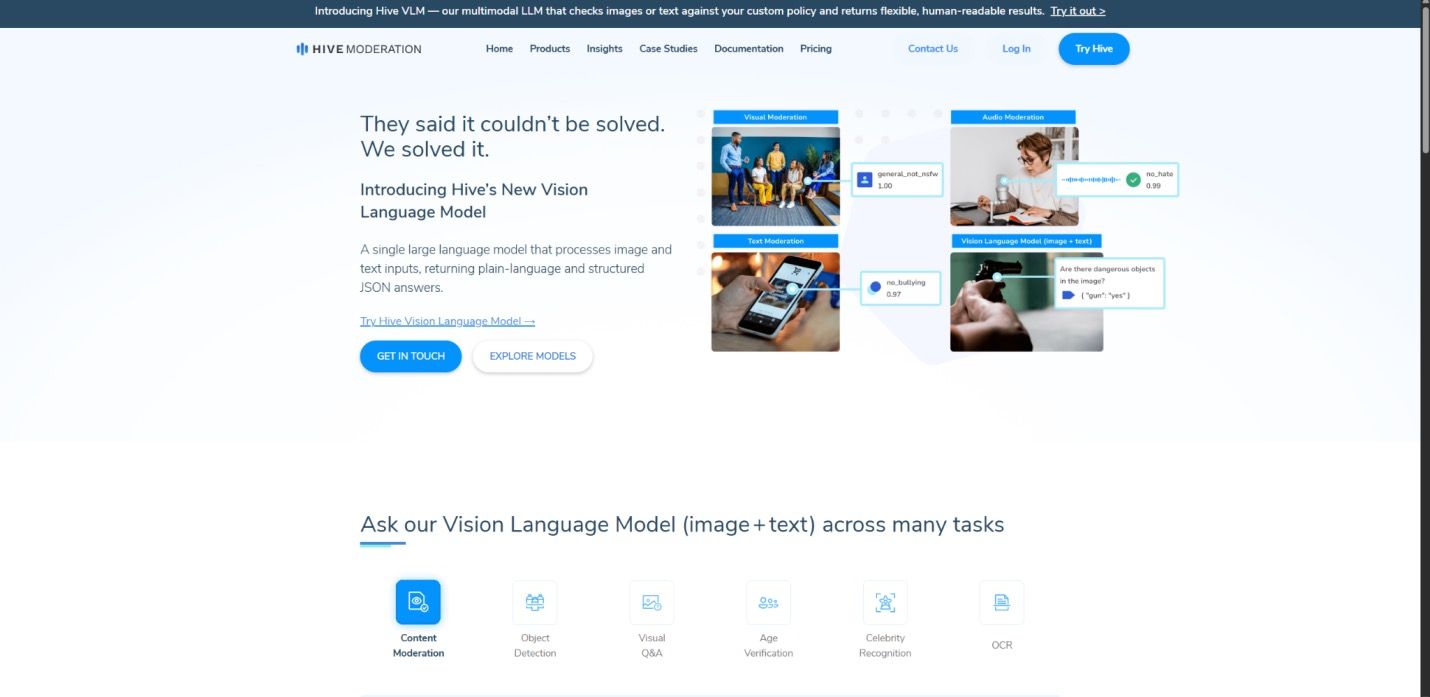
Hive Moderation is built for teams that need to detect AI-generated media at scale. Its visual moderation tools are designed for platforms, apps, and trust-and-safety workflows rather than casual one-photo checks.
The interface and API-first positioning make Hive a serious option when you need automation, high throughput, or moderation rules across many media types.
Features
- AI-generated image and deepfake detection.
- API and moderation workflow support.
- Designed for large batches and platform operations.
- Works well when detection needs to sit inside a larger moderation stack.
Pros
- Strong fit for high-volume moderation teams.
- Better for product integration than manual upload workflows.
- Supports broader visual moderation needs beyond one image.
Cons
- More technical than most casual users need.
- Pricing and setup make more sense for teams than individuals.
Best for: Platforms, marketplaces, social apps, and moderation teams that need AI image detection at scale.
Our take: Hive is powerful, but it is overbuilt if you only need to check one suspicious image.
3. Winston AI
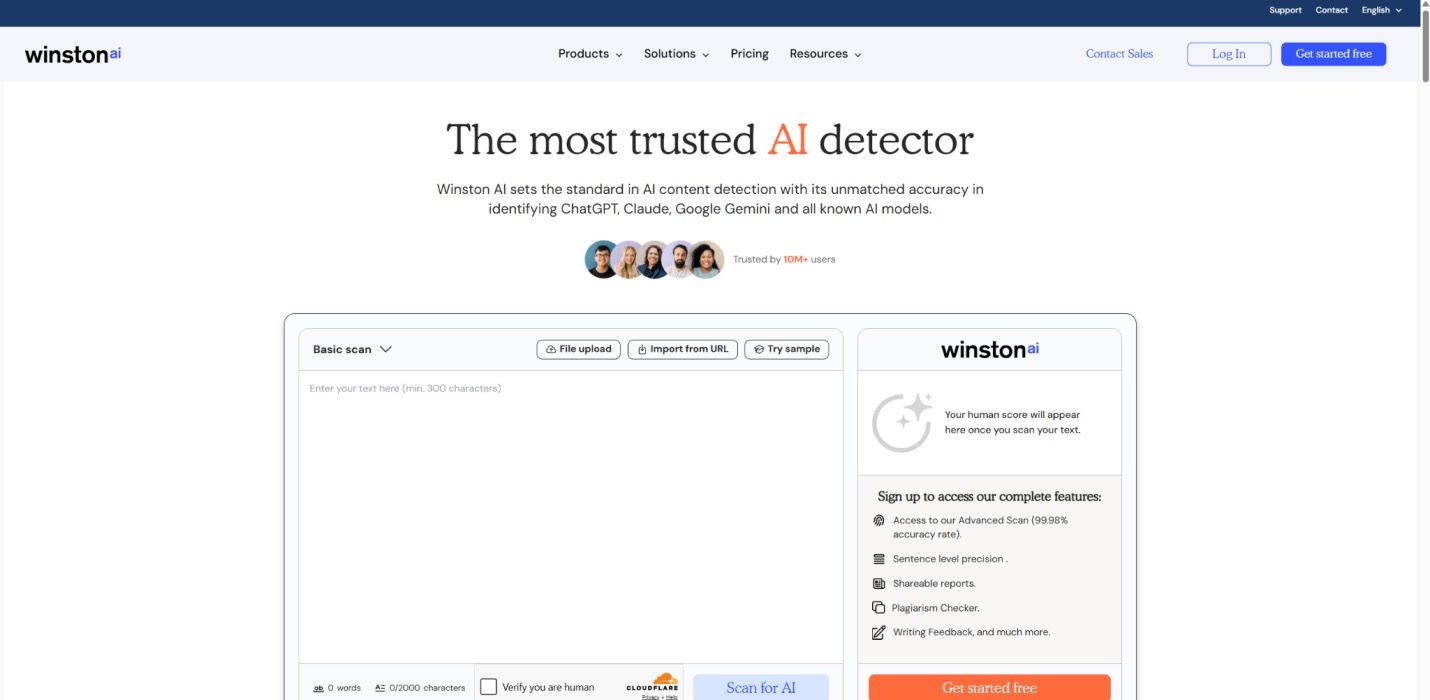
Winston AI is a strong choice when your workflow includes both AI text detection and AI image checks. That makes it especially relevant for educators, publishers, and content teams that review multiple content types.
Its dashboard-style interface gives users a familiar place to upload and review content. If you already need AI text checks, Winston AI can reduce the need to jump between separate tools.
Features
- AI image detection and AI text detection in one platform.
- Dashboard-based upload and reporting.
- Useful for classroom, editorial, and publishing review workflows.
- Supports team-style review better than many lightweight tools.
Pros
- Convenient if you need text and image analysis together.
- Clear interface for non-developers.
- Good fit for schools and publishers.
Cons
- Image scanning may not be the main reason to buy the platform.
- Credit or plan limits can matter for high-volume image checks.
Best for: Educators, editors, and publishing teams that want text and image detection in one dashboard.
Our take: Winston AI is a practical all-rounder when image detection is only one part of your AI review process.
4. Illuminarty
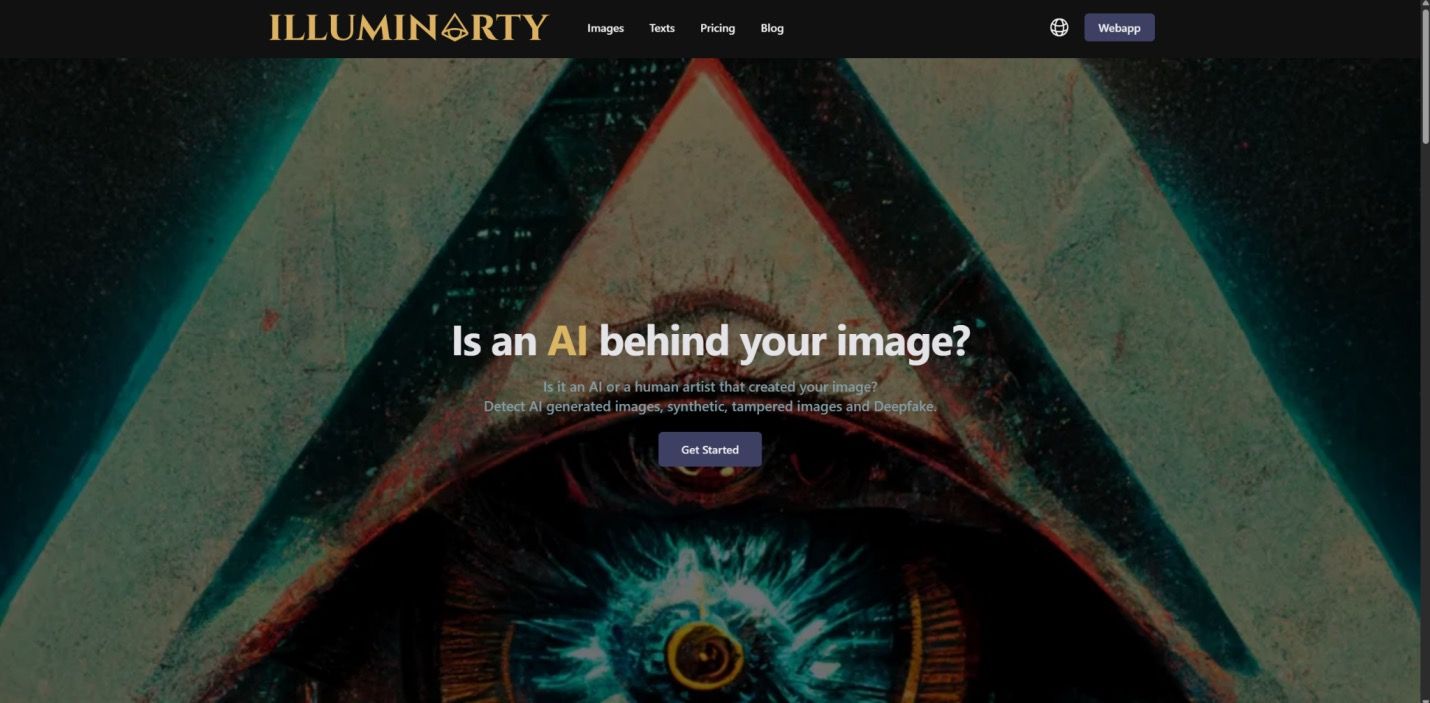
Illuminarty is useful when you want more than a verdict. Its biggest appeal is explainability: it can help users understand which areas of an image may look synthetic instead of only returning a single score.
That makes it a good option for journalists, researchers, and analysts who want to inspect suspicious image regions and compare visual signals.
Features
- AI image detection with visual explanation features.
- Region-style review for suspicious areas.
- Helpful for comparing detector evidence, not just checking a score.
- API options may support more technical workflows.
Pros
- More transparent than simple verdict-only tools.
- Good for users who need to understand why an image was flagged.
- Useful for borderline or edited images.
Cons
- More detailed features can feel technical for beginners.
- Paid tiers may be needed for the most useful explanations.
Best for: Reviewers who need explainable visual evidence instead of a simple yes-or-no result.
Our take: Illuminarty is one of the better choices when the "why" behind a result matters.
5. AI or Not
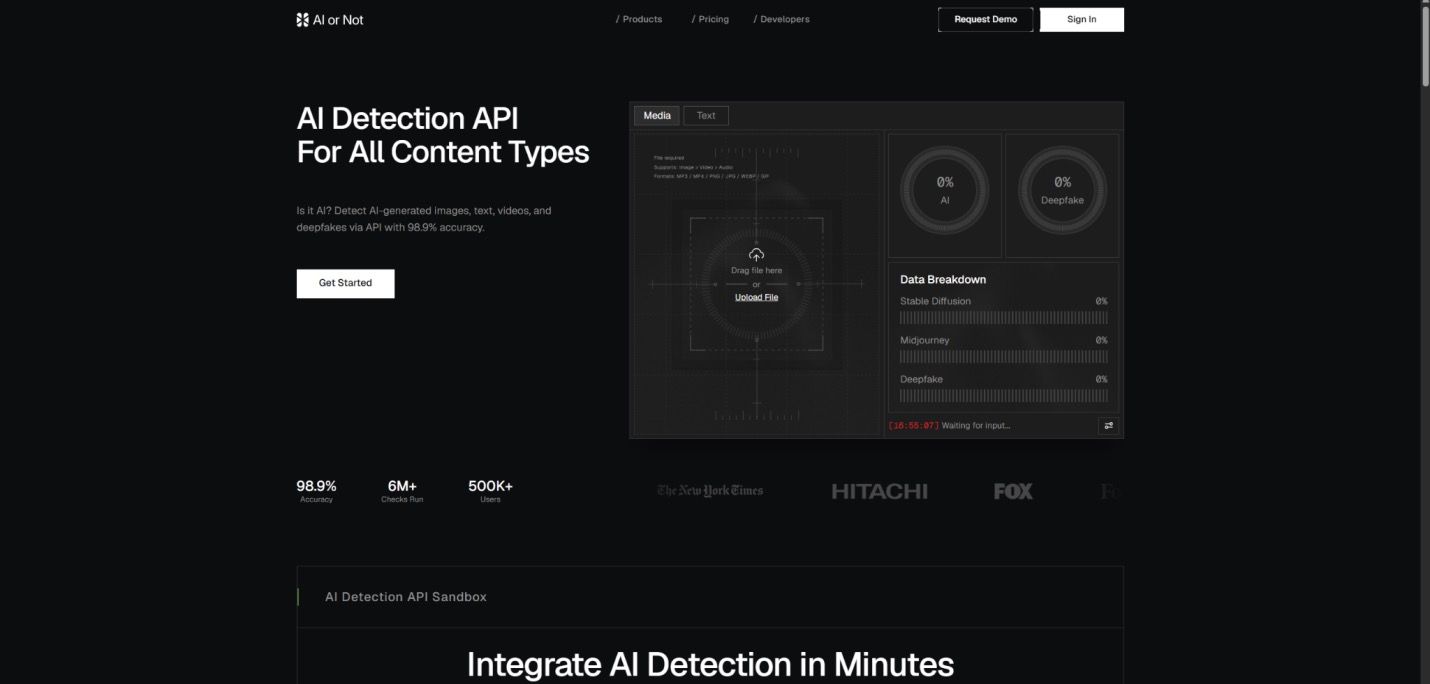
AI or Not is designed for speed. It is the kind of detector you use when you want a quick check before sharing, publishing, or trusting a questionable image.
It also supports more than still images in its broader product positioning, which can be helpful if your verification workflow includes audio, video, or text. For image-only users, the main advantage is simplicity.
Features
- Fast real-or-AI image checks.
- Simple interface for one-off uploads.
- Broader media detection options may be available depending on plan.
- API access for more automated use cases.
Pros
- Very easy to understand.
- Good fit for quick checks.
- Useful when you do not want a forensic tool.
Cons
- Limited free usage may not be enough for frequent work.
- A quick verdict can be less useful than a detailed evidence report.
Best for: Individuals who need a fast check before sharing or using an image.
Our take: AI or Not is a good bookmark tool for quick image verification.
6. Sightengine
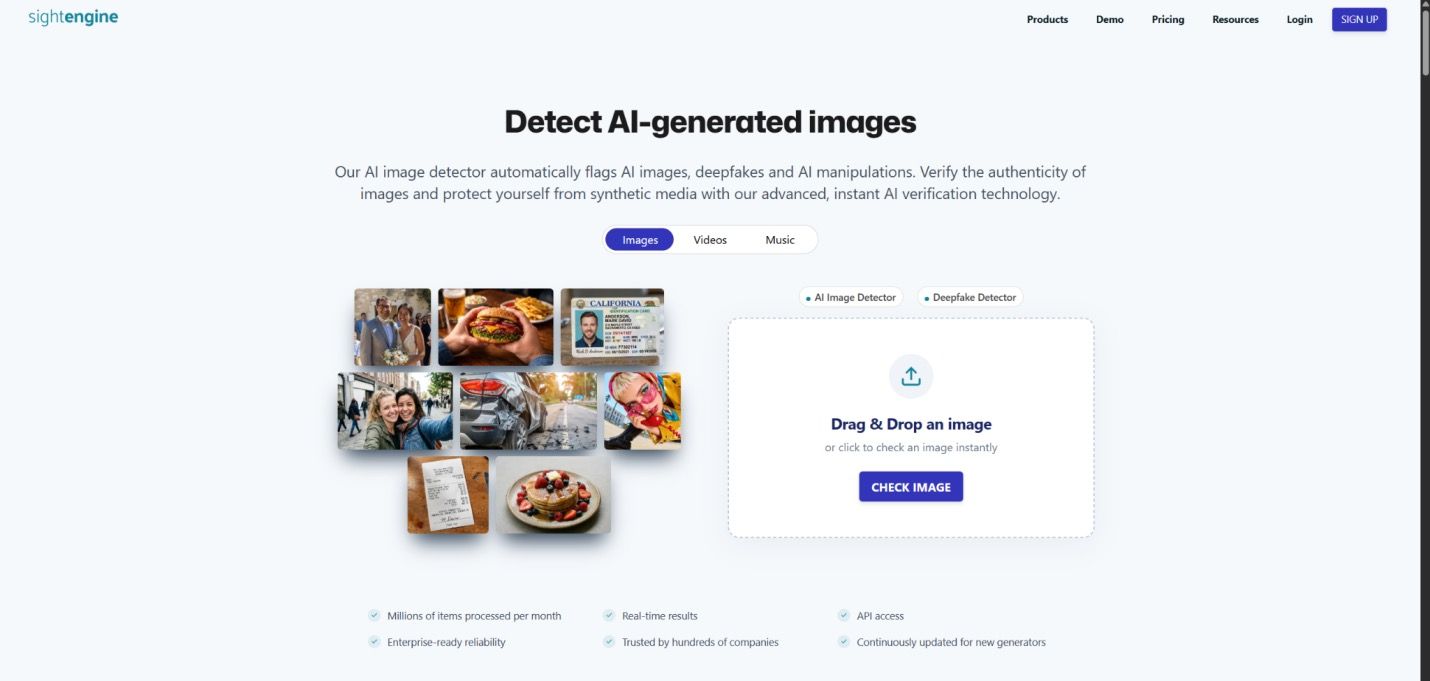
Sightengine is built for developers and product teams. It is a better fit for adding AI-generated image detection to a website, app, marketplace, or moderation workflow than for manually checking individual images.
The product emphasizes API usage, speed, and integration. If your team needs automated checks behind the scenes, Sightengine belongs high on the shortlist.
Features
- AI-generated image detection by API.
- Built for real-time product workflows.
- Useful for moderation, marketplaces, uploads, and user-generated content.
- Can be combined with other visual safety checks.
Pros
- Developer-friendly.
- Strong fit for automated pipelines.
- More scalable than manual dashboard-only tools.
Cons
- Not ideal for casual users.
- Less focused on human-readable explanation than forensic tools.
Best for: Developers and product teams adding AI image detection to an app or workflow.
Our take: Sightengine is a build-it-into-your-product option, not a casual upload page.
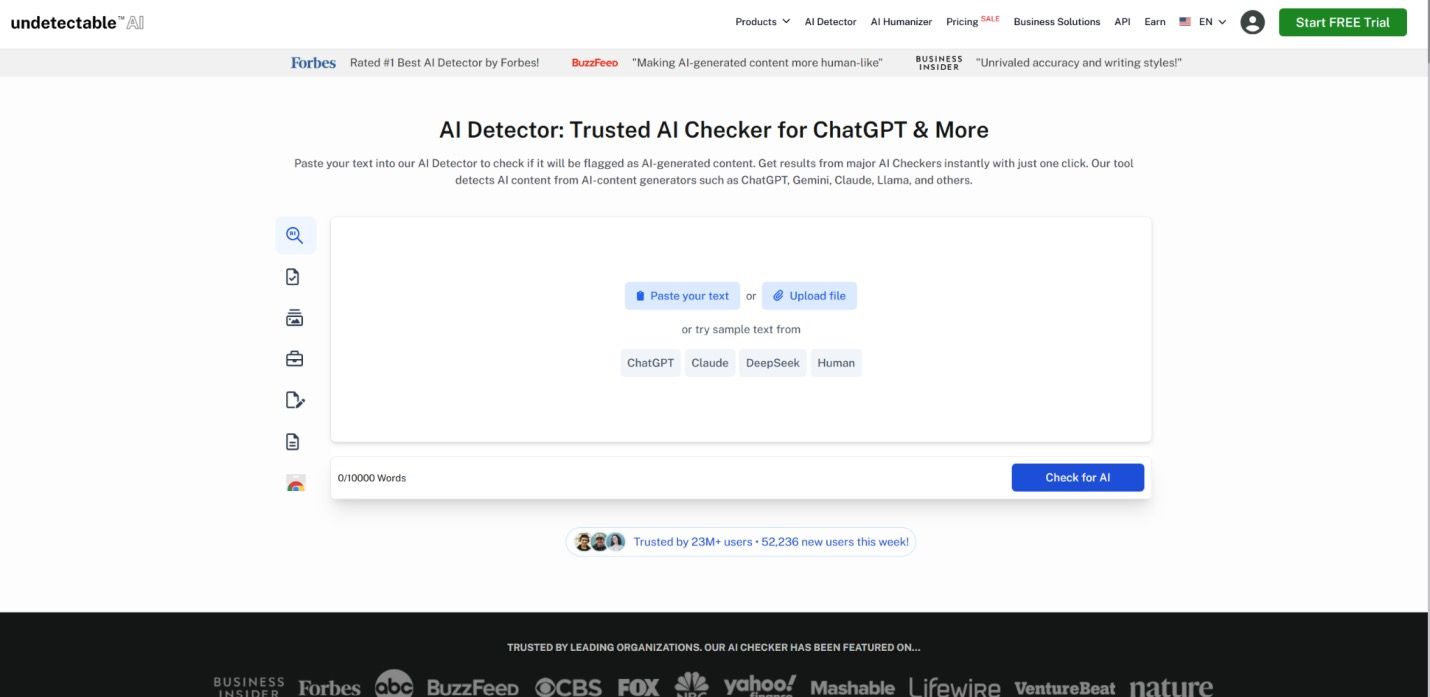
7. TruthScan Image Detector
TruthScan Image Detector gives users another way to check suspicious media inside a broader AI content review workflow. This can be convenient if your team already reviews AI-written text, synthetic profile images, and other questionable media in one process.
For image detection alone, it is worth comparing against image-first tools. Its real advantage is being part of a larger AI content review environment.
Features
- AI image detection with a simple upload workflow.
- Sits beside broader AI content review tools.
- Clear verdict-style output.
- Useful for users already inside a broader AI content review ecosystem.
Pros
- Convenient if you already use a broader AI review platform.
- Simple enough for non-technical checks.
- Combines multiple AI review tasks in one workflow.
Cons
- Image detection may not be the deepest part of the product.
- Plan structure may be better suited to text-heavy users.
Best for: Users who already rely on a broader AI content review suite and want a quick image check in the same workflow.
Our take: Useful as a bundled feature, but compare it with image-first tools for high-stakes review.
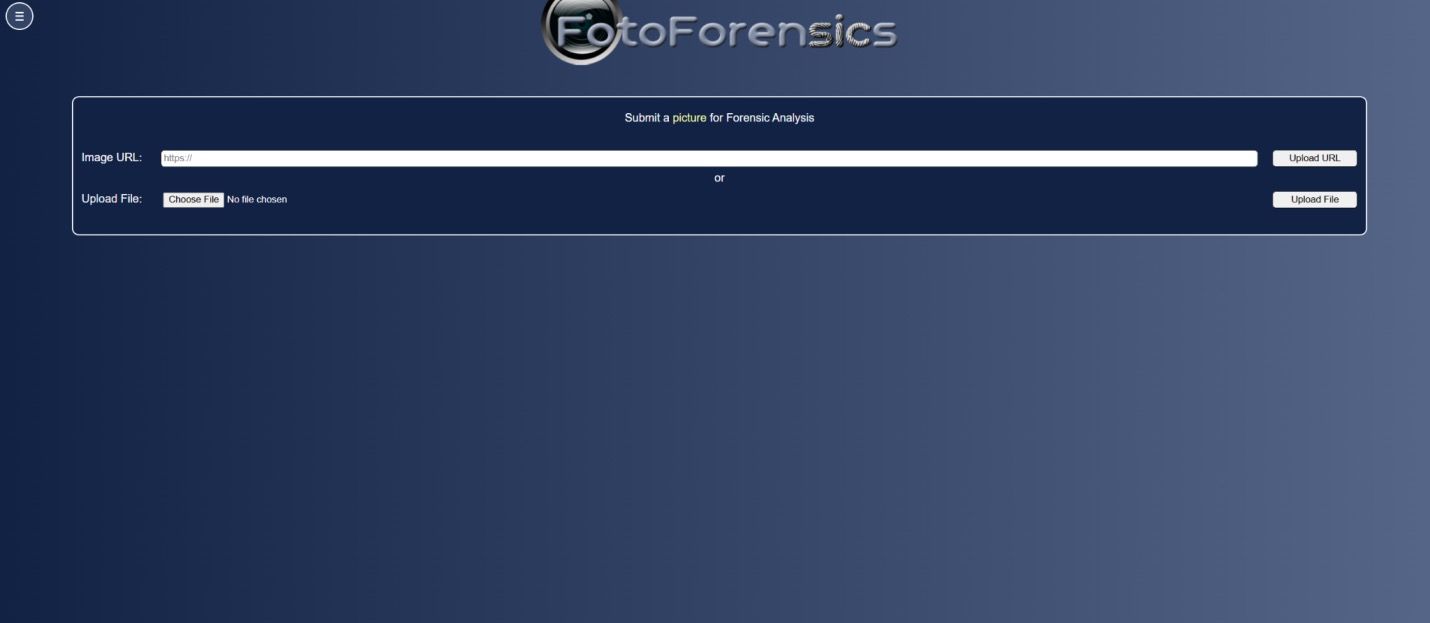
8. FotoForensics
FotoForensics is different from the other tools in this list. It is not a modern AI score generator; it is a manual forensic analysis tool that helps you inspect an image through signals such as error-level analysis and metadata.
That makes it more demanding, but also more useful when you want to investigate rather than accept an automated verdict.
Features
- Error-level analysis.
- Metadata inspection.
- Free web-based image forensics workflow.
- Useful for manual verification and investigation.
Pros
- Free and widely known among image forensics users.
- Good for learning how forensic signals work.
- Helpful when metadata and compression artifacts matter.
Cons
- No simple AI probability score.
- Steeper learning curve than upload-and-score tools.
Best for: Investigators, analysts, and advanced users who want to inspect image evidence manually.
Our take: FotoForensics is not the fastest option, but it can teach you more about an image than a simple score.
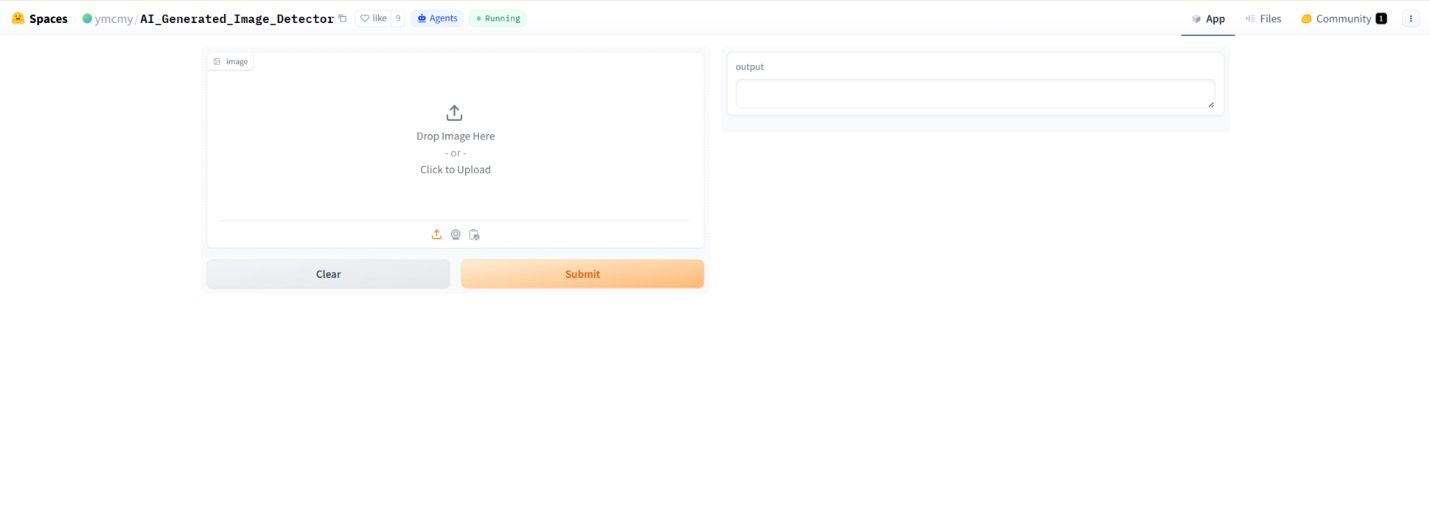
9. Hugging Face Detectors
Hugging Face hosts many community-built AI image detector demos and models. They are useful for researchers, students, and developers who want to compare approaches or test open-source tools.
The trade-off is consistency. Community tools vary in quality, maintenance, interface, model age, and supported image types, so they are better for experimentation than final decisions.
Features
- Community-built image detection demos.
- Open-source model ecosystem.
- Useful for comparing different detector approaches.
- Often free to try in a browser.
Pros
- Great for learning and experimentation.
- Transparent model ecosystem.
- Useful when budget is zero.
Cons
- Quality varies by model.
- Some demos may be slow, outdated, or unsupported.
Best for: Researchers, developers, and students who want to experiment with open-source AI image detection.
Our take: Hugging Face is excellent for exploration, but do not treat one community demo as a final verdict.
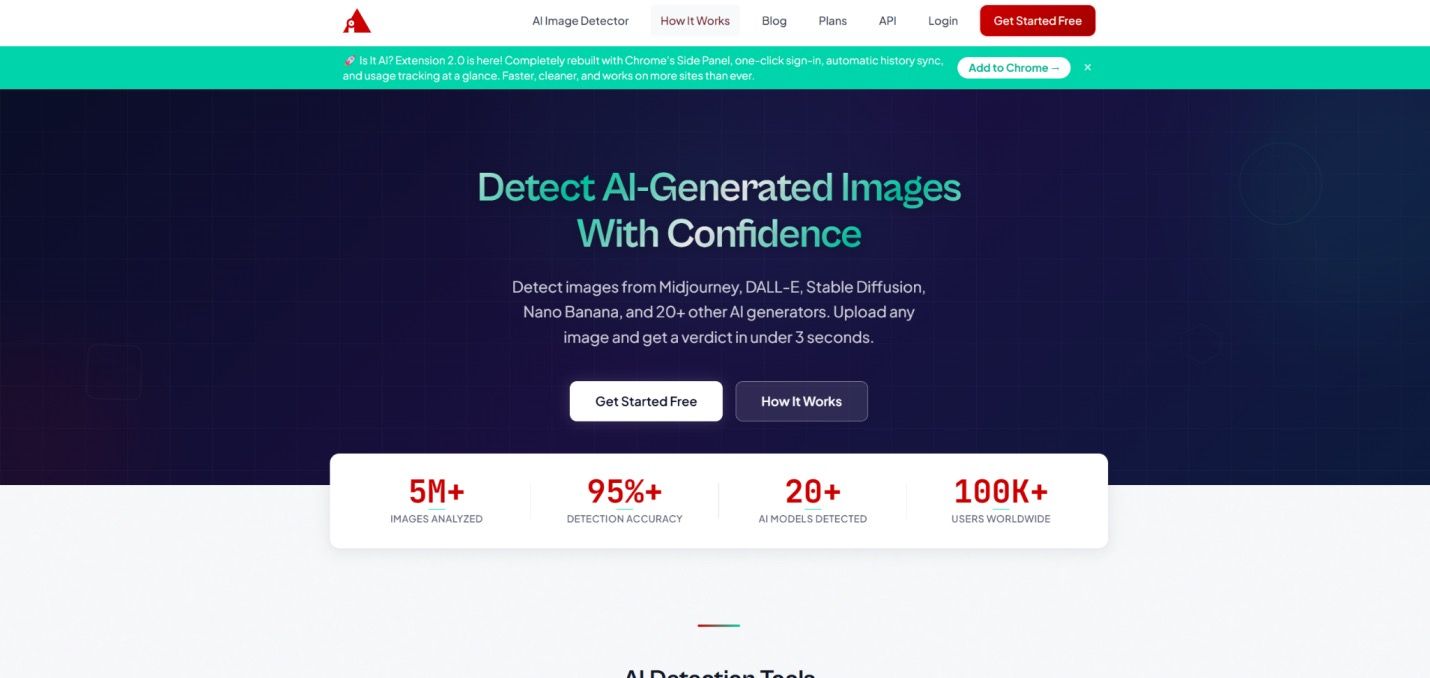
10. Is It AI?
Is It AI? focuses on simple image checks. Upload an image or paste a URL, then review a clear verdict and confidence-style result.
This is a good fit for occasional users who want something more direct than a forensic tool and less technical than an API platform.
Features
- Upload or URL-based AI image checks.
- Clear verdict-style result.
- Browser-friendly workflow.
- Useful for casual image verification.
Pros
- Easy to use.
- Good for occasional checks.
- Less intimidating than forensic tools.
Cons
- Limited free scans may restrict frequent use.
- Better for quick checks than evidence-heavy review.
Best for: Casual users who want a fast, clear AI image check.
Our take: Is It AI? is a simple everyday checker when you do not need advanced forensics.
Best AI Image Detectors by Use Case
| Use Case | Recommended Tools | Why |
|---|---|---|
| Student or teacher workflow | Lynote, Winston AI | Both fit review workflows outside pure engineering teams. |
| News or social verification | Illuminarty, FotoForensics, AI or Not | Combine quick checks with deeper visual evidence. |
| Developer integration | Sightengine, Hive Moderation | API-first tools scale better than manual upload pages. |
| High-volume moderation | Hive Moderation, Sightengine | Built for repeatable checks across many uploads. |
| Free exploration | Hugging Face, FotoForensics, Illuminarty | Useful when you need to compare signals without committing to a plan. |
| Quick personal check | AI or Not, Is It AI?, Lynote | Fast enough for everyday decisions. |
What AI Image Detectors Can and Cannot Tell You
AI image detectors look for patterns that may separate generated images from camera captures. These can include pixel-level artifacts, lighting inconsistencies, texture regularity, metadata gaps, content credentials, compression behavior, and model-specific fingerprints.
The challenge is that image generators keep improving. A detector trained on older outputs may struggle with newer models, and normal edits such as cropping, compression, upscaling, filters, and screenshots can change the signals.
Use detector results as probability signals. For important decisions, combine them with reverse image search, source checking, metadata inspection, and human review.
FAQs About AI Image Detectors
What Is the Best AI Image Detector?
The best AI image detector depends on your use case. Lynote is practical for students and everyday users, Hive Moderation is stronger for large-scale moderation, Sightengine is useful for developers, and Illuminarty is helpful when you want explainable visual clues.
For sensitive decisions, do not rely on one detector alone. Run a second check and review the image source, metadata, and context.
How Accurate Are AI Image Detectors?
Accuracy varies by image type, generator, editing history, compression, and the detector's training data. Some tools perform well on common AI generators but struggle with edited, cropped, or newly generated images.
Treat the result as a signal, not proof. A high AI probability should prompt deeper verification rather than become the only basis for a decision.
Can I Detect AI Images for Free?
Yes, several tools offer free or trial-based checks. Lynote provides a Basic Scan, while tools such as FotoForensics, Hugging Face demos, Illuminarty, AI or Not, and Is It AI? may also offer limited free access.
Free plans usually limit scan volume, advanced reports, API access, or detailed explanations.
Can an AI Image Detector Identify the Exact Generator?
Sometimes, but not always. Some detectors attempt model identification, but generator labels are harder to trust than a broad "likely AI-generated" signal.
If you need stronger evidence, look for tools that combine pixel analysis with metadata, content credentials, and reporting features.
Do AI Image Detectors Store Uploaded Images?
Policies vary by product. Some tools emphasize deletion or privacy-friendly processing, while others may retain files for abuse prevention, reporting, or product improvement.
Before uploading sensitive images, check the product's privacy policy and avoid sending confidential, private, or regulated material unless the workflow is approved for that use.
Final Verdict
The best AI image detector is the one that matches the decision you need to make. Lynote is a strong everyday choice for students, teachers, and creators; Hive Moderation and Sightengine are better for scale; Illuminarty and FotoForensics help when you need more evidence; and AI or Not or Is It AI? work well for quick checks.
Use AI image detection as part of a verification habit, not as a single-button truth machine. When an image matters, check the source, run more than one tool, and document what each signal actually shows.
Ready to check your next image? Try the Lynote AI Image Detector and review the result before you trust, share, or reuse the image.

Written by Janet L. Harris
AI Writing Specialist
Janet reviews AI detectors and humanization tools, with a focus on accuracy, limitations, and responsible use. View all articles →