Free AI Detector for Teachers and Educators



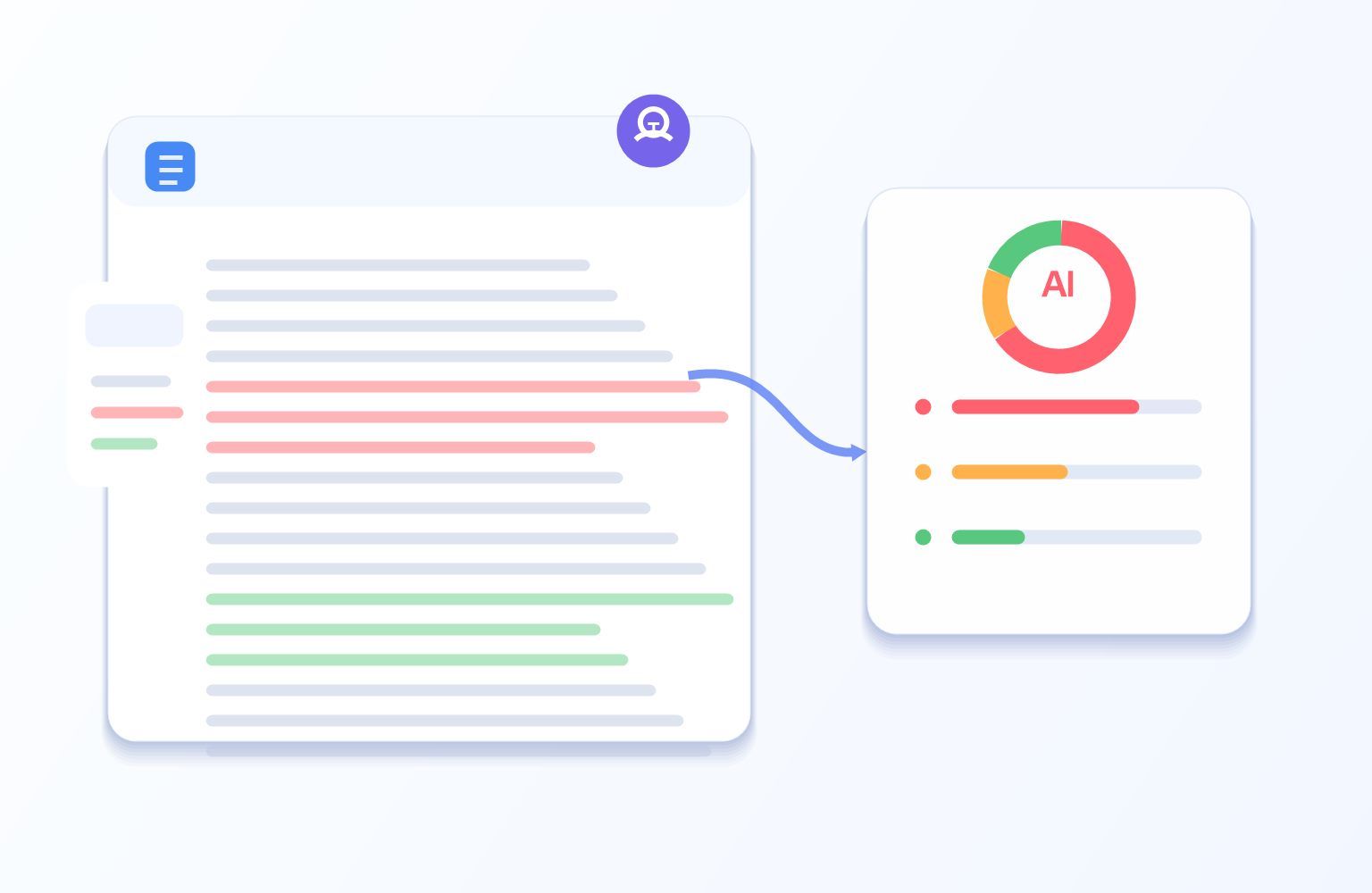
Check Student Writing for AI
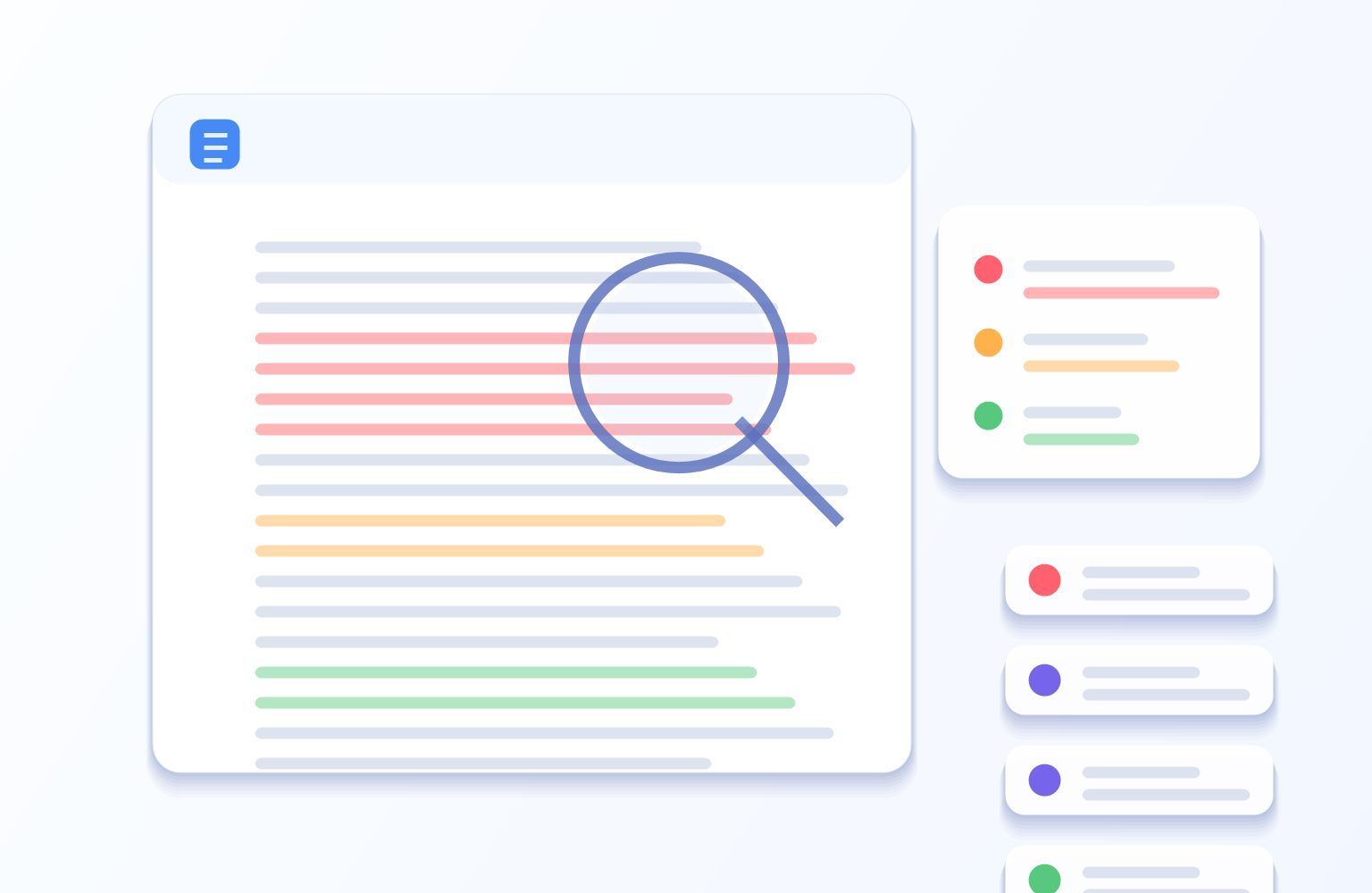
Sentence-Level AI Review for Teachers
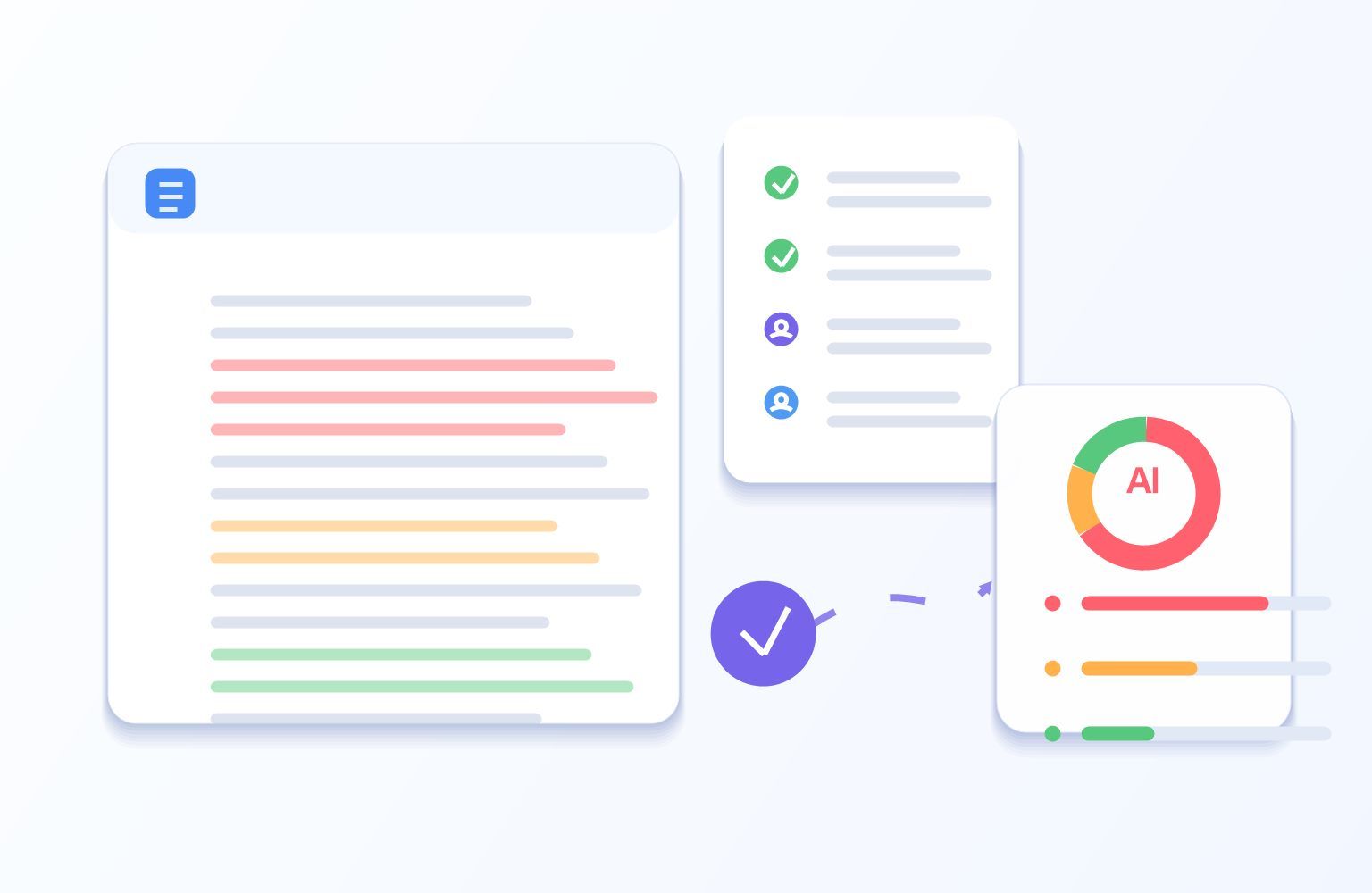
Use Results as a Review Signal
How Teachers Can Check Student Work for AI
Paste or Upload Student Work
Paste assignment text into Lynote AI Detector, or upload a supported PDF, DOCX, or TXT file when you want to review a full draft.

Run the AI Writing Check
Click Detect AI to review AI-generated, mixed, and human-written signals across the student submission.
Review Before You Decide
Use sentence highlights to guide a closer read, revision feedback, source review, or a student conversation before making any conclusion.

Paste or Upload Student Work
Paste assignment text into Lynote AI Detector, or upload a supported PDF, DOCX, or TXT file when you want to review a full draft.
Run the AI Writing Check
Click Detect AI to review AI-generated, mixed, and human-written signals across the student submission.
Review Before You Decide
Use sentence highlights to guide a closer read, revision feedback, source review, or a student conversation before making any conclusion.
Why Teachers Use Lynote AI Detector

Built for Student Writing Review
Check essays, assignments, discussion posts, and class drafts for AI-like writing patterns that may deserve a closer read.

AI, Mixed, and Human Signals
See a three-way breakdown instead of one unexplained score, so teachers can understand how different parts of a submission are classified.

Sentence-Level Highlights
Inspect specific highlighted sentences before deciding whether a passage needs revision feedback, source review, or a conversation with the student.

ChatGPT, Claude, and Gemini Review
Review common AI-writing patterns associated with major language models while treating detection results as signals, not proof of cheating.

Paste or Upload Assignments
Paste assignment text or upload supported PDF, DOCX, or TXT files when you need to review student work outside the LMS.

Designed for Responsible Review
Use Lynote alongside drafts, citations, assignment context, classroom work, and student discussion instead of relying on one detector score.
Teaching and Assignment Use Cases

Essays and Research Papers
Review longer student papers for AI-like passages and focus feedback on reasoning, evidence, citations, and original analysis.
Review longer student papers for AI-like passages and focus feedback on reasoning, evidence, citations, and original analysis.

Homework and Short Responses
Check short written assignments or discussion posts when the voice, detail, or structure seems inconsistent with classroom work.
Check short written assignments or discussion posts when the voice, detail, or structure seems inconsistent with classroom work.

College and Application Drafts
Review personal statements or application-style drafts for generic, over-smoothed, or AI-like sections that may need more authentic detail.
Review personal statements or application-style drafts for generic, over-smoothed, or AI-like sections that may need more authentic detail.

Creative and Reflective Writing
Use sentence-level signals to identify passages that may need stronger personal voice, clearer revision, or more specific examples.
Use sentence-level signals to identify passages that may need stronger personal voice, clearer revision, or more specific examples.
Who Can Use This AI Checker for Teachers?

K-12 Teachers
Review student writing carefully and turn AI-detection signals into teachable conversations about process, sources, and originality.

University Professors
Check essays, reports, and discussion posts as one part of a broader review of student work and academic expectations.

Teaching Assistants
Use highlighted passages to decide which submissions may need closer reading before grading or feedback.

School Administrators
Support consistent, careful review conversations without treating AI detector output as a standalone disciplinary decision.

Tutors and Writing Coaches
Help students revise flagged passages with stronger examples, better sourcing, and a clearer personal voice.

Academic Support Teams
Use AI-writing signals to guide responsible support for students, instructors, and writing centers.
What Teachers Say About Lynote

High School English Teacher

Lynote helps me review long essays faster without jumping straight to conclusions. The sentence highlights make it easier to see which parts deserve a closer look before I talk with a student.

Middle School Teacher
I like that the report gives me a clear signal instead of a confusing wall of numbers. It has made my feedback meetings calmer because I can point to specific passages and ask better questions.

College Lecturer
For my writing-heavy classes, Lynote is useful as a second review layer. I still compare the result with drafts and course context, but the highlighted sections save a lot of reading time.

Writing Center Tutor
The tool helps me turn AI concerns into a revision conversation. Students can see where the writing sounds too uniform, then improve evidence, transitions, and personal voice.

Admissions Essay Advisor
Lynote is especially helpful with essays that feel overly polished or generic. I use the results to help students bring back concrete details and a more natural personal tone.

Academic Integrity Coordinator
I appreciate that Lynote supports a careful review process. It gives our team consistent language for discussing AI-writing signals while keeping final decisions grounded in context.
FAQs About AI Detectors for Teachers
Answers to common questions about checking student writing for AI-like patterns.
Teachers use different AI detection tools depending on their school, LMS, and policy. Lynote is a web-based AI detector teachers can use to paste text or upload supported files and review AI-generated, mixed, and human-written signals.
A careful review usually combines several signals: AI detector results, the student’s drafts, citations, assignment fit, classroom work, and a conversation with the student. Lynote helps by highlighting sentences that may need closer review.
Teachers may notice style changes, generic phrasing, unusual structure, or missing source support. Lynote can help review text for AI-like patterns associated with tools such as ChatGPT, Claude, and Gemini, but the result is still a signal, not proof.
No. Lynote should not be used as the only proof that a student cheated. AI detector results should be reviewed alongside drafts, citations, assignment context, classroom performance, and a conversation with the student.
Yes. Formal academic writing, edited ESL drafts, templates, short answers, and technical language can affect detector results. Always inspect highlighted sentences and use human judgment before making any decision.
Read the highlighted passages, compare them with the assignment and the student’s prior work, ask for drafts or source notes when appropriate, and discuss the writing process with the student before drawing a conclusion.
No. Lynote is a web-based AI writing detector that helps teachers review supported text or document uploads. It is not a replacement for a school’s official LMS, plagiarism system, or academic integrity policy.
Yes, Lynote AI Detector supports pasted text and supported file uploads, including PDF, DOCX, and TXT, so teachers can review common assignment formats.
Pricing Plans for Teachers
Choose the right pricing plan that fits you best,no additional cost,completely transparent.
More Tools For Teachers to Choose


More Knowledge of AI Checking&Detection for Teachers
Seek more advanced AI checking and detection knowledge you may need for work or life.