

Professional GPT Checker&Detector
Document verification and integrity check. This AI GPT Detector can identify outputs generated from the GPT-2, GPT-3, GPT-4, GPT-4o, and GPT-5 model series.



Why Choose Our GPT Checker?

Immediate Verification Signals
Receive prompt feedback that leads you toward an appropriate next step for manual evaluation. It serves as a reliable indicator to assist your process.

Quick AI Detector on Text
Paste content of up to 800 words directly into the interface to quickly check text. Verify the authenticity of a technical paragraph or an editorial excerpt on the fly. No need to upload a file.

Direct Document Uploads
Upload your documents directly into the tool in the .docx, .pdf and .txt formats for analysis.

Strict Data Privacy
Keep your text safe. We don’t save any of your text, nor do we use your text in training other models, so we keep your work secure.

Distraction-Free Analysis
Only do deep review through single document analysis. The system is focused on detailed analysis of your document.

Private and Secure
GDPR-conscious privacy. We process your text securely and don’t keep it for later model training.
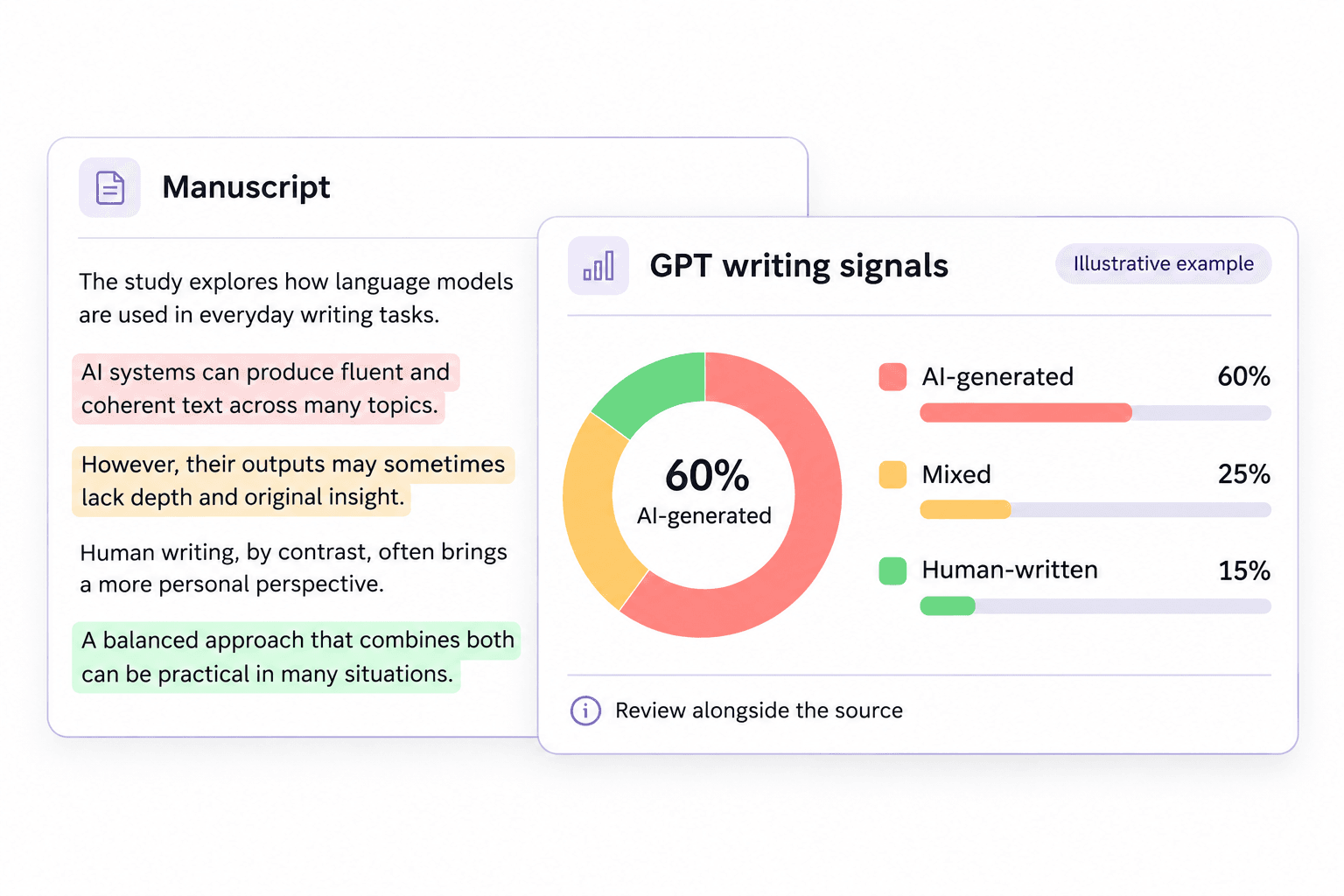
Review Detailed GPT Generation Probability Scores to Ensure No Chat GPT
Our AI detector features provide technical reviewers with a straightforward metric to assess text authenticity. Our software calculates a percentage of AI-generated text, mixed text and human-written text. Use our GPT scanner to receive a detailed breakdown of scores on any text you submit.
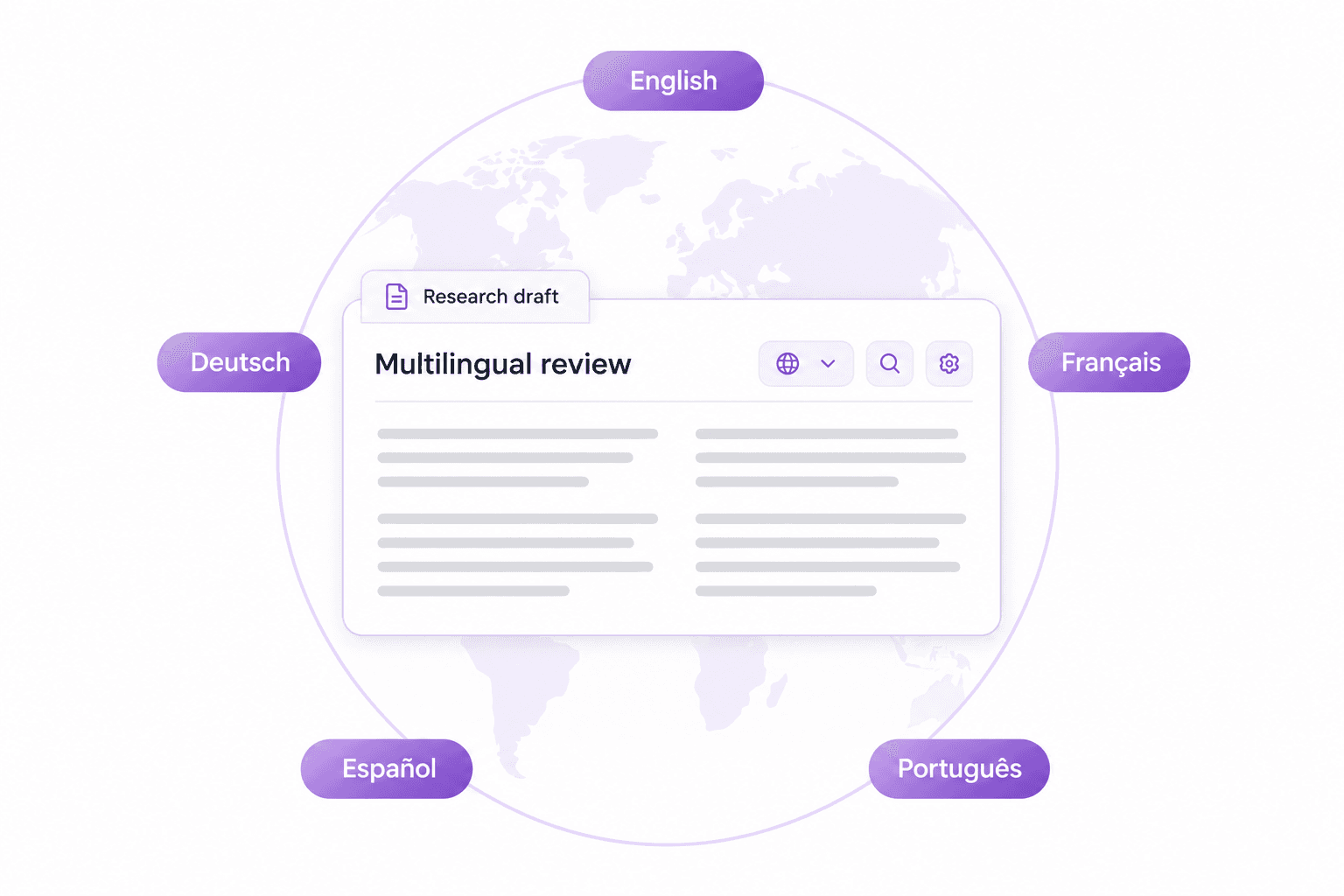
Verify Multilingual Academic and Technical Drafts-Chat GPT Text Detector
Research from around the world frequently involves papers written in different languages. Our service is tailored for researchers, editors and technical reviewers reviewing overseas submissions. You can easily run a scan on multiple language texts to uphold editorial standards.
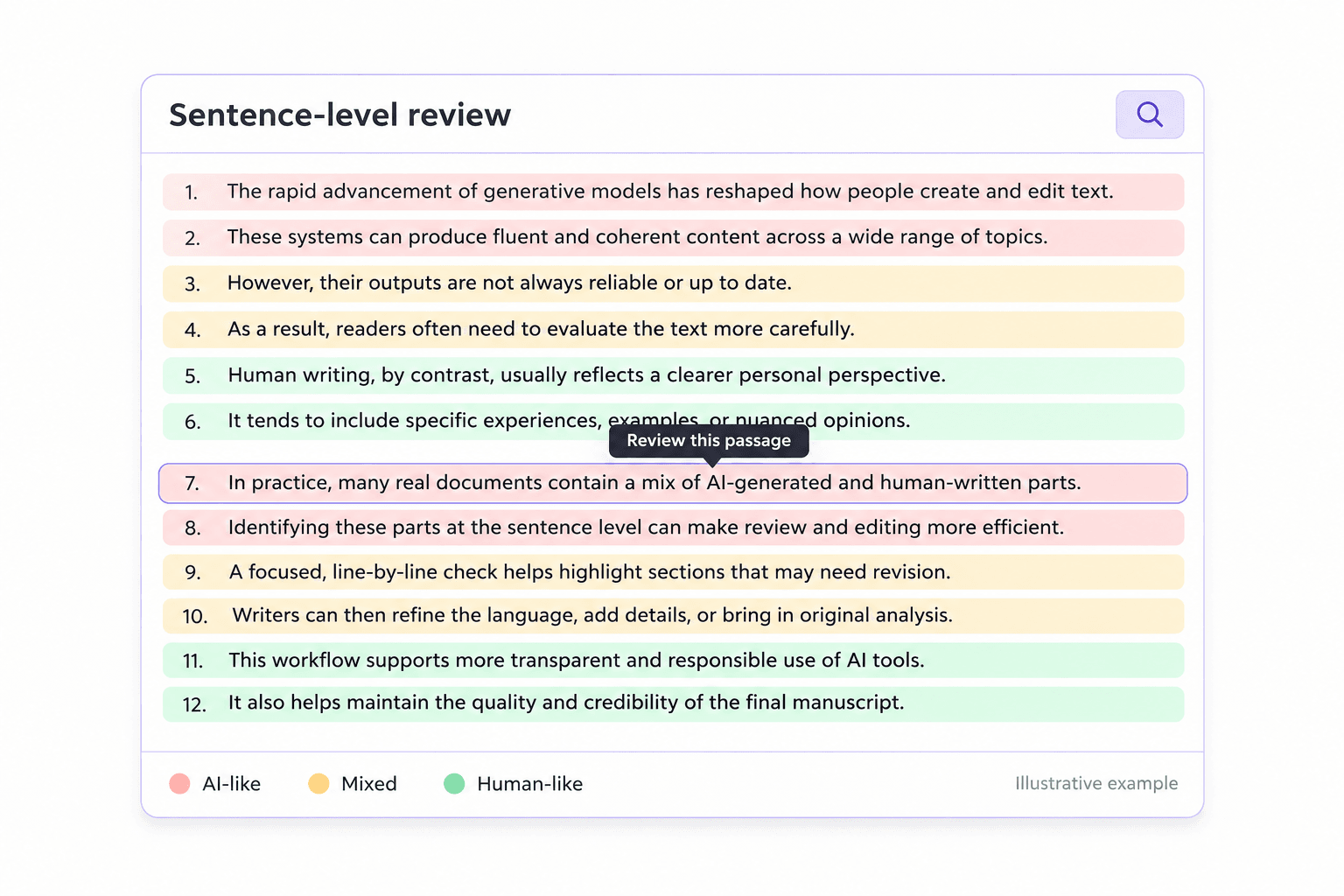
Analyze Manuscripts With Sentence-Level Highlighting
A single score is rarely enough information for technical review purposes. Our detector marks sentences that appear to be likely AI-generated or highly paraphrased. Pinpoint precisely which passages need to be reworked by hand or edited more closely.
How to Use the GPT Detector in 3 Steps
 Step 1
Paste Text or Upload Document
Insert your scientific excerpt in the detection box or you can upload your entire paper.

 Step 2
Click Detect AI
Press the Detect AI button to start the process.
 Step 3
Review the Report
Read the report that shows the probabilities of generation. You will find the sections in your technical article that require human editing or a complete rewrite.

Paste Text or Upload Document
Insert your scientific excerpt in the detection box or you can upload your entire paper.
Click Detect AI
Press the Detect AI button to start the process.
Review the Report
Read the report that shows the probabilities of generation. You will find the sections in your technical article that require human editing or a complete rewrite.
What You Can Do with This GPT Checker

Academic Scholars
Scholars utilize this tool to screen academic articles for peer-reviewed journals to help maintain strict academic integrity across published research.
Scholars utilize this tool to screen academic articles for peer-reviewed journals to help maintain strict academic integrity across published research.

Journal Editors
Journal editors verify editorial manuscripts before publication to confirm the authenticity of the text and maintain high publication standards.
Journal editors verify editorial manuscripts before publication to confirm the authenticity of the text and maintain high publication standards.

Verify Technical Blog Posts
Scan technical documentation drafts before you publish them to ensure your tutorials and guides maintain their authentic, human-written voice.
Scan technical documentation drafts before you publish them to ensure your tutorials and guides maintain their authentic, human-written voice.

Screen Academic Research Drafts
Screen your thesis or dissertation chapters and literature reviews to verify originality and ensure academic integrity before your final submission.
Screen your thesis or dissertation chapters and literature reviews to verify originality and ensure academic integrity before your final submission.
Who Should Use This GPT Checker?

Academic Scholars
Use on submissions to peer-reviewed journals to detect possible AI generation and keep up with the high standards of your publications.

Journal Editors
Examine manuscripts and new article submissions for your editorial boards to make sure that only human authors are published.

Technical Bloggers
Scan drafts of software documentation and programming tutorials to verify that your tech writing isn't using AI text.

Graduate Researchers
Evaluate thesis chapters and elaborate literature reviews to make sure your academic work is free of AI writing.

Compliance Officers
Check your corporate policies and legal compliance reports to be sure that all of your internal communications have human approval.

Content Managers
Filter through freelance articles and guest posts you receive in your CMS to remove any AI-written articles before posting them online.
What Our Users Say About This ChatGPT Detector?

Journal Editor

"A 50-page DOCX file was uploaded to see exactly what percentage of it was AI, mixed or human written."

Technical Blogger
"An API guide of 3000 words was run through to show which sections had been heavily rewritten by AI."

Compliance Officer
"The ability to drop in internal PDF policy documents saves me a lot of time copying and pasting pages."

Graduate Researcher
"I use the paste-in box to check 800-word thesis abstracts for an immediate check before sending drafts to my advisor."

Academic Scholar
"I know the system does not store data so I can review my unpublished research papers with no fear."

Content Manager
"I use this AI GPT checker to evaluate freelancer tech articles for whether they could be produced by recent versions of GPT-4o."
Frequently Asked Questions For GPT Check
Still got questions about our AI GPT checker? Here are the answers.
A GPT checker is a tool that helps you check whether your text is likely written by a generative AI like GPT-3, GPT-4, or GPT-5. The GPT checker looks at things like sentences, phrases, word choices, etc. and gives you a % of how much is human and AI.
Our GPT checker looks at your text to see if it has any signs of being generated by a large language model. It looks at the structure, the word choice, and the phrasing. Then, our GPT detector looks at how well these features match what is known about GPT-3, GPT-4, and GPT-5. Once done, it will calculate an overall % probability of being AI-generated. It will also highlight on a sentence level.
Yes. You can upload .docx, .pdf, or .txt files. Or you can copy up to 800 words in the text box.
No. We process all documents securely and delete them after scanning. We don’t store or train.
Bring GPT Writing Checks to Your Browser
Use the Lynote Chrome extension to review AI-writing signals as you read online. Keep your GPT checking workflow close to the text and examine flagged passages in context.


