

Free AI Detector For Essays



How to Check an Essay for AI
Paste or Upload Your Essay
Paste your essay or upload a supported PDF, DOCX, or TXT file. Provide at least 60 words, as required by the tool, and follow the limits displayed for your plan. Include surrounding paragraphs so you can review any flagged passage in context.


Run the AI Essay Check
Click Detect AI. Lynote analyzes phrasing, sentence structure, predictability, and word-choice signals that may be associated with AI-assisted writing. The result is an estimate, not an identification of the author or the exact tool used.
Review Scores and Highlighted Sentences
Read the estimated AI-generated, mixed, and human-written scores, then inspect highlighted sentences in context. Compare them with your notes, earlier drafts, and sources. Revise unclear or generic passages in your own words; a high or low score alone cannot prove authorship.

Paste or Upload Your Essay
Paste your essay or upload a supported PDF, DOCX, or TXT file. Provide at least 60 words, as required by the tool, and follow the limits displayed for your plan. Include surrounding paragraphs so you can review any flagged passage in context.
Run the AI Essay Check
Click Detect AI. Lynote analyzes phrasing, sentence structure, predictability, and word-choice signals that may be associated with AI-assisted writing. The result is an estimate, not an identification of the author or the exact tool used.
Review Scores and Highlighted Sentences
Read the estimated AI-generated, mixed, and human-written scores, then inspect highlighted sentences in context. Compare them with your notes, earlier drafts, and sources. Revise unclear or generic passages in your own words; a high or low score alone cannot prove authorship.
What Is an AI Detector for Essays?
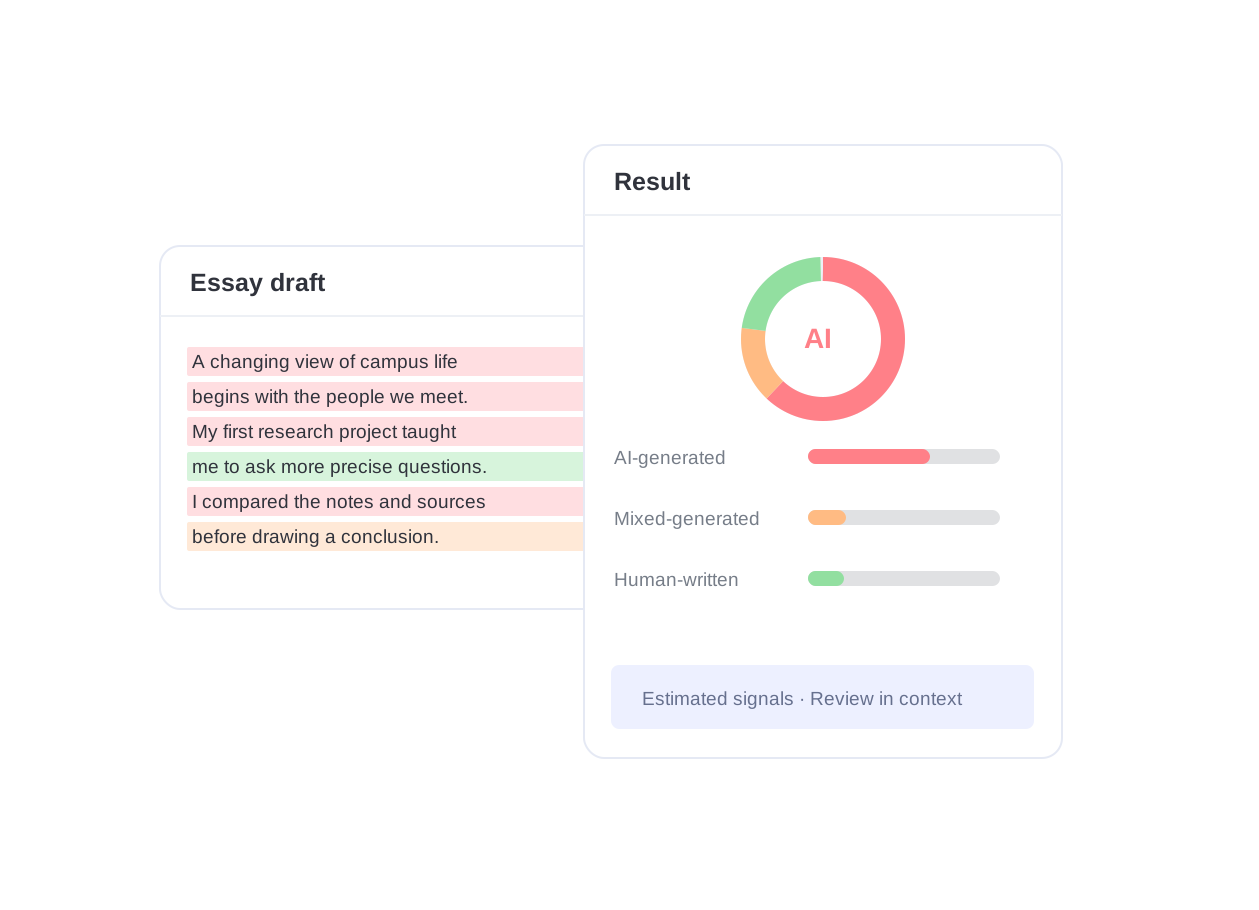
An AI detector for essays reviews patterns that may suggest AI-generated or AI-assisted writing, including phrasing, sentence structure, predictability, and word choice. Lynote presents estimated AI-generated, mixed, and human-written categories with sentence-level highlights. Read these signals in context: they cannot prove who wrote an essay or measure exactly how much AI was used.
Review Your Essay Before Submission
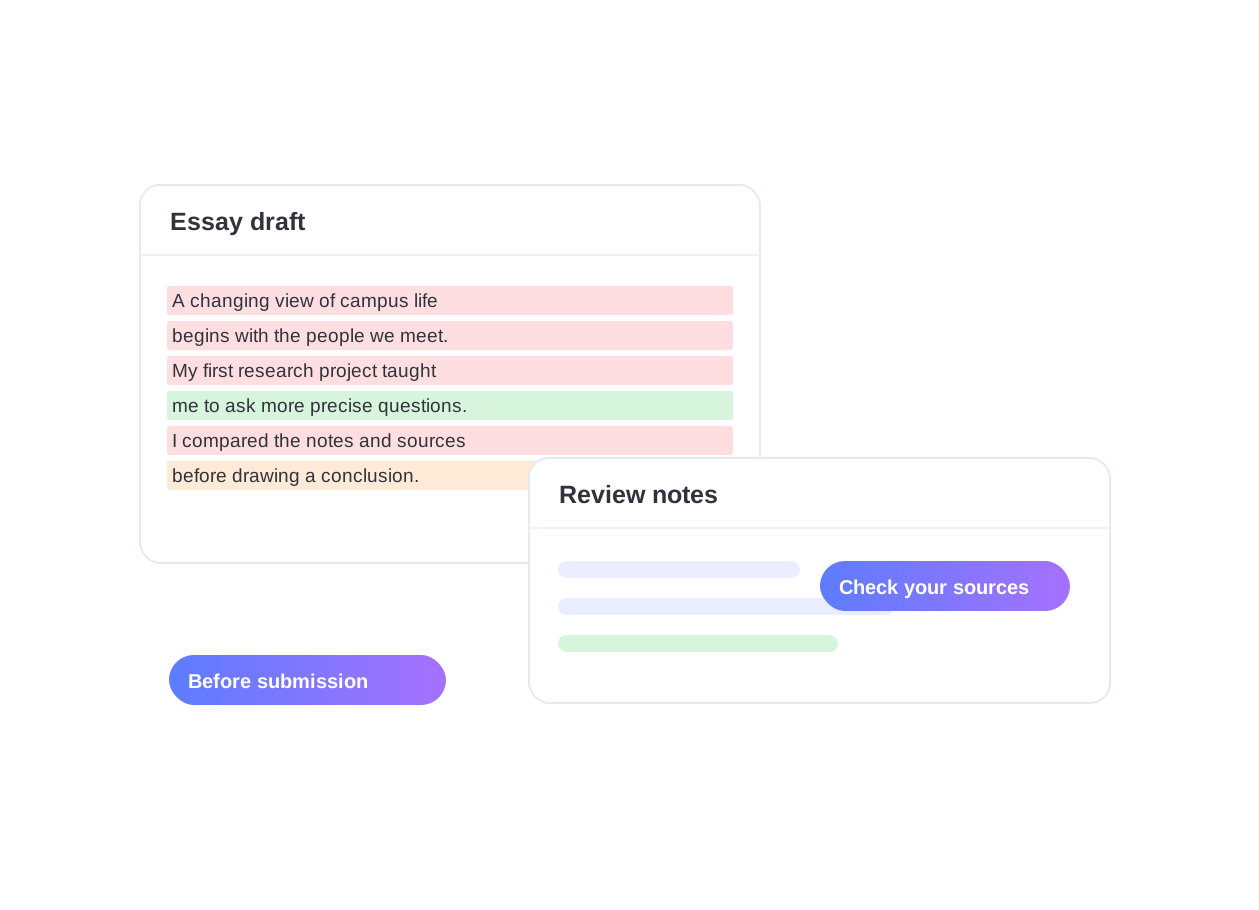
Checking a draft before submission gives you time to review passages that deserve a closer reading. Inspect each highlighted sentence, compare it with your notes and sources, and check that your examples and reasoning reflect your own work. A flag can occur in human writing, so use the report to guide thoughtful revision rather than to predict an instructor’s judgment.
Why Choose This AI Detector for Essays

Essay-Focused AI Signals
Review writing patterns that often appear in AI-assisted essays, including repeated phrasing, predictable structure, and shifts away from a student's natural voice.

Review Across AI Writing Tools
Review drafts that may include assistance from ChatGPT, Claude, Gemini, or other AI writing tools. Lynote looks for text patterns associated with AI assistance; it cannot confirm which model produced a passage, and edited or newer-model text may be missed.

AI-Edited and Paraphrased Text
Look beyond a single score with highlights for sentences that may have been AI-generated, AI-edited, or heavily paraphrased after generation.

Paste or Upload Essays
Paste a short draft for a quick check, or upload a supported PDF, DOCX, or TXT file when you need to review a longer essay or academic document.

Privacy-Minded Processing
Lynote does not use submitted essays to train its detection models. Review the Privacy Policy before uploading unpublished work, and remove personal or confidential details that are not needed for your essay check.

Clear Review, Not a Verdict
Use AI detection results as a signal, not proof of authorship. Review the highlighted sentences, compare your drafts, and make your own editing decisions.
Check Essays in PDF, DOCX, or TXT
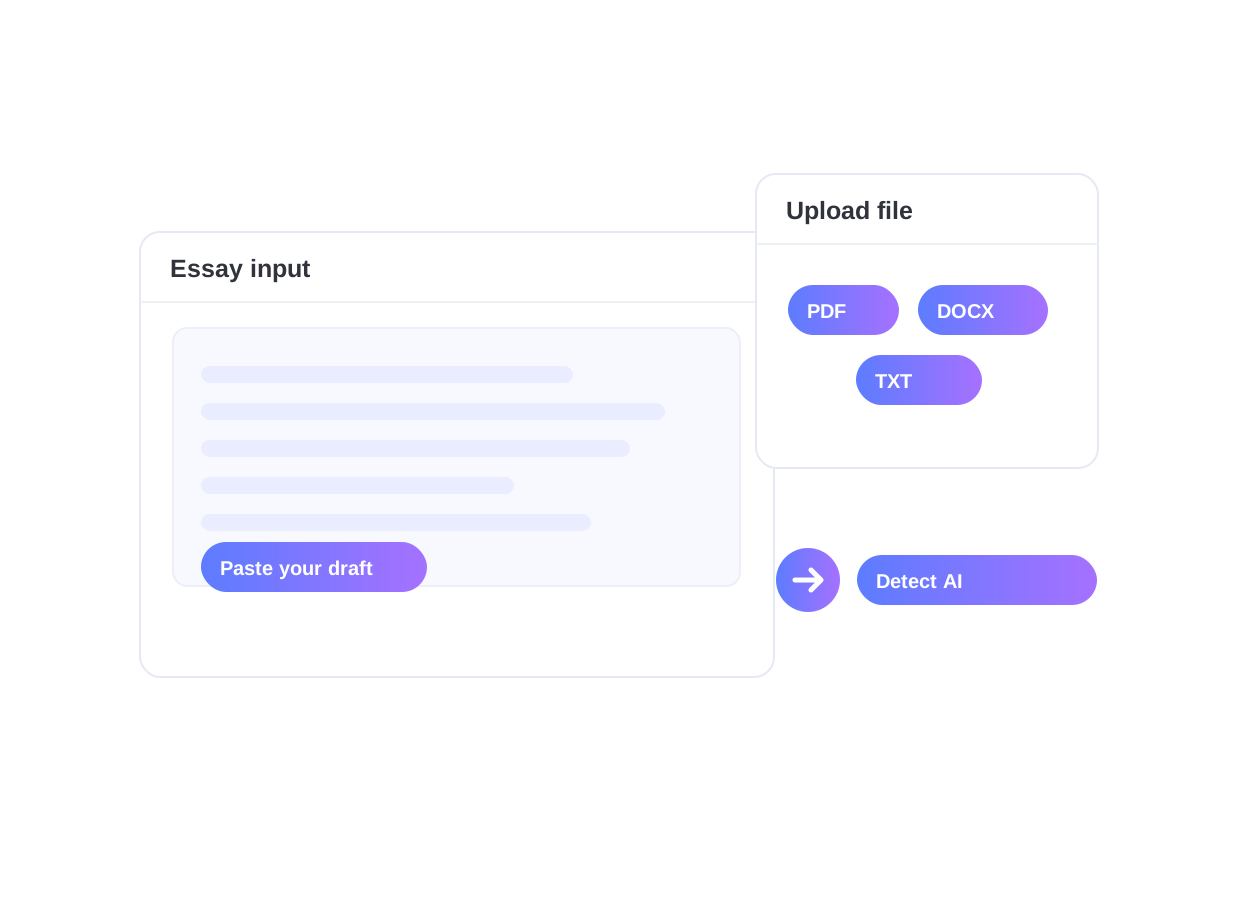
Paste a short draft or upload a supported PDF, DOCX, or TXT document to check a longer essay without copying every section manually. Provide at least 60 words and follow the file and usage limits displayed in the tool. Click Detect AI, then review the flagged passages with enough surrounding text to understand their context. Free checks are available with plan-dependent limits.
Understand AI Writing Signals in Essays
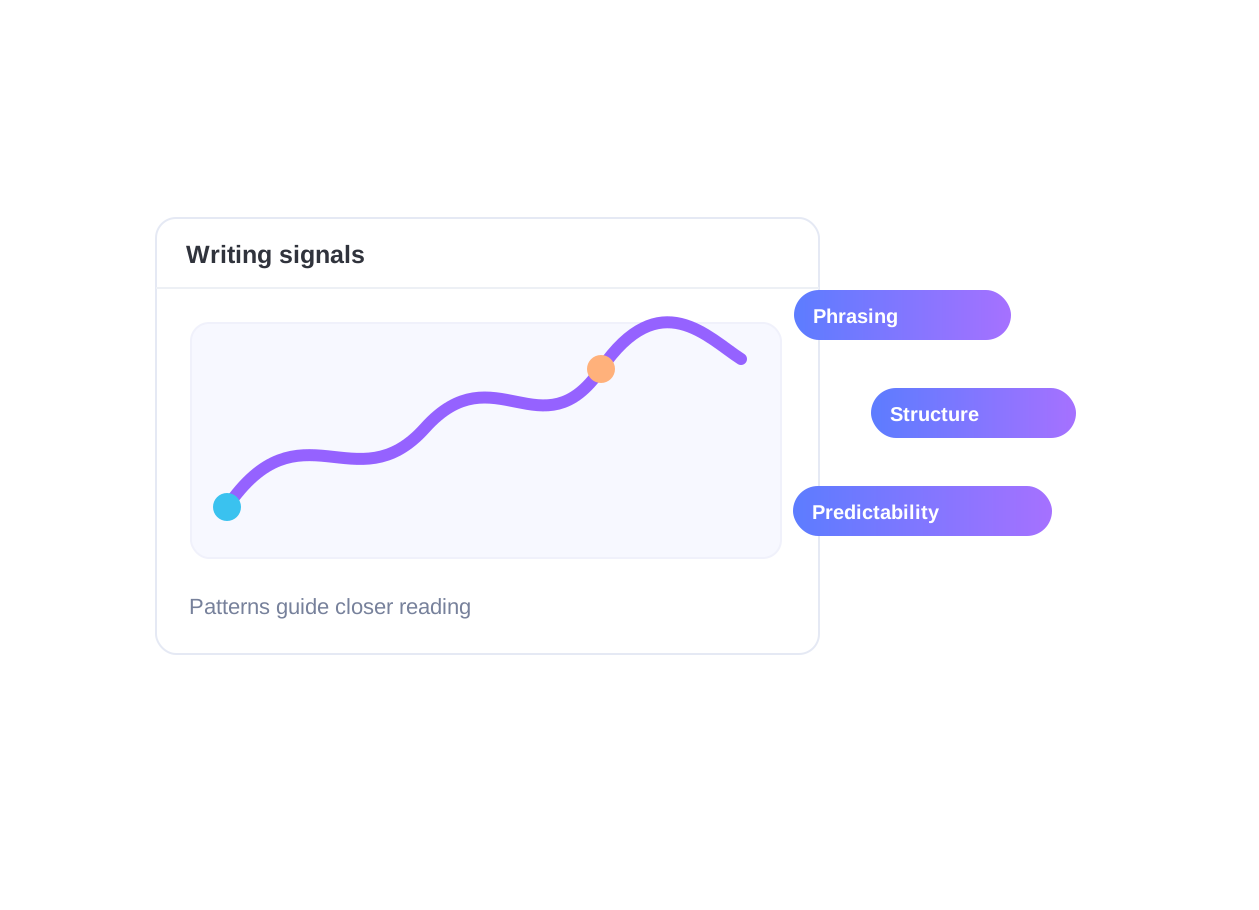
Lynote reviews sentence rhythm, structure, wording, and predictability for patterns that may be associated with AI assistance. Highlights can direct attention to repetitive or generic passages in essays that include generated, edited, or paraphrased text. Similar patterns also occur in human writing, and some AI-assisted passages may be missed. The analysis does not reliably identify the exact model used.
Read Essay AI Scores and Sentence Highlights
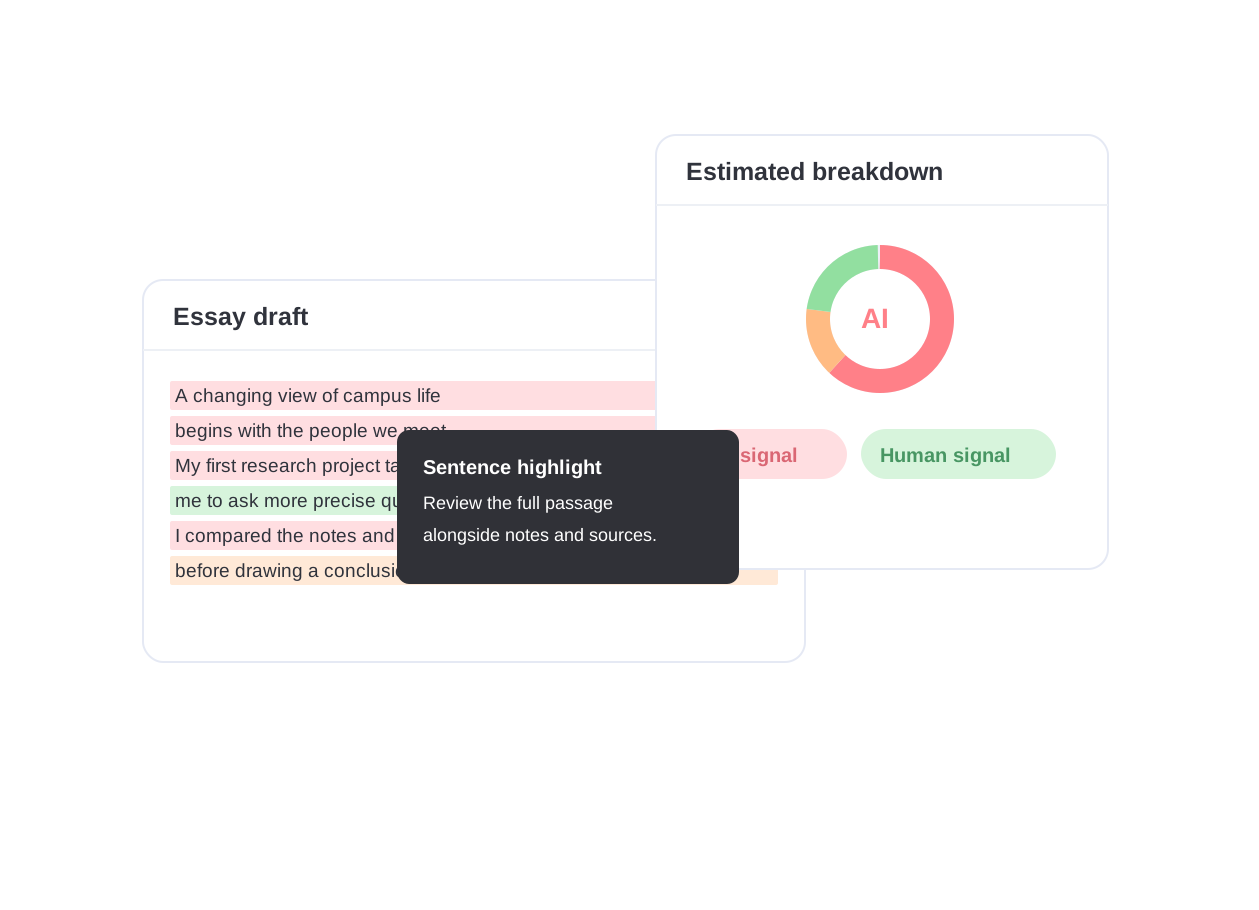
Read the estimated AI-generated, mixed, and human-written breakdown alongside the highlighted sentences. The percentages summarize the detector’s assessment; they are not verified measurements of authorship or AI use. False positives and false negatives can occur. Compare flagged passages with the full essay, sources, notes, and draft history before deciding whether any revision or discussion is needed.
Revise Flagged Passages in Your Own Voice
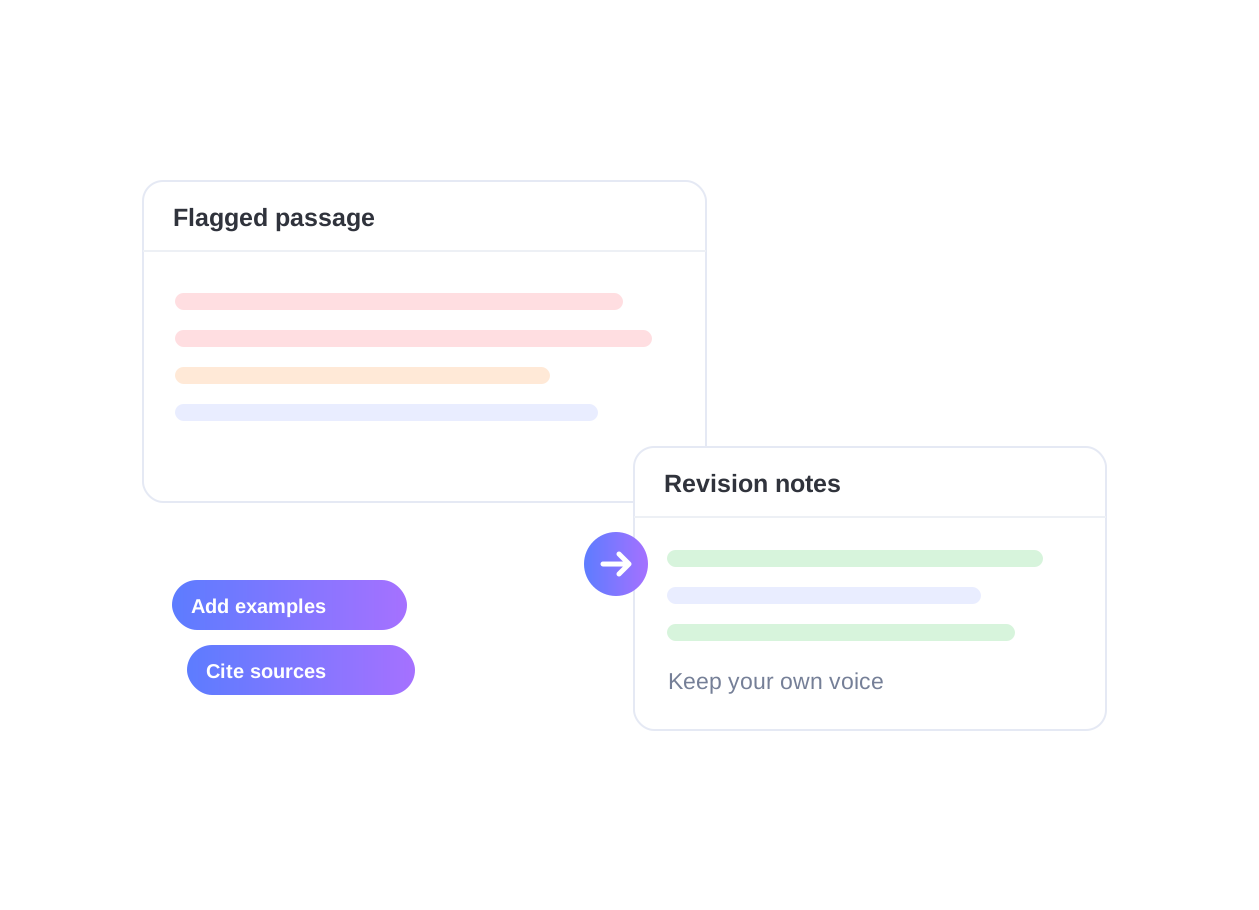
Begin with the highlighted passages and read the surrounding paragraphs. Strengthen unclear reasoning, add specific examples, and support claims with reliable sources. Revise generic wording in your own voice while preserving your meaning and citations. Keep notes and earlier drafts, follow your institution’s AI-use policy, and disclose assistance when required. A detector flag alone does not establish academic misconduct.
Use Cases for AI Essay Checking

College Application Essays
Review personal statements and application drafts for AI-like patterns while preserving the applicant's own experiences, examples, and voice.
Review personal statements and application drafts for AI-like patterns while preserving the applicant's own experiences, examples, and voice.

Course Papers and Reports
Review class essays and reports before submission. Use flagged passages to check whether your argument is clear, examples are specific, and sources support the claims. Follow the assignment’s rules on AI assistance.
Review class essays and reports before submission. Use flagged passages to check whether your argument is clear, examples are specific, and sources support the claims. Follow the assignment’s rules on AI assistance.

Thesis and Research Drafts
Use sentence-level signals to review long-form academic drafts, literature reviews, and research writing where clarity, sourcing, and originality matter.
Use sentence-level signals to review long-form academic drafts, literature reviews, and research writing where clarity, sourcing, and originality matter.

Writing Centers and Academic Support
Help writers discuss flagged passages constructively by focusing on revision, evidence, citation quality, and natural wording rather than a single detector score.
Help writers discuss flagged passages constructively by focusing on revision, evidence, citation quality, and natural wording rather than a single detector score.
Who is the AI Essay Checker for?

Students and College Writers
Check your own draft before submission so you can review AI-like passages, add specific examples, and keep the final essay in your own voice.

Professors and Tutors
Use sentence-level highlights as one review signal when discussing writing process, draft history, and revision needs with students.

Admissions Teams
Review application essays for AI-like patterns while still considering context, applicant history, and the limits of AI detection.

Writing Centers
Guide students toward clearer, more original writing by identifying generic or AI-like passages that need deeper personal detail or stronger reasoning.

High School Teachers
Support transparent conversations about responsible AI use, revision, and authorship without treating a detector score as the only evidence.

Researchers and Editors
Review manuscripts, drafts, and collaborative writing for AI-like passages before editing, citation checks, or publication workflows.
What Educators and Students Review

Senior Undergraduate

I use this to check my essays before turning them in. It helps me make sure my writing style stays consistent and that I haven’t accidentally mirrored AI patterns.

History Professor
This is the most reliable tool I’ve found for my department. It doesn’t just say ‘AI’—it shows me exactly where the student’s voice disappears, which is great for feedback.

Graduate Teaching Assistant
Grading 100+ essays is hard enough. This tool gives me an extra layer of security, ensuring that the grades I give are earned by the students themselves.

Admissions Consultant
In the age of ChatGPT, this is essential. We use it to ensure the personal statements we review are truly personal and not generated by a prompt.

Journal Editor
We’ve integrated this into our peer-review workflow. It’s incredibly effective at catching AI-generated literature reviews that look real but lack depth.

High School English Teacher
It has completely changed how I handle ‘suspicious’ papers. The reports are so clear that I can show them to parents and students to explain my concerns.
AI Essay Detection FAQ
Use AI essay checker results as review signals. They can help guide revision, but they should not be treated as absolute proof of authorship.
An AI detector for essays analyzes writing patterns and estimates whether an essay appears AI-generated, human-written, or mixed. Lynote also highlights sentences that may need closer review, so you can inspect the result instead of relying on one score alone.
Paste your essay into Lynote or upload a supported PDF, DOCX, or TXT file, then click Detect AI. Review the AI-generated, mixed, and human-written percentages along with the highlighted sentences before deciding what to revise.
Yes. Lynote offers a free AI essay checker for quick online checks. You can paste text or upload a supported document to review AI-writing signals, with higher usage limits available on paid plans.
Lynote is designed to review patterns that may appear in writing assisted by ChatGPT, Claude, Gemini, GPT-5, and other AI tools. It cannot reliably identify the exact model or guarantee detection of every generated, edited, or paraphrased passage. Treat the result as an estimate and inspect the text in context.
Yes. Human writing can be flagged as AI (a false positive), and AI-assisted writing can go unflagged (a false negative). Short, formal, technical, highly structured, or edited text can be difficult to assess. Read highlights in context and consider notes, draft history, sources, and the writer’s explanation. Never use one score as the sole basis for an accusation or academic decision.
No. AI detection estimates whether writing patterns resemble AI-generated or AI-assisted text. Plagiarism checking compares text with sources to look for copied or closely matched material. A low AI score does not establish originality, and a high score does not establish plagiarism. Use source checks, citations, and human review alongside either tool.
Yes. Lynote supports pasted text and supported document uploads, including PDF, DOCX, and TXT. Uploading a file is useful when you want to check a longer essay draft without copying each section manually.
Read each highlighted passage with its surrounding paragraph. Check your reasoning, specific examples, and citations, and improve wording where it is vague or unclear. Keep notes and earlier drafts to document your process. If you used AI assistance, follow the relevant disclosure policy. If you wrote the work yourself, discuss the result with your instructor using that context; a detector flag is not proof of misconduct.
Essay Review and AI Detection Guides
Explore Lynote guides on AI detection false positives, academic writing, and research workflows. Use them to understand a flagged result, evaluate your sources, and plan a thoughtful revision before submission.


