Project Reviews
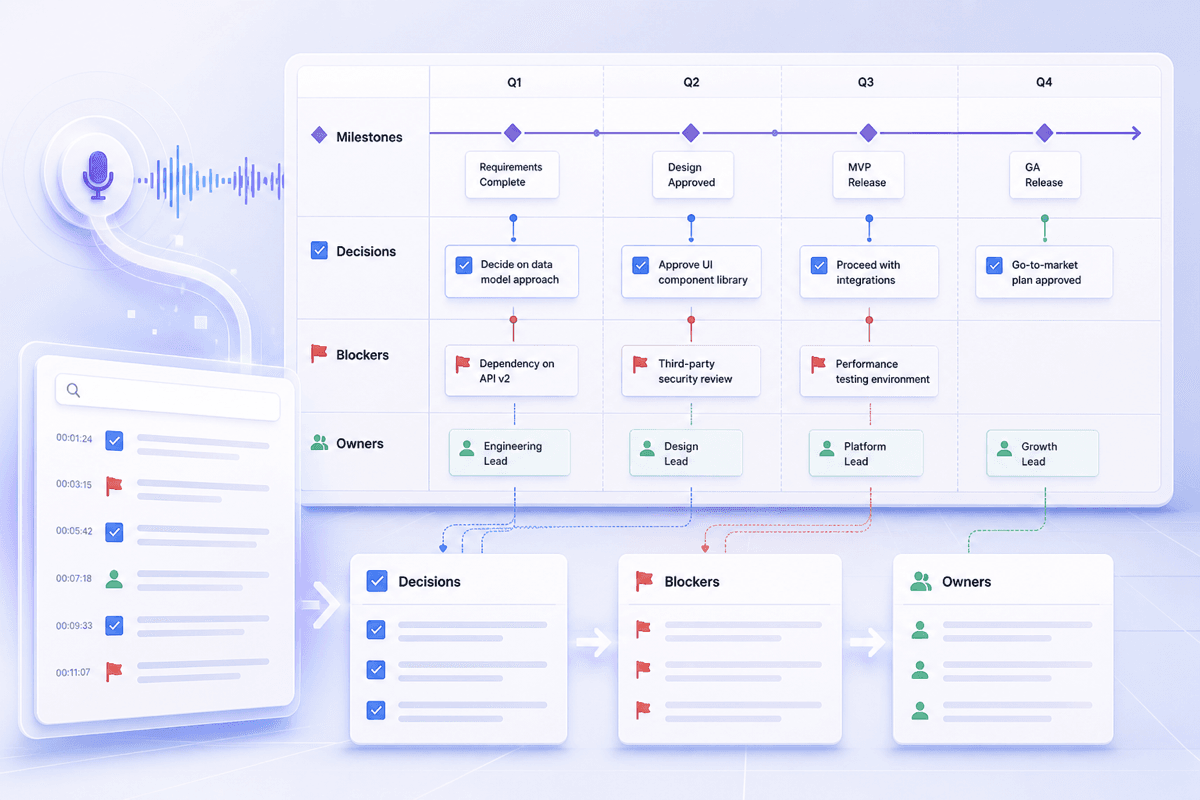
Keep milestones, blockers, decisions, and ownership easy to revisit after a project review without replaying the full recording.



Drop files or browse

Add study materials to enable the AI to extract and structure content.



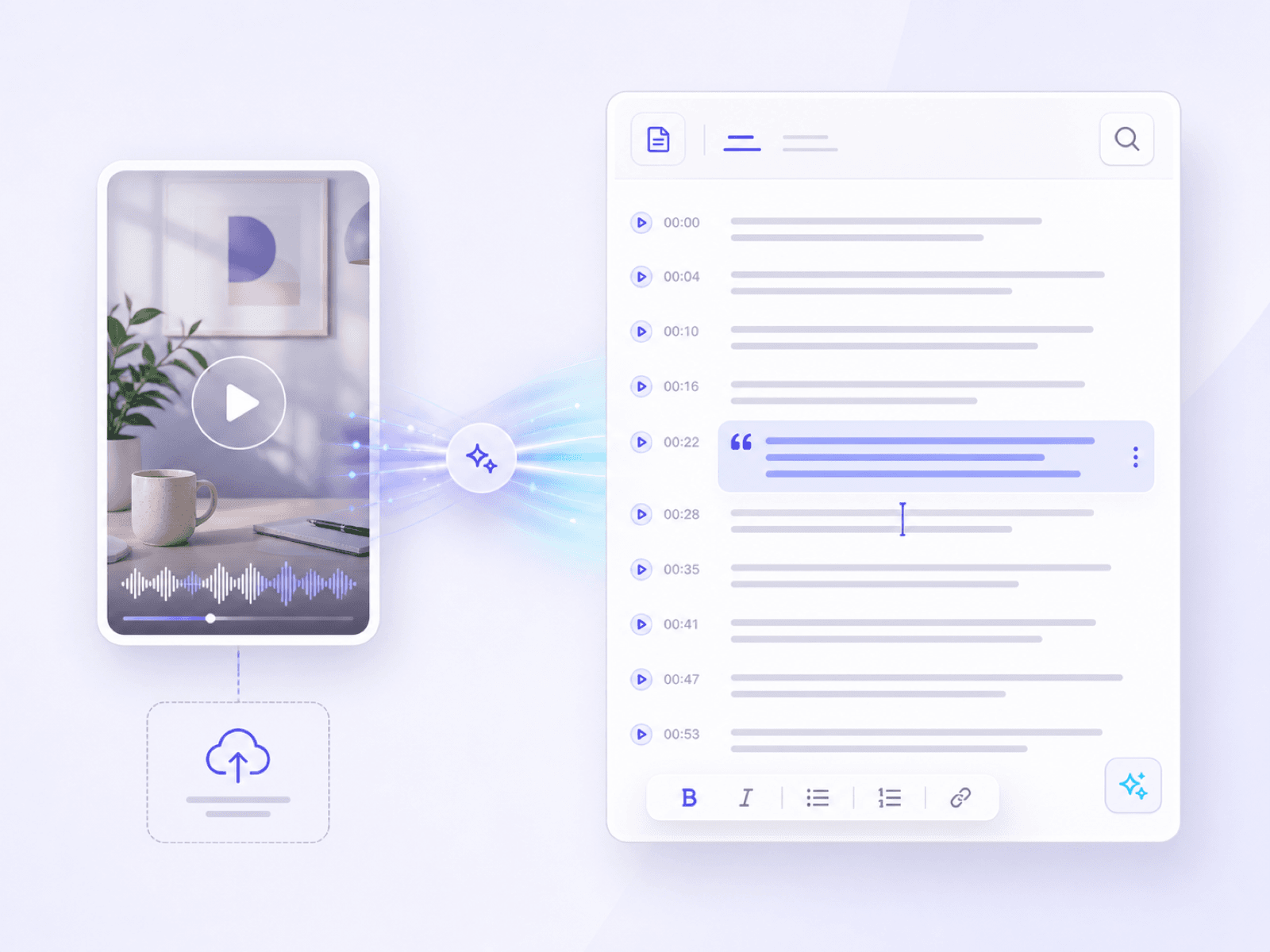
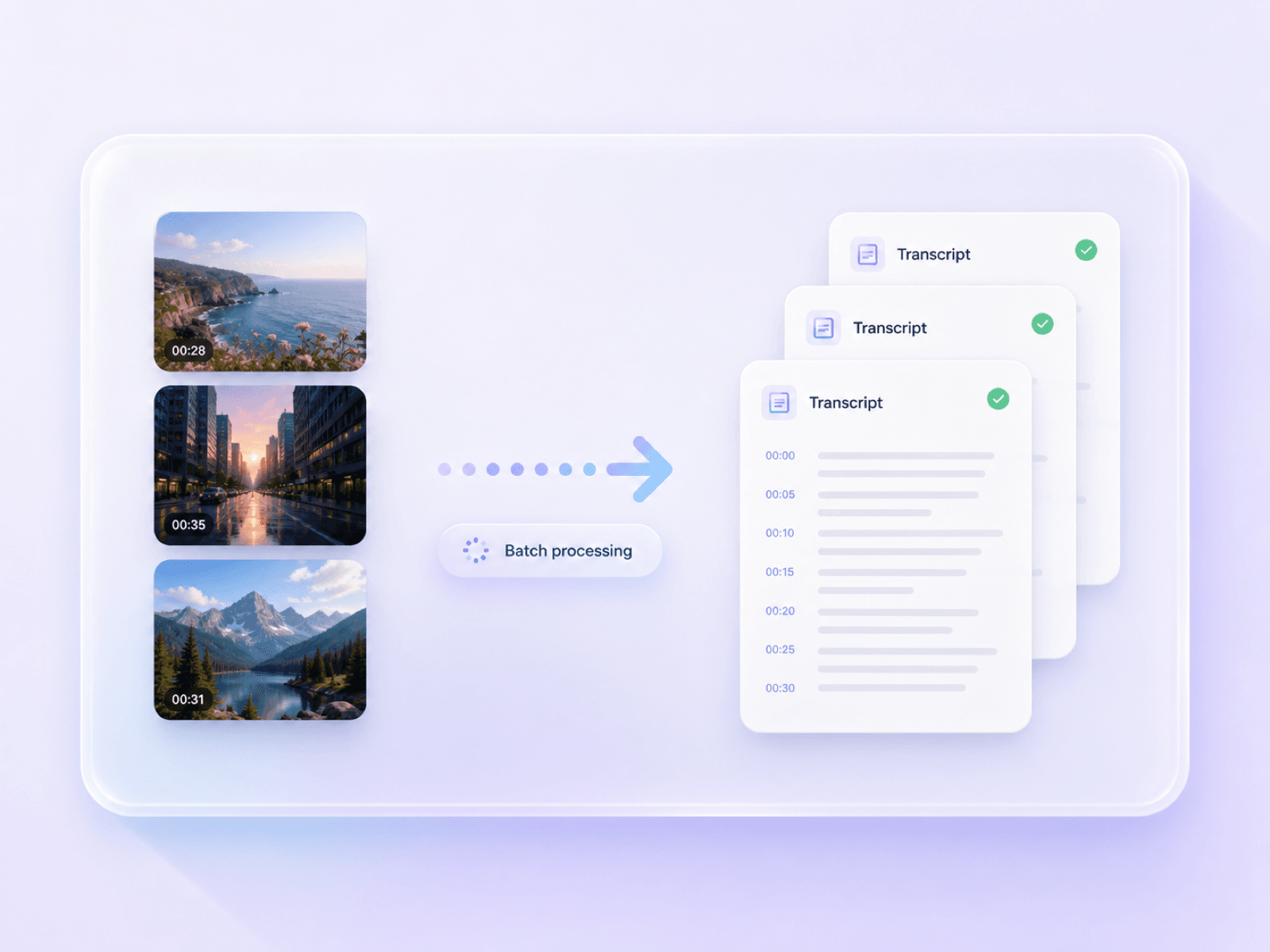
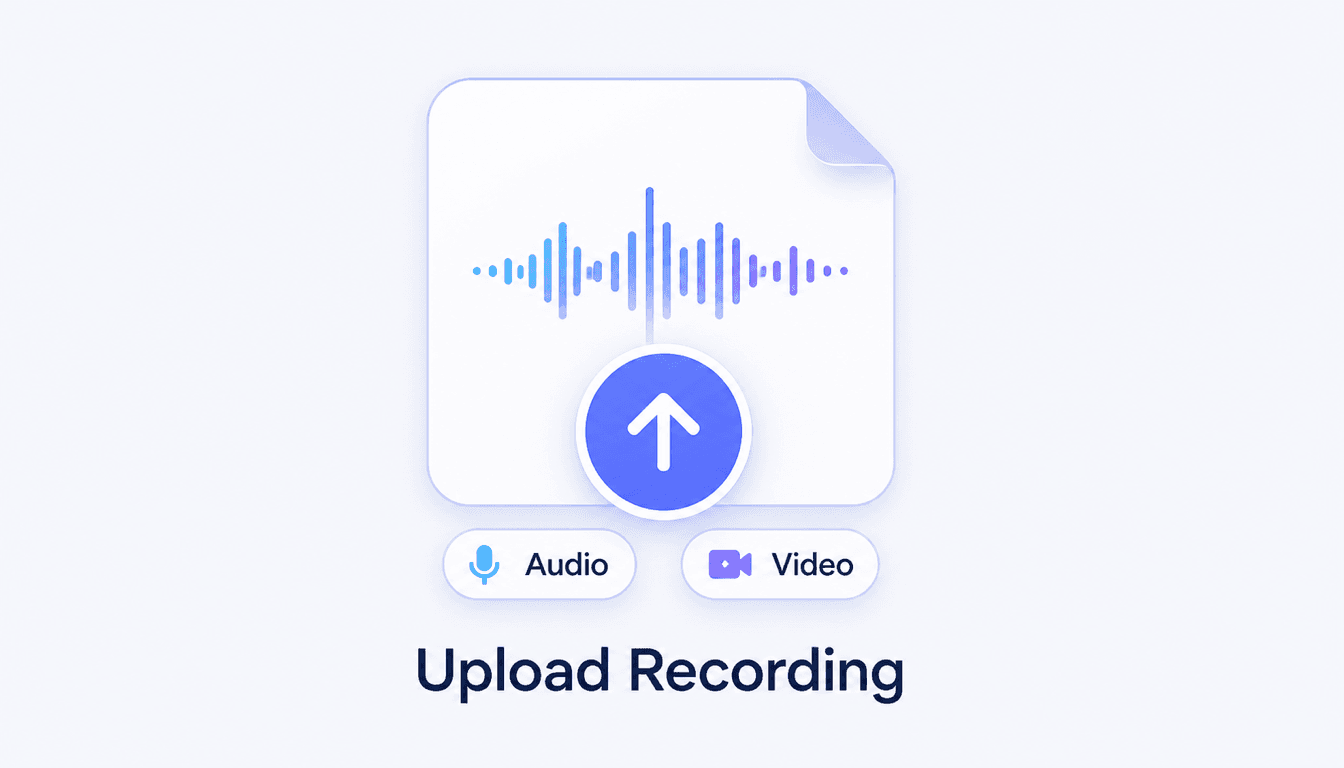
Choose the TikTok video file from your computer or phone and upload it to the transcription workspace. You can add one video or select multiple videos for a batch transcription workflow.
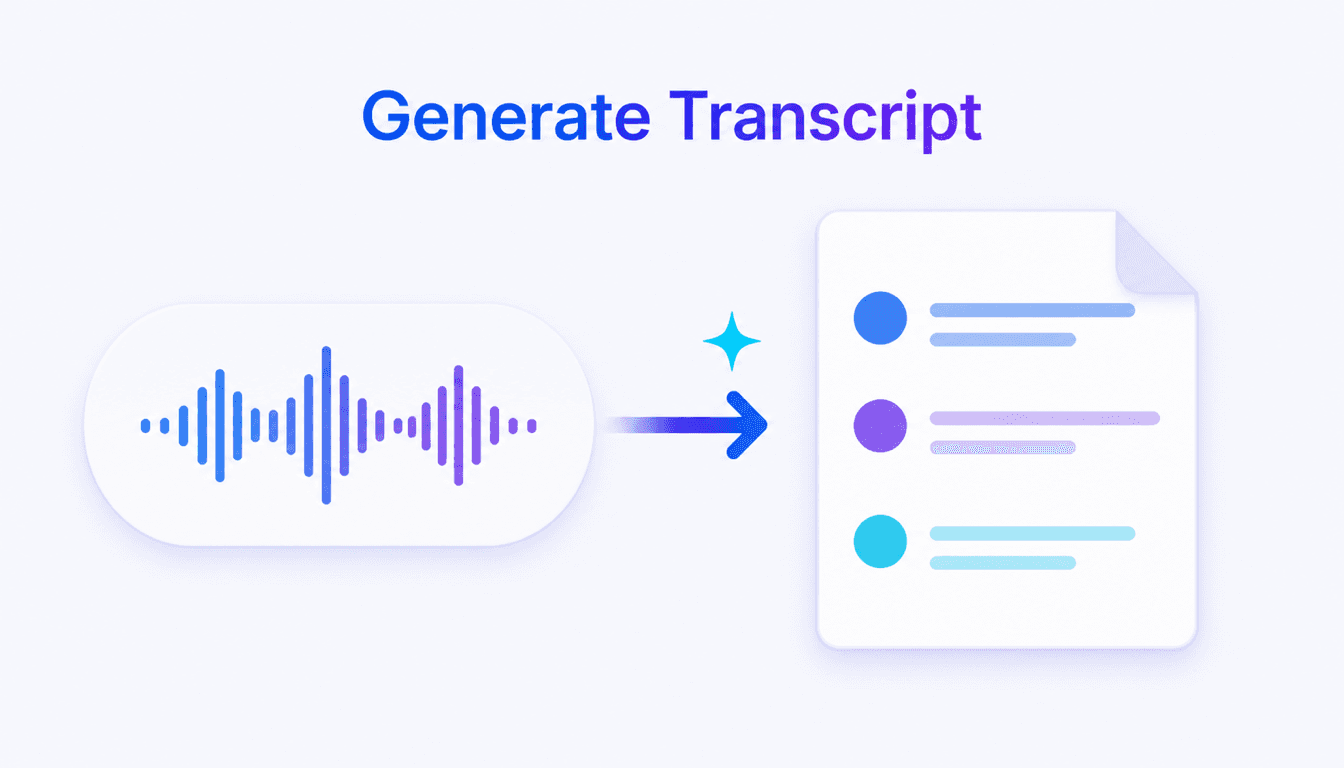
Start the TikTok to transcript conversion after your files finish uploading. Lynote analyzes the spoken audio and creates a separate readable transcript for each video.
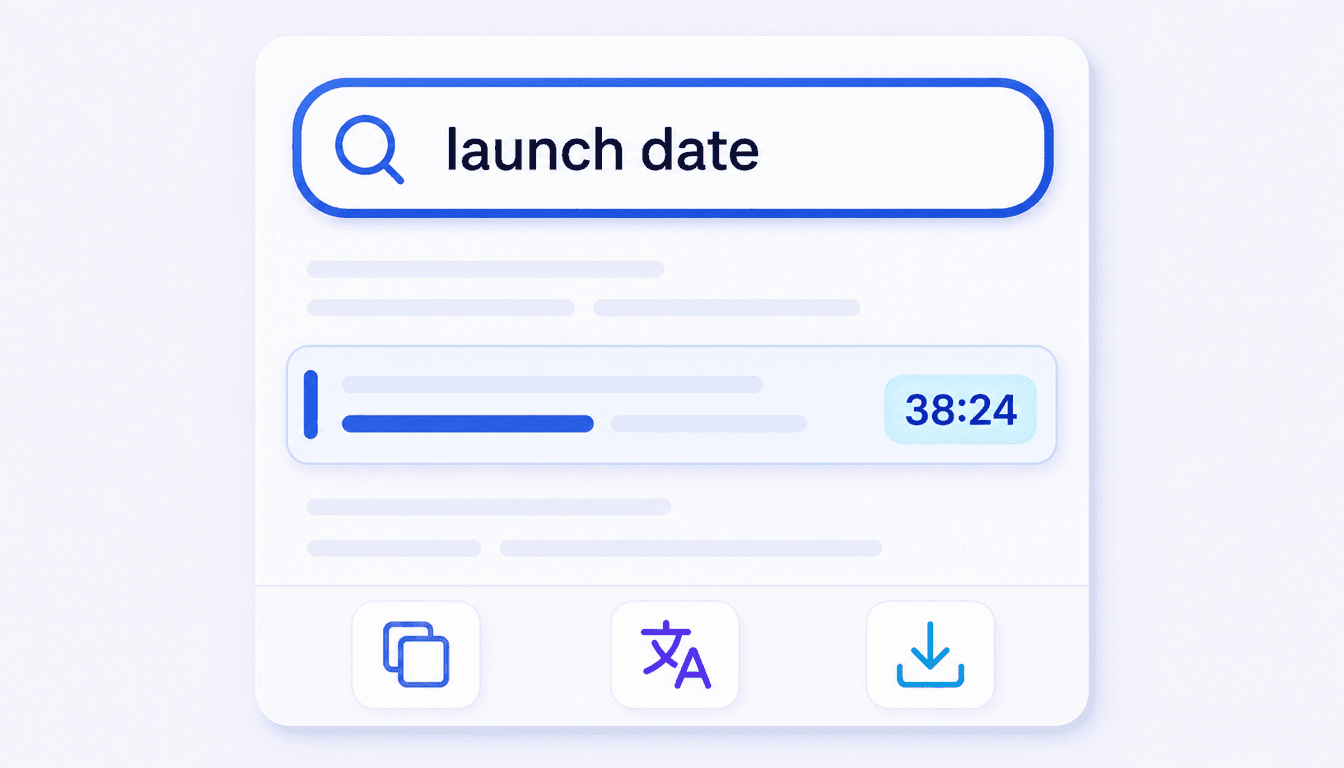
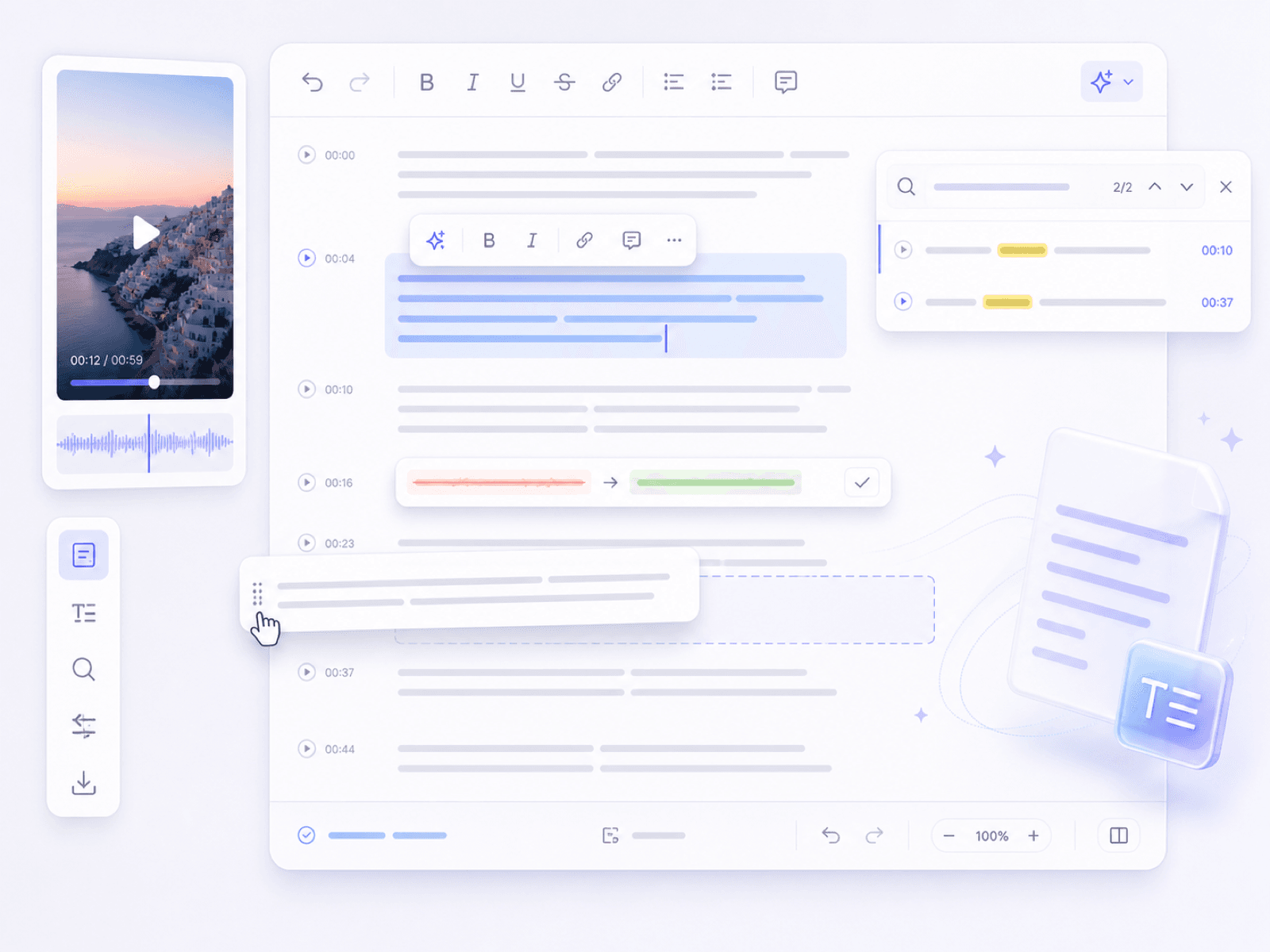
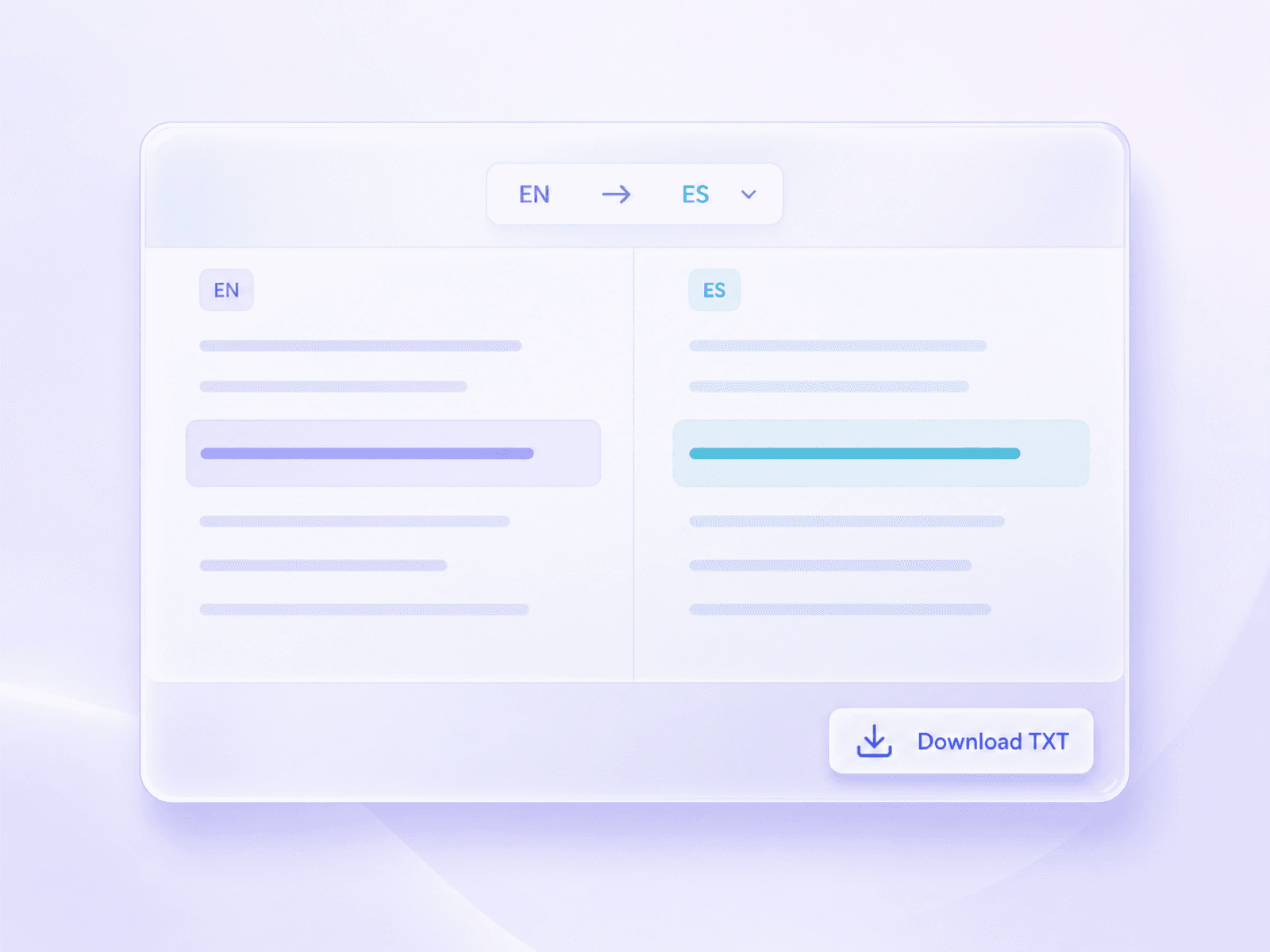
Review each generated transcript in the interface. Search for important wording, correct names, slang, punctuation, or brand terms, then copy, translate, or download the transcript text.
Turn recorded meetings into searchable transcripts you can use to recover decisions, questions, objections, and next steps across real work situations.
Keep milestones, blockers, decisions, and ownership easy to revisit after a project review without replaying the full recording.
Search product questions, objections, commitments, and follow-up details from a recorded sales conversation before the next contact.
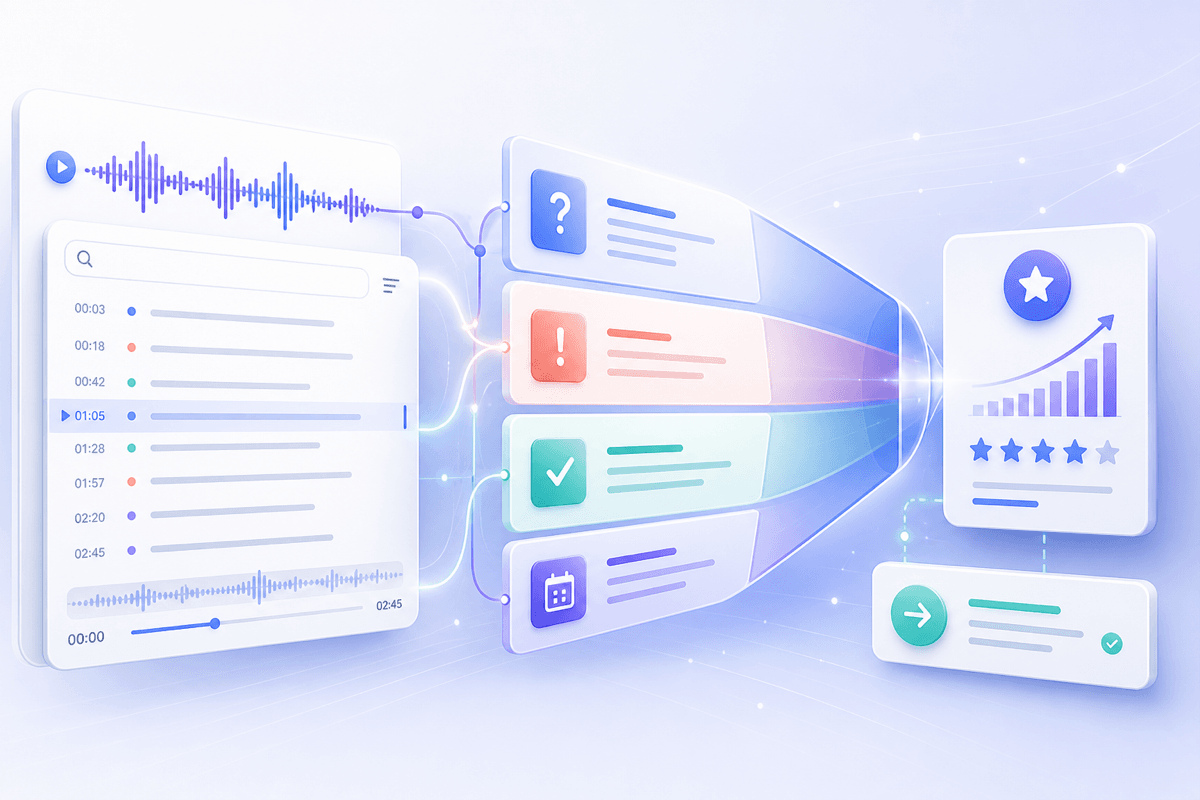
Return to a candidate's examples, qualifications, and answers when comparing interview notes or preparing a hiring debrief.
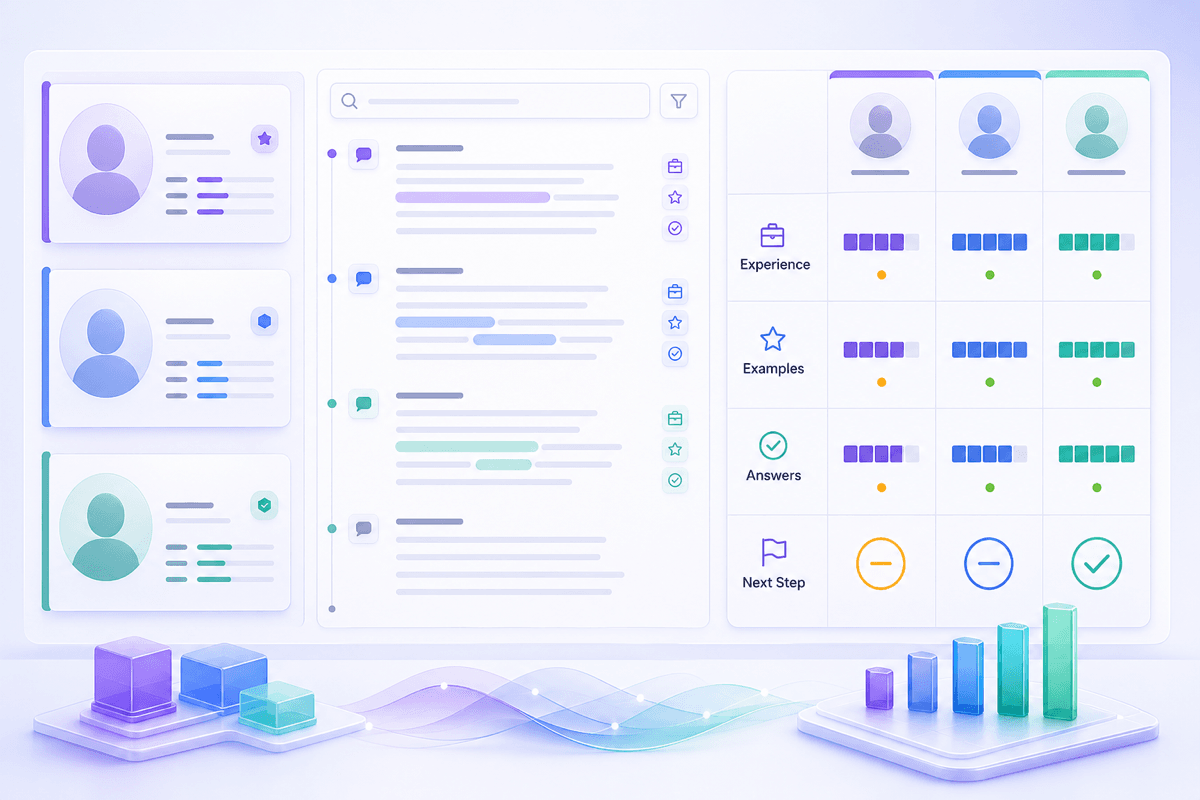
Trace participant responses, recurring themes, and exact discussion context while organizing qualitative research.
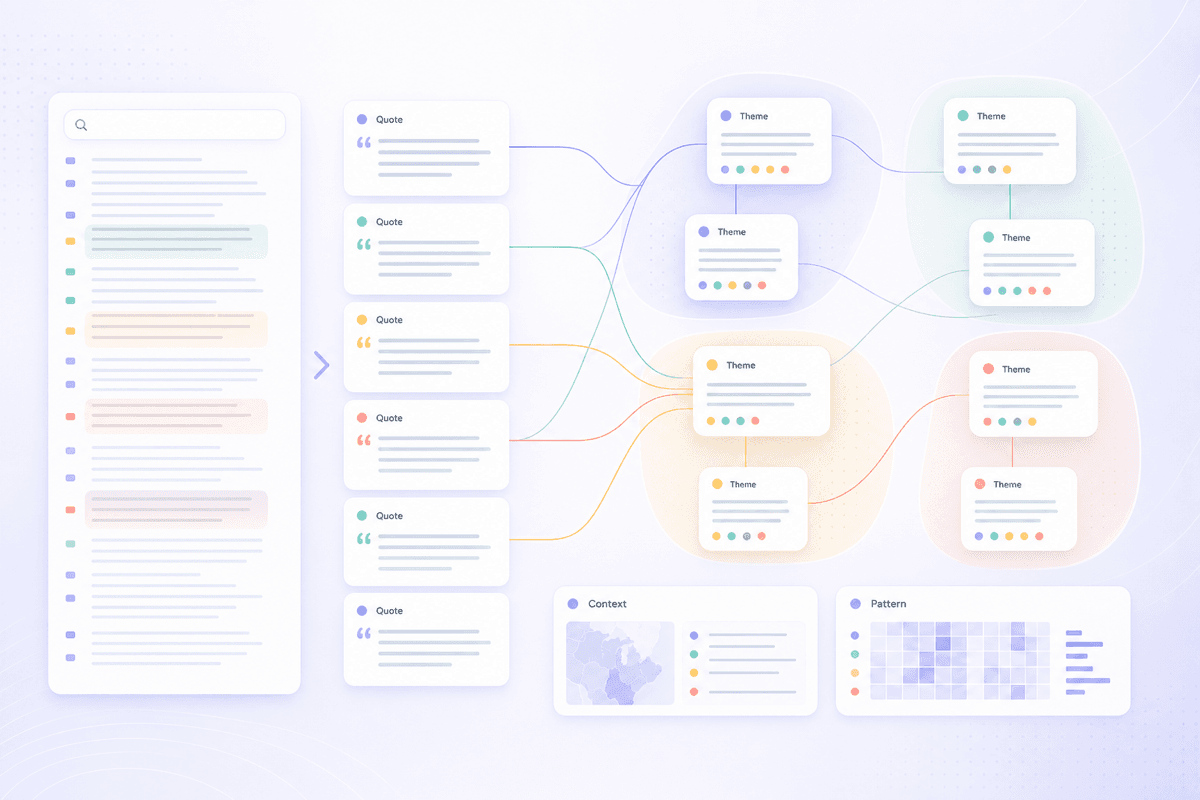
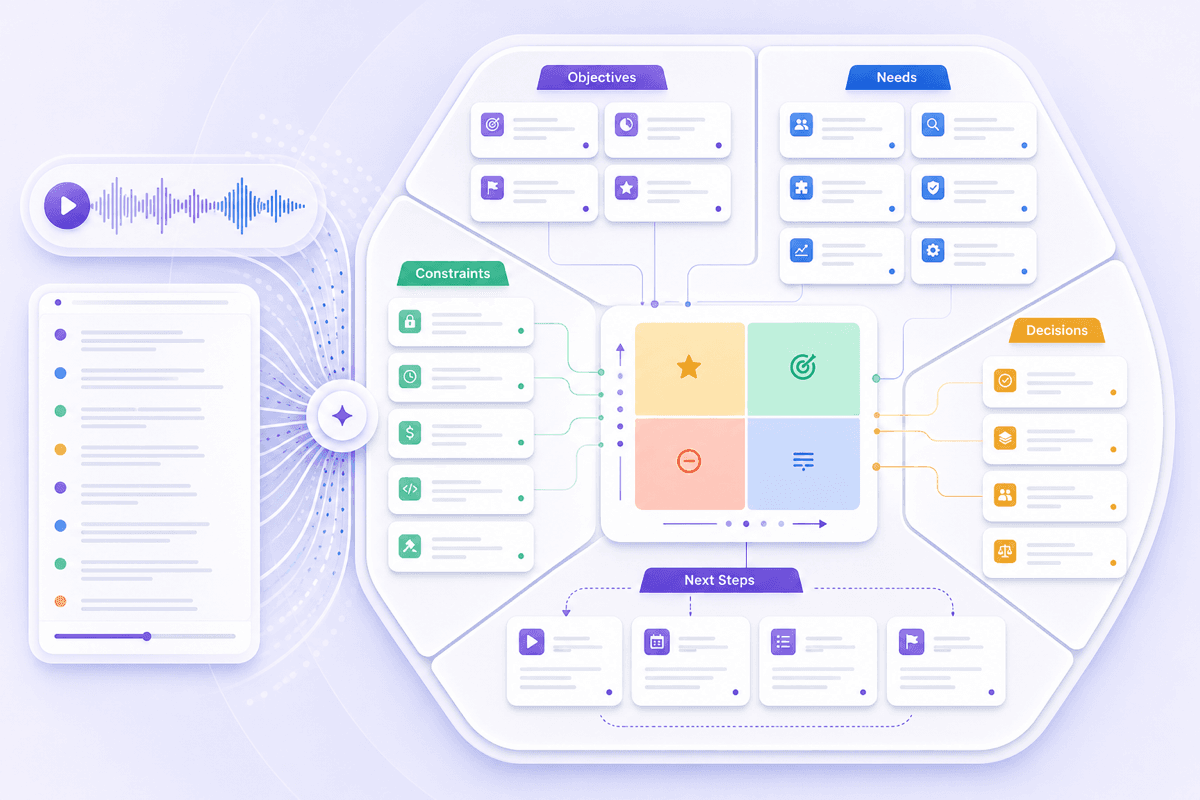
Revisit requirements, priorities, constraints, and agreed next steps before writing a proposal or project brief.
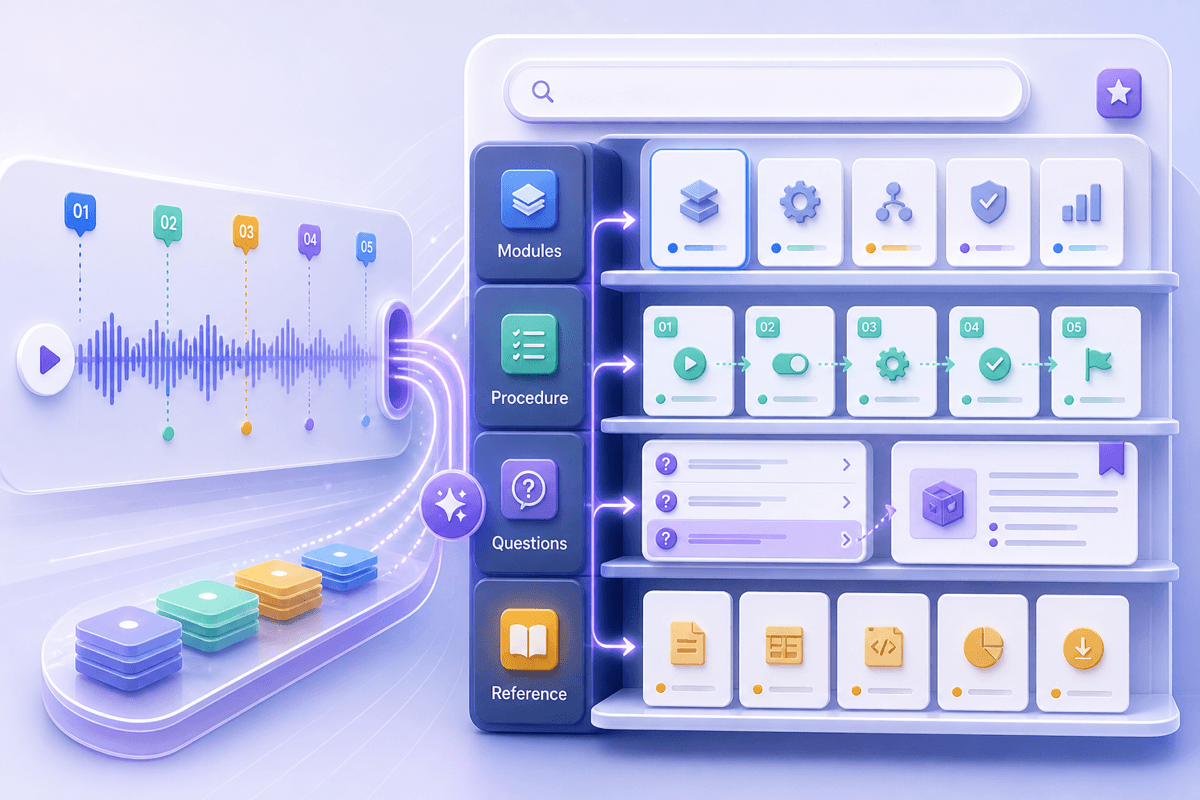
Turn recorded training into a searchable reference for procedures, explanations, questions, and later review.

TikTok creators recover their spoken scripts for captions, follow-up posts, newsletters, or new video ideas.

Social media teams extract campaign hooks and talking points from multiple TikTok videos for content analysis, reporting, or strategy reviews.

Researchers and journalists turn TikTok interviews, reactions, or explainers into searchable notes and quotable text for articles or studies.

Students and educators convert educational TikToks into structured notes for learning, teaching, or assignment preparation.

Editors and localization teams extract and refine TikTok speech before translation or correction, ensuring names, slang, and context are accurate.

Campaign analysts batch-generate separate transcripts for campaign TikToks, then compare messaging and calls to action across the videos.

Readable transcripts help break down TikTok’s fast speech, slang, music, or multiple speakers. Review names, brand terms, and creative delivery with clarity.

Edit, refine, and adapt your TikTok transcript for captions, posts, or notes—customize every word before sharing or publishing.

TikTok speech often includes rapid delivery, slang, and brand names that need review. Edit transcripts to fix names, correct terms, or adjust punctuation before using the text elsewhere.

Search or highlight lines within TikTok transcripts to extract hooks, quotes, or key timestamps for briefs, reviews, or creative reuse.

Download, copy, or translate TikTok transcript text for use in other tools, languages, or workflows beyond the original video.

Each TikTok transcript becomes a flexible source you can reuse for captions, scripts, or campaign notes—one upload gives lasting value for multiple projects.

TikTok Creator

"I needed the wording from an older talking-head TikTok for my newsletter. The editable transcript gave me the original structure without making me pause the video after every sentence."

Social Media Analyst
"One campaign TikTok mixed brand slang with several product names. I corrected those terms in the transcript before adding the claims and hook to our creative brief."

Researcher
"I had several TikTok interviews from the same event. Batch transcription gave me separate texts to search, and I could verify each quote against the original clip before publication."

Student
"An educational TikTok explained a difficult topic quickly. Turning the speech into structured notes made it easier to review the definitions and examples before class."

Editor
"Before localization, I corrected the creator's name, slang, and brand terms in the transcript. The translated text was much easier for our editor to review afterward."

Campaign Analyst
"I generated transcripts for a group of campaign TikToks and compared their calls to action side by side. It exposed repeated messaging that was easy to miss while watching."
Explore everything you can do with TikTok transcripts—edit, search, translate, and download your video’s spoken content.
A TikTok transcript generator converts spoken audio from an uploaded video into editable, searchable text. A TikTok transcript maker and TikTok video transcript extractor describe the same basic video-to-text purpose.
The TikTok to transcript process starts when you upload the video file and generate its text. Review the result afterward, especially names, slang, punctuation, and words covered by music.
Yes. Add multiple TikTok video files to generate separate transcripts in one workflow. This is useful for creator archives, campaign content, interview collections, and research sets.
Yes. The TikTok video transcript extractor produces text you can search, edit, and refine before translating, copying, or downloading it.
A TikTok transcript downloader saves the generated transcription, not the original TikTok video. Use the TikTok transcript download for captions, notes, localization, or further editing.
The TikTok transcript generator transcribes spoken content, but accuracy may drop with loud music, heavy slang, or very rapid speech. Manual review may be needed for those sections.
Yes, after generating your TikTok transcript, you can edit names, slang, punctuation, and brand terms before copying or exporting the final text.
Lynote offers a free online TikTok transcript generator you can use before deciding whether you need additional paid usage. The free TikTok transcript generator follows the same upload-to-text workflow; current account limits are shown in the product.