

Free YouTube Subtitle Generator Online
Use this automatic YouTube subtitle generator to create timestamped subtitles online for free, then search, translate, copy, or download the text with no sign-up.




Automatic YouTube Subtitles From a Link
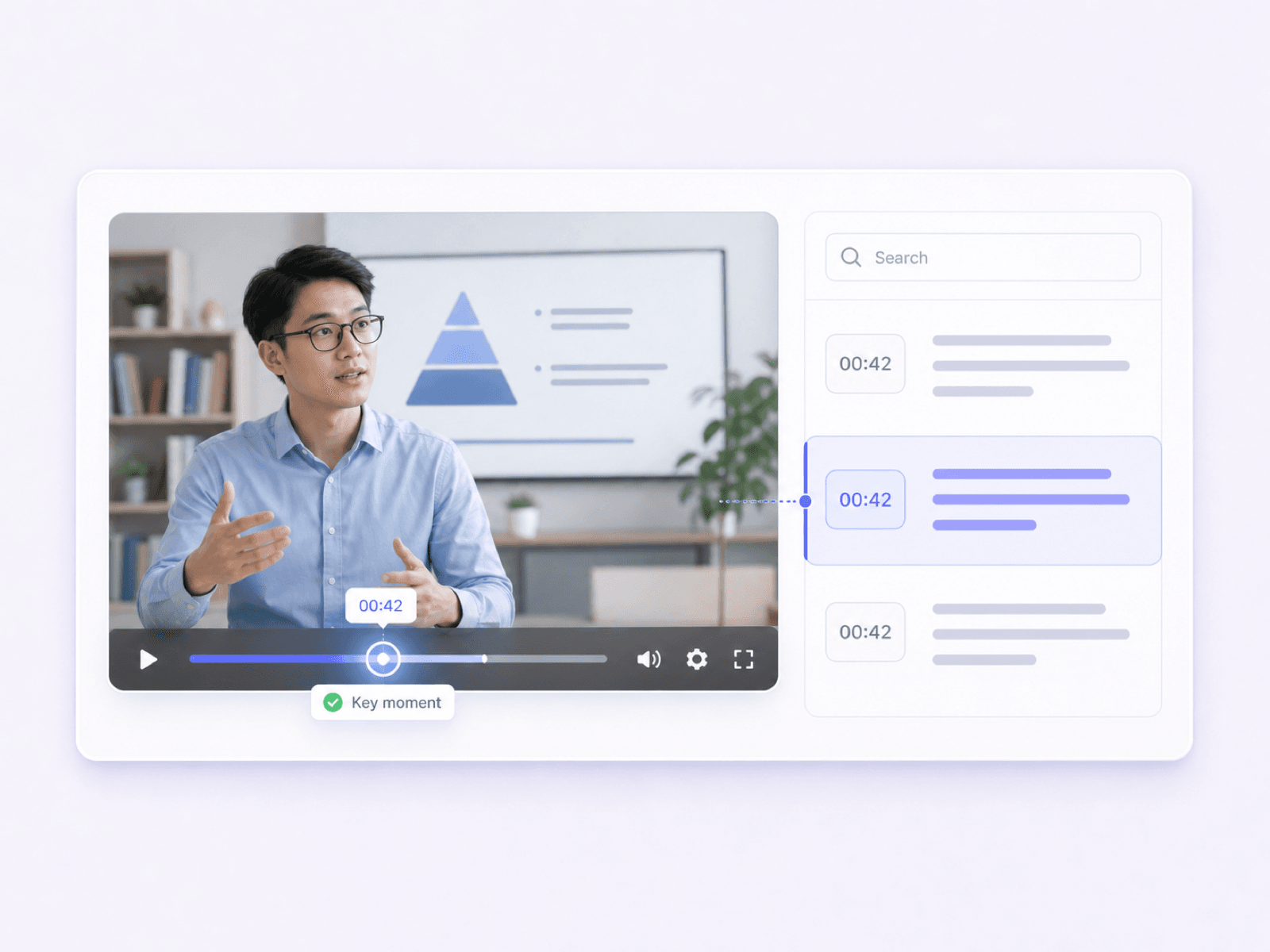
Every Subtitle Line Keeps Its Timestamp
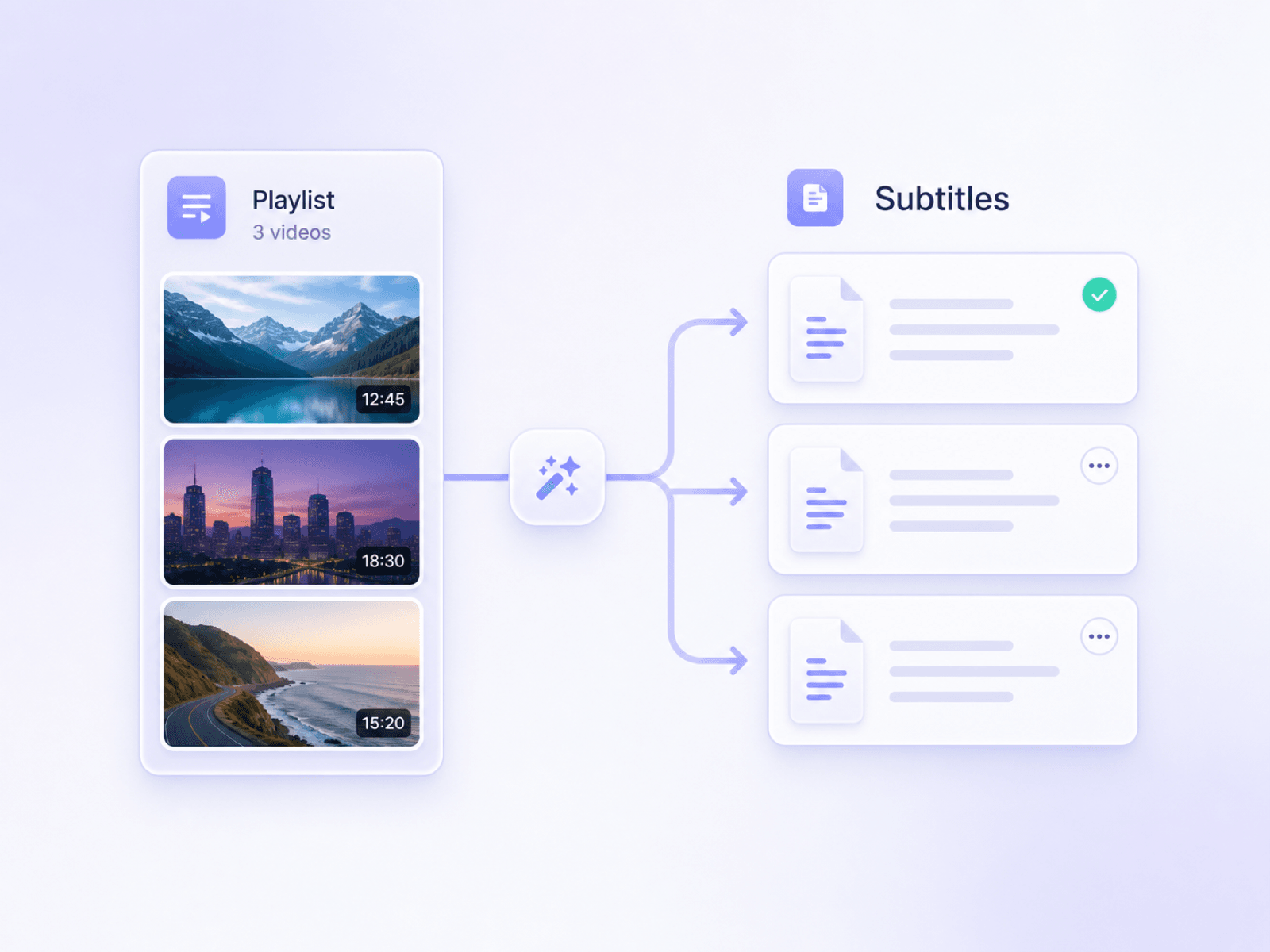
Turn Playlists Into Subtitle Text
How to Generate Subtitles for a YouTube Video
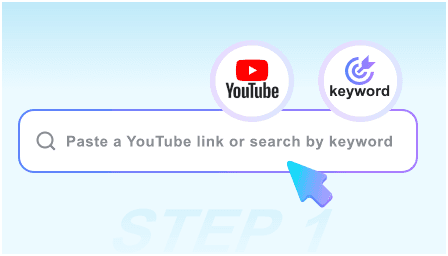
Step 1. Paste a YouTube Link or Search by Keyword
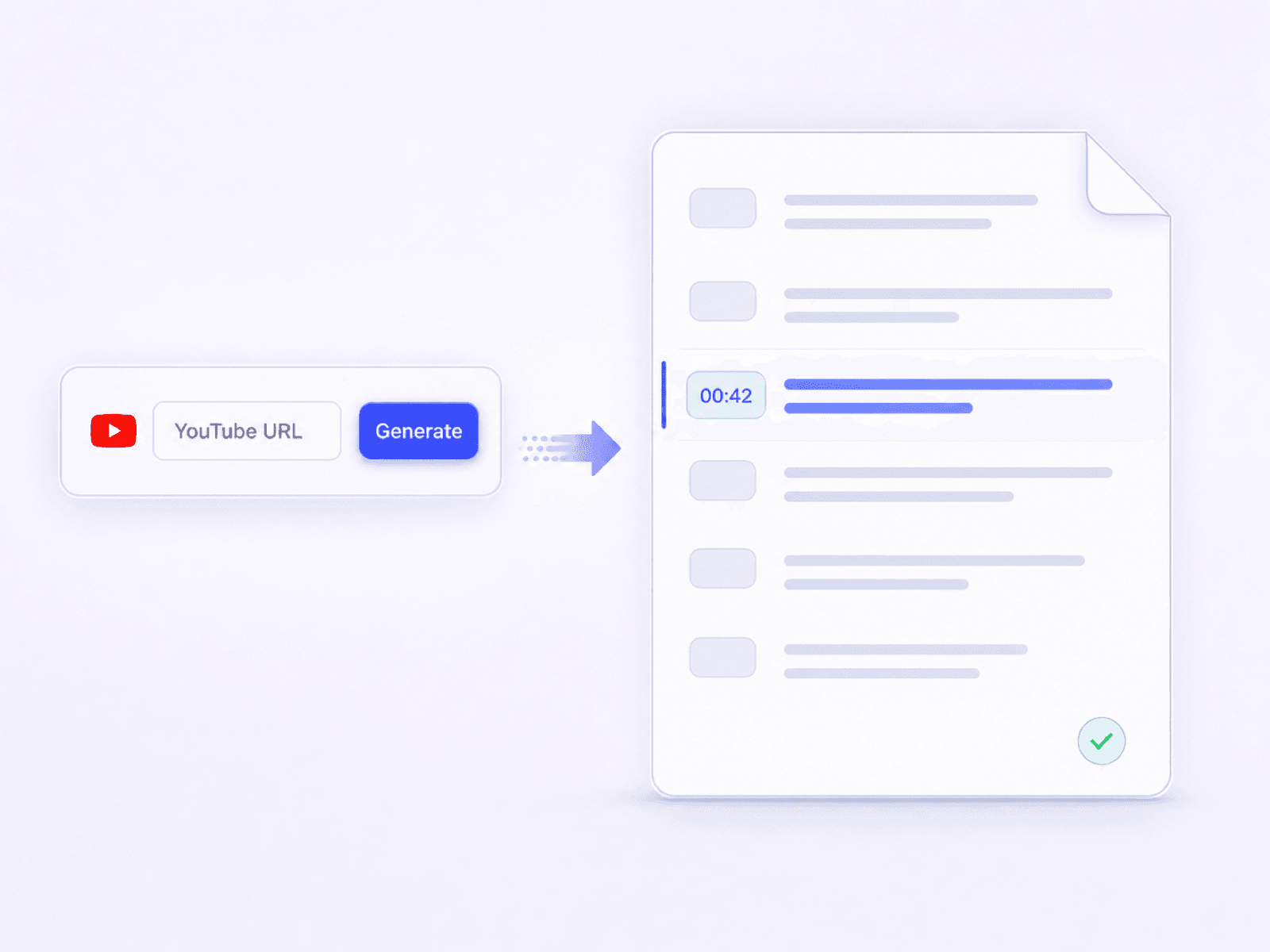
Paste the video's URL, search for it by keyword, or add a playlist when you need subtitles from a series. Select the correct video before moving on.
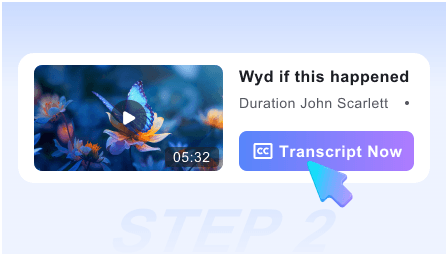
Step 2. Generate YouTube Subtitles
Click Get Video to load the video's available captions. Lynote arranges the subtitle text into readable lines with timestamps so you can follow the spoken content outside the YouTube player.
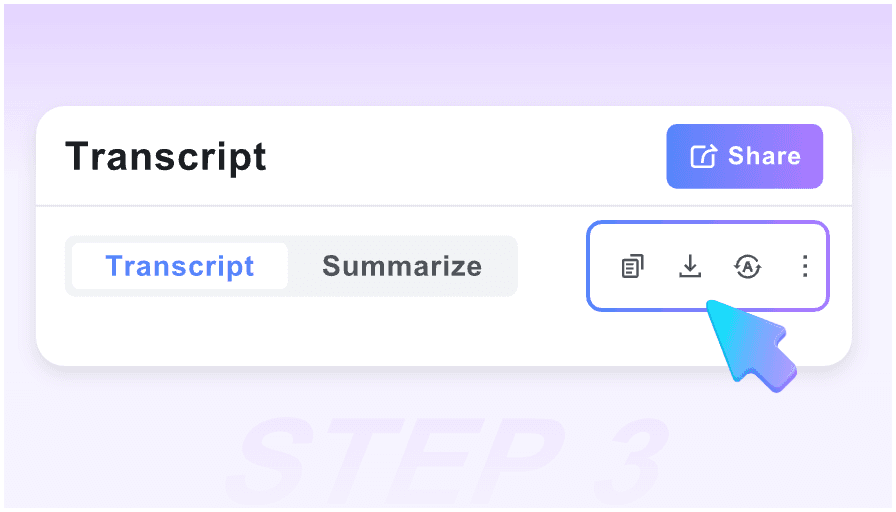
Step 3. Search, Translate, or Copy the Subtitles
Search for a phrase, translate the full text or individual paragraphs, copy what you need, or download the subtitle text as a TXT file.
Why Choose Our YouTube Subtitle Generator?

Automatic Subtitle Generation
Paste a YouTube link, find a video by keyword, or add a playlist. Lynote turns the video's available captions into readable subtitle text without making you copy lines from the player.

Time-Coded Subtitle Lines
Each subtitle line stays connected to its point in the video. Use the timestamps to return to a quote, replay an explanation, or follow a long lecture without losing your place.

Free, No Sign-Up
Generate YouTube subtitles online for free without creating an account. Paste a link or search for the video and start working with the text right away.

Translate as You Watch
Read subtitle text in another language using full-text translation or paragraph-by-paragraph translation. Keep the original nearby when you need to compare meaning or phrasing.

Search Every Subtitle Line
Search the generated subtitles for a name, term, or exact phrase instead of scrubbing through the timeline. The matching line gives you a faster route back to the relevant moment.

Copy or Download the Text
Copy subtitle text into notes, briefs, and research documents, or download it as a TXT file. The clean text is ready for review without manual selection inside YouTube.
Who Uses This YouTube Subtitle Generator?

YouTube Creators Reviewing Captions
Read through caption text before publishing clips or repurposing a video. Timestamps make it easier to trace a line back to the original delivery.

Students Following Video Lectures
Search lecture subtitles for formulas, names, and key explanations, then copy useful passages into study notes without replaying the entire class.

Educators Preparing Accessible Lessons
Review the available subtitle text from assigned videos, locate important moments, and prepare supporting notes for students who prefer reading along.

Language Learners Watching YouTube
Follow spoken phrases with time-coded text and compare the original with a translation. Revisit difficult lines without guessing where they appeared.

Researchers Locating Exact Statements
Find a quoted phrase inside interviews, talks, or public discussions, then use its timestamp to verify the wording and surrounding context.

Content Teams Repurposing Videos
Move useful subtitle passages into briefs, social drafts, and content notes. The searchable text helps teams review source material before rewriting it.
What Users Say About Our YouTube Subtitle Generator

YouTube Creator

I use the timestamped subtitles to review interviews before cutting short clips. Finding the exact line is much faster than replaying the whole video.

Graduate Student
Searching the subtitles of long lectures saves me a lot of time. I can find the term I missed, return to that minute, and add the explanation to my notes.

Language Learner
The paragraph translation is useful because I can compare it with the original subtitle text. The timestamps also help me replay difficult phrases.

Course Producer
For a playlist of training videos, having the subtitle text in one workflow is far more practical than opening each YouTube caption panel separately.

Research Assistant
I needed to confirm a statement in a recorded panel. The text search found the wording, and the timestamp let me check the surrounding discussion.

Content Strategist
Copying clean subtitle text into a brief is straightforward. I still review the video for context, but I no longer start by transcribing useful lines by hand.
YouTube Subtitle Generator FAQs
Learn how subtitle generation, timestamps, translation, search, and downloads work.
A subtitle generator for YouTube turns a video's available captions into readable text. Lynote presents the lines with timestamps and lets you search, translate, copy, or download the subtitles.
Wondering how to generate subtitles for YouTube? Paste the video URL or search by keyword, select the correct result, and click Get Video. The available subtitle text will appear with timestamps.
Yes. Copy the video's URL from YouTube and paste it into the link field. You can also search by keyword if you do not have the direct link.
It can work with captions available on the video, including YouTube auto-generated subtitles when YouTube provides them. If the video has no accessible captions, there may be no subtitle text to retrieve.
Accuracy depends on the captions available for the video. Automatic captions may mishear names, accents, technical terms, or speech in noisy audio, so check important wording against the video.
Yes. You can translate the full subtitle text or compare translations paragraph by paragraph, which is useful for study and multilingual video research.
Yes. Search for a word, name, or phrase to locate the matching subtitle line. Its timestamp helps you return to the relevant point in the video.
Yes. Copy the generated subtitles to your clipboard or download them as a TXT file. SRT and VTT export are not currently offered on this page.
Yes, you can generate and work with YouTube subtitle text online without creating an account.
Yes. Lynote supports playlist input and multiple YouTube links, making it easier to auto-generate YouTube subtitles across a course, series, or group of related videos. Subtitle availability still depends on the captions provided for each video.


