YouTube Videos
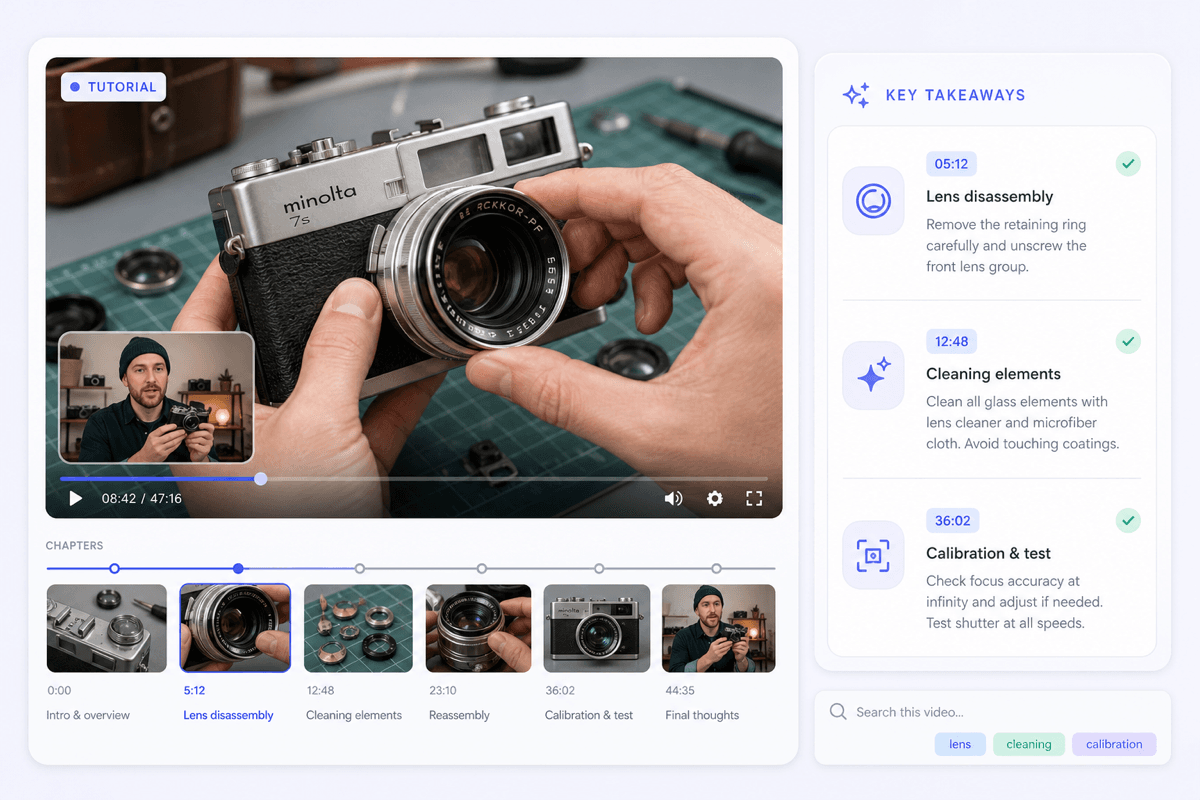
Paste a YouTube link to pull the main ideas from a tutorial, documentary, podcast episode, or long-form discussion without replaying the full video.



Drop files or browse

Add study materials to enable the AI to extract and structure content.



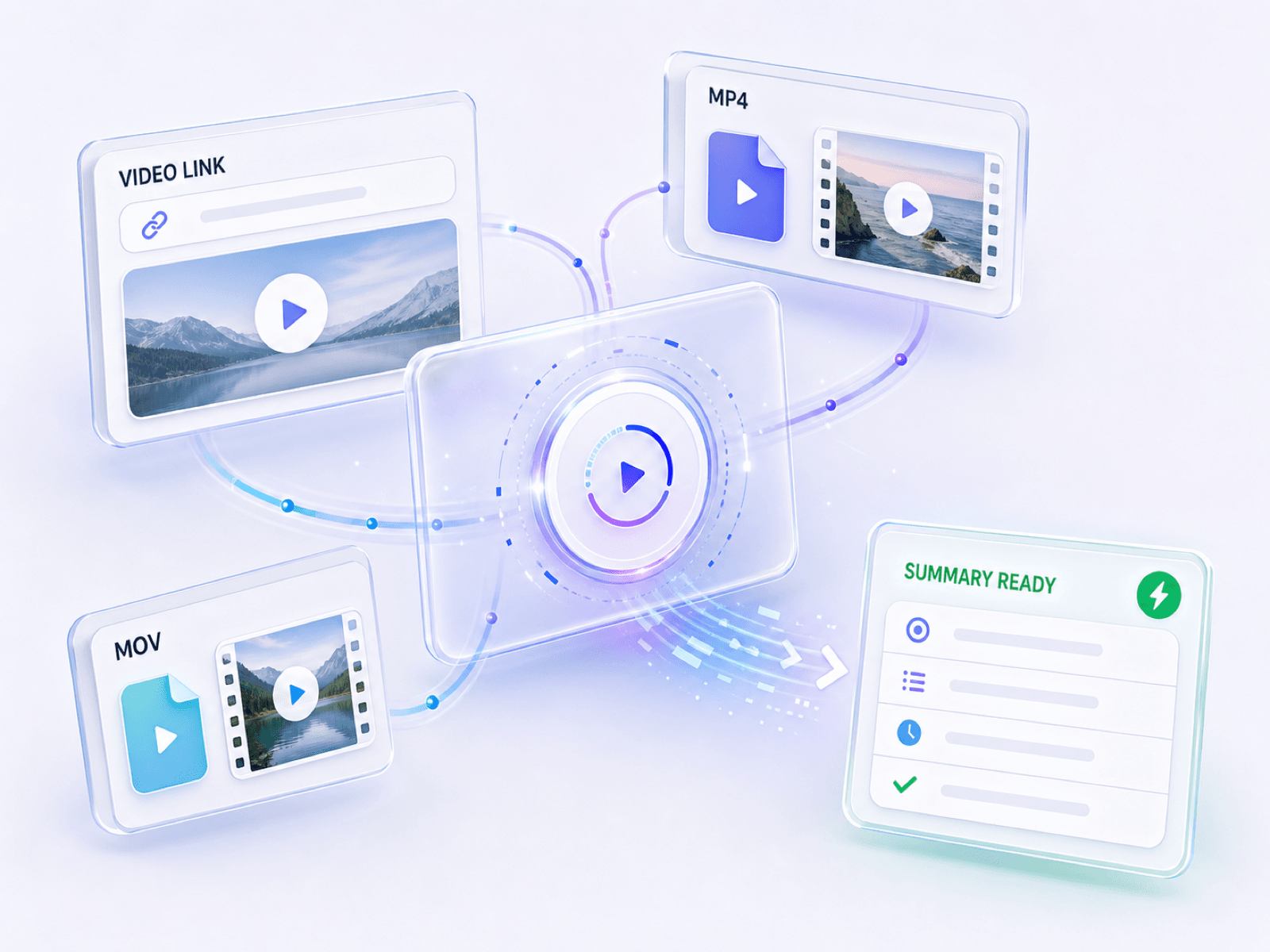
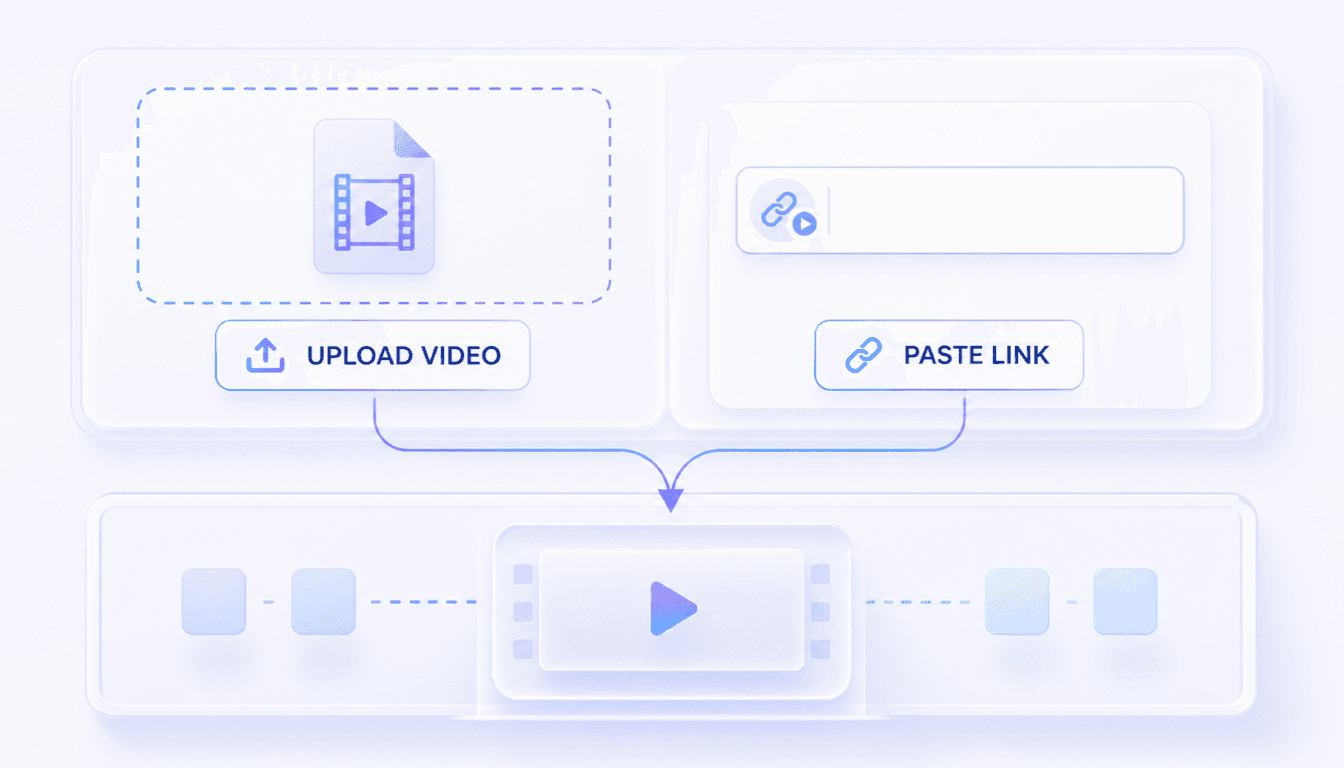
Add a video file from your device, paste a YouTube URL, or use a supported public video link. Choose the clearest available source for a stronger result.
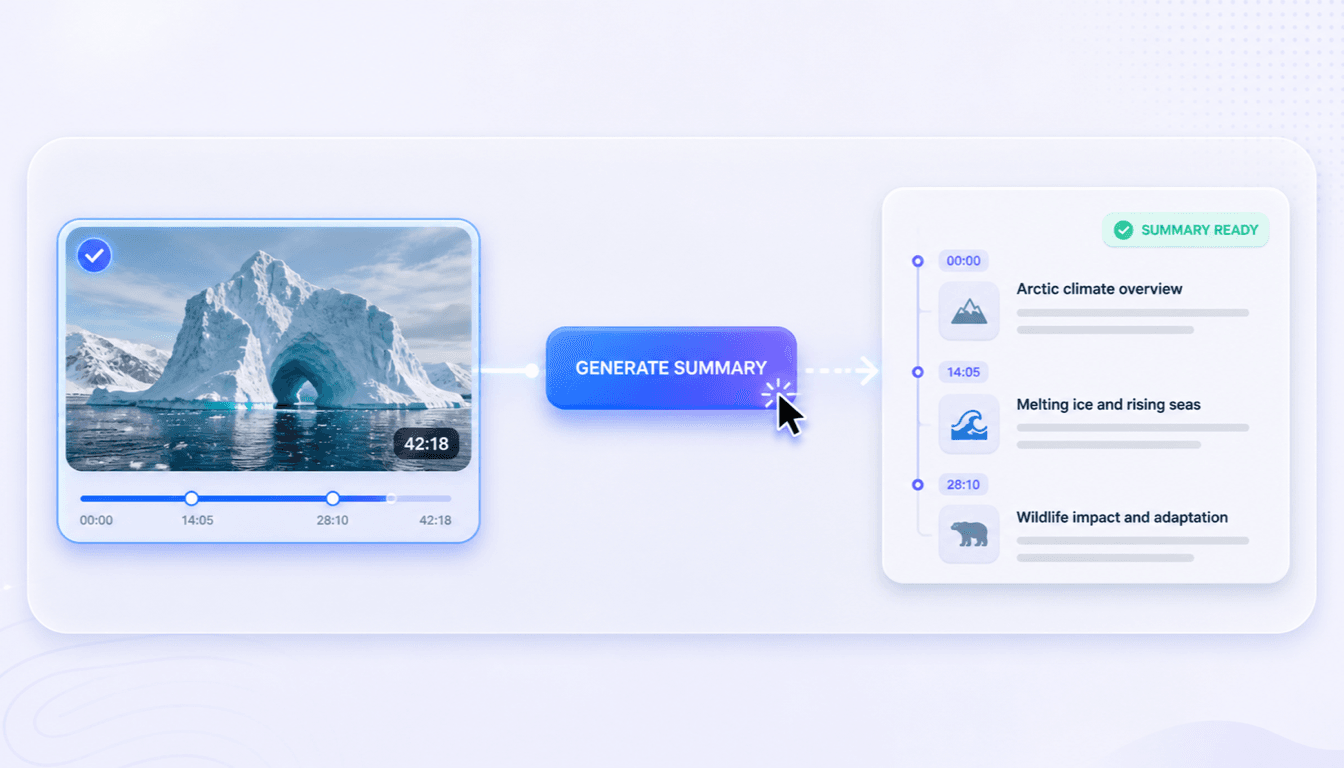
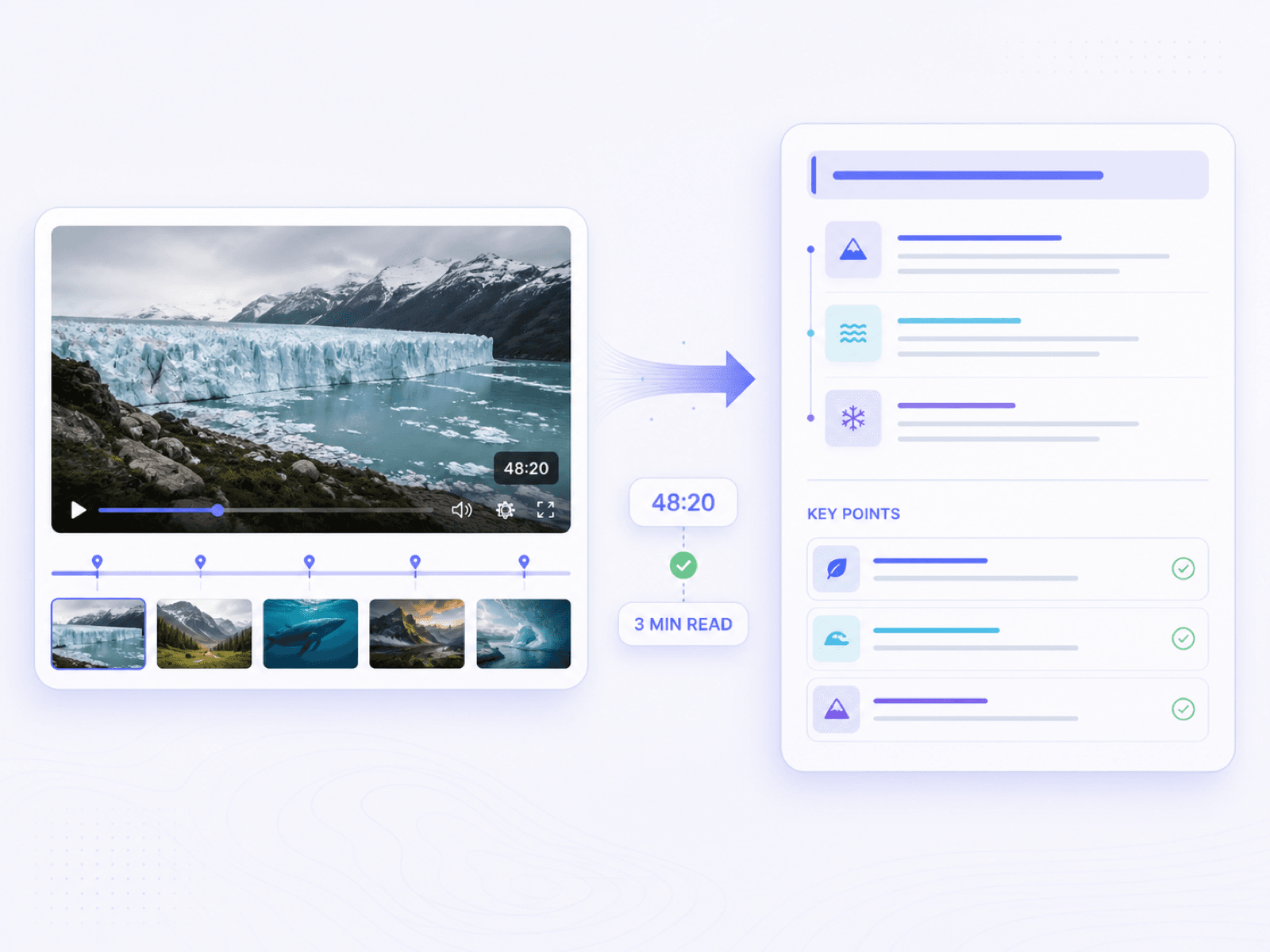
Start the summary and let Lynote identify the main ideas, supporting points, and useful moments. Longer or more complex recordings may take a little more time to process.
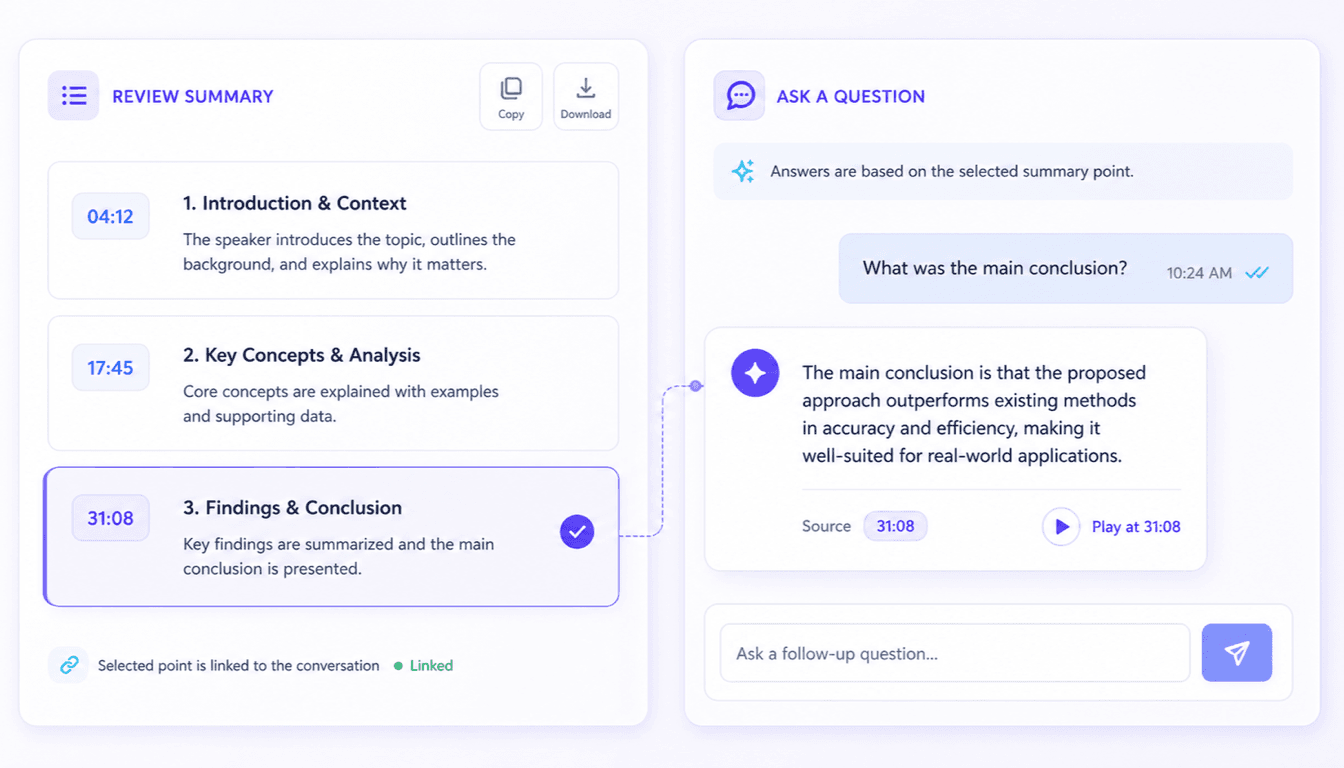
Read the structured summary, edit the wording, and ask follow-up questions about specific topics. Then export or share the result, and check the original video before using exact claims or quotations.
Choose the source you need to understand, then turn a long recording into a focused recap you can study, share, or question.
Paste a YouTube link to pull the main ideas from a tutorial, documentary, podcast episode, or long-form discussion without replaying the full video.
Turn a class recording into organized study notes, then revisit difficult concepts and the sections that deserve a second watch.
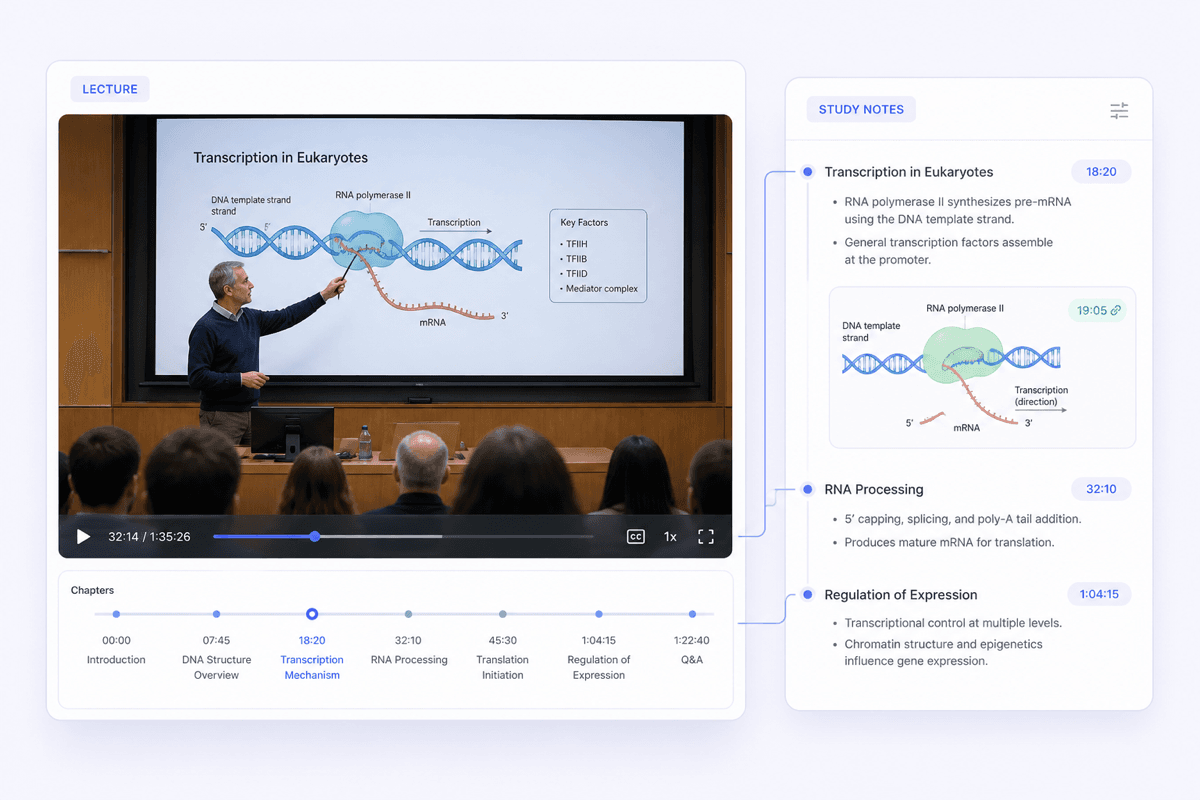
Condense a webinar into its central arguments, examples, and action items so the useful parts do not disappear inside an hour-long recording.
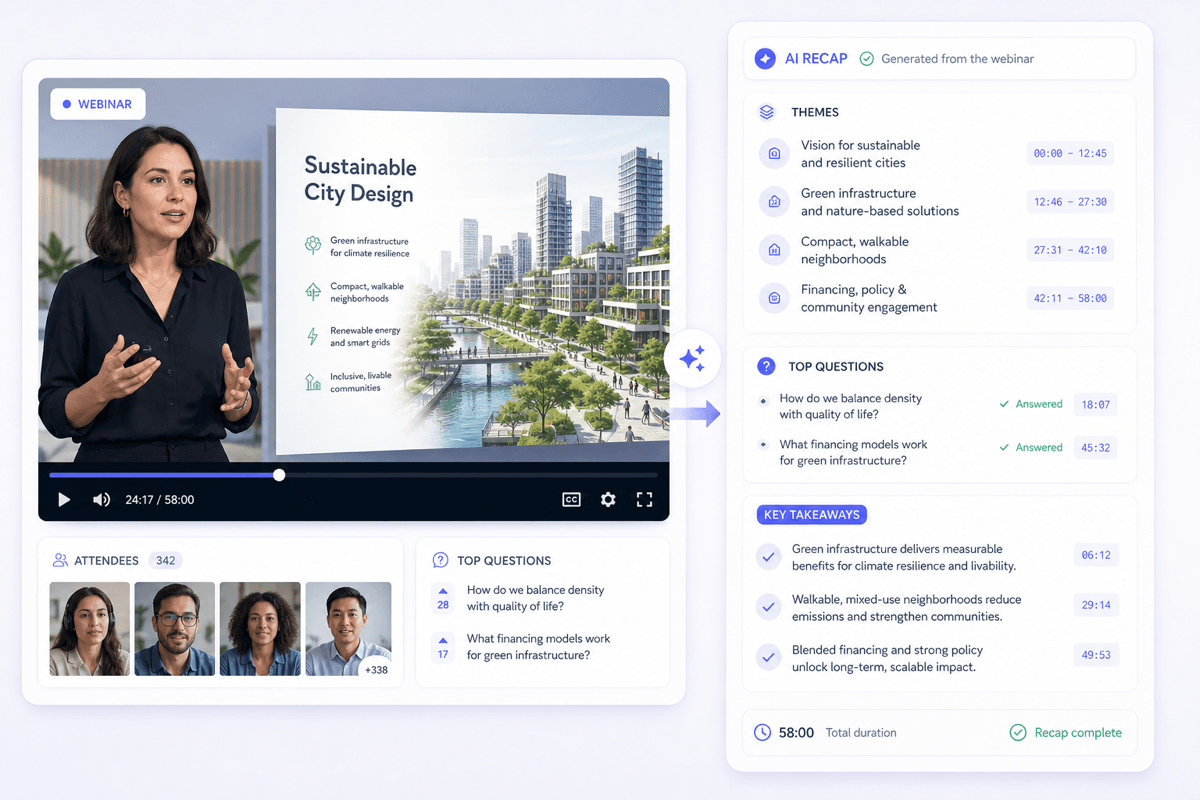
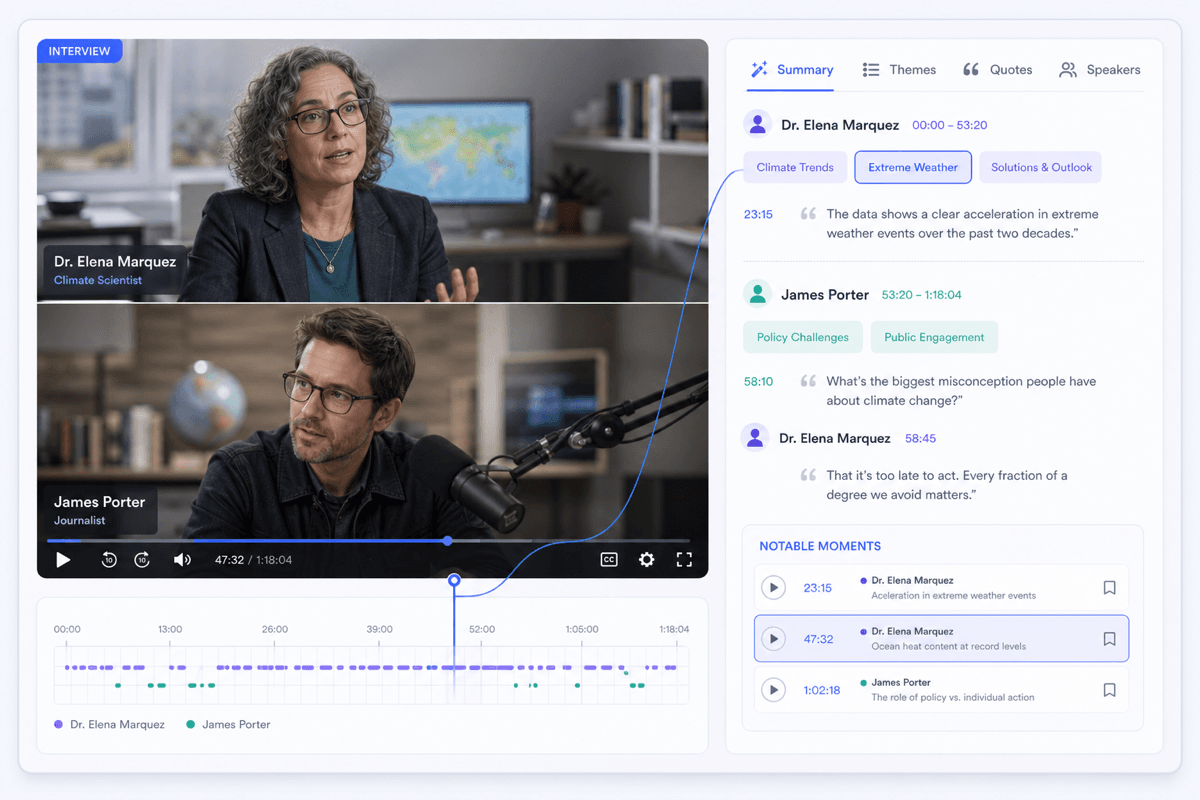
Review themes, answers, and notable moments before writing an article, checking research, editing footage, or choosing clips.
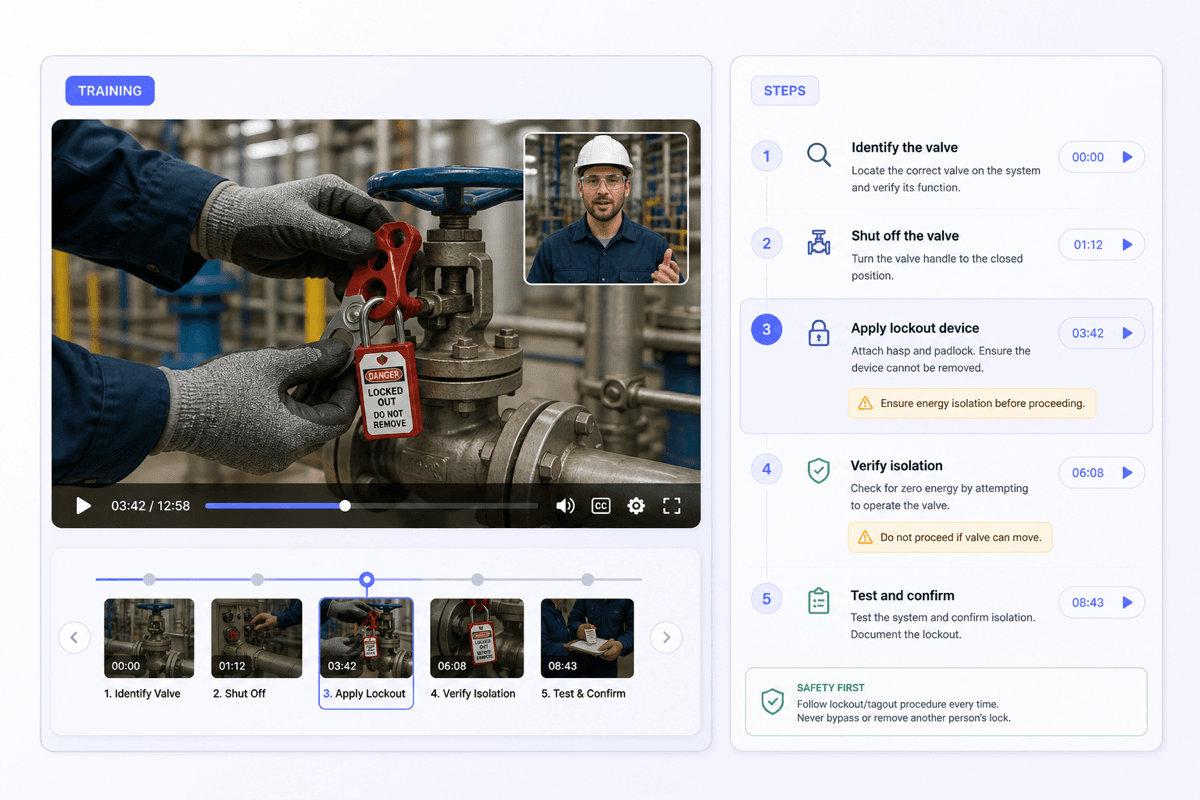
Create a shorter reference from onboarding and process videos so employees can review a procedure without starting from the beginning.
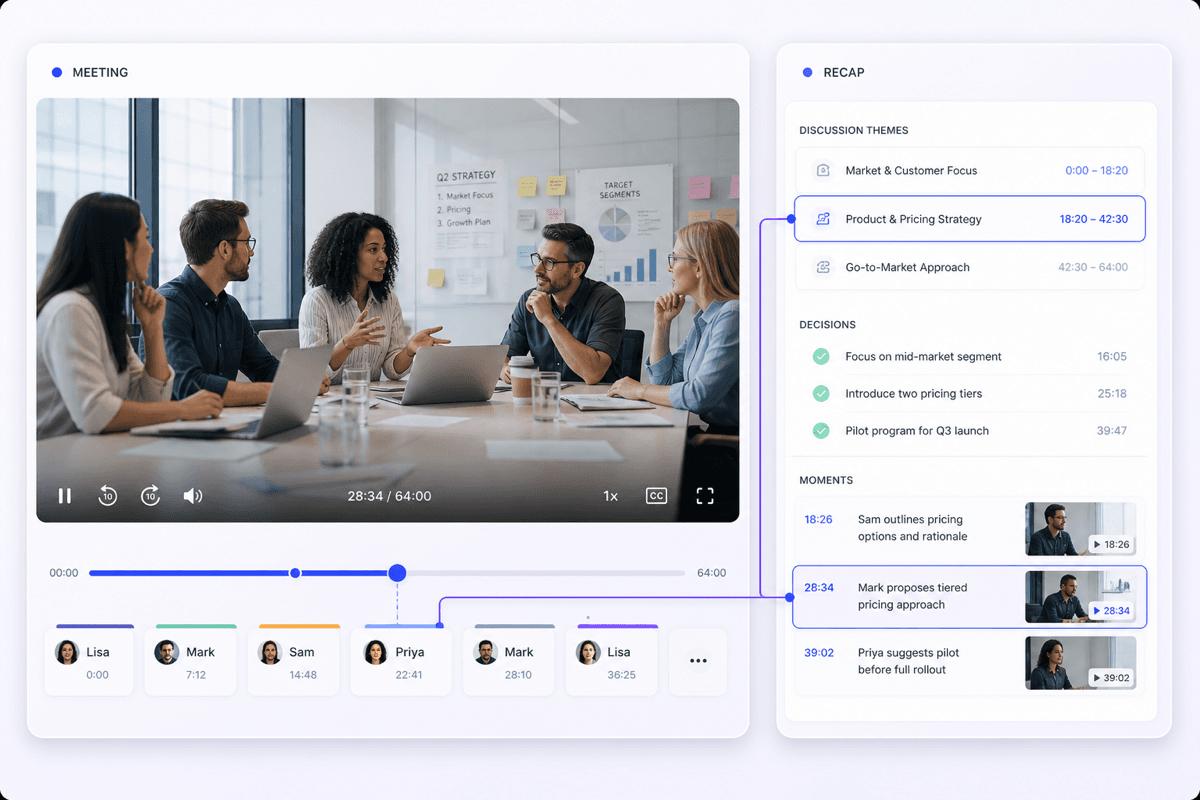
Catch up on decisions, unresolved questions, and next steps when you missed a meeting or need a quick reminder before following up.

Turn recorded lectures into focused study notes, then return to the sections that need a second watch before an exam.

Create a recap from a recorded class or guest lecture, then edit it into reference material for students or future lessons.

Review interviews, seminars, and recorded presentations for recurring themes before returning to the original source for close analysis.

Scan long interviews and recorded discussions for useful themes, possible clips, and ideas worth developing into another piece of content.

Condense webinars, customer stories, and product demos into the points a campaign brief or follow-up message actually needs.

Catch up on recorded training, briefings, and project updates, then ask about decisions or next steps before speaking with the team.

Read the main takeaways first, then spend your time only on the explanations, examples, or demonstrations worth watching in full.

Use the summary to identify the explanation or example you need, then return to the source instead of scrubbing blindly through the recording.

Upload a recording from your device, paste a YouTube URL, or add a supported public video link. Each source follows the same video summary workflow.

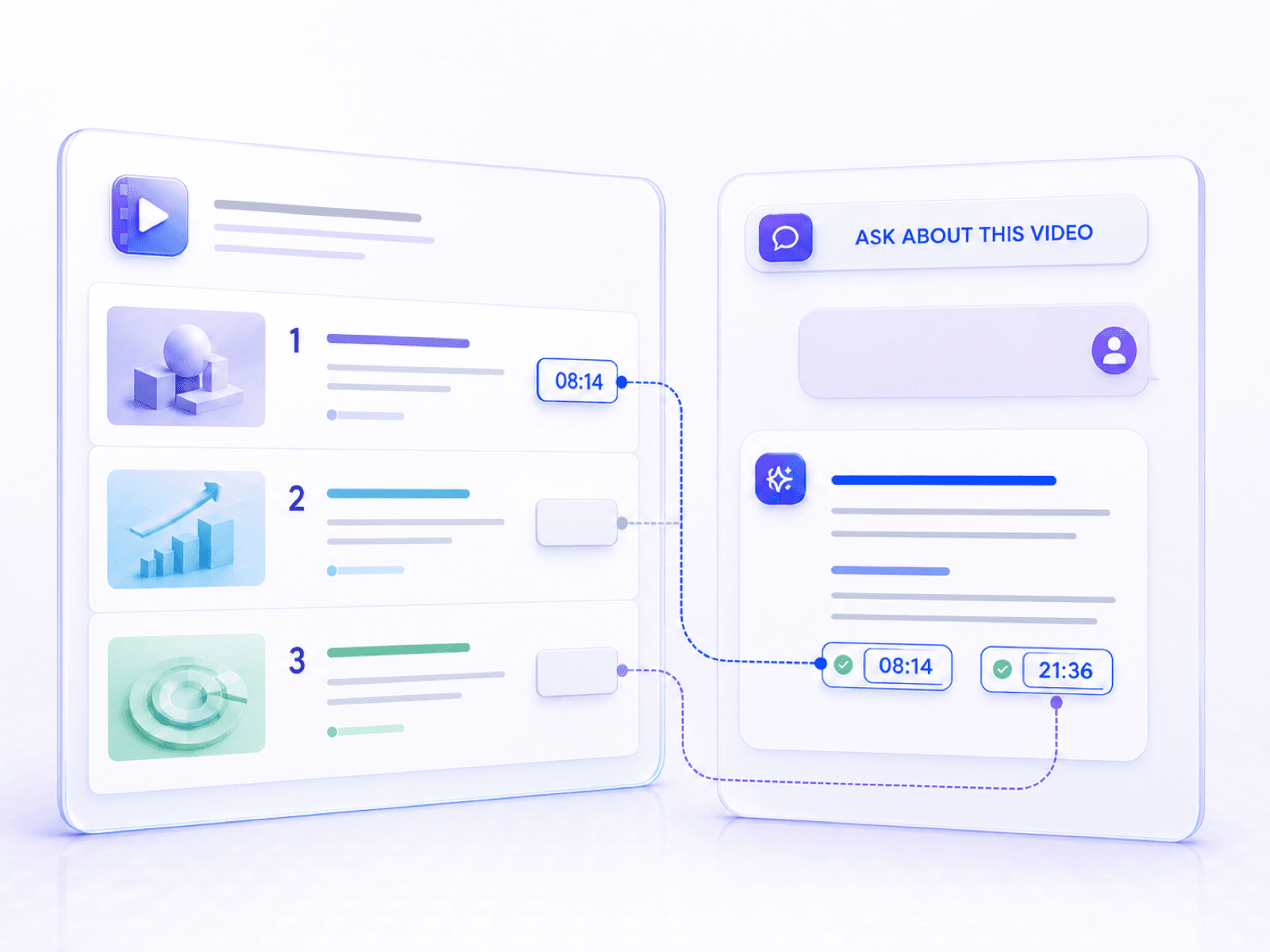
Ask about a term, decision, process, or example from the imported video when the first summary does not go deep enough.

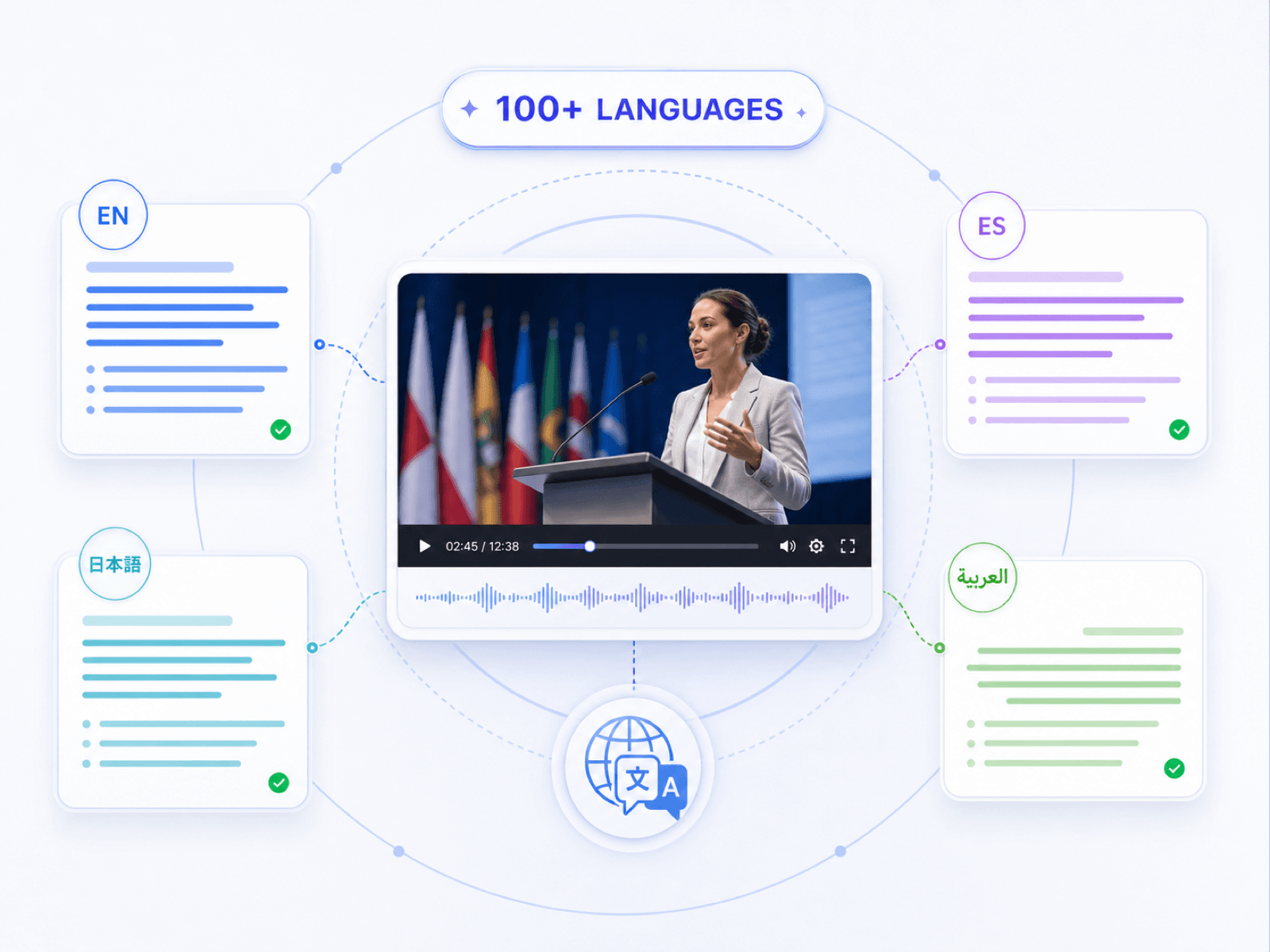
Review lectures, tutorials, interviews, and training videos across 100+ language workflows, so useful information is easier to understand and reuse.

Uploaded videos and generated summaries are handled privately and are not used to train AI models.

Training Coordinator

"I had three onboarding recordings to review before updating our checklist. The summaries showed me which sections needed a closer watch, so I did not have to replay every session from start to finish."

Educator
"I used it on a guest lecture after class. The outline was a useful starting point for the recap I sent to students, and I could edit the wording before sharing it."

Video Editor
"For a long interview, I first read the summary and then went back to the moments I wanted to clip. It made the first review much less tedious."

Research Assistant
"The follow-up questions are what I use most. I can ask about one theme from an interview, then check the original recording before adding it to my notes."

Marketing Manager
"I summarized a webinar for teammates who could not attend. The key points were easy to turn into a short internal brief."

Team Lead
"We work with training videos from several regions. Having a readable summary in the team's preferred language makes preparation much easier."
Learn what the AI video summarizer can process, what the result includes, and when to return to the original recording.
An AI video summarizer analyzes a recording and creates a shorter, structured account of its main ideas. It helps you understand the content before deciding which parts to watch closely.
It processes the video's available speech and context, identifies the main topics and supporting points, and organizes them into a shorter summary. Clear audio and well-structured discussion usually produce stronger results.
You can upload a video file, paste a YouTube URL, or add a supported public video link. Availability can depend on the source and its access settings.
Review the main ideas, edit the summary, ask follow-up questions, and export or share the result. Depending on the source and workflow, the summary can also help you identify parts worth revisiting in the original video.
Yes. Lynote supports 100+ language workflows, so you can turn a foreign-language video into a summary that is easier for you to read. Review names, specialized terms, and quoted wording against the source.
Yes. Ask about a concept, example, process, or decision from the imported video. Use the answer to guide your review, and return to the recording when exact wording matters.
Lynote offers free access to core summarization features after sign-in. Current usage limits and advanced features depend on the plan you use.
Uploaded videos and generated summaries are handled privately and are not used to train AI models. Avoid uploading content you do not have permission to process.