Paragraph Summarizer for Clear, Concise Text

Drop files or browse

Add study materials to enable the AI to extract and structure content.
Why Choose Our Paragraph Summarizer?

Main Idea First
Find the central point without rereading the same paragraph several times. The summary brings the main idea forward so the purpose of the passage is easier to understand.

Key Details Kept
Keep key details such as names, facts, examples, and conclusions while removing less important wording. The paragraph becomes shorter without losing the information that makes it useful.

Clearer, Shorter Text
Turn dense or repetitive passages into clearer, shorter text. The summary is easier to read while still expressing the important point of the original paragraph.

Multiple Paragraph Support
Paste several connected paragraphs and summarize them as one passage. The result follows the shared argument instead of treating every paragraph as an isolated sentence.

Editable Results
Every result remains editable. Adjust the wording, add context, or restore an important detail before using the summary in your notes, report, or draft.

Multilingual Paragraphs
Summarize paragraphs written in different languages and keep the result aligned with the language and meaning of the source text.

Privacy-Aware Summarizing
Use the paragraph summarizer with privacy in mind. Your text is processed to create the requested result, but you should not upload confidential information you are not permitted to share with an online tool.
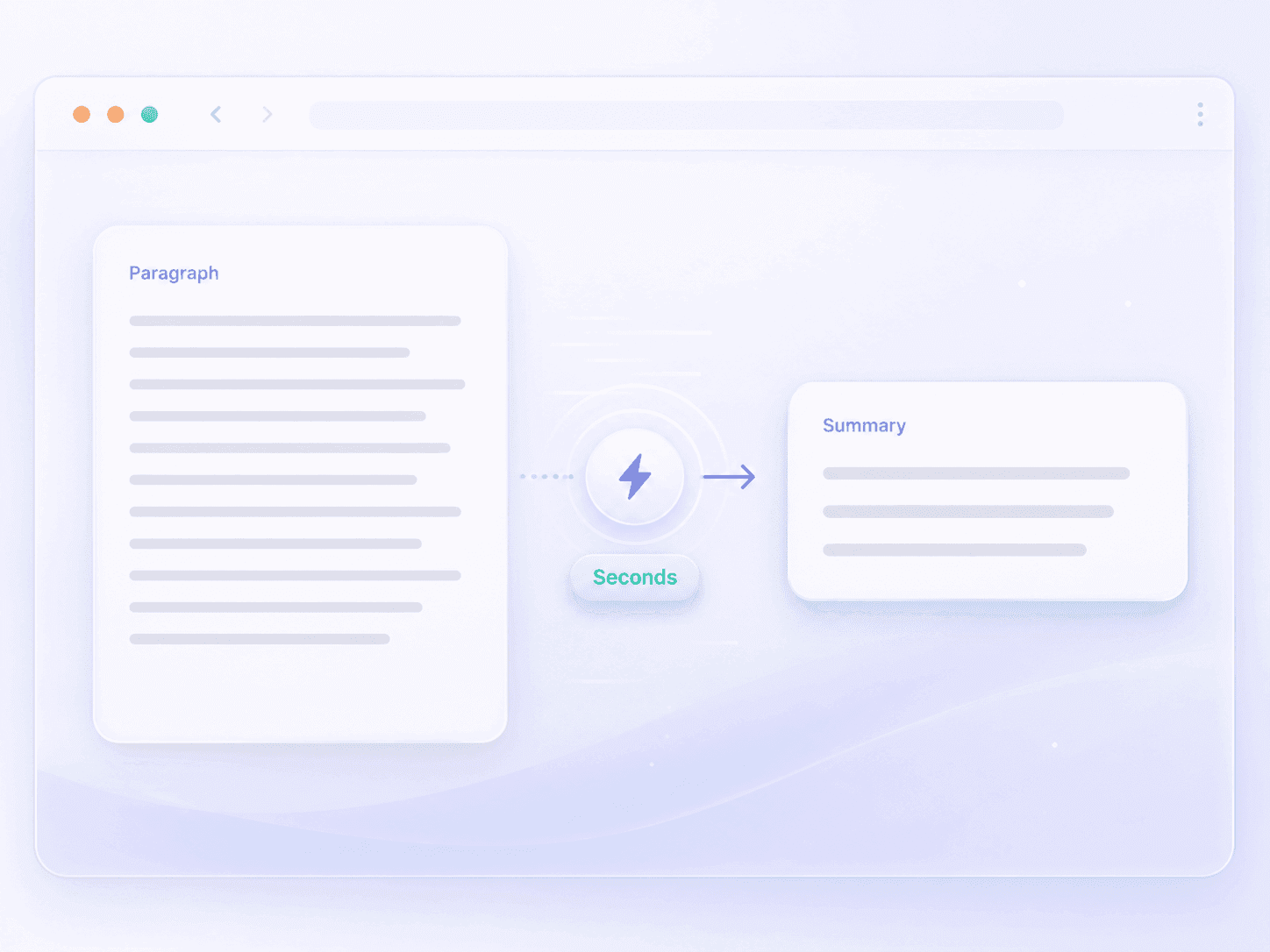
Summarize Any Paragraph in Seconds
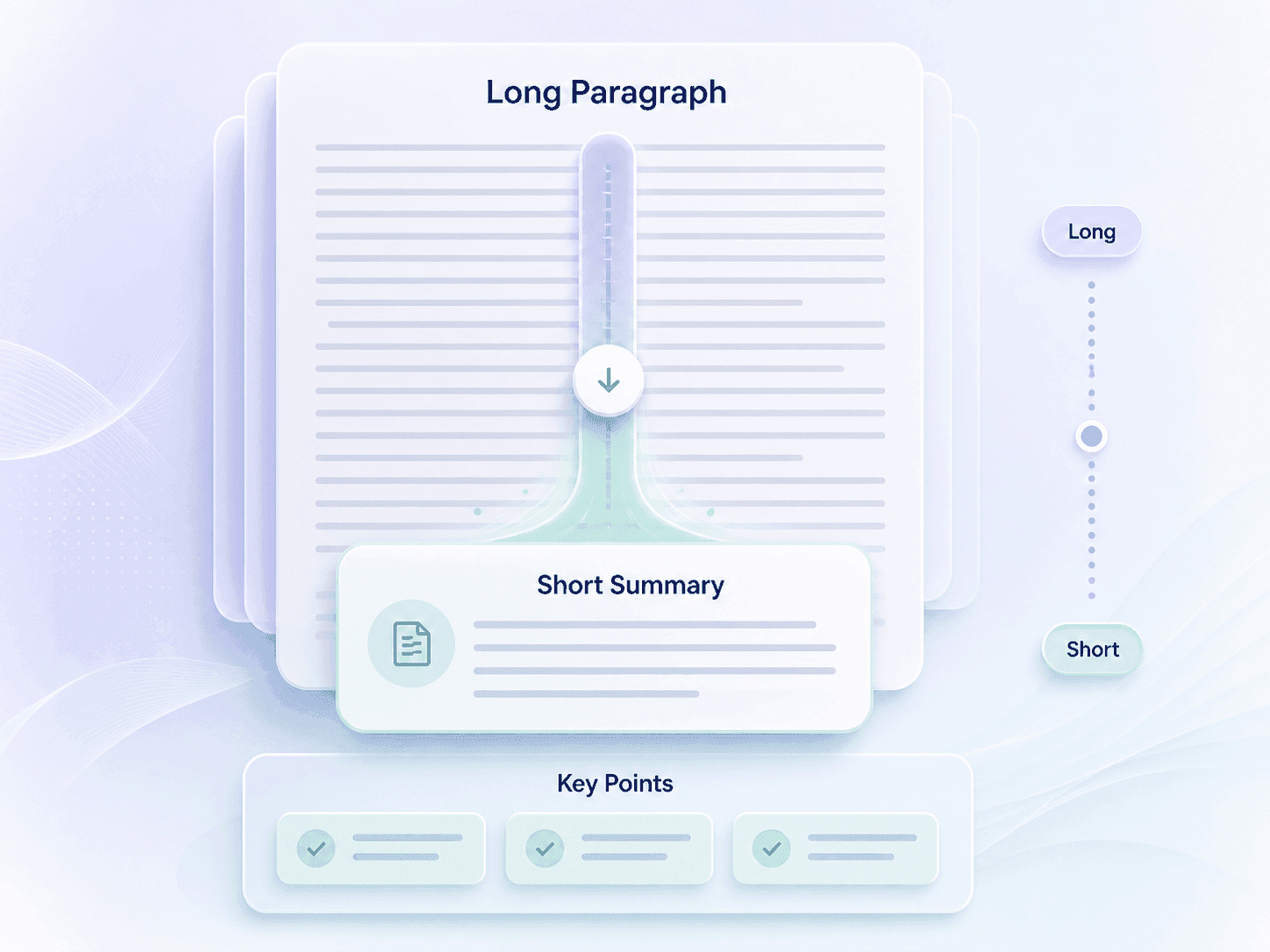
Shorten Long Paragraphs Into Clear Summaries
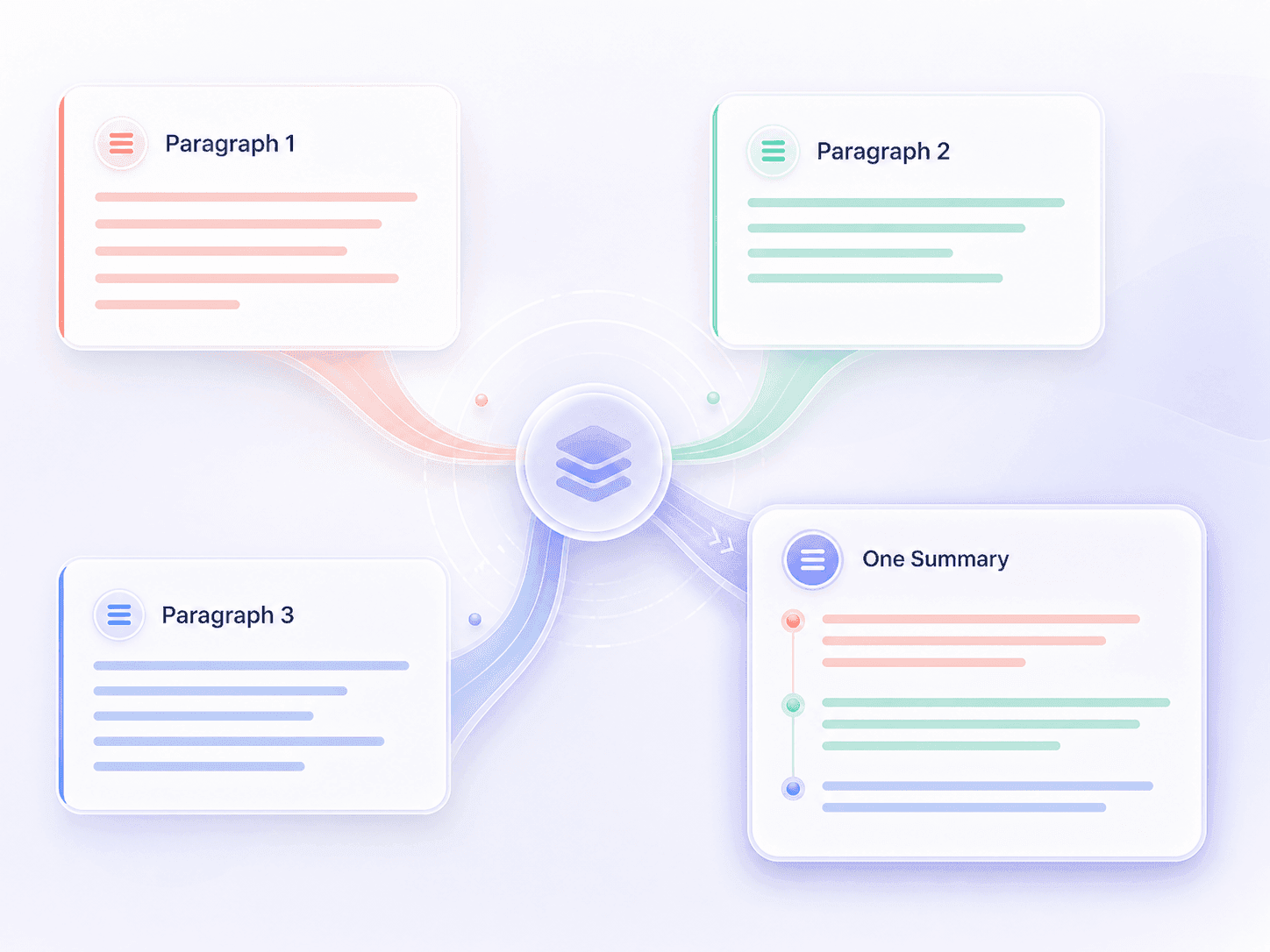
Summarize Multiple Paragraphs as One Passage
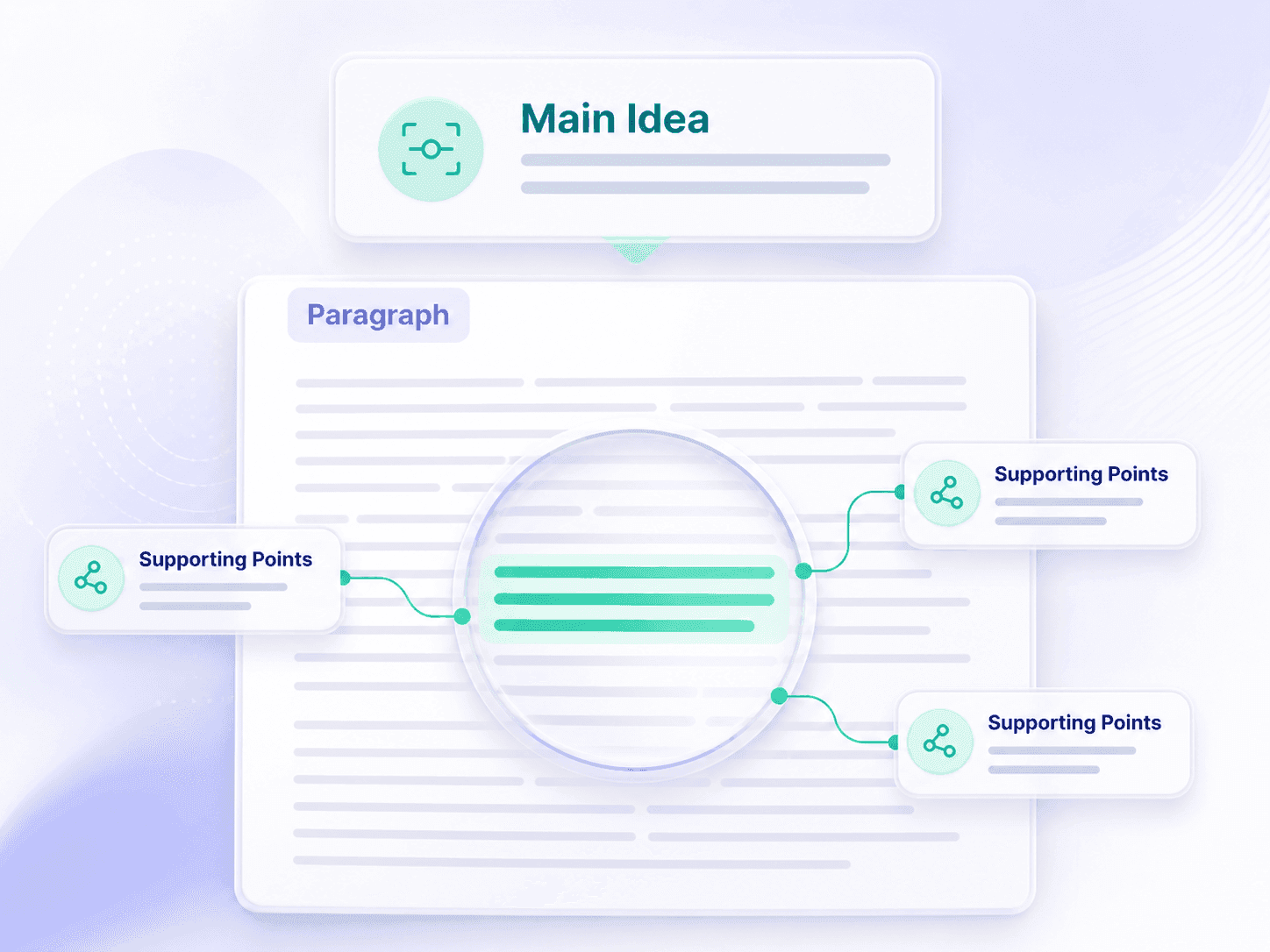
Find the Main Idea in Any Paragraph
How to Summarize a Paragraph
Upload Your File
Upload the file containing the paragraph or connected paragraphs you want to summarize.

Generate the Summary
Start the paragraph summarizer. Lynote identifies the main idea, supporting details, and overall conclusion before producing a more concise version.

Review and Refine
Compare the summary with the original paragraph. Edit the wording or restore any detail that matters for your specific reading, study, or writing goal.
Who Uses This Paragraph Summarizer?

Students
Condense textbook paragraphs, lecture readings, and source material into shorter notes before revision or class discussion.

Researchers
Capture the central claim and supporting point from abstracts, literature reviews, and evidence-heavy passages during source screening.

Writers
Check whether a long paragraph has a clear purpose, then use its summary to tighten structure without losing the intended message.

Editors
Review dense copy quickly and identify the idea a paragraph must preserve before cutting repetition or unnecessary detail.

Teachers
Create concise reading guides or check whether students have identified the main idea of an assigned paragraph.

Professionals
Shorten report paragraphs, project updates, policies, and business reading into key points that are easier to review and share.
What Users Say About the Paragraph Summarizer

University Student

I use it when a textbook paragraph is packed with definitions and examples. The shorter version helps me see the actual point before I turn it into study notes.

Research Assistant
It is useful during the first pass through journal articles. I can condense a difficult paragraph, compare the result with the source, and decide whether the paper needs closer reading.

Content Editor
The summary makes the intended message of an overlong paragraph obvious. That gives me a much cleaner starting point for editing the original copy.

Graduate Researcher
I like that several connected paragraphs can be summarized together. It works better for literature review sections where the argument carries across paragraph breaks.

Secondary School Teacher
I use paragraph summaries to prepare reading prompts. They help me identify the main idea and then write questions that send students back to the original passage.

Project Manager
Long project updates are easier to scan after I condense each important section. I still check the source, but the summary helps me find decisions and blockers faster.
Frequently Asked Questions
Learn how the paragraph summarizer condenses text, preserves context, and supports different reading and writing tasks.
A paragraph summarizer is a tool that turns a paragraph into a shorter version containing its main idea and most important supporting details. It helps you understand or review the passage without rewriting it manually.
Paste the paragraph, generate a summary, and compare the result with the original. Check that the central point, necessary context, and any important names or facts are still present before using it.
Yes. You can paste several connected paragraphs and summarize them as one passage. This is useful when an argument or explanation continues across paragraph breaks.
The tool is designed to identify and retain the central idea while reducing repetition and secondary detail. You should still review the result when wording, evidence, or nuance is important.
No. Summarizing makes the paragraph shorter by selecting its most important ideas. Paraphrasing usually keeps a similar level of detail while expressing the content in different words.
Yes. Review and edit the result so it fits your purpose. You may want to restore a technical term, a citation, a qualification, or another detail that matters in your context.
Lynote supports multilingual content. Results can vary with language, writing style, and source complexity, so compare the summary with the original passage before relying on it.
Your text is processed to generate the requested summary. As with any online tool, do not upload confidential, regulated, or personally sensitive material unless you are authorized to process it.