

PDF Reader AI

Drop files or browse

Add study materials to enable the AI to extract and structure content.



Why Choose Our AI PDF Reader

Save Reading Time
Bypass the manual reading of long textbooks and research reports. Let the AI file reader process pages instantly to save you hours.

Retain Visual Context
Keep important visual context intact. The AI document reader captures charts, tables, and diagrams from your PDF to ensure nothing gets lost.

Multimodal Workspace
Read PDF files alongside pasted URLs, audio clips, and images. Manage all your different content formats in one unified workspace.

Export Your Notes
Export the generated notes to your device. Move your summaries into other tools for external study, presentation prep, or team collaboration.

Handle Complex Structures
Review dense structures without confusion. The PDF AI reader parses long chapters, complex academic papers, and detailed business reports.

Scan Key Takeaways
Stop scrolling through hundreds of pages. Forget figuring out how to create an AI to read PDF files yourself—simply review the extracted key points.

Private and Secure
Keep your uploaded PDFs completely private. We process your documents securely with zero AI model training on your personal files.
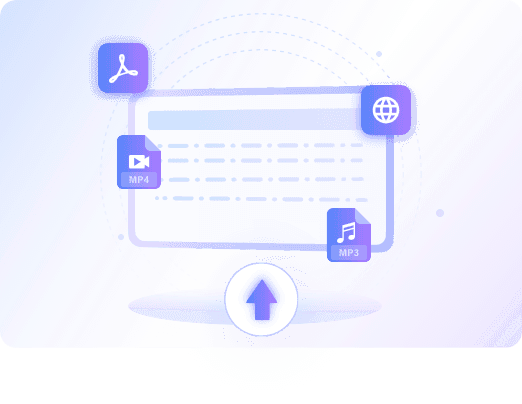
Read Any PDF With AI
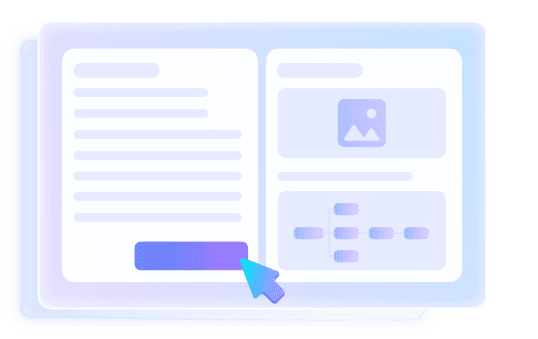
Read PDFs Into Structured Notes
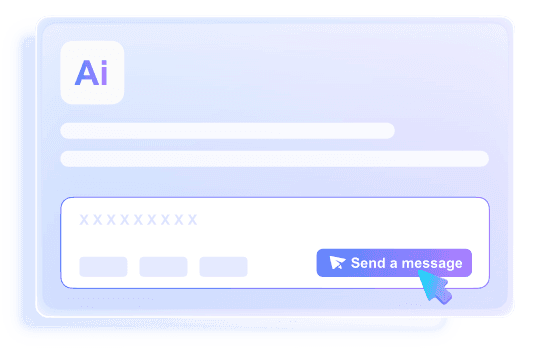
Read PDFs and Ask Follow-Up Questions
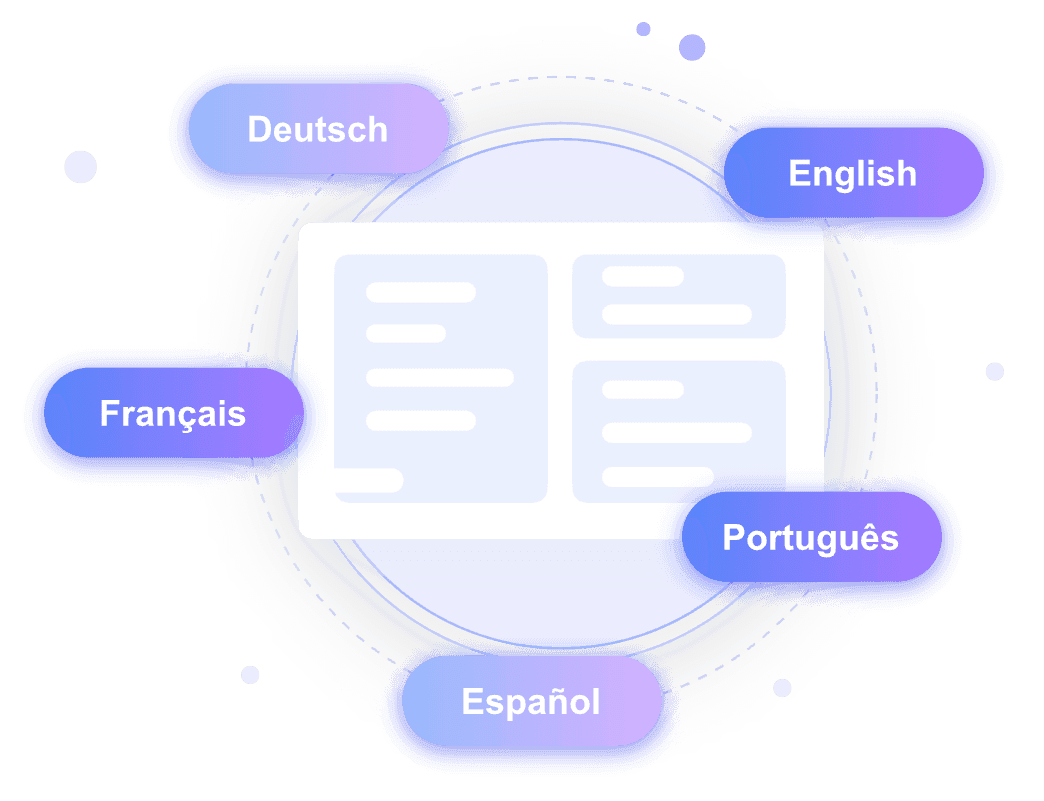
Read Foreign PDFs in 100+ Languages
How to Use Our AI PDF Reader
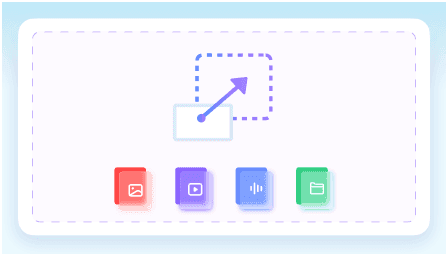
Step 1. Upload Your PDF(s)
Start by importing your file into the document reader workspace. You can upload a local PDF file or paste a web link to let the system access the content.
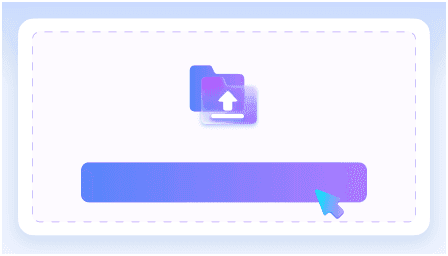
Step 2. Let AI Read and Summarize
Click the "Read PDF" button to analyse and read the PDF document. The AI will parse the text to extract key ideas automatically.
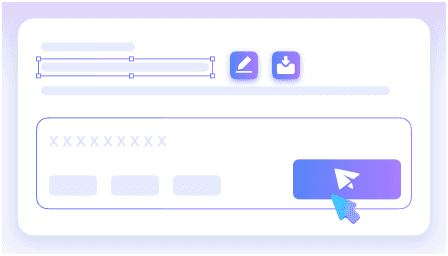
Step 3. Review the Notes
Review the generated notes to quickly understand the core ideas of the PDF. Ask follow-up questions for deeper insights, then save the final summary for study or work.
Who Should Use This AI PDF Reader?

Students
An AI that reads PDF textbooks so you can review core concepts and prepare for exams faster.

Academic Researchers
Parses complex PDF research papers to extract core methodologies and findings without reading every page manually.

Legal Professionals
Reviews long PDF contracts and legal case files to locate key clauses and obligations instantly.

Business Analysts
Extracts critical data points and trends from dense PDF market reports to build actionable overviews.

Knowledge Workers
Summarizes PDF corporate manuals and internal policy documents into actionable bullet points for quick reference.

Everyday Consumers
Lets an AI document reader scan long PDF instruction manuals for household appliances to find specific setup steps.
What Our Users Say

Medical Student

"I no longer have to manually read PDF textbooks. An AI that reads PDF files bypassed my need to read a 150-page anatomy textbook, saving me hours."

Financial Analyst
"I uploaded three quarterly earnings PDFs, and it merged the information into one clear overview. It is the perfect AI file reader for my workflow."

Corporate Lawyer
"I needed an AI that can read PDF contracts safely. It parsed confidential NDA PDFs perfectly without using my files for model training."

Technical Writer
"It turned a dense 40-page API manual into scannable headings. Having an AI read the PDF for me makes documentation updates much easier."

Market Researcher
"After it generated the summary, I asked specific follow-up questions about demographics in a 60-page report PDF. The interactive Q&A feature is incredibly helpful."

Import Manager
"I use this PDF AI reader to translate Japanese shipping manifest PDFs directly into English. It supports so many languages and keeps the layout understandable."
Frequently Asked Questions
Still got questions about our AI PDF reader? Here are the answers.
Instead of learning how to create an AI to read PDF files from scratch, you can use our ready-made tool to scan, parse, and extract information instantly. A PDF reader AI goes beyond displaying text by summarizing key points and letting you ask direct questions about the content.
You do not need to manually make PDF readable to AI. The system automatically analyzes the text, headings, and layout of your uploaded file. It then organizes the extracted information into a structured summary with logical bullet points to help you understand the core concepts faster.
Yes, you can upload several PDF files or paste web links simultaneously. The tool will read them all and generate a single, consolidated summary covering every source.
Yes, the tool supports workflows in over 100 languages. You can upload a PDF in one language and have the AI generate notes or answer questions in your preferred language.
No, your uploaded PDFs are processed securely and are never used to train our AI models.
The accuracy of the AI PDF reader depends heavily on the clarity and structure of your uploaded document. Well-formatted PDFs with clear text yield the best structured notes, but you should always verify critical details before using them in professional work.
Yes, creating an account is required. Logging in ensures your generated summaries, notes, and PDF reading history are securely saved for future reference.
Yes, the tool extracts visual context from your document. When summarizing, it retains relevant charts and diagrams alongside the text to ensure you get a complete understanding of the material.


