

Ask AI Questions About Your Content

Drop files or browse

Add study materials to enable the AI to extract and structure content.



What Makes Lynote Different?

15+ File Formats
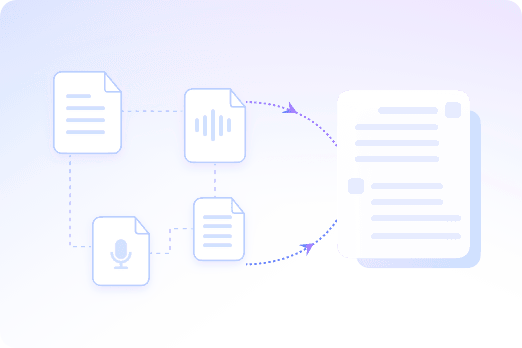
Ask AI questions across 15+ file and link formats, including PDFs, documents, images, audio, videos, webpages, and URLs in one workspace.

Content-Grounded Answers
Content-grounded answers use your uploaded files and links as source material, so responses stay connected to the content you actually provided.

Multi-File Questions
Multi-file questions let you ask across several uploaded sources in one thread instead of opening each document or recording separately.

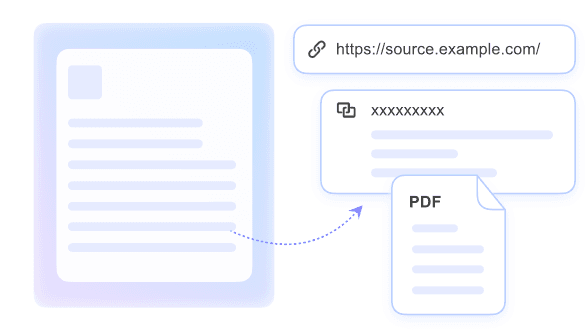
Linked Source Citations
Linked source citations help you trace answers back to the relevant paragraph, page, or timestamp when source references are available.

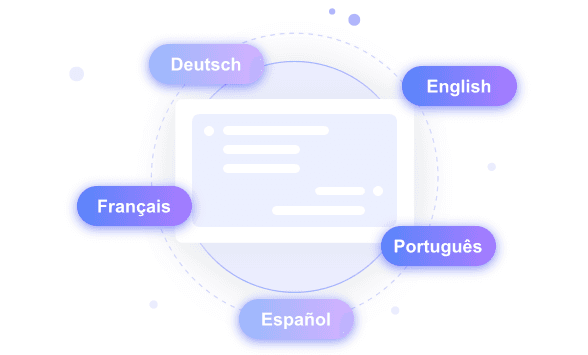
Cross-Language Workflow
A cross-language workflow lets you upload content in one language, ask in another, and read answers in the language you prefer.

Fits Your Workflow
Lynote fits your workflow whether you are reviewing documents, listening to lectures, studying articles, or checking research notes.

Privacy Controls
Privacy controls help protect uploaded content during processing. For sensitive files, always follow Lynote privacy policy guidance.
One Conversation Across All Your Files
Ask in One Language, Read in Another
Know Where Each Answer Came From
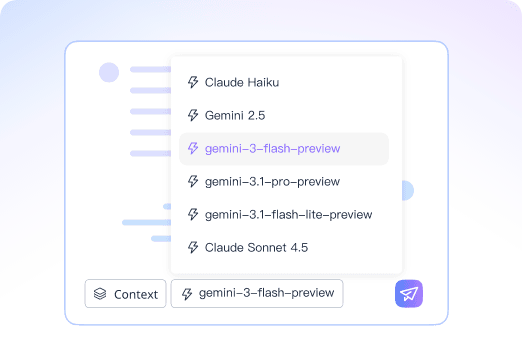
Choose the Right Model for the Job
How to Ask AI a Question on Lynote
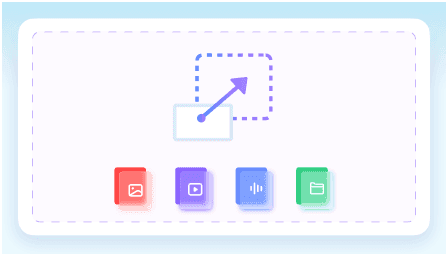
Step 1. Import Your Source
Upload a file, paste a webpage URL, or add a YouTube link. Lynote reads the source content and prepares it for question-answering inside your workspace.
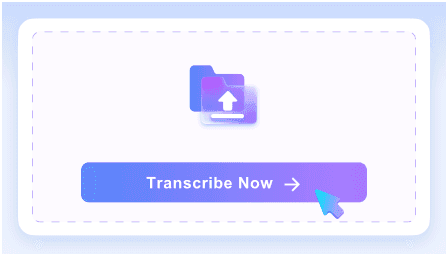
Step 2. Ask What You Need to Know
Ask AI a question in natural language. You can ask about one source or several related files, and Lynote keeps the source context connected throughout the session.
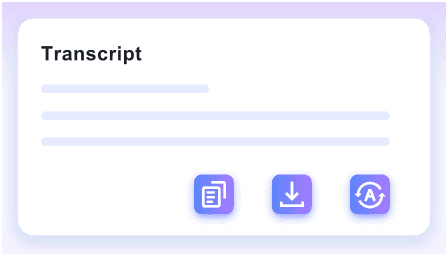
Step 3. Verify, Share, and Keep Going
Follow cited source links when available, create summaries, translate source content, save useful answers as notes, or keep asking follow-up questions.
Who Uses Lynote to Ask AI Questions?

Students
Turn lecture notes, readings, and practice materials into searchable study sources. Ask AI questions and jump back to the exact page or timestamp you need.

Educators
Review course materials faster, prepare answers to likely student questions, and identify topics that may need clearer explanation before class.

Researchers
Ask questions across papers, notes, and reference files. Use source-backed answers to find the paragraphs and details worth adding to your research notes.

Content Creators
Upload a video, article, or script and ask AI about specific details, claims, or angles before turning the source into new content.

Professionals
Review meeting notes, compliance documents, industry reports, and webpages with answers grounded in the original text rather than loose summaries.

Teams
Give team members the same source material, then ask AI questions from a shared context so decisions and follow-ups stay aligned.
What People Say About Lynote

Student

“I upload lecture slides and videos, then ask questions to understand key points. It saves me from rewatching everything.”

Educator
“I use it to go through teaching materials quickly. Asking questions and getting cited answers makes lesson prep much faster.”

Researcher
“Being able to ask questions across multiple papers is a huge time saver. The citations help me verify everything instantly.”

Content Creator
“I drop in scripts or video links and ask for specific details. It helps me understand content before turning it into something new.”

Marketing Specialist
“I use it to review reports and webpages. Asking direct questions is much faster than scanning through long documents.”

Project Manager
“Our team uses it to chat with shared files and recordings. Everyone gets the same source-grounded answers without going back and forth.”
Frequently Asked Questions
Common questions about asking AI questions with Lynote.
It means asking AI questions about documents, videos, audio, webpages, or links you provide, instead of asking a general chatbot with no source context. Lynote answers from your uploaded or linked content when possible.
Lynote supports 15+ file and link formats, including PDFs, DOCX, TXT, JPG, PNG, MP3, WAV, M4A, MP4, MOV, webpages, URLs, and YouTube links.
Yes. You can add several related files or links to one workspace and ask questions across them. Answer quality depends on the clarity and completeness of the source material.
Yes. Lynote is designed for content-grounded Q&A. If the answer is not supported by the materials you provide, you should review the source or add more relevant context.
Yes. Upload audio or video files, or paste a YouTube URL, then ask AI questions about specific details from the media. Timestamped references may be available when the source supports them.
Yes. Paste a webpage URL and ask questions about the page content, just as you would ask questions about an uploaded document or file.
Lynote processes uploaded content with privacy controls. For sensitive files, review Lynote privacy policy and avoid uploading material you are not allowed to share.


