

Summarize Documents Into Key Points

Drop files or browse

Add study materials to enable the AI to extract and structure content.



Why Use Lynote’s AI Document Summarizer?

Summarize Long Files Faster
Turn PDFs, Word documents, reports, notes, and manuals into a shorter overview before reading in detail.

Find Key Points Quickly
Extract main ideas, decisions, action items, risks, and sections that deserve closer review.

Use a Consistent Summary Format
Ask for bullet points, executive summaries, study notes, or section-by-section summaries depending on your goal.

Review Against the Original
Check names, numbers, tables, policy language, and legal or financial wording before acting on a summary.

Useful Across Workflows
Use document summaries for study, business review, research triage, support docs, and personal reading.

Reduce First-Pass Reading Time
Get oriented quickly, then decide which parts of the original deserve attention.

Private and Secure
Your files remain confidential. We maintain a strict no-model-training policy, keeping your uploaded materials entirely private.
Different Documents Need Different Summaries
Ask for What You Need
AI Summaries Are Starting Points
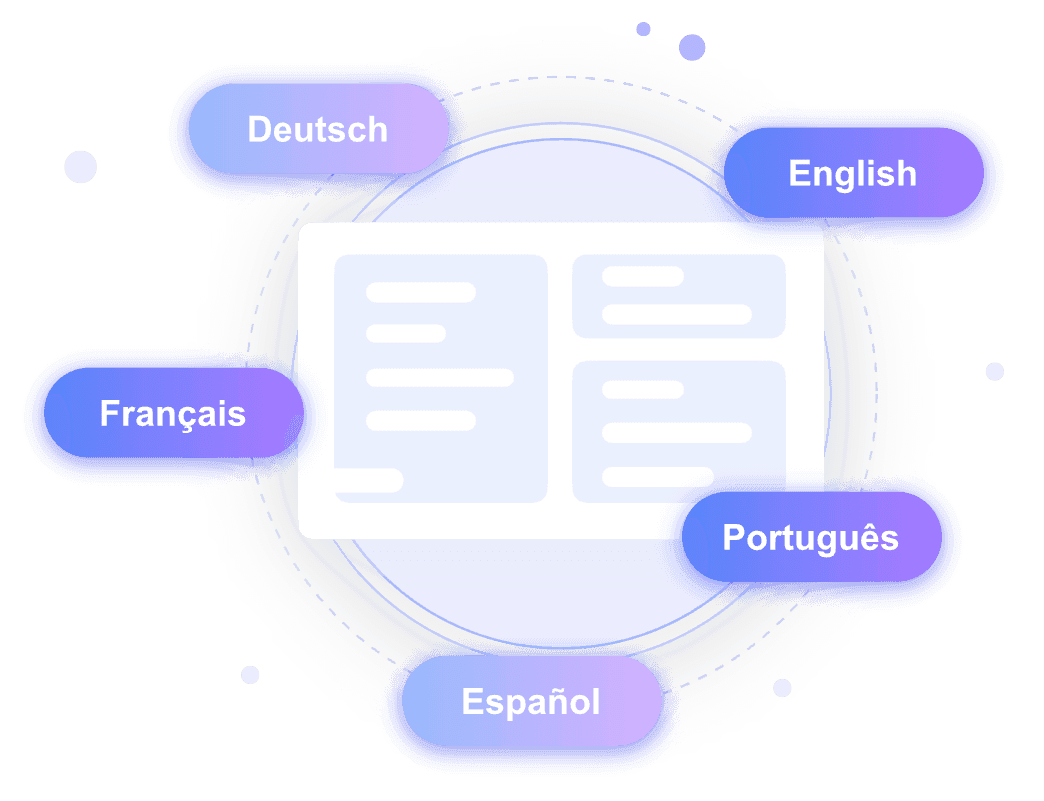
Translate and Summarize Global Documents Instantly
How to Use the AI Document Summarizer
Upload a Document
Add a PDF, DOCX, report, long note, or other supported document.
Choose Summary Style
Ask for key points, executive summary, study notes, or action items.
Review Important Details
Compare critical facts, numbers, and decisions with the original file before sharing or using them.
Who Is the AI Document Summarizer For?

Students
Summarize readings, notes, and research documents.

Business Teams
Review reports, proposals, meeting notes, and policies faster.

Researchers
Screen documents before close reading.

Writers
Extract key points from source material before drafting.

Support Teams
Understand manuals and help documents quickly.

Everyday Readers
Get oriented before reading long files.
What Our Users Say

Strategy Consultant

"I needed to compare three 40-page vendor proposals in DOCX format. This AI file summarizer pulled the differences into one clear view, saving me hours of cross-referencing."

Product Manager
"Extracting bullet points from a 50-page PDF manual used to take all morning. Now I get structured notes with headings and visual context instantly. It is the best AI document summarizer I have tried."

Legal Assistant
"Running a preliminary review of a 20-page NDA is much faster now. It highlights the main clauses so our attorneys know exactly where to focus their attention."

Academic Researcher
"After it generates the initial notes on a dense research paper, I use the chat feature to ask specific follow-up questions about the methodology. It is incredibly precise."

Market Analyst
"I frequently receive Spanish market reports. I use this document summarizer AI to translate and condense them into English notes simultaneously, which is perfect for our global team."

HR Director
"We use this AI summarize documents tool for confidential internal HR policies. Knowing they have a strict no-model-training policy gives us the security reassurance we need."
Frequently Asked Questions
Answers to common questions before using this tool.
It reads a document and produces a shorter summary with the main ideas, key points, or action items.
Yes. Upload a readable PDF, DOCX, or supported document and choose the summary style you need.
Yes. Long reports work best when you ask for a clear structure such as key findings, risks, decisions, and next steps.
Yes. Check important facts, numbers, quotes, tables, and decisions against the original document.


