AI Study Guide Maker
Turn notes, PDFs, videos, and lectures into structured study guides in seconds.

Drop files or browse

Add study materials to enable the AI to extract and structure content.



Why Choose Our AI Study Guide Maker?
Built From Your Materials
Build each guide from your own notes, PDFs, and lecture materials.
Editable for Your Course
Adjust topics and details to match your course and study goals.
Easy to Scan and Review
Scan clear sections and review key concepts without rereading raw notes.
Works Across Subjects
Use it for school subjects, university courses, and certification exams.

80+ Languages Supported
Create study guides in 80+ languages for bilingual and international learning.
Free AI Study Guide Maker
Start with a free AI study guide maker for everyday review and exam prep.

Perfect for Study Groups
Share organized materials so every classmate reviews the same study guide.
Secure Study Material Handling
Uploaded study materials are handled securely throughout guide generation.
What Is an AI Study Guide Maker?
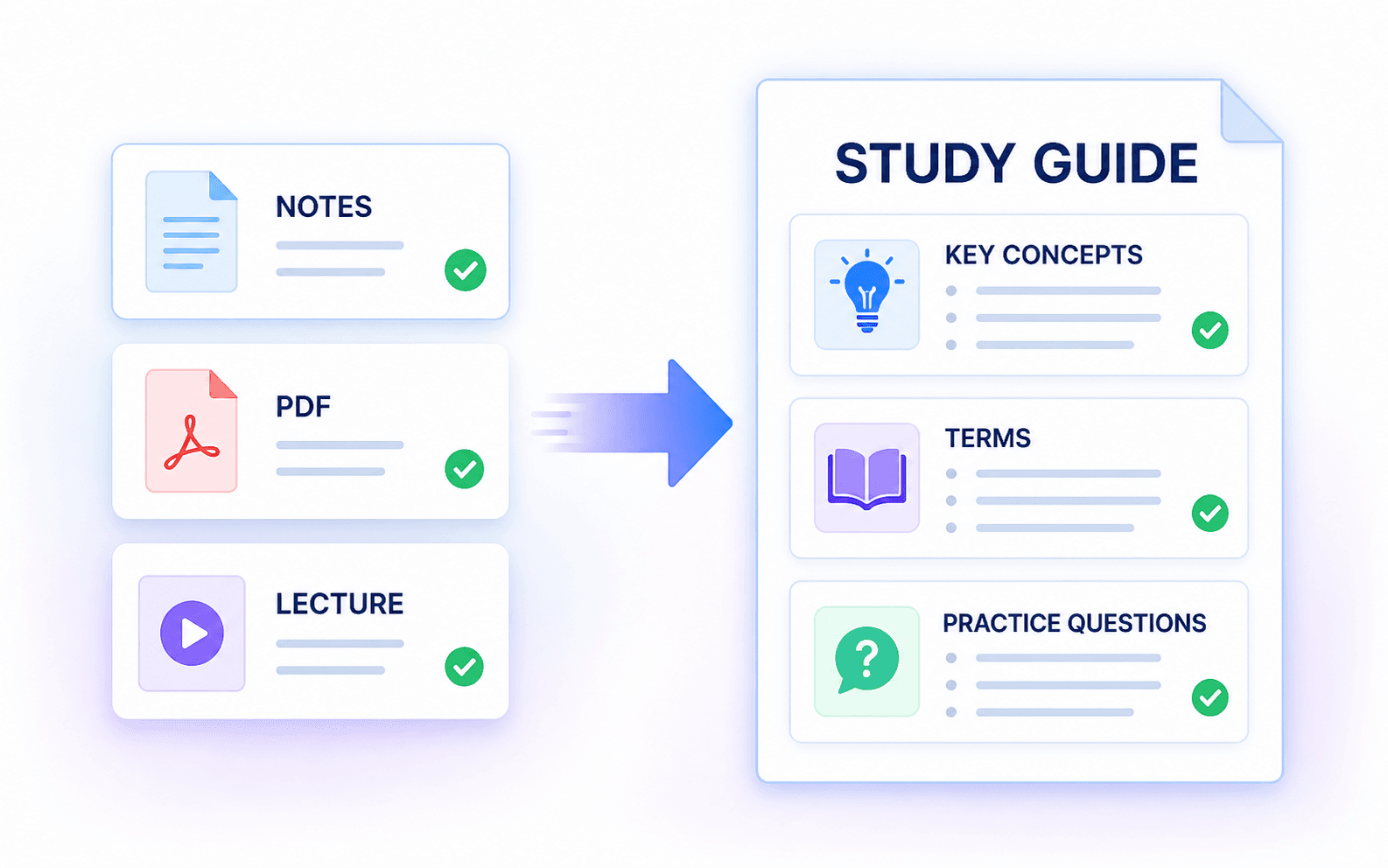
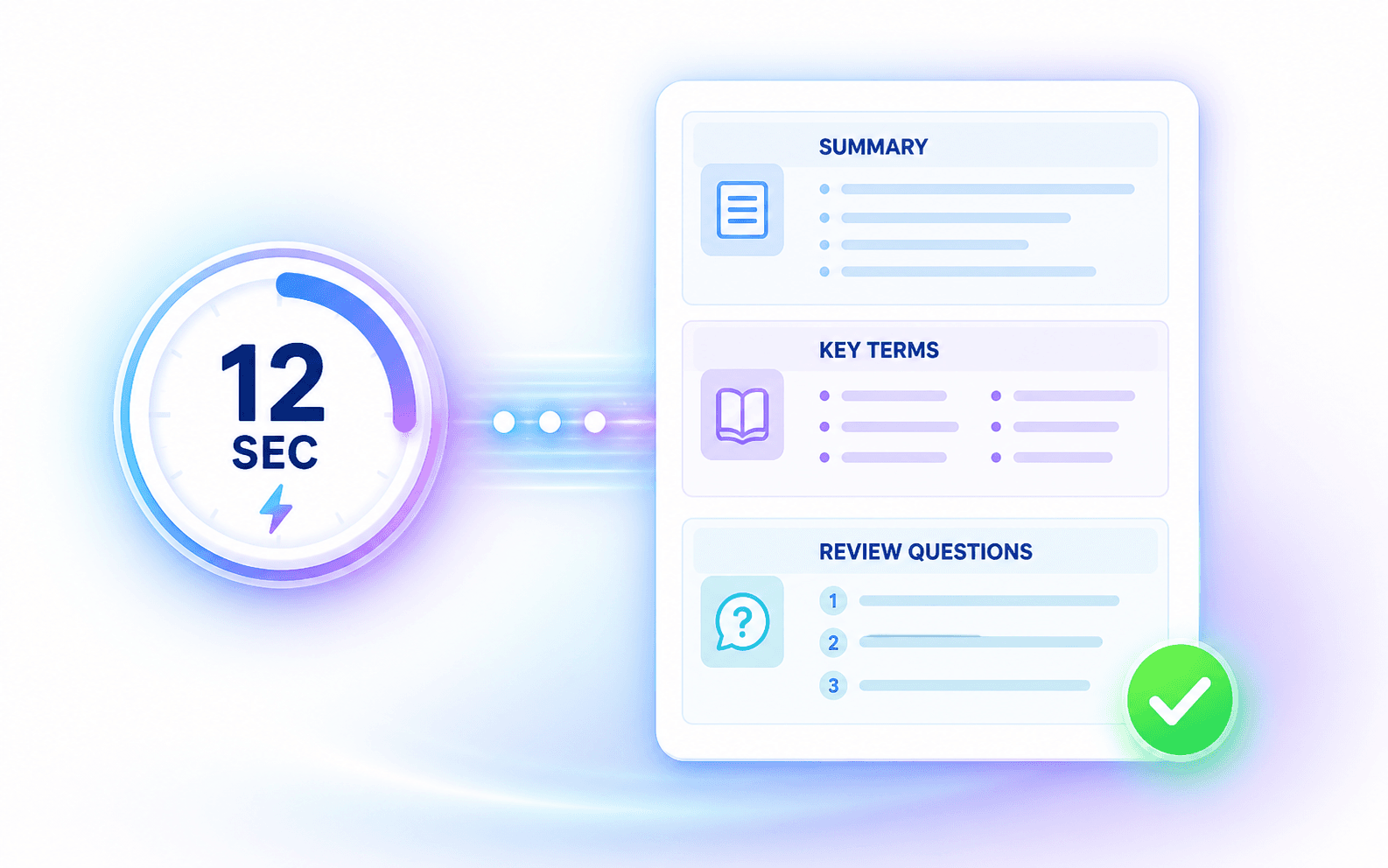
Complete Study Guides in Seconds
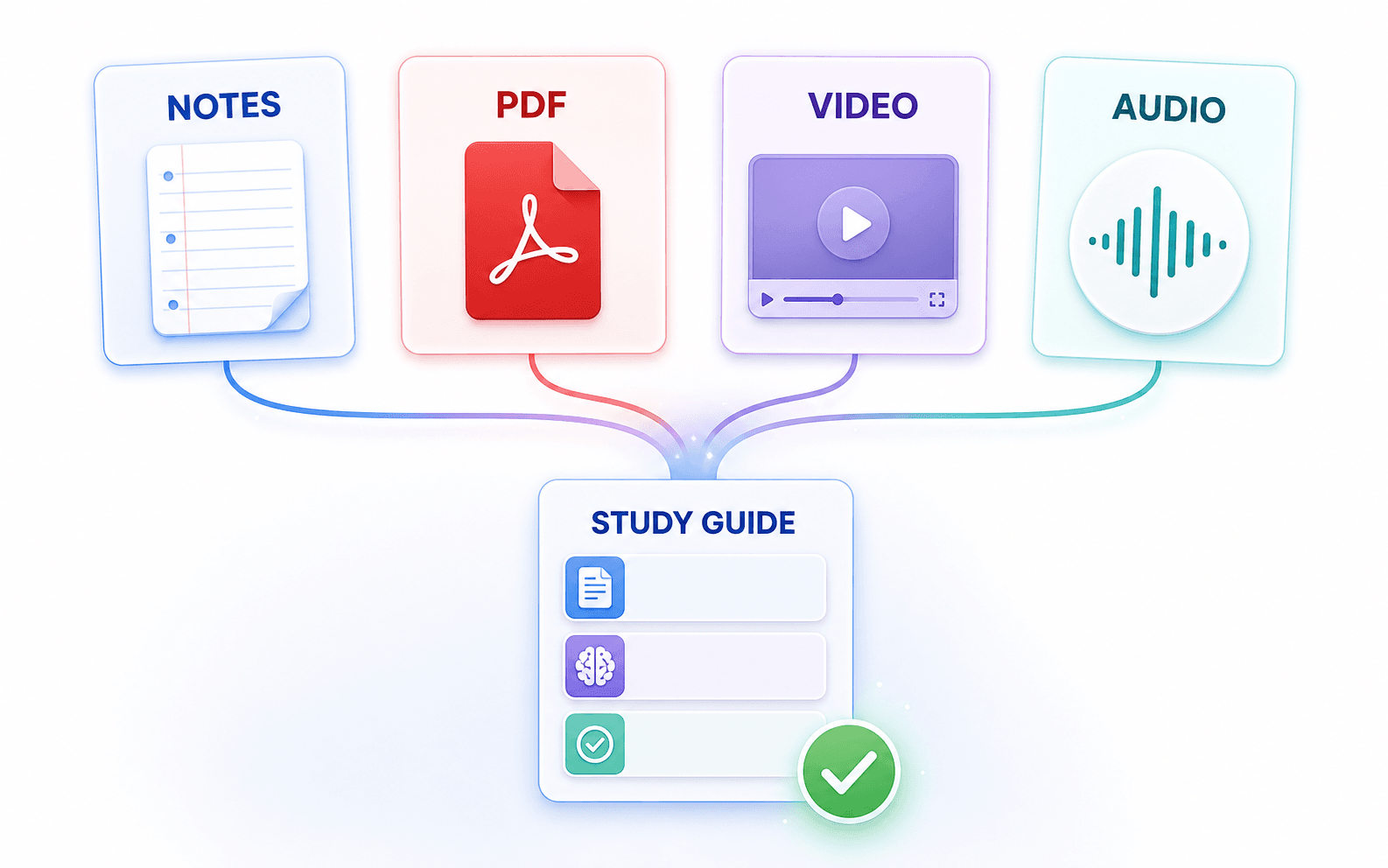
Turn Notes, PDFs, Video, and Audio Into Study Guides
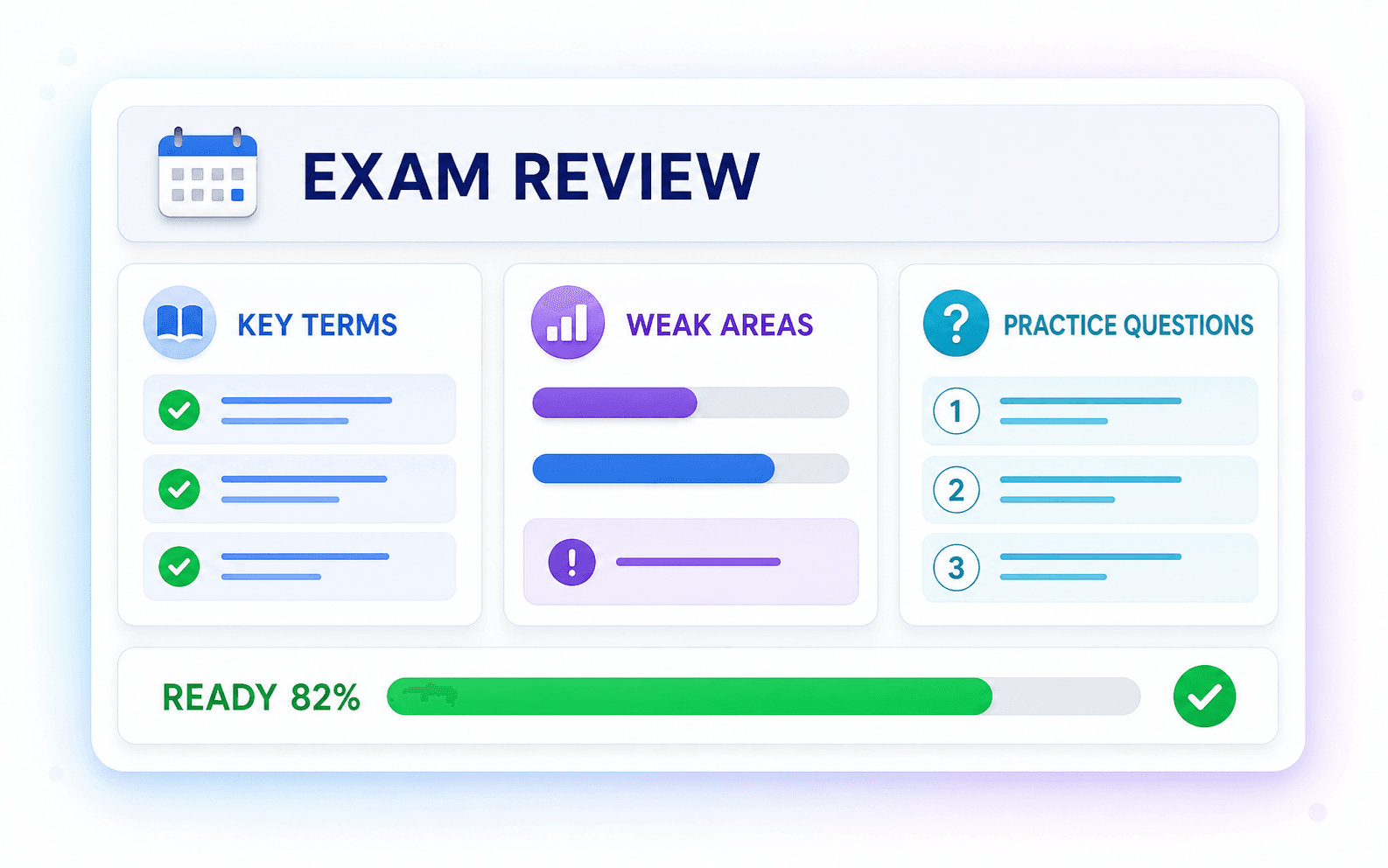
Exam Preparation Made Easy
How to Make a Study Guide with AI
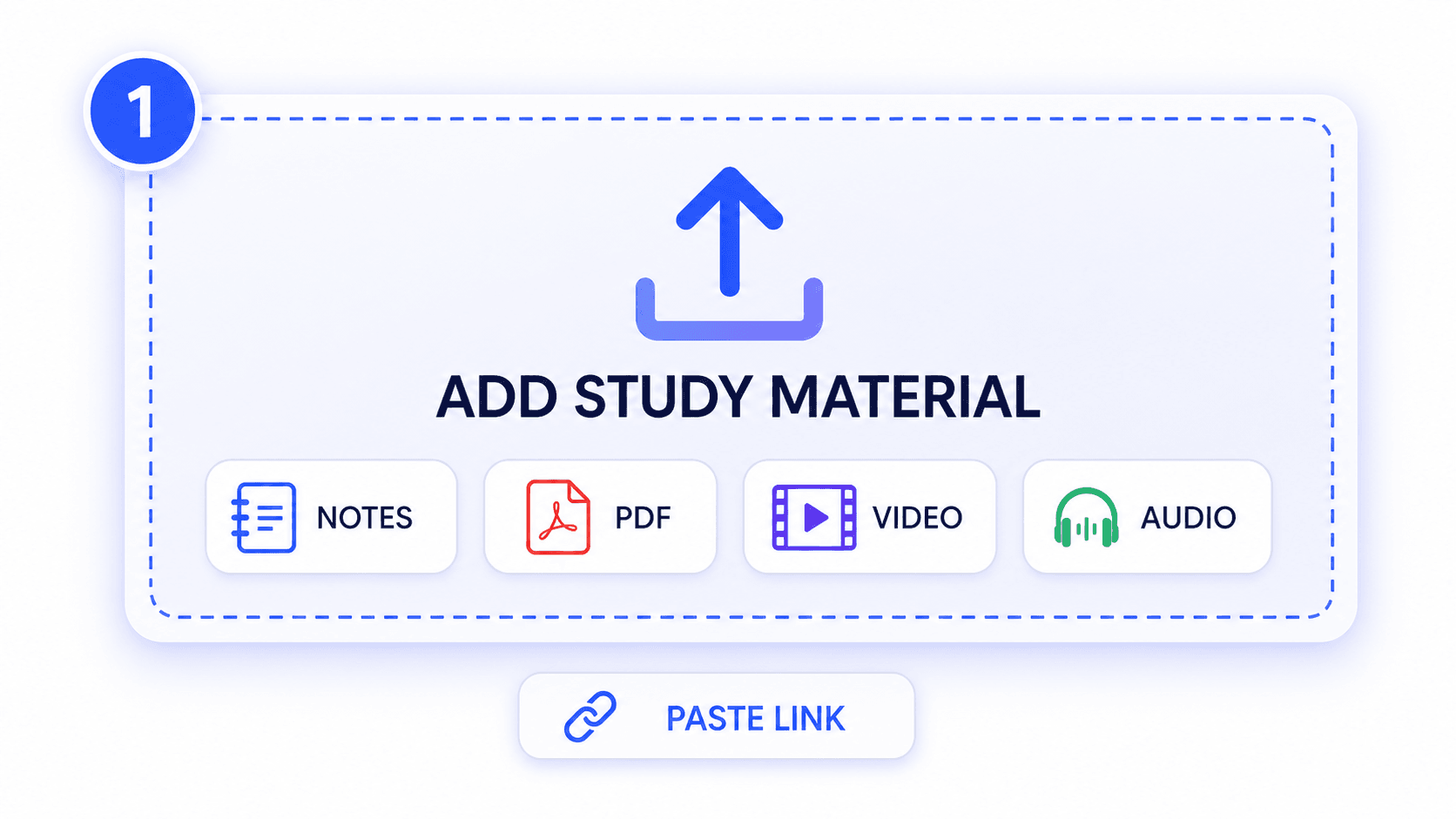
Step 1. Upload or Paste Study Material
Start by gathering your course content. Upload notes, PDFs, or media files, or paste a YouTube link as the source material for your study guide.
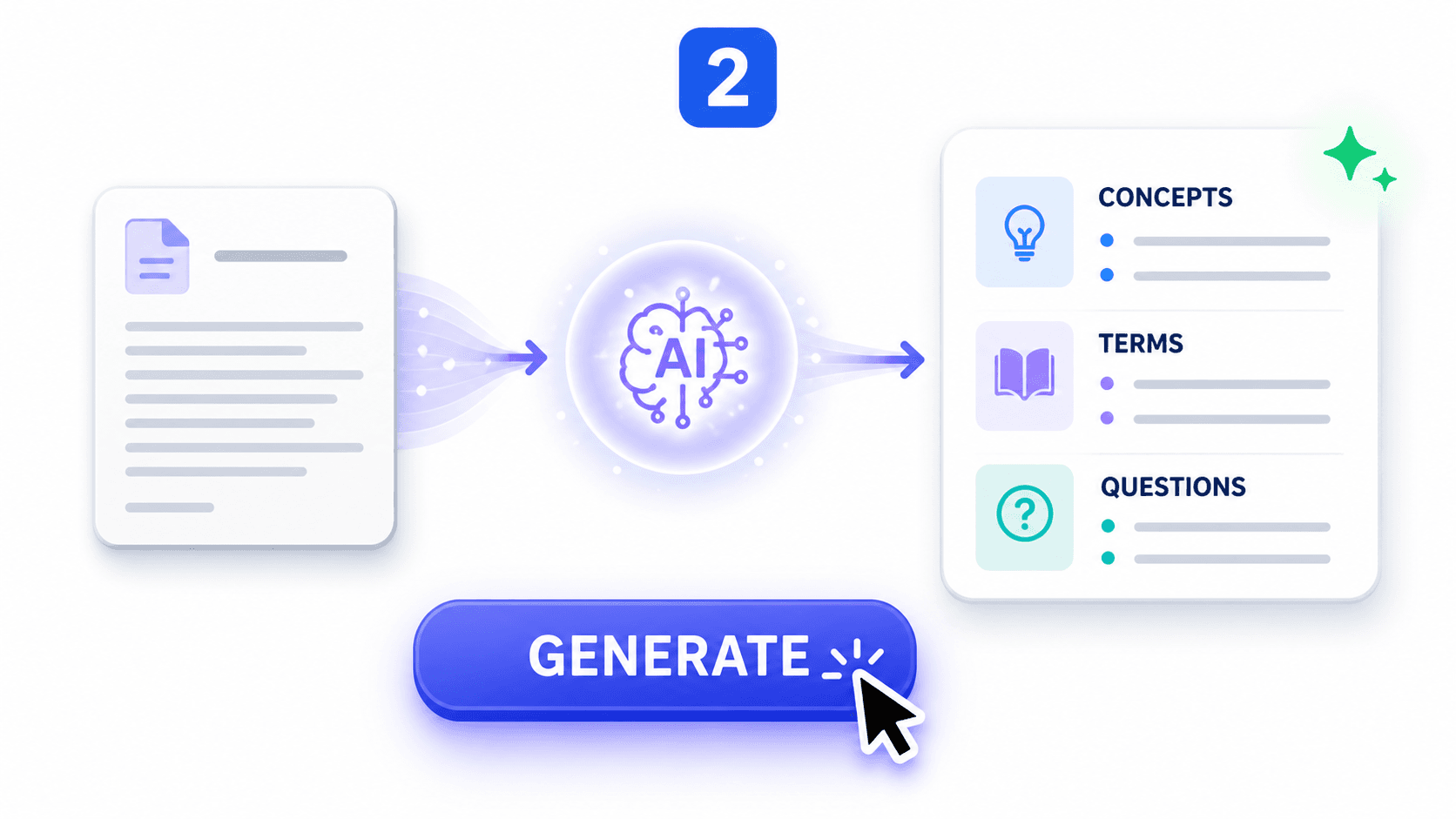
Step 2. Generate a Study Guide
Click Generate to create a structured guide with key concepts, summaries, terms, and review questions drawn from your materials.
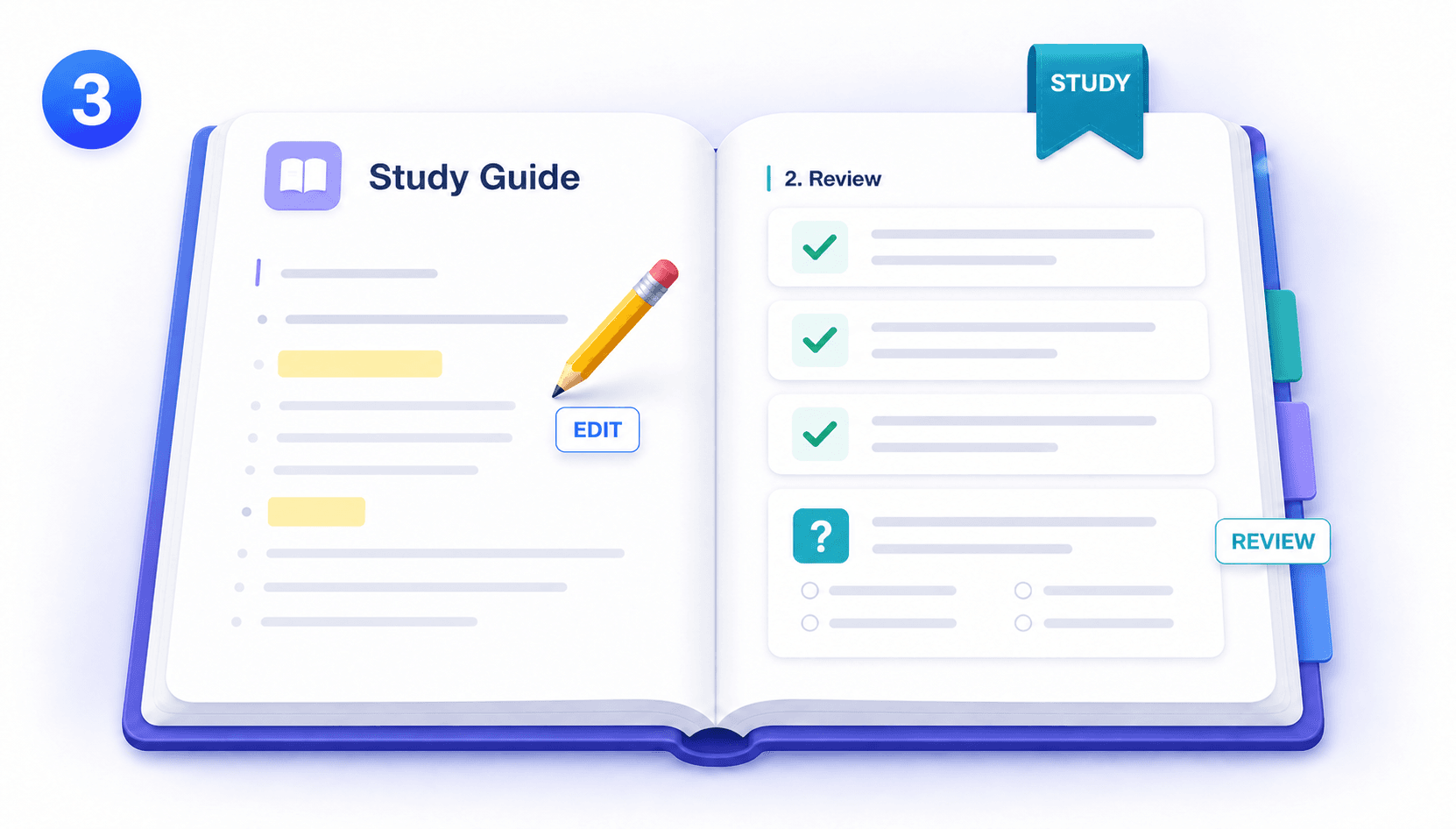
Step 3. Review, Edit, and Study
Once generated, review the guide and edit important details. Turn weak areas into practice questions, and study before your exam to prepare for test day.
Who Is This AI Study Guide Maker For?

College Students
Turn long lecture PDFs and class notes into structured midterm study guides.

High School Students
Turn textbook chapters and messy notes into focused review sheets for weekly quizzes.

Exam Candidates
Organize heavy certification manuals into targeted prep materials to study smarter and retain information faster.

Teachers & Tutors
Create organized review handouts and question sets directly from lesson materials.

Online Learners
Convert long course videos and tutorials into organized notes for later review.

Study Groups
Combine shared notes into one master guide for your next group study session.
What Students Say About Their Study Guides

Law Student

"I uploaded a 50-page case law PDF and got the definitions, dates, and key arguments in clear sections. It gave me a much better starting point for midterm review."

Online Learner
"I used a two-hour biology lecture that I had kept postponing. The generated guide broke it into manageable topics and questions I could review between classes."

High School Senior
"My history notes were spread across several documents. Combining them into one guide made the gaps obvious and showed me what to revisit before the midterm."

Language Major
"I created a guide from a Spanish literature lecture and kept the terminology in Spanish. That made it much more useful than translating everything before studying."

Nursing Student
"The practice questions helped me check whether I actually understood the anatomy PDF. I could focus on the concepts I missed instead of rereading every page."

College Freshman
"I tried the free AI study guide maker with my biology notes before a weekly quiz. The result was organized enough to study from without another round of formatting."
Frequently Asked Questions
Have questions about generating study guides? We've got answers.
An AI study guide maker is a smart tool that transforms raw notes, PDFs, and lecture videos into structured review materials. It automatically extracts definitions, key concepts, and practice questions, helping you organize scattered information into a clear format for faster exam preparation.
Simply upload your study materials, such as a PDF or YouTube link, and click generate. The AI will instantly analyze the content and create a comprehensive guide featuring summaries, vocabulary terms, and review questions.
Yes. You can use the AI study guide maker free within current plan limits. The free AI study guide generator supports notes and PDFs, so you can try the AI study guide generator free before using it for a larger course.
Yes. You can upload PDFs, text notes, audio files, and videos to generate your study materials directly.
The output includes structured key concepts, important definitions, facts, and practice questions to help you prepare for exams.
Look beyond a shorter summary. A useful study guide maker should organize concepts and terms, generate review questions, support your source formats, and let you check the result against your original materials.
The accuracy depends on the quality of your uploaded source material. Always review the generated study guide against your original notes before high-stakes tests.
Lynote handles uploaded notes, PDFs, and media securely during processing. Avoid including unnecessary personal or confidential information in any online study tool.